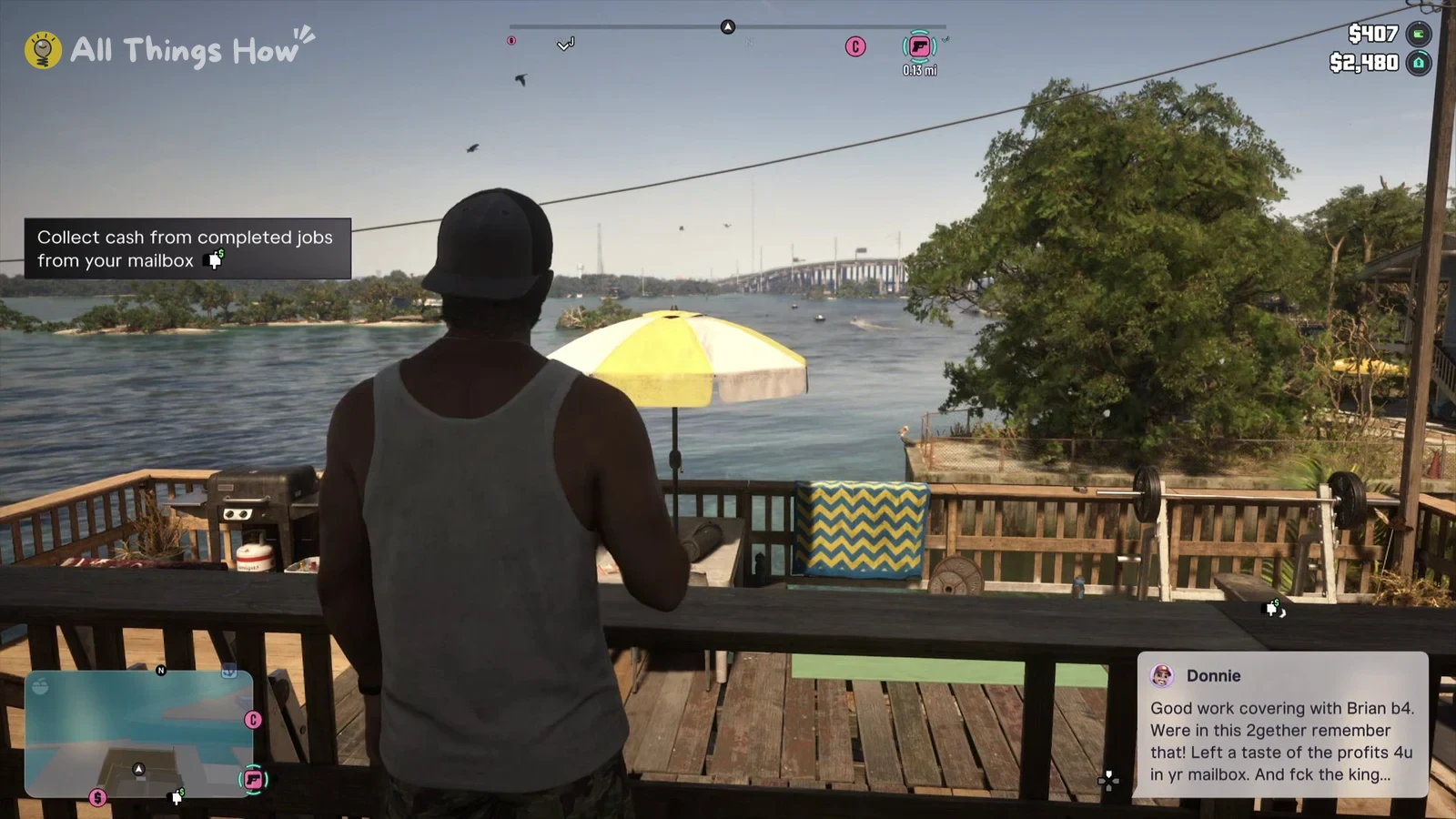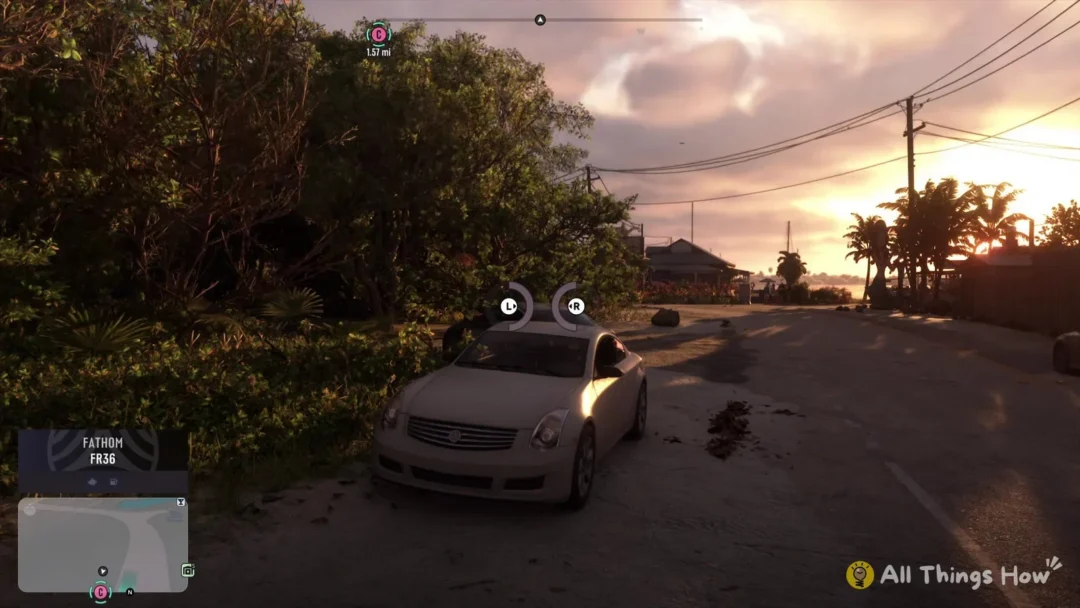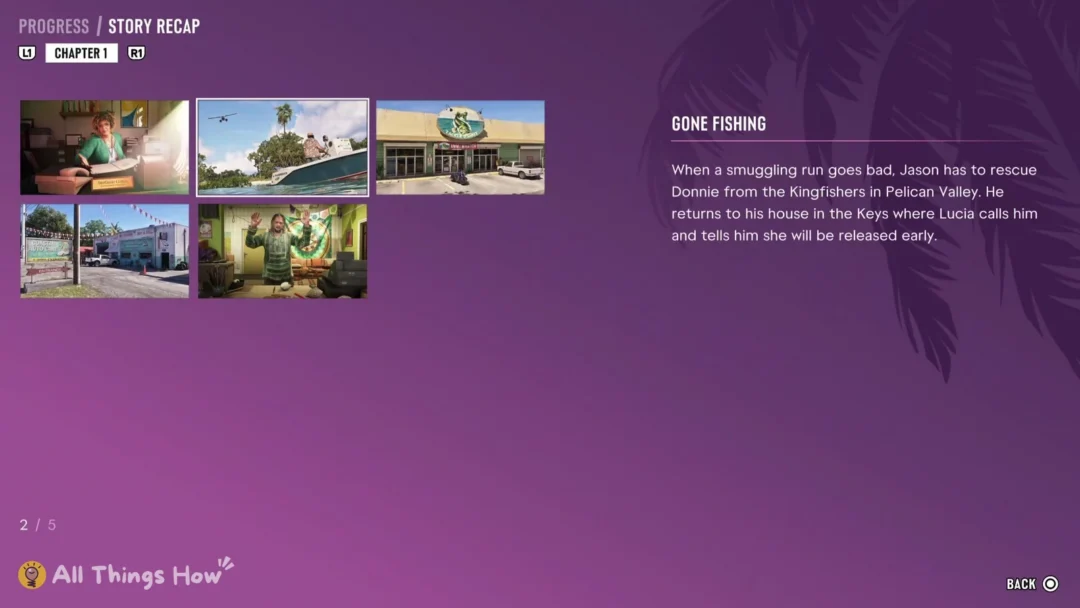
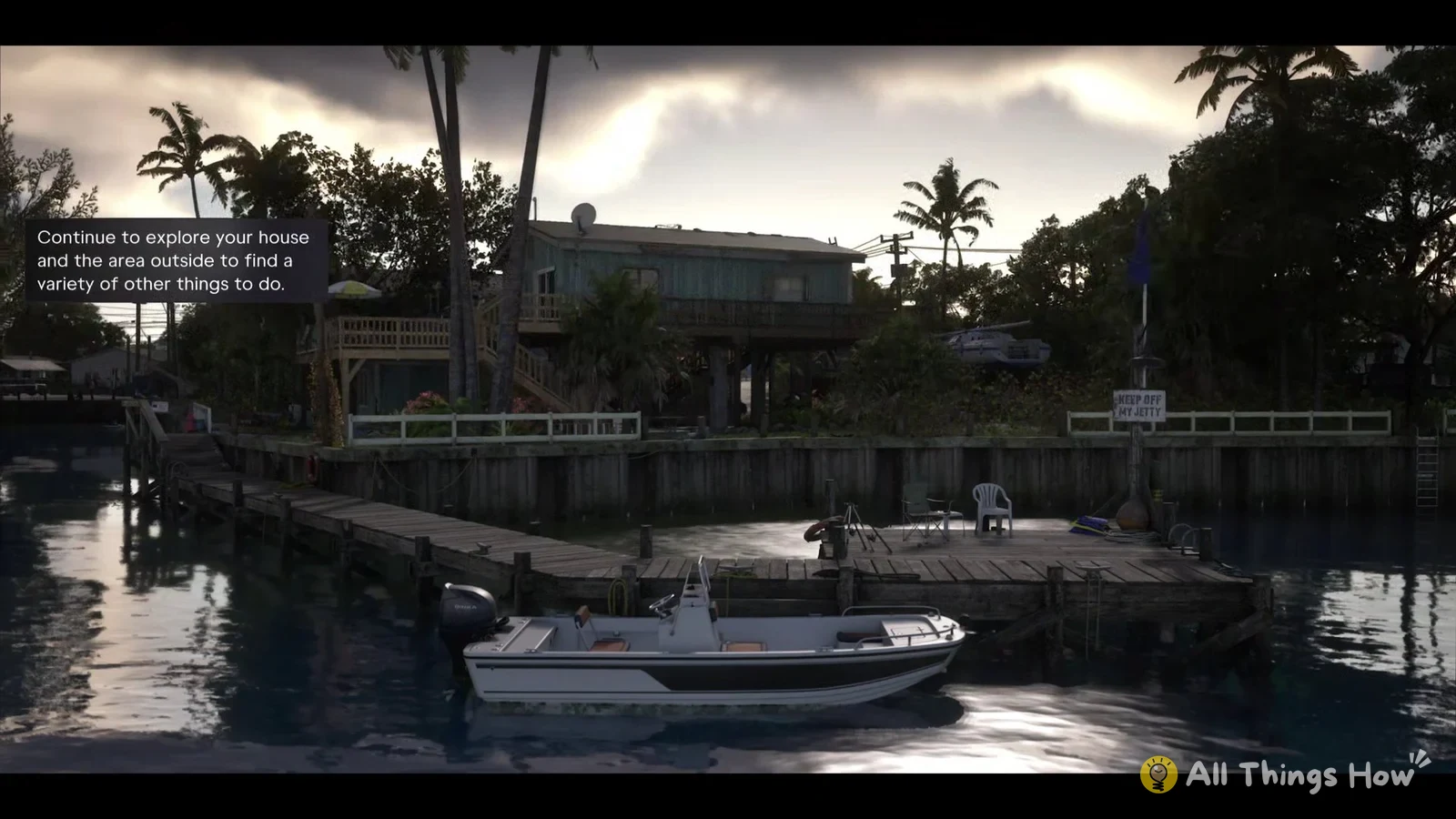
Jason’s house in Grand Theft Auto VI is a stilt house on the water in the Keys, with a deck facing the sea, a dock and a small boat tied up alongside. You get it early in the story when the mission “Gone Fishing” ends, and its last two objectives are “Drive to your house” and then “Enter your house”. After that it shows on the pause map as a teal house icon.
Quick answer: Use the bed to rest or open your cash stash, the wardrobe to change clothes, the kitchen for drinks, the tank to feed Dolores, and the mailbox outside to collect job cash.
Jason’s house tips shown when you first walk in
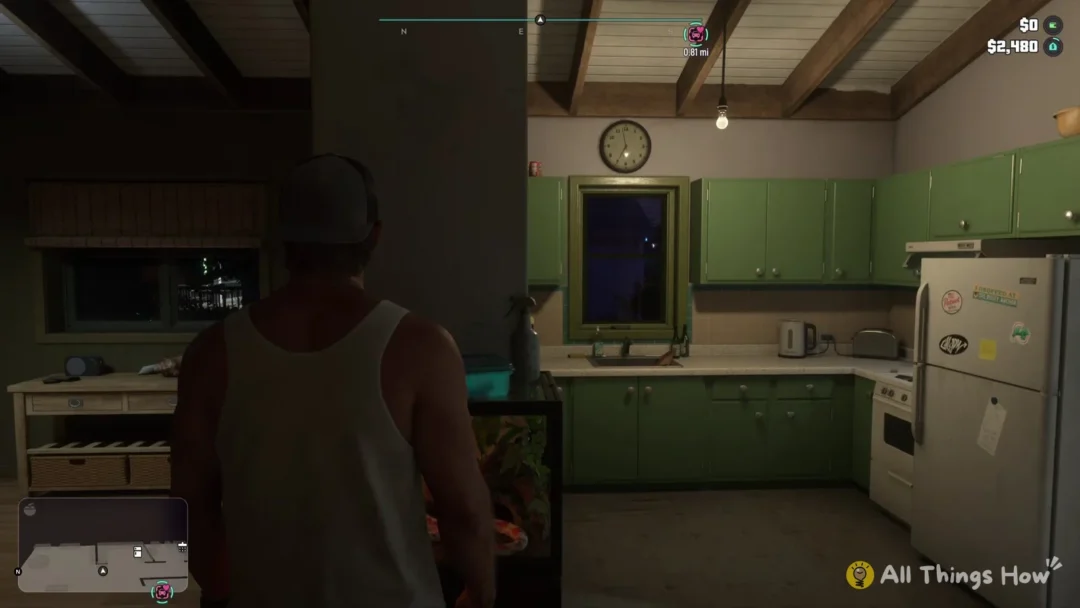
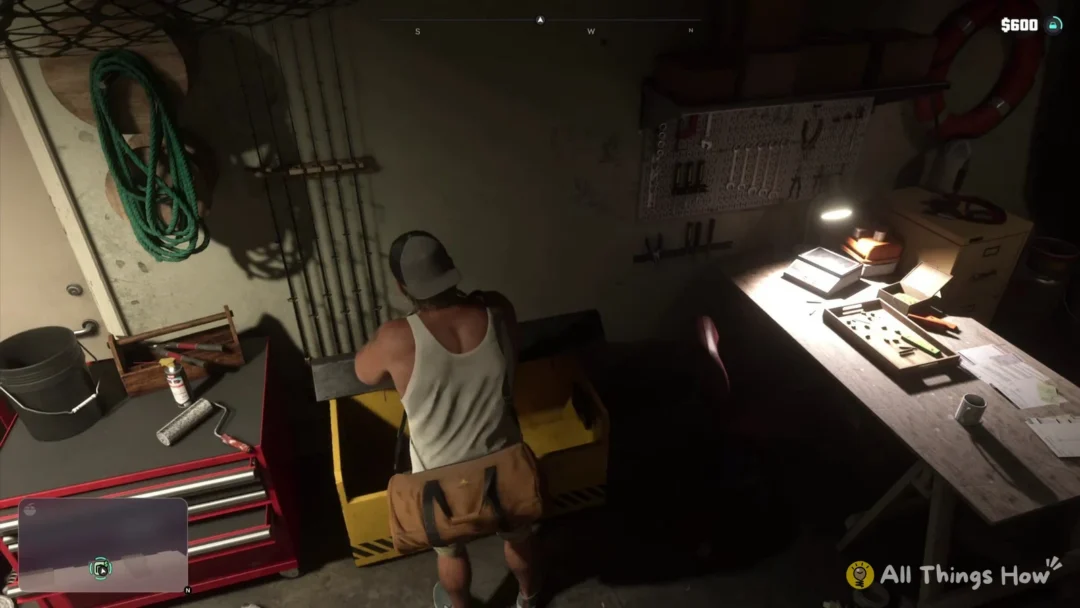
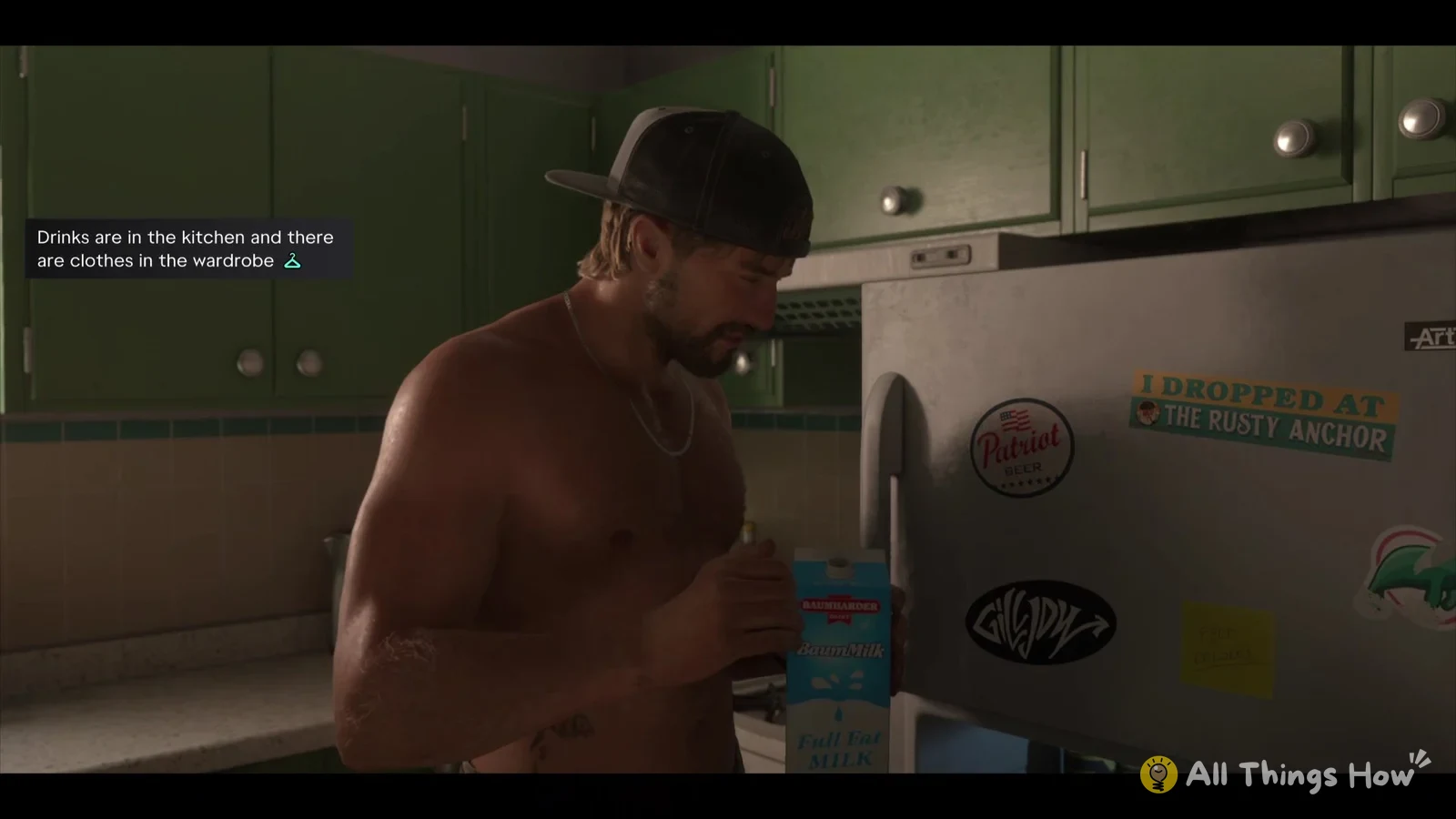
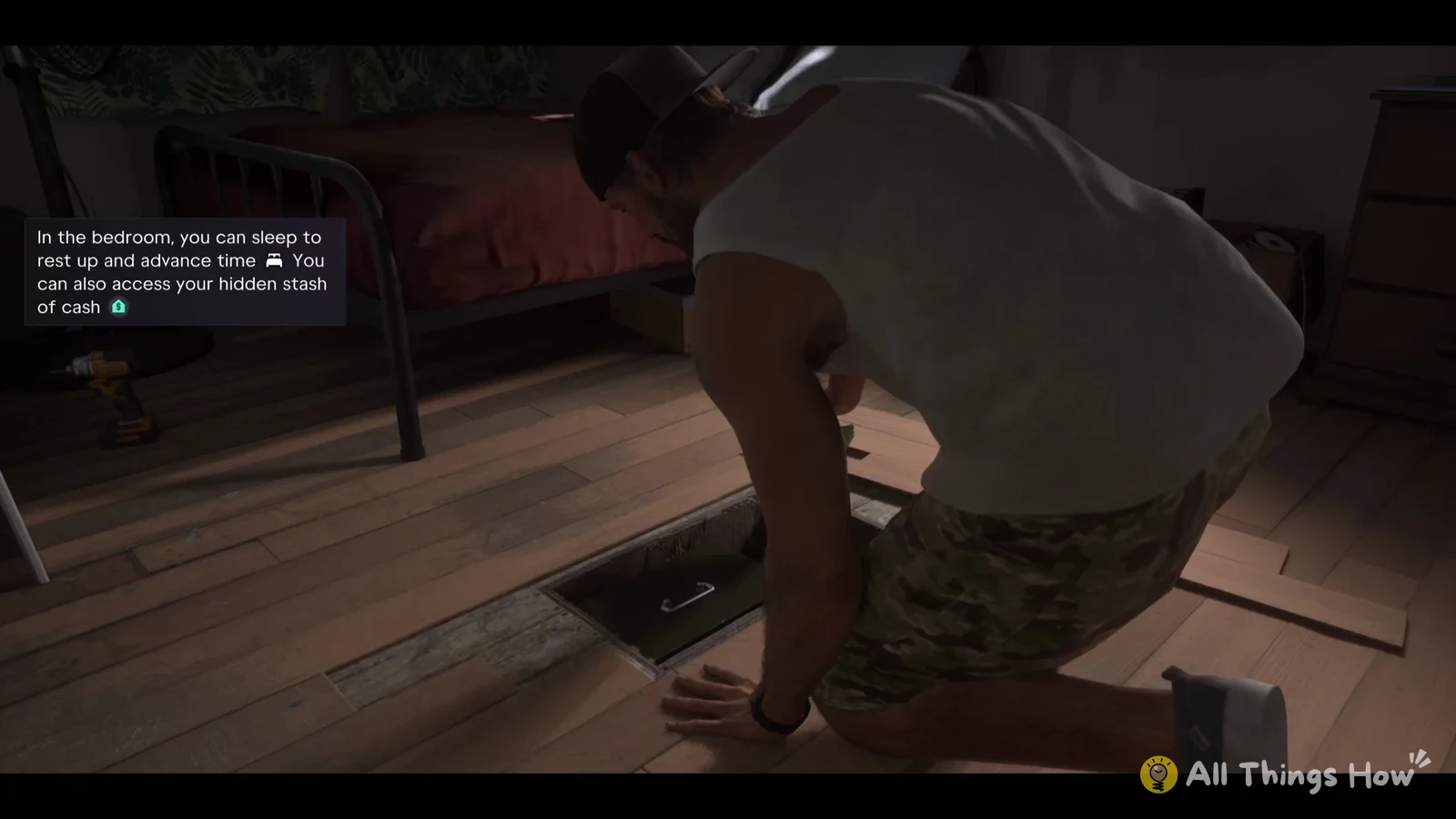
As you enter for the first time, four help boxes come up one after another at the top left of the screen. The first shows while Jason opens the fridge, the third while he lifts a floorboard in the bedroom, and the last while the camera looks at the house from the water. Here’s what they say, word for word:
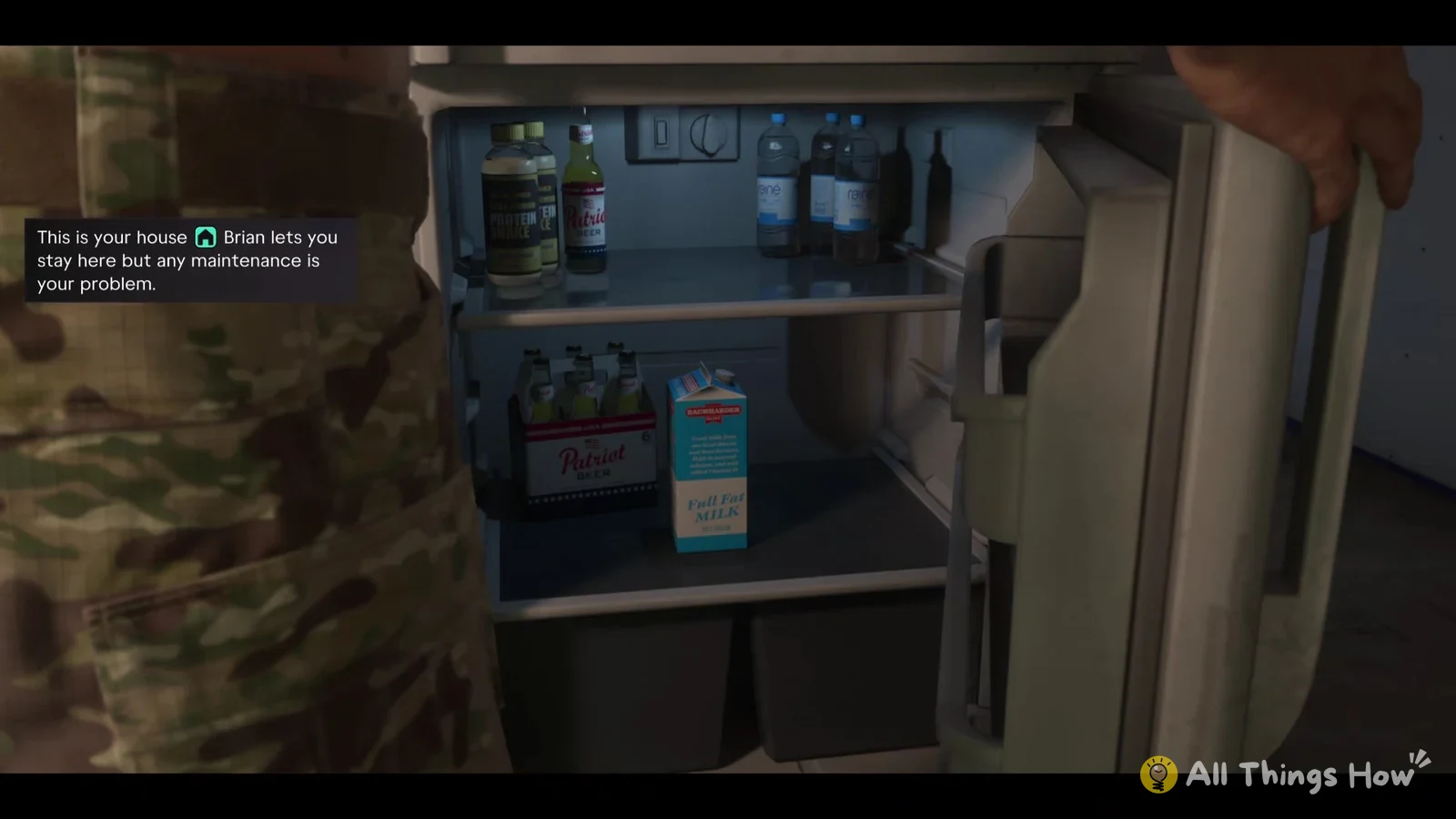
- “This is your house. Brian lets you stay here but any maintenance is your problem.”
- “Drinks are in the kitchen and there are clothes in the wardrobe.”
- “In the bedroom, you can sleep to rest up and advance time. You can also access your hidden stash of cash.”
- “Continue to explore your house and the area outside to find a variety of other things to do.”
That last tip is worth taking at its word, since the game points you outside as well as around the rooms.
Every spot you can use in Jason’s house
Each of these spots has its own prompt on the PS5 with default controls. Walk up to it and the button shows on screen.
| Spot | Prompt | What it does |
|---|---|---|
| Bed, in the bedroom | Triangle REST | Sleep to rest and advance time |
| Floor by the bed | Triangle STASH | Hidden cash stash (Withdraw / Deposit) |
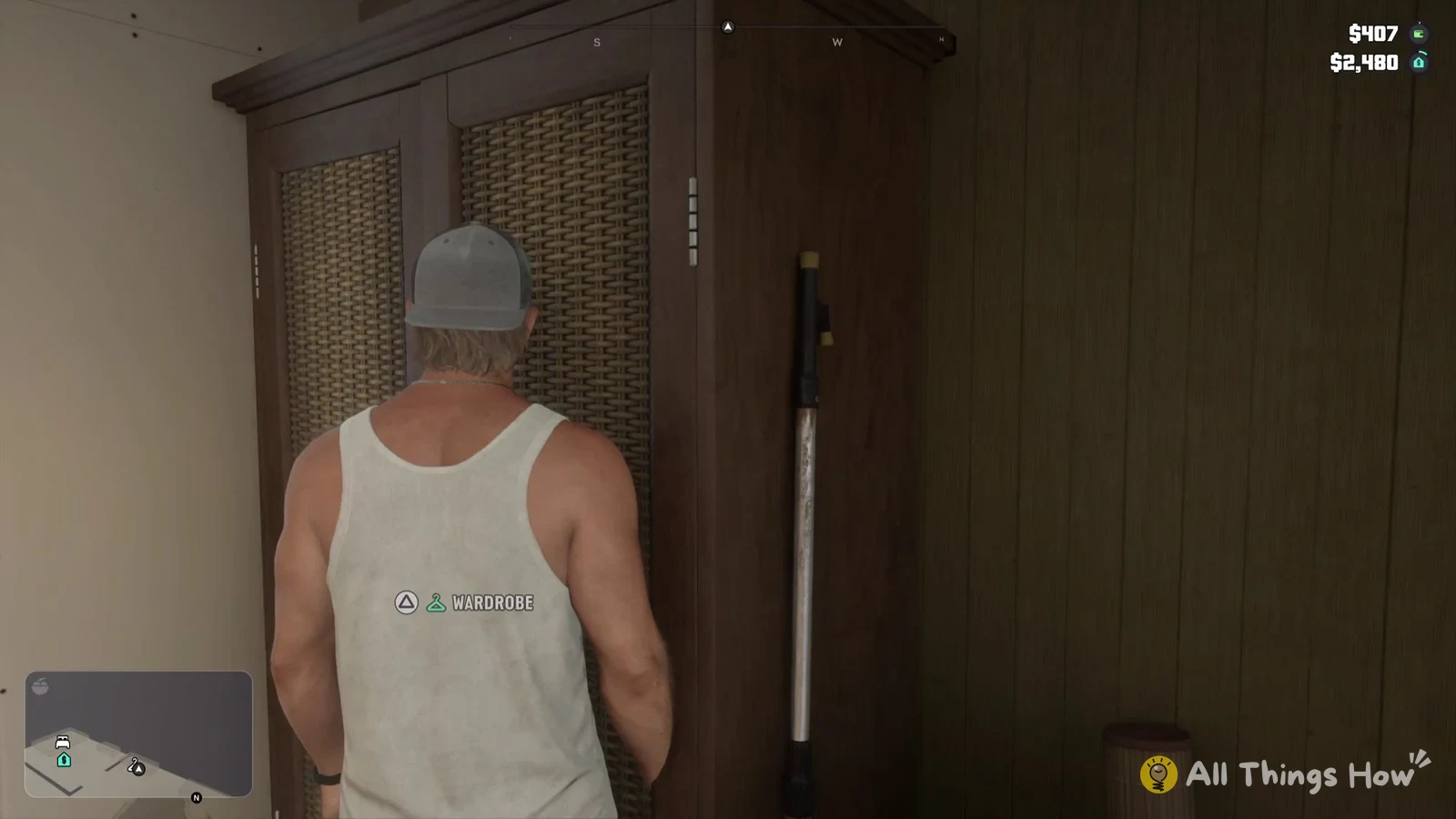
| Wardrobe | Triangle WARDROBE | Change outfits and clothes |
| Kitchen fridge | — | Drinks |
| Glass tank by the kitchen | Triangle FEED DOLORES | Feed Dolores the snake |
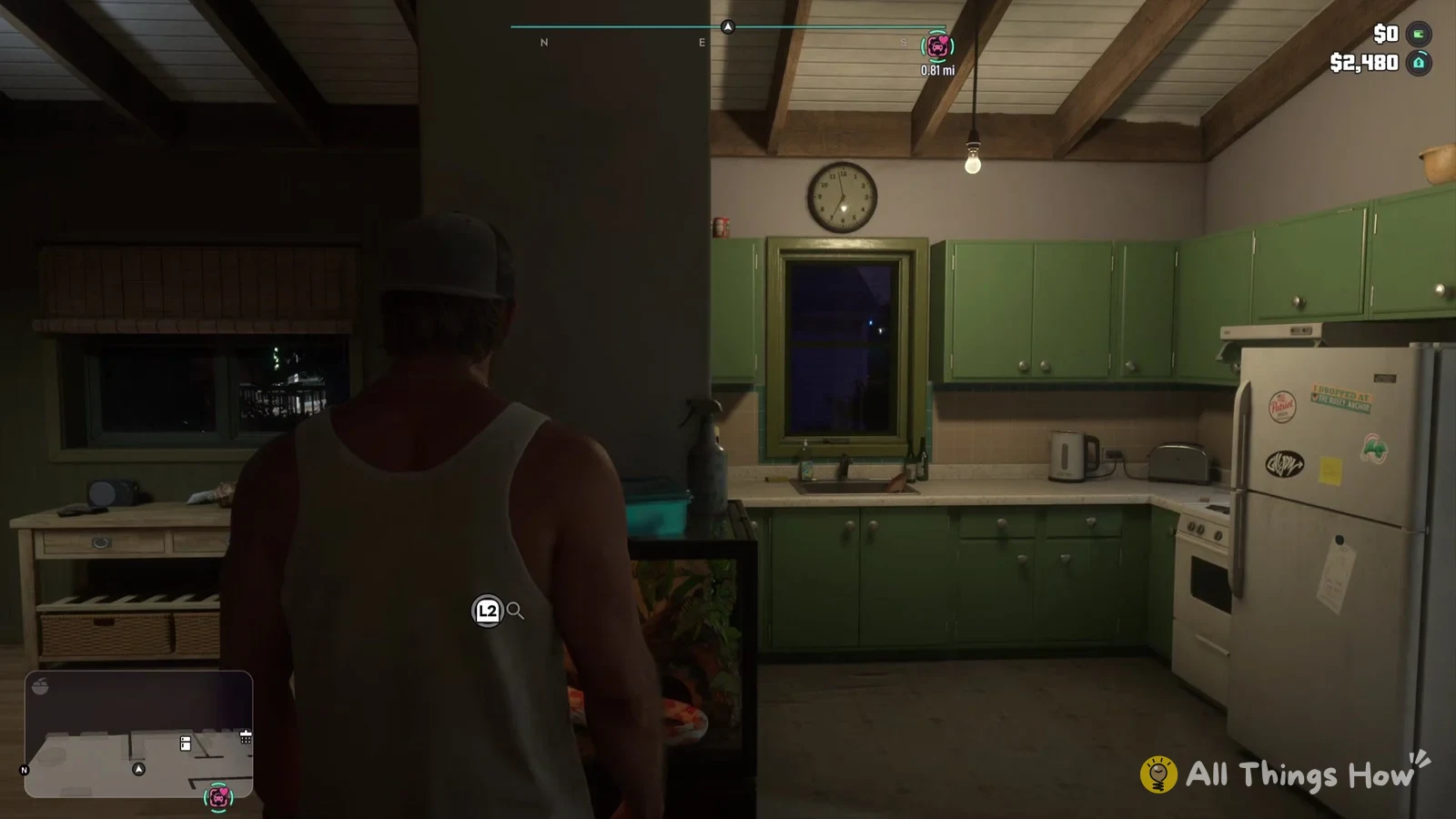
| Objects around the house | L2 (magnifier icon) | Pick up and look at an object |
| Mailbox outside | — | Collect cash from completed jobs |
The fridge is the one Jason opens in the arrival scene, stocked with bottles and a milk carton. You can also save while you’re here: open the pause menu and go to Game > Save Game, which works as long as no mission is running.
How to rest and use the cash stash at the bed
At the bed, Triangle REST and Triangle STASH appear together. Stand by the foot of the bed and Triangle opens the stash instead of letting him rest. Choose REST to have Jason sleep; the game’s tip says this rests him up and moves time forward.
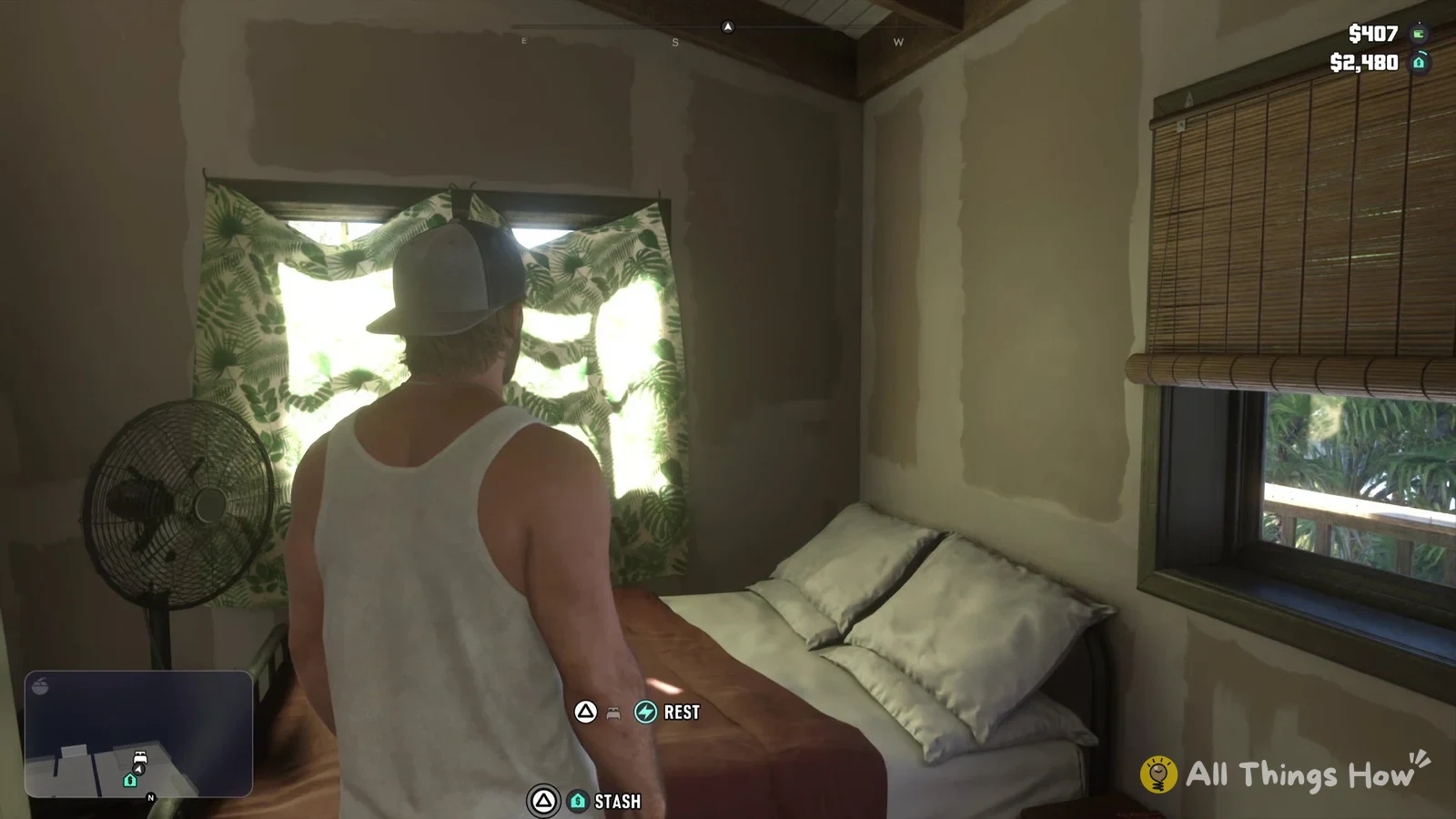
The stash is a lockbox and a bundle of cash hidden under a floorboard, and opening it gives you two choices, Withdraw or Deposit. Your HUD keeps both totals at the top right of the screen: the first line is the cash Jason is carrying and the second, marked with a small house icon, is what’s sitting in the stash. In the example shown, that reads $407 on hand above $2,480 in the stash.
Changing clothes at the wardrobe
Face the wardrobe and press Triangle when the WARDROBE prompt shows. The menu splits Jason’s clothes into five tabs: Outfits, Tops, Bottoms, Footwear and Accessories, so you can swap a full outfit in one go or change a single piece.
How to feed Dolores the snake
Dolores is a red-and-white patterned snake living in a planted glass tank beside the kitchen counter, on the fridge side of the room. The tank has a lamp, leaves and a hide, and she’s usually coiled on the floor of it.
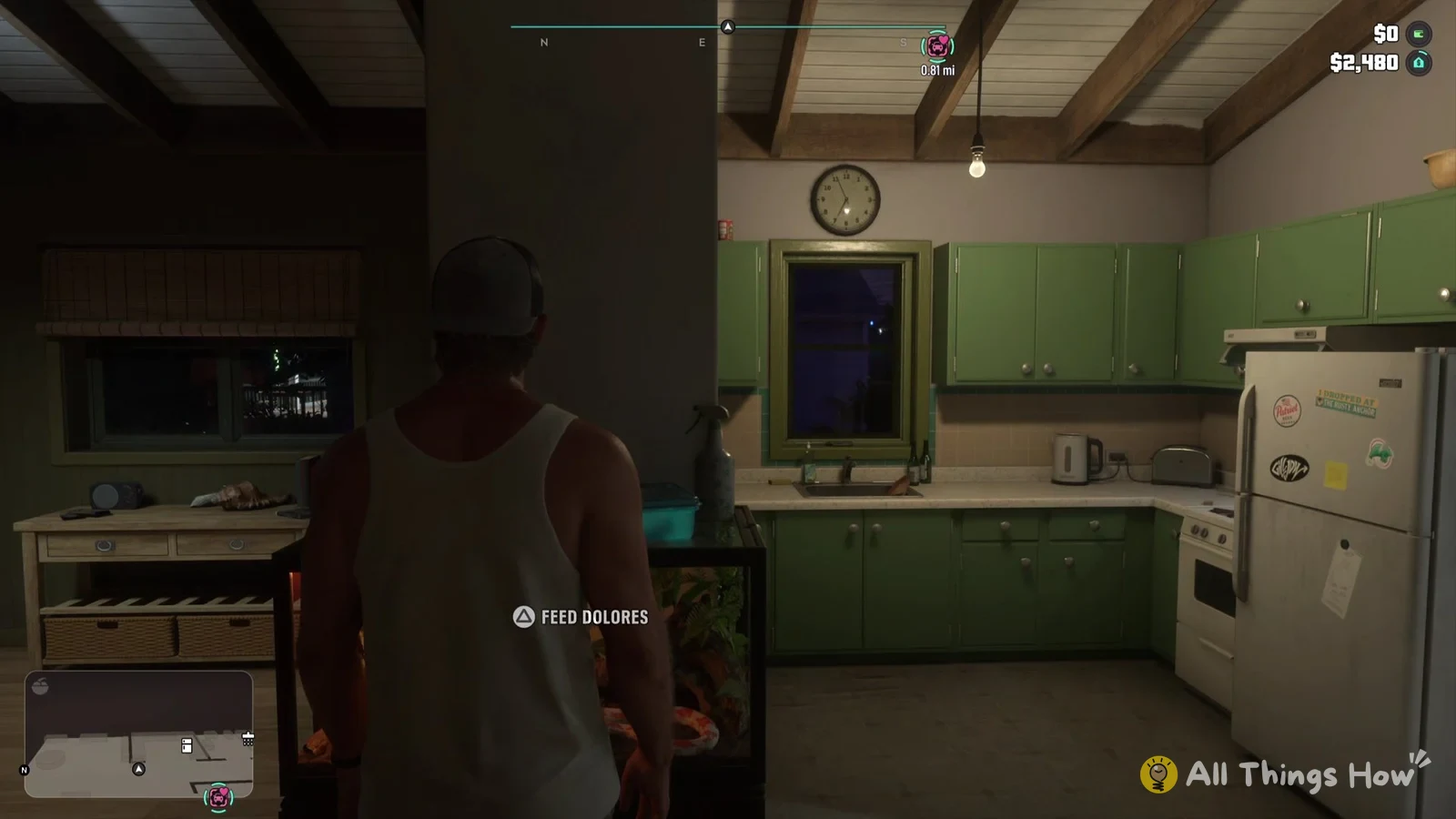
Go to the tank and choose FEED DOLORES with Triangle. Jason reaches into the tank from above to feed her. The feed option disappears afterward, leaving only the small L2 examine prompt by the tank.
Examining objects with L2
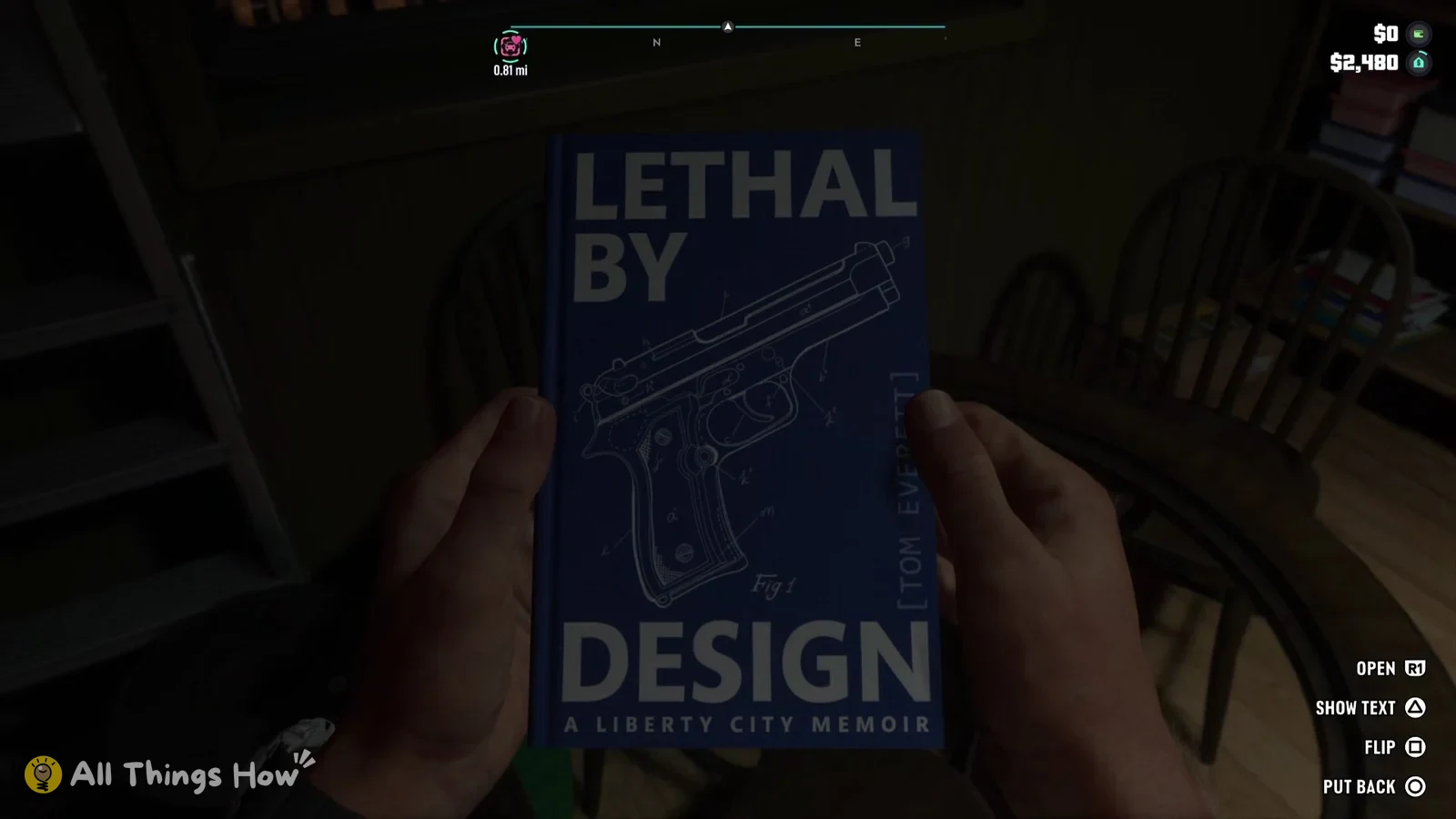
Some objects in the house bring up a small L2 prompt with a magnifier icon when you get close. Press L2 and Jason picks the object up for a close look. The book on the living-room table works this way: it’s “LETHAL BY DESIGN – A LIBERTY CITY MEMOIR” by Tom Everett, and it comes up in Jason’s hands.
The close view gives you four buttons to work with:
- R1 to OPEN the object
- Triangle to SHOW TEXT
- Square to FLIP it over
- Circle to PUT BACK
Collecting job cash from the mailbox
The mailbox is outside. During daylight, a help box appears on the deck with the message “Collect cash from completed jobs from your mailbox”. Around then, Donnie texts Jason to say he’s put a share of the profits in his mailbox. After the text arrives, go to the mailbox and collect it.