WAiNK is a scanning app on Jason’s phone in GTA 6. Use the app to scan vehicles and points of interest for additional info, and the scannable spots are tracked as a collection in the pause menu.
Quick answer: Hold D-pad up to open WAiNK, then press R1 at the WAINK IT prompt. Your progress is under Pause > Progress > Collections > WAiNK Locations.
What the WAiNK app does in GTA 6
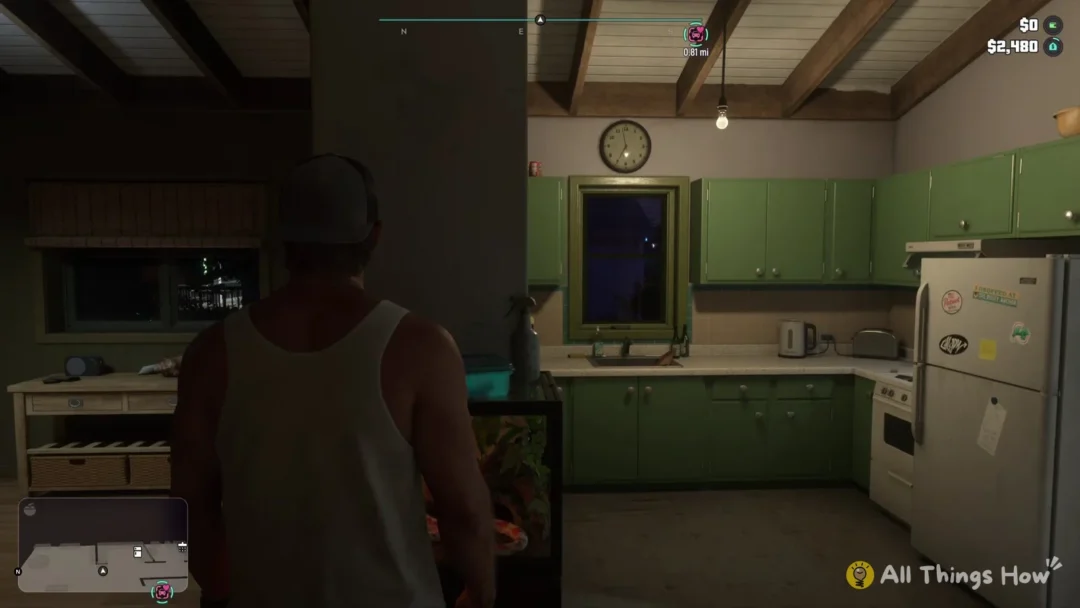
The game introduces WAiNK with a help box the first time Jason’s phone camera comes up, which happens inside his house. It reads:
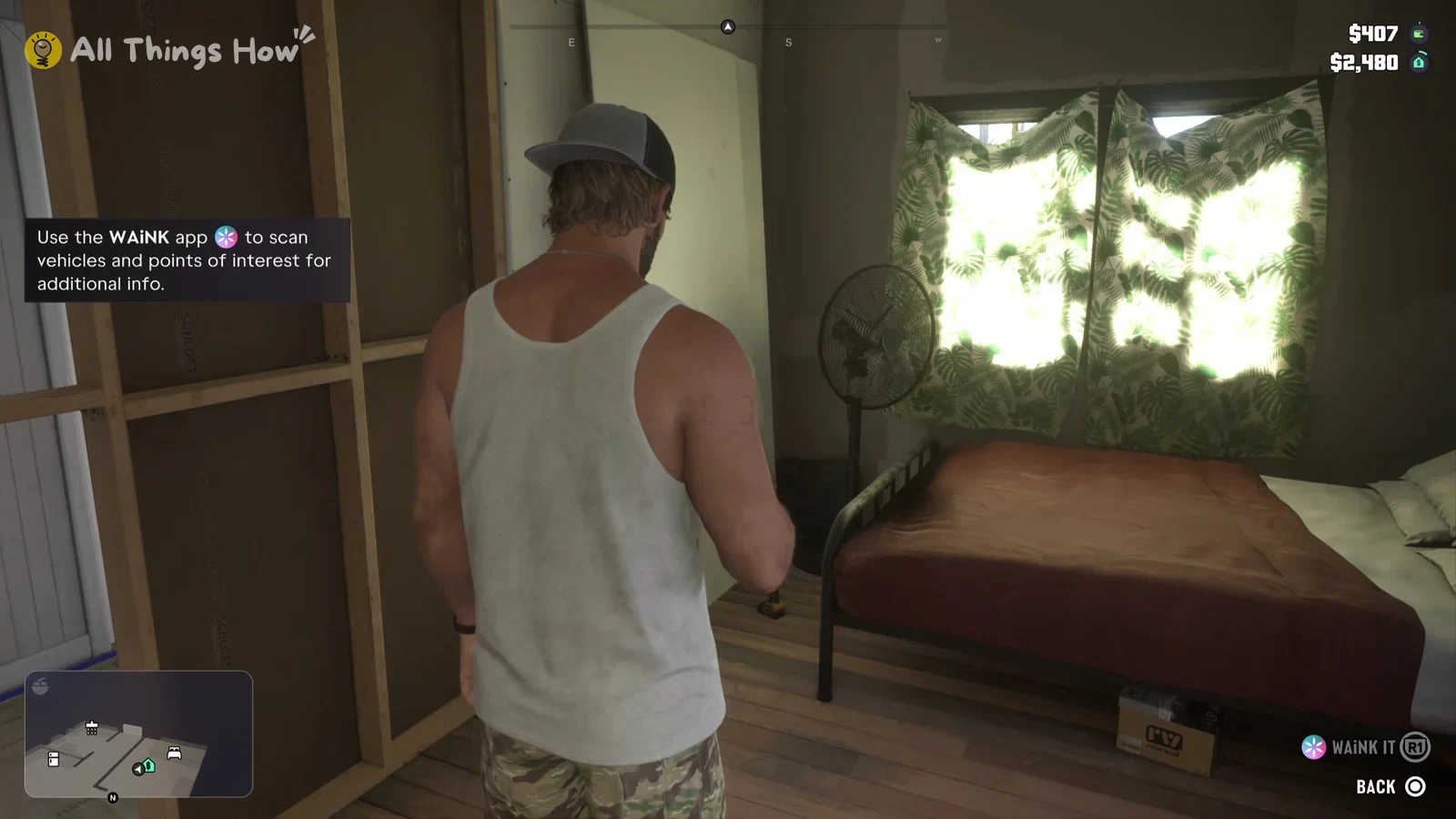
“Use the WAiNK app to scan vehicles and points of interest for additional info.”
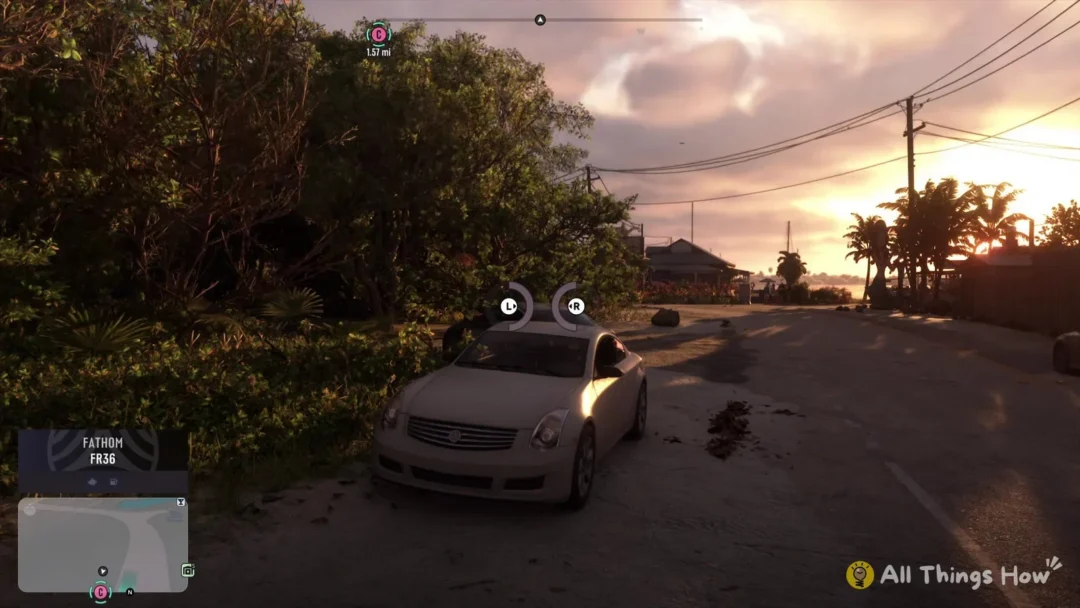
A second help box shows up later when you’re driving near something you can scan, for example while passing through Key Lento:
“There’s a WAiNK scan nearby. When in range, hold [D-pad up] to open the WAiNK app and scan it.”
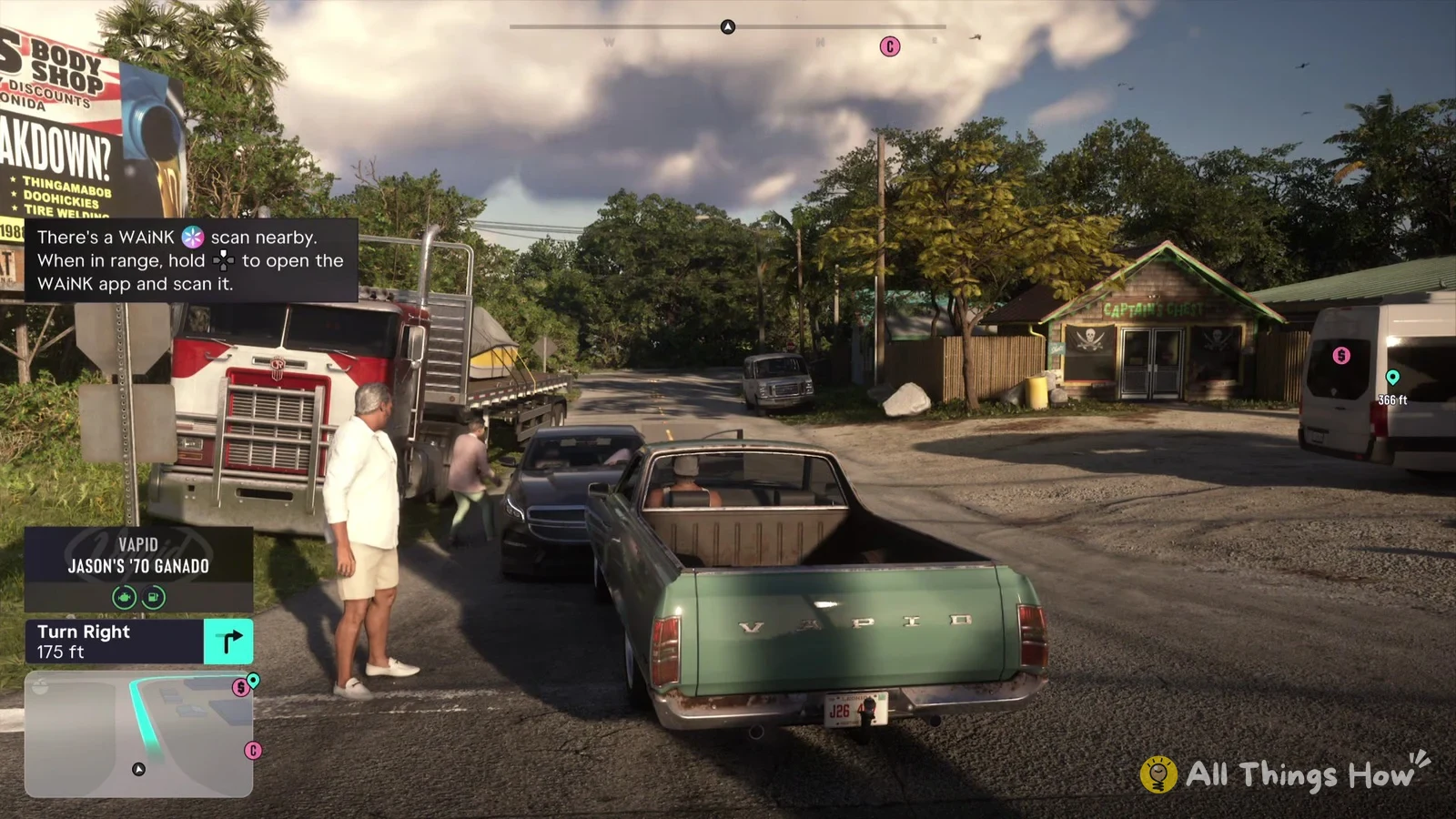
That second message pops up before you’re actually in range, so it’s a heads-up that a scan is close by, not a signal to open the app right away. In both help boxes, the WAiNK icon is a small round pinwheel in pink and blue, which makes it easy to spot when the game is talking about the app.
How to open WAiNK and use WAiNK It
These controls are for the PS5 with the default layout. WAiNK works on foot, both indoors and outside on the street at night.
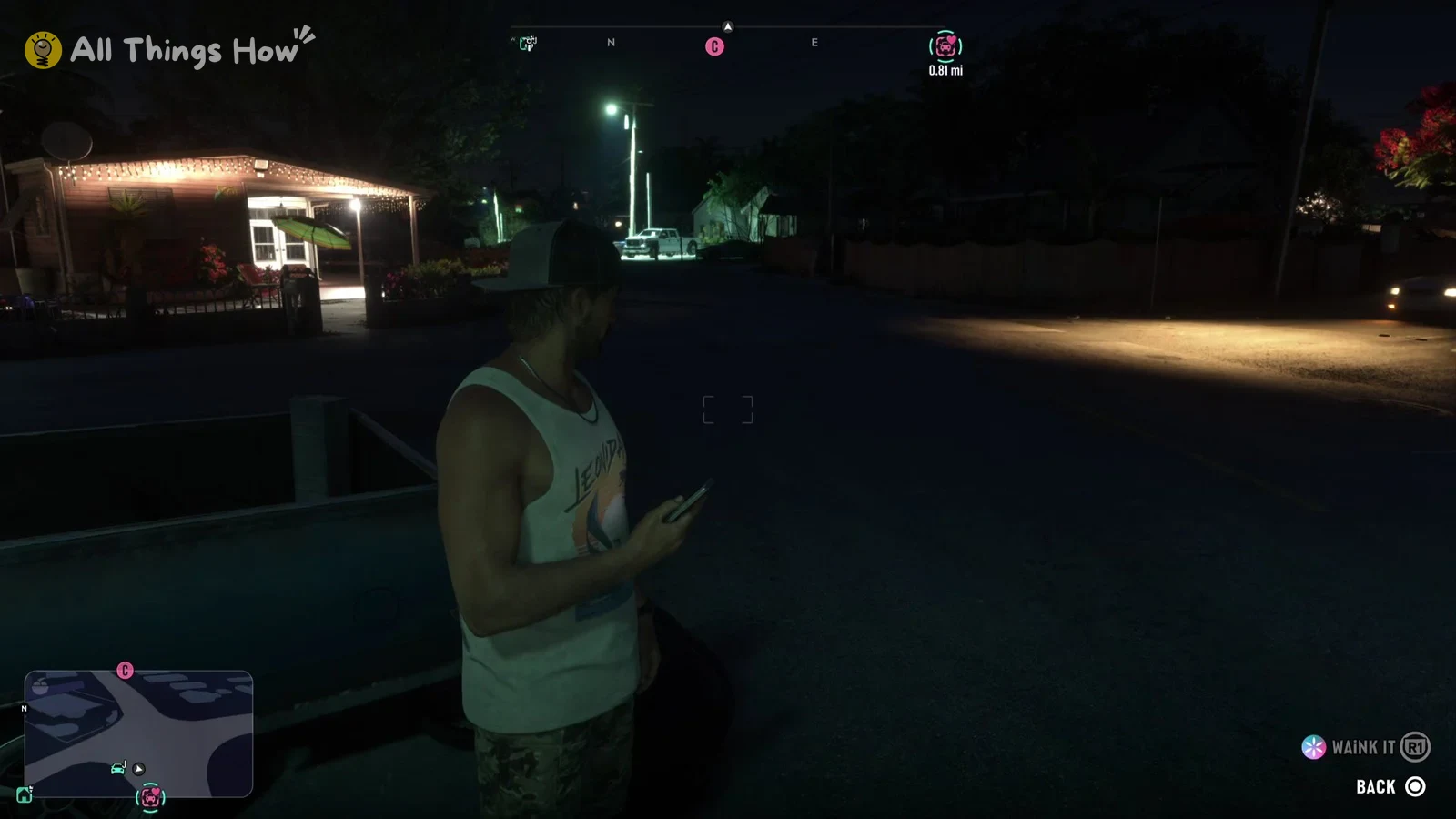
If you’d rather put the phone away, press Circle at the BACK prompt.
WAiNK Locations: how many there are and where to check them
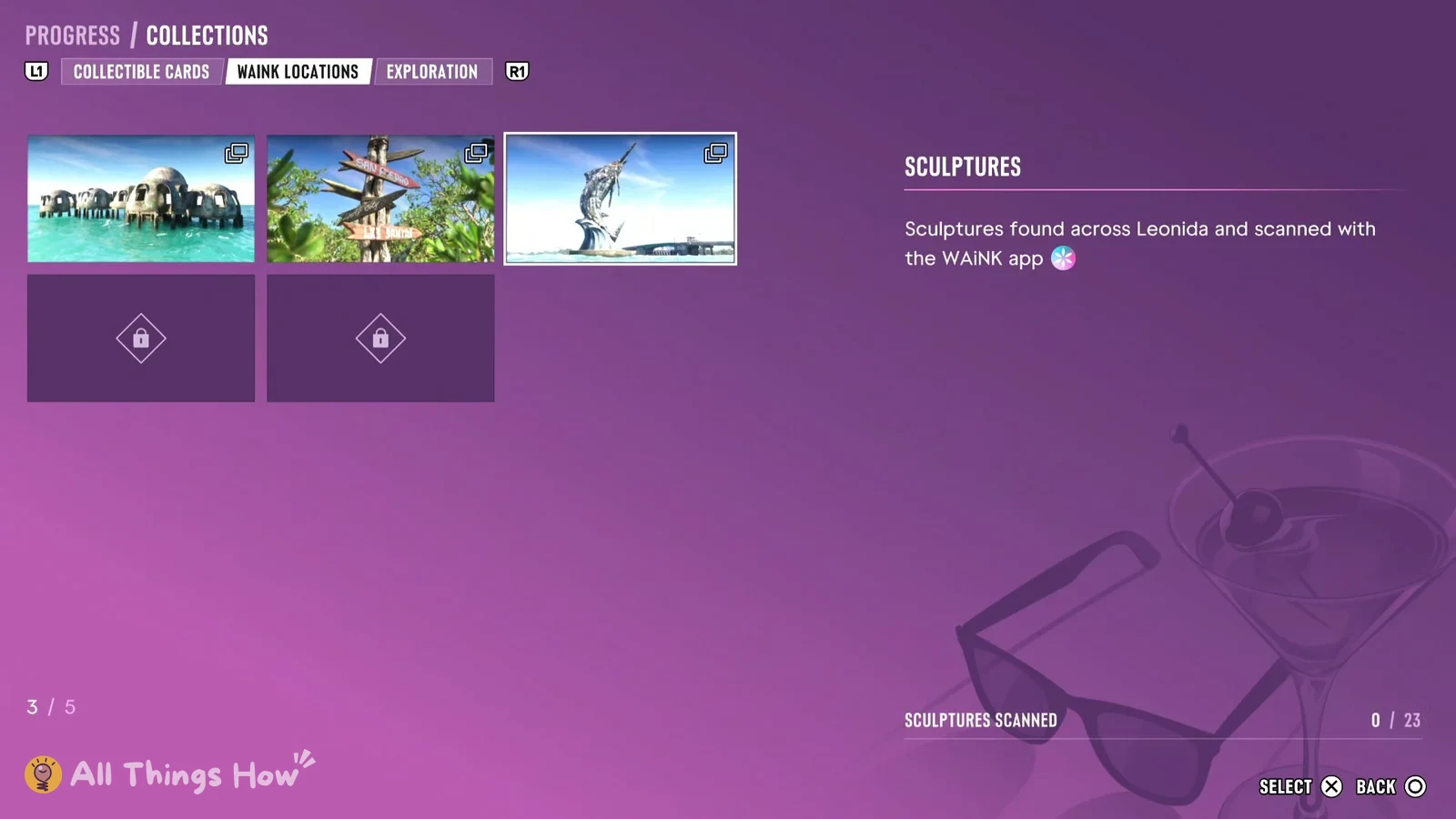
GTA 6 keeps track of WAiNK spots on a page in the Collections menu. Here’s how to get there.
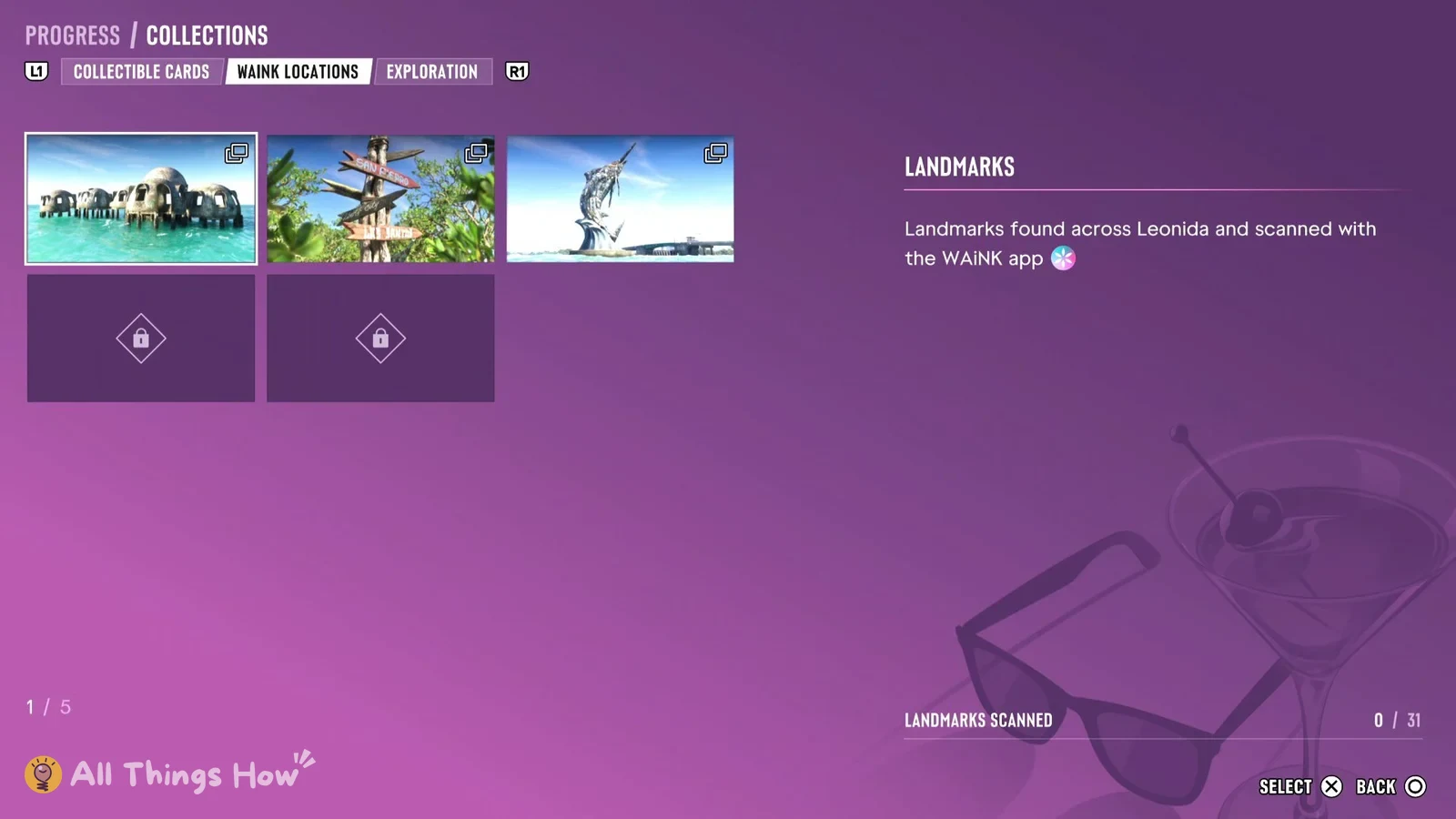
Three of those tiles have a picture and a progress bar. The other two only show a padlock, with no name and no count, so two more WAiNK categories are still locked. Each open tile says its items are found across Leonida and scanned with the WAiNK app.
| Tile | Category | Progress bar label | To scan |
|---|---|---|---|
| 1 | Landmarks | LANDMARKS SCANNED | 31 |
| 2 | Curiosities | CURIOSITIES SCANNED | 35 |
| 3 | Sculptures | SCULPTURES SCANNED | 23 |
| 4 and 5 | Locked | None | Not shown |
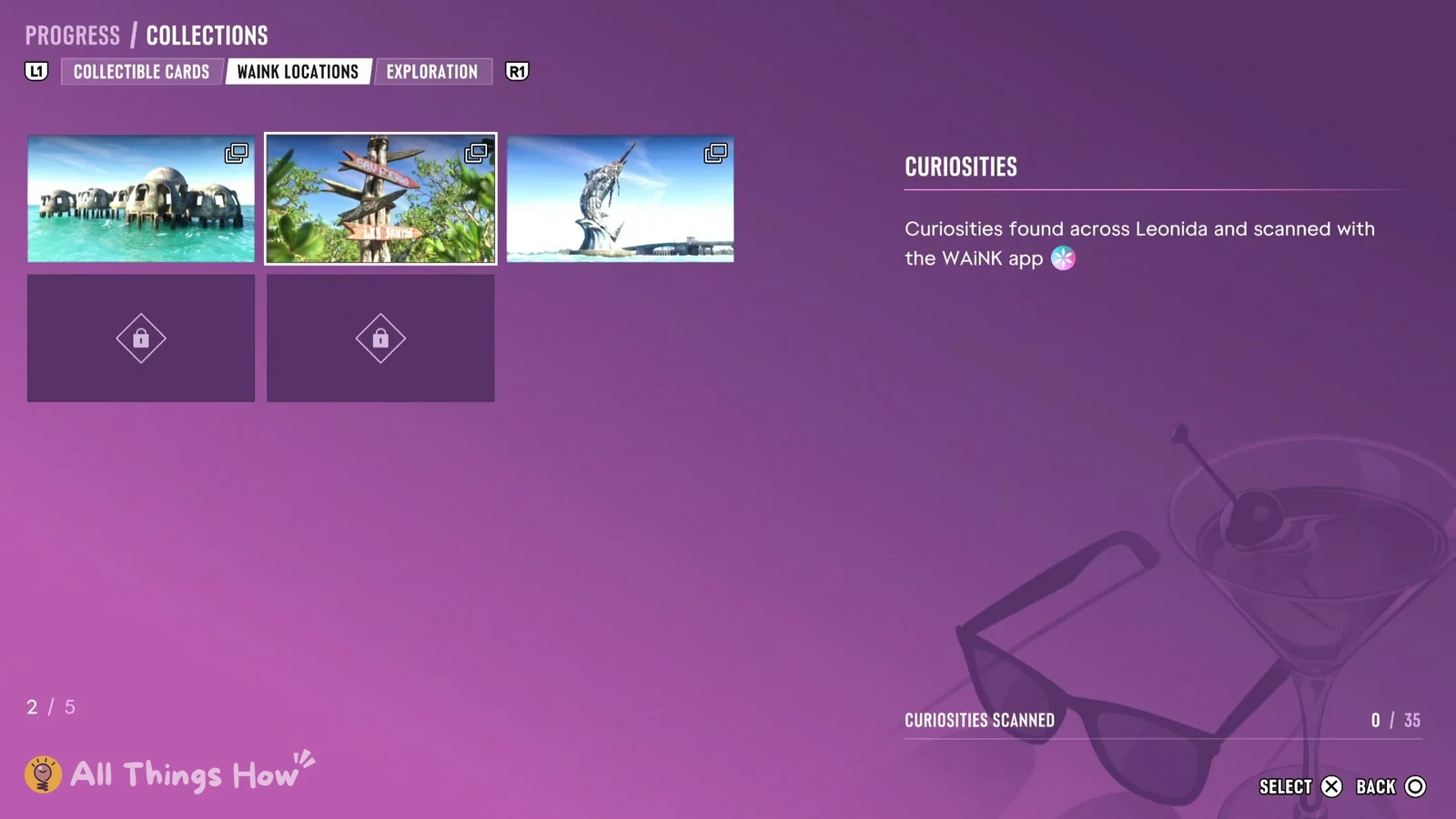
If you add up the three open categories, you get 89 WAiNK locations. That number is just the sum of the three visible counts and doesn’t include the two locked categories, since the menu doesn’t show how many spots those hold.
The WAiNK Locations challenge
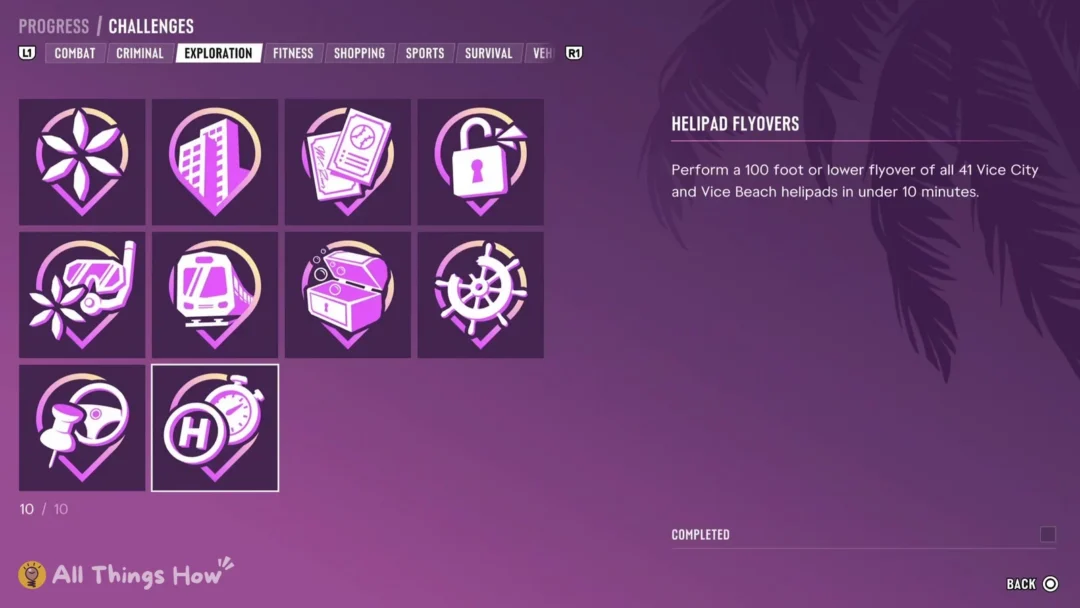
There’s also a challenge tied to the app. Go to Pause > Progress > Challenges and open the EXPLORATION tab, and the first tile is called WAiNK LOCATIONS. Its task reads “Scan any 4 landmarks, curiosities, or sculptures with WAiNK.” and it has a COMPLETED box underneath.
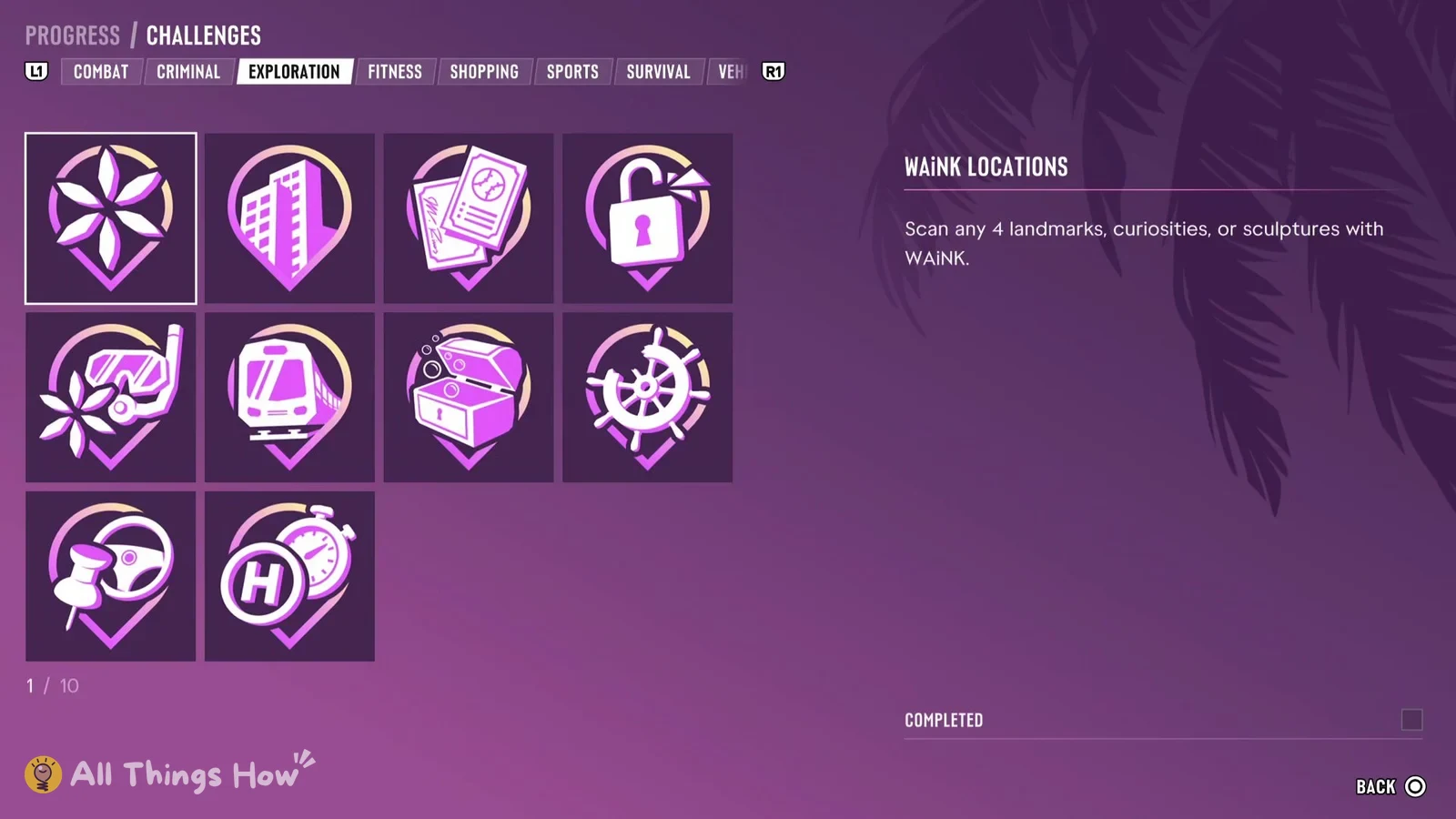
That wording means any mix of the three open categories counts, so four scans in total from landmarks, curiosities, and sculptures is what the challenge asks for. You don’t need four from the same category.