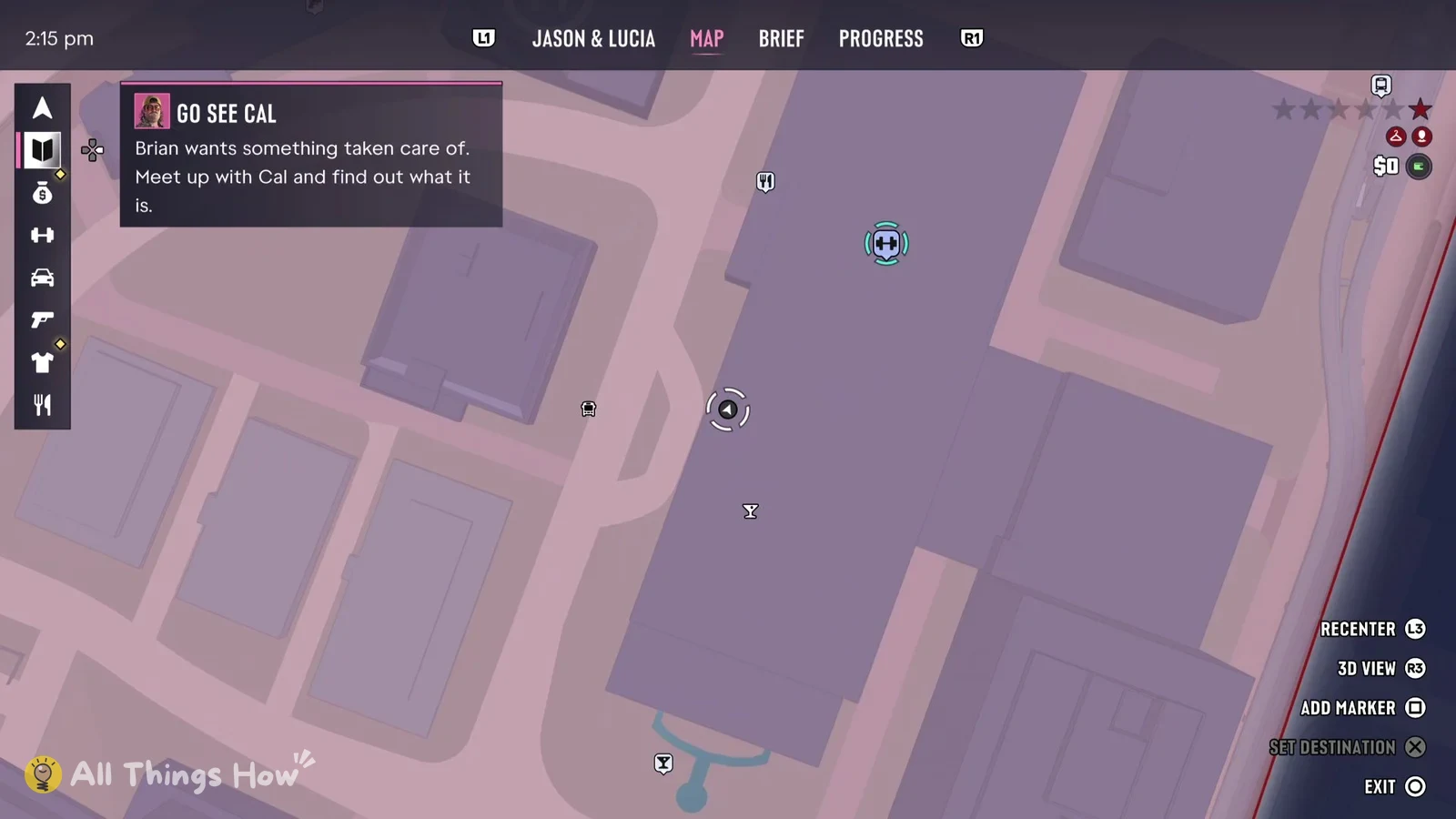
Even after you shake GTA 6’s cops, the chase ending doesn’t wipe the slate clean. You still have heat, and the little red markers beneath the stars in the screen’s upper-right corner show what police can use to recognize you in a crowd.
Quick answer: Heat covers the area near your last known location. If cops spot you there or you commit a crime, your wanted level returns. Clear the red icons by changing clothes or your look, respraying or switching vehicles, and holstering your weapons.
What heat is in GTA 6
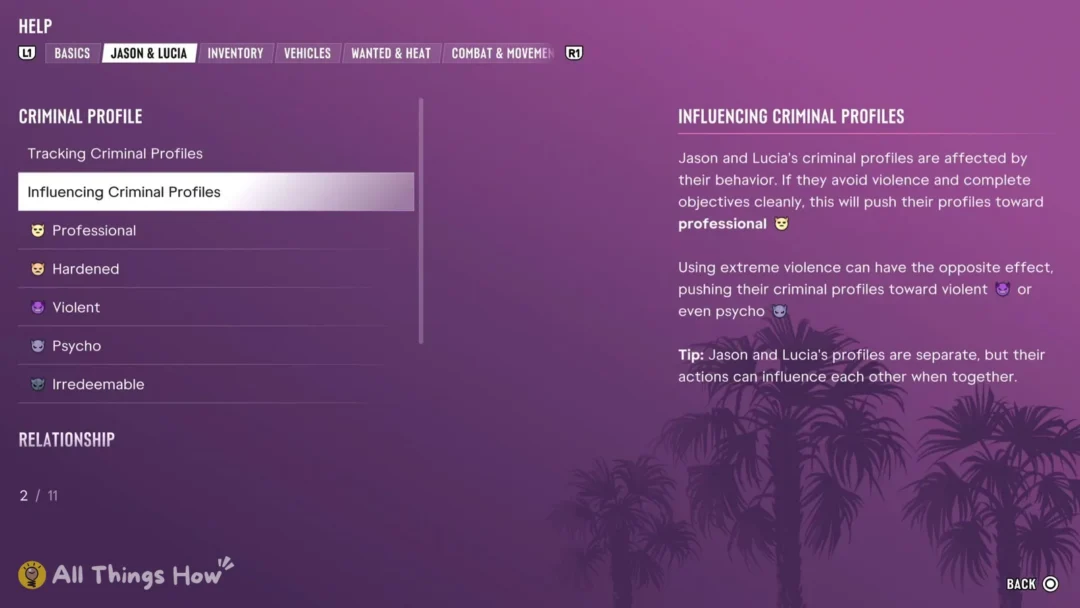
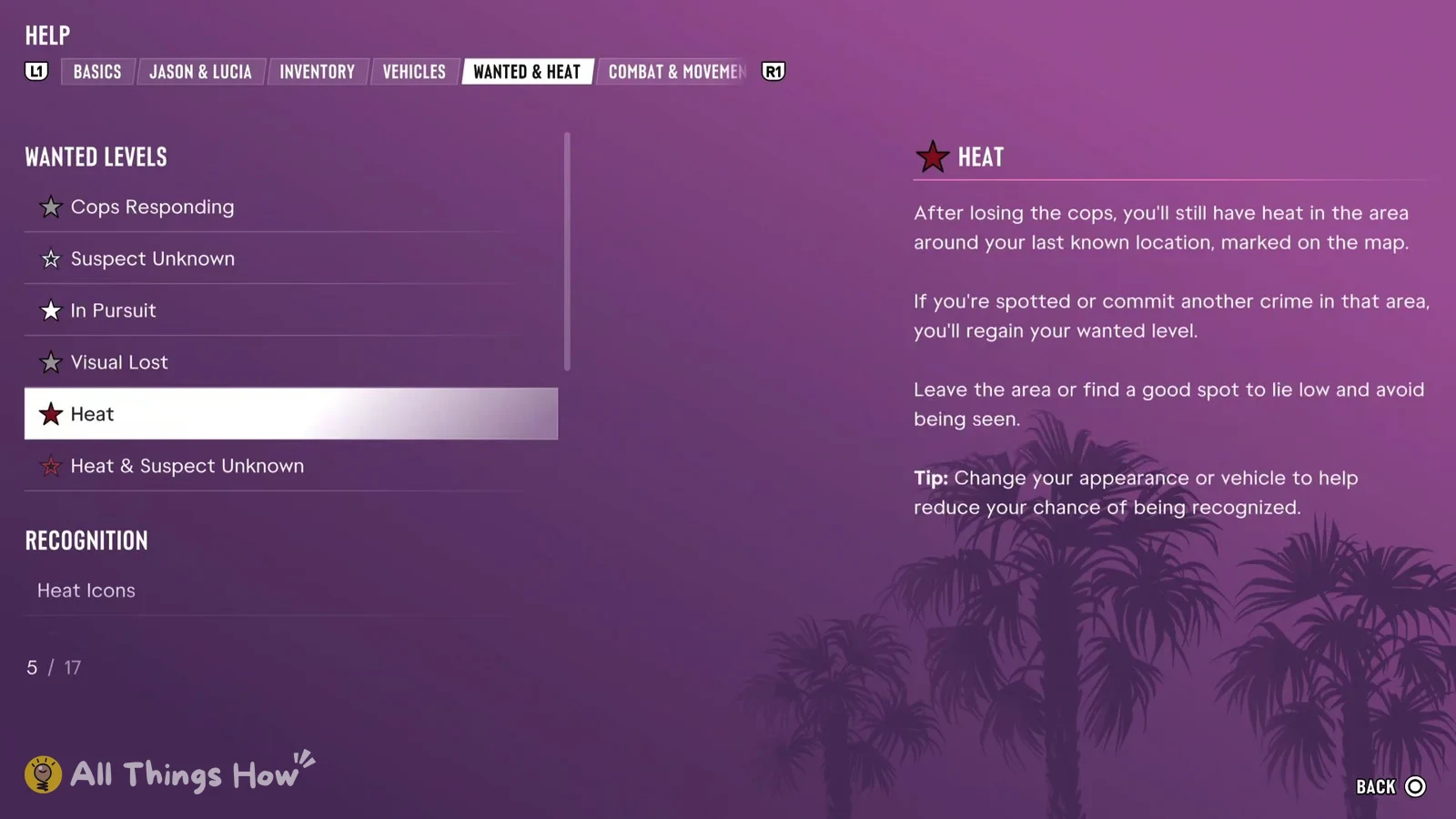
Heat starts the moment you shake off a pursuit. The game’s Help menu (Pause > Help, under the WANTED & HEAT tab) puts it this way: “After losing the cops, you’ll still have heat in the area around your last known location, marked on the map.” The Help page for this has a dark red star icon next to its title.
While you’re inside that area, you’re on thin ice. “If you’re spotted or commit another crime in that area, you’ll regain your wanted level.” The game gives you two ways out: “Leave the area or find a good spot to lie low and avoid being seen.” It also points at the icons covered further down, with the tip “Change your appearance or vehicle to help reduce your chance of being recognized.”
Heat when the cops don’t know who you are
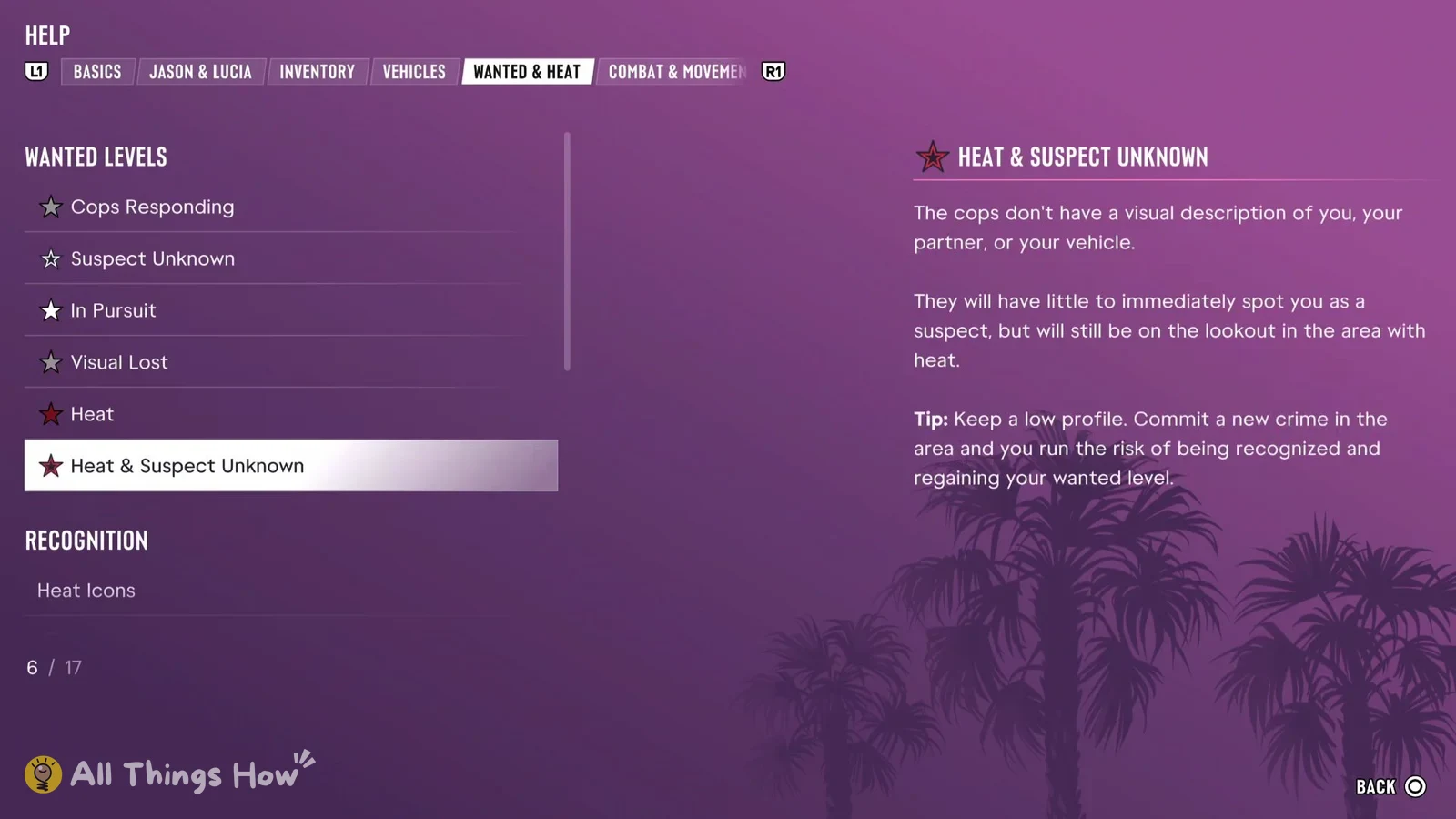
There’s a second version of heat, shown on the Help page “Heat & Suspect Unknown” with a red outline star instead of a filled one. In this state, “The cops don’t have a visual description of you, your partner, or your vehicle.” That makes it hard for them to pick you out right away, but they haven’t given up: “They will have little to immediately spot you as a suspect, but will still be on the lookout in the area with heat.”
An unknown suspect can still become a known one. “Tip: Keep a low profile. Commit a new crime in the area and you run the risk of being recognized and regaining your wanted level.”
Every GTA 6 heat icon and what it means
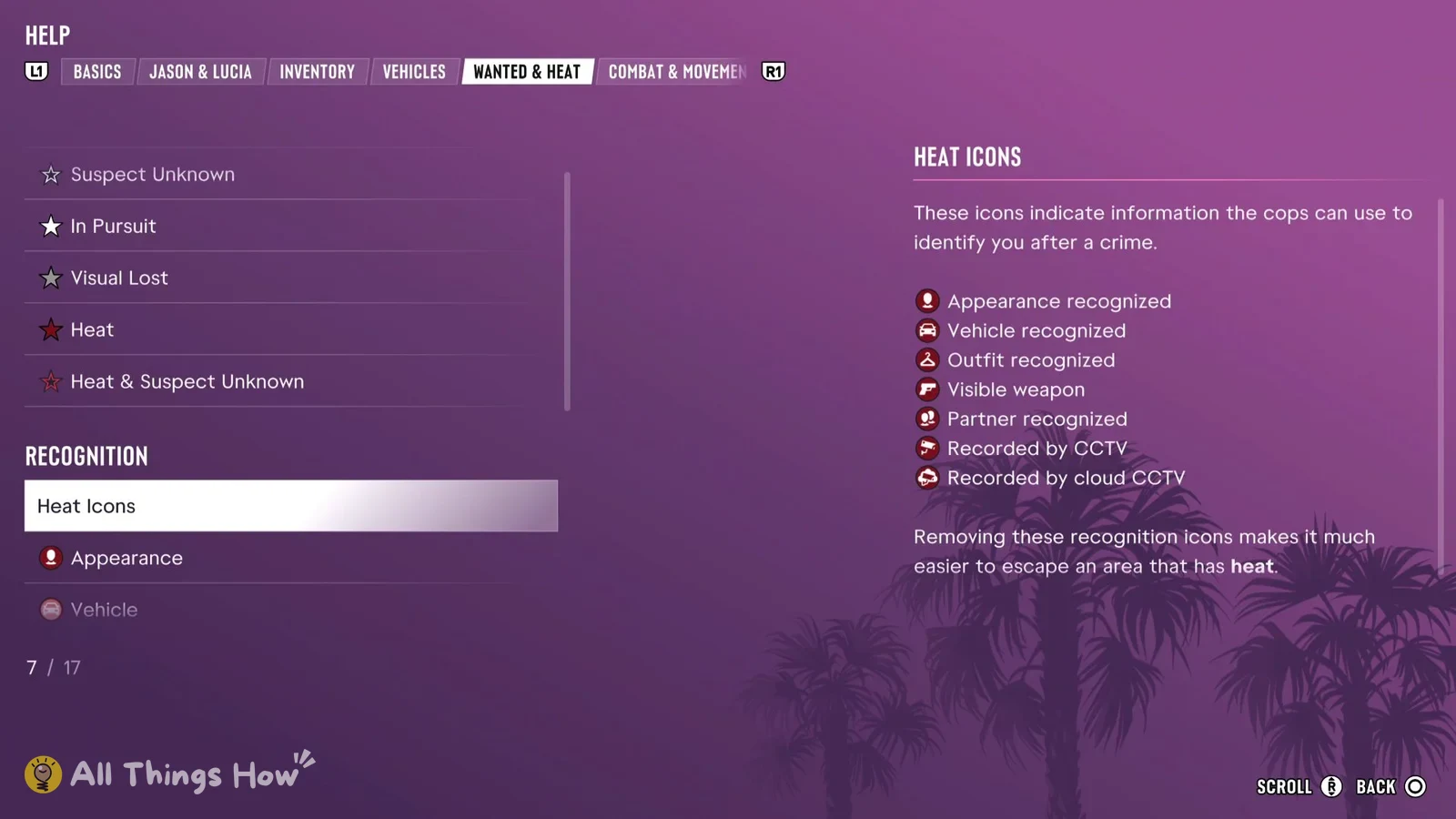
The Help page “Heat Icons” lists seven small round red icons. “These icons indicate information the cops can use to identify you after a crime.” Here they are in the order the game lists them:
| Icon | Symbol | What the cops have | How to clear it |
|---|---|---|---|
| “Appearance recognized” | A head | Your face | Change accessories or hairstyle |
| “Vehicle recognized” | A car | Your ride | Respray it or get a new one |
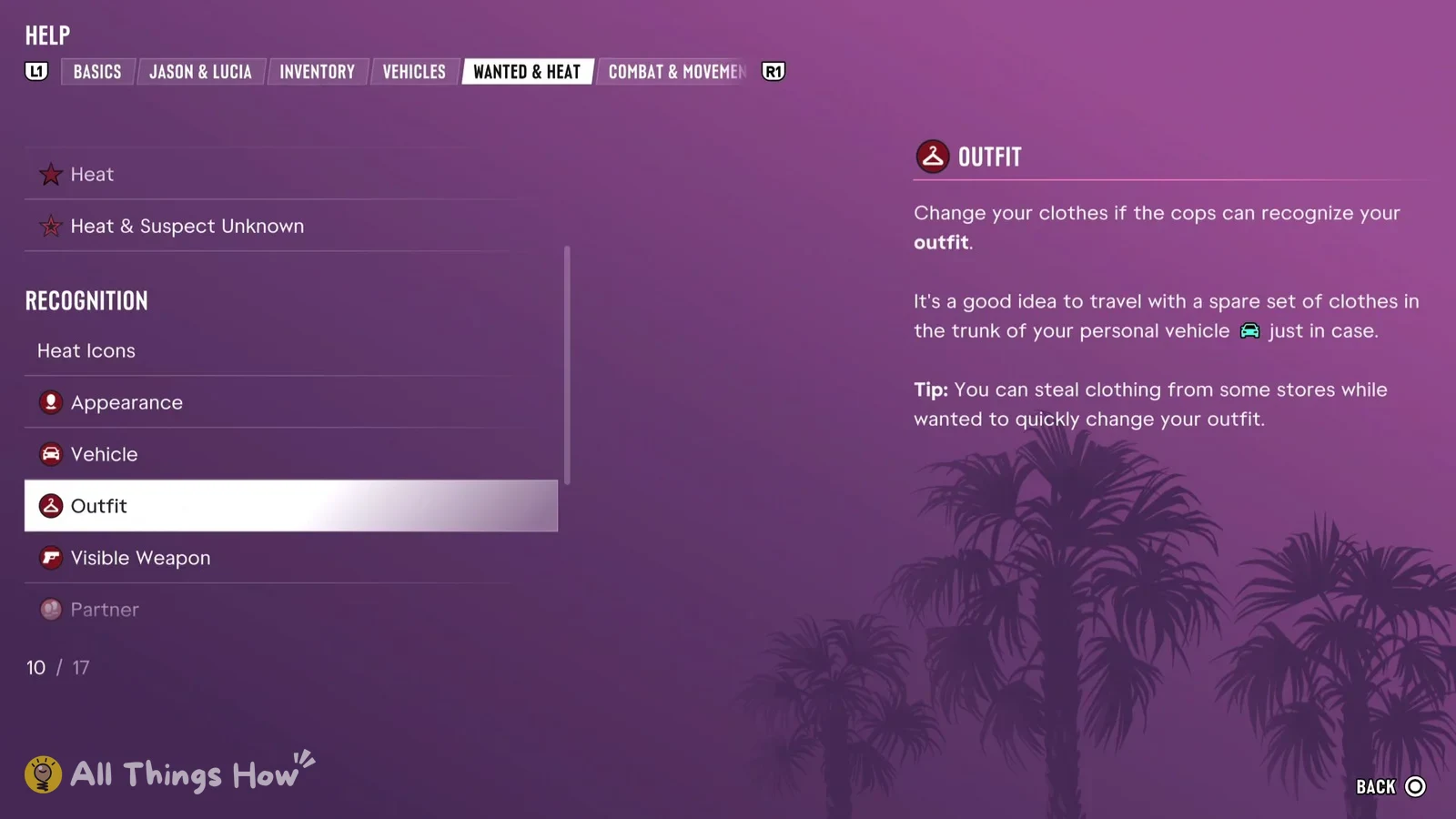
| “Outfit recognized” | A clothes hanger | Your clothes | Change your clothes |
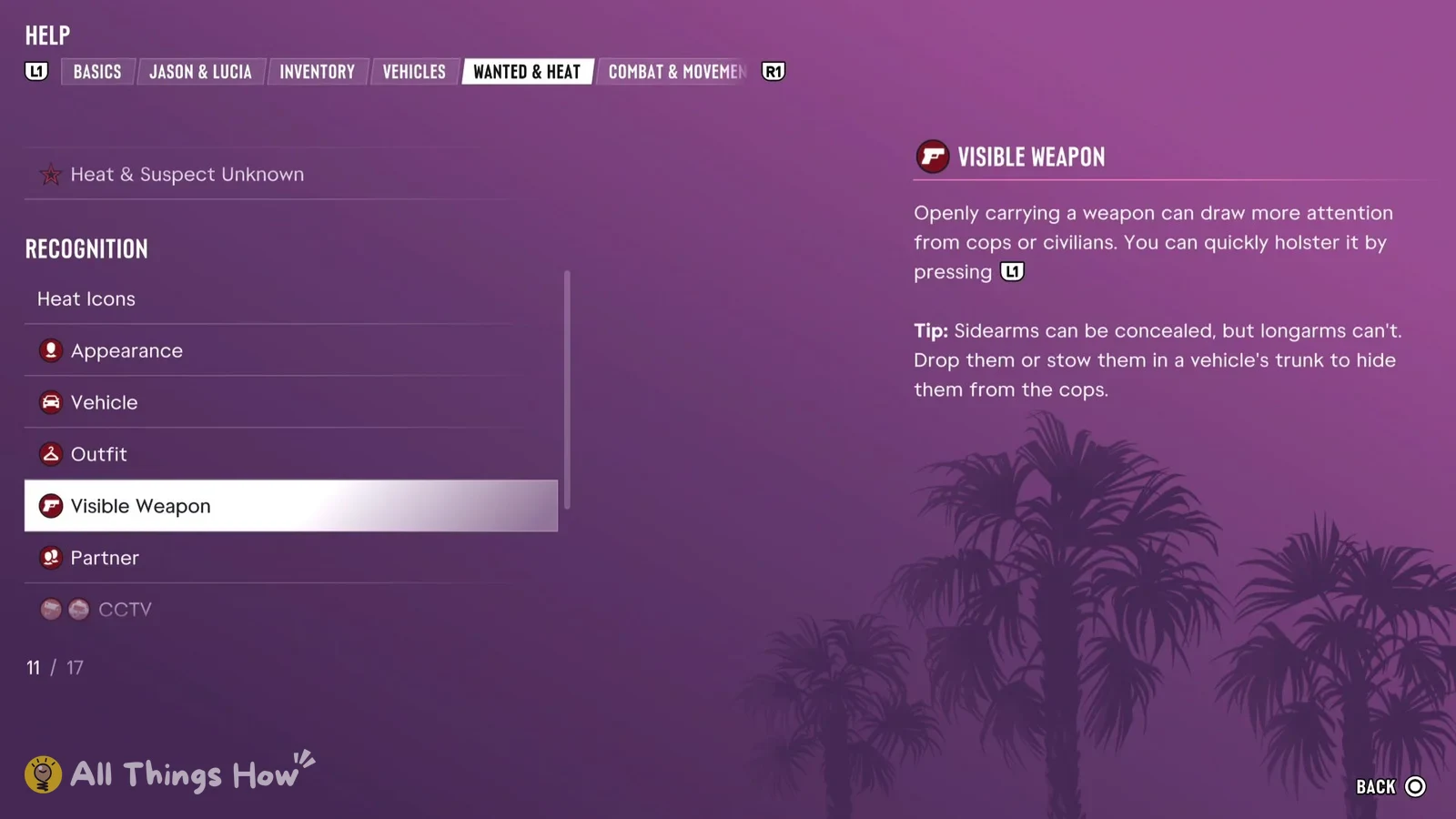
| “Visible weapon” | A pistol | A gun out in the open | Holster, drop or stow it |
| “Partner recognized” | Two heads | Your partner | Help page locked early on |
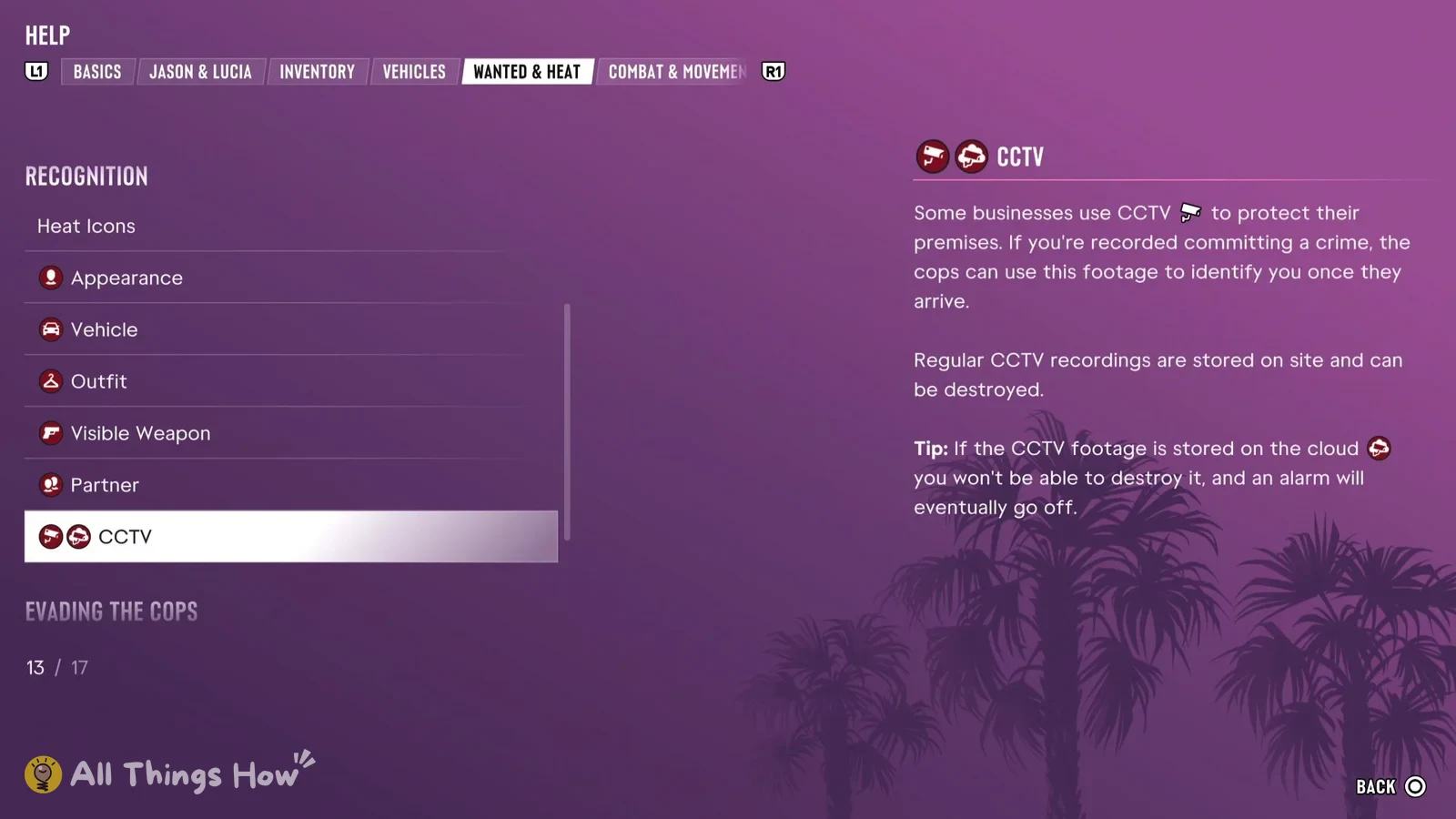
| “Recorded by CCTV” | A security camera | Camera evidence on site | Destroy it |
| “Recorded by cloud CCTV” | A camera with a cloud | Camera evidence in the cloud | Can’t be destroyed |
“Removing these recognition icons makes it much easier to escape an area that has heat.”
How to get rid of each recognition icon in GTA 6
The Help pages explain how to remove several of the icons.
Appearance recognized
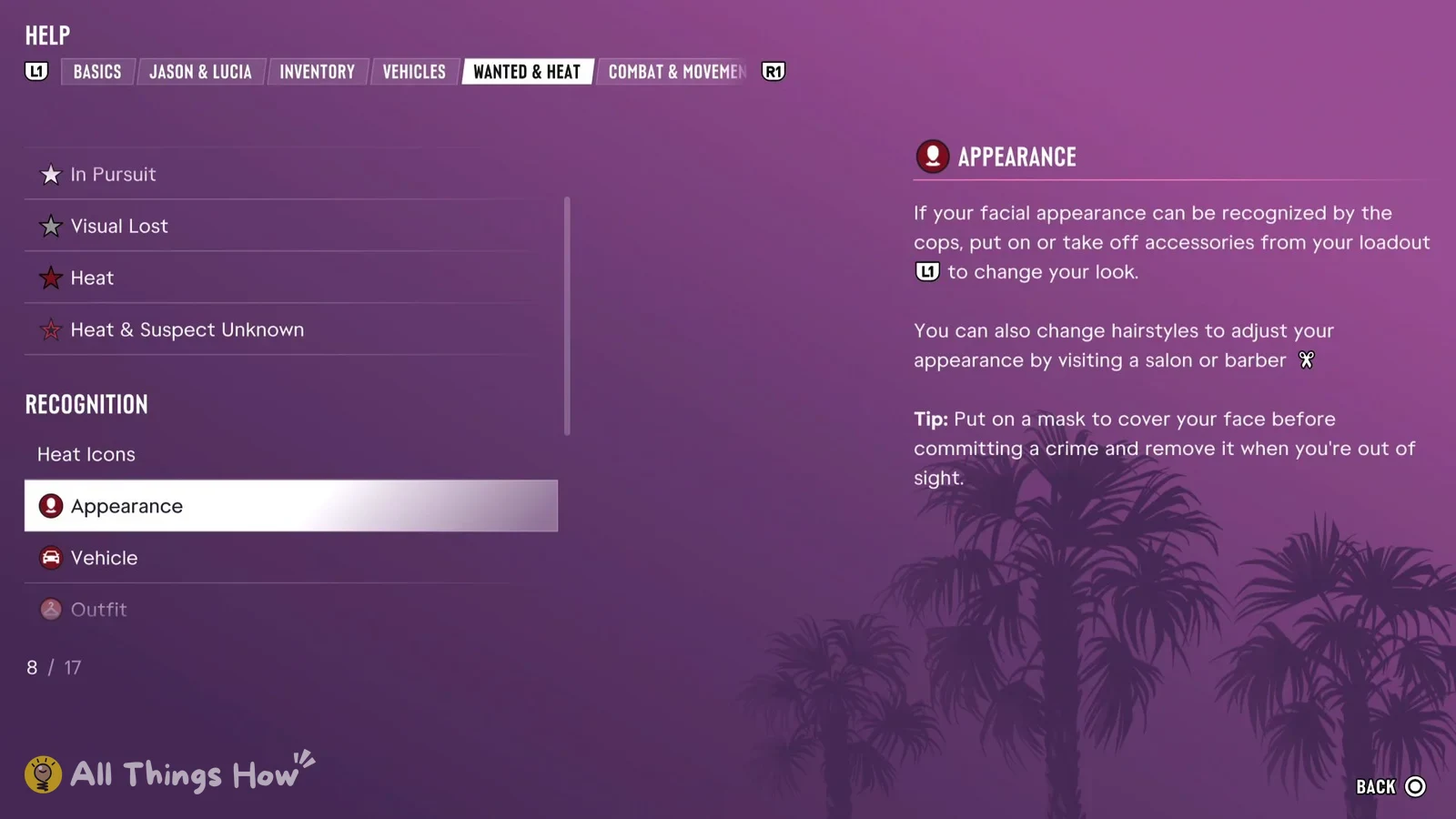
This one means the cops know your face. The quickest fix is in your loadout: “If your facial appearance can be recognized by the cops, put on or take off accessories from your loadout [L1] to change your look.” For a bigger change, “You can also change hairstyles to adjust your appearance by visiting a salon or barber [scissors icon]”.
“Tip: Put on a mask to cover your face before committing a crime and remove it when you’re out of sight.”
Vehicle recognized
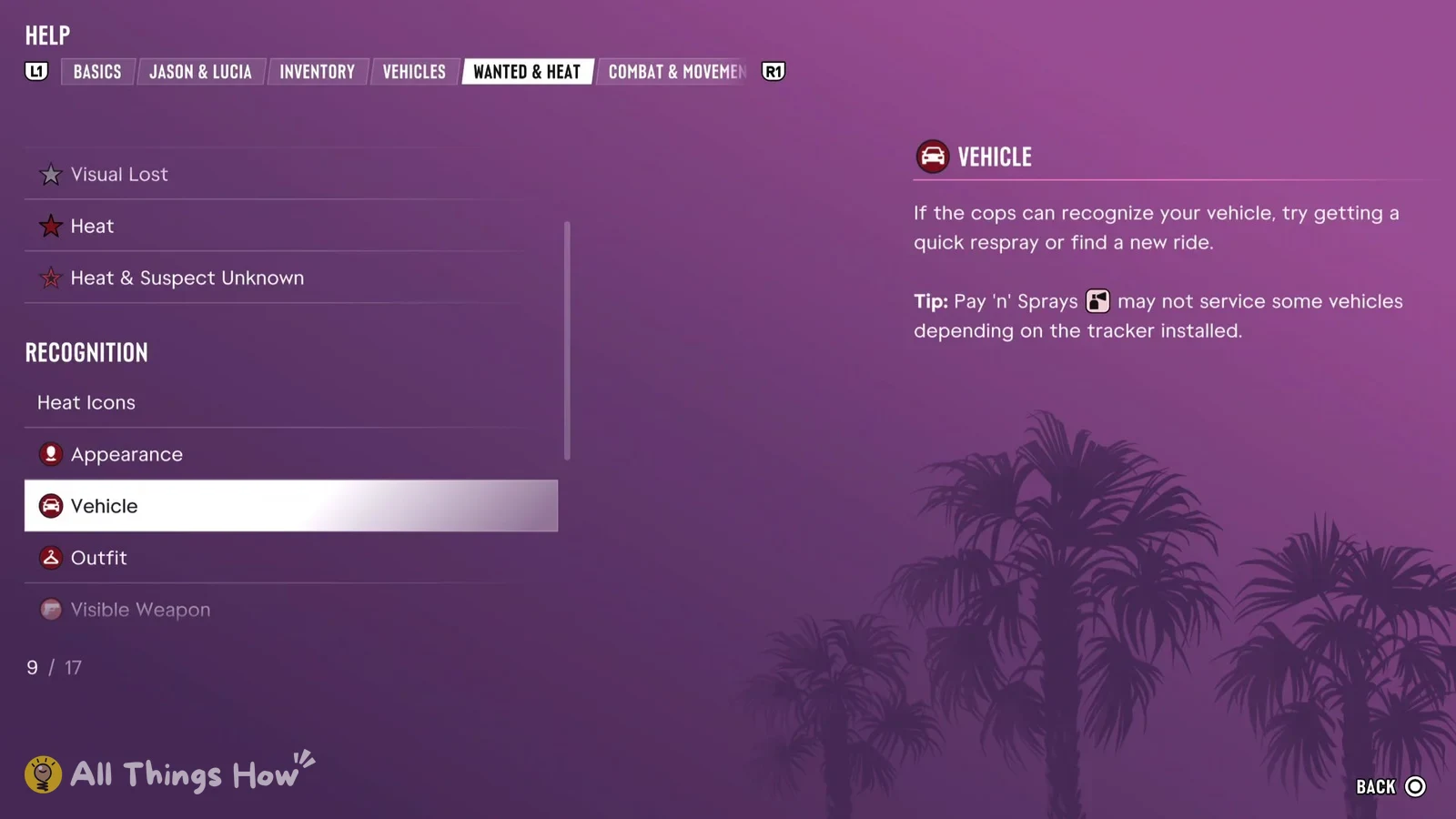
When your car is the giveaway, you can change how it looks or ditch it. “If the cops can recognize your vehicle, try getting a quick respray or find a new ride.” Pay ‘n’ Sprays [spray can icon] may not service some vehicles depending on the tracker installed. If a Pay ‘n’ Spray turns your car away, a different vehicle is the other way to clear the icon.
Outfit recognized
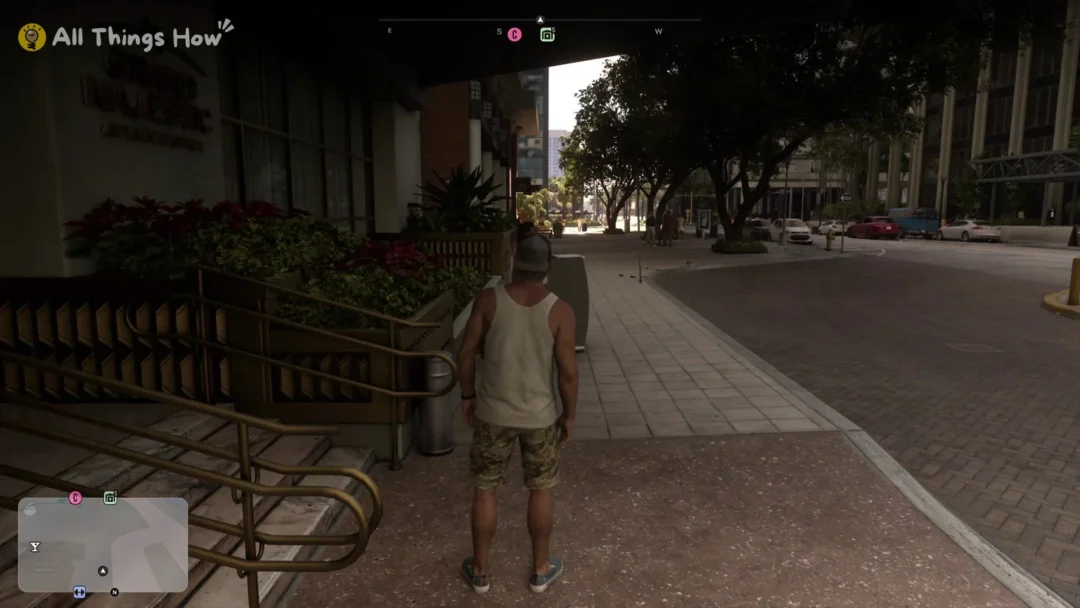
The fix is exactly what you’d expect: “Change your clothes if the cops can recognize your outfit.” It pays to plan ahead here, since “It’s a good idea to travel with a spare set of clothes in the trunk of your personal vehicle [car icon] just in case.” If you don’t have spares with you, you can grab some on the spot: “Tip: You can steal clothing from some stores while wanted to quickly change your outfit.”
Visible weapon
A gun in your hand gets noticed by more than just the police. “Openly carrying a weapon can draw more attention from cops or civilians. You can quickly holster it by pressing [L1]” That only works for smaller guns, though. “Tip: Sidearms can be concealed, but longarms can’t. Drop them or stow them in a vehicle’s trunk to hide them from the cops.”
Recorded by CCTV and Recorded by cloud CCTV
Both camera icons come from security systems at businesses.
The cloud version can’t be wiped.
Partner recognized
The “Partner” Help page is locked early in the story. Until you get further, all it says is “Continue Jason and Lucia’s story to learn more.”
What “they have your description” looks like in GTA 6
When the cops know what you look like, a help box shows up on the left side of the screen with the line “The cops are searching for you [star icon] and they have your description”. Below that text are small round red icons for whatever they’ve got on you. In free roam in Tequesta, those were a clothes hanger and a head, which are “Outfit recognized” and “Appearance recognized” on the Help page.
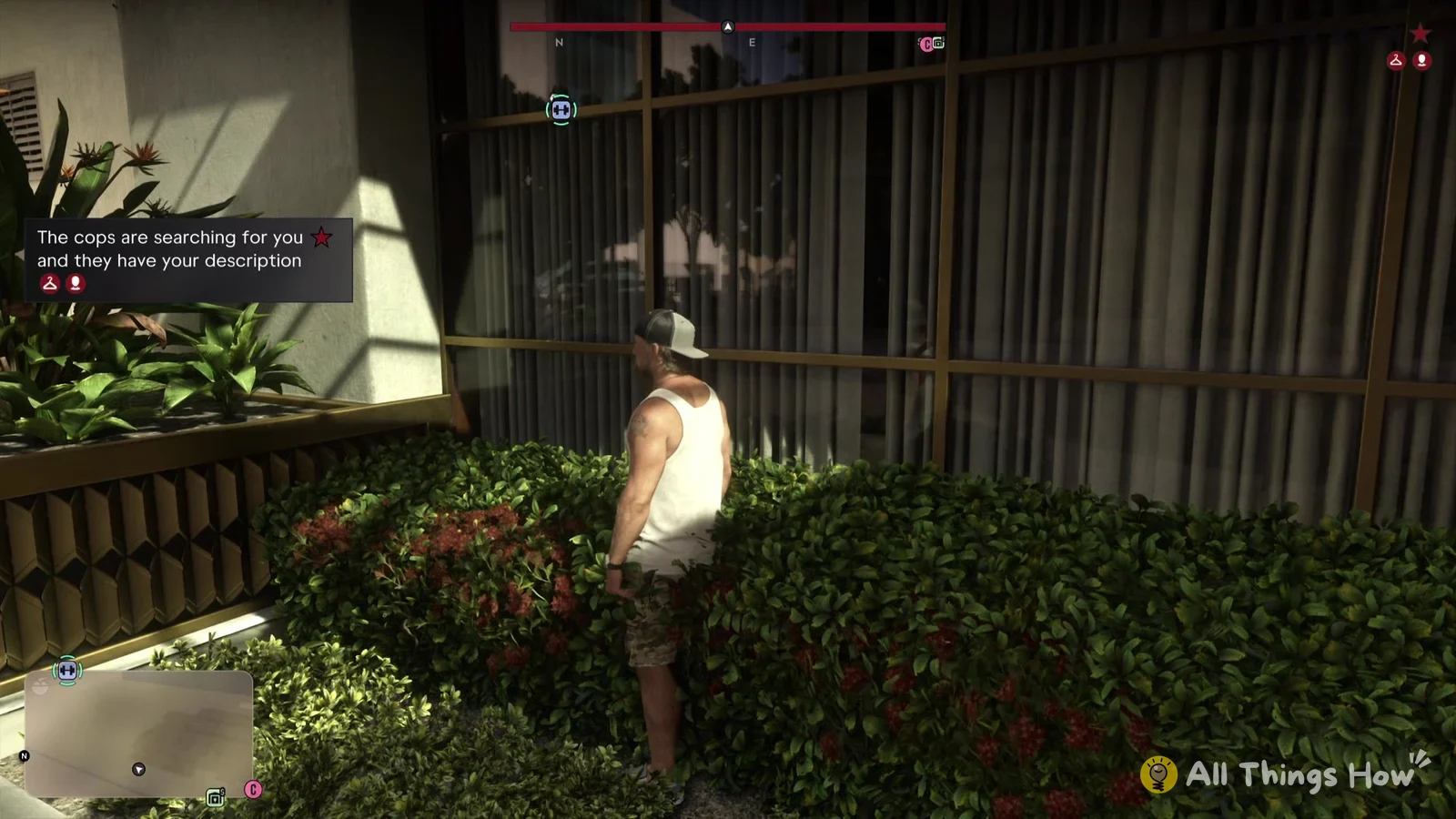
Open the pause map and the whole area turns red. Its six-star row has one red star, with two red icons below it. You can also see those icons beneath the star row in the screen’s top-right corner, where one star is lit. Treat them as a checklist: change your clothes and your look.