Fishing in Grand Theft Auto VI uses both triggers and both sticks on PS5, and the game tells you which one to press at each stage with a hint and a set of prompts in the corner of the screen. Once you’ve landed a fish, you can cook it on a grill and eat it for a health buff.
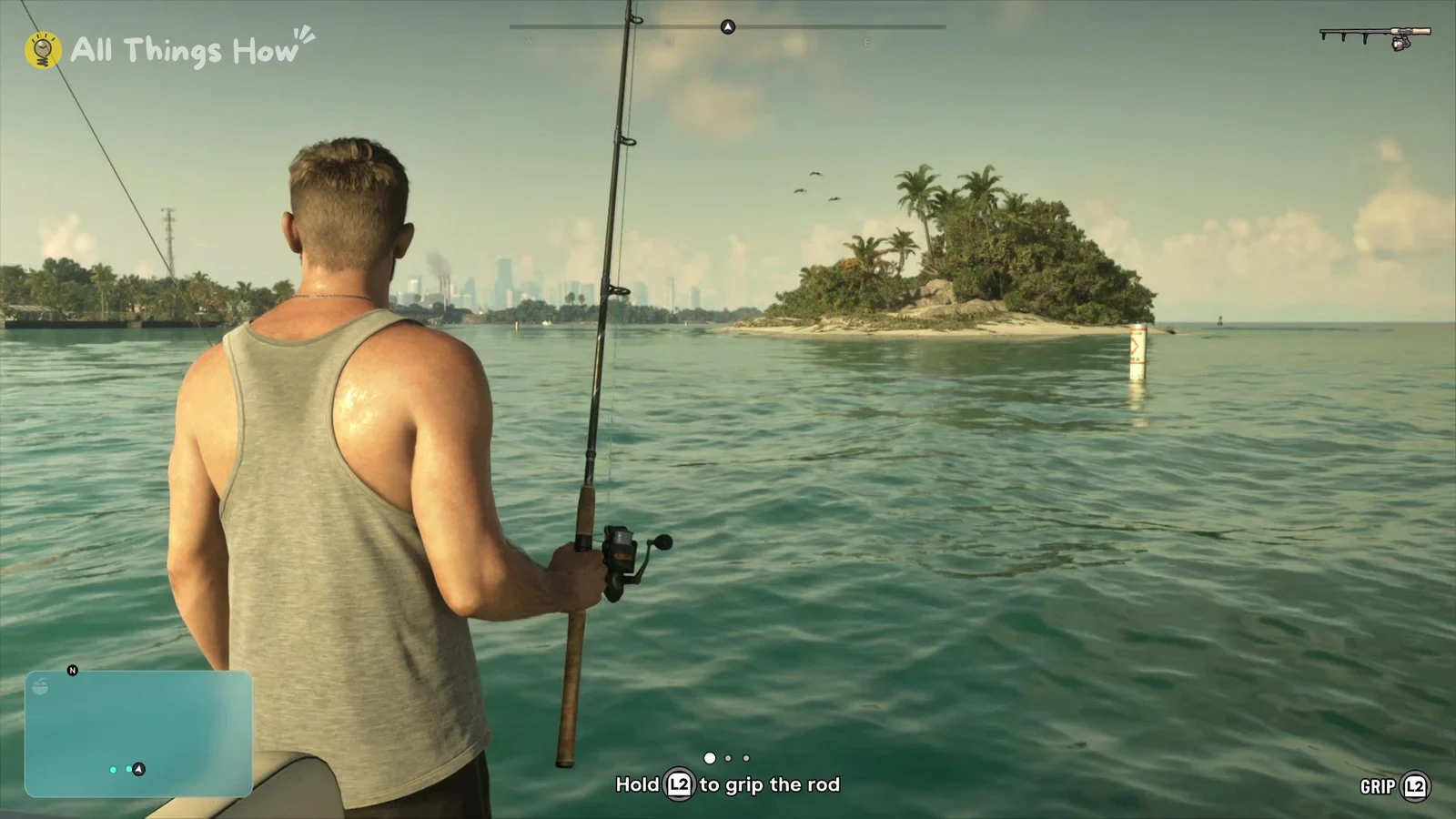
Quick answer: Take the rod with [L2], draw it back using [R2], then let go to cast. Move the right stick in slow circles to attract fish. On a bite, press [R2], guide the fish with the left stick as it struggles, and reel by switching between that and quick spins of the right stick.
Where GTA 6 teaches you to fish
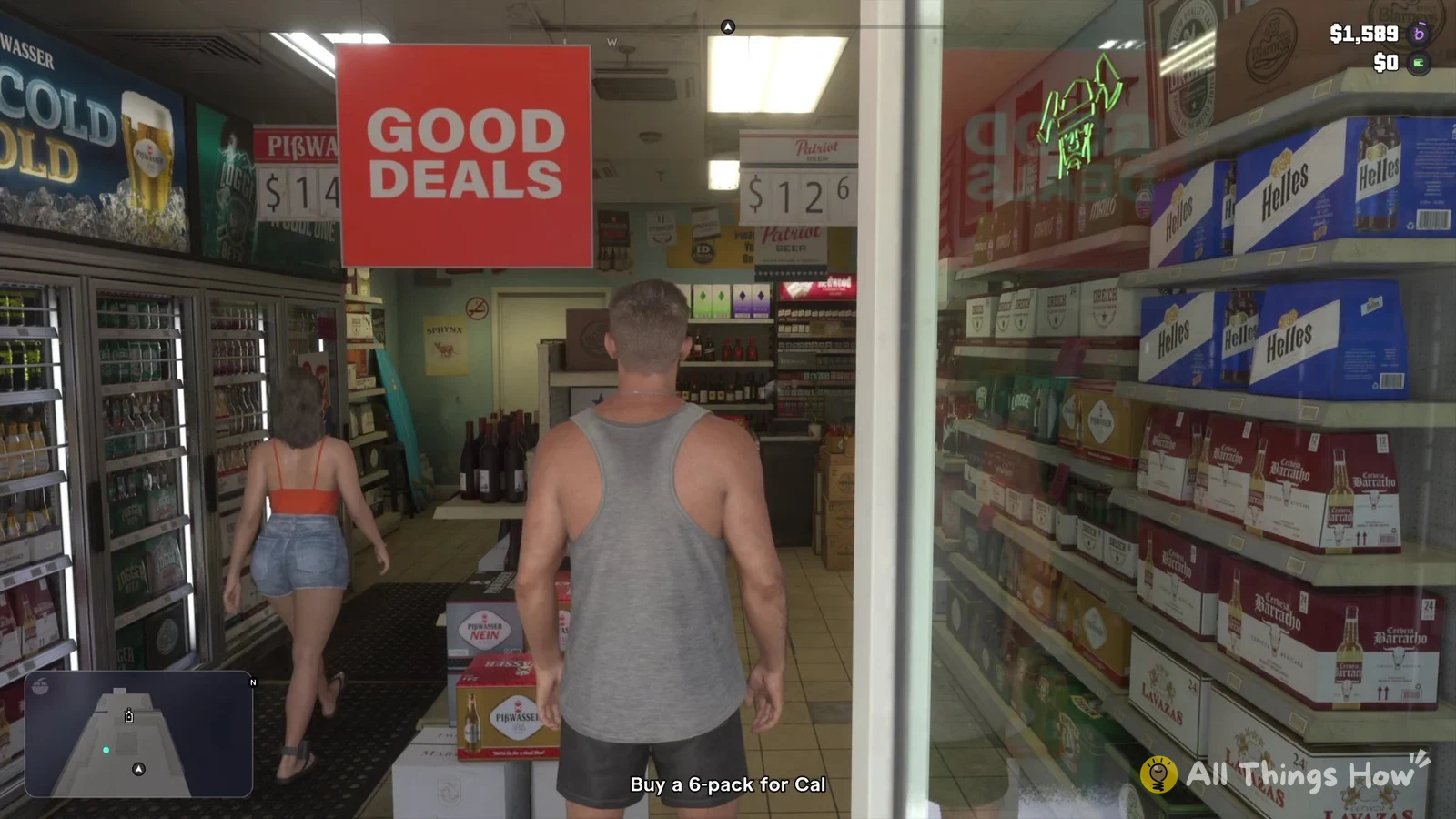
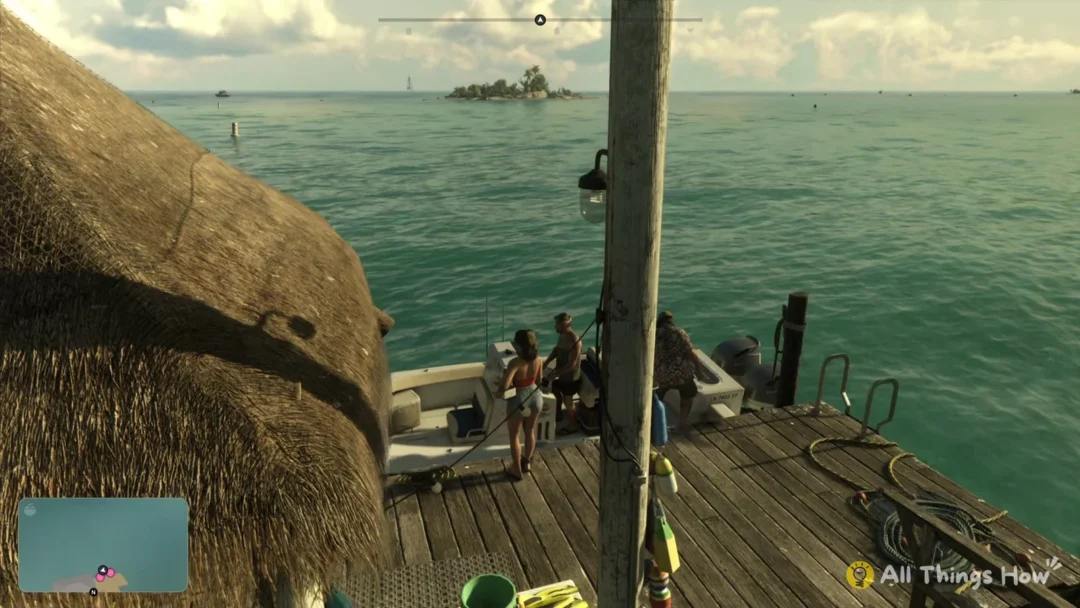
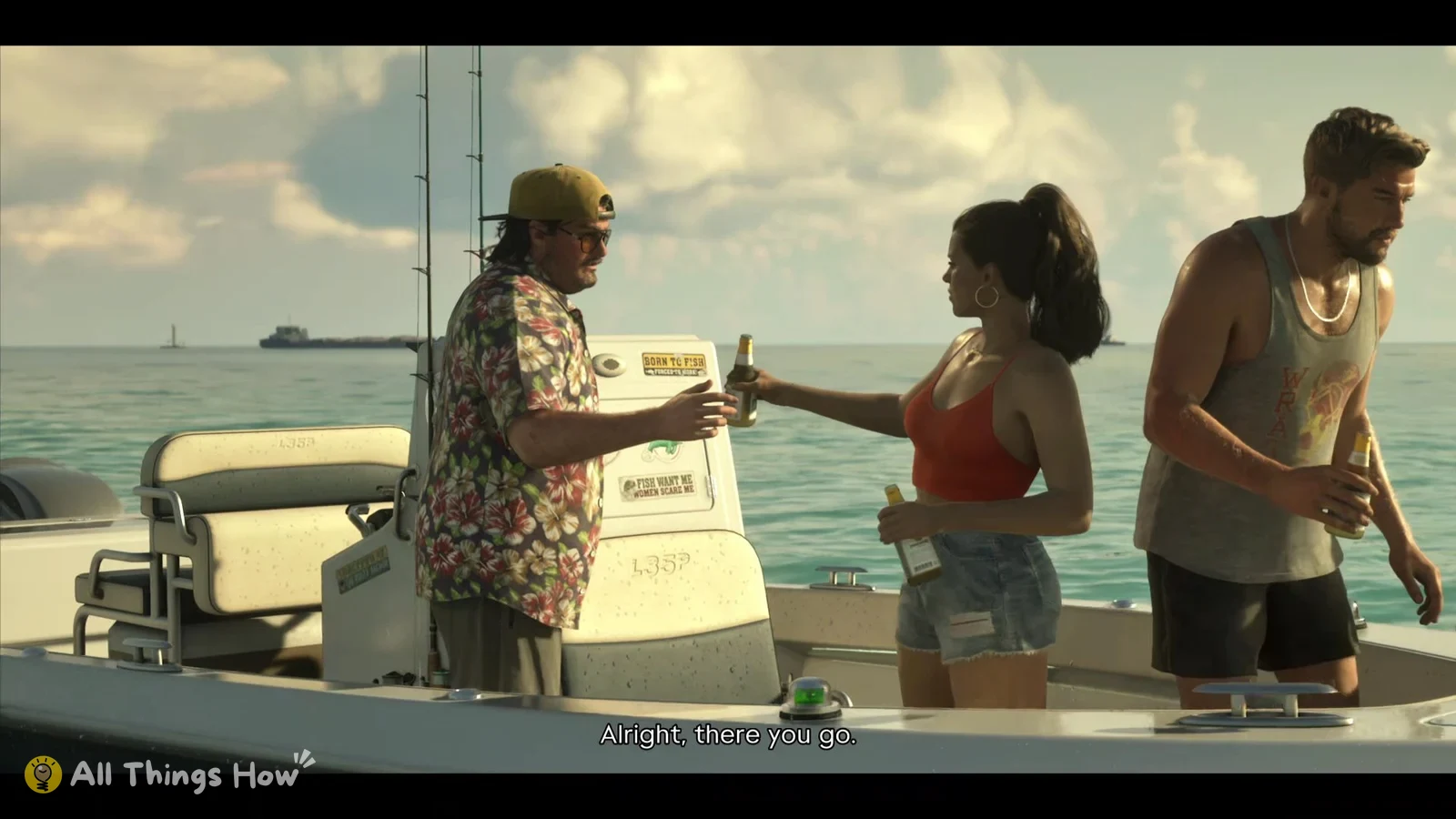
The fishing tutorial is part of the story mission Recalibration, where you fish with Cal on his boat off his dock in Key Lento. The same mission also walks you through the grill afterwards.
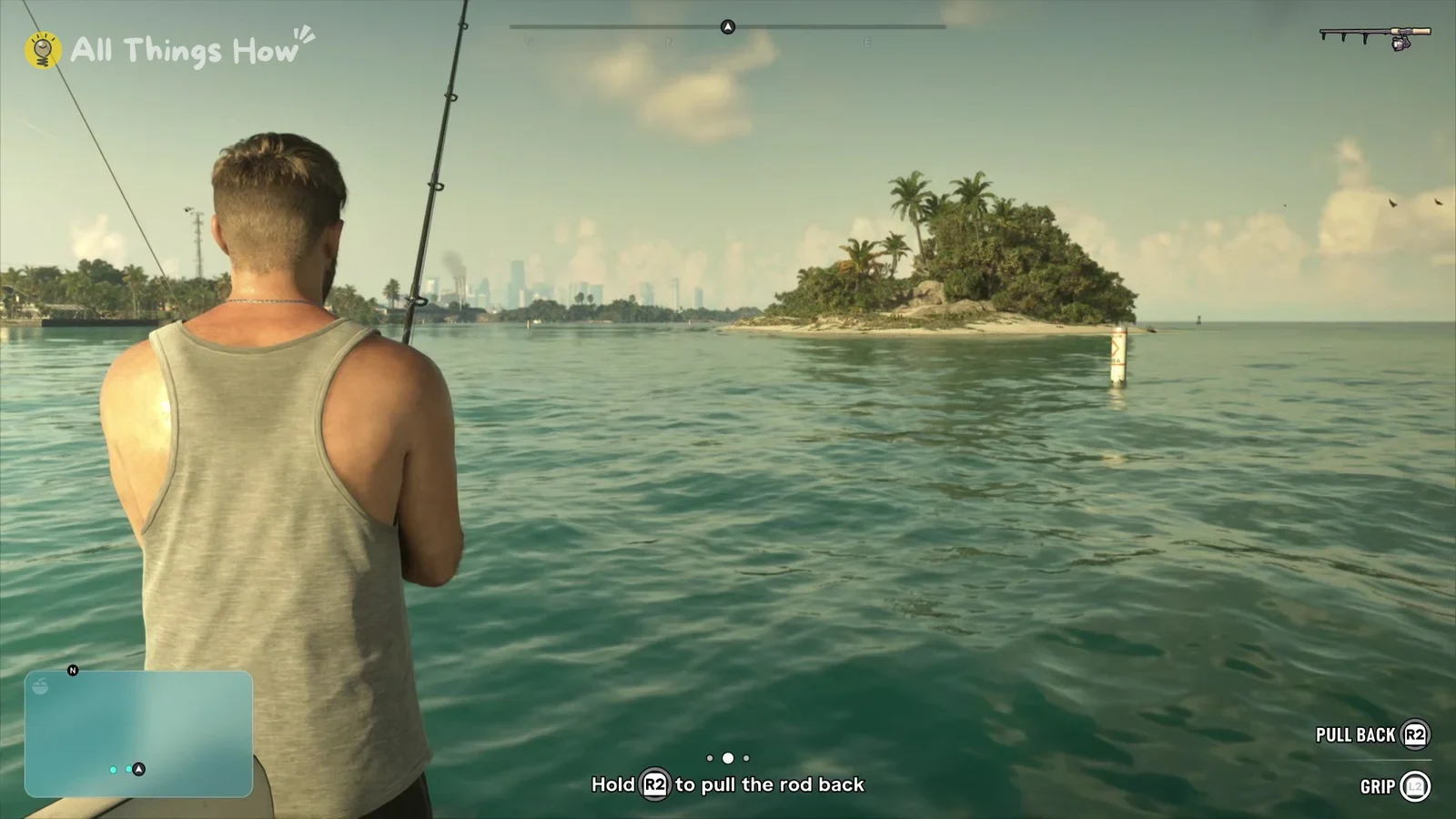
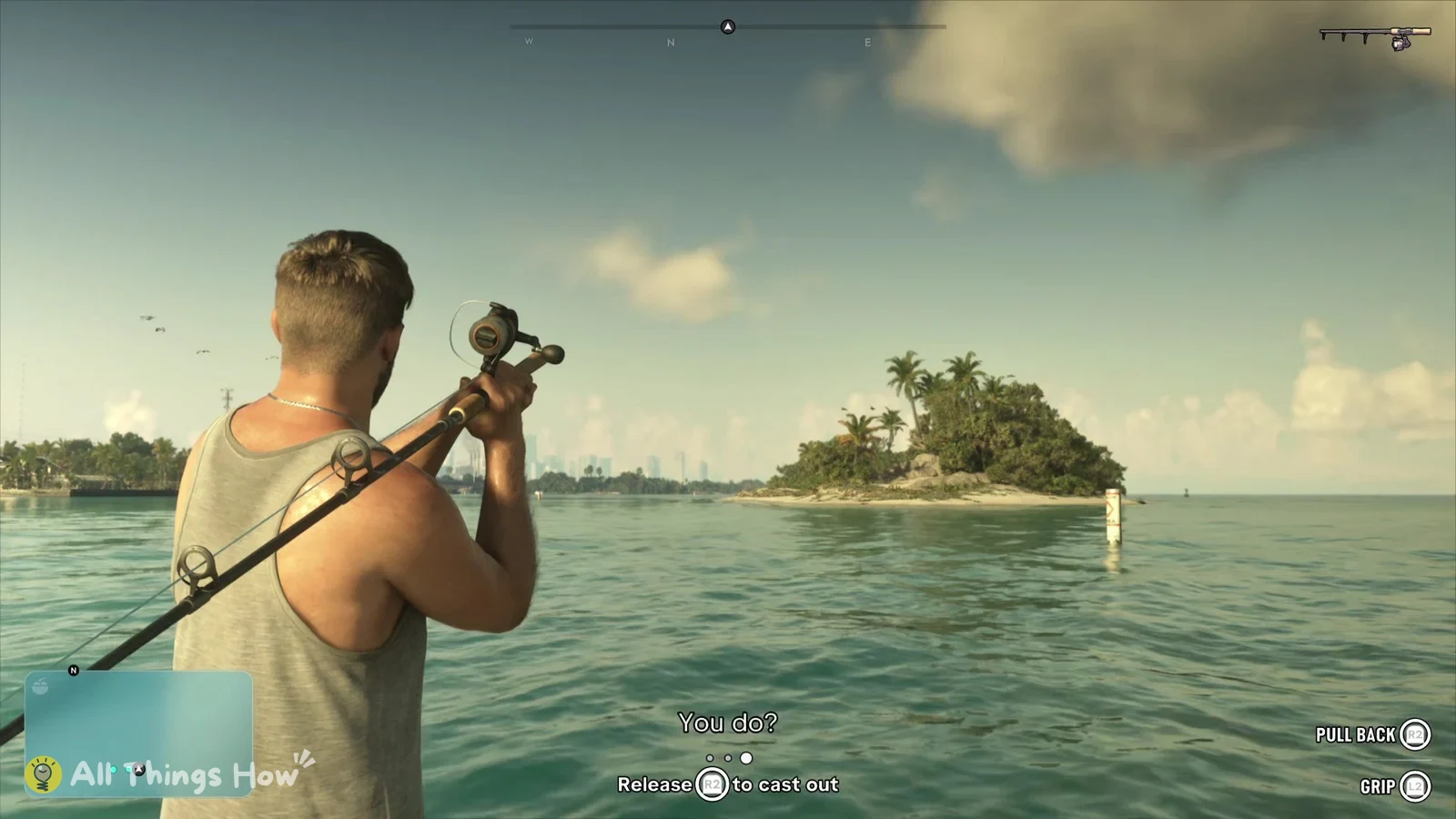
How to cast in GTA 6
How to get a bite
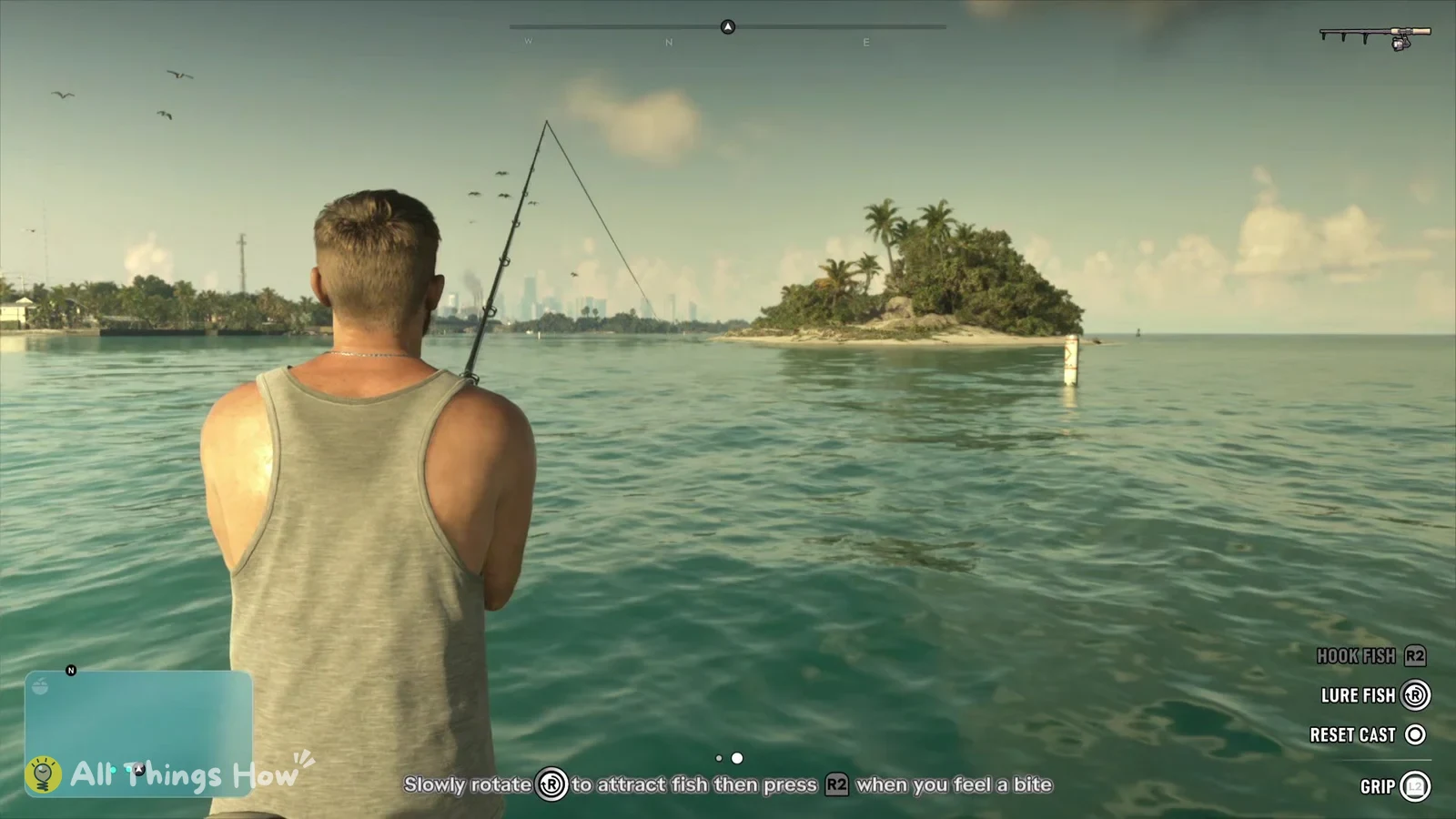
With the line out, the hint changes to “Slowly rotate [right stick] to attract fish then press [R2] when you feel a bite”. Turn the right stick in slow circles to draw fish in, and tap [R2] as soon as one bites. You’ll see three prompts while you wait:
- HOOK FISH [R2], to set the hook on a bite
- LURE FISH [right stick], to attract fish with slow rotations
- Choose RESET CAST [Circle] to reel the line back in and get ready to cast again
How to reel in a fish
Once the fish is hooked, the hint reads “Use [left stick] to control the fish while it’s struggling”, with a CONTROL [left stick] prompt. Steer it with the left stick until the line switches to “Quickly rotate [right stick] to reel in the fish while it’s tired” and the REEL IN [right stick] prompt shows up, then spin the right stick fast.
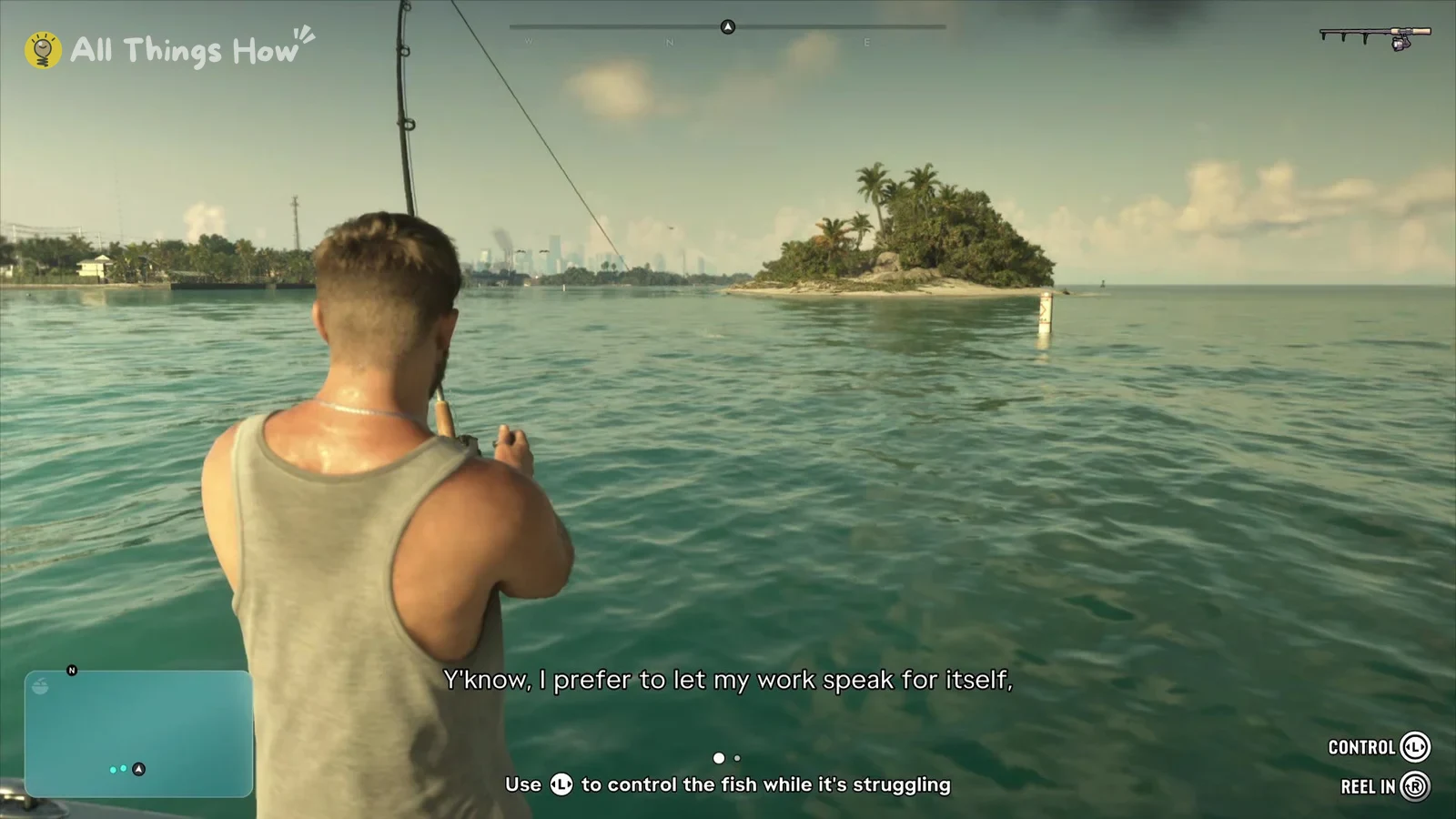
These two hints take turns for as long as the fish is fighting, so you go back to the left stick each time it starts struggling again and back to spinning the right stick each time it tires.
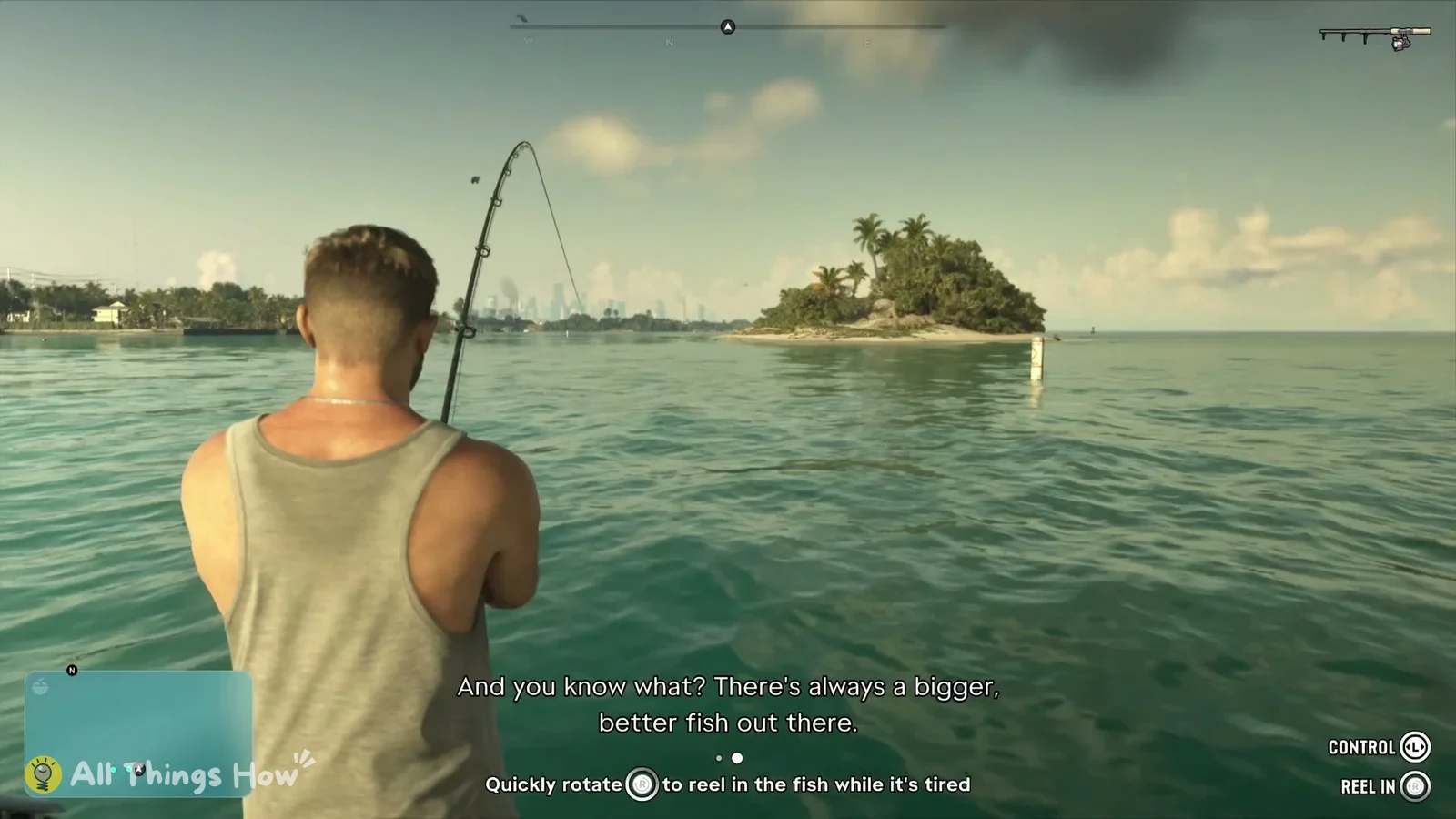
GTA 6 fishing controls on PS5
| Action | Button | On-screen prompt |
|---|---|---|
| Grip the rod | Hold [L2] | GRIP |
| Pull back | Hold [R2] | PULL BACK |
| Cast | Release [R2] | “Release [R2] to cast out” |
| Lure | Slowly rotate right stick | LURE FISH |
| Hook | [R2] on a bite | HOOK FISH |
| Reset the line | [Circle] | RESET CAST |
| Control a struggling fish | Left stick | CONTROL |
| Reel in a tired fish | Quickly rotate right stick | REEL IN |
Fishing from a boat
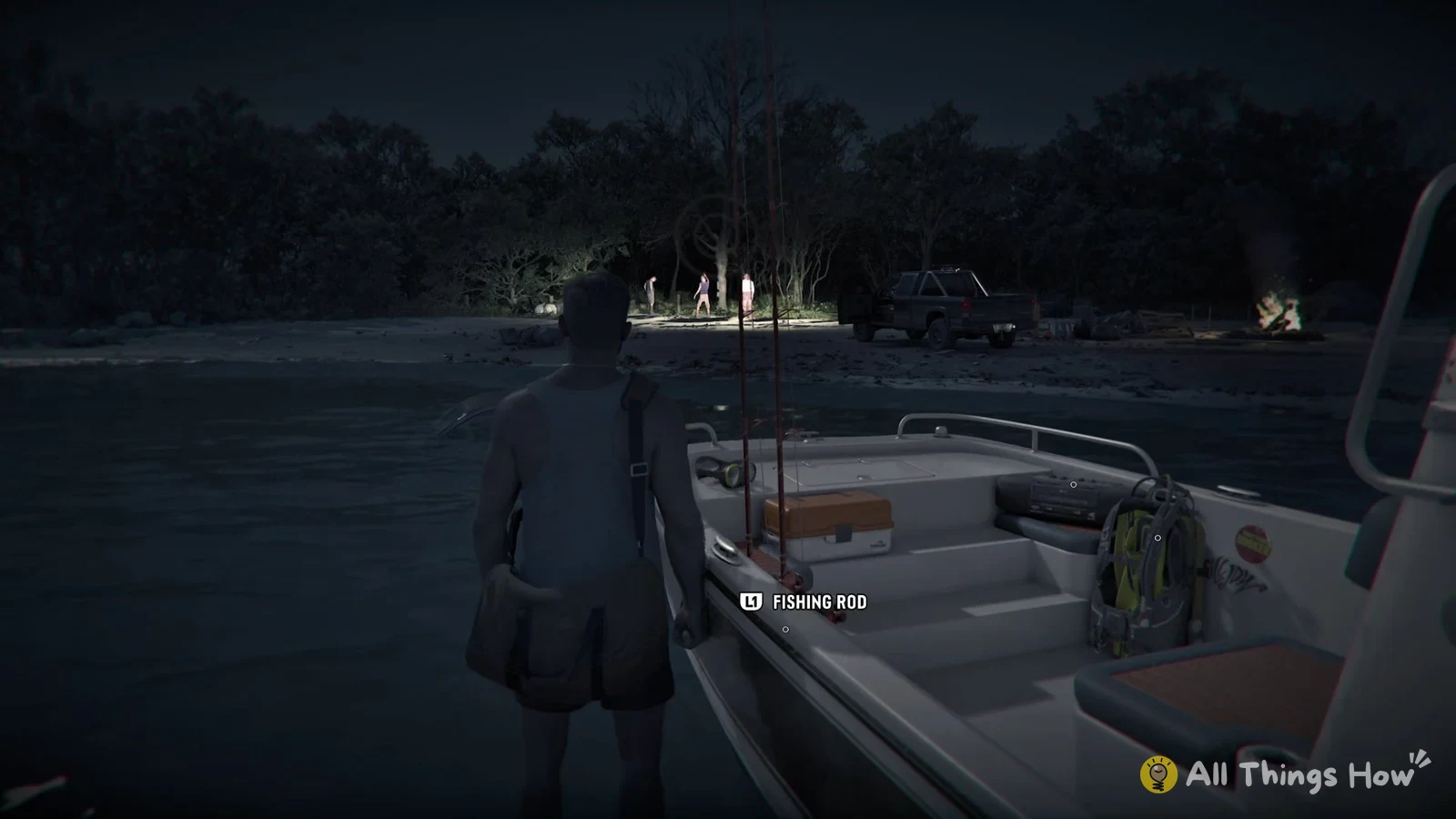
At the rod holders beside the console on a fishing boat like the Bombora, you’ll see the FISHING ROD prompt for [L1].
How to grill the fish you catch
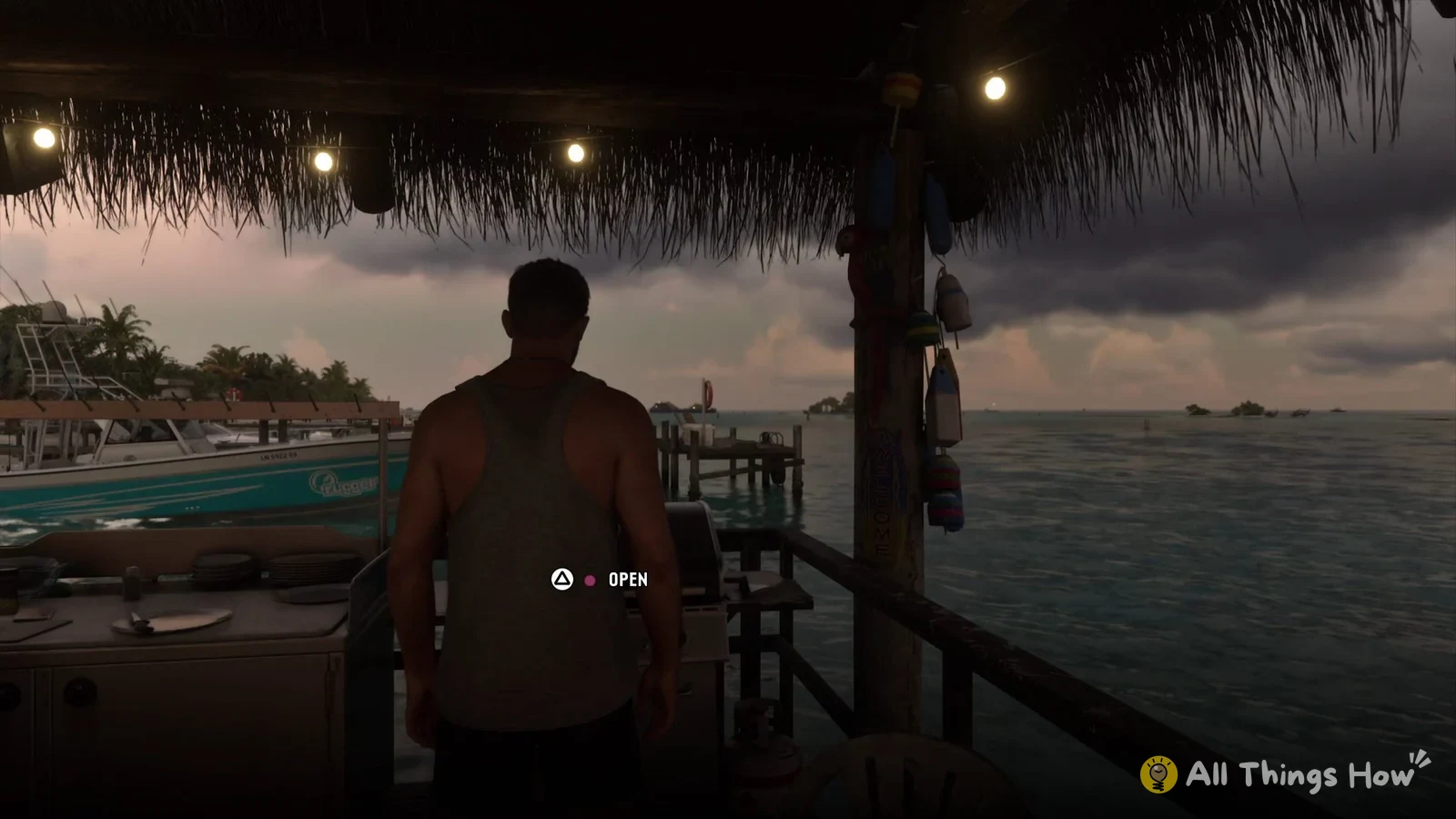
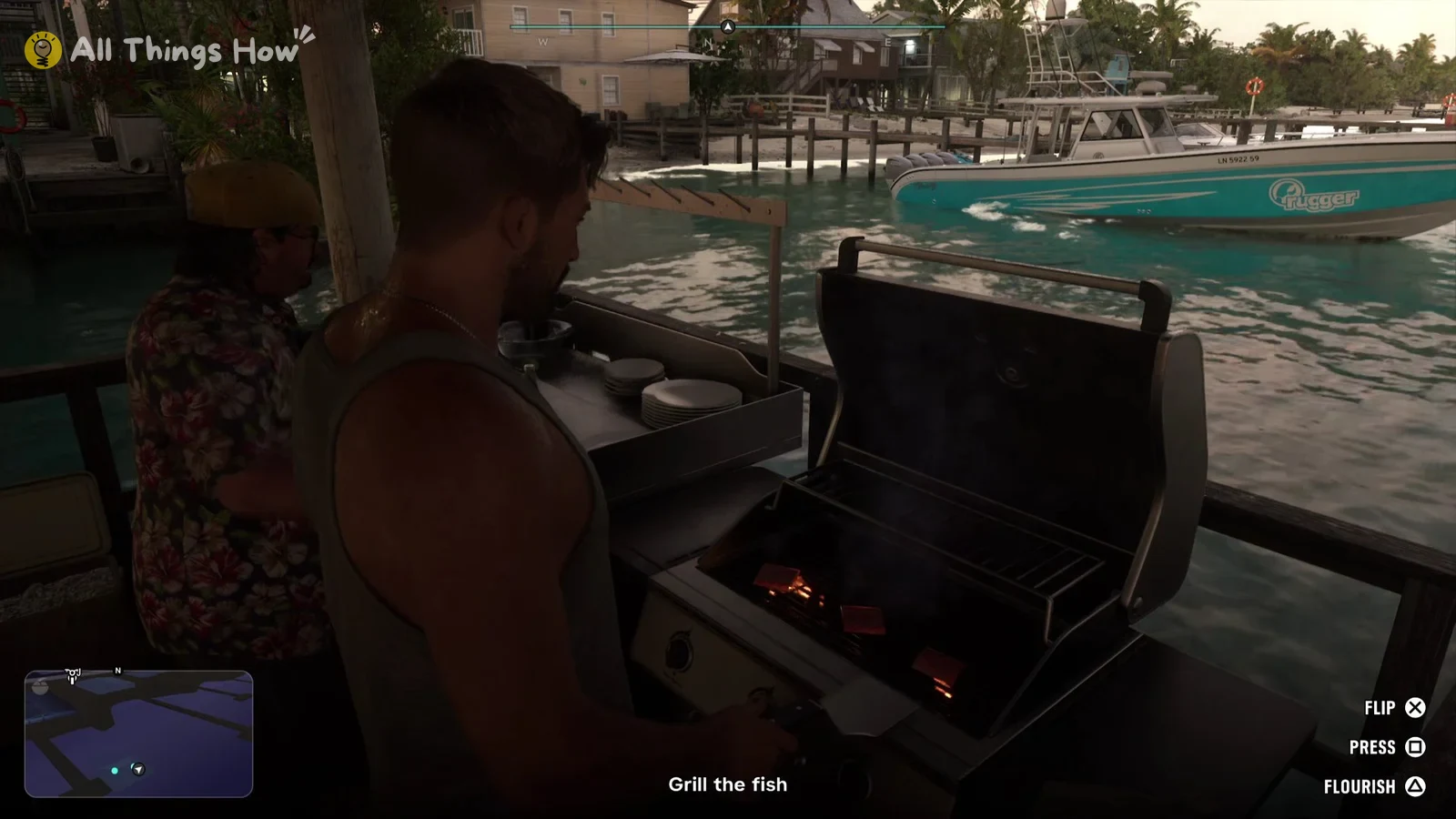
The grill at Cal’s dock in Recalibration works like this:
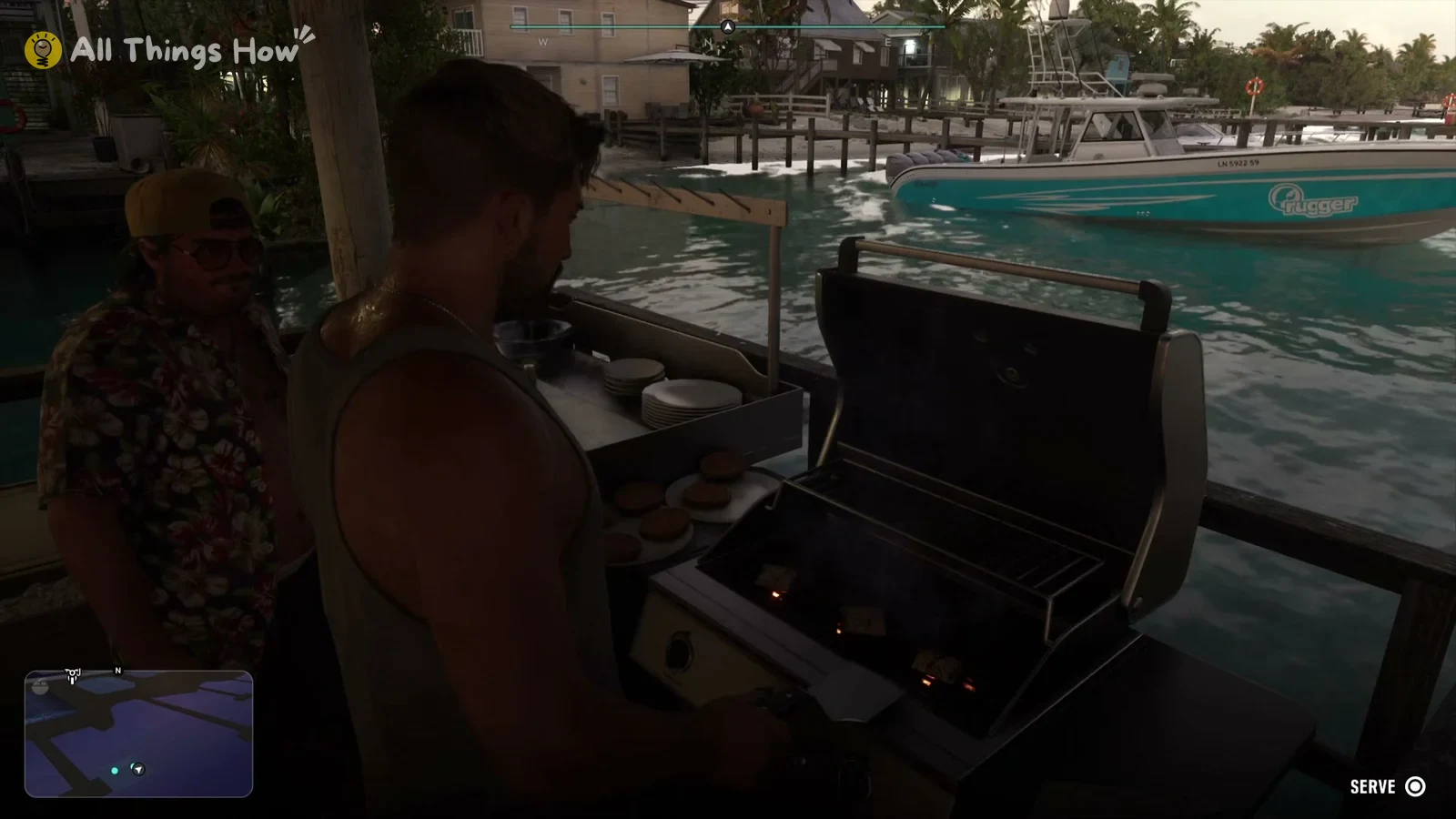
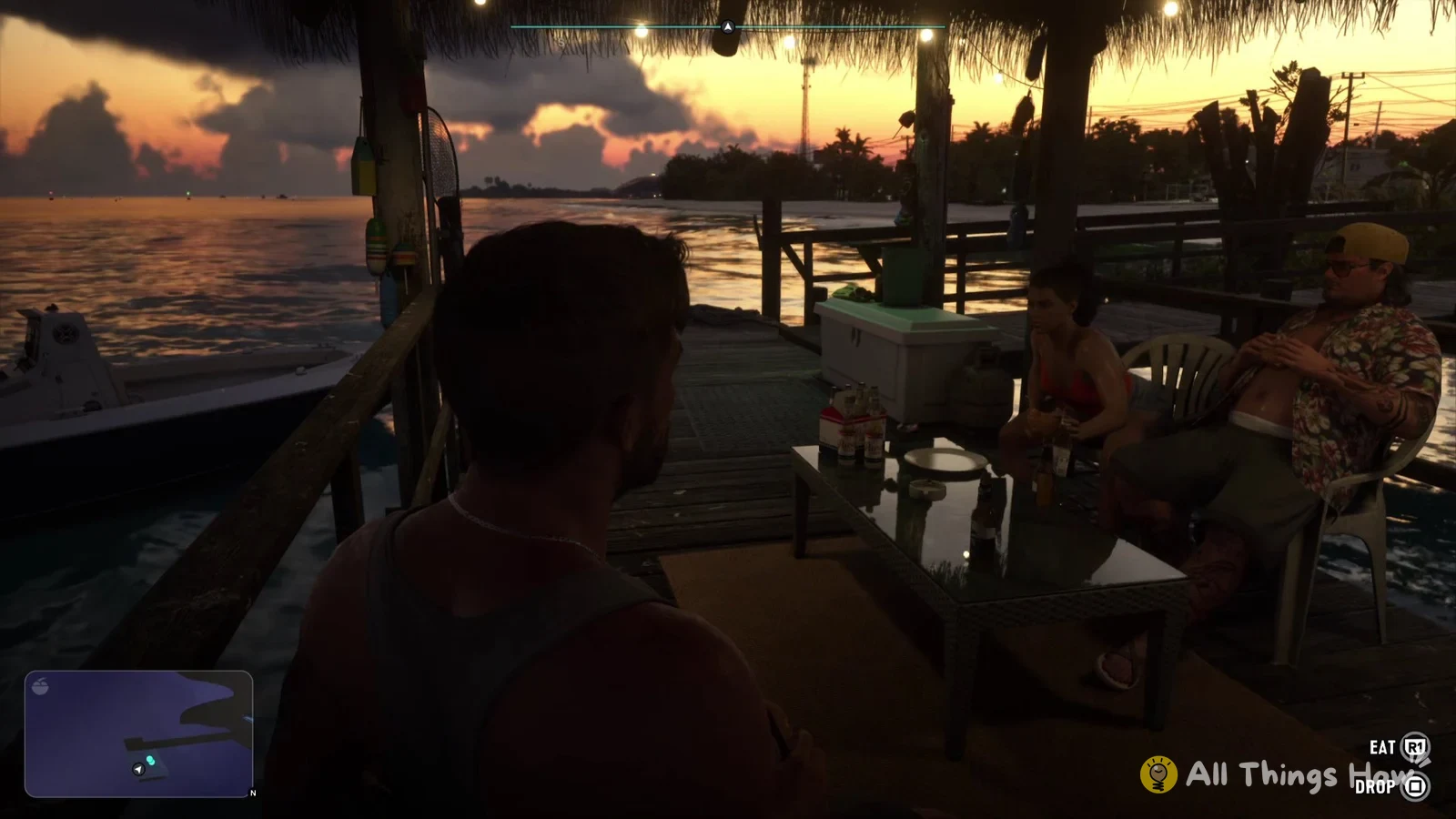
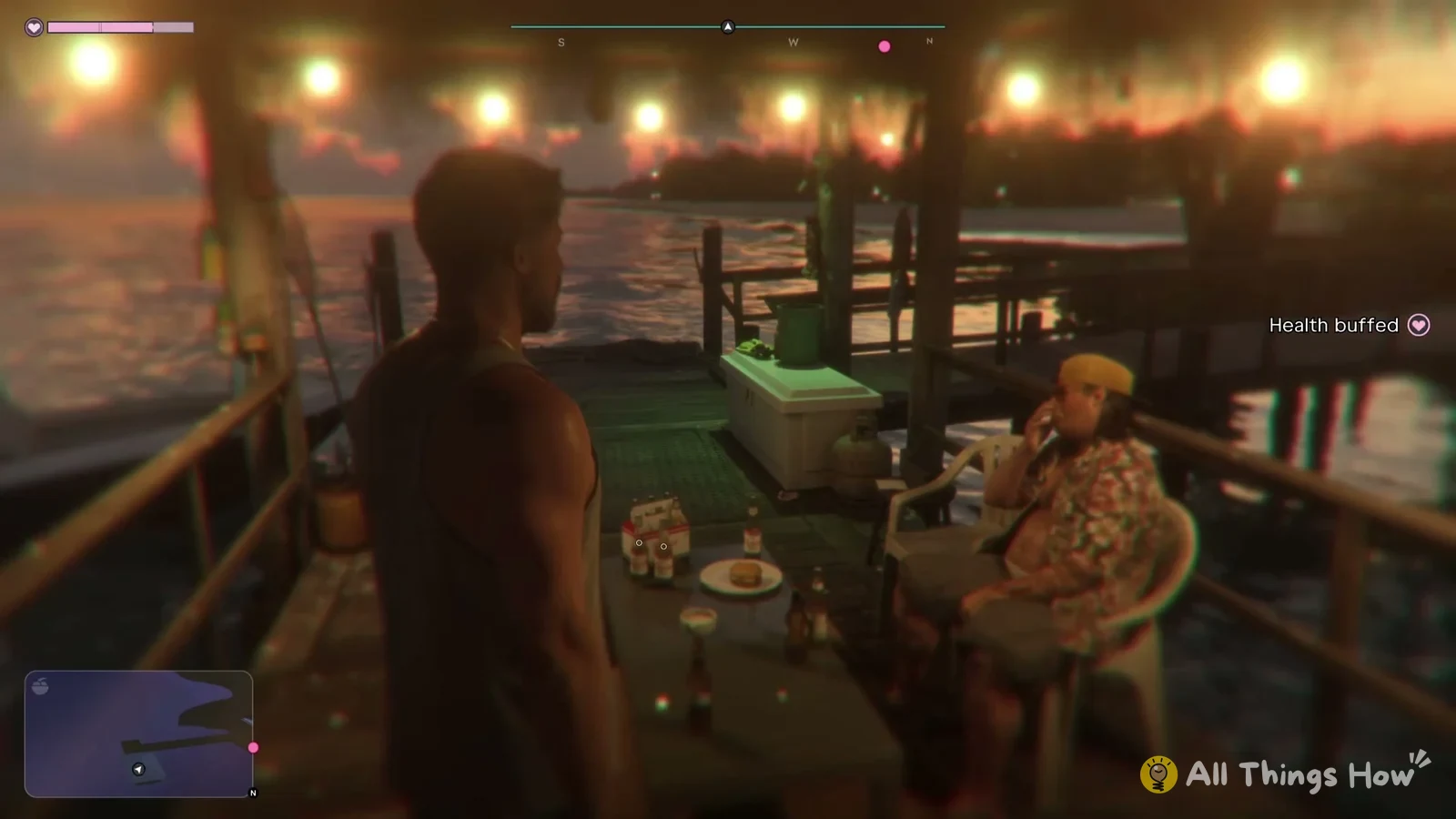
You can also check how to heal in GTA 6 or read up on buying food.