

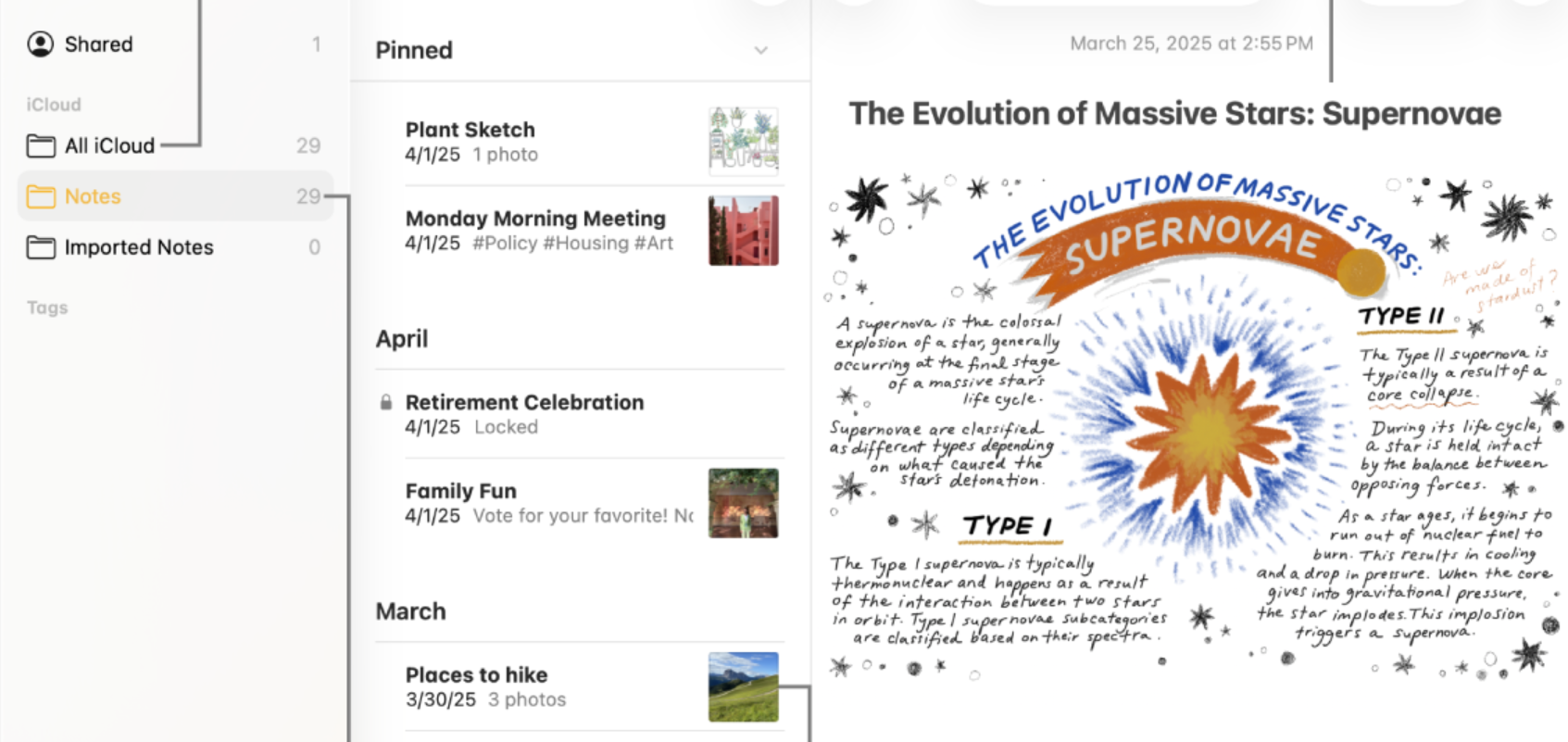
Apple Notes picks up a focused set of changes in iOS 27, with new formatting controls, tighter Markdown handling, and Siri AI that can write directly into your notes. None of it reinvents the app, but each addition removes a step you used to do by hand.
Quick answer: In iOS 27, Apple Notes adds an Insert Divider Line option, automatic Markdown paste plus a Copy as Markdown command, Siri AI that can create or append to notes, Image Playground improvements, and refreshed icons with Liquid Glass styling.
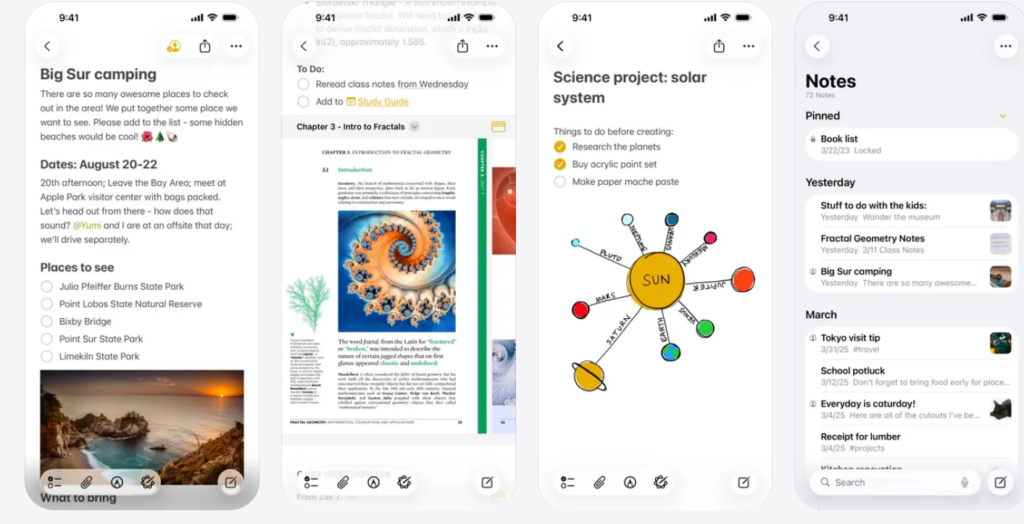
Insert Divider Line for organizing notes
Apple Notes now lets you drop a horizontal divider line anywhere in a note. It joins the existing set of formatting tools and gives you a clean way to break long notes into sections.
Create and add to notes with Siri AI
The biggest practical change is how Siri AI plugs into Notes. You can take an answer Siri gives you and push it straight into a new note or an existing one without leaving the conversation. You can also hand Siri raw text, ask it to clean up the formatting, and save the result as a note.
To target an existing note, just name it when you ask. For example, if you are reading a message about a potluck, you can ask Siri to suggest what to bring and add a recipe directly to Notes without switching apps. Siri handled limited note actions before, but this is a deeper, more reliable integration.
Siri AI runs on Apple Intelligence hardware and launches as a waitlisted beta in English first. You can join the waitlist in Apple Intelligence settings.
Markdown paste and Copy as Markdown
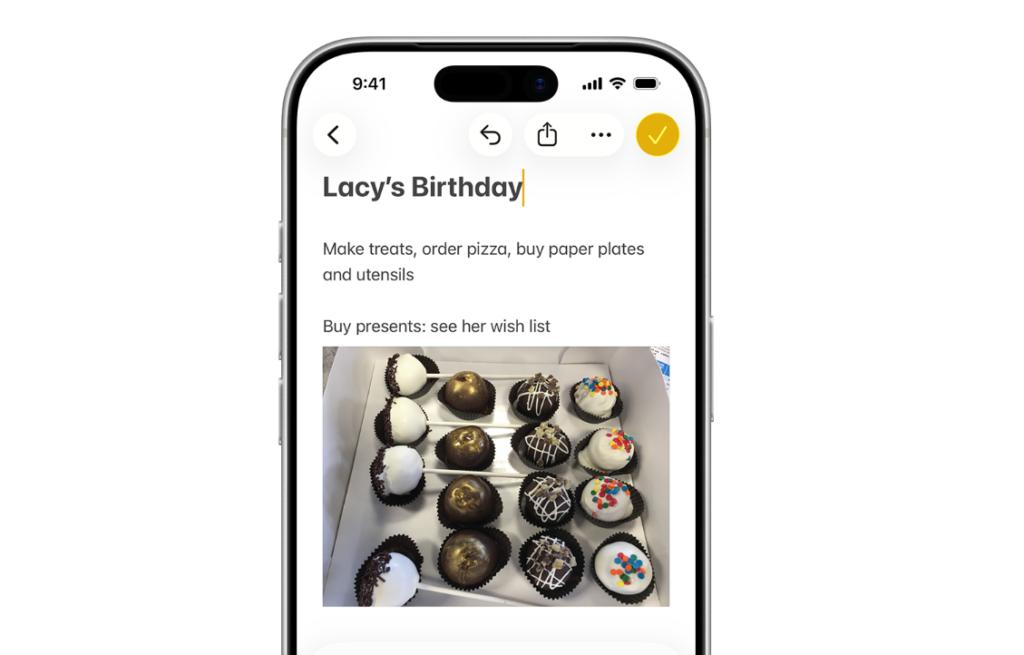
Apple Notes gained Markdown import and export in iOS 26. iOS 27 makes that workflow smoother in two ways.
When you paste Markdown-formatted text into a note, it now converts to rich text automatically with no extra steps. Going the other direction, a Copy as Markdown option in the edit menu lets you pull text out of a note as plain Markdown syntax. For anyone who writes in Markdown, that means headings, lists, links, bold, and italics move in and out of Notes cleanly.
Image Playground upgrades inside Notes
Image Playground is built into Notes, so its iOS 27 improvements carry over. The app can now produce high-quality images in a wider range of styles, including photorealistic results, using a new generative model that runs on Private Cloud Compute. Every generated image carries a hidden SynthID watermark that marks it as AI-generated.
Apple has not yet exposed the full set of these capabilities inside Notes during the early iOS 27 beta, and that is expected to expand in later betas.
Design refinements in iOS 27
Notes also gets a round of visual updates that match the broader iOS 27 look.
| Change | What you see |
|---|---|
| App icon | A refreshed Notes icon |
| Liquid Glass | Updated buttons, menus, and more |
| Shared folder | Blue icon at the top of the folders list |
| Shared items | Updated icons for individual shared folders and notes |
When you can use these features
The Notes changes ship with iOS 27, which Apple plans to release in the fall after a developer beta now and a public beta in July. The update runs on iPhone 11 and newer, though the Siri AI parts depend on Apple Intelligence hardware, so older iPhones will get the divider line, Markdown, and design updates without the AI note-writing features.