Barber Empire is a Roblox barbershop sim where you cut hair strand by strand, get graded from one to five stars, then post a before-and-after video that pulls more customers into your shop. Every haircut follows the same steps. Once you know which tool each order needs, how the clipper guard works and what the video wheel does, the early cash comes in fast enough to hire your first barber.
Quick answer: Press E to call a customer, copy the reference picture on their order card using the tool Sal names, press Enter or DONE!, then spin the wheel and post the video. Save $250 to hire a barber.
Barber Empire tools and hotkeys
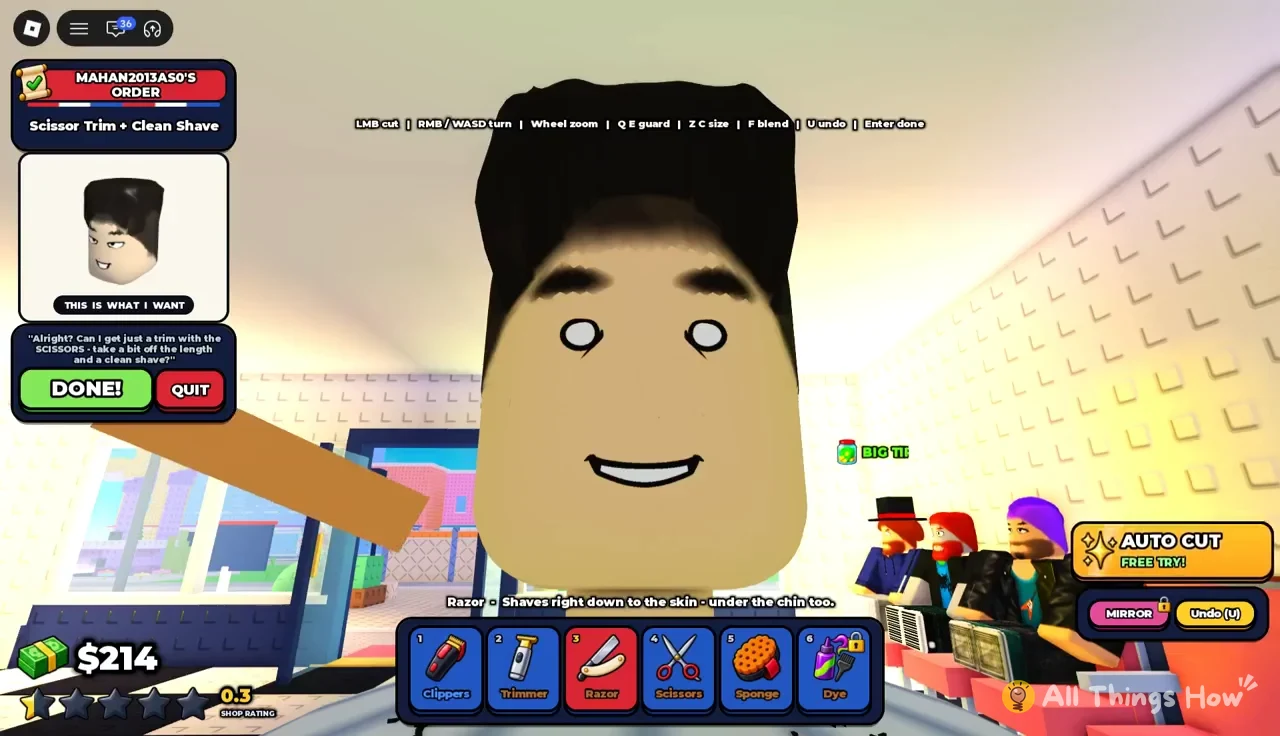
Your starting kit sits on the number keys, and each tool does one job. If you pick the wrong one for an order, you lose stars even if the cut looks tidy.
| Key | Starting tool | Used for |
|---|---|---|
| 1 | Rookie Clippers (x1.3) | Fades, buzz cuts, beards |
| 2 | Rusty Trimmer | Line-ups, detail, designs |
| 3 | Rusty Razor | Shaves down to skin |
| 4 | Rusty Scissors | Long hair, trims |
| 5 | Sponge | Not covered here |
| 6 | Dye | Not covered here |
The clippers cut hair down to whatever guard number is set, and a smaller number leaves it shorter. Q and E step through the guards (Guard 3, Guard 2, Guard 1, Guard 0.5 and NO GUARD), and F switches on BLEND for a soft fade. The trimmer leaves a sharp, straight edge along the hairline, and its FINE LINE mode on F draws thin lines for designs. Hold Shift with it to get a dead-straight line. The razor takes facial hair right down to the skin, including under the chin. You hold the mouse with scissors to keep snipping, and every snip takes a bite out of the hair the blades close on.
The rest of the controls show along the bottom of the cutting screen:
- Left mouse button cuts
- Right mouse button or WASD turns the head
- Mouse wheel zooms
- Z and C change the tool size
- U undoes your last cut
- Enter finishes the cut
How to give a haircut in Barber Empire
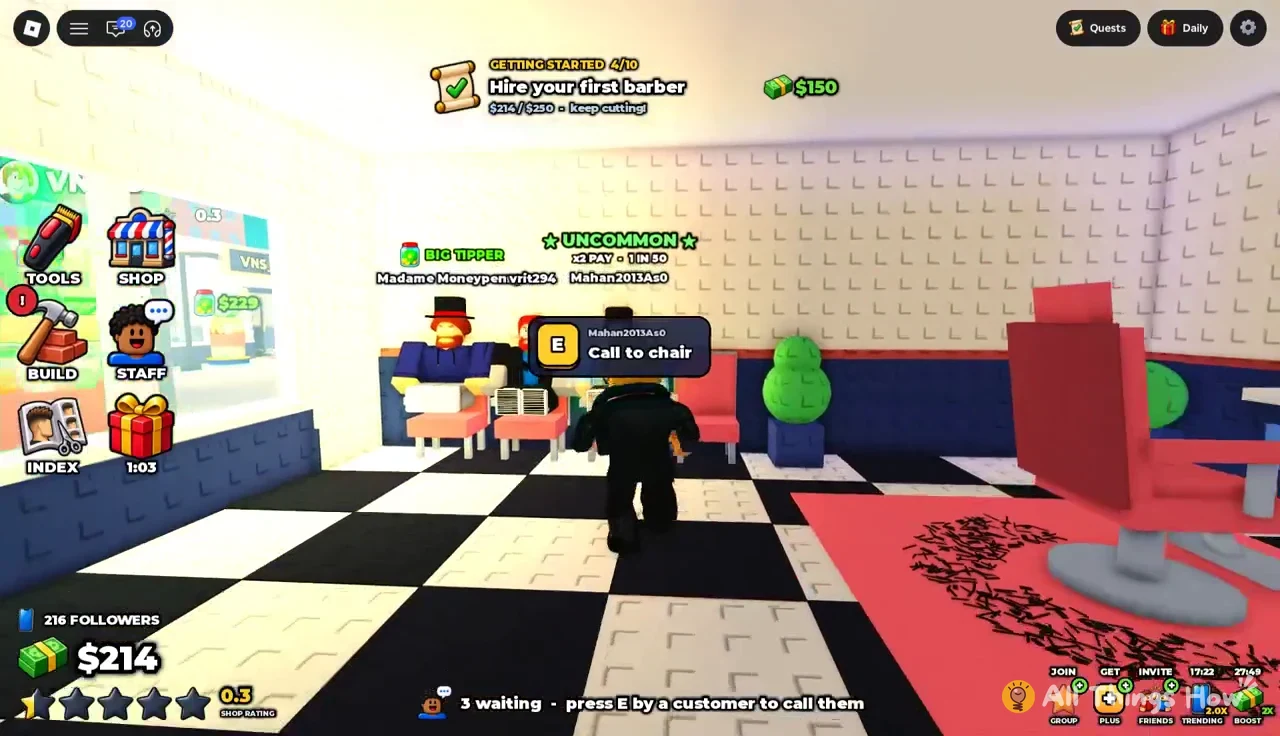
Sal, the Master Barber, pops up during your first cuts with yellow arrows pointing at the tool buttons he wants you to use. He also tells you the tool order outright, like “SCISSORS, then the RAZOR” for a trim and shave, or “CLIPPERS, then the TRIMMER” for a buzz cut with a line-up.
Barber Empire star ratings and pay
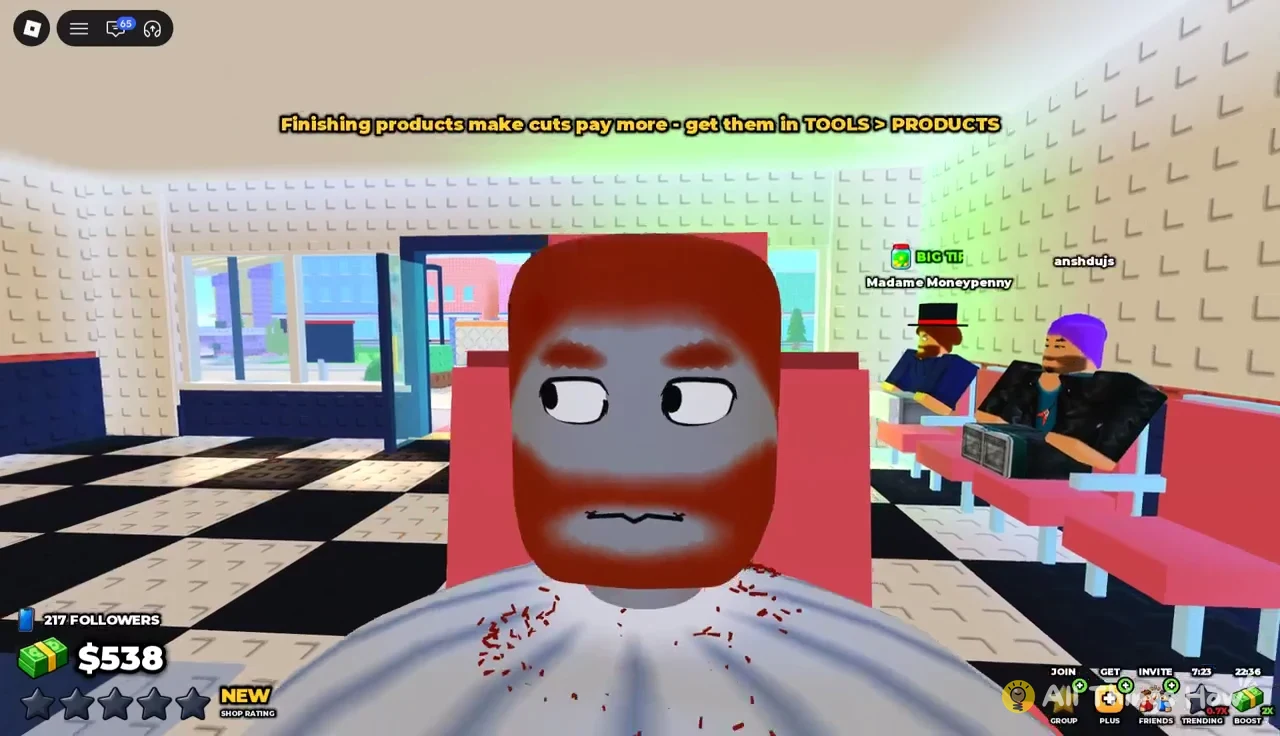
Ratings run from one star (“YIKES!”) to five stars (“FRESH!”), and they change what the customer pays and how your shop’s reputation goes. The results screen tells you exactly what went wrong and what to do differently next time. Tips land in your tip jar instead of your wallet.
| Order | Rating | Paid | Game’s feedback |
|---|---|---|---|
| Scissor Trim + Clean Shave | YIKES! (1 star) | $124 | Wanted a bit trimmed off |
| Buzz Cut + Short Beard | FRESH! (5 stars) | $126 + $28 tip | Exactly what they asked for |
| Buzz Cut + Line-Up | DECENT (3 stars) | $107 + $5 tip | Wanted to keep their beard |
The one-star cut skipped the scissors on long hair, and the game’s advice was to snip it with the SCISSORS (4) next time. The three-star cut lost points because the beard got cut even though the order didn’t mention it, and the feedback was to leave the beard alone. If the order card doesn’t ask for anything on the face, don’t touch it.
Some customers carry a tag under their name. An UNCOMMON customer pays double and shows up 1 in 50 times, while a BIG TIPPER (Madame Moneypenny is one) is worth extra care for the tip. Finding a new aura on a customer pays out right away. The first Uncommon Aura gives +$200 and +3% cash for good.
Posting your haircut video and spinning the wheel
After the rating, the phone films the AFTER clip and opens a video editor. You spin a wheel for a views multiplier, and its slices are x1.1, x1.2, x1.3, x1.5, x2, x3 and VIRAL!. Then you press POST IT. The video goes up under your shop’s handle and earns views, likes, followers and shop rating.
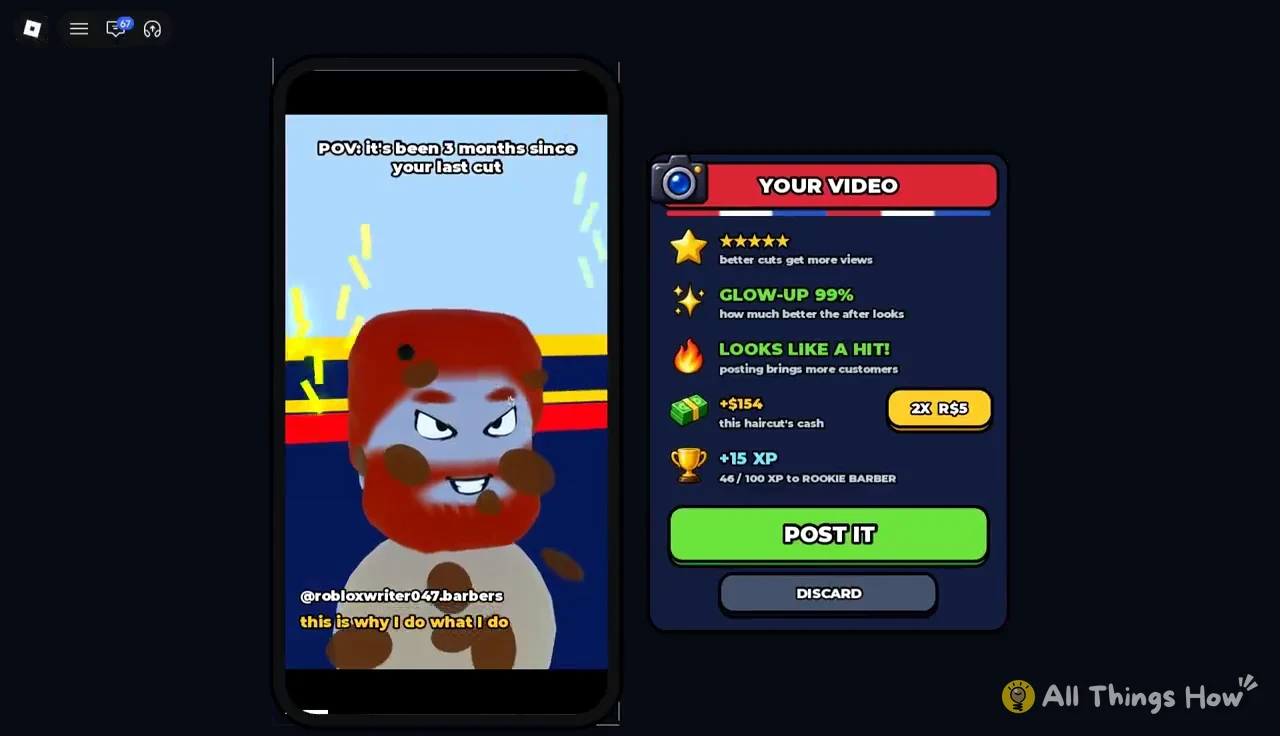
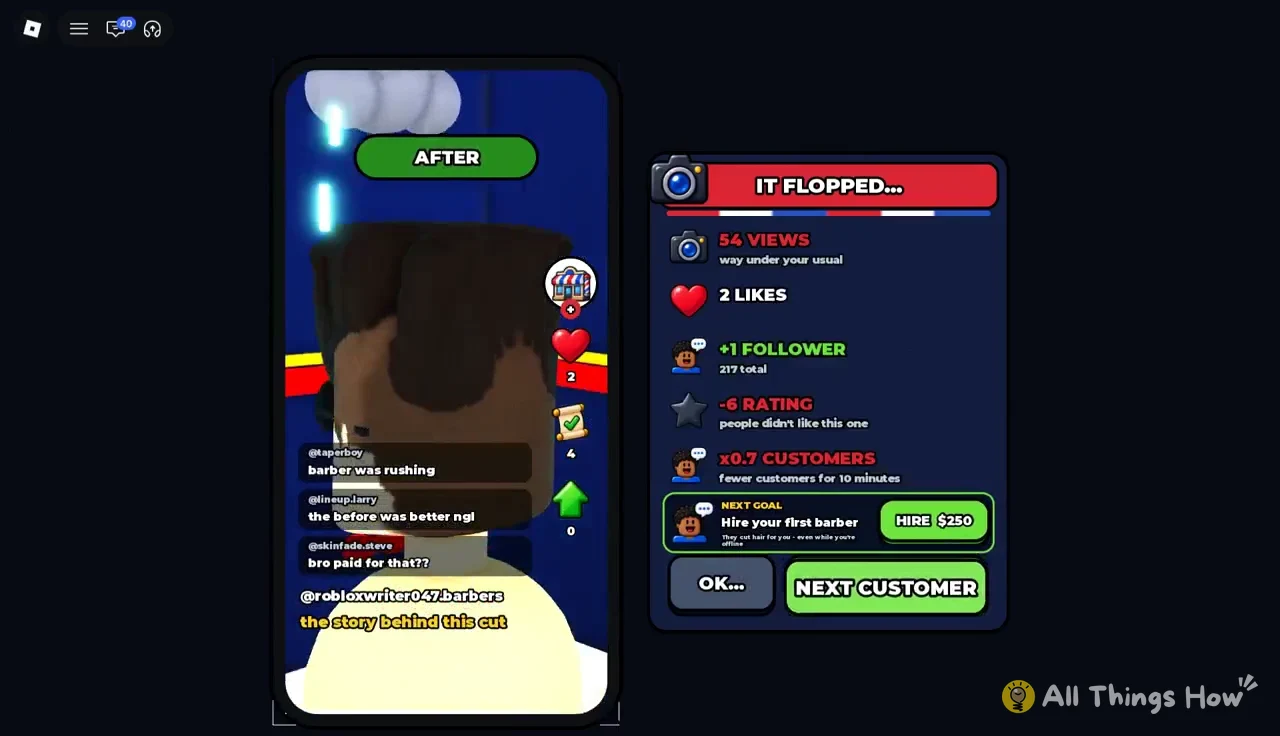
How well the cut went and where the wheel stops decide what the post does for your shop. A good post sets off a customer rush for 20 minutes, and a flop actually slows your shop down, dropping customer traffic to x0.7.
| Result | Views and likes | Followers | Customers |
|---|---|---|---|
| IT FLOPPED… | 54 views, 2 likes | +1 | x0.7 |
| POSTED! (x1.2 spin) | 1,348 views, 184 likes | +25 | x1.7 for 20 min |
| IT WENT VIRAL! | 4,895 views, 662 likes | +96 | x1.9 for 20 min |
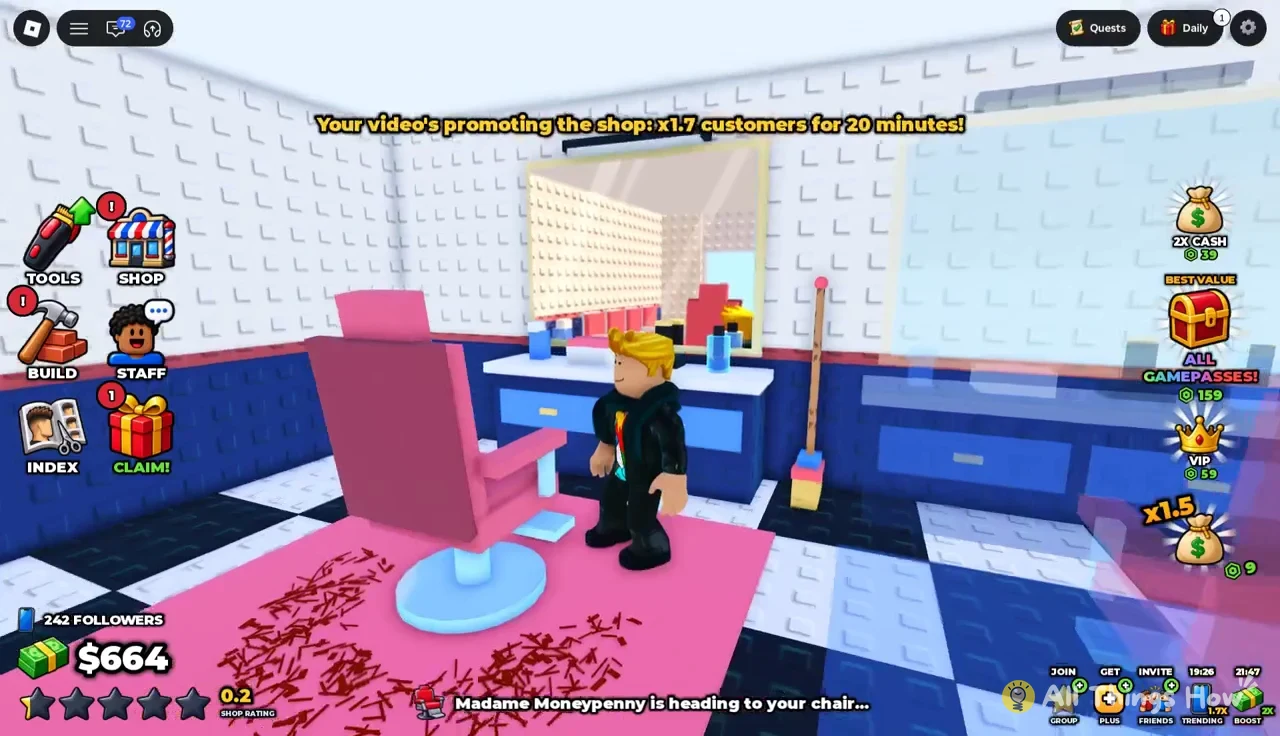
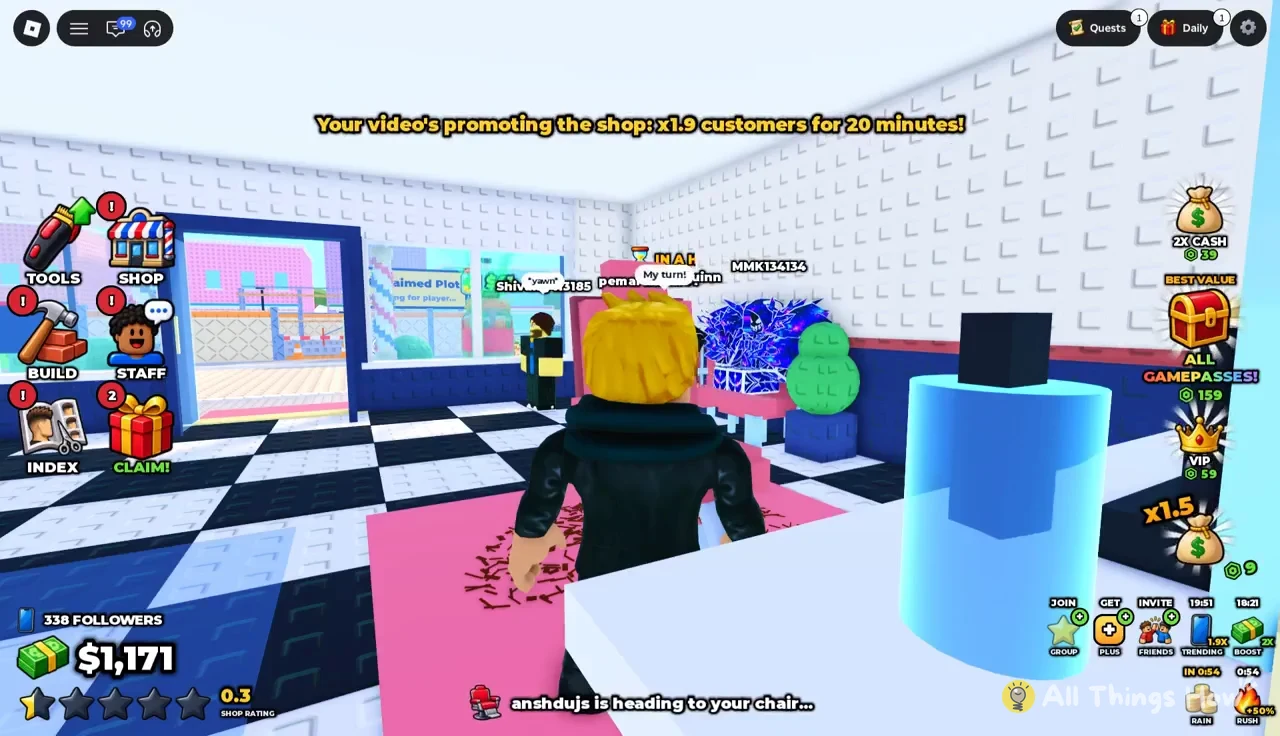
The viral result came from a three-star cut, so the wheel can still rescue an average haircut. While a boost is running, a yellow banner on the shop screen shows the multiplier and how long it lasts.
Hiring your first barber in Barber Empire
Your first quest line is GETTING STARTED, and it has 10 goals. One of them is “Hire your first barber”, which costs $250. A hired barber cuts hair for you, and they keep earning even while you’re offline. The quest tracker at the top of the screen shows how close you are, something like “$214 / $250 – keep cutting!”.
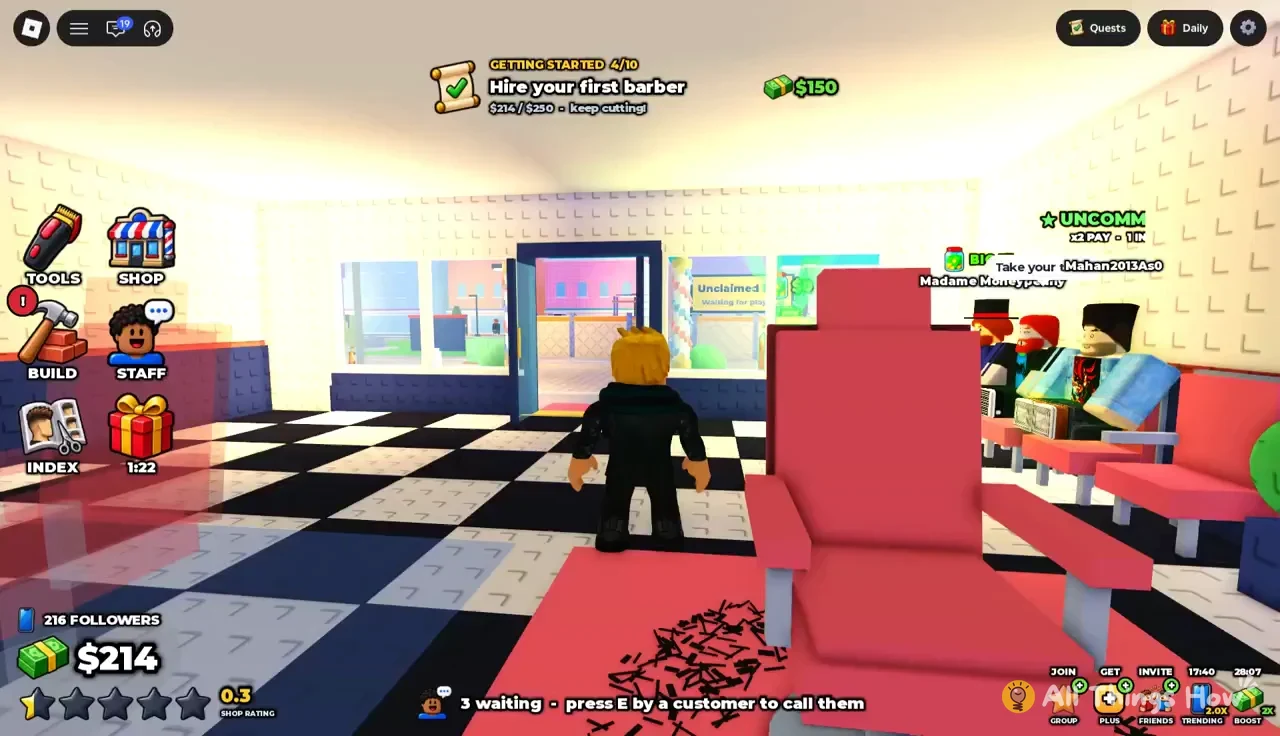
Once you have the money, walk to the empty barber station and press E at the “Hire a barber” prompt. When a goal is done, a “QUEST DONE!” card pops up with a CLAIM button, and claiming it gave $200 in cash. Three cuts plus the aura bonus and quest reward added up to +$1,318 in one visit, so you can reach the $250 hire in your first few customers.
Joining the had to get bro right group on Roblox gives +10% cash on every haircut, and the group is the developer’s own.
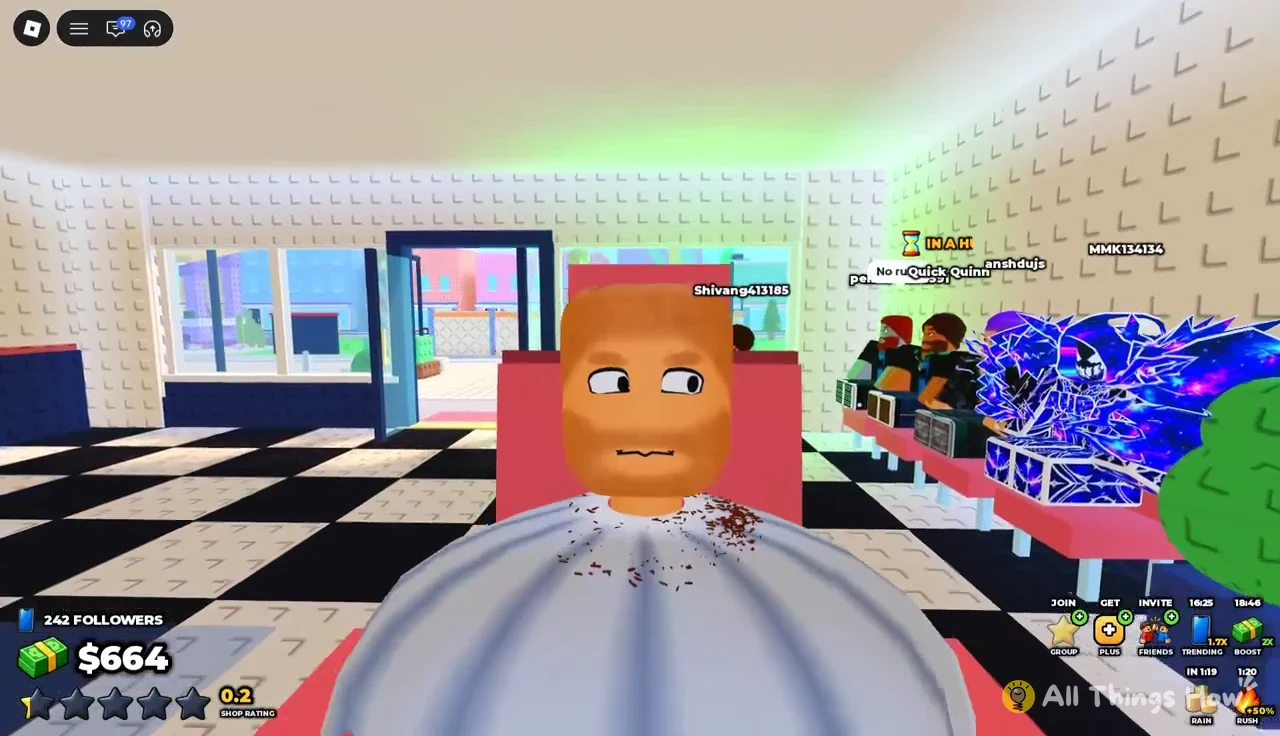
When you leave, the end-of-visit screen adds up what you made and reminds you to hire a barber so you keep earning while you’re away. Beyond that first hire, the shop grows from a corner spot into a bigger salon as you unlock better tools. You can also cut hair with a friend in co-op.