Crimson Desert’s Update 1.11.00 is live on PC, macOS, PlayStation 5, and Xbox Series X/S, and it lands two changes that did not appear on the summer roadmap. You can now register far more pets than before, and lost rare equipment can be bought back from merchants instead of being gone for good. The rest of the patch is a wide mix of mount fixes, minigame tuning, and controller remapping.
Quick answer: Update the game through your platform’s client, log in, and check Menu → Journal → Challenges → Continued Journey → Pets for new challenges that raise your pet registration cap to 100. Any qualifying challenges you already finished pay out retroactively to your Storage.
New pet challenges and the 100-pet registration cap
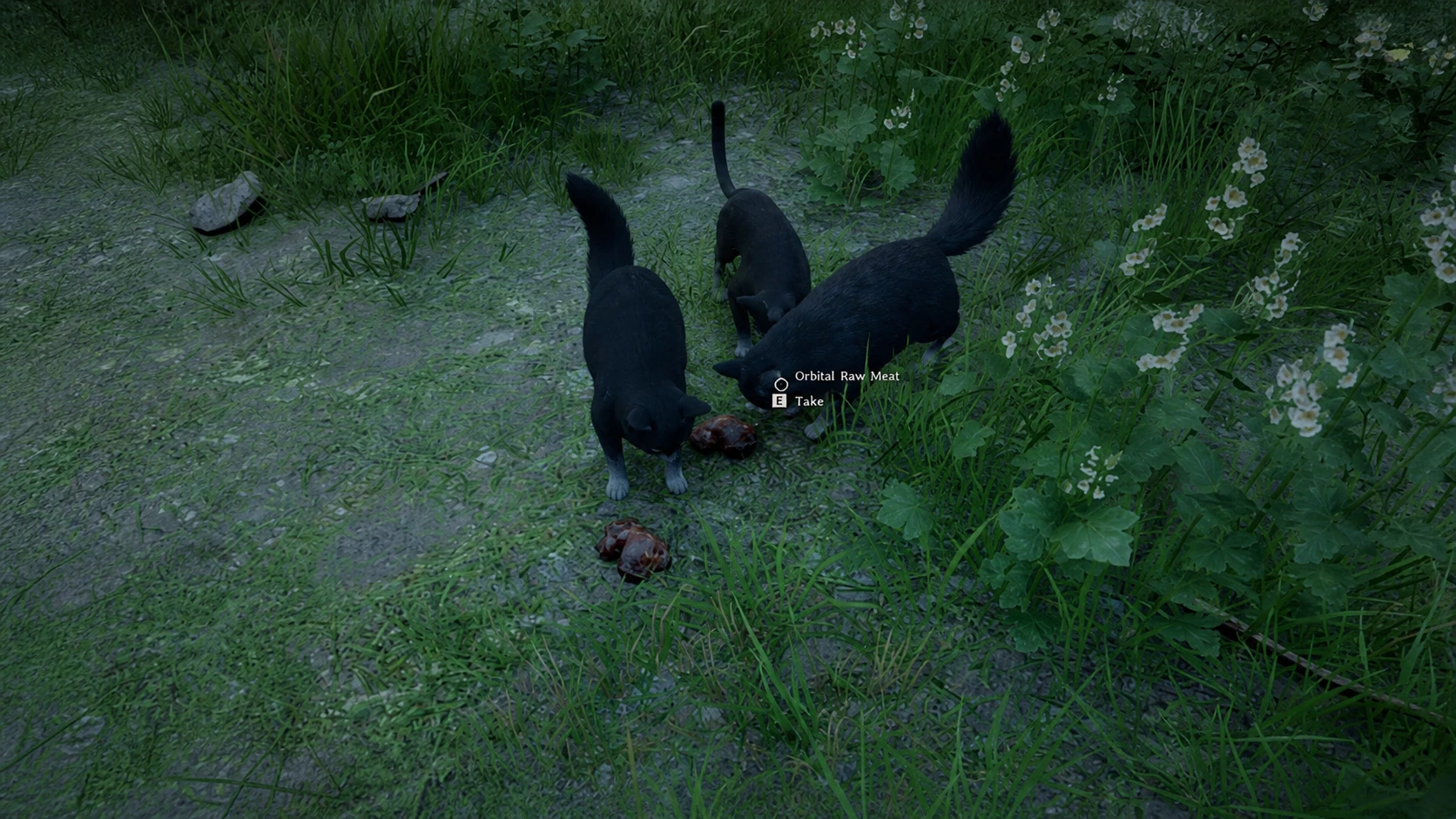
The headline addition is a new set of pet challenges that increase how many pets you can keep. You can now register up to 100 pets total. The summon limit is separate, so even with a full collection you can only bring up to 50 pets out at camp at once.
The challenges sit in a new Pets tab under Menu → Journal → Challenges → Continued Journey. There are four of them, each granting extra pet slots when completed.
| Challenge | Requirement |
|---|---|
| Start of Companionship | Tame 1 pet |
| Speedy Tamer | Tame 3 pets in 1 minute |
| A New Reliable Companion | Grow a Baby Wyvern and a Kuku Bird Chick |
| Bye, My Little Friend | Release 1 pet |
If you already met a challenge’s conditions before the update, the reward arrives automatically. When you patch and log in, a pop-up confirms the items have been sent to your Storage. That confirmation is how you know the retroactive reward registered.
Note: Past actions do not always count. If you released a pet or raised a Baby Wyvern and a Kuku Bird Chick before 1.11.00, those challenges may not credit retroactively. In that case you need to repeat the task after updating to complete them.
Recover lost rare equipment from shopkeepers
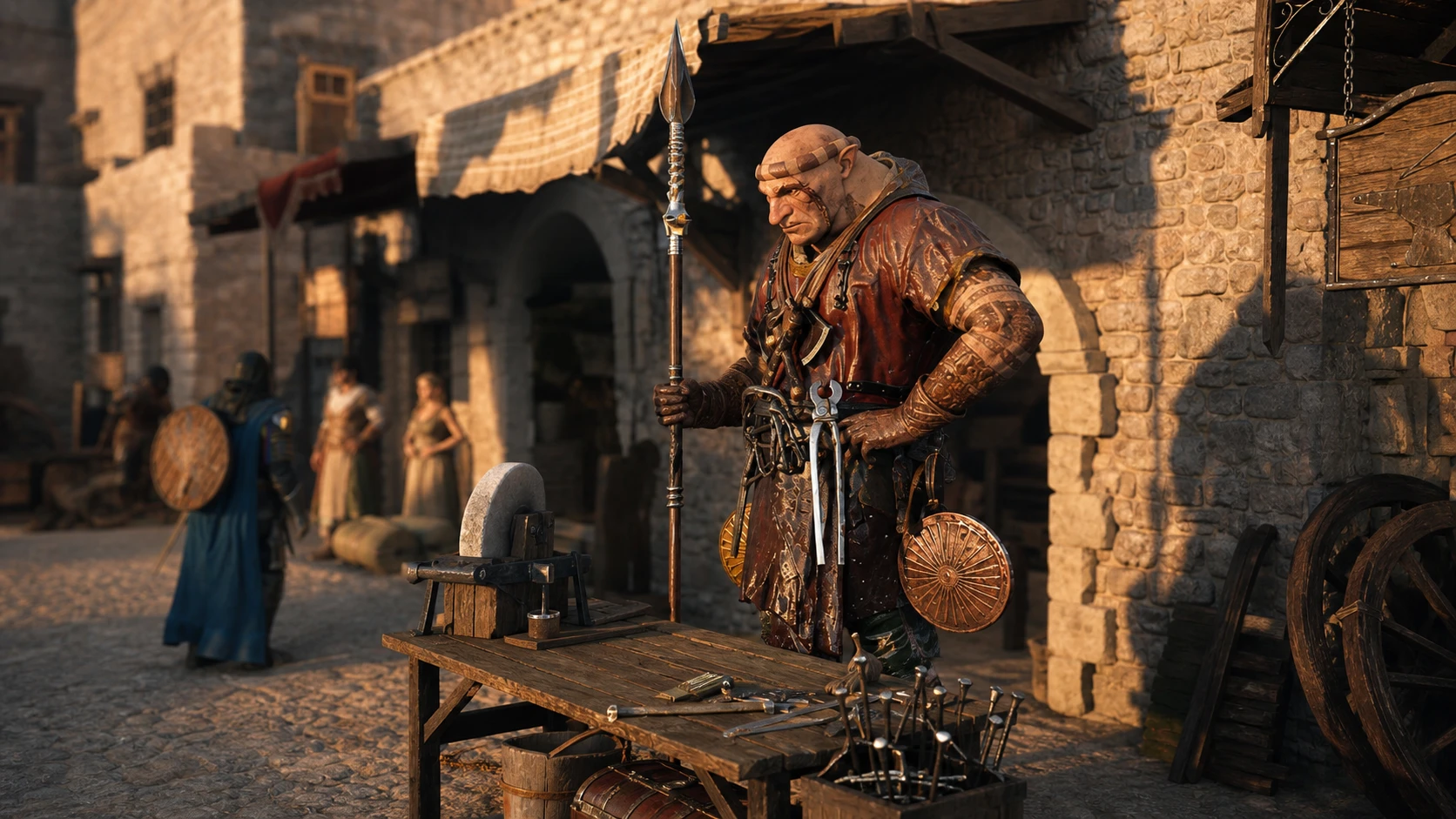
The second major change is a safety net for valuable gear. Shopkeepers now collect lost rare equipment and offer it back for purchase. This covers rare items from treasure chests, quests, and other special sources, the kind of one-time loot that used to be impossible to replace.
There are two catches. The buyback price is higher than the item’s original value, which keeps the loss from being free. And the item does not appear instantly. Lost equipment shows up in shops within seven days of being lost, so you may need to wait and check merchants before it returns.
| Detail | Value |
|---|---|
| Eligible items | Rare gear from treasure chests, quests, and other methods |
| Where to buy it back | Shopkeepers |
| Availability window | Within 7 days of being lost |
| Cost | Higher than the original value |
The recovery covers gear you lost during play. Items you deliberately sold to a vendor are not described as part of the system, so do not count on the resale list to undo a sale.
Pet, wyvern, and mount changes
Baby Wyverns now have their own dedicated icon on both the map and minimap, which makes it easier to tell the pet apart from the grown Wyvern mount. Pets also keep their assigned names after they grow, instead of reverting.
The Iron Eagle and Phoenix can now equip the Sigil of Valor, the pet gear that lets a companion join combat. Several mount and wyvern problems were addressed as well.
- Wyverns no longer summon in an unmountable state.
- You can use Axiom Force to mount Wyverns without learning Back Hang first.
- Dismounting a wyvern in midair no longer forces an automatic remount.
- Wyvern attacks on land no longer drain excessive stamina.
- Blackstar and wyverns no longer walk into water in certain situations.
- Mounts are no longer summoned inside dangerous zones.
- Kuku Bird eggs and Wyvern eggs can no longer be stacked.
Damiane and Oongka improvements
The two alternate playable characters move closer to Kliff’s out-of-combat toolkit. Damiane and Oongka can now equip and use the Mining Drill and the Chainsaw. Two related fixes also landed for them.
- Spirit recovery now increases properly after leveling up Focus.
- Oongka’s Scatter Shot now consumes cannonballs when used while clinging to a wall.
Controller remapping, combat, and minigame fixes
Controller players can finally remap menu buttons. You can now assign the buttons for Inventory, Map, Skills, Journal, and Photo Mode, matching options that keyboard and mouse already had. Housing Mode also got a fix so certain items can be moved again after being taken out.
On the combat side, Golem attack patterns were adjusted, and Explosive Evasive Shot and Multishot now trigger their extra effects when special arrows are equipped. The pinball minigame is easier and more stable after several tweaks.
- Overall difficulty lowered, with the ball moving with a slightly heavier feel.
- Fewer cases of the ball passing through walls or getting stuck in the upper-left area.
- Pin positions adjusted and some fixed pins removed.
- Portal launch force and angle adjusted, and the ball no longer falls when bounced off the launcher.
Foul detection in the duel minigame was improved, and the Sigil of Solidarity now works in situations where it previously could not.
UI, shops, and other fixes
A handful of interface and world fixes round out the patch. Animal images, Knowledge entries, and Guides got cleaner art, and a few display bugs are resolved.
- Animal names no longer show as “???” at the Rancher’s Shop.
- The experience UI now appears after feeding a pet.
- Feeding no longer consumes two food items on Hard difficulty.
- Depth of Field can now be disabled in Photo Mode.
- The drill’s bonus yield now works correctly when used while clinging to a wall.
- Flower Basket added to the Hernand Provisioner’s Shop; Ranged Weapons of the World – Bows, Vol. I added to the Hernand Equipment Shop.
- The Irkyn Knowledge entry can be obtained after completing the kiln repair quest at the Kilnden Workshop.
Localization errors were corrected and quality improved across all supported languages. The full breakdown is posted on the official Crimson Desert notice page. On Steam, the update downloads automatically the next time you open the client.
For most players the practical takeaways are simple. Clear the four pet challenges to raise your cap toward 100, and if you ever lose a rare quest or chest item, wait up to a week and check the shops before assuming it is gone.