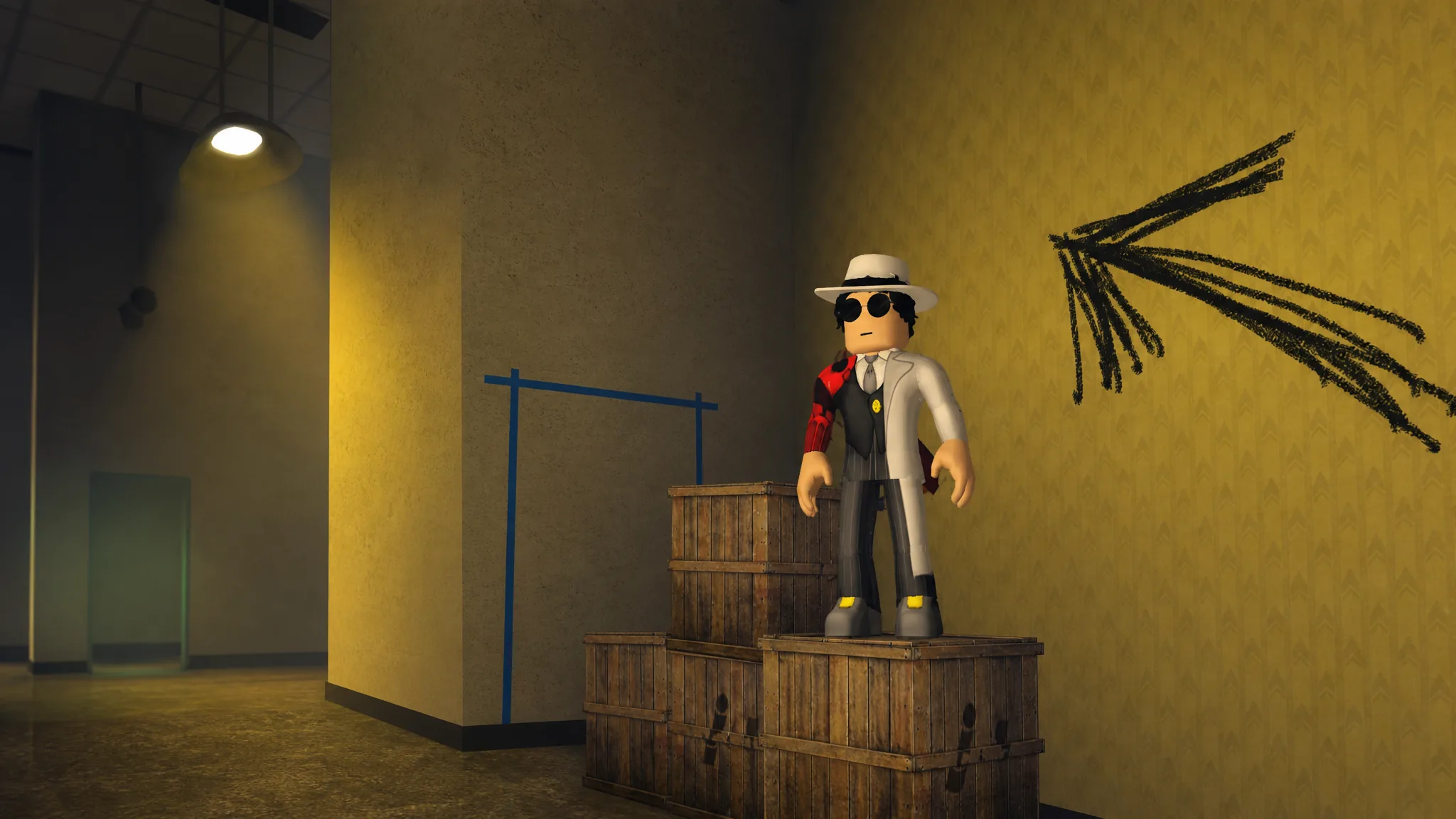
In Jurassic Genesis, a badge that shows up as ??? is a hidden badge. Roblox masks both its name and its description on the badge list until you actually meet the unlock condition, so the entry stays blank until the moment you trigger it. The dinosaur survival experience leans on these hidden entries to hide secret encounters, special morphs, and limited rewards.
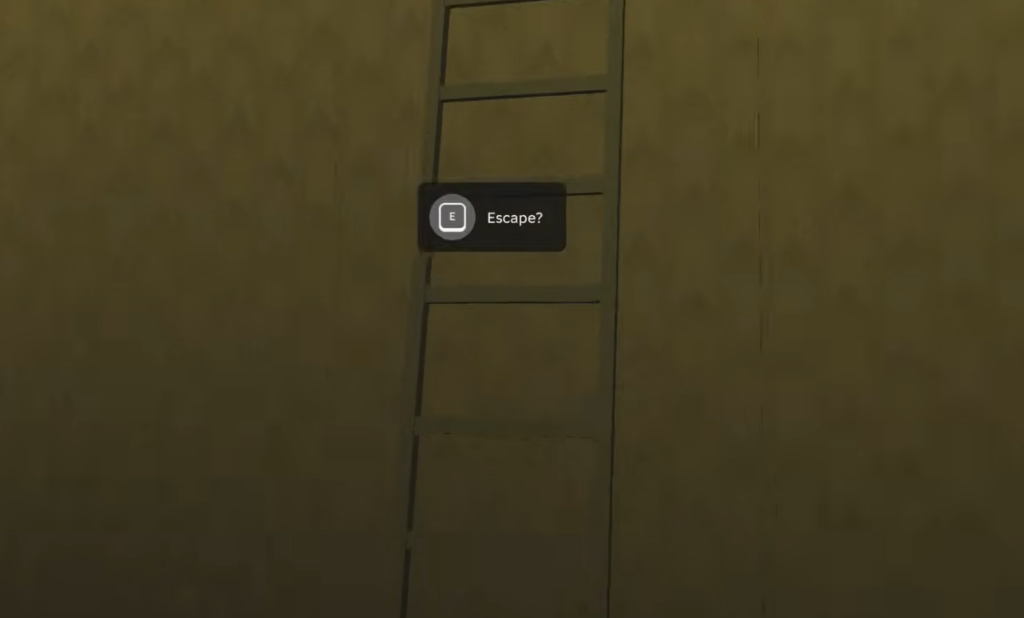
Quick answer: A “???” badge is a normal Jurassic Genesis badge with its name hidden by the developers. You unlock it by performing the hidden action tied to it (often finding a secret paddock, location, or boss fight on the current map), and it stays masked on the badge list until you trigger it.
What a “???” badge means in Jurassic Genesis
Roblox lets developers hide a badge so it appears as “???” with no readable title or requirement. The badge is still real and still awards on completion. It only reveals its name once it lands in your inventory. Because of this, hidden badges in Jurassic Genesis usually mark content the developers want players to discover on their own, such as a concealed boss, a secret experiment, or a one-time limited event.
You can play Jurassic Genesis directly on its official Roblox experience page. The game launched on May 6, 2025, and is maintained by the Jurassic Genesis Community group.
Jurassic Genesis badges and their unlock conditions
Most badges sit in the open with clear names, while the secret ones stay masked until earned. The table below lists the badges that are confirmed in the game along with what is known about each one.
| Badge | What it unlocks or requires |
|---|---|
| Dominion Unleashed | Standard obtainable badge in the main progression. |
| Experiments Unhandled | Tied to unlocking the Tenebris Rex. |
| Hidden Horrors | A hidden-style badge linked to secret content. |
| Tyrant Killer | Standard obtainable badge. |
| Strike me Down! | Standard obtainable badge. |
| Indomitable Fury | Limited badge that grants the Indominus Rex Morph. |
| Rebirth | Earned through the rebirth expedition path. |
| Smoldering Giga | Tied to a meteorite event location on the map. |
Some badges, such as Indomitable Fury, are limited and may stop being obtainable once their event window closes. If a badge is gated behind a time-limited update, you cannot earn it after the window ends.
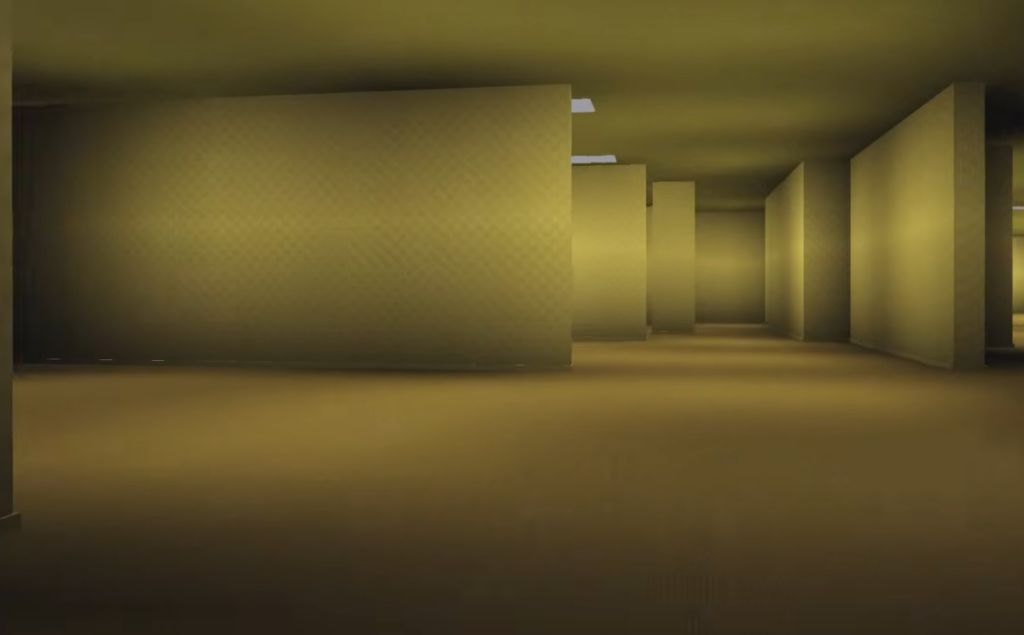
How to find and trigger the secret badge
How to confirm the badge unlocked
When you meet a badge’s condition, Roblox shows an on-screen award notification, and the badge immediately appears in your inventory. After that point, the masked “???” entry reveals its real name and description on the badge list. You can also verify it on your Roblox profile under the game’s badges, where earned badges are marked as obtained.
If the badge does not trigger, the usual reasons are simple. You may not have reached the exact location or event state required; you may be missing a needed dinosaur or team to win a fight, or the badge may be a limited one whose event window has already closed. Hidden requirements can also shift between updates, so a condition that worked in an earlier version may move to a new spot on a new map.