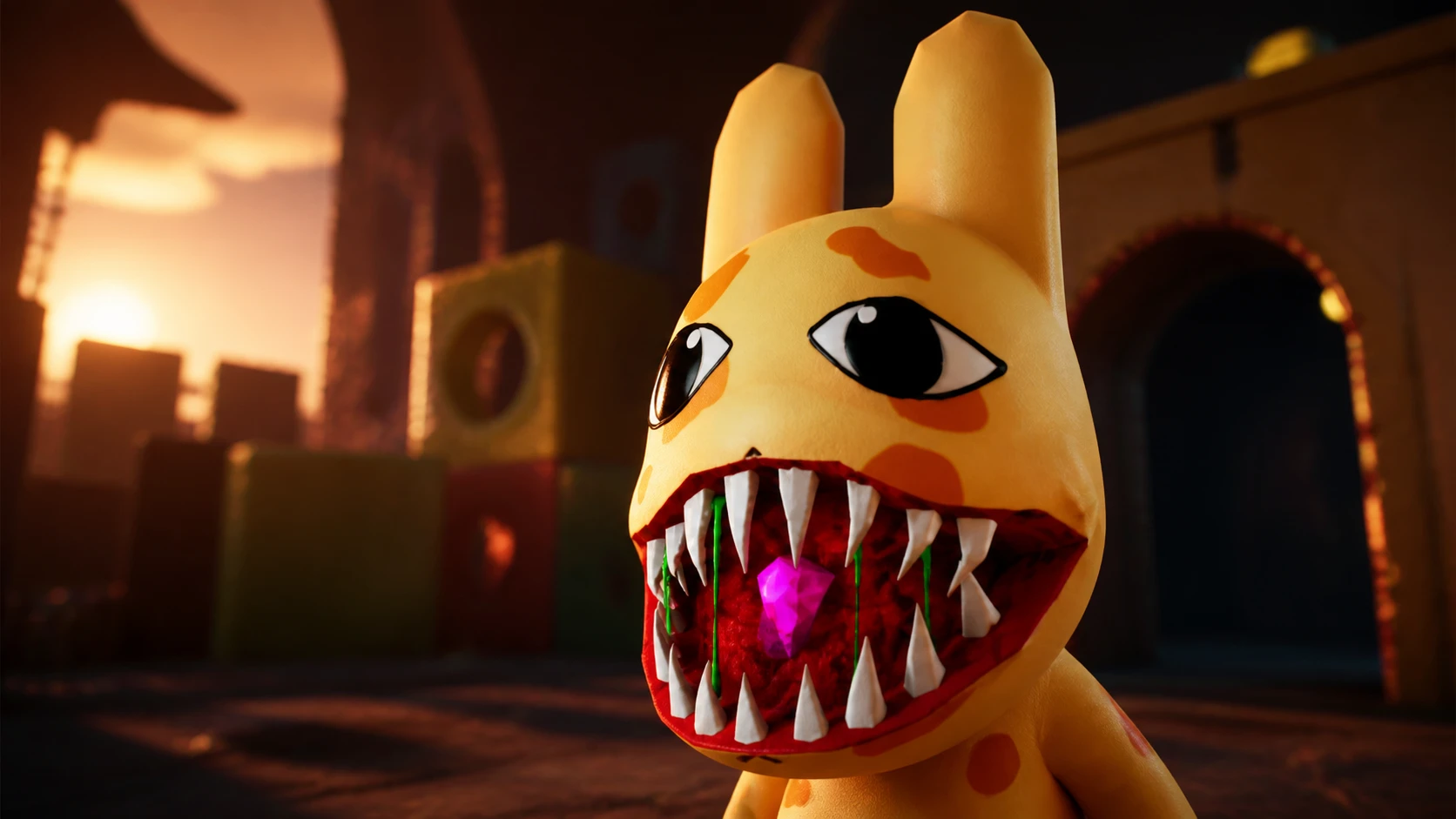
In Animal Hospital, a steady stream of patients comes through check-in, and some of them are anomalies wearing a normal face. An anomaly is either a disguised monster or a patient showing strange signs, and your job is to catch those signs early and refuse treatment. Let one slip through and it can transform, attack, and drain your sanity.
Quick answer: Do not treat or admit a patient that shows any anomaly sign. Inspect each patient at the lobby, on their photo, and through the security cameras, and turn away anyone who fails. A single patient can carry more than one anomaly at once.
Where to check for anomalies
Most anomalies change a patient’s appearance in some way. A few are obvious at a glance, while others only show up when you look closer. Three checkpoints catch nearly everything.
- The lobby and check-in window, for visible physical changes.
- The patient’s photo, for details that only appear in the picture.
- The security cameras, for distortions that only show on CCTV.
Appearance anomalies
These signs are visible directly on the patient without any equipment. If you see any of them, turn the patient away.
| Anomaly | Description |
|---|---|
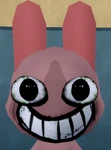 | The patient has big eyes and a wide smile. |
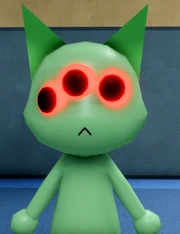 | The patient has three glowing red eyes and a distorted voice. |
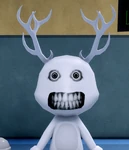 | The patient has realistic teeth and big eyes. This one also shows up on the photo. |
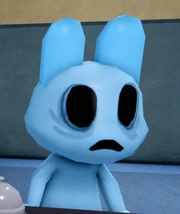 | The patient has no eyes and a frown on their face. |
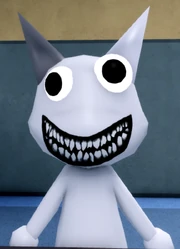 | The patient has two mismatched eyes with a creepy smile. |
 | The patient twitches in both hands and head. Usually visible normally, and sometimes only when using equipment. |
Photo anomalies
Some patients look normal in person but reveal themselves in the photo you take. Note that one of these costs sanity just to inspect, so weigh that before picking it up.
| Anomaly | Description |
|---|---|
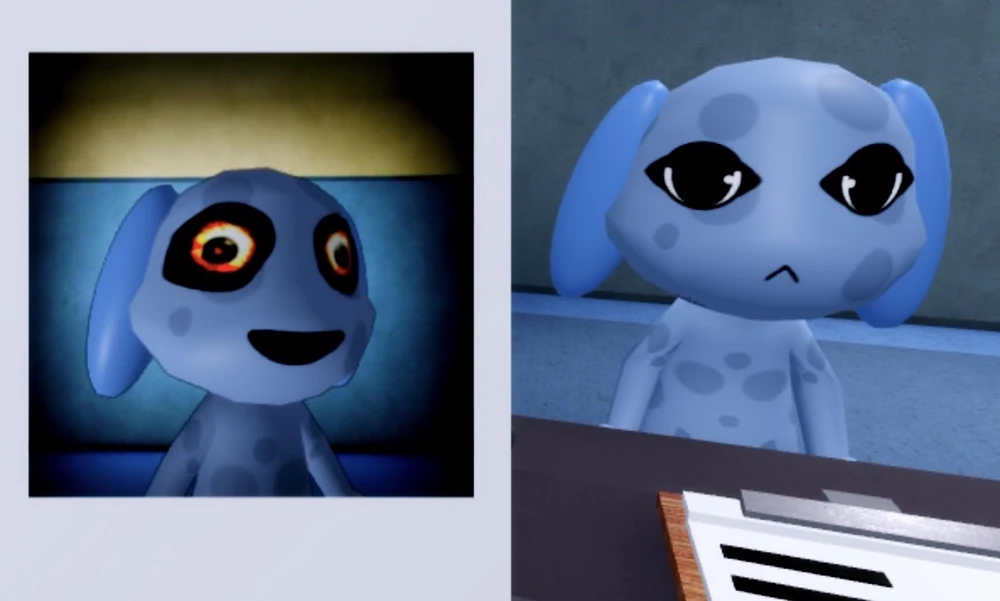 | Bloodshot eyes and a creepy grin in the photo. Picking up the photo and looking at it costs 10 sanity. |
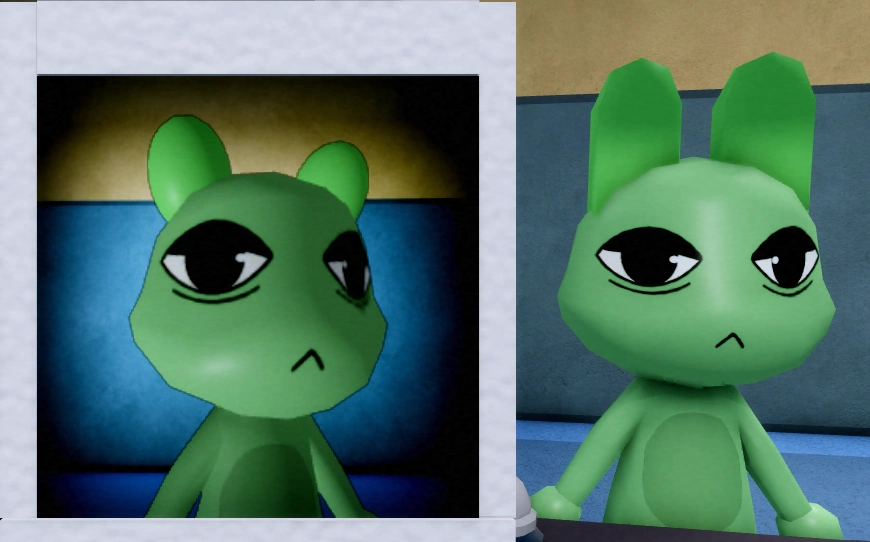 | The patient has different ears in the photo. |
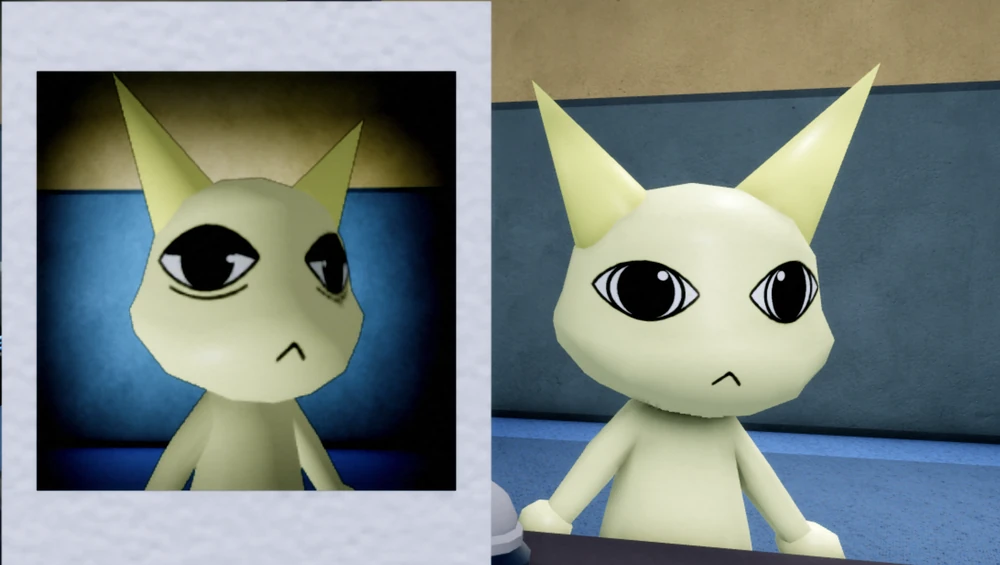 | The patient has different eyes in the photo. |
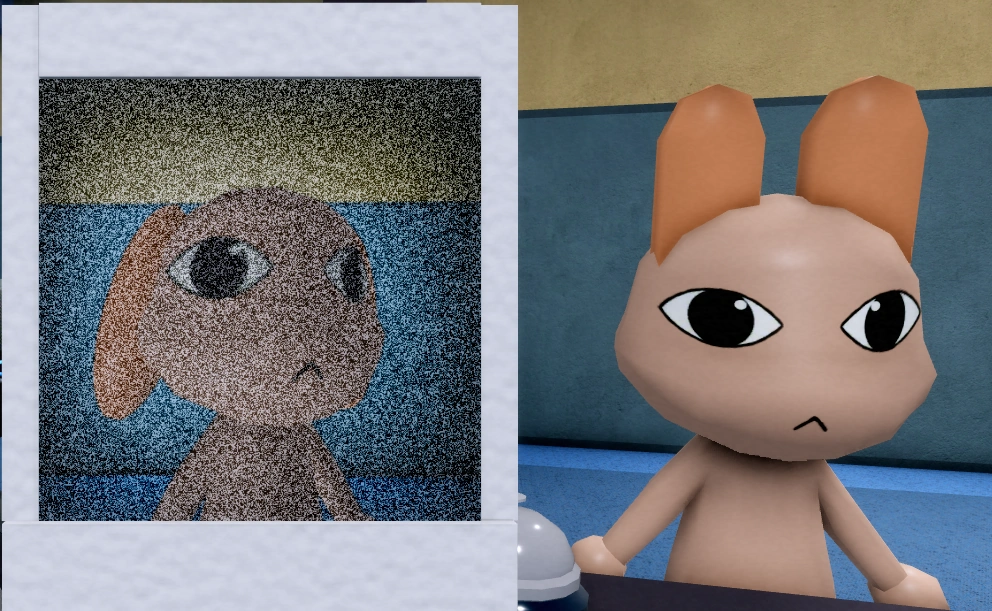 | The photo appears distorted and noisy with static. |
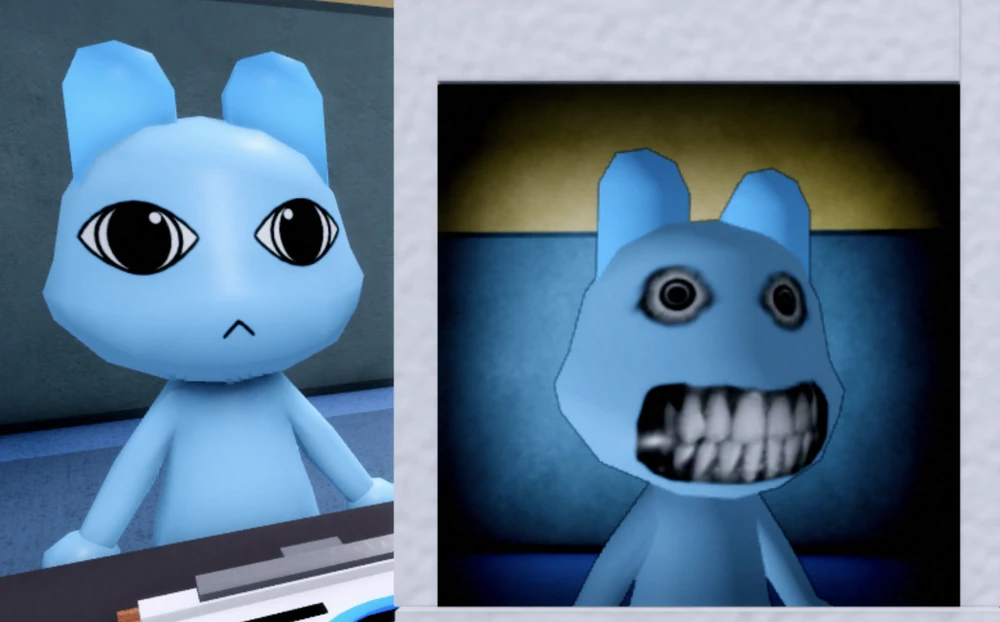 | The patient has realistic teeth and big eyes in the photo. |
Camera anomalies
These only show up through the security cameras, so check CCTV before clearing a patient. A patient that looks fine in the lobby can still be distorted on camera.
| Anomaly | Description |
|---|---|
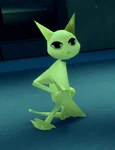 | The patient’s body looks distorted on camera. |
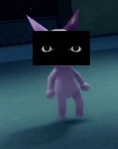 | The patient has a black rectangle with eyes in front of their head. |
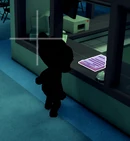 | The patient appears completely black on the camera. |
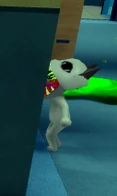 | The patient appears as a skin walker on camera. |
 | The patient stares directly at the camera. |
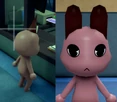 | The patient has mismatching ears when viewed through the camera. |
| The patient’s hands and head twitch when observed on camera. |
Anomaly monsters and how to deal with them
Monsters appear as events or after you let an anomaly patient through check-in. Each one has a set counter, so handle them with the right action instead of panicking.
| Monster | What it does and how to handle it |
|---|---|
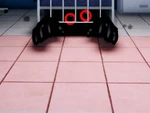 Bed Monster | Appears under the bed and grabs you if you step into the red square, draining sanity. It can also attack patients and hiders. Take the Maple Syrup and enter the red square to deal with it. |
 Head Banger | Shows up as a patient with hollow eyes that bangs its head on the check-up window. Give it coffee to make it leave. Telling it to go without coffee costs 20 sanity. |
 Skin Walker | Appears in many forms with sharp teeth and a big snake-like tongue, coming from anomalies let through at check-in. It attacks patients and players and transforms while in recovery on the bed or once its check-in completes at the front window. |
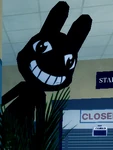 Stalker | A tall black bunny with a wide smile that appears around corners anywhere on the map. Looking at it deals 10 sanity damage, so avoid staring at it directly when passing. |
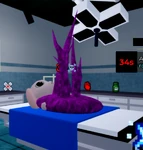 Surgery Monster | Appears spontaneously in the transplantation room (Room 8) as a mass of purple tentacles with a 45 second countdown. Complete the surgery before the timer ends or the patient dies. A gun or tazer kills the patient, so finish the operation instead. |
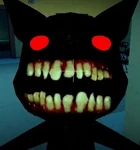 Camera Anomaly | Appears when you check a broken camera through CCTV, showing black with realistic teeth and red eyes. The view zooms in, and staying too long deals sanity damage. Getting the jumpscare costs 20 sanity, so leave the camera quickly. |
The Hider is another threat to watch for. It appears all over the map, often in groups, and chases you if you walk too close. Hiders can steal your items and deal sanity damage, so run the opposite way until they vanish. Keep your sanity high by inspecting every patient at all three checkpoints and refusing anyone who fails, and you will keep disguised anomalies out of the hospital before they have a chance to change.