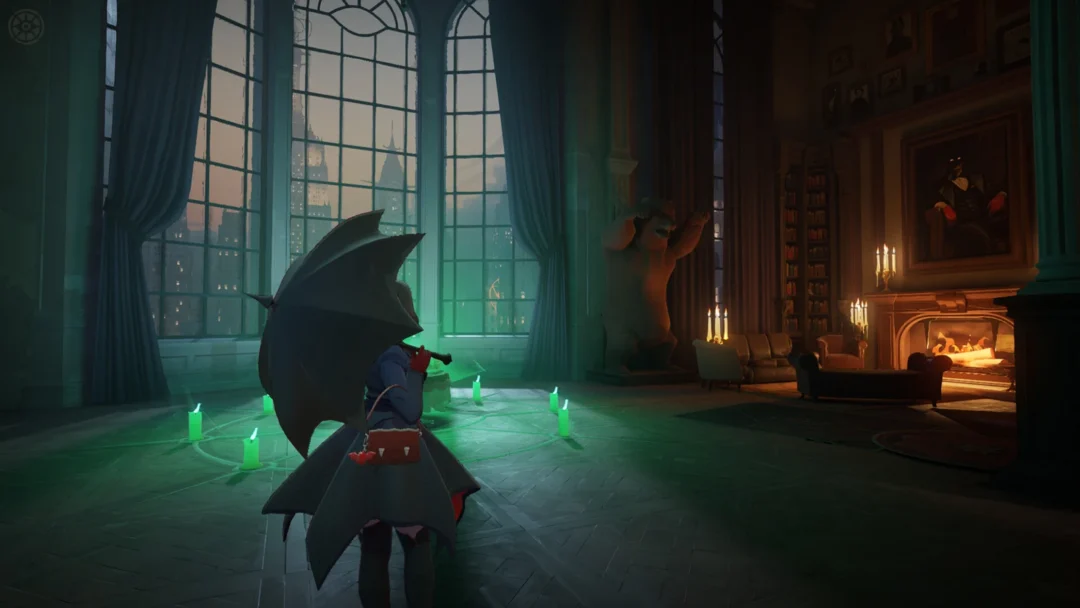
Shining wish notes are the limited-time currency tied to the Wish Upon a Jirachi event in Pokémon Pokopia. You earn them by helping other Pokémon in your town, then hand them to Jirachi to claim star-themed furniture and decorations you can’t get anywhere else.
Quick answer: Craft a Wish Note at any workbench using two Vine Ropes, talk to a Pokémon showing a request bubble so the note is handed over, then complete that request. When you finish, the Pokémon returns the note to you as a shining wish note.
Requirements before you can earn shining wish notes
The event runs from June 23 until July 8, 2026, ending at 4:59 a.m. local time. It will not appear unless a few conditions are met first, and time travel does not work for this one.
- Update the game to Ver. 1.1.0 from the HOME Menu, then confirm the version in the Options menu or on the title screen.
- Complete a town’s important requests and rebuild a Pokémon Center. Even doing this on July 8 still starts the event.
- Set your Nintendo Switch 2 system clock to the real current date and time, since a date outside the window blocks the event.
- Launch while connected to the internet. An online connection is required the first time you play the event.
Note: The event does not run on Cloud Islands. If you meet the start conditions mid-event, move to another town once or pick “Save & Quit” from the main menu so it can begin.
Craft Wish Notes first
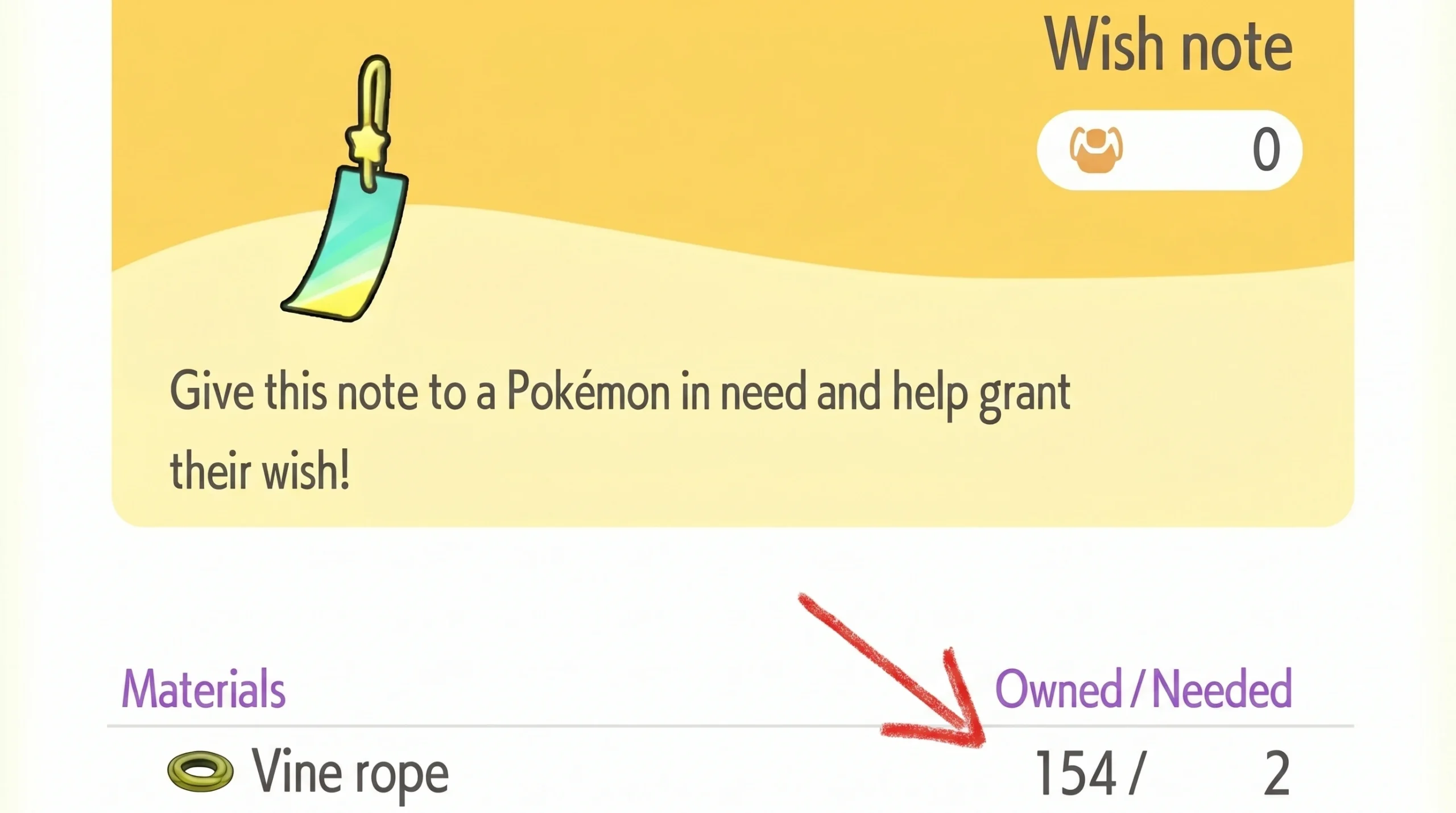
Turn Wish Notes into shining wish notes
A regular Wish Note becomes a shining wish note only when you complete a Pokémon’s request. Look around town for Pokémon with a speech bubble overhead, often with worried dialogue like “What am I gonna do…”
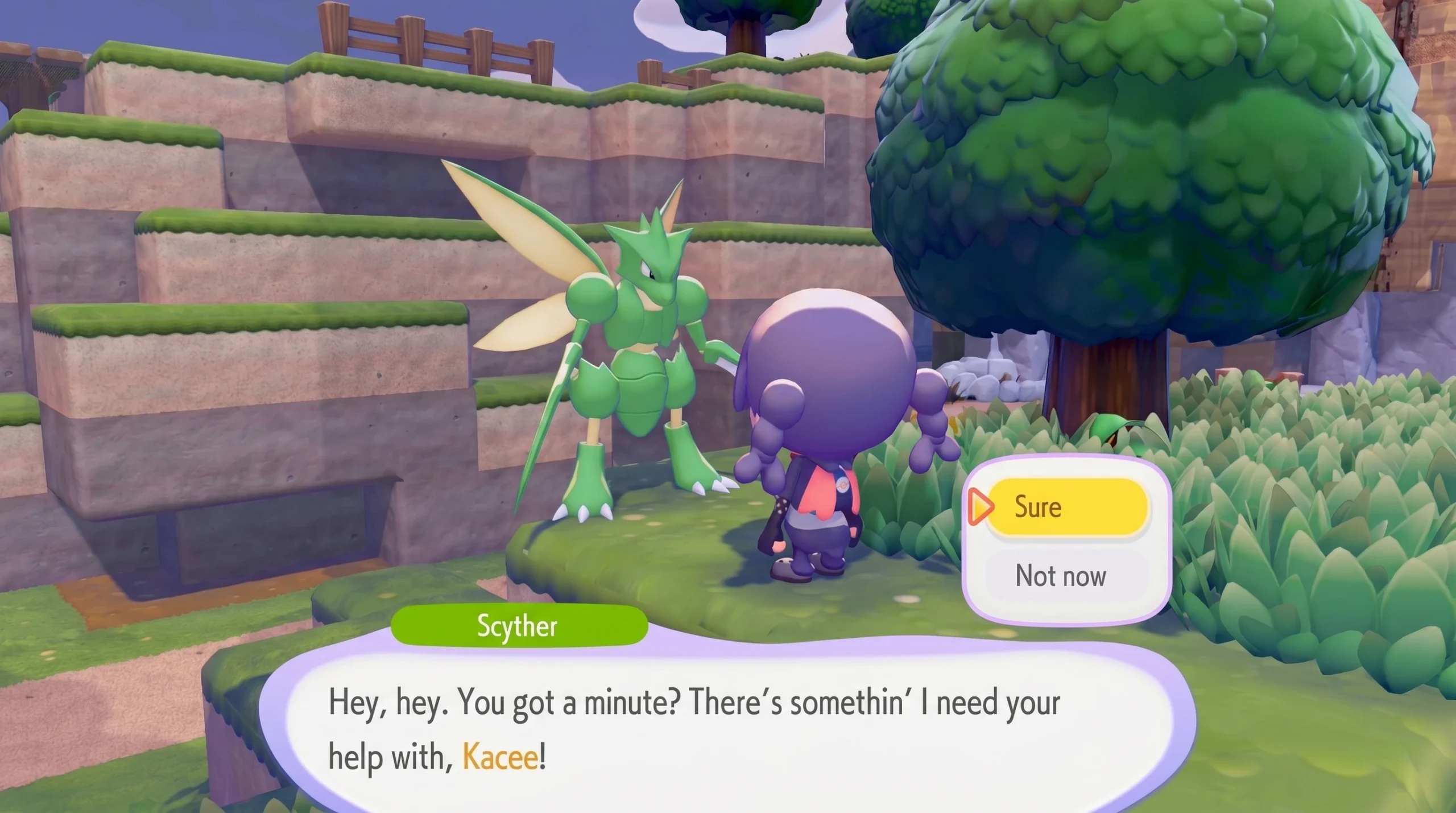
There is no cap on how many requests can appear, and failing one carries no penalty, though event requests reset with the next in-game day. If you are not seeing any bubbles, let some time pass and new ones will spawn.
Note: A request you started before the event began will not produce a shining wish note, because no Wish Note was handed over to that Pokémon. Only requests accepted during the event count.
Spend shining wish notes with Jirachi
Take your shining wish notes to the counter inside any rebuilt Pokémon Center, where Jirachi runs the event shop. Each item costs one shining wish note, and there are ten exclusive rewards in total, so collecting everything means finishing at least ten requests.
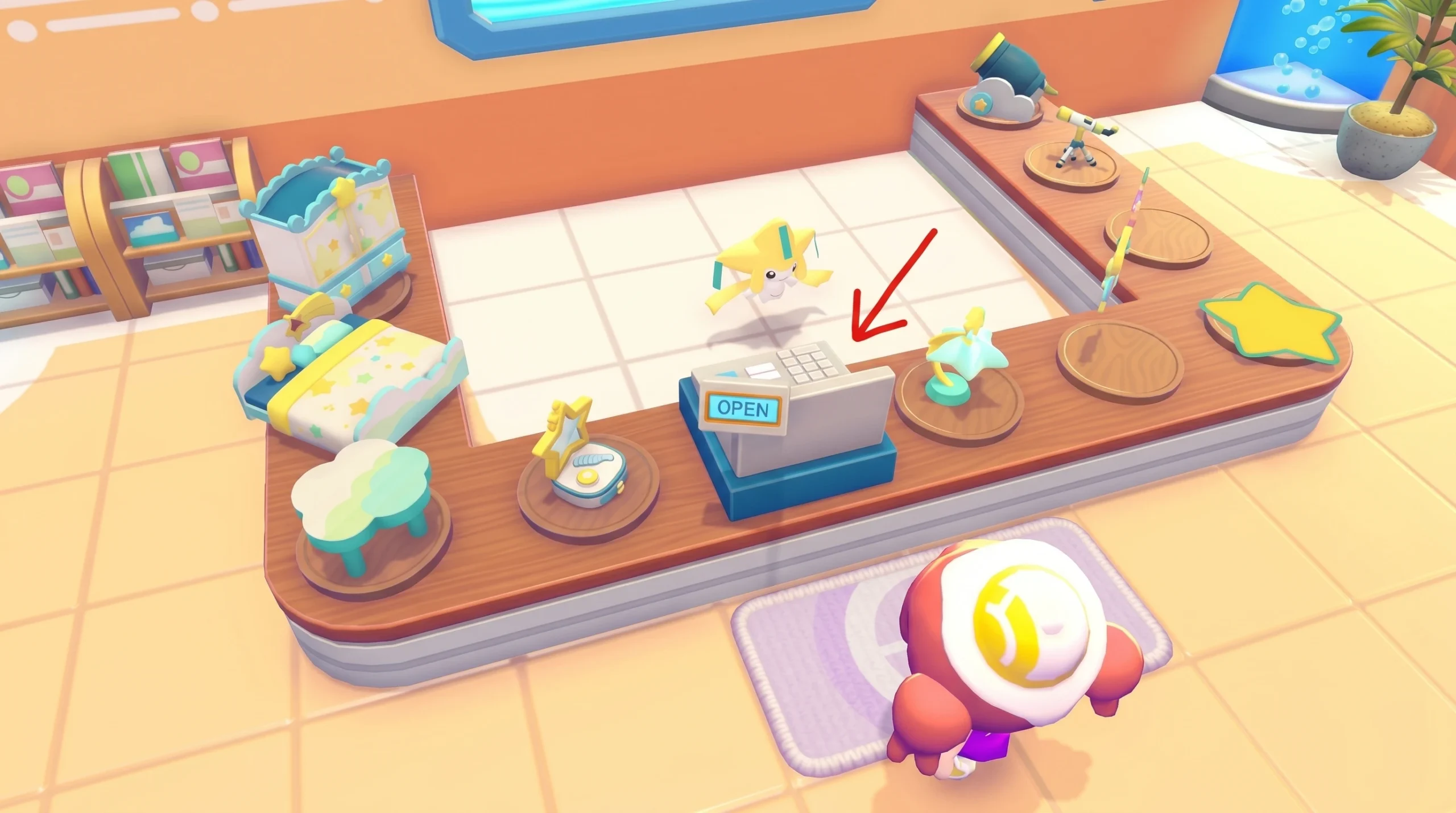
| Item | Shining wish notes |
|---|---|
| Star Closet | 1 |
| Starry-Sky Bed | 1 |
| Cloud Table | 1 |
| Star-Shaped Dresser | 1 |
| Moon Clock | 1 |
| Jirachi Lamp | 1 |
| Star Mat | 1 |
| Telescope | 1 |
| Cloud Cannon | 1 |
| Star Wall Decoration | 1 |
You can redeem as many of these as you can afford, so keep completing requests if you want spares for your own rooms and for Jirachi’s home. All of these items are exclusive to this event, and they only stay available through July 8.
Build the Surrounded by Stars habitat for Jirachi
Jirachi’s habitat, called Surrounded by Stars, needs only four of the shop items, so four shining wish notes cover the whole thing. That makes it one of the easier event habitats to finish.
- Star Closet
- Starry-Sky Bed
- Cloud Table
- Jirachi Lamp
Place all four items, then connect electricity to the Jirachi Lamp so it lights up. The habitat will not register as complete until the lamp is lit. Jirachi cannot actually move in while the event is still running, since it is busy minding the shop, and it settles into the habitat once the event wraps after July 8.
Any Pokémon you befriend during the event, Jirachi included, stay in your town permanently after it ends, so there is no rush beyond gathering enough shining wish notes before the window closes.