Solo runs in VV Ultimatum fall apart the moment you hit a wall boss or a quest that punishes you for showing up alone. Squads fix that, but the invite system hides behind a setting most players never touch, and it only works when you and your teammate are physically standing near each other on the same server.
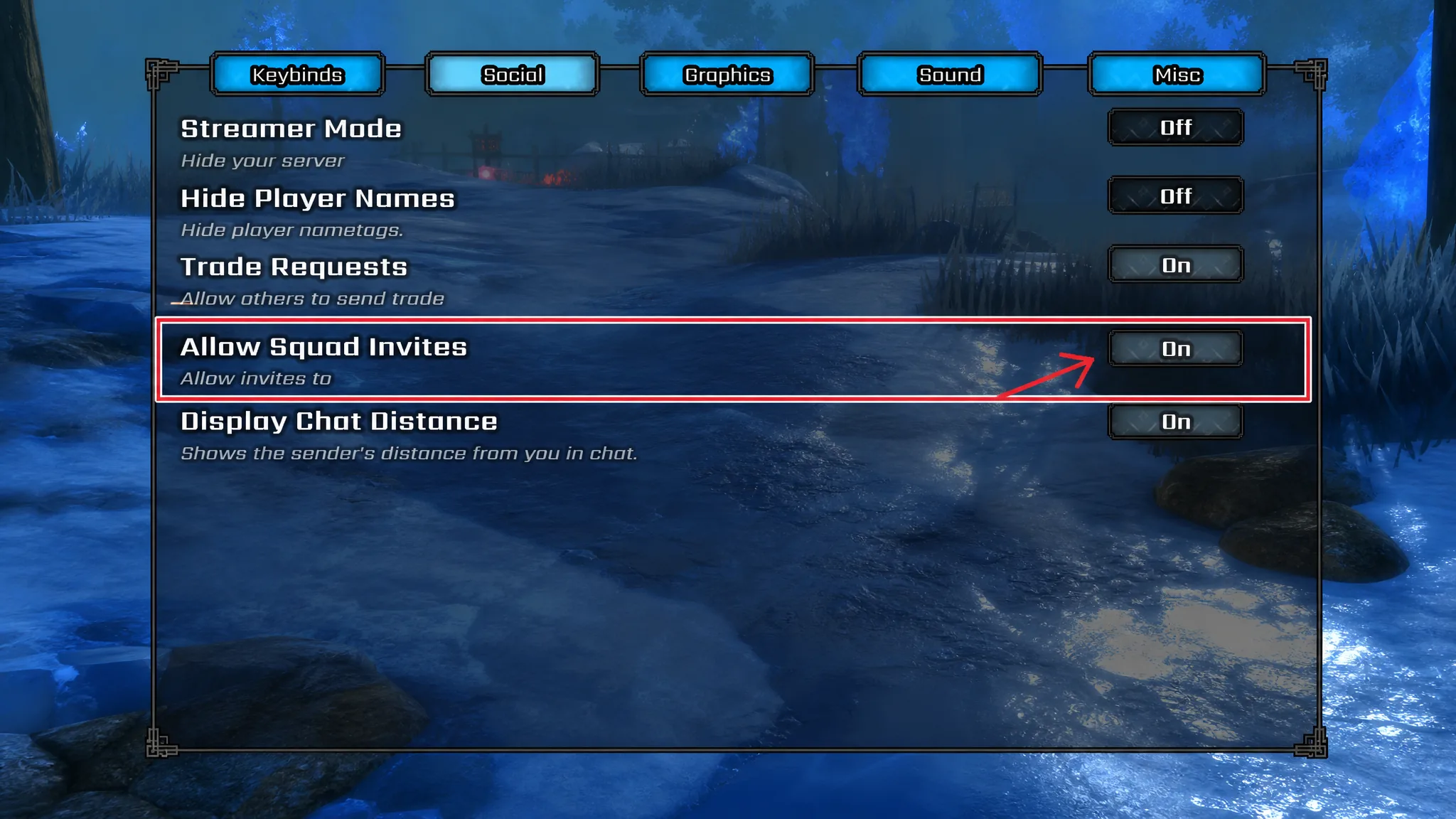
Quick answer: Open the cog icon, go to the Social tab, and turn on squad invites. Then join the same server as your friend, stand close to them, press the tilde key (~), and click their name to send an invite. They accept, and you are squadded.
Turn on squad invites first
Invites silently fail if this toggle is off, so start here before you try to add anyone. The setting lives in the game’s options menu, not in any social or party screen.
Send a squad invite with the tilde key
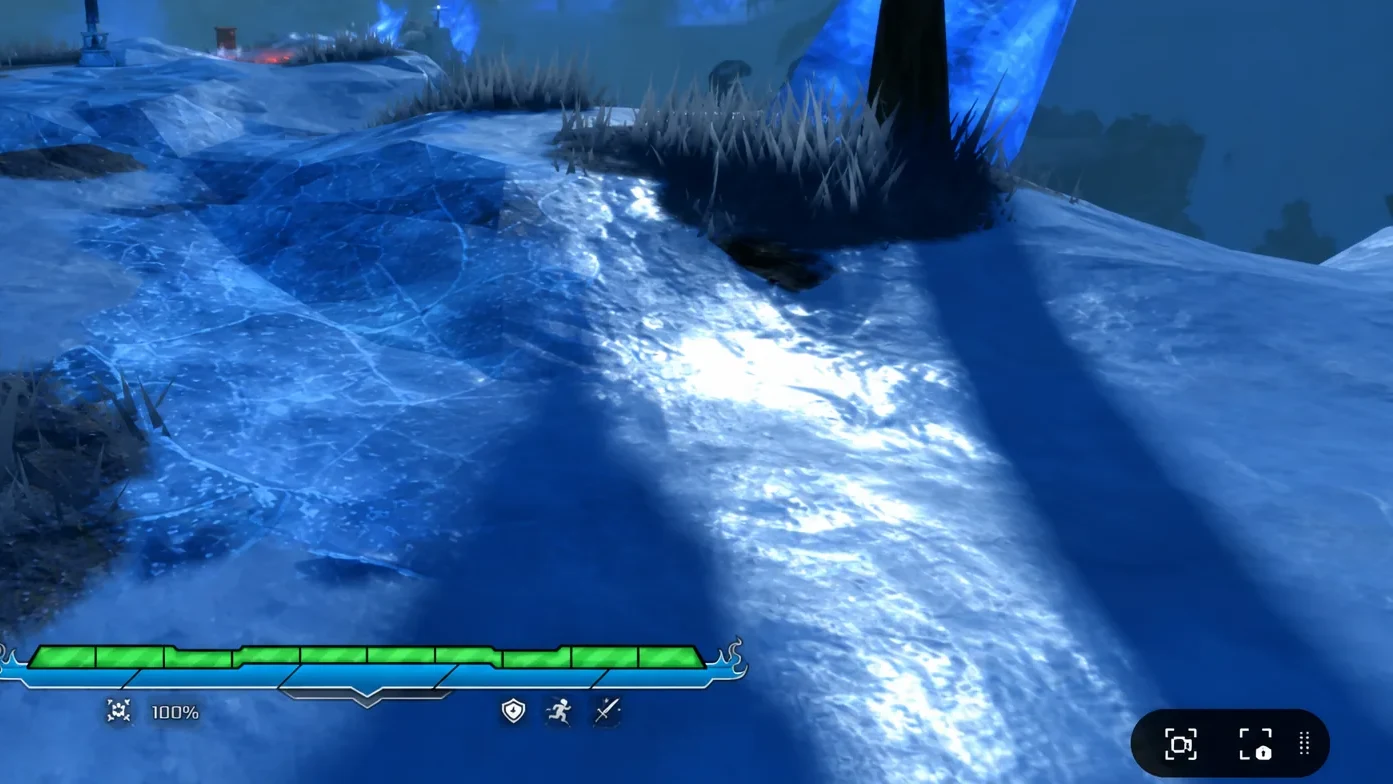
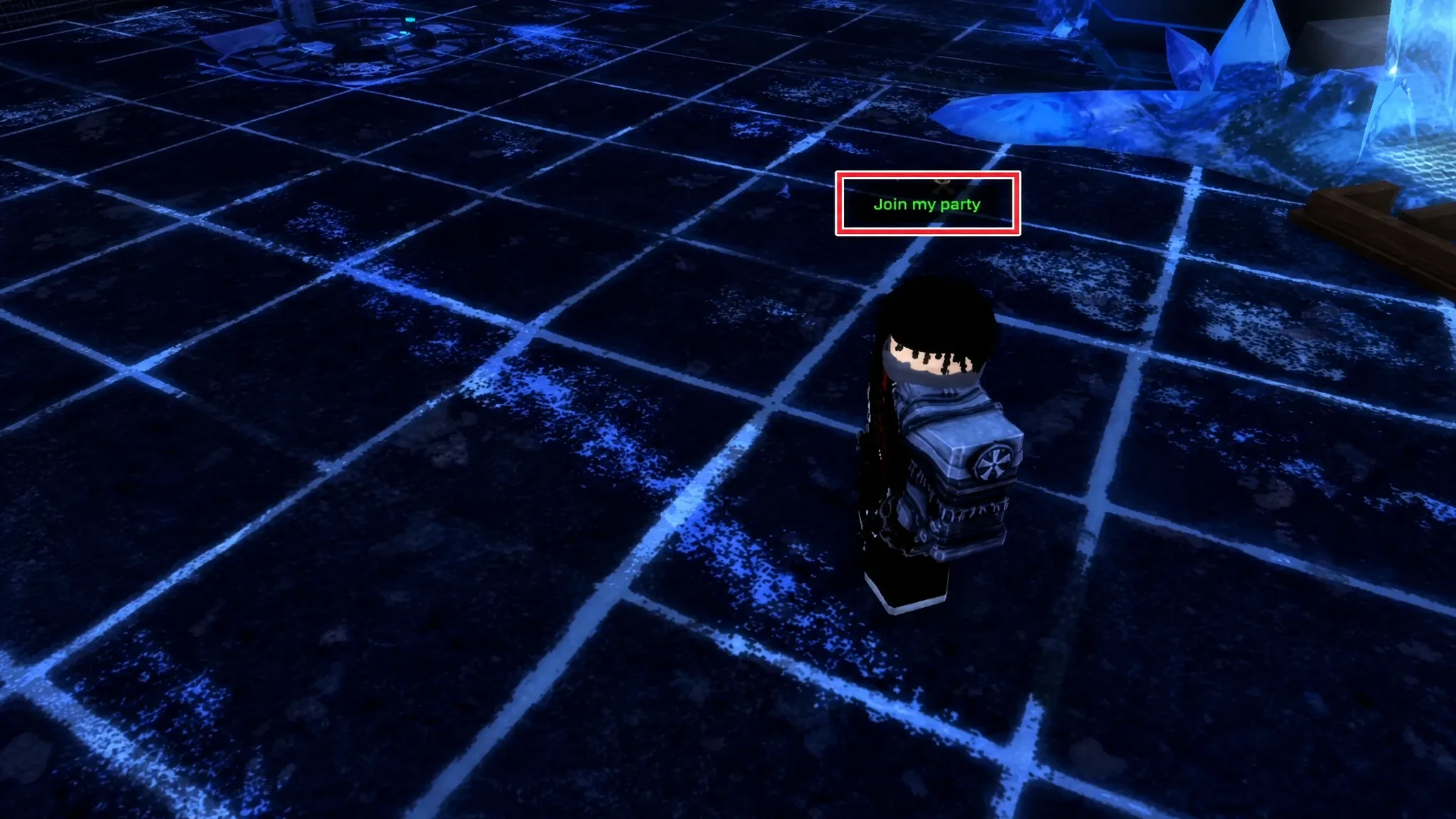
Once both players have invites enabled, the actual grouping is proximity-based. You have to be in the same server and standing close together in the world. If your friend is somewhere else on the map, teleport over so you are in the same area before you try anything.
~ or ` symbol just above Tab, to the left of the number 1. This opens a list of every nearby player.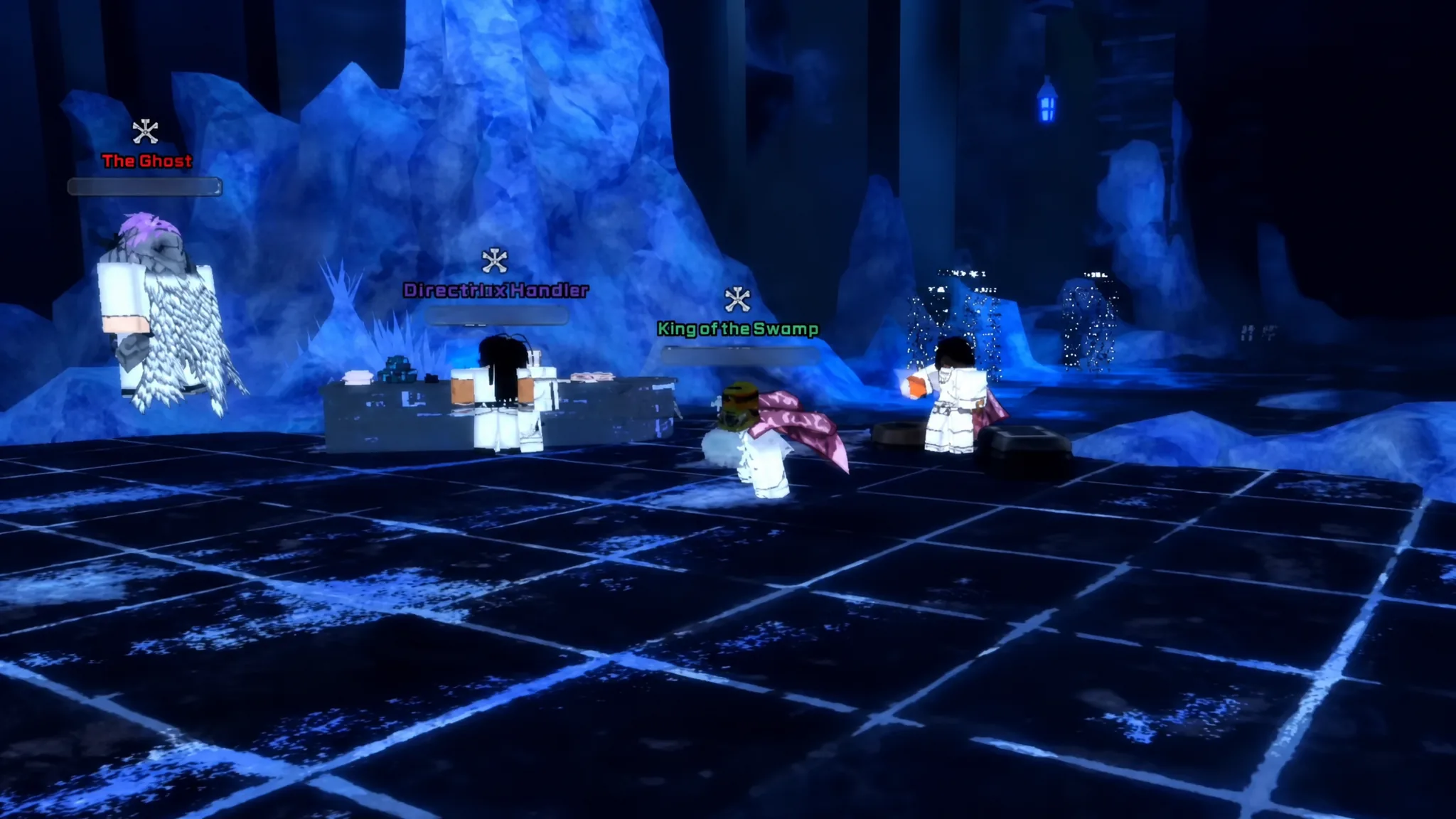
Why invites fail
If an invite never lands, one of these conditions is almost always the reason. Check them in order.
| Problem | Fix |
|---|---|
| Invites do not go through | Turn on squad invites in the Social tab |
| Name missing from the tilde list | Move closer; only nearby players appear |
| Cannot find your friend at all | Confirm you are both on the same server |
Use the U portal to regroup fast
Chasing teammates across the map wastes time. Press U to summon your faction portal and pull allies to your location instead of running to meet them. It is the quickest way to reset a scattered group before a fight.
Factions and clans shape who fights beside you
Your faction decides your fighting style, your questline, and who counts as an ally during faction wars. Players are split across three of them, and grouping with people who share your faction keeps your story objectives lined up.
| Faction | Good for |
|---|---|
| Quincy | Ranged combat, easier learning curve |
| Shinigami | Balanced playstyle, safest progression path |
| Hollow | High-risk, high-reward with Mask Pop mechanics |
Joining a clan stacks another group of players on top of your faction, giving you more people to fight alongside and constant stat bonuses while you are at it.
Build a squad that splits roles
A squad works best when everyone is not stacking the same job. Mixing a damage dealer, a tank, and someone handling support and crowd control makes fights go far smoother, especially against bosses. Once your squad is set with a mix like that, you are ready for the tougher cooperative content.
Group play matters most later on. At level 60 the Human World opens up for PvP, events, and raids, and raids in particular are designed for coordinated teams. Building a reliable roster now means you are not scrambling for teammates when that content unlocks.
If chat and the tilde list are not turning up enough players, the official VV Ultimatum Discord is where people coordinate mission and boss runs. Post there, agree on a server, and start the same content together.