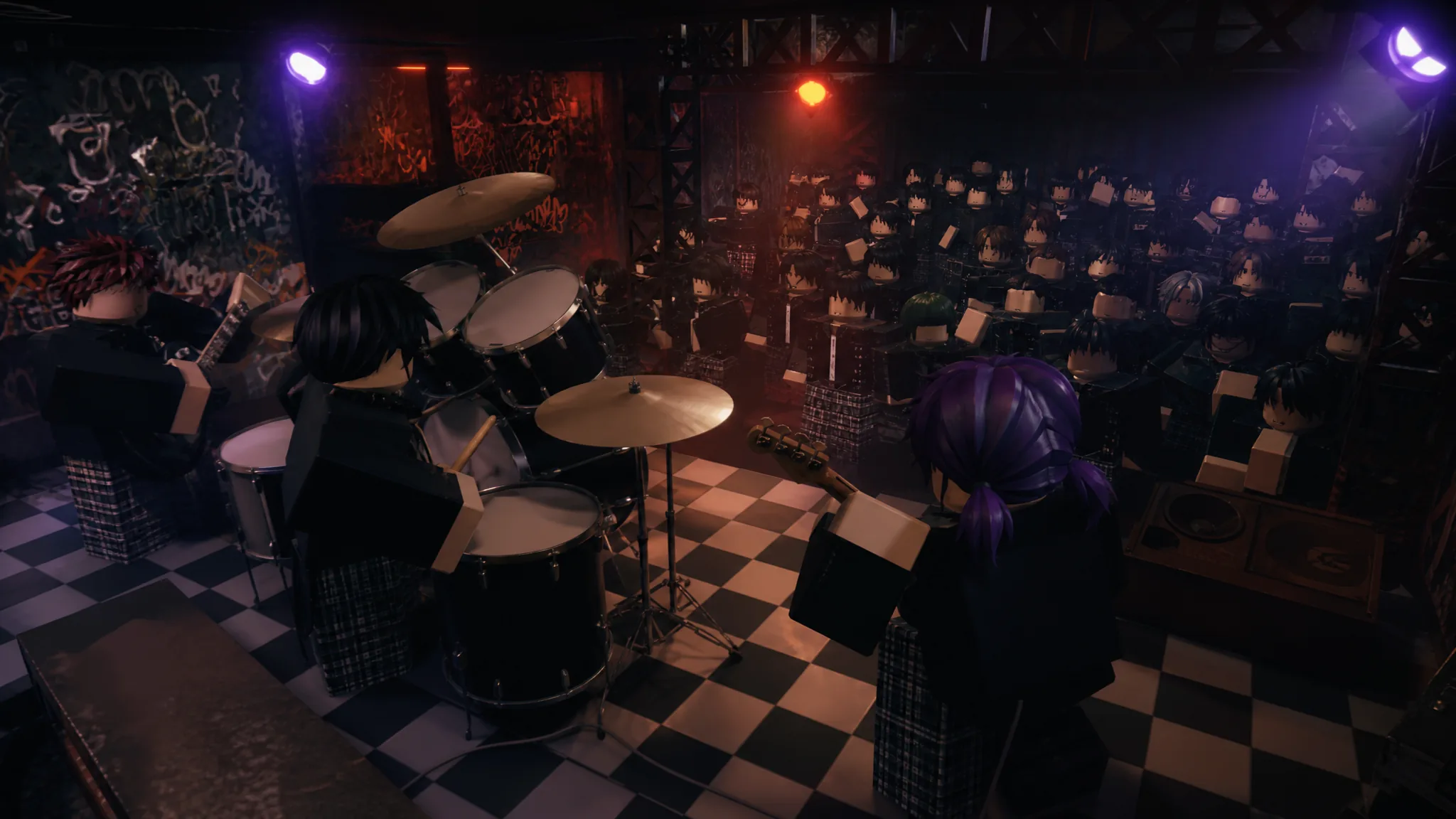
Instruments in Gakuran are not just decoration, they are a full rhythm-game minigame. Instead of pressing one button to strum, you have to hit incoming notes in time with the music, and you can even form a live band with other players. This guide explains how the rhythm system works, the controls for each instrument, and how multiplayer performances sync up.
How the rhythm system works
Playable instruments use a rhythm-based system similar to popular music games. When you play, notes travel down designated lanes toward target circles. As each note reaches its target, you press the assigned key at the correct moment, and how accurately you time the press determines the quality of the hit.
Every note you hit gets one of these ratings:
- Perfect — exceptional timing and accuracy.
- Good — slightly off but still accurate.
- Okay — acceptable timing with noticeable error.
- Bad — poor timing or a near miss.
Because performance is based on timing, rhythm, and accuracy rather than any character stat, instruments are a pure skill activity, your height, style, or level make no difference here.
All instruments & their controls
Each instrument follows the same core mechanics but has a different number of lanes and its own feel:
Electric Guitar
- Uses two note lanes.
- Notes are played using the F and J keys.
- Designed for a simpler but fast-paced rhythm experience, making it the best starting instrument.
Bass Guitar
- Uses four note lanes.
- You must hit notes across four separate paths using the assigned keys.
Drums
- Uses four note lanes.
- You must accurately match incoming drum notes across all four lanes to keep the rhythm going.
Piano
- Uses four note lanes.
- Focuses on timing and note accuracy across multiple paths to simulate playing a song on a keyboard.
If you are new to rhythm games, start on the electric guitar with its two lanes, then move up to the four-lane instruments once your timing is consistent.
Playing together: multiplayer band performances
Instruments fully support group play, and this is where they really shine. When one player starts a song, others can join at any time, and anyone who joins is placed at the exact same point in the song as the current performance so everyone stays in sync.
- Multiple players can perform together at once.
- Players who join late are synced to the current section of the song.
- Everyone plays the same song at the same time.
For example, one player can perform on electric guitar while others join on bass, drums, and piano. Every musician is locked to the same song progression, which creates the feeling of playing together as a live band in real time.
Instruments vs. the Music app
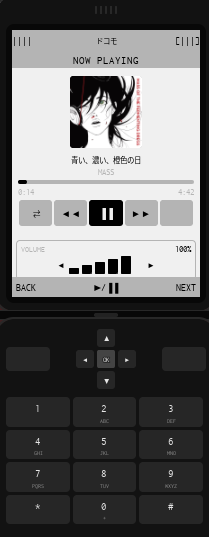
Do not confuse playing instruments with the phone Music app. The Music app on your phone lets you listen to tracks (and pairs with headphones for private playback), while instruments are an active rhythm minigame you perform. If you just want background music, use the app; if you want to actually play, grab an instrument.