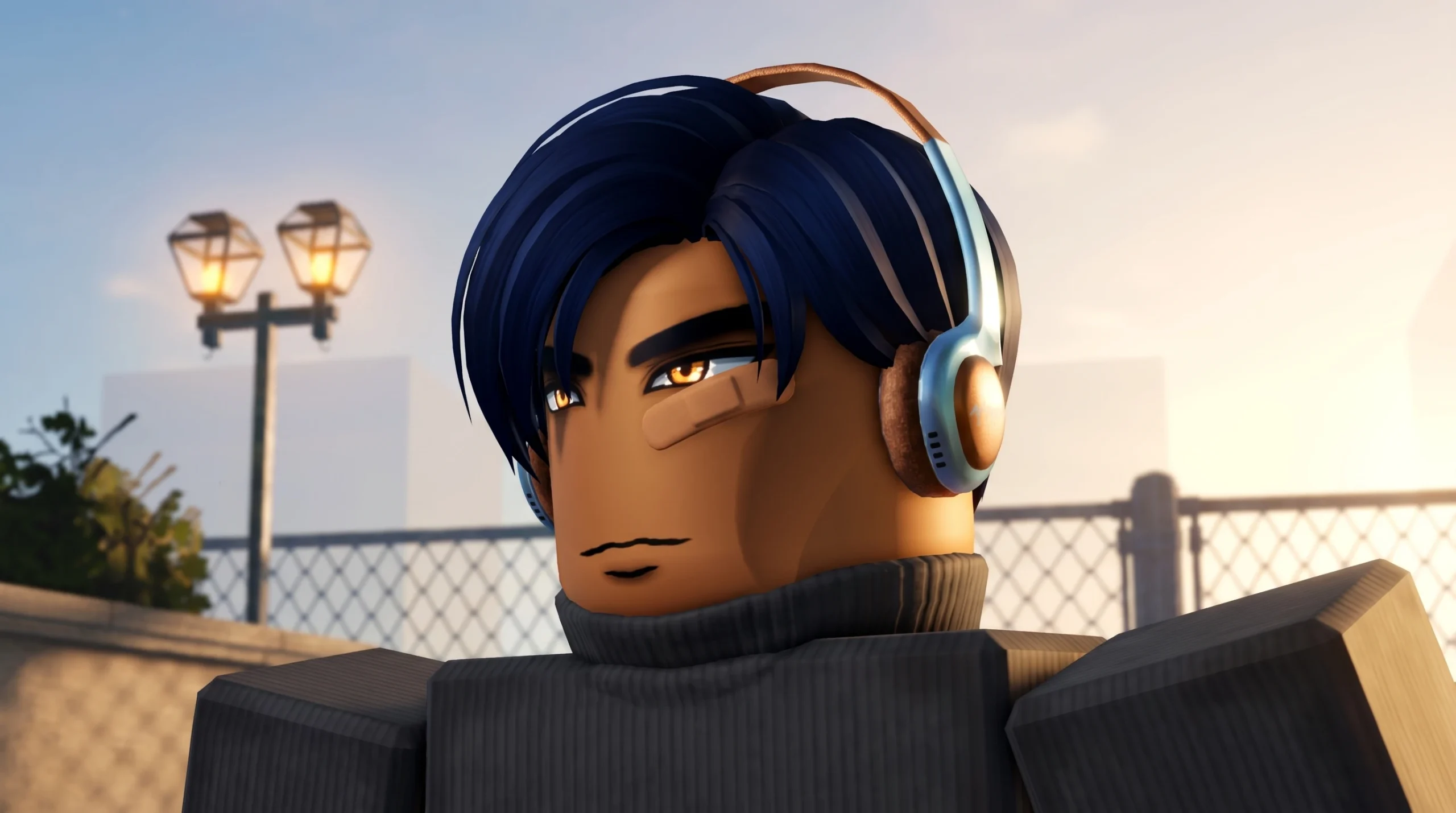
Headphones in Gakuran are a Head Accessory, not a shop purchase, quest reward, NPC drop, crafting result, or a fixed item lying on the map. You get them through the accessory roll system, which means the whole task comes down to having rerolls, spending them on the correct slot, and watching your character preview until the model appears.
Quick answer: Open the Stats menu, go to the Accessory section, select the Head Accessory slot, and press the circular reroll arrow until Headphones show up on your character’s head in the preview. You need at least one accessory reroll before you start.
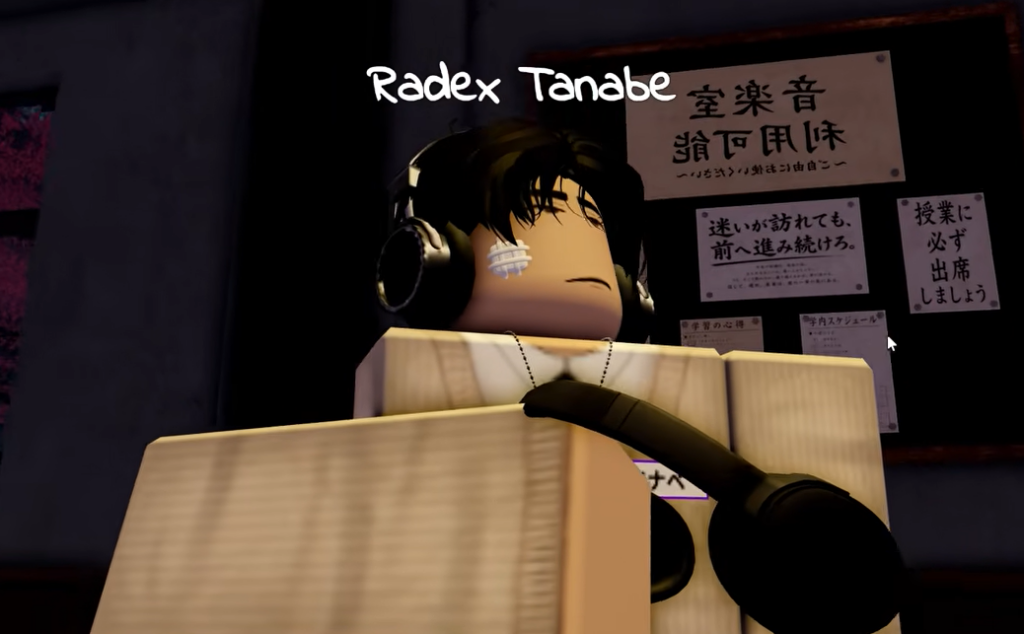
Rerolls you need before rolling for Headphones
You cannot roll anything without at least one accessory reroll. Rerolls come from two places. You can redeem active Gakuran codes for free rerolls, or you can buy rerolls with Robux from inside the Stats menu. In the accessory screen, a purchase option such as Buy x50 is priced at 150 Robux, which opens the standard Roblox purchase prompt.
Because each roll is random, one or two rerolls may not be enough. Headphones sit inside the shared Head Accessory pool, so plan to bring several rerolls if you can. Code validity changes often, so treat codes as a way to stockpile rerolls rather than a guaranteed shortcut to Headphones.
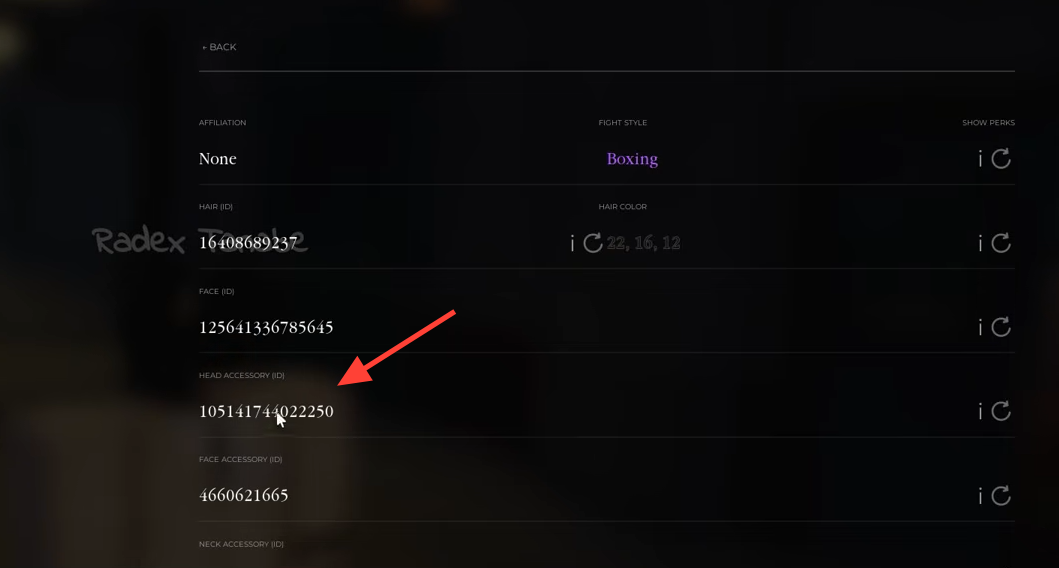
How to reroll the Head Accessory slot for Headphones
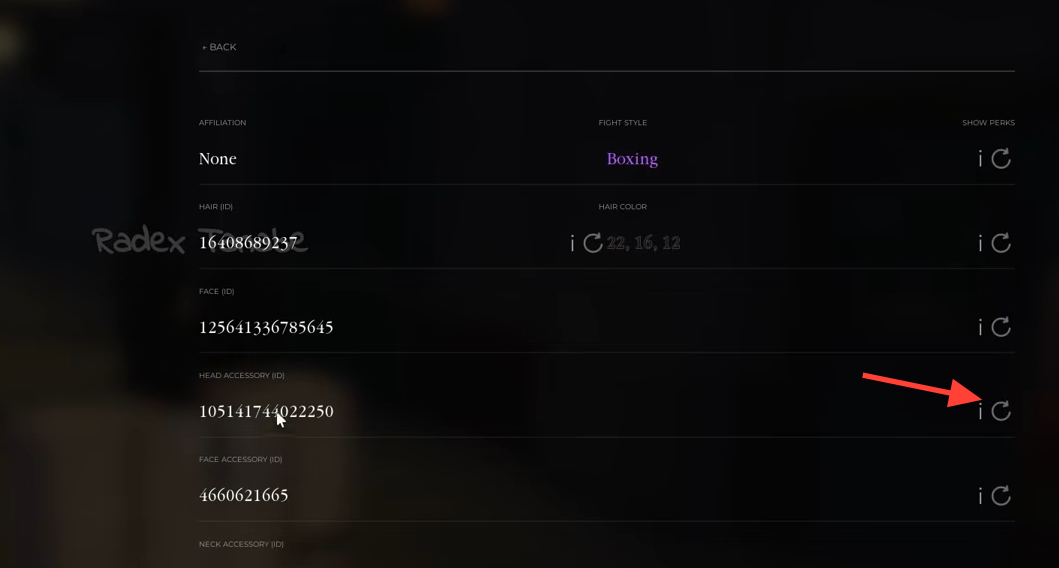
How to confirm you got Headphones
You have the right item when the Headphones model is clearly sitting on your character’s head in the preview. Do not rely on the long ID number in the slot, since it is hard to recognize at a glance. The visual model is the reliable confirmation.
Once equipped, Headphones connect to the Music app on your in-game phone and play music privately. Under normal use, only your character hears it, so you can listen while walking, socializing, studying, or moving around the world without interrupting conversations. That private audio is the practical sign the accessory is working as intended.
Headphone variants and roll odds
There is no fixed pickup route where you walk to a spot and grab Headphones. Every attempt is a random pull from the Head Accessory pool, so you press the button, read the preview, and repeat. Two styles are commonly named, a standard black model and a thinner brown model.
| Detail | What to expect |
|---|---|
| Source | Head Accessory reroll only |
| Named variants | Standard black, thinner brown |
| Rough roll chance | Often cited around 17%, treat as approximate |
| Pity system | None; each roll is fully random |
Treat the odds figure as a rough pool number rather than a fixed promise, since it can shift between builds. There is no guaranteed drop and no pity counter, so several misses in a row are normal. The safe expectation is to bring multiple rerolls and keep going.
Mistakes that waste rerolls
- Rolling the wrong slot. Headphones only come from the Head Accessory slot, so spending rerolls on face, neck, or arm slots chases the wrong pool.
- Hunting for a vendor, map pickup, NPC, or crafting recipe. If you are not using the Stats menu and the circular reroll arrow, you are not using the actual unlock method.
- Ignoring the preview. The accessory ID is long and easy to misread, so confirm using the model on your character’s head.
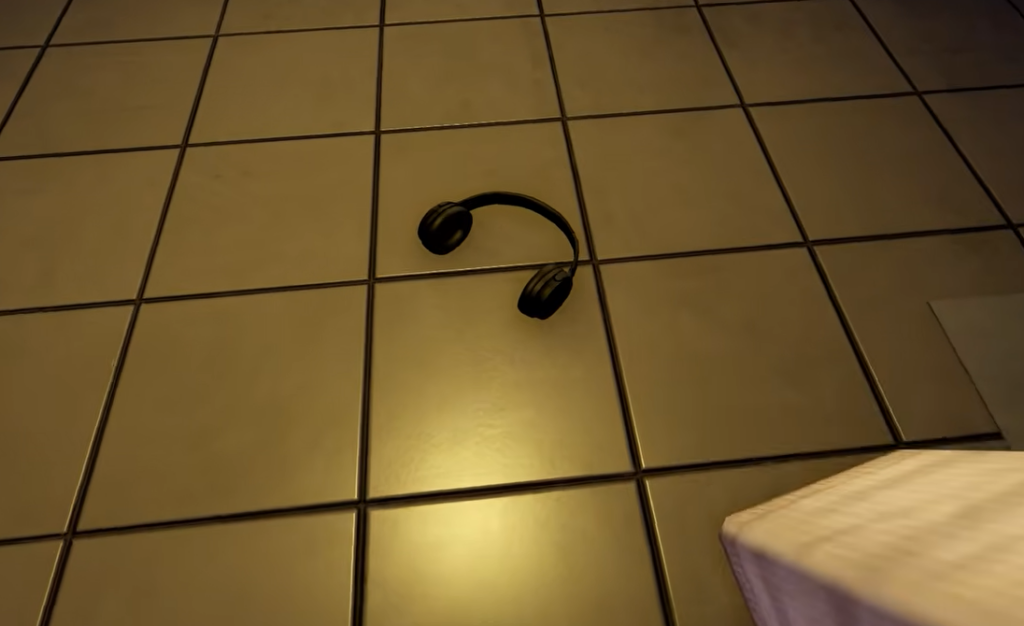
- Assuming they are purely cosmetic. A strong enough punch during a fight can knock Headphones off, and once dropped, the music that was playing privately becomes audible to nearby players.
If your Headphones get knocked off in combat, they are not lost. Find where they landed, walk over them to pick them back up, and re-equip them to return to private listening. The same recovery rule applies to Glasses, which blur your screen until you retrieve them.
After Headphones are on, the phone’s Music app is the feature that makes them worth chasing, since private audio is their real function beyond appearance. Scarves, Glasses, and Keychains come from the same accessory system, but each uses its own slot, so keep them separate from the Head Accessory rolls you need for Headphones.