Project Aion is an internal Microsoft prototype that puts Copilot at the center of the desktop instead of the familiar Start menu, taskbar, and Win32 apps. Footage of it, reportedly recorded in 2024, surfaced publicly on July 2, 2026, after appearing on BetaWiki’s Discord server. Despite the “Windows 12” chatter around it, Aion is not Windows 12, and it is not a product you can buy or install.
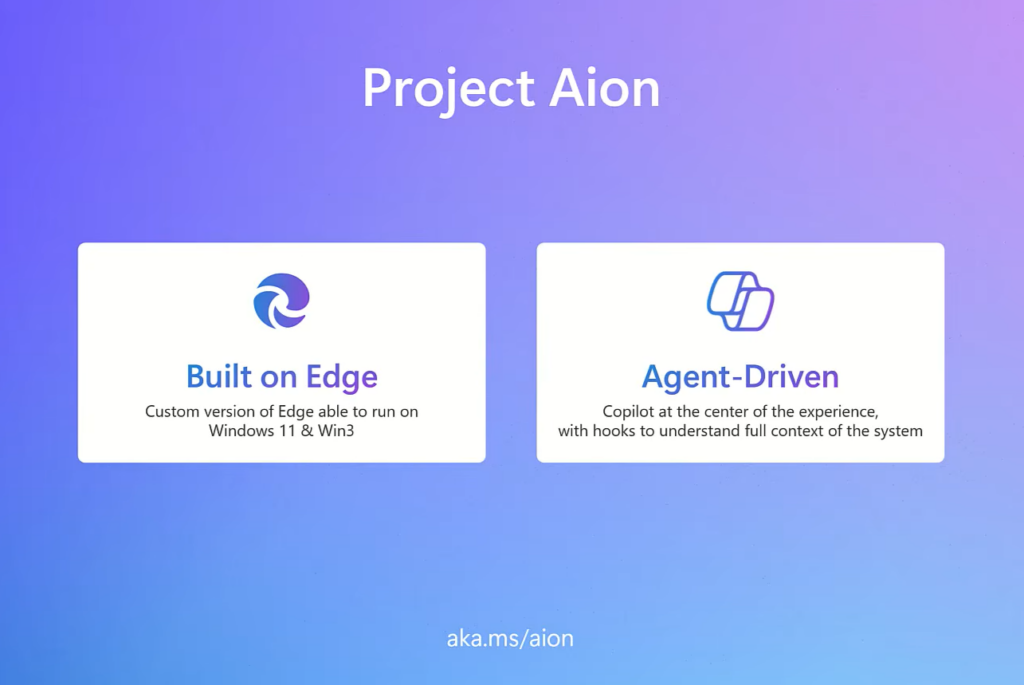
Quick answer: Aion is an experimental, web-based agent OS shell that runs on a stripped-down Windows codebase called Win3 and uses the Edge browser to render the interface, with Copilot as the primary way you find files, open apps, and browse. It has no public release, no roadmap, and no confirmed future.
What Project Aion is
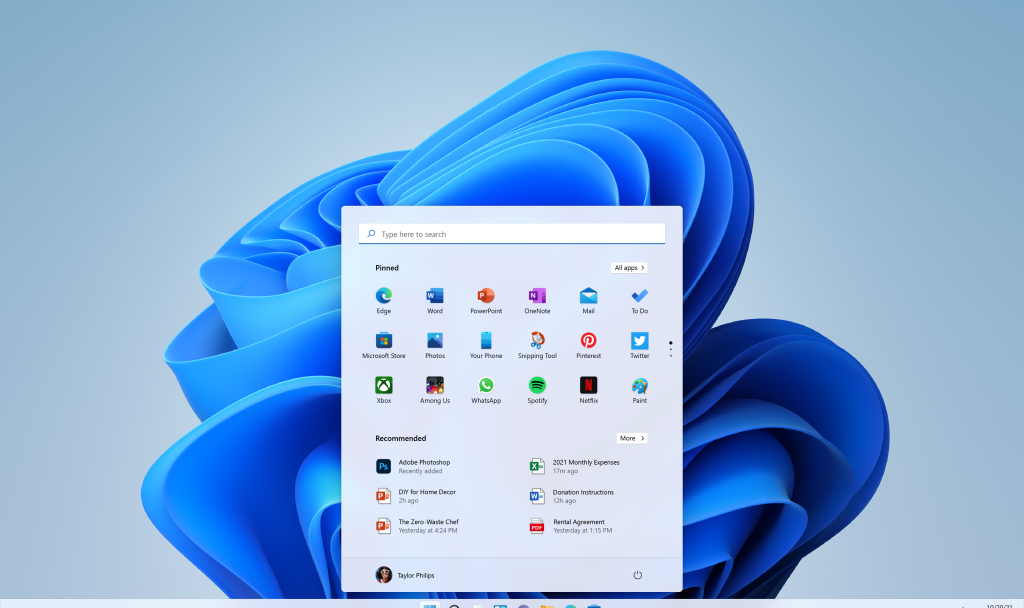
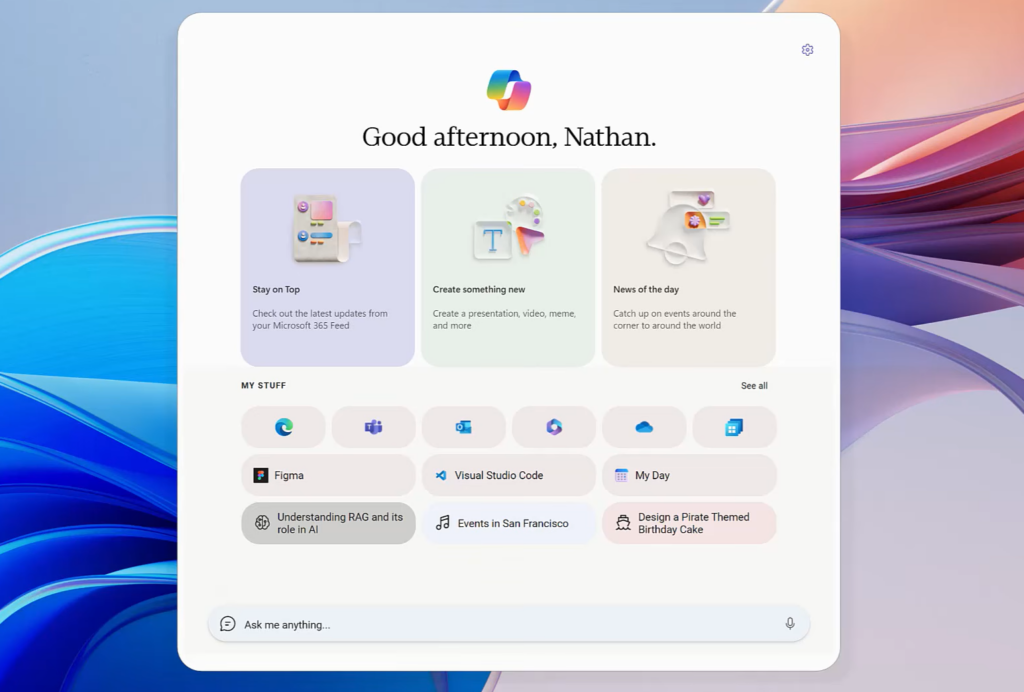
Aion replaces the traditional Windows shell with a Copilot-driven interface built from web technologies. In the leaked video, the narrator describes it as “a web-based agent OS that natively builds Copilot into the core of the shell.” The layout still looks Windows-adjacent, with a taskbar along the bottom and a Start-like launcher, but the Start button is swapped out for a Copilot key, and the focus shifts from launching apps to typing prompts.
The central input is a multi-modal box where you type commands to interact with Copilot. Instead of hunting through folders and menus, you tell the system what you want and it decides which files, apps, and actions are relevant. Microsoft has not said whether Aion was an internal hacking experiment or a formal product proposal, and the current status of the work is unknown.
Win3 and Edge: how the shell is built
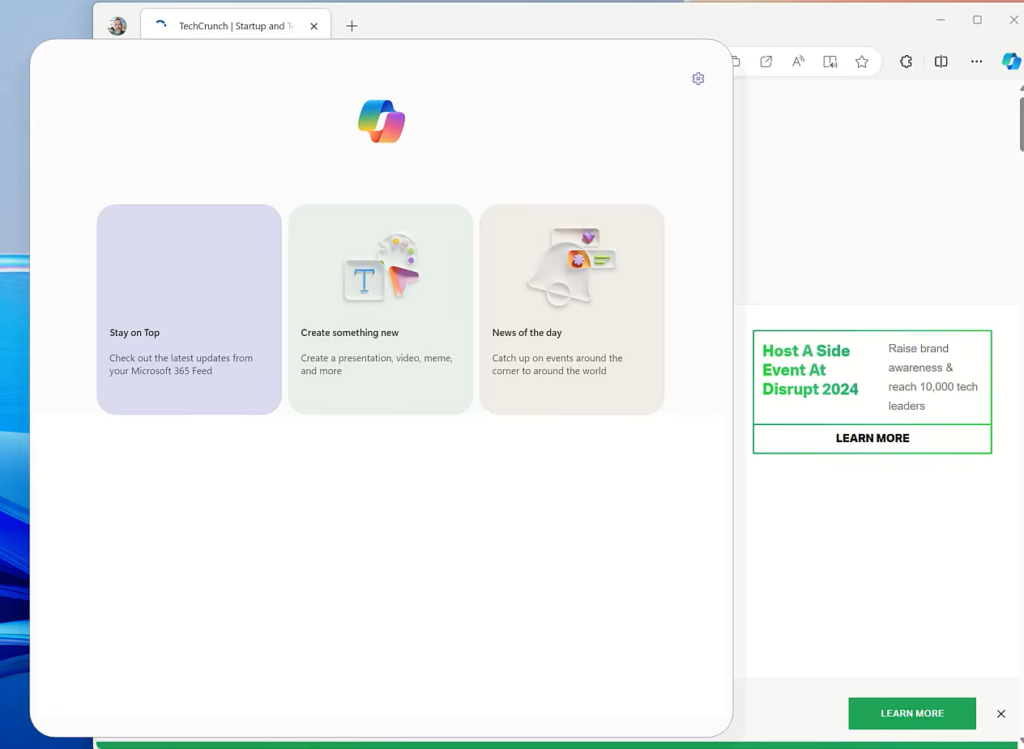
Under the hood, Aion runs on Win3, a minimalist Windows codebase that trades legacy Win32 support for faster updates, longer battery life, and a smaller security footprint. The Edge browser and Chromium’s layout engine power the Copilot experience and render the interface, so the browser effectively becomes the shell rather than a separate app.
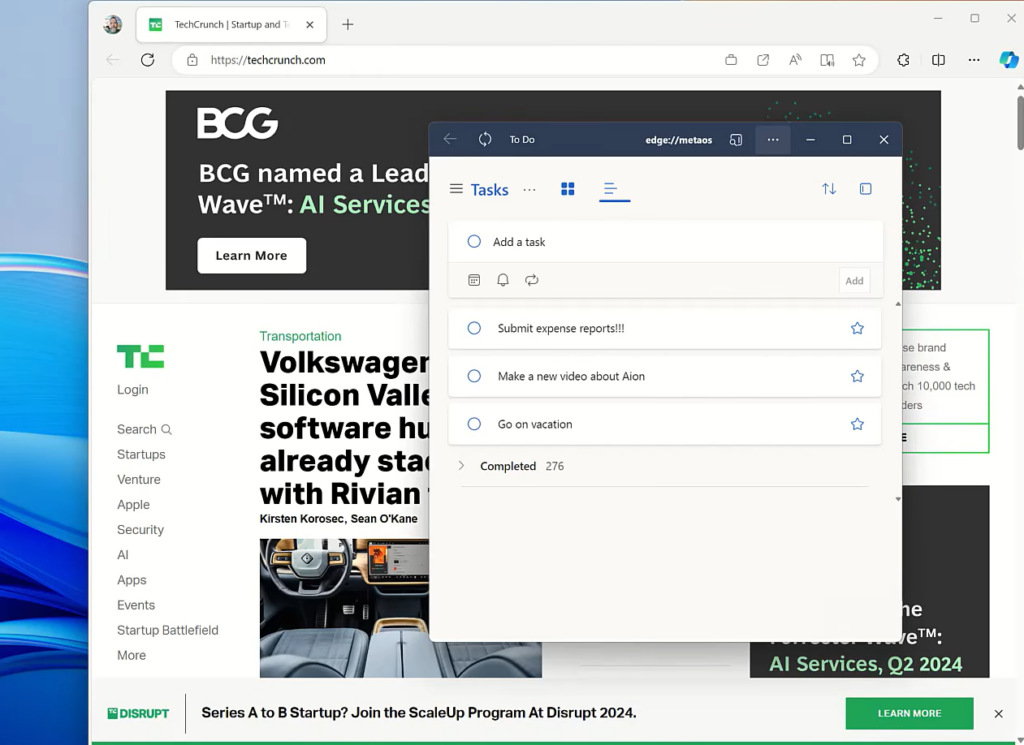
Because everything is built on web technology, Aion does not run native Win32 desktop applications directly. The system is designed to run web apps and websites as first-class citizens. Images and video suggest it was meant to work on both Windows and the Android Open Source Project, pointing to a single Copilot experience that could sit above more than one kernel foundation.
| Element | Traditional Windows 11 | Project Aion |
|---|---|---|
| Primary interface | Start menu and taskbar | Copilot input box |
| Shell engine | explorer.exe | Modified Edge / Chromium |
| App model | Native Win32, UWP, Store | Web apps and websites |
| Legacy apps | Run locally | Streamed via Windows 365 Cloud PC |
| Codebase | Full Windows | Win3 (no Win32 legacy support) |
How you run legacy apps like Word
When you need a desktop program that Aion cannot run natively, the shell hands you a link to a Windows Cloud PC instance where the program runs remotely. Open Microsoft Word, for example, and Aion streams it from a cloud-hosted Windows environment instead of executing it on the local device.
This mirrors how Windows 365 Cloud PC already works. The local machine stays light and web-native, while the messy legacy desktop lives as a centrally managed, subscription-backed cloud resource. That approach depends on latency, bandwidth, and service availability, so it works better on a stable office connection than on a plane, weak hotel Wi-Fi, or during an outage.
Spaces: grouping apps and websites
The standout feature is Spaces, which uses AI to group related apps and websites into buckets on the taskbar and Start-like launcher. You can open, close, or recall a Space with a click, returning to a full working context rather than reopening each app one at a time.
Rich plugins extend this further. In the demo, Copilot can draft and send an Outlook email based on the content inside a Space. That kind of context-aware action is the clearest example of Copilot behaving as an agent that acts across your work, not just a chat window off to the side.
Why it isn’t Windows 12
The leaked footage is roughly two years old, and Microsoft has not confirmed whether Aion is still in development, has been folded into other work, or has been shelved. It is an internal experiment, not a named successor to Windows 11. Some observers have linked it to Project Solara, Microsoft’s more recent effort around agentic AI replacing apps, since Aion’s cross-platform, agent-first goals look similar. It has also not been ruled out that the clip is a well-made hoax, echoing the earlier fake “EdgeOS” concept.
Whatever its origin, Aion fits a pattern Microsoft has chased for over a decade, from Windows RT to Windows 10 S and Windows 10X, of building a lighter Windows that leans on Edge, Store apps, and cloud services. The recurring obstacle is the same each time: whether your printer driver, finance package, CAD tool, game launcher, or bespoke business app still works.
The concerns raised by a Copilot-first shell
Putting Copilot at the core of the OS changes how much power the assistant holds. A chatbot can be wrong in text, but a shell-level agent can be wrong in motion, opening, moving, sending, scheduling, or deleting depending on the permissions it is given. Early public reaction, including on r/pcmasterrace, focused on the loss of local apps without a cloud dependency, privacy worries about an AI that reads across Spaces, and reduced user control compared with a normal desktop.
That skepticism lands in the shadow of Windows Recall, which was slowed and reworked under privacy and security scrutiny. It also runs against Microsoft’s recent, more cautious moves. The company reduced some Copilot integrations in Windows 11 after complaints about feature bloat, quietly canceled plans to add Copilot to notifications and settings, and removed Edge’s AI-powered history search feature after backlash.
What it means for Windows 10 and 11 users now
Aion has no immediate effect on your PC. It is not available publicly, and Microsoft has not announced any plan to replace the standard Windows shell with a Copilot-based interface. If you want to limit AI access on your current machine, you can take a few concrete steps.
Microsoft has not officially acknowledged Project Aion, and no release date, revival plan, or public roadmap exists. Some of its ideas, like agentic browsing in Edge and Copilot’s expanding “personas,” are already appearing in shipping products, so even if Aion itself never launches, pieces of its thinking may reach mainstream Windows over time. For now, it remains a look at how far Microsoft was willing to rethink the desktop around Copilot, not a change coming to your machine.