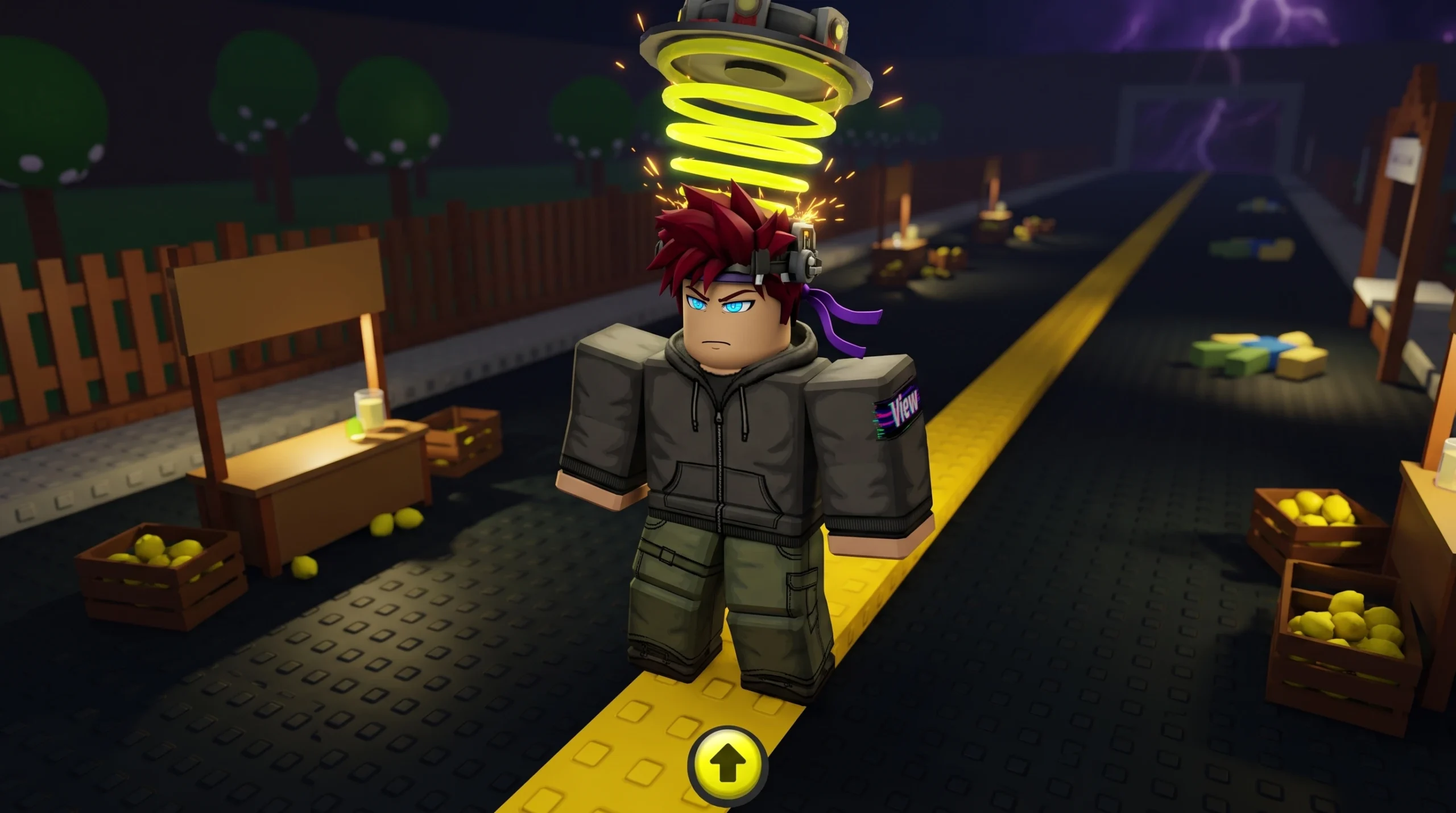
A wave of players have found that Sell Lemons, the tycoon hit from BloxByte Games, suddenly stopped showing up or refuses to launch. The game itself is fine. What changed is its maturity rating. Sell Lemons is now flagged 16+, and Roblox enforces that by hiding or blocking the experience for accounts that are not confirmed to be 16 or older.
Quick answer: If Sell Lemons vanished from search or won’t open, your account is not verified as 16+. Complete Roblox age verification on an eligible account, or the game will stay hidden regardless of how much progress you had.
What the 16+ rating does to your account
Roblox applies maturity ratings at the experience level. When a game moves into a higher age band, only accounts that meet that age band can find and open it. For Sell Lemons, that band is now 16+.
This is why the game “disappears” rather than showing an error. If your account does not qualify, the experience is filtered out of search, recommendations, and often direct links. Your saved progress is untouched, but the door is closed until the account meets the age requirement.
Note: The game is still listed by BloxByte Games with a Minimal content descriptor on its own page, but the enforced access gate is the 16+ maturity requirement.
Who gets locked out
| Account situation | Can play Sell Lemons? |
|---|---|
| Verified as 16 or older | Yes, the game appears and launches normally |
| Under 16 (verified) | No, blocked and hidden from search |
| Age not verified at all | No, treated as ineligible until verified |
| Using a restricted or “select” account mode | No, filtered out by content controls |
This is where the frustration comes from. Long-time players with a hundred hours or more of progress can lose access overnight, not because of any rule they broke, but because the game’s rating crossed a threshold their account does not meet.
How to check whether age is the cause
How to regain access
The only reliable way back in is meeting the age requirement on the account that holds your progress. That means completing Roblox age verification and being confirmed as 16 or older. You can review how maturity bands work on Roblox’s age recommendations policy page.
Once your account is verified as eligible, Sell Lemons returns to search and the play button becomes active again. Your progress carries over because it is tied to the account, not to the access state.
If you are under 16, there is no workaround that keeps you within Roblox’s rules. The game will remain hidden until you meet the age band. Creating a separate account will not recover the progress attached to your original one.
What you keep while locked out
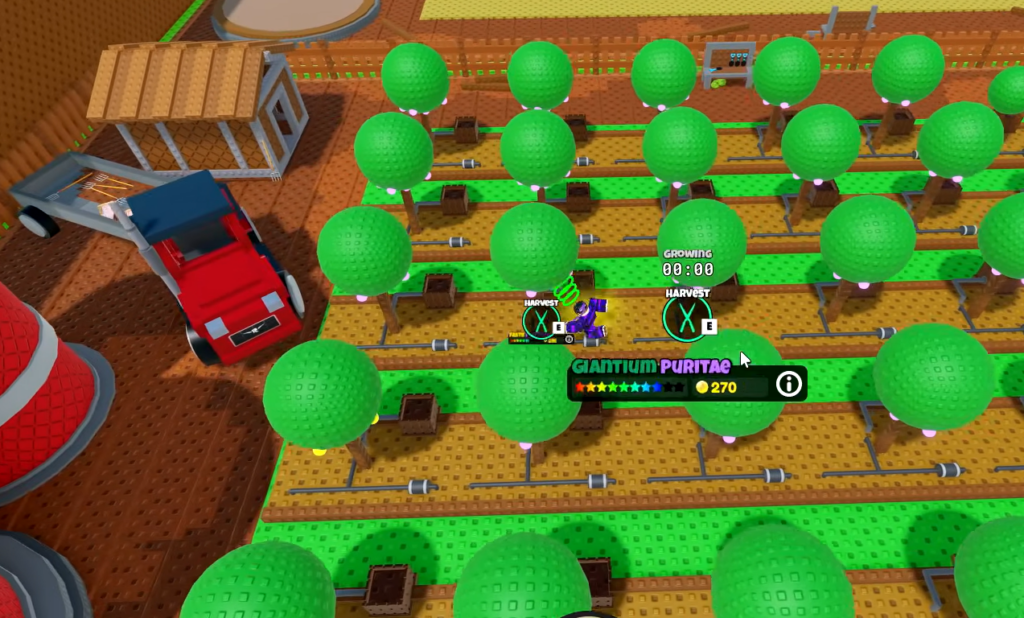
Sell Lemons is built around idle income, and the game credits 100% of your earnings while you are offline. That mechanic does not depend on you being able to launch the game. Your balance and unlocks stay in place, so verifying your account later still lands you exactly where you left off.
For anyone who invested serious time into the grind, the practical takeaway is simple. The block is a rating gate, not a ban or a data loss. Meet the 16+ requirement on the correct account, and the lemon empire is waiting where you left it.