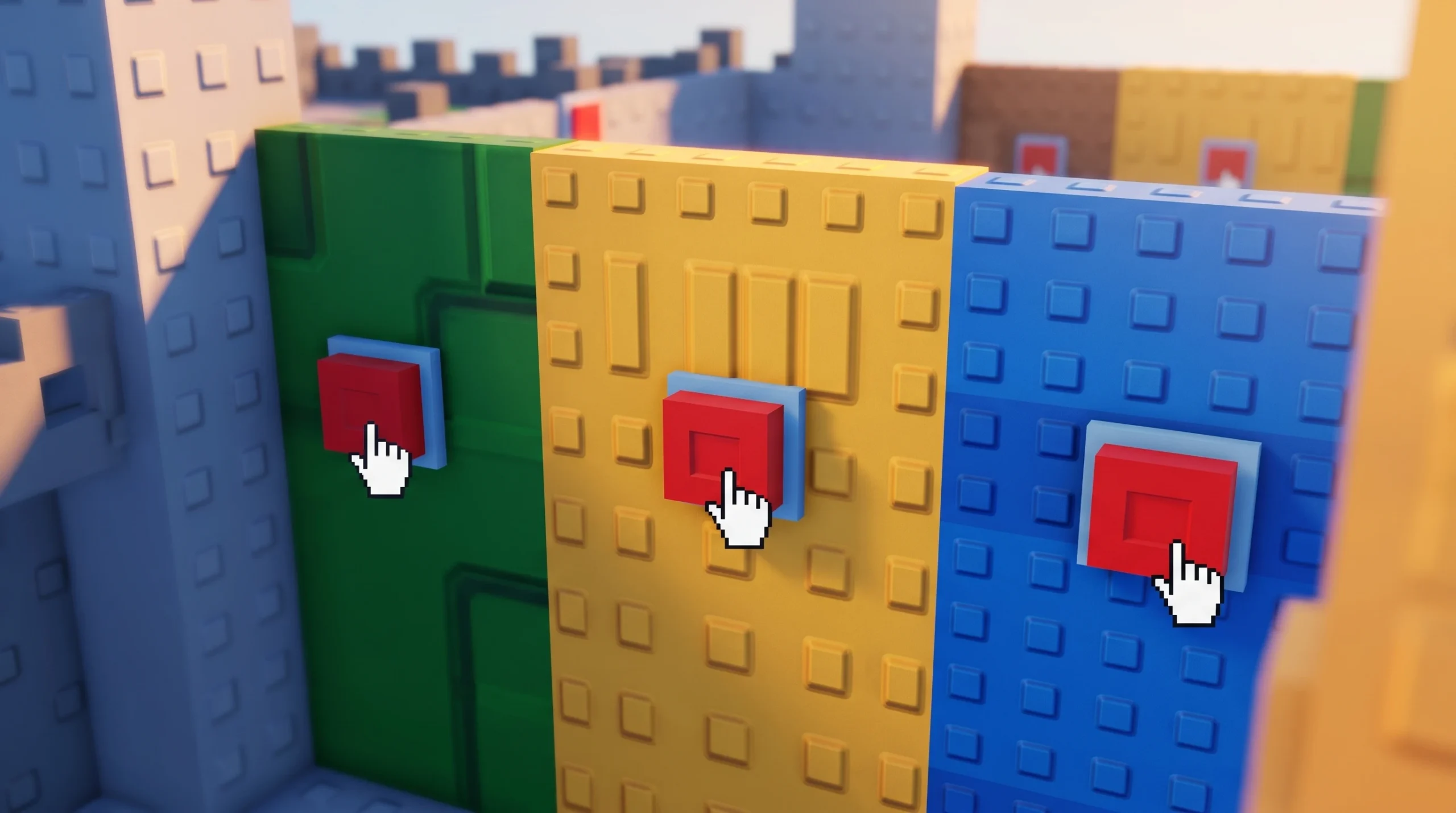
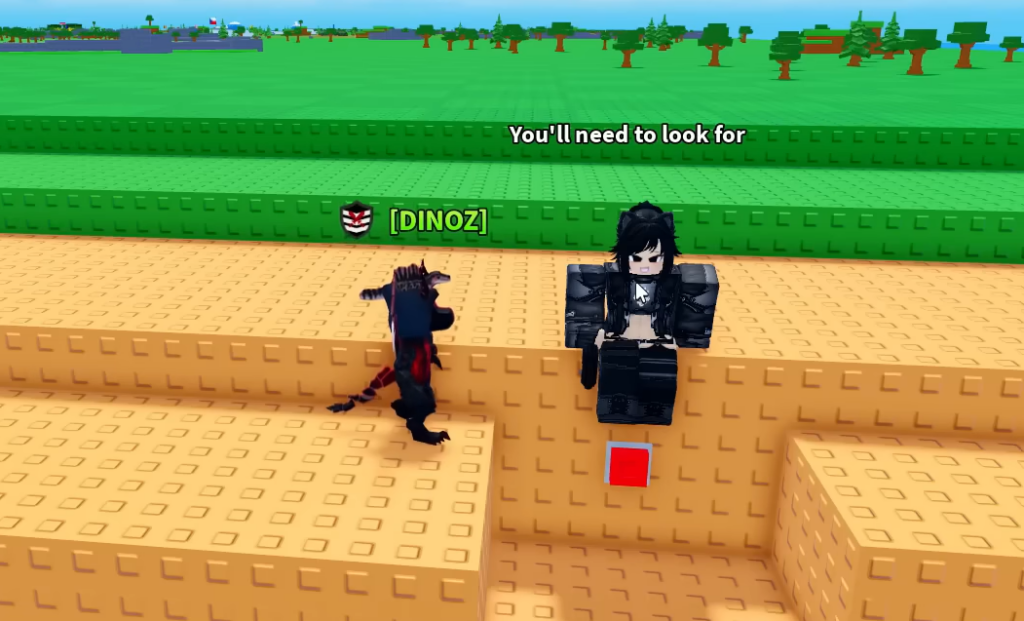
Mini War’s Code Hunt sends you across the whole map to press five hidden buttons. Once all five are pressed, a group of characters spawns, and one of them hands you a promo code. The buttons are red squares tucked against walls, platforms, and support beams, and they come in different sizes, so some are easy to walk past.
Quick answer: Press all five red buttons to fill the on-screen 1/5 tracker up to 5/5. When you hit five, the notification Some people appeared on the map... appears. Walk to the newly spawned NPCs and talk to them. One of them gives you the code.
All 5 button locations in Mini War
The buttons are spread across the four terrain types on the map, from the orange brick desert to the water tiles and the green grassland. Each press ticks the counter at the top of your screen up by one. You do not have to press them in a set order.
| Button | Where to look | How to reach it |
|---|---|---|
| 1 | Orange brick desert area, on a vertical wall of the orange brick structure | Walk up to the red square button and press it |
| 2 | Somewhere between the walled city and the water crossing | Location not shown on-screen; sweep the grey-building city zone with the helipad and toxic dome |
| 3 | Offshore oil rig platform out on the blue water tiles, mounted on the grey support beams underneath | Jump up to reach the button beneath the platform |
| 4 | Long blue brick wall that separates the water from the land, on the side near water level | Approach along the wall and press it |
| 5 | Green grassy area, on the side of a raised green brick platform | Walk up to the platform edge and press the final button |
Pressing button 4 also triggers the message Radiation boosted 10 market items! Check market for +10-20% prices!, so you get a short-term selling bonus on the way through.
Button 2’s exact spot is the one to watch for. Because buttons vary in size, a smaller one can blend into the terrain, so slow down through the walled city stretch between the desert and the oil rig and check the sides of buildings and walls.
What happens after you press all five
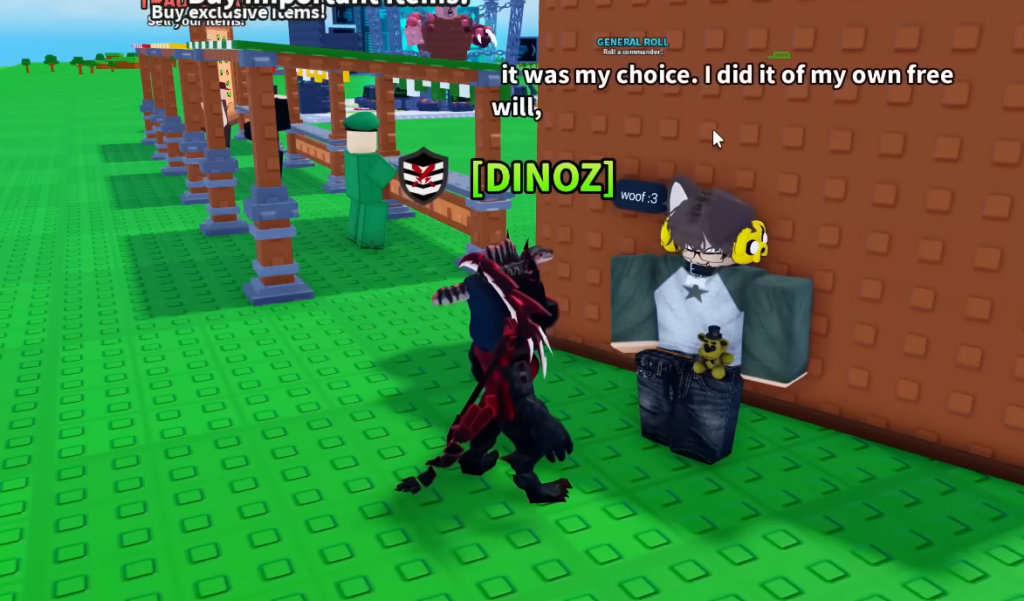
When the tracker reads 5/5, several characters spawn on the map. Head to them and interact. Only one of the spawned NPCs carries the code, so talk to each until you find it. This is the confirmation that the hunt worked correctly.
The reward you get from redeeming that code depends on how early you claim it relative to everyone else on the server run.
| Redemption order | Reward |
|---|---|
| 1–10 | Supernova Generator |
| 11–1000 | The most expensive building you currently own |
| 1001+ | 100 gems |
How to redeem the code you find
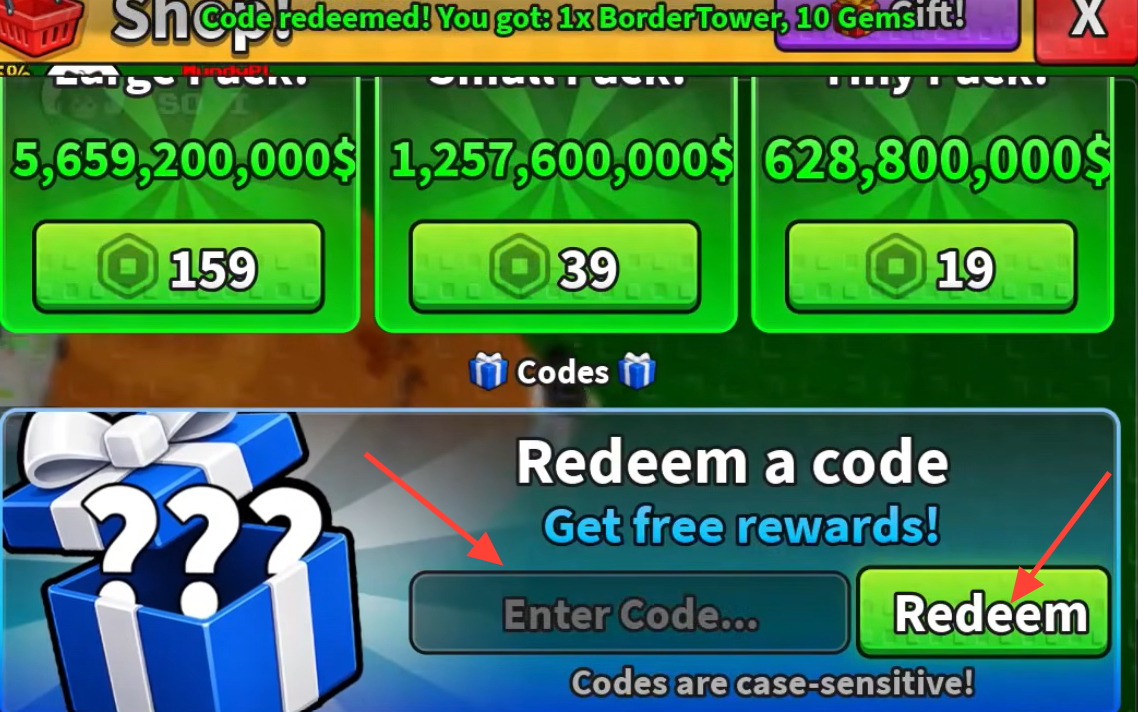
Codes section. You will see the prompt Redeem a code / Get free rewards / Enter Code....Redeem button. A confirmation notification appears listing your reward, the same way NOLAGPLZ returns Code redeemed! You got: 1x BorderTower, 10 Gems.If nothing happens when you redeem, the usual reasons are a typo, using a code that has already been claimed on your account, or a code that has expired. Re-enter it carefully, since codes are case-sensitive.
Because the top-tier Supernova Generator reward only goes to the first ten players who redeem, speed matters once the NPCs spawn. Knowing all five spots ahead of time is the difference between a fast lap and wandering the map, so run the desert, city, oil rig, water wall, and grassland route in one clean pass and talk to the characters the moment the counter hits five.