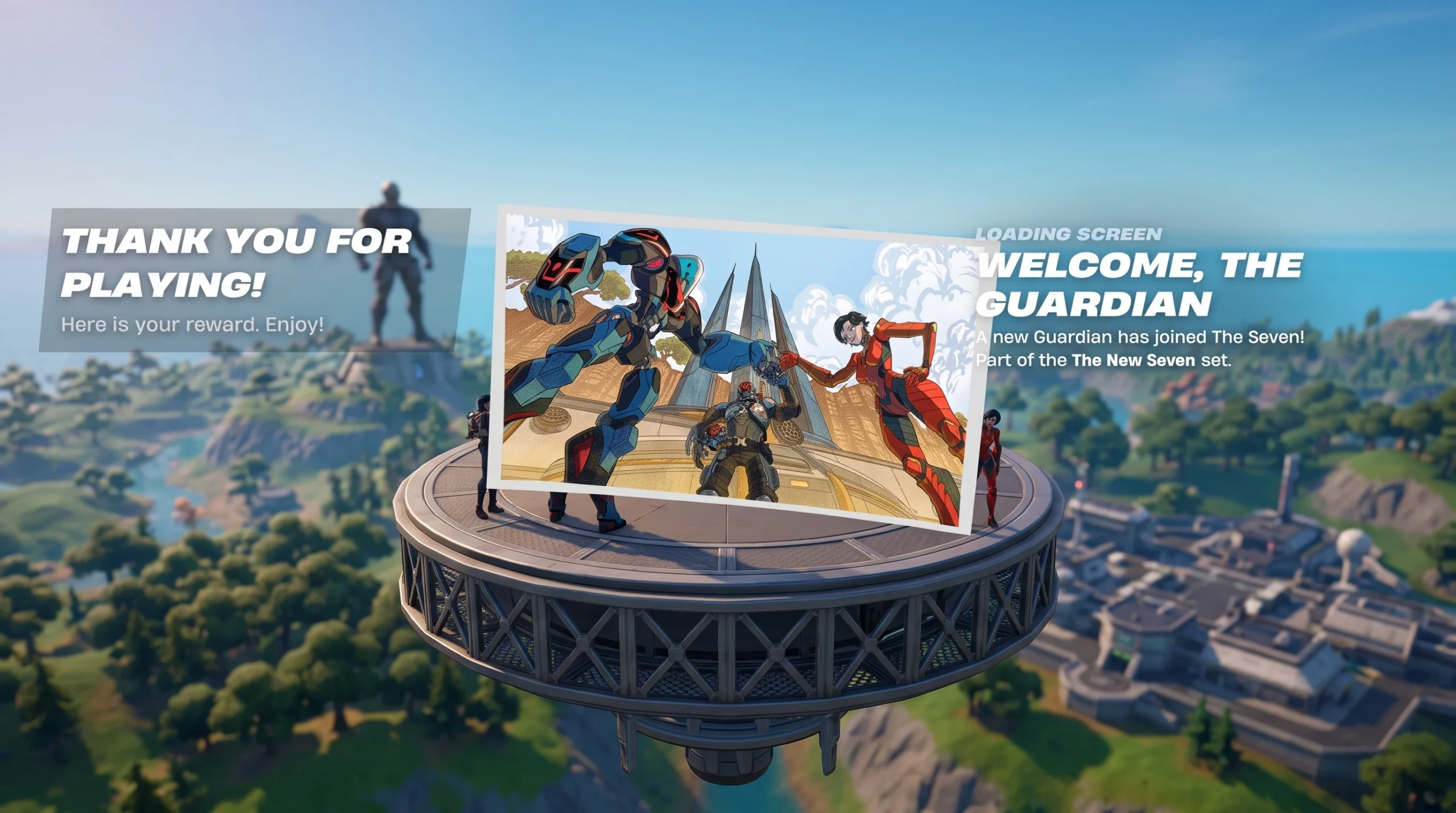
“Welcome, The Guardian” is an Uncommon loading screen added in Fortnite Chapter 7 Season 3, carrying the tagline “A new Guardian has joined The Seven!” It is a challenge reward rather than a shop item, so it lands in your Locker once you finish the right in-game objectives.
Quick answer: Complete the Chapter 7 Season 3 challenge set tied to The Guardian to unlock the “Welcome, The Guardian” loading screen. It is earned through challenges, not bought with V-Bucks.
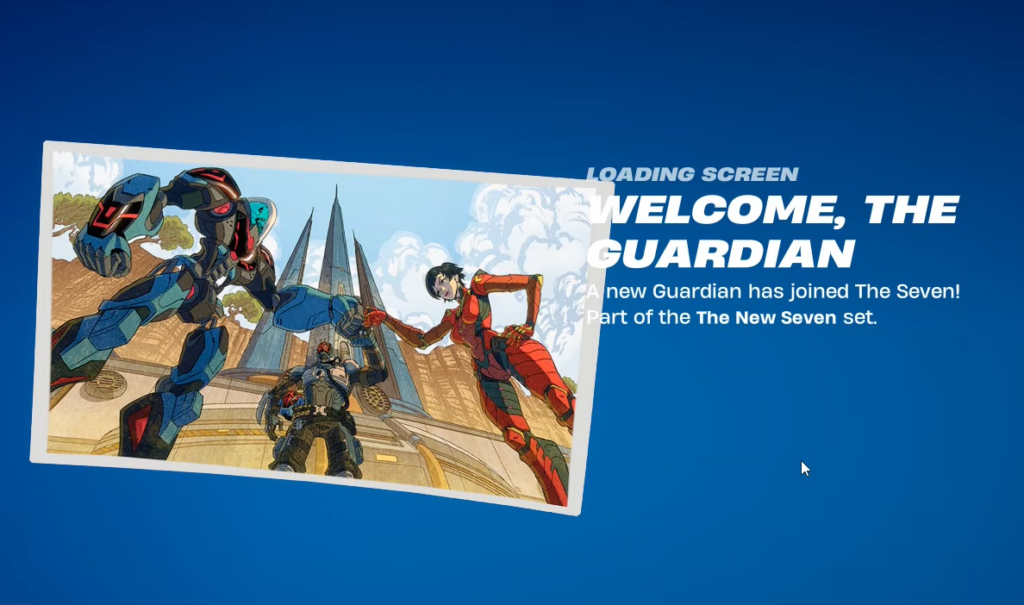
“Welcome, The Guardian” loading screen details
Before chasing the unlock, confirm you are looking at the correct cosmetic. The loading screen is part of The Guardian’s narrative content for the season.
| Detail | Value |
|---|---|
| Name | Welcome, The Guardian |
| Type | Loading screen |
| Rarity | Uncommon |
| Source | Challenges |
| Introduced in | Chapter 7, Season 3 |
| Release date | July 4, 2026 |
How to unlock the loading screen
The Guardian outfit itself comes from the Chapter 7 Season 3 Battle Pass and costs 800 V-Bucks to unlock within that pass. The loading screen is separate and is tied to challenge completion instead.
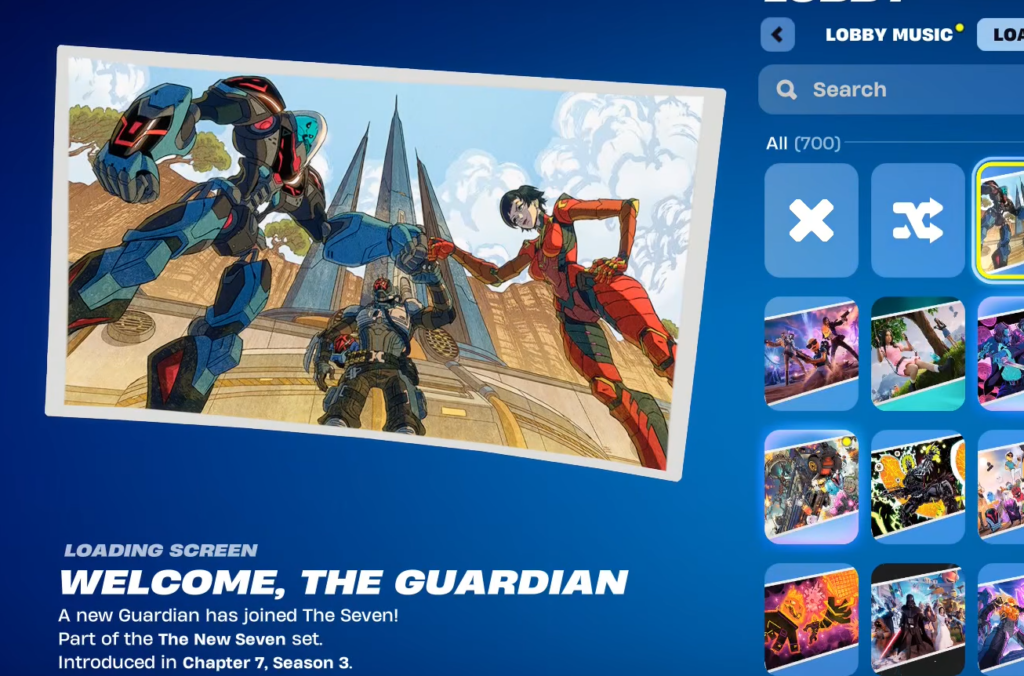
How to confirm it unlocked
You will see the challenge marked as complete in the Quests menu, followed by a reward notification. To verify, open your Locker, go to the loading screen category, and check that “Welcome, The Guardian” now appears as owned and equippable.
Why it might not appear yet
- The challenge set is not fully finished. Partial progress does not grant the reward.
- You are checking outside Chapter 7 Season 3. The loading screen is tied to this season’s challenges.
- You confused the outfit with the loading screen. The Guardian skin is a Battle Pass item, while the loading screen is a challenge reward.
Once every required objective is done, the loading screen drops straight into your Locker, and you can set it as your active loading screen from there.