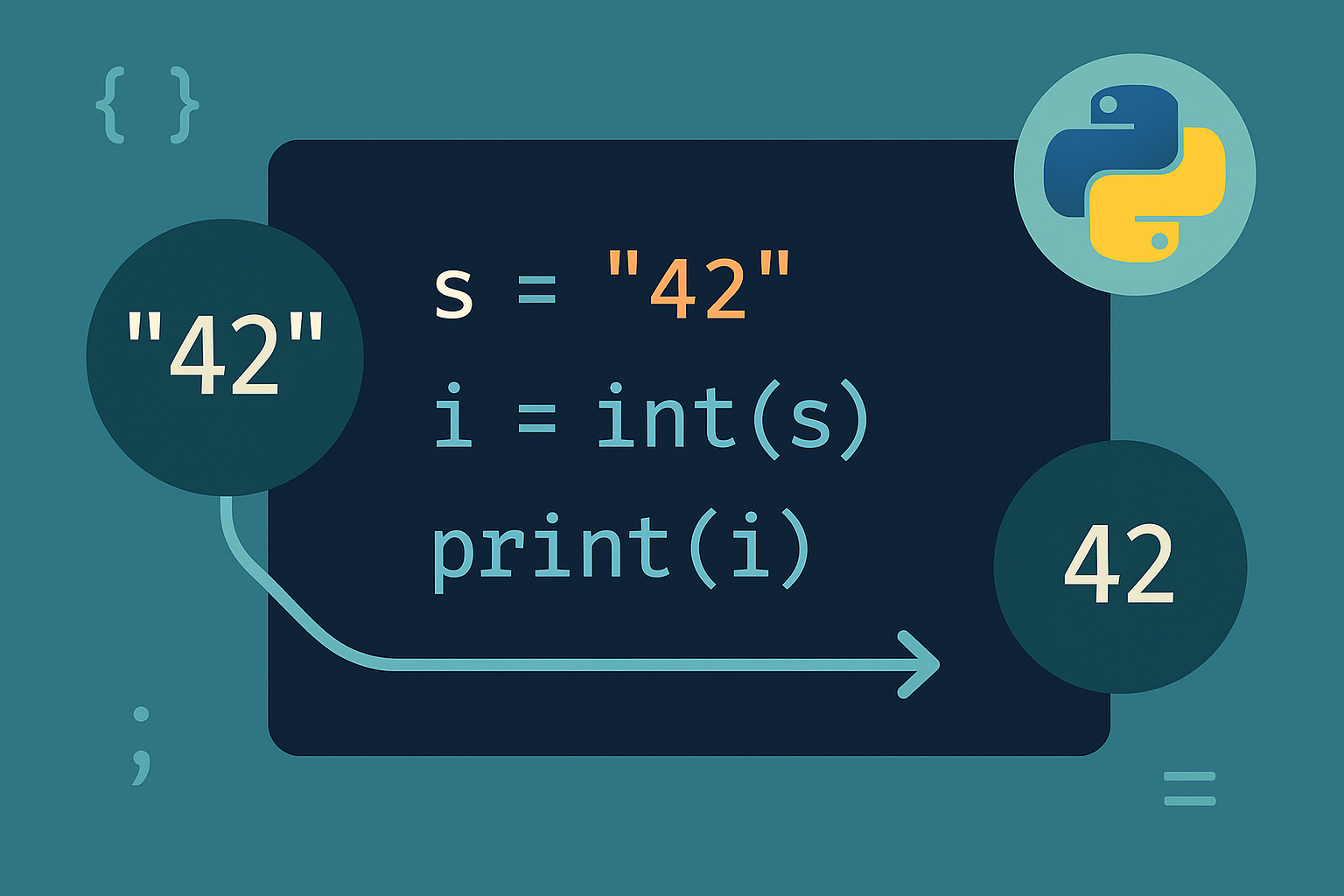
Solution preview: convert a numeric string with int(). For non‑decimal inputs (binary, hex) pass a base. Add error handling or pre‑validation to deal with invalid input.
Method 1: Convert a decimal numeric string with int()
s = "42"n = int(s)print(n * 2) # 84Tip: int() ignores leading/trailing whitespace and supports optional signs like "+17" or " -3 ".
Method 2: Parse strings in other bases (binary, hex, octal)
# Binary
b = "1010"
n = int(b, 2)   # 10

# Hexadecimal
h = "1A"
m = int(h, 16)  # 26
Note: You can use any base between 2 and 36.
Method 3: Handle invalid input safely (try/except or pre-check)
s = "abc"
try:
    n = int(s)
    print(n)
except ValueError:
print("Invalid input: cannot convert to integer")str.isdigit() for digit‑only inputs.s = "12345"
if s.isdigit():
print(int(s))
else:
print("Not a pure digit string")Check: str.isdigit() does not accept signs ("-5") or decimals ("12.3"). Use the try/except path for those cases.
Method 4: Convert float-like strings to int
s = "88.8"
n = int(float(s))  # 88 (truncates toward zero)
Note: This truncates the fractional part. If you need rounding, convert to float and apply round() before int().
Method 5: Convert a list of numeric strings
xs = ["1", "2", "3"]
nums = list(map(int, xs)) # [1, 2, 3]nums = [int(x) for x in xs]Tip: If items might be invalid, wrap the conversion in a function that uses try/except and apply it with map or a comprehension.
Common pitfalls
- Passing non-numeric text (for example,
"hello") raisesValueError. Use try/except to keep your program running. - Parsing a float string (for example,
"12.5") withint()fails; convert tofloatfirst if truncation is acceptable. - Parsing base-specific strings without the correct base gives incorrect results or errors. Always pass the base when the string isn’t decimal.
With int() for direct parsing, a base argument for non-decimal strings, and simple validation, you can convert inputs confidently and keep your code robust.