Solution preview: call str.split() to break a string into a list of substrings. By default it splits on any whitespace; pass a delimiter or maxsplit for finer control. See the official API for str.split in the Python docs: docs.python.org.
Method 1: Split on whitespace with str.split()
s = "Python makes text processing easier"
parts = s.split()
print(parts) # ['Python', 'makes', 'text', 'processing', 'easier']words = s.split()first = words[0]
for w in words:
print(w)Method 2: Split with a specific delimiter using sep
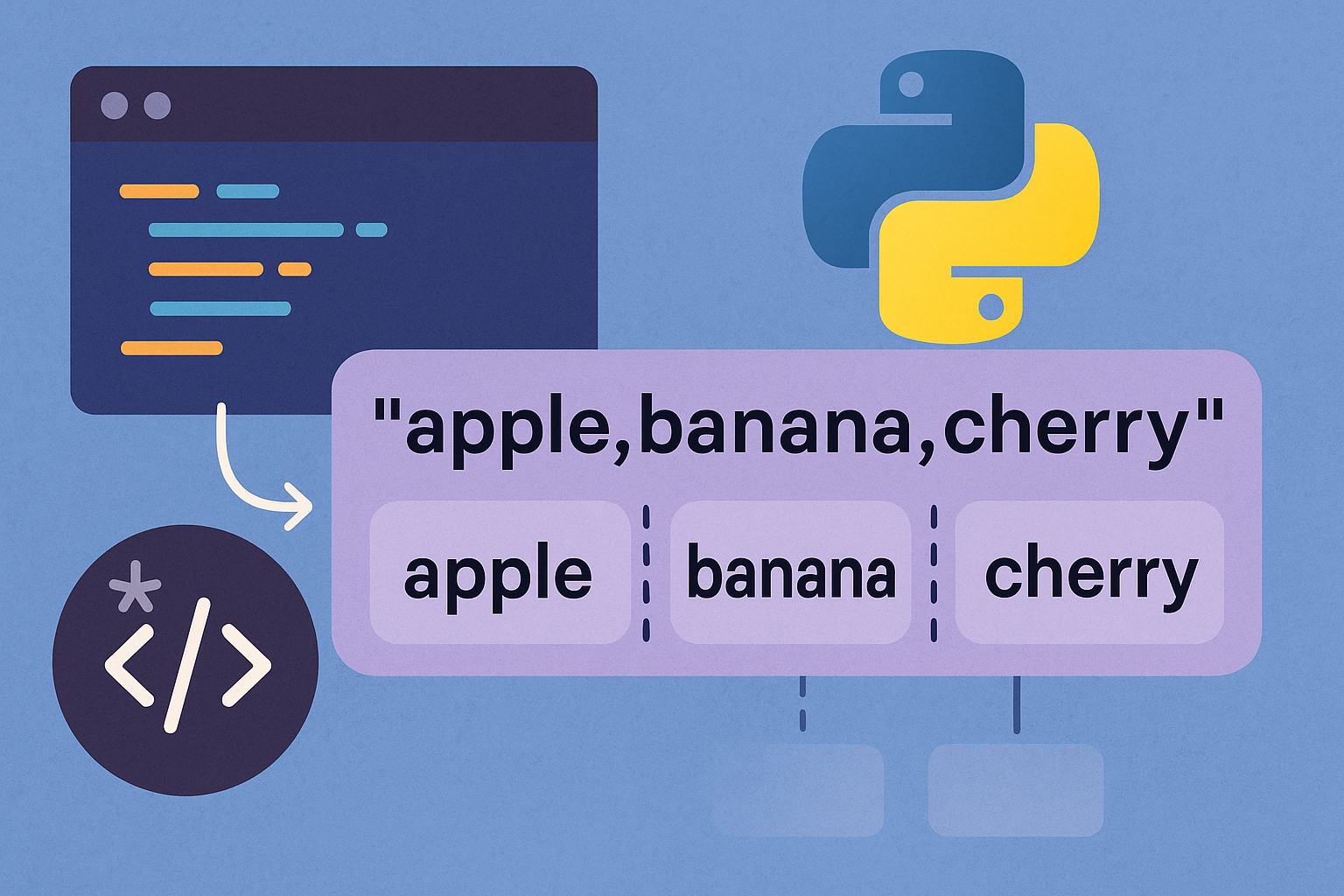
csv = "Alice,Bob,Charlie"
names = csv.split(",")
print(names) # ['Alice', 'Bob', 'Charlie']tsv = "2\tapple juice\t2.00"
fields = tsv.split("\t")
print(fields) # ['2', 'apple juice', '2.00']Method 3: Limit the number of splits with maxsplit
log = "2025-01-15 08:45:23 INFO User logged in"
date, time, level, message = log.split(maxsplit=3)
print(date, time, level, message)"A B C".split(maxsplit=1) # ['A', 'B C']Method 4: Split from the right with str.rsplit()
path = "/home/user/docs/tax.txt"
directory, filename = path.rsplit("/", maxsplit=1)
print(directory)  # /home/user/docs
print(filename) # tax.txtPrefer
rsplit when you care about the last fields (e.g., filenames) because it avoids empty leading tokens when the string starts with a separator.Method 5: Split into two parts at the first occurrence using partition()
s = "abcd qwrre qwedsasd zxcwsacds"
head, sep, tail = s.partition(" ")
print(head)  # abcd
print(tail) # qwrre qwedsasd zxcwsacdsPrefer
partition over split(maxsplit=1) if you also need to know whether the separator was found because it always returns a 3-tuple.Method 6: Split by lines with str.splitlines()
Call
splitlines() to break a multiline string on line boundaries without leaving a trailing empty element.text = "Hello\nHow are you?\n"
lines = text.splitlines()
print(lines) # ['Hello', 'How are you?']text.splitlines(keepends=True) # ['Hello\n', 'How are you?\n']Review the official reference for str.splitlines: docs.python.org.
Method 7: Split with regular expressions using re.split()
import re
data = "Apple:Orange|Lemon-Date"
parts = re.split(r"[:|-]", data)
print(parts) # ['Apple', 'Orange', 'Lemon', 'Date']messy = "Apple :::::3:Orange | 2|||Lemon --1 AND Date :: 10"
pattern = r"\s*(?:[:|\-]+|AND)\s*"
print(re.split(pattern, messy))
# ['Apple', '3', 'Orange', '2', 'Lemon', '1', 'Date', '10']See the official re.split entry: docs.python.org.
Method 8: Split into characters
chars = list("foobar")
print(chars)  # ['f', 'o', 'o', 'b', 'a', 'r']
Method 9: Split many strings and collect all words
book_lines = ["the history of", "australian exploration from 1788 to 1888"]
words = []
for line in book_lines:
    words.extend(line.split())
print(words)
# ['the', 'history', 'of', 'australian', 'exploration', 'from', '1788', 'to', '1888']words = [w for line in book_lines for w in line.split()]Common pitfalls and quick tips
split()returns a new list; it does not modify the original string.- Assign the result:
tokens = s.split(). - Use
split("\t")for TSV-style input to keep multi-word fields intact. - Prefer
partition()orsplit(maxsplit=1)when you only need the first split. - Choose
rsplit()for extracting trailing components like filenames. - Use
splitlines()for line processing instead of splitting on"\n".
With these patterns you can reliably slice strings for logs, CSV/TSV-like data, multiline text, or character-level tasks while keeping your code clean and predictable.