Instagram’s recent update introduces a map feature that shares your real-time location with selected friends through direct messages. This shift from voluntary location tagging in posts and stories to passive, ongoing location sharing raises important privacy considerations. Disabling the Instagram map feature prevents your contacts from tracking your current movements and helps you maintain better control over your personal information.
Turn Off Instagram Map Location Sharing in the App
No one under “Who can see your location.” This option prevents anyone from viewing your real-time location via the Instagram map.No one is the most effective option.Disabling location sharing in the map settings immediately stops Instagram from updating your friends about your whereabouts. You can return to these settings at any time to adjust your preferences if your privacy needs change.
Disable Instagram’s Access to Device Location
For a stronger privacy barrier, you can block Instagram’s access to your phone’s location services. This prevents the app from collecting any new location data, regardless of your in-app settings.
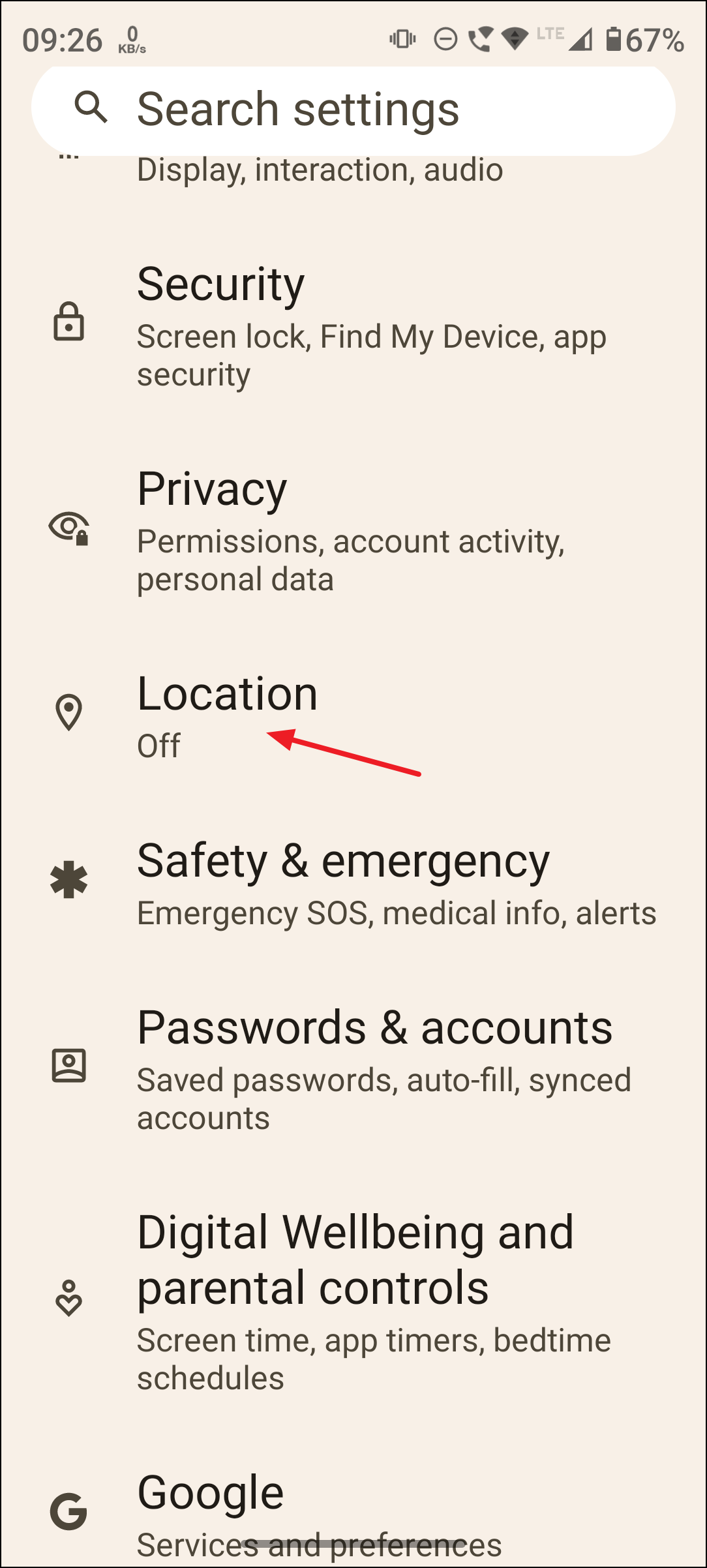
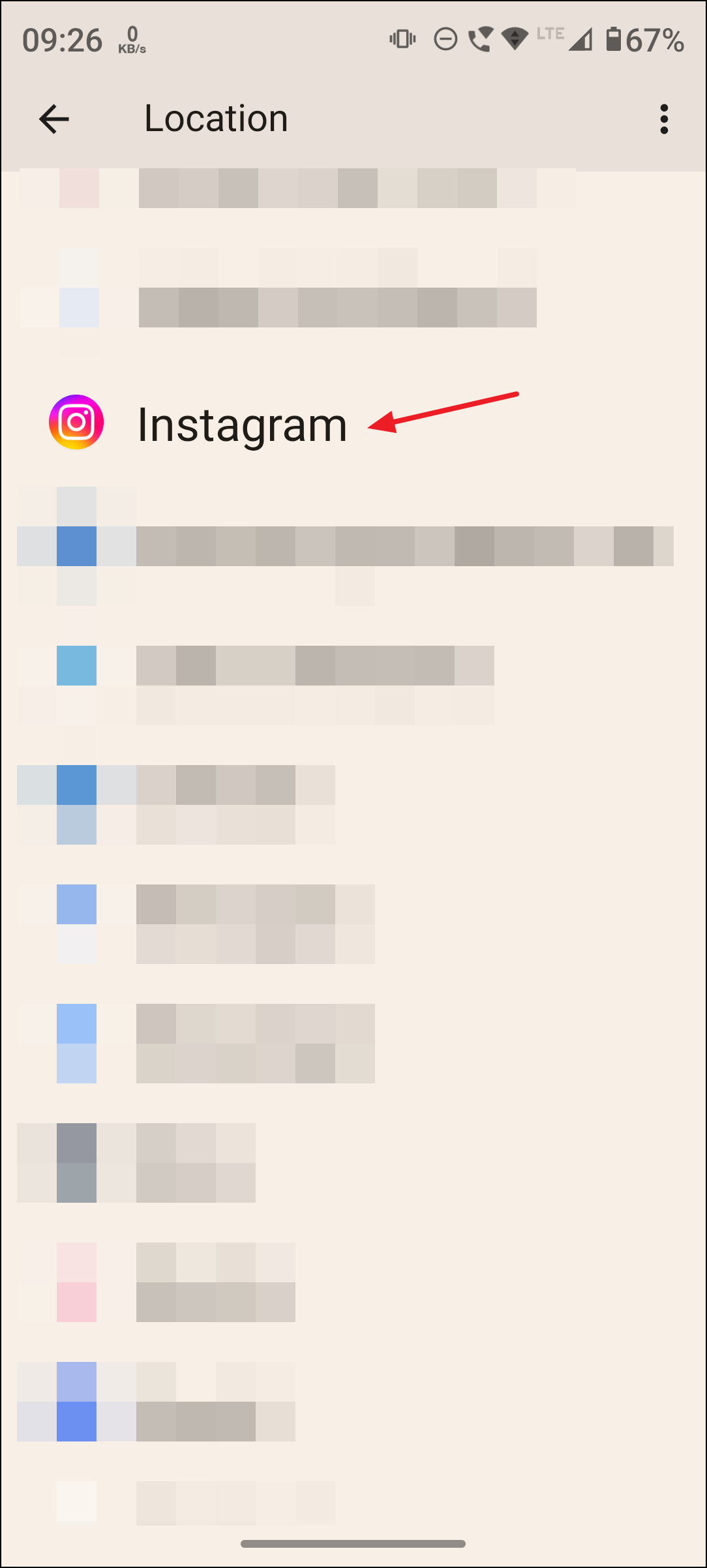
Never or Deny. This action stops Instagram from accessing your device’s GPS or network-based location, blocking all forms of location sharing, including those in stories, posts, and the map feature.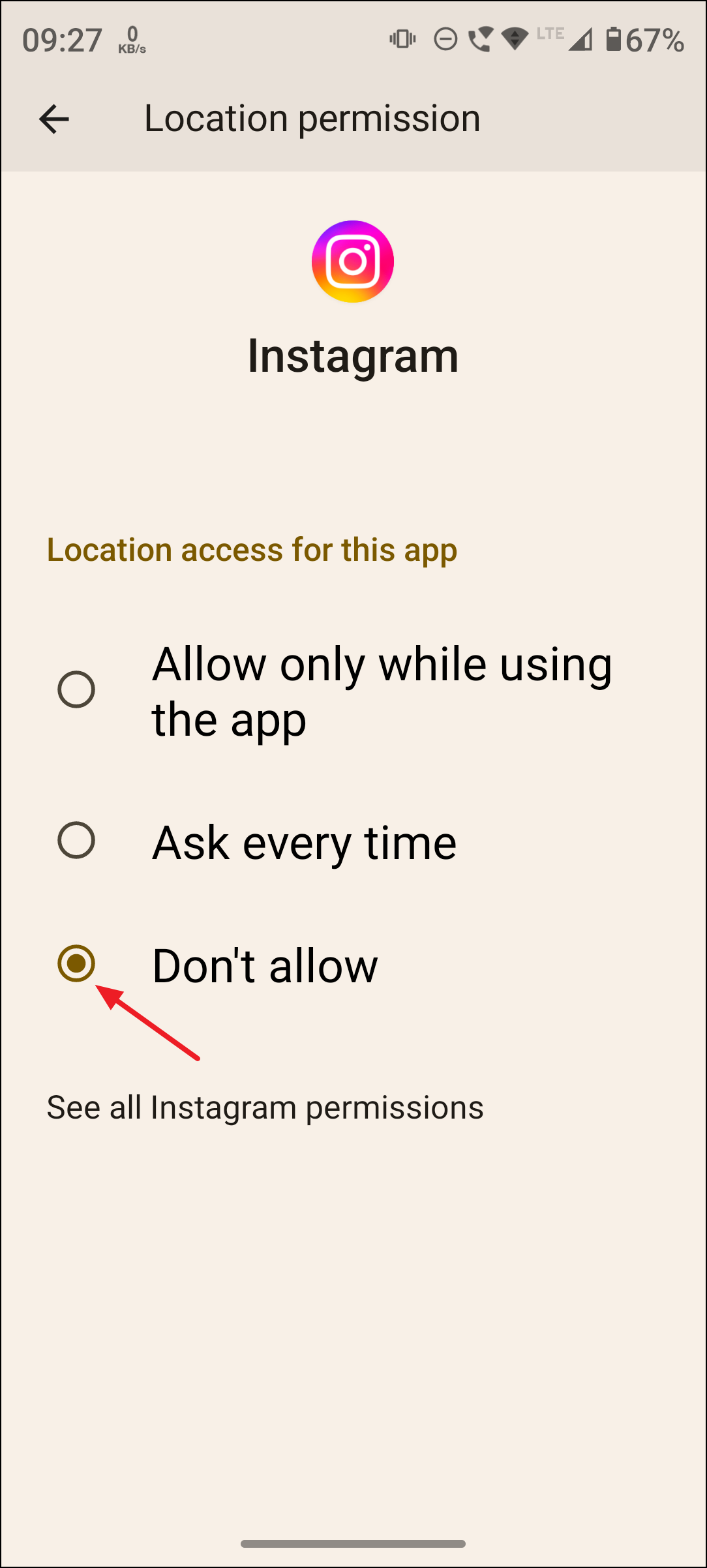
Keep in mind that this may also limit your ability to tag locations in posts or use other location-based features, but it provides the highest level of privacy.
Remove Location Tags from Posts, Stories, and Reels
Even with map sharing disabled, manually tagging your location in posts, stories, or reels makes your whereabouts visible to followers and, in some cases, the public. To further protect your privacy, avoid adding location tags to your content.
- Before posting, skip the step where you can add a location.
- If you’ve already posted with a location tag, you can edit the post and remove the location.
This reduces the amount of location information available to others both on your profile and within Instagram’s map exploration features.
Additional Tips and Parental Controls
Instagram’s map feature includes some controls for parents if they have set up supervision for a teen account. Parents receive notifications if their teen starts sharing their location, and can decide whether their child is allowed to use this feature. These controls are accessible through Instagram’s Family Center.
For both teens and adults, it’s wise to review your followers list and only share your location, if at all, with people you trust. Sharing your exact location can reveal sensitive routines and places, potentially increasing risks of unwanted contact or surveillance.
Turning off Instagram’s map feature and managing location permissions helps you keep your movements private and reduces the risk of oversharing sensitive information. Periodically review your privacy settings as Instagram updates its features to ensure your preferences stay in place.