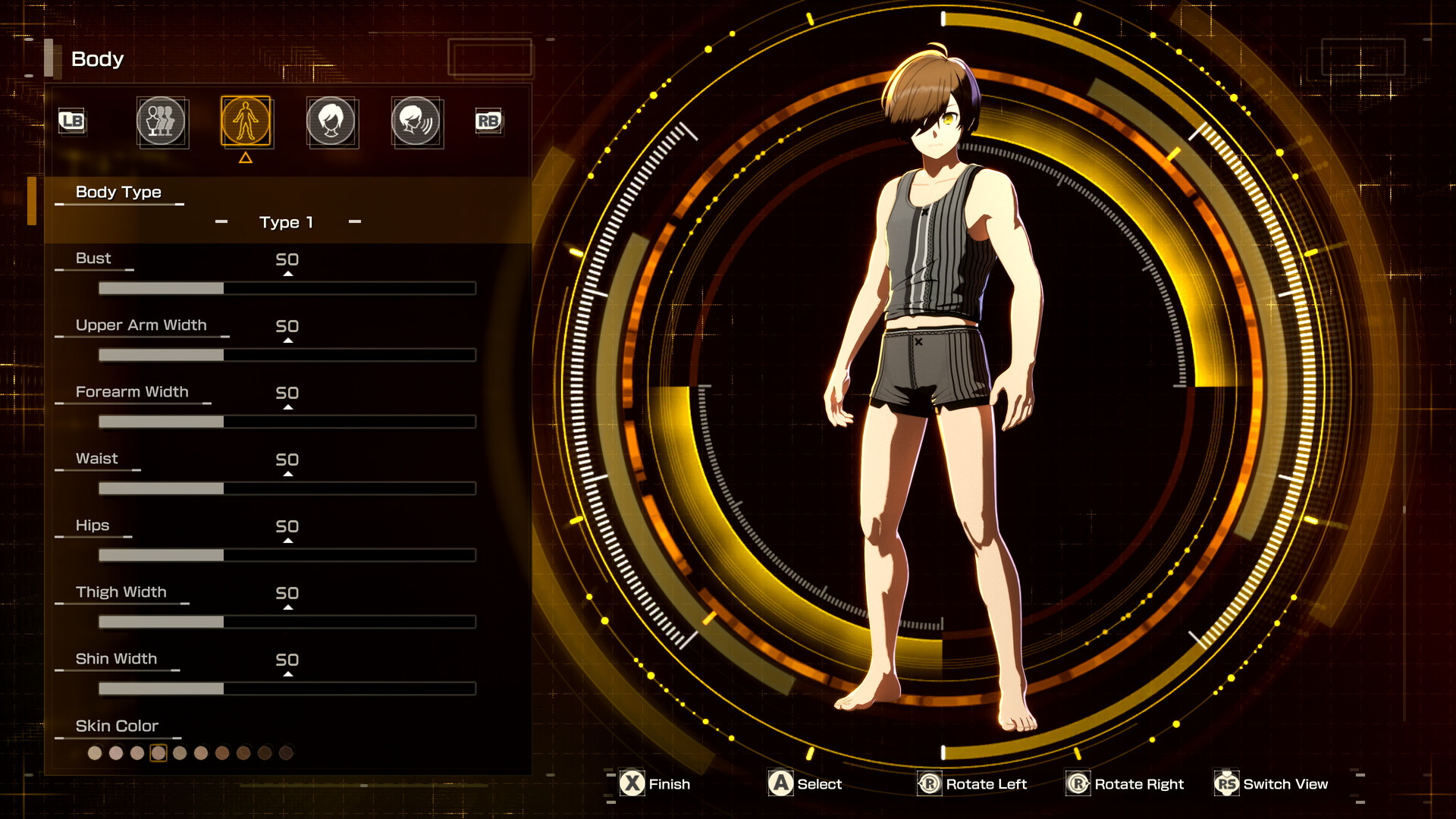
The starting look you get in Echoes of Aincrad is not your real character. In the demo and prologue, you are locked into a default appearance, and there is no face slider to open. That comes later, and there are a couple of different ways to change how you look depending on what you actually want to alter.
Quick answer: Full character customization unlocks in the retail game once you reach the story moment where the Mirror reveals your true appearance. The demo and prologue do not include it. To edit hair, face, eyes, and colors after creation, use a save editor. To change how your equipment looks, unlock the costumes feature through a side quest.
When character customization unlocks
There is no character creator in the demo or the prologue. The face you start with is the game’s stock default, and you cannot open a customization menu at that stage no matter where you look.
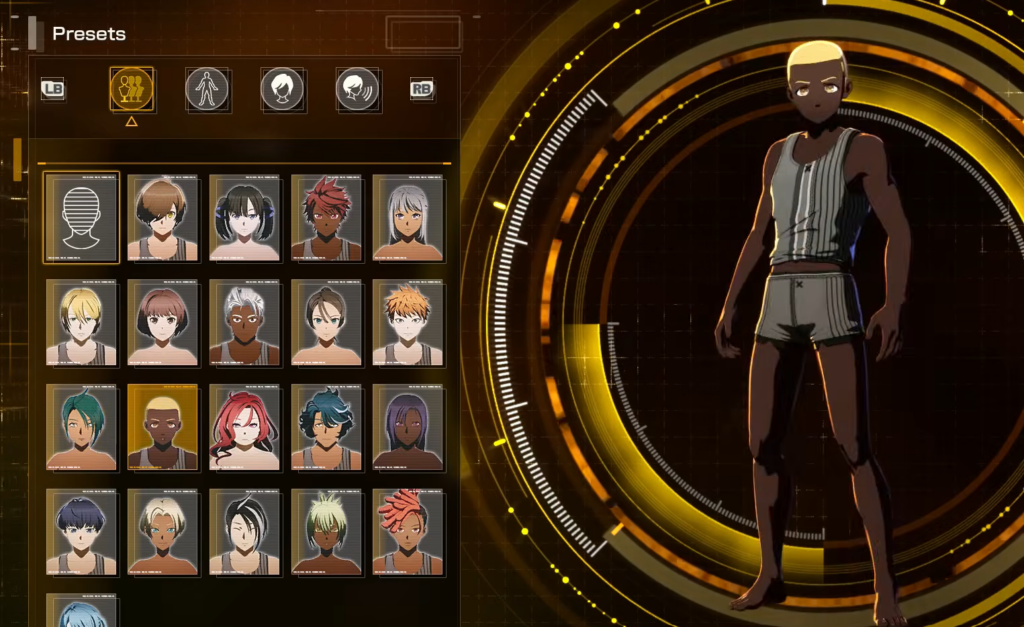
The full character creator becomes available in the retail release after the beta-test opening. It triggers at the same point long-time Sword Art Online players will recognize, when you receive the Mirror that reveals your true appearance and locks you into the world. Once that scene plays, you gain access to the options for building the character you actually want.
Because customization is gated behind that story beat, you cannot preview or pre-build your look before starting. There is no standalone creator to play with ahead of launch.
Change your face and hair after creation with a save editor
The game does not include a built-in barber or redo option once you have finished creating your character. If you want to change your look afterward without starting a new save, a community save editor called the Appearance Changer handles it. It edits hair, face, eyes, colors, name, gender, and voice using a visual picker that shows the real in-game part thumbnails, so you see exactly what you are selecting.
It works on a copy of your save file and only writes to the real one when you choose to, creating a timestamped backup first. Body-shape sliders are hidden so you cannot deform your character. The tool is portable, runs on Windows and Linux, and needs no installation.
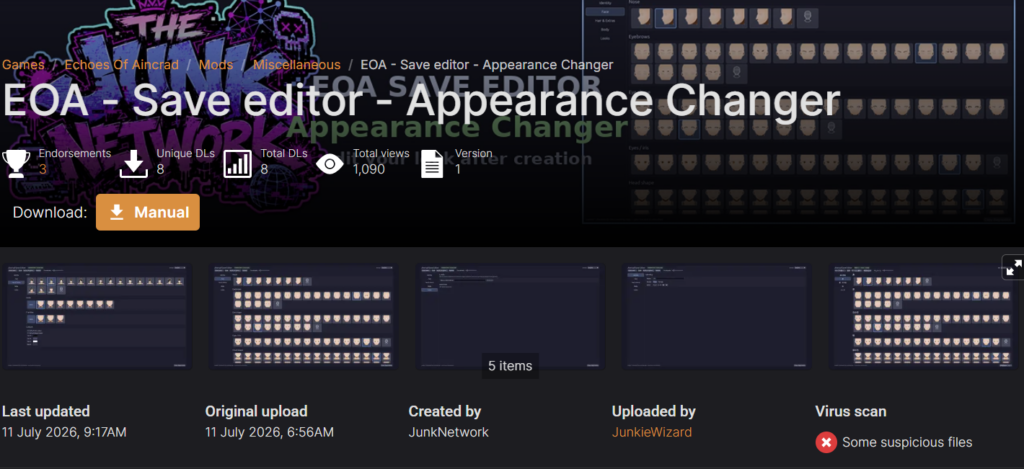
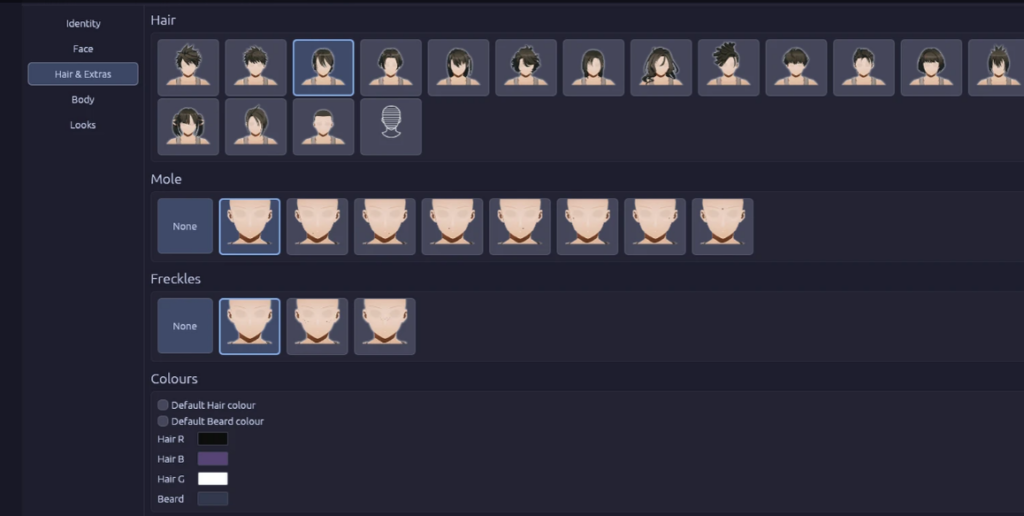
You can also store a named preset of an appearance and re-apply it later, keeping a personal library of “looks” separate from the game save. Your antivirus or Windows may warn about the app on first run, which is expected for this kind of tool.
Change how your equipment looks with costumes and recoloring
Changing your gear’s appearance is separate from your face and body. Echoes of Aincrad has a transmog-style costumes feature that lets you recolor equipment and make one piece take on the look of another, all without touching your actual stats. You have to unlock it first, and the color options are locked until you do.
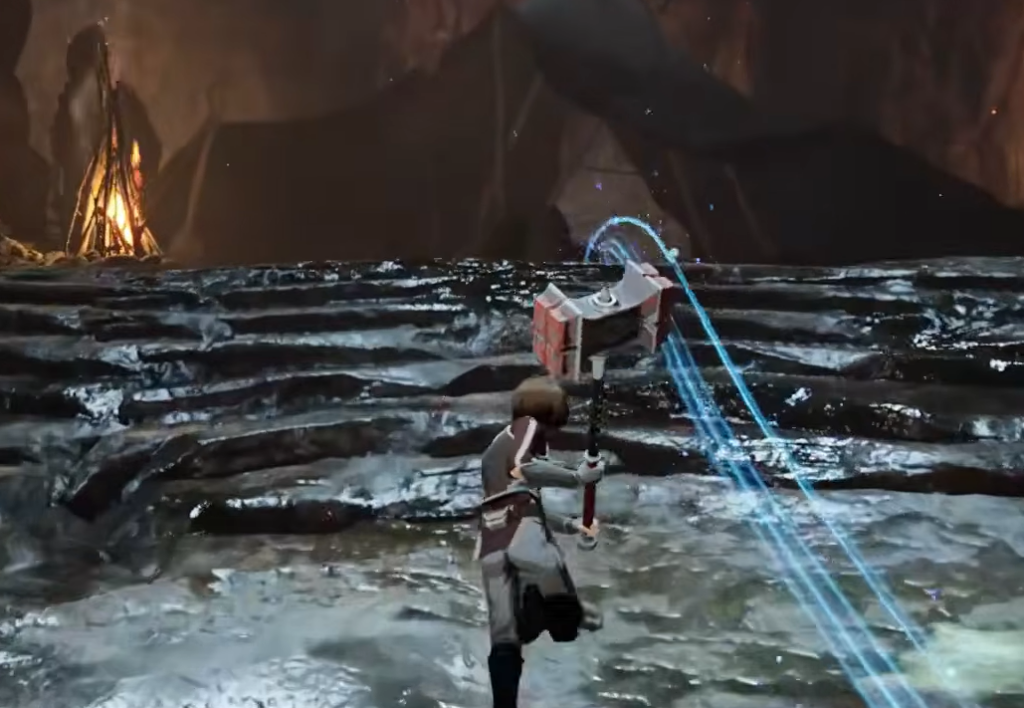
Once unlocked, the two tabs do different jobs. Here is how they split.
| Tab | What it does |
|---|---|
| Equipment | Re-equip gear as normal and adjust your stats. |
| Costume | Purely cosmetic. Set what your equipment looks like and recolor individual pieces without changing their actual values. |
A wide range of colors is available, so most looks are achievable. One thing to remember: a costume you set stays active even after you swap to different equipment. If you want to see the gear you actually have equipped again, remove the costume first.
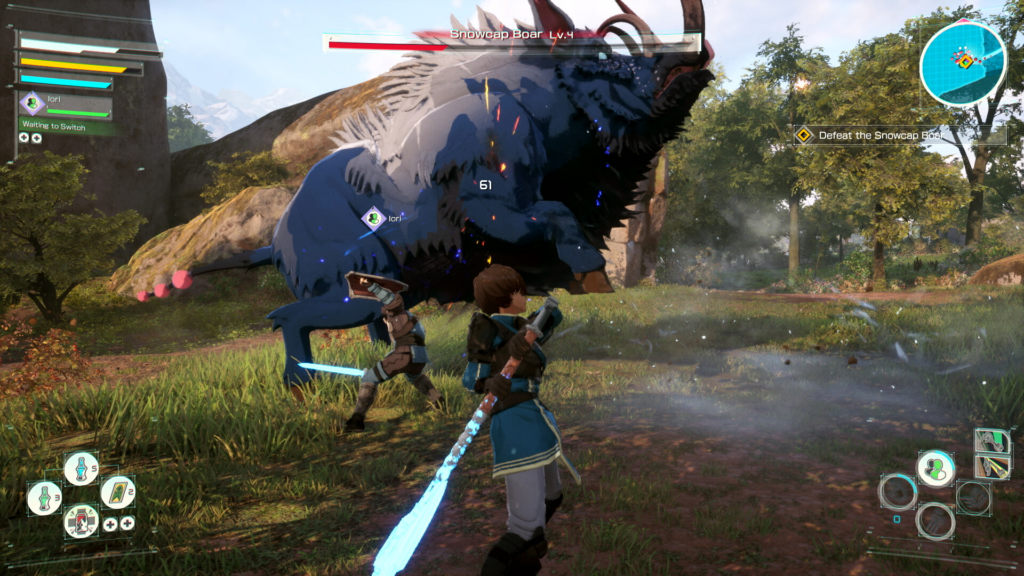
So the short version is this. Your true face is set once you clear the opening and get the Mirror in the full game. If you want to change that face later, a save editor is the route since there is no in-game redo. And if it is your outfit you want to restyle or recolor, the costumes feature handles it after you finish the “One Chance” side quest in the City of Beginnings.