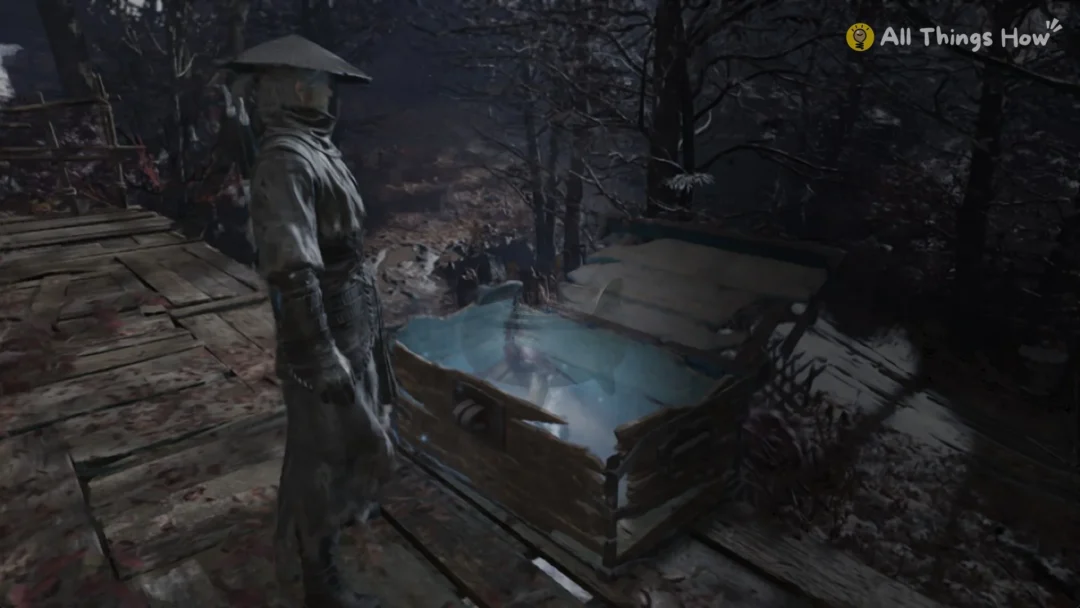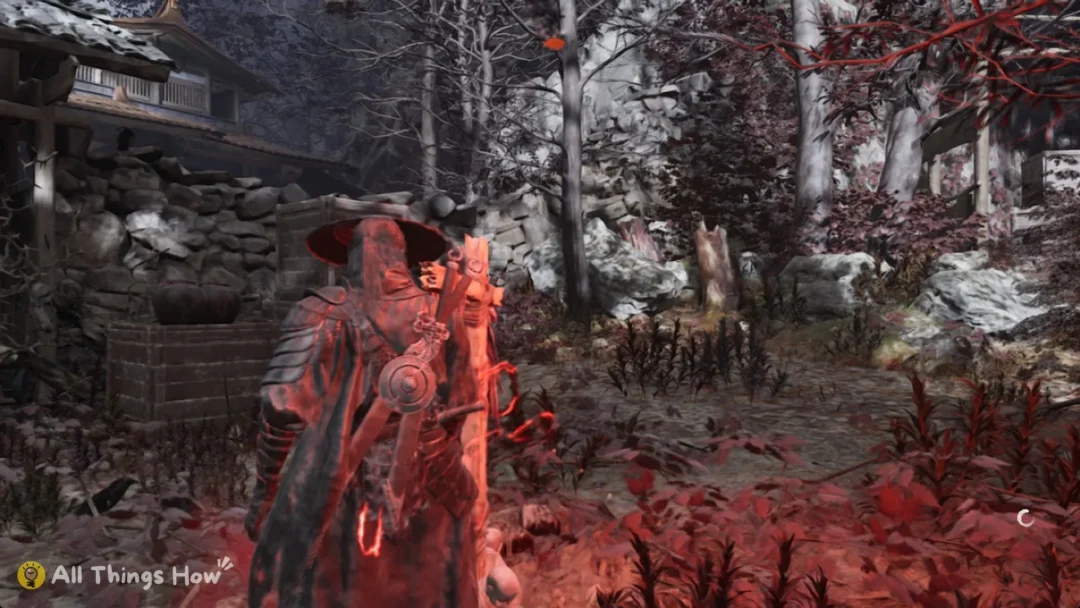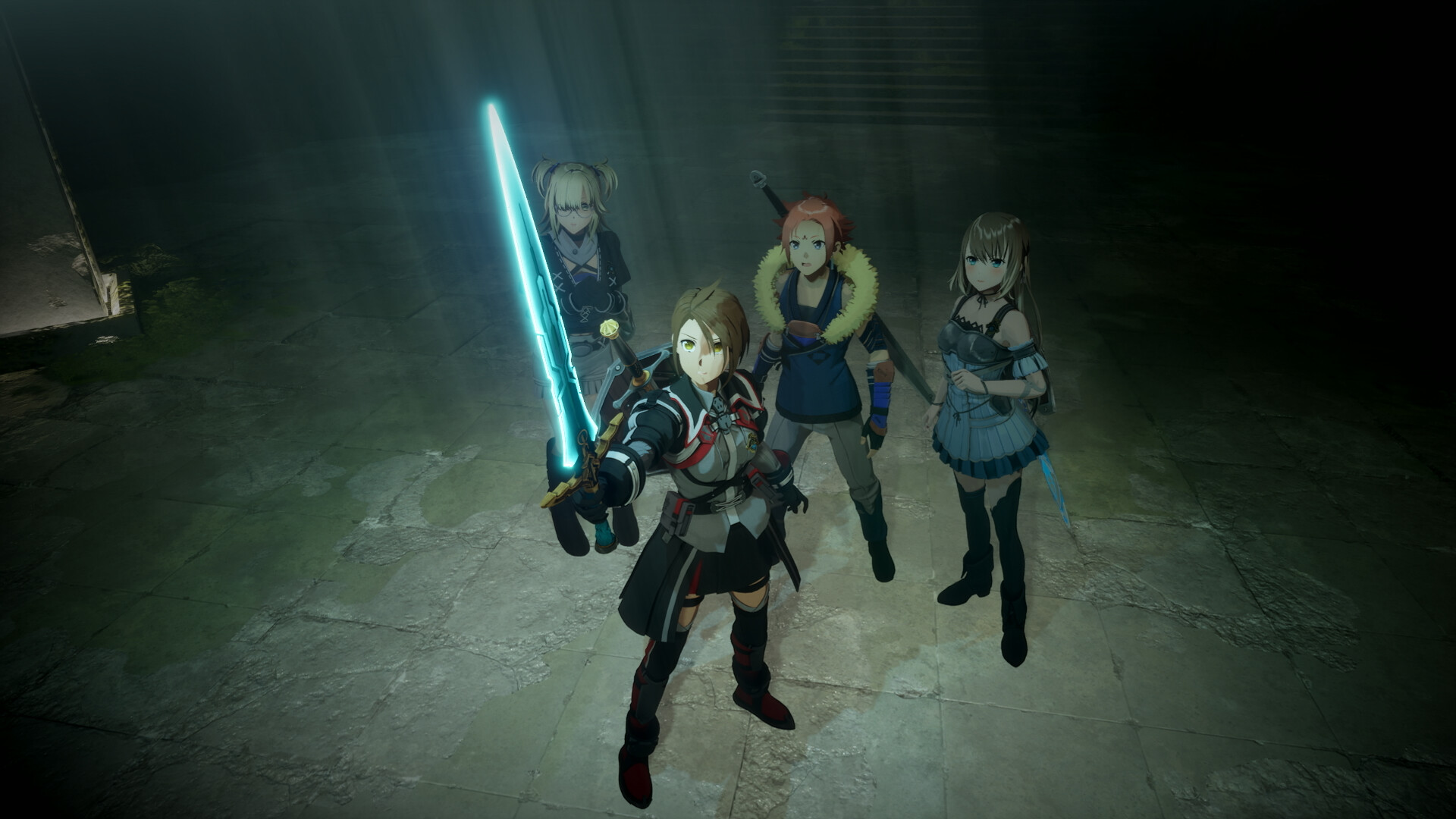
Echoes of Aincrad is the first mainline Sword Art Online game that lets you build your own hero instead of playing as Kirito. Your avatar is one of the 10,000 players trapped inside the floating castle of Aincrad, living an original story beside the events fans already know. The catch is that the character creator does not open the moment you press start. You begin as a preset beta avatar, and the editor only appears once you reach a specific point in the opening chapter.
Quick answer: Finish the five closed-beta missions that make up the “Prologue: Closed Beta Test” chapter. When the chapter ends, the game drops you straight into the character creator automatically.
Why you start as a preset avatar
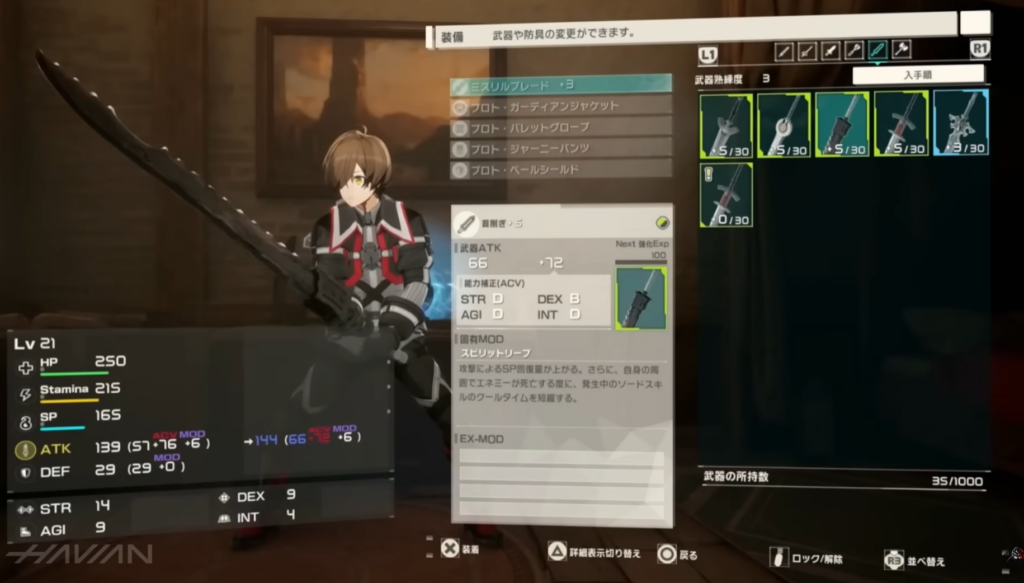
You can set your player name at the very start, but the game then places you into a fixed, pre-made avatar and sends you into the world. Nothing was skipped by mistake. The story frames you as a beta tester, so you must play through the in-game closed beta before the full character editor becomes available. Expect roughly four to five hours of playtime to clear that opening stretch.
Unlock the character editor: the five closed-beta missions
Completing the following five missions ends the “Prologue: Closed Beta Test” chapter and triggers the editor. They run in order as part of the main story, so you cannot miss them by playing normally.
- Prologue
- Iori’s Request
- In the Shadows
- The Swordsman in Purple I
- The Swordsman in Purple II
How you know it worked: Once you clear the second “Swordsman in Purple” mission, the “Prologue: Closed Beta Test” section closes and you are placed into the character creation screen with no extra input required.
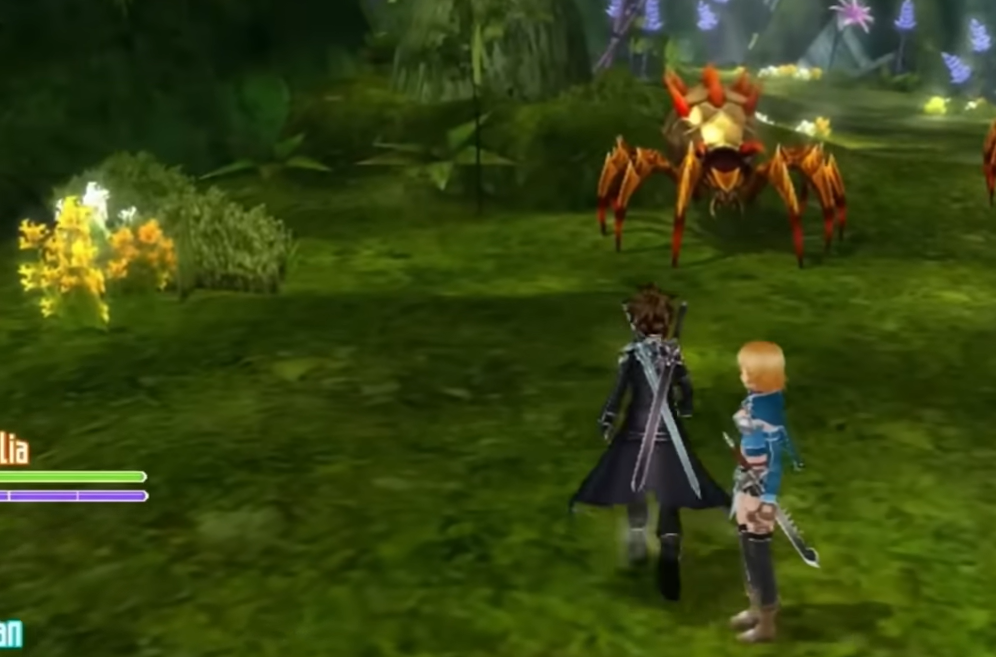
What you can customize in the editor
Inside the creator you can shape your avatar’s look in detail. The options cover body build, facial details, hairstyle, and other appearance settings, so you can craft a hero that matches your vision within the anime-style art direction.
- Body type and build
- Facial structure and details
- Hairstyle and hair colour
- Eye shape and colour
- Skin tone
- Voice
Appearance is purely cosmetic. Your body type and look do not change any combat numbers, so choose whatever fits your playthrough. Stats are handled separately through the attribute system as you level up.
Getting your created avatar to actually show up
There is a second point of confusion right after you finish the editor. When character creation is done, the game moves you into the in-world full version of Sword Art Online, but it puts you back into the preset avatar for a short while. This is intended, not a bug.
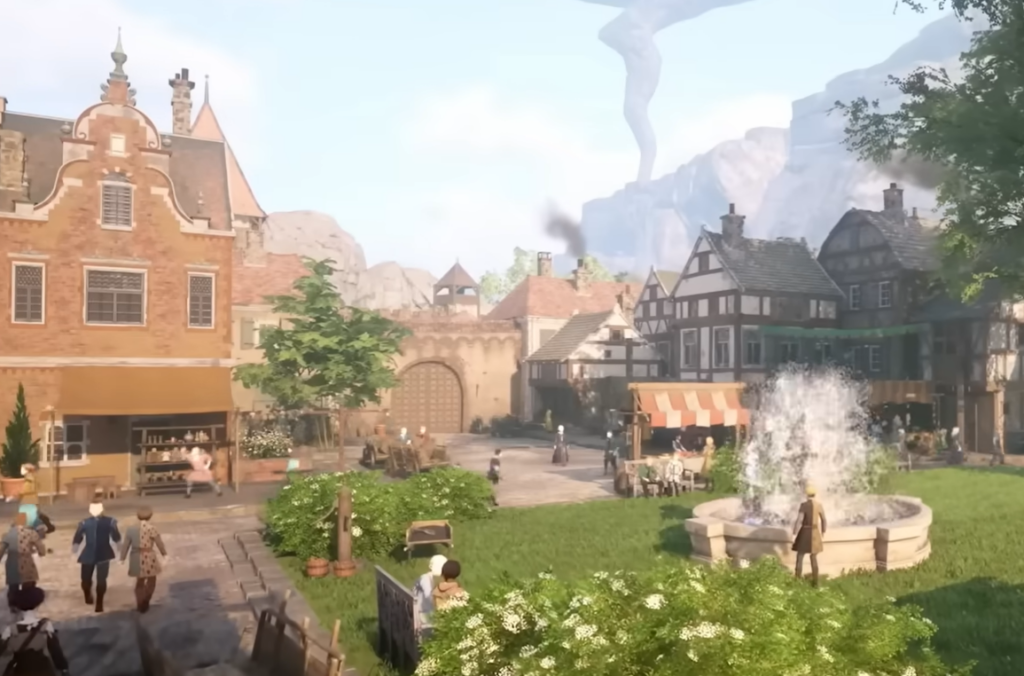
Your appearance choices are permanent
Once you finish the editor, you cannot go back and change your avatar’s face, hair, or body. Treat character creation as a one-time decision and make sure you are happy before you confirm.
You are not stuck without any visual variety afterward, though. Later in the game you unlock the ability to recolour your armor, and a transmog system lets you copy the appearance of other gear pieces without having to equip their stats. That gives you room to change your visual style even though the base avatar is locked.
Demo vs full release
If you tried the demo, the character creator was locked there entirely, and you were limited to a preset beta avatar with a fixed look. That was an intentional demo restriction. The full appearance editor is part of the release version, which launched July 9, 2026 on PlayStation 5 and Xbox Series X|S, with the PC version on Steam arriving July 10. Save data from the demo carries into the full game, so the levels and progress you earned there are not lost.
The short version: is simple. Play through the closed-beta prologue, let the editor open on its own, build the hero you want, then push past “The Call” and the town cutscene to finally step into Aincrad as your own creation.