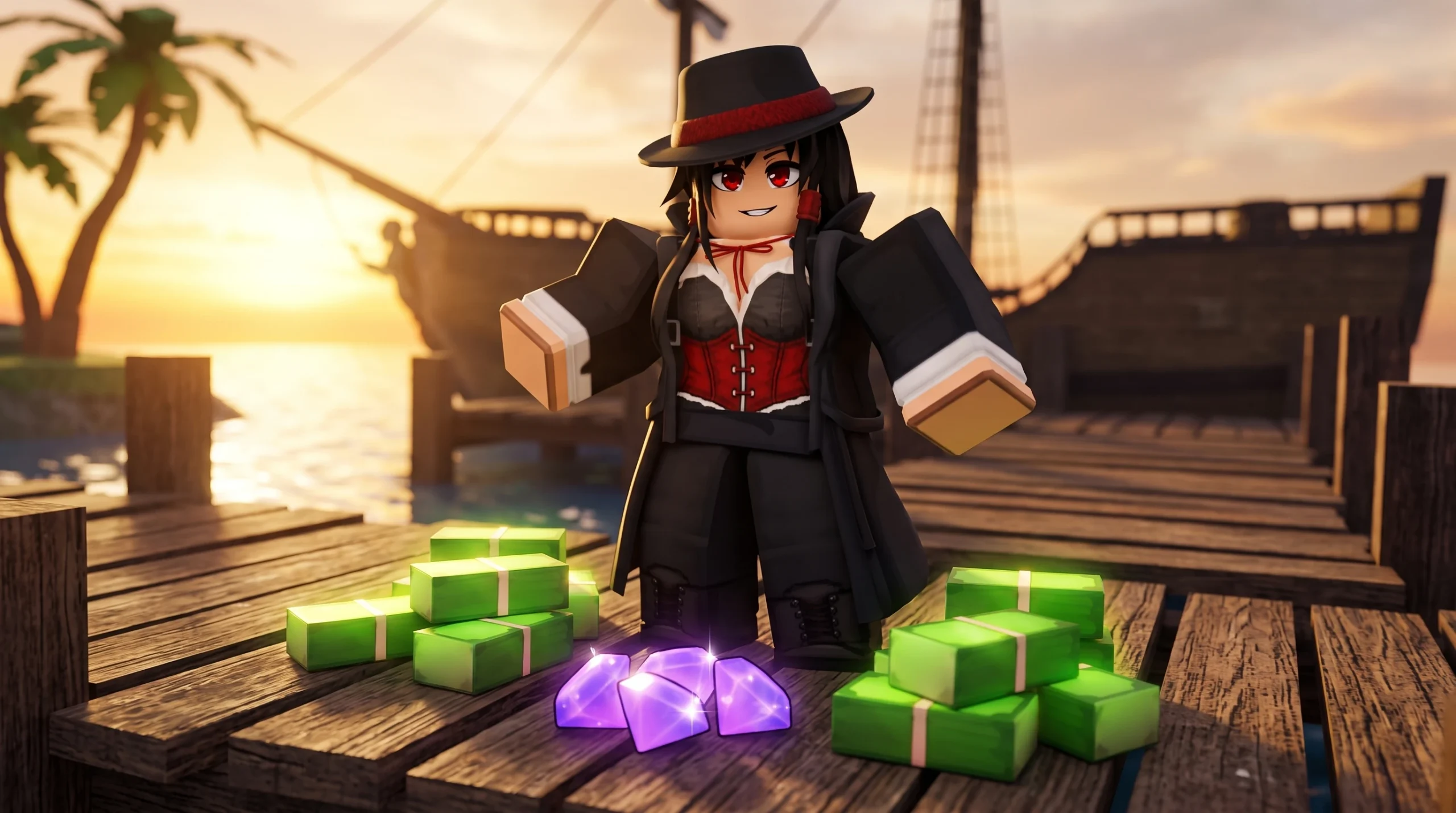
Devil Fruits pile up fast in Haze Seas, and the ones you will never eat can be converted into currency instead of clogging your inventory. Fruit Dealer Cynthia buys any fruit you are holding, paying you in either Gems or Cash. The payout scales with rarity, so rarer fruits are worth far more when sold.
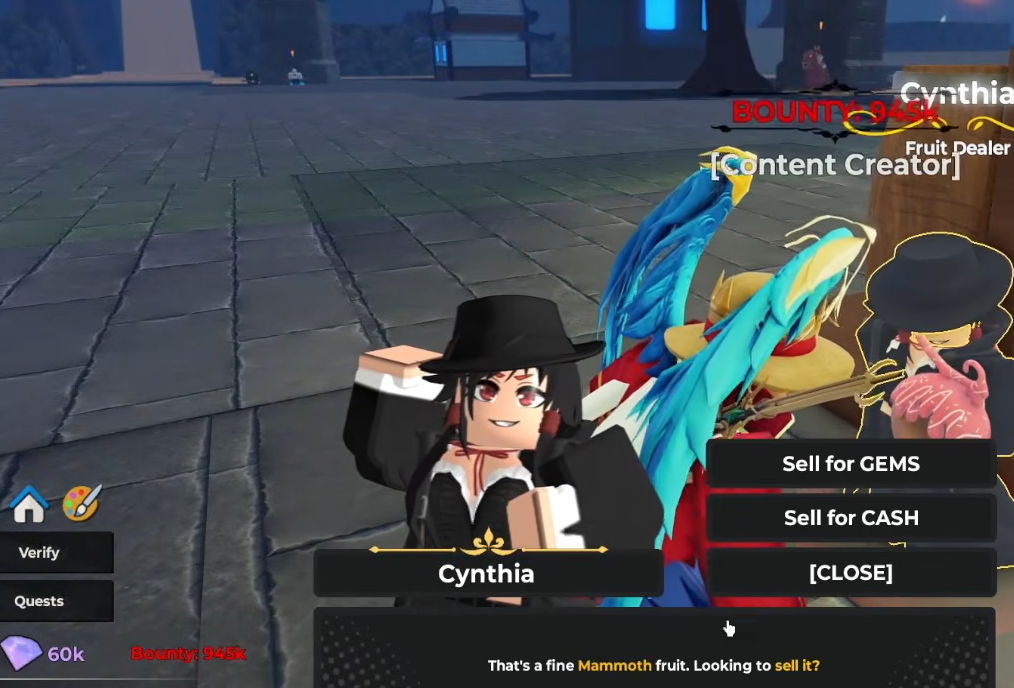
Quick answer: Equip a Devil Fruit so your character is holding it, walk up to Fruit Dealer Cynthia, press E to talk, choose Sell for GEMS or Sell for CASH, then click Confirm to complete the sale.
Where to find Fruit Dealer Cynthia
Cynthia is the merchant who handles all Devil Fruit business, including buying fruits from you. She appears in two spots on Sea 1, so you never have to travel far to unload spare fruits.
| NPC | Location |
|---|---|
| Fruit Dealer Cynthia | Sea 1: Starter Island |
| Fruit Dealer Cynthia | Sea 1: Logue City |
The same NPC also runs the Devil Fruit Gacha and sells specific fruits when they are in stock, so the sell option lives inside her normal dialogue.
How to sell a fruit to Cynthia
The key detail is that Cynthia only sees the fruit you are actively holding. You must equip it to your hotbar first, then interact with her while it is in your hands.
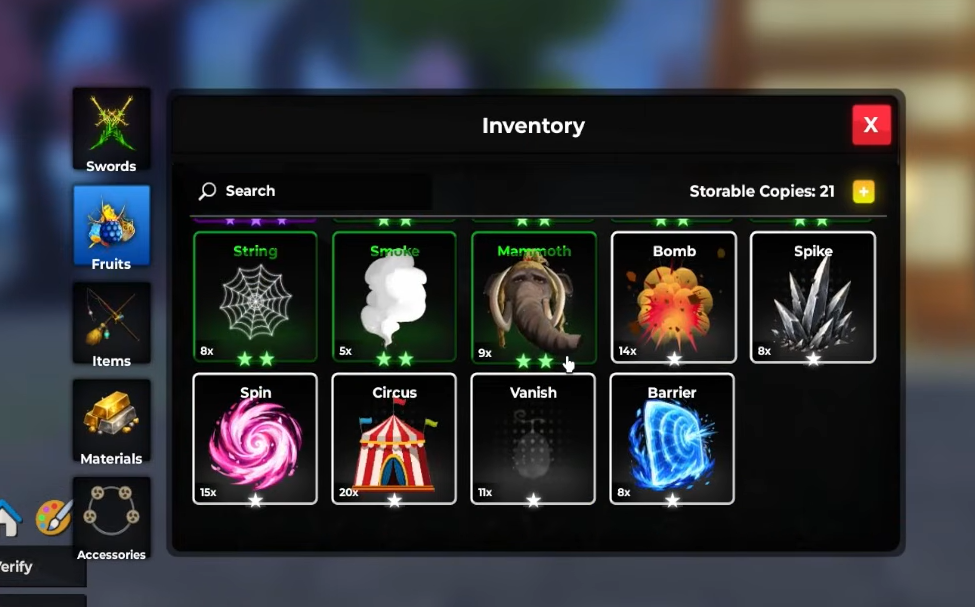
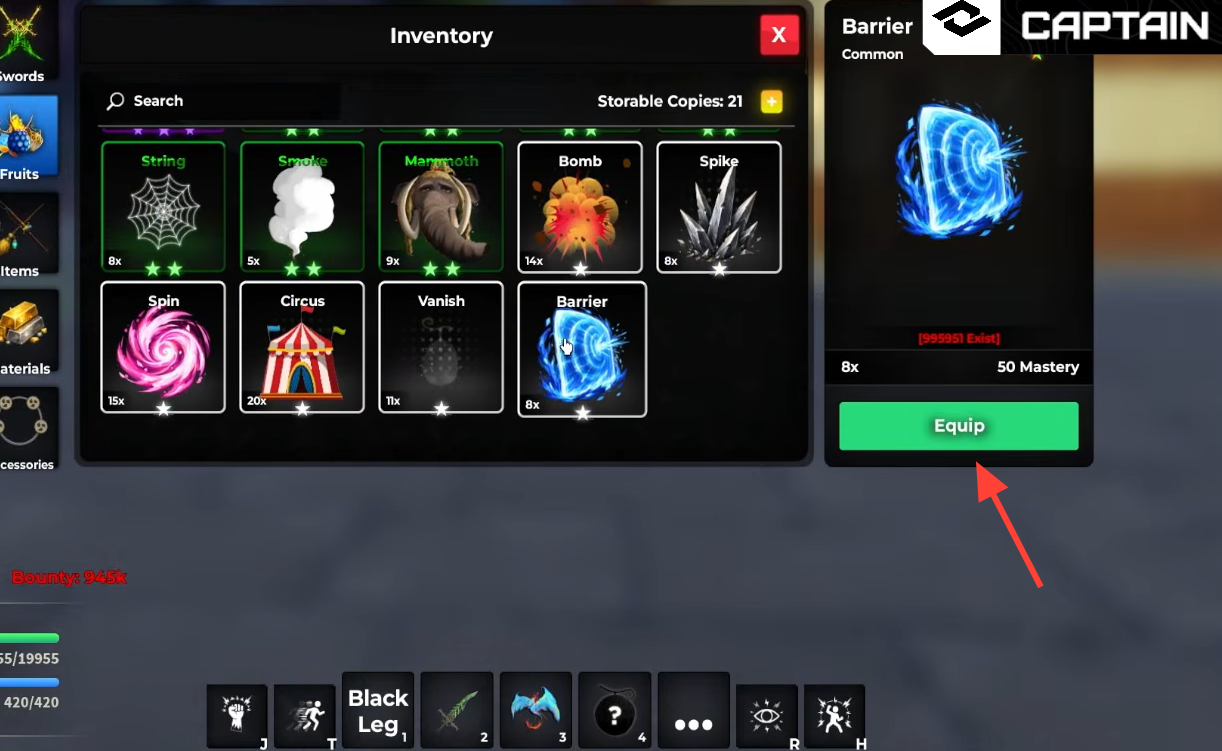
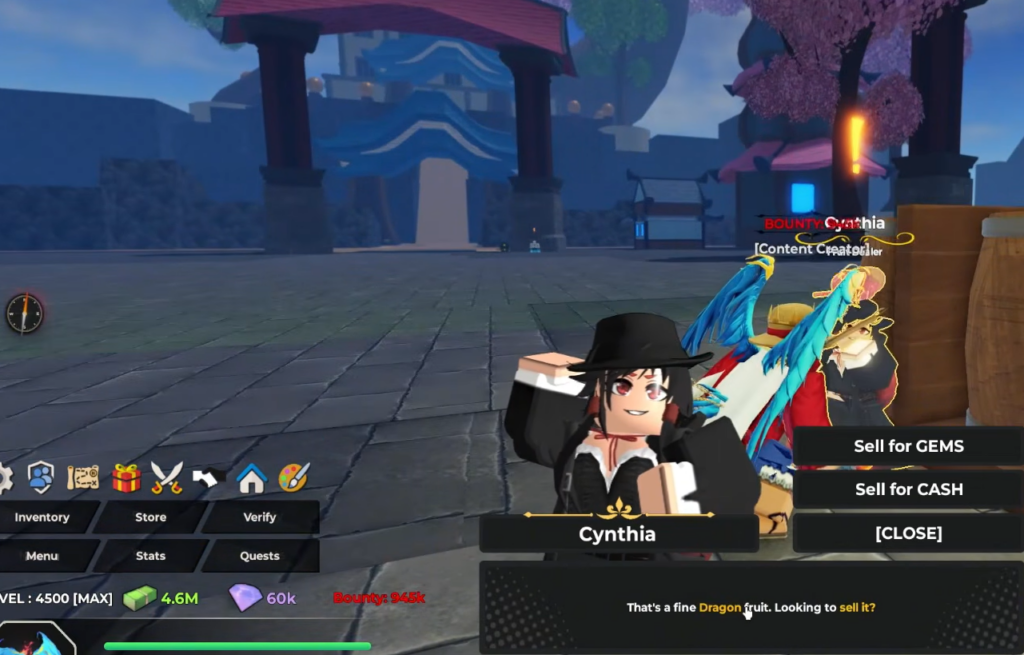
E to talk. She will confirm the fruit with a line like “That’s a fine Barrier fruit. Looking to sell it?”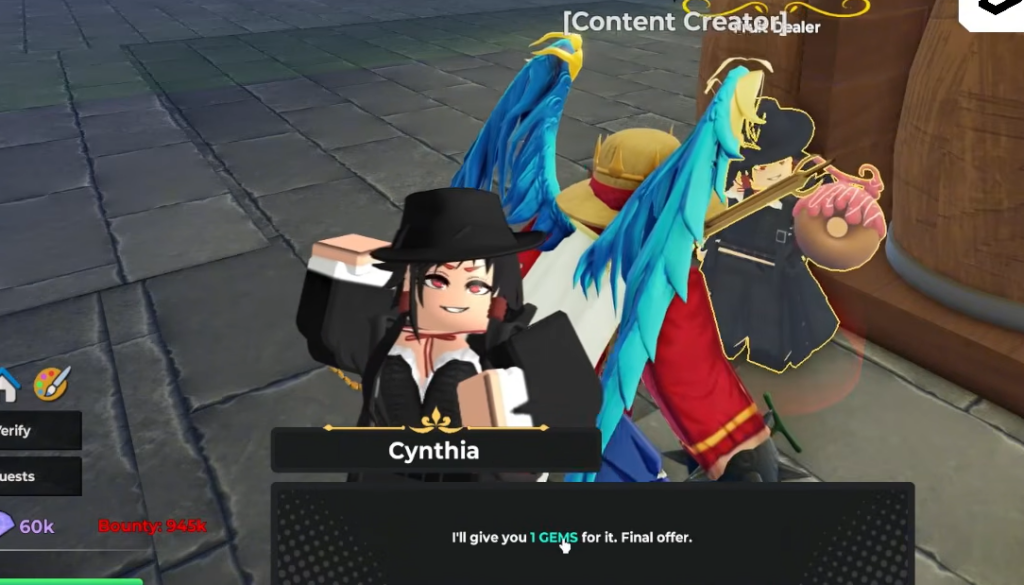
The offer is fixed, so there is no haggling. Whatever number Cynthia names is what you get.
Gem payout by fruit rarity
Payouts climb sharply with rarity. Common fruits are worth almost nothing individually, while a single Mythical fruit dwarfs an entire stack of Commons. These example values show the scale across each tier.
| Fruit | Rarity | Gems paid |
|---|---|---|
| Barrier | Common | 1 |
| Smoke | Uncommon | 2 |
| Ice | Rare | 6 |
| Wolf | Legendary | 20 |
| Phoenix | Mythical | 75 |
Because low-rarity fruits pay so little on their own, the value comes from volume. Clearing out a full backlog of Common, Uncommon, and Rare fruits in one session can add up to several hundred Gems, on the order of roughly 400 Gems from a large batch.
Confirm the sale went through
Your Gem total sits on the bottom-left UI next to the purple diamond icon. After each confirmed sale, that number rises by the amount Cynthia offered, and the fruit disappears from your inventory. If the count does not move, the sale was not confirmed, usually because you closed the dialogue before pressing Confirm.
If Cynthia does not offer to buy anything, check that you are actually holding a fruit. She reads the equipped item in your hand, not your inventory as a whole, so an unequipped fruit will not trigger the sell prompt.
Which fruits to keep instead of selling
Before you sell everything, remember how you obtained each fruit. Fruits bought with Robux are permanent and stay tied to your account. Fruits earned through in-game currency or random rolls are not permanent, though they still sit in your inventory until used or sold.
Some high-rarity fruits are far more useful equipped than sold. Strong picks for farming and PvP are worth holding onto rather than trading in for a handful of Gems.
| Fruit | Why keep it |
|---|---|
| Phoenix | Flight, strong mobility, and survivability for farming in Sea 2 |
| Dough | Wide-reaching attacks that clear groups of enemies quickly |
| Dragon | Heavy area-of-effect damage against crowds and in PvP |
| Shadow | Crowd control and combo potential for PvP |
| Electricity | Multiple AoE attacks plus fast movement through Thunderstep |
Duplicate copies of these fruits are still fair game to sell, but keep at least one of anything you plan to use. Everything else, especially the low-rarity spares stacking up in your Fruits tab, is best converted into Gems through Cynthia so it stops taking up space.