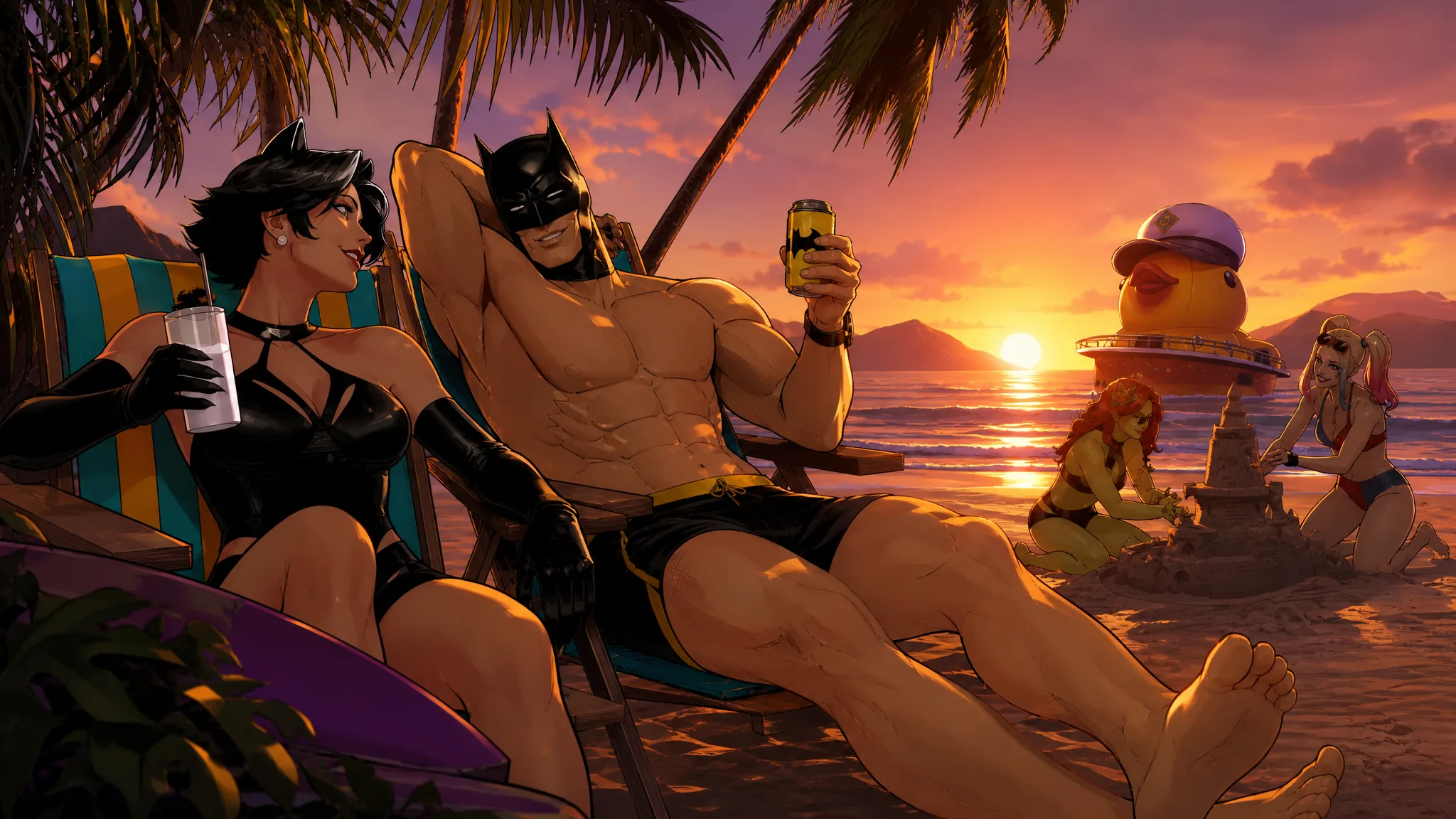
The Dark Knight Relaxes is an Uncommon loading screen that arrived with the Hot Bat Summer content in Fortnite Chapter 7 Season 3. It sits inside the Gotham City Summer set and carries the tagline “More refreshing than a Lazarus Pit.” Below is exactly how to add it to your locker and how to check that it landed there.
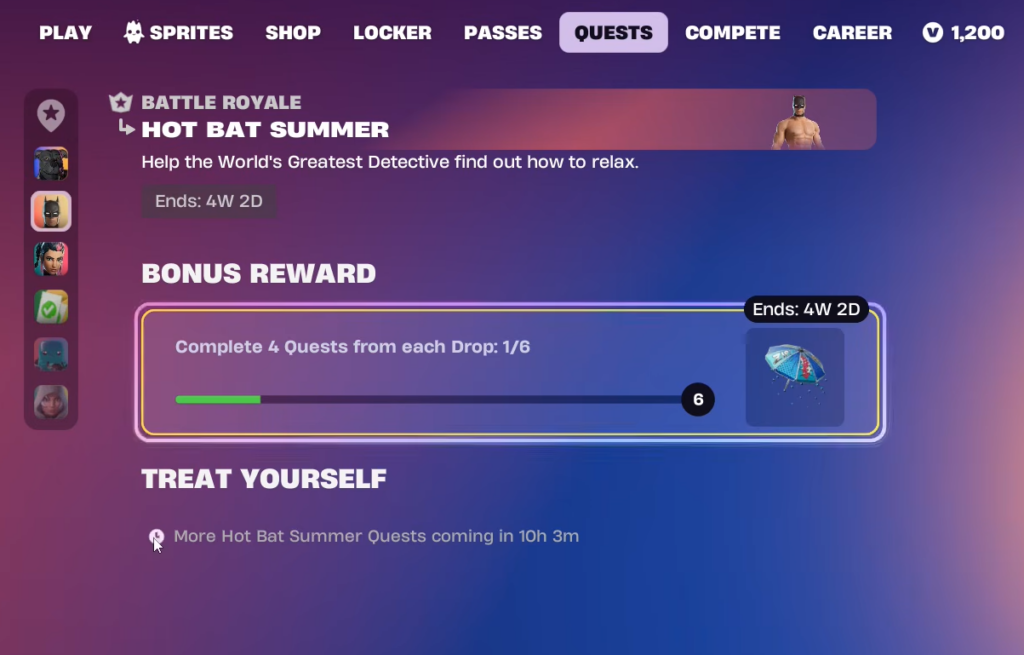
Quick answer: Unlock The Dark Knight Relaxes by completing the Hot Bat Summer (Gotham City Summer) challenges during Chapter 7 Season 3. Once the tied objective is finished, the loading screen is granted automatically to your account.
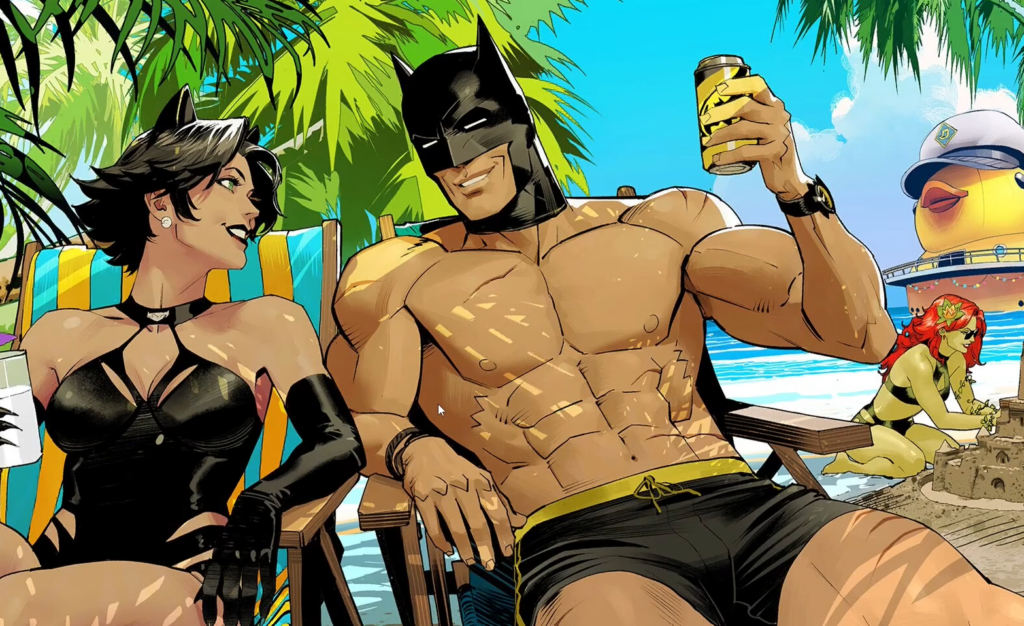
The Dark Knight Relaxes loading screen details
Before chasing the unlock, here is what the cosmetic is and where it fits in the game.
| Item | The Dark Knight Relaxes |
| Type | Loading Screen |
| Rarity | Uncommon |
| Set | Gotham City Summer |
| Introduced | Chapter 7, Season 3 |
| Description | “More refreshing than a Lazarus Pit.” |
| ID | LoadingScreen_DiscoButler |
How to unlock The Dark Knight Relaxes
This loading screen is earned through the Hot Bat Summer event content rather than being a straight purchase for the screen alone. The steps below walk through claiming it.
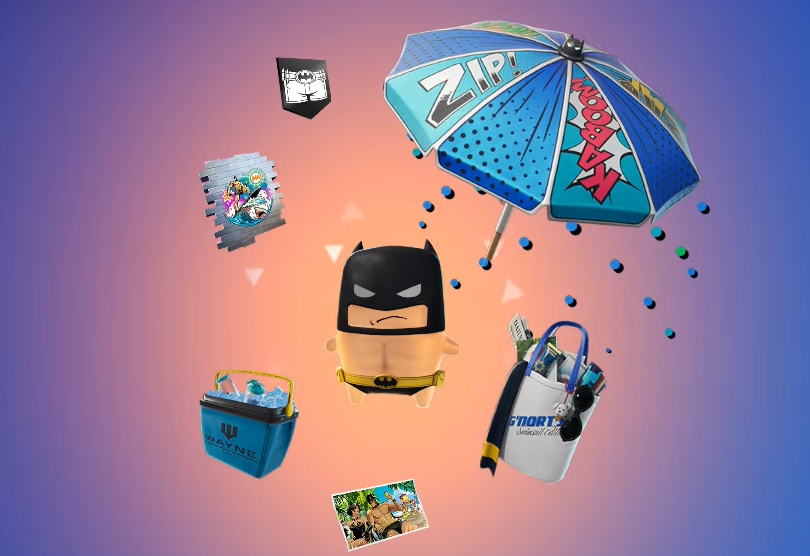
The set also includes other Gotham City Summer cosmetics such as Beach Bod Batman, High Tide Harley, Coastal Catwoman, and Ace the Bat-Hound. Working through the same event content is how those pieces are collected as well.
How to confirm it unlocked
To verify the unlock, open the Locker and switch to the loading screen category. Search for The Dark Knight Relaxes and check that it no longer shows as locked. When it appears with its icon and the “More refreshing than a Lazarus Pit.” description, you can equip it, and it is confirmed on your account.
Why it may not appear yet
If the loading screen is missing from your Locker, the most common reasons are simple to check.
- The linked Hot Bat Summer objective has not been finished yet. Return to the challenge and complete the exact milestone it is attached to.
- Your game has not updated to the current Chapter 7 Season 3 build, so the Gotham City Summer content is not active for you.
- Progress has not synced. Fully close and relaunch Fortnite, then reopen the Locker to refresh your cosmetics list.
Once the tied objective is done and your locker refreshes, The Dark Knight Relaxes stays permanently on your account, letting you set the poolside Gotham City scene as your loading screen whenever you like.