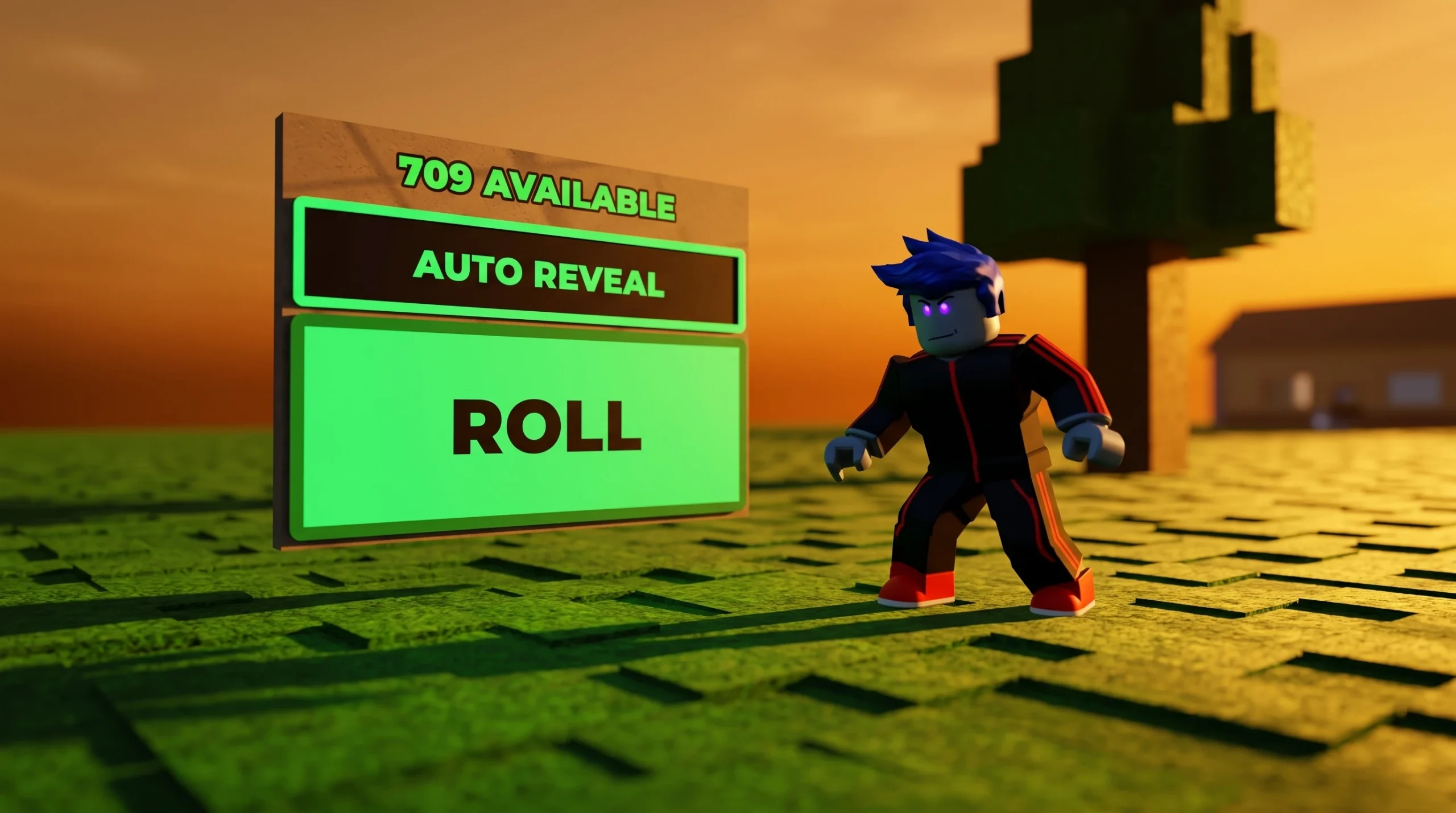
Coins are the bottleneck in Build A Soccer Squad. You need them to buy specific superstars from the Coin Shop and finish national sets, and the fastest way to bank a large amount without sitting at the screen is to automate the squad-building loop. The method works on PC, and mobile or console players can mirror it with an equivalent auto-tapper, so you wake up to a full coin balance and new player unlocks.
Quick answer: Record a macro that repeats the “Build Your Squad” build loop, then leave it running. Each completed team pays 100 coins plus player unlocks, and those rewards double if you own the 2x Rewards Pass.
How the AFK coin loop works
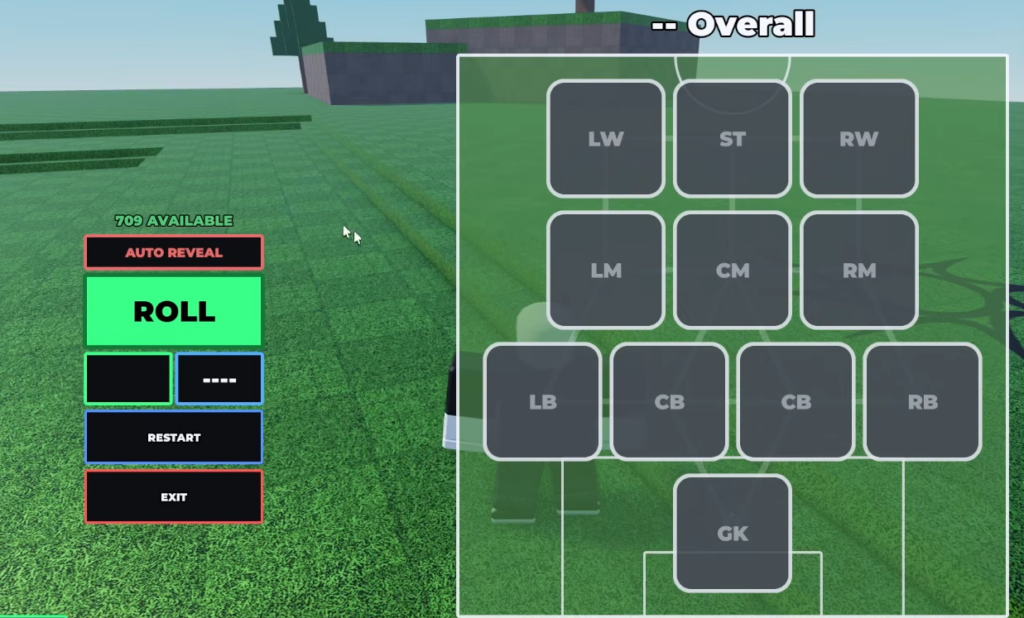
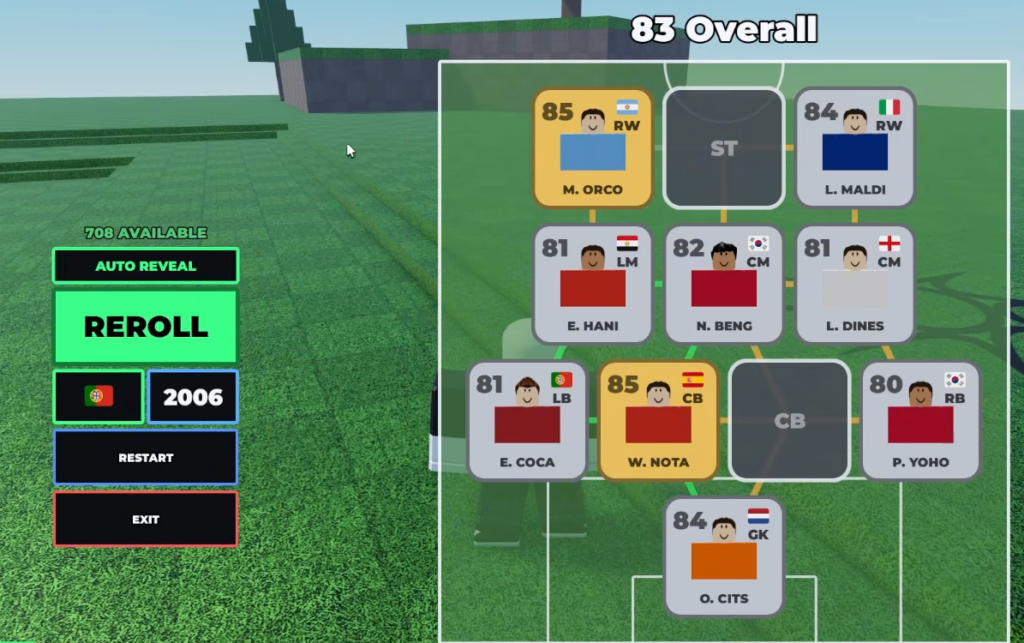
The loop ignores chemistry entirely. You are not building a good team, you are building teams over and over to trigger the completion reward each time. Every time you finish assembling a squad in the builder, the game pays out a flat amount of coins and can drop new player unlocks. Repeat that action on a timer and the coins accumulate on their own.
| Loop action | Result |
|---|---|
| Complete one built team | 100 coins base |
| Complete teams repeatedly | Passive player unlocks |
| Run with 2x Rewards Pass | Doubled coins and quest rewards |
This does not optimize your competition team. It only fills your wallet so you can spend coins deliberately in the shop afterward, for example buying Bellingham for 50,000 coins to complete an England set.
Tools you need
You only need one lightweight automation tool to repeat the same clicks. On PC, a simple macro recorder handles the whole sequence, while an auto-clicker works if the loop can be reduced to a single repeated tap in a fixed position.
- TinyTask records your exact mouse movements and clicks, then replays them on a loop.
- OP Auto Clicker repeats a click at a set interval when the loop only needs one button pressed.
Set up the AFK macro
Confirm the farm is working
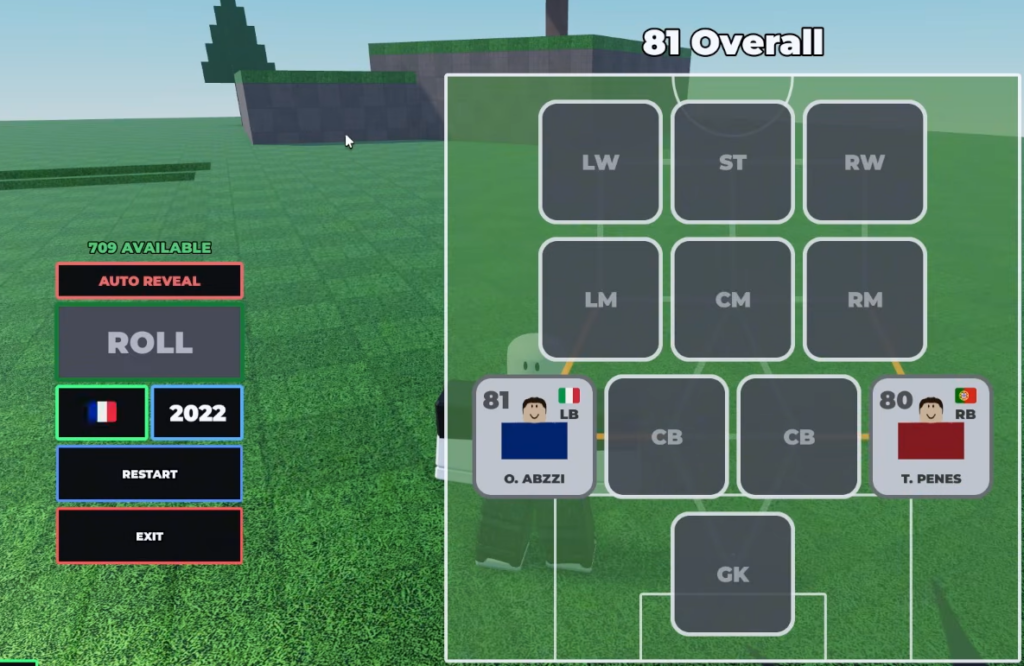
Watch one or two loops before you walk away. Your coin counter should tick up by 100 after each completed team, and new players should appear in your collection as they unlock. If the coin total is not rising, the macro is drifting off the correct buttons and needs to be re-recorded with the window in the same position.
The loop fails for two common reasons. Either the game window moved after recording so the replayed clicks miss their targets, or the loop timing is too fast and starts the next build before the previous team finishes paying out. Slow the interval slightly and re-align the window to fix both.
Double your output with the 2x Rewards Pass
The single biggest multiplier on this method is the 2x Rewards Pass, sold on the official Build A Soccer Squad game page. It doubles both quest rewards and the coins earned from completing teams, so every AFK loop pays twice as much for the same runtime. Running the pass alongside the macro is the quickest way to stockpile coins.
Stack daily quests on top of the loop
Because the macro keeps building teams, it also chips away at build-based daily quests in the background. The daily system now hands out Rerolls, Refreshes, and Coins directly, so an overnight farm can clear objectives while banking currency at the same time.
| Quest | Reward |
|---|---|
| Build 3 Teams | 100 Coins + Refresh Token |
| Win a Match | 250 Coins + Reroll Token |
| Open 5 Packs | 50 Coins + XP Boost |
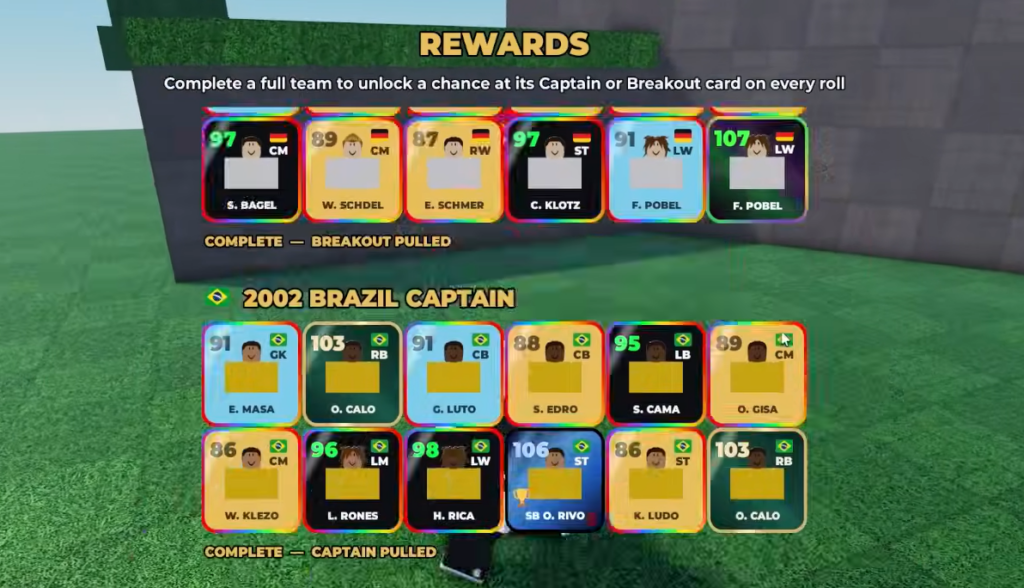
Once your bank is full, stop the macro and spend deliberately. Save coins for the exact players who complete a national set rather than gambling on packs, since finishing a full nation opens a permanent chance at that country’s Premium Captain card and pushes your best team toward the 93 OVR needed for Cup Mode.