The Season 4 Twitch Drops campaign for Battlefield 6 rewards you for watching creators play the new Pacific Front content. It ties in with the coastal update, its new map, added weapons, and the naval-themed wave system. Seven items sit behind cumulative watch-time targets, and every one carries over to REDSEC as well.
Quick answer: Link your Twitch and EA accounts at ea.com/twitchlinking, watch any Battlefield 6 or REDSEC stream tagged “Drops Enabled” until you clear each hour target, then claim each drop from twitch.tv/drops/inventory before July 29, 2026.
All Season 4 Twitch Drop rewards and watch-time targets
Progress is cumulative, so you do not need to watch in a single sitting. Watch time carries across different streams, and the timer only counts one active stream at a time. Running multiple streams at once will not speed things up.
| Watch time | Reward |
|---|---|
| 1 hour | Cranial Blast weapon charm |
| 1.5 hours | 15 min Hardware XP Boost |
| 2 hours | Razor Wire vehicle skin |
| 2.5 hours | 30 min Hardware XP Boost |
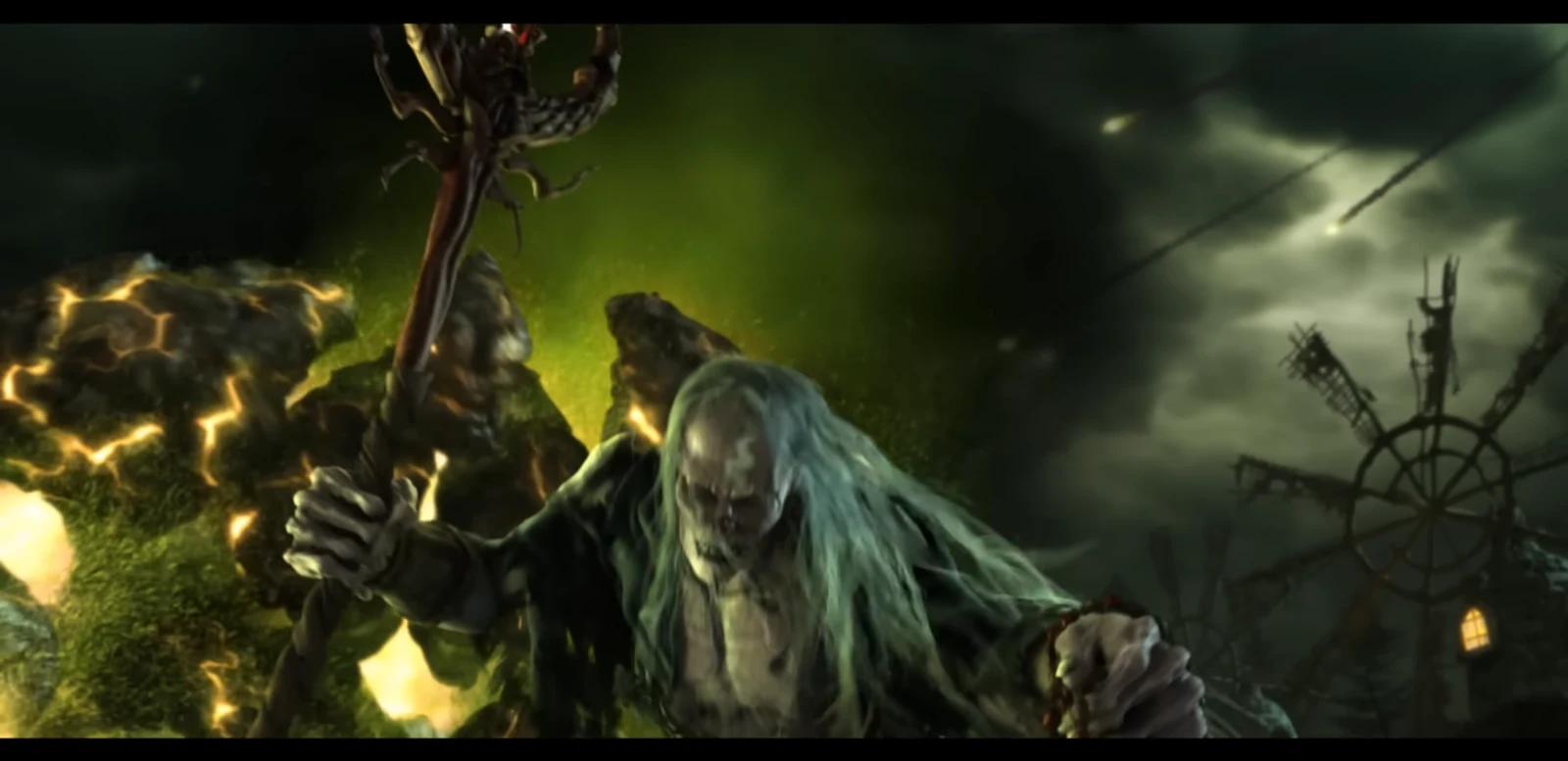
| 3 hours | Ravenous Yeti weapon package |
| 3.5 hours | 60 min Hardware XP Boost |
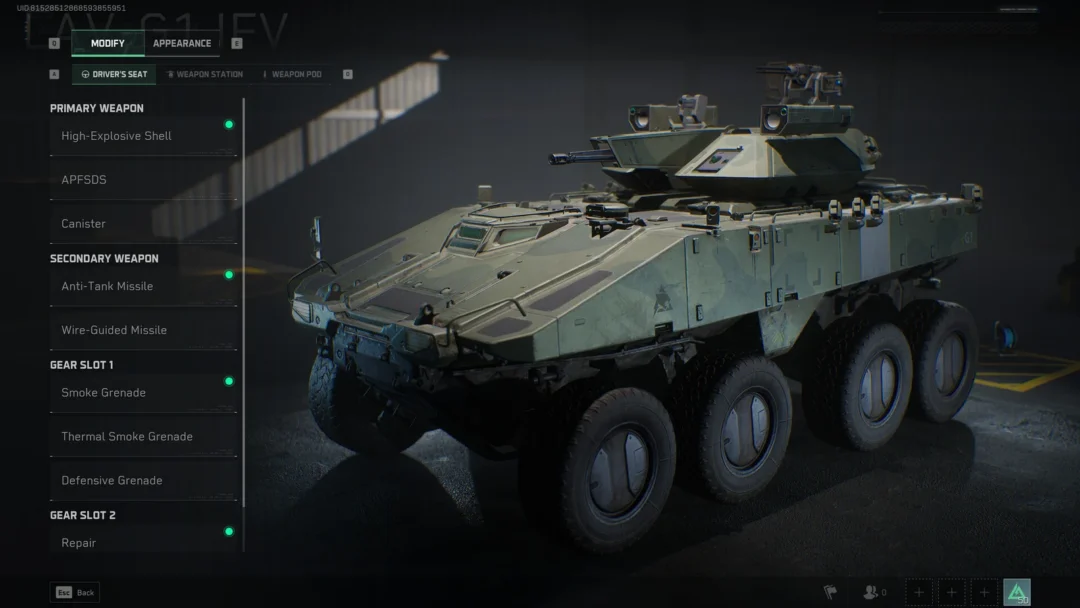
| 4 hours | Badlands Assault soldier skin |
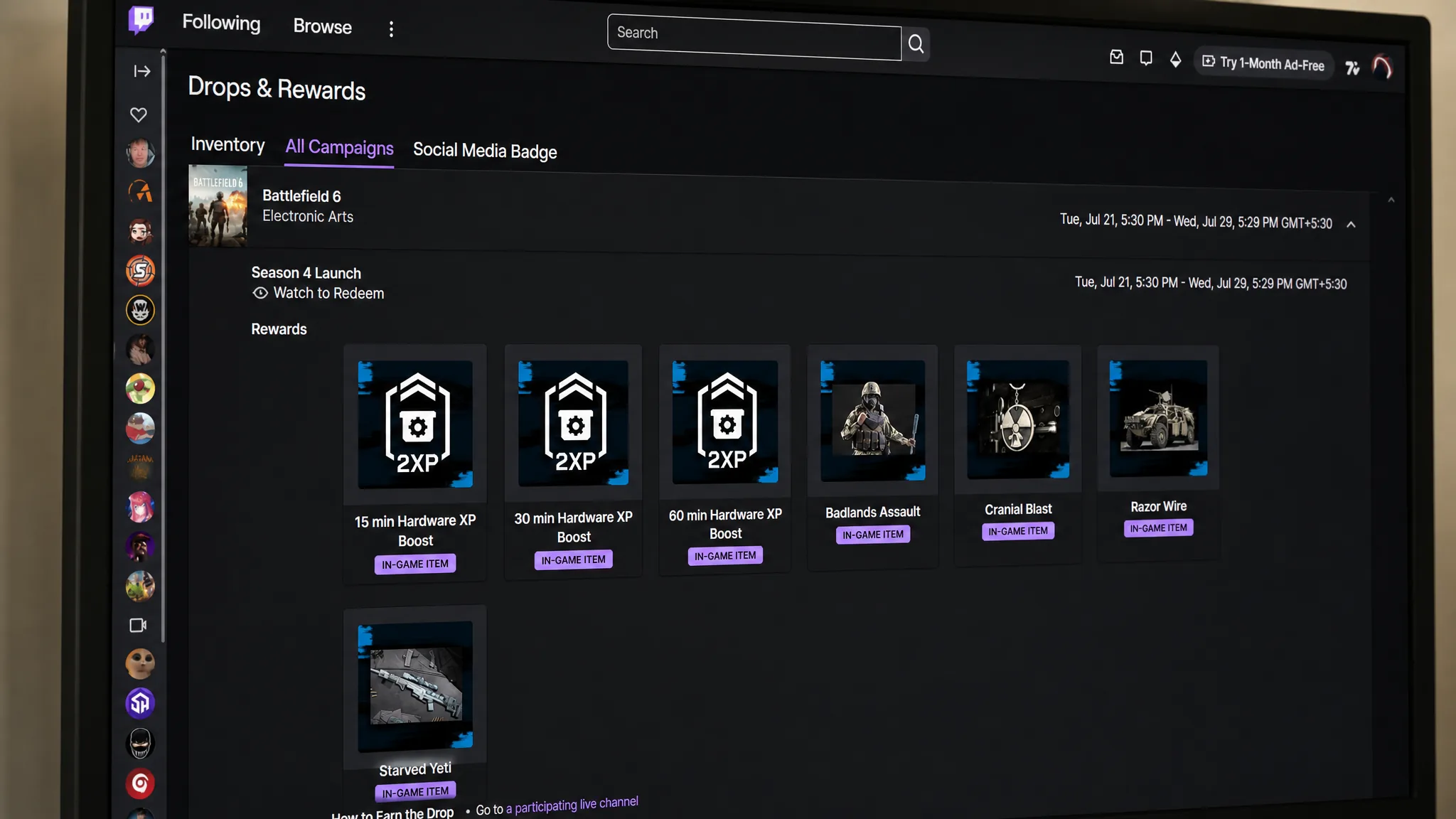
How to earn and claim the drops
Campaign window
The Season 4 campaign went live on July 21, 2026, at 5:00 am PDT / 8:00 am EDT / 12:00 pm UTC. It stays active until July 29, 2026, at 4:59 am PDT / 7:59 am EDT / 11:59 am UTC. Watch and claim everything before that cutoff, because drops that go unclaimed expire when the campaign ends.
Why a reward might not show up
If a reward is missing in-game, the fix is usually one of a few things. Confirm your Twitch account is linked to the EA account you play on. Confirm you claimed the drop in your Twitch inventory rather than only unlocking it. Then check the EA Connect inbox in the Battlefield 6 main menu, where drops appear as messages marked with an envelope icon.
Restarting the game forces a fresh check if a claimed item still is not visible. Should something remain missing after that, EA Support can trace the delivery. As long as your accounts are linked, you clear each watch-time target, and you claim in time, all seven items will transfer to both Battlefield 6 and REDSEC.