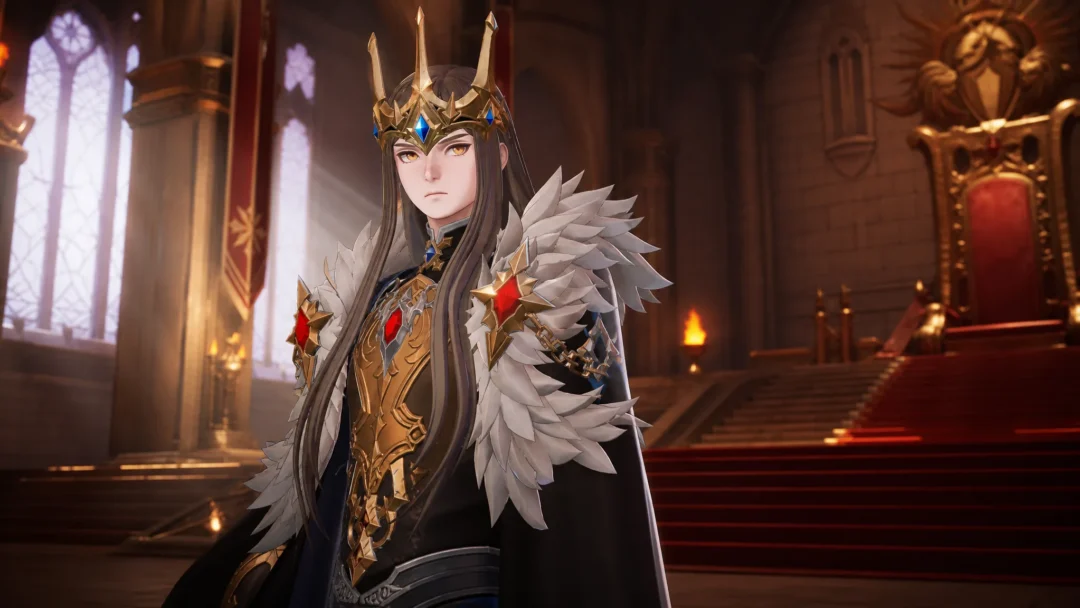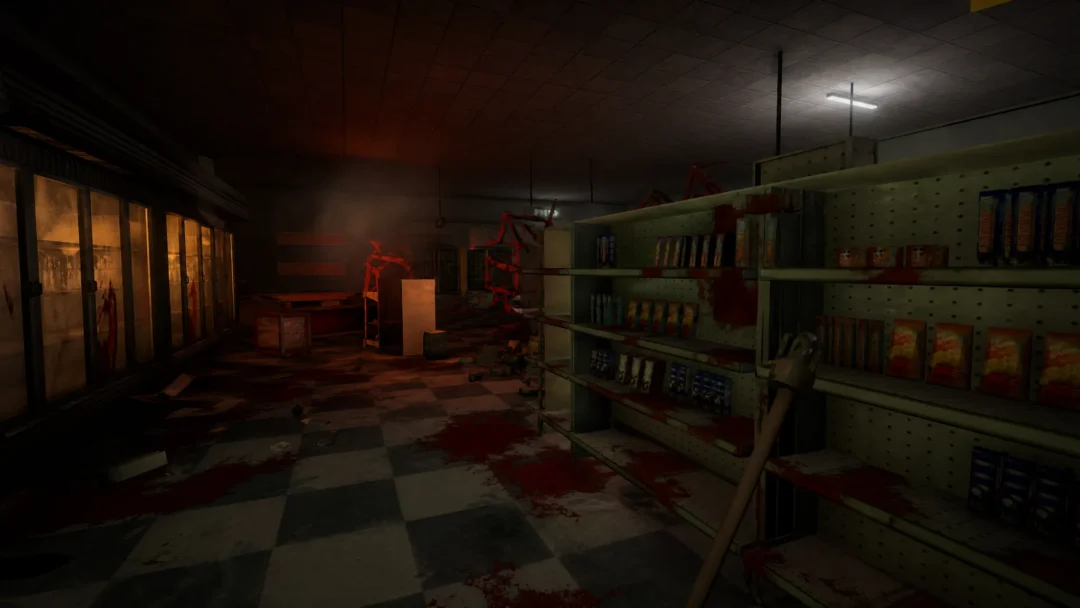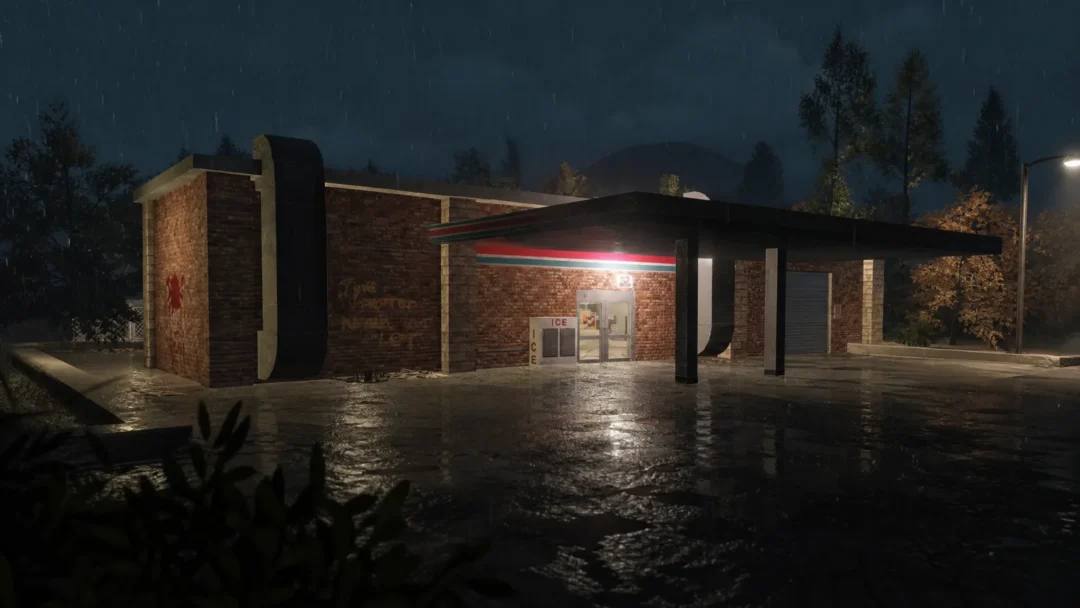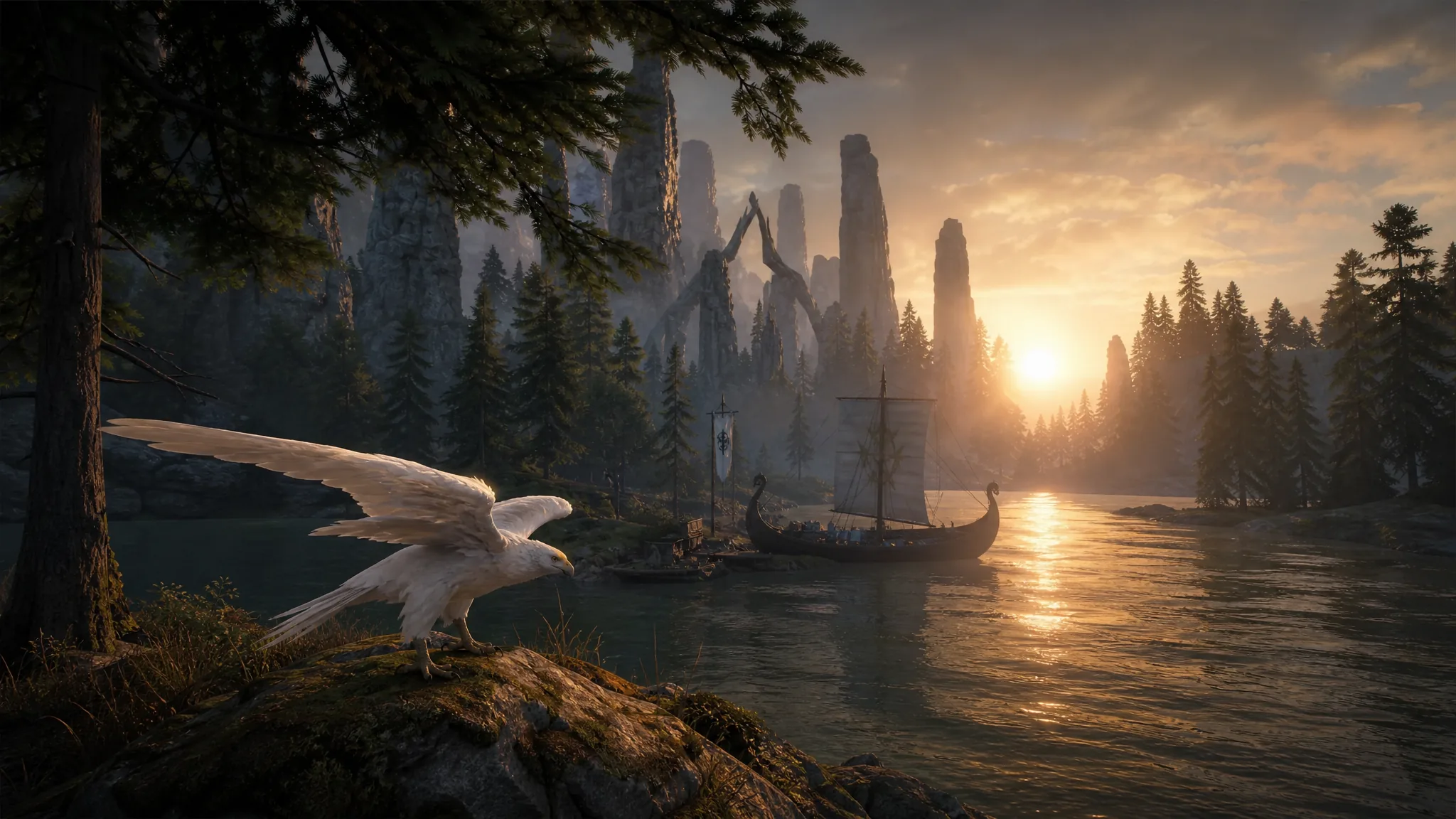
Mistfall Hunter lets a PC player, a PS5 player, and an Xbox player drop into the same Gyldenmist run together. Crossplay is built in and confirmed by Bellring Games, so your three-person squad does not have to share a platform. There are two catches worth knowing before you send an invite: your saved progress does not travel between platforms, and you can only match with people in your own region.
Quick answer: Crossplay works across Steam, PS5, and Xbox Series X|S on the same server. Finish the tutorial to unlock the main base, open the Team menu, then search your friend’s numeric Player ID (not their Steam or Xbox name) to add them. Cross-progression and cross-region play are not supported.
Platforms that share crossplay
All three launch platforms sit on one server pool, so friends can team up regardless of which store they bought the game from. Party size tops out at three players, which means you can queue solo, duo, or trio in any mix of systems.
| Platform | Crossplay | Max squad |
|---|---|---|
| PC (Steam) | Yes, shared server | 3 |
| PlayStation 5 | Yes, shared server | 3 |
| Xbox Series X|S | Yes, shared server | 3 |
In-game voice chat carries across platforms while you are in a party, so console and PC players can talk without a separate app. You can still fall back on Steam voice or Discord if your group already uses them.
The two limits: no cross-progression, no cross-region
Crossplay only means you can play together. It does not mean your account follows you. Your characters, loot, camp upgrades, and unlocked cosmetics stay tied to the platform where you earned them. Switch from PS5 to PC and you start a fresh account.
Region is the second wall. You can only match with players whose store account is registered in the same region as yours. A North America account covers store accounts registered in the United States, Canada, Mexico, Puerto Rico, and the U.S. Virgin Islands, and those players can group together. A U.S. player and a UK player cannot meet in a run.
Region is decided by your store account’s registered country, not your physical location, so a VPN does not get around it. If this blocks you and a friend, the developers have asked affected players to open a support ticket through the official Discord while they work on the restriction.
What you need before adding friends
Two conditions have to be met or the friend system stays locked or fails silently.
- Finish the tutorial and unlock the main base. Friend features are not available before this.
- Match game versions with your friend. A full-release player and a demo player cannot connect, even in the same region.
One more thing that trips people up: Mistfall Hunter runs its own friend network with a Player ID that is separate from your Steam or Xbox friends list. You add people inside the game, not through the platform.
How to add a friend by Player ID
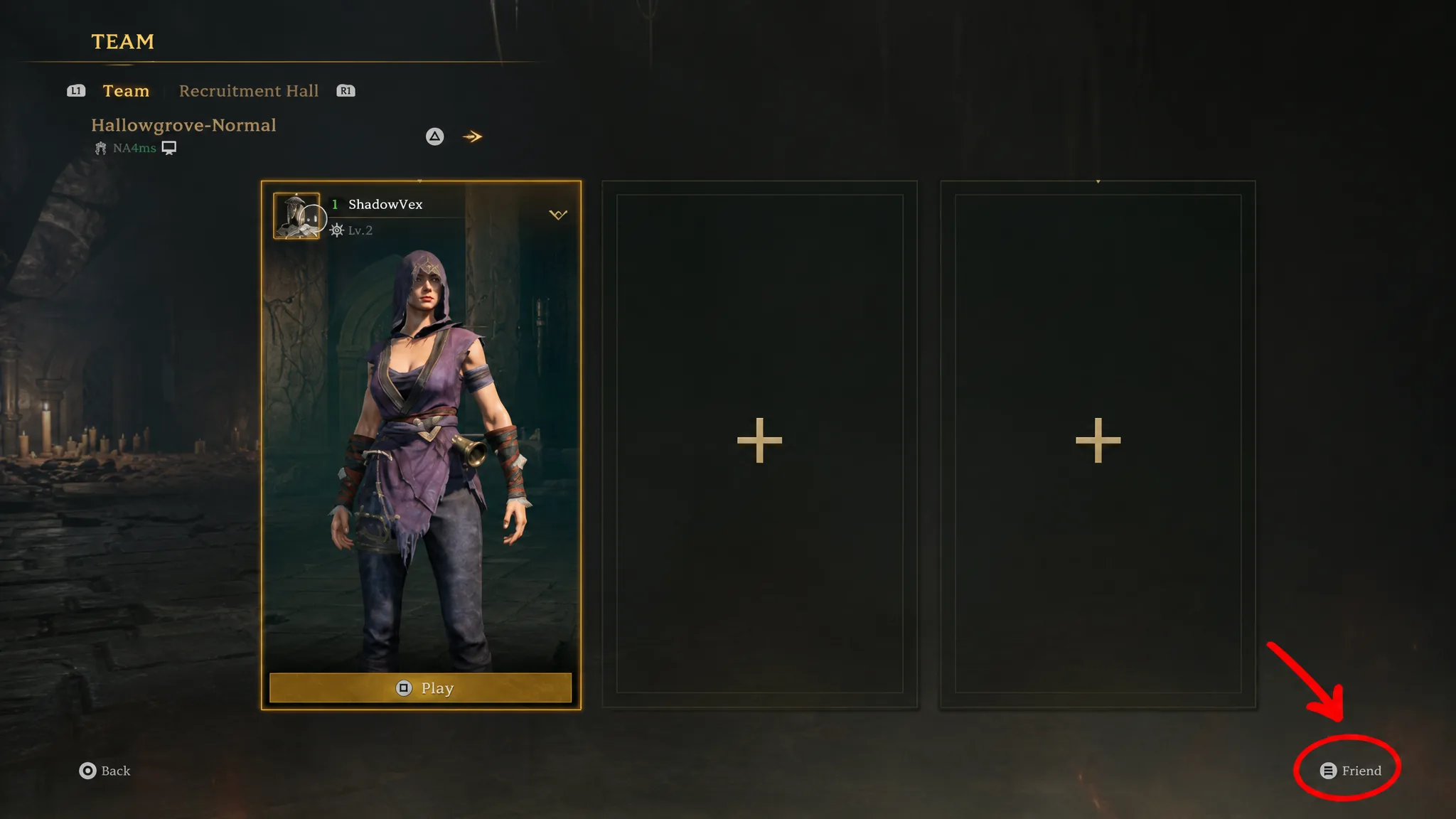
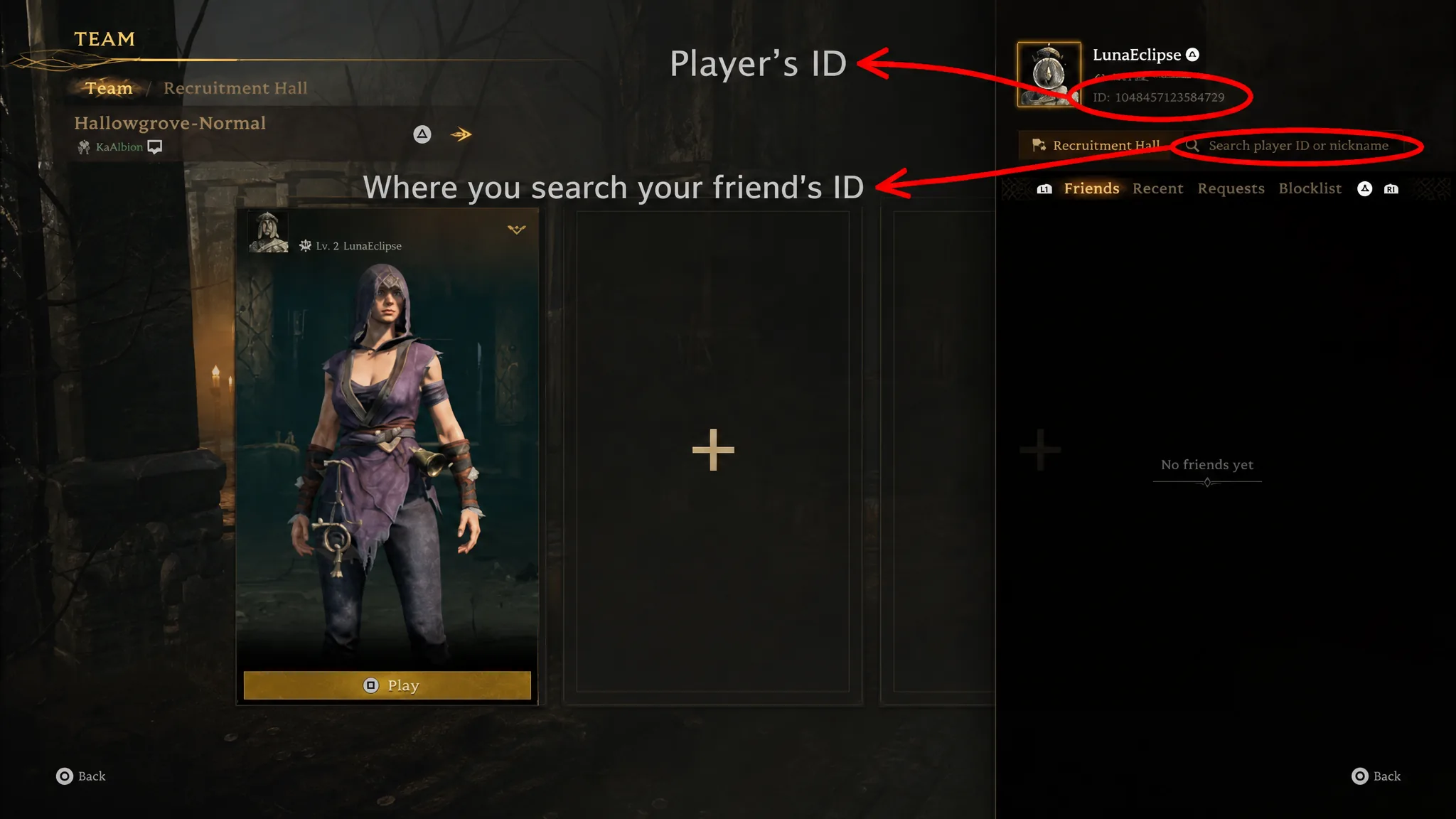
Note: If a request never shows up, confirm you both cleared the tutorial, are on the same game version, and are in the same region. Those three checks resolve most failed invites.
Playing with random squadmates
If none of your friends are online, the Recruitment Hall lets you fill out a team. It sits right beside the Team option and works the same way for adding people by ID or nickname, but it also has a Post Recruitment feature.
Post a recruitment listing, pick your preferred map, class, and difficulty, then confirm. Players who match those settings can accept and join you. For a faster fill, you can also interact with the boat, choose Explore, select Trio mode and a map, then hit Play to auto-match with a random team.
Once your squad is grouped and everyone readies up on the play screen, matchmaking starts and you deploy together into the mist. Mistfall Hunter releases July 29, 2026 on Steam, PS5, and Xbox Series X|S, and you can wishlist or check the current build on the official Steam store page. Just remember the boundaries that crossplay does not cross: your progress stays on one platform, and your teammates need to share your region.