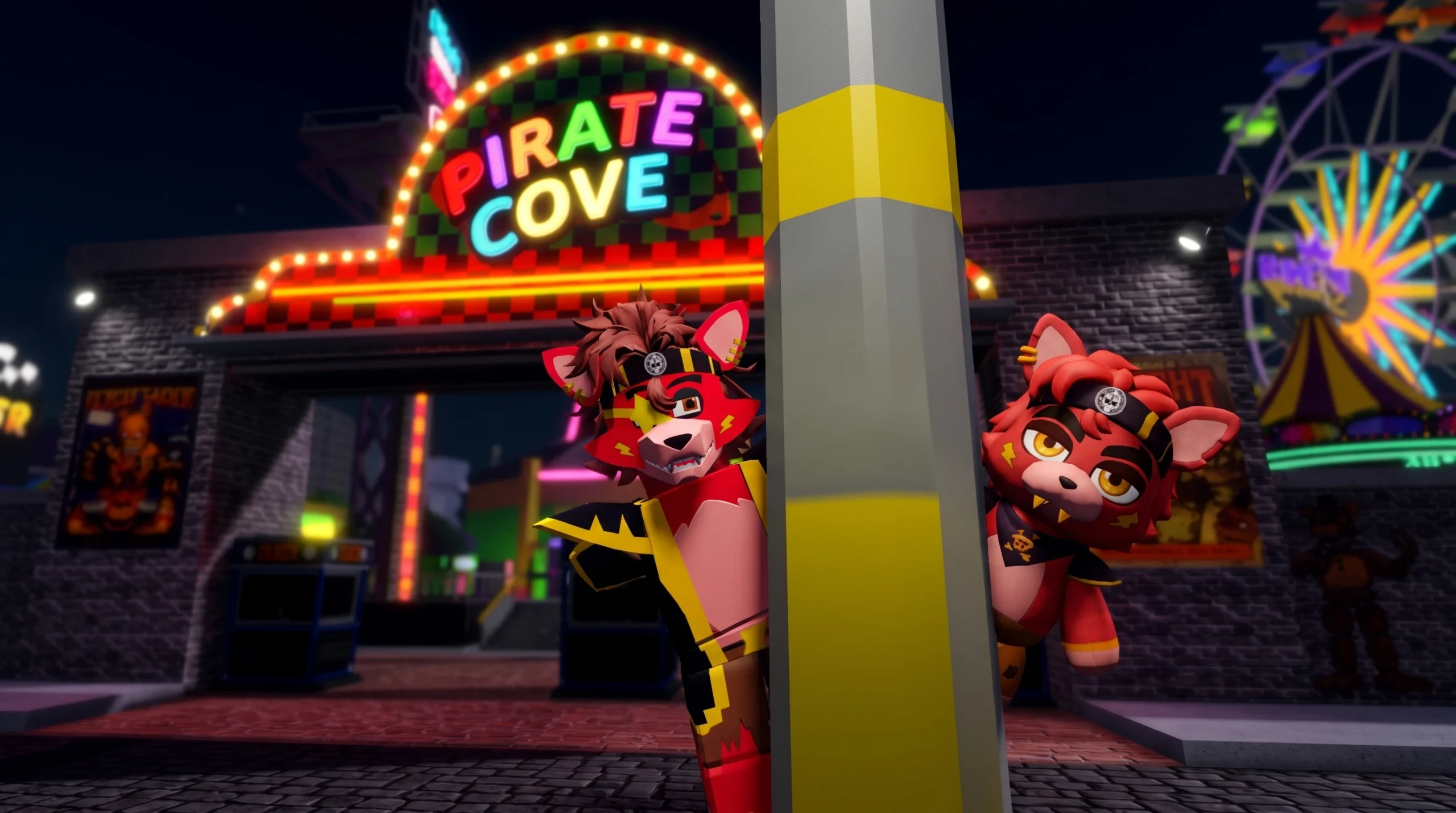
The Looking For a Pirate Plushie badge is one of the hidden collectibles in FNaF Multiverse RP, the Roblox roleplay game built around Five Nights at Freddy’s locations. Like the other collectible badges in the game, it is not tied to surviving a night or winning a round. You earn it by tracking down a specific hidden object and interacting with it, which fires a one-time award you keep on your Roblox profile.
Quick answer: Enter the pizzeria through the lobby portal, search the explorable areas for the hidden pirate plushie, then click or step directly on it. The badge is confirmed the moment the “Badge Awarded” notification appears on screen and the badge shows up in your Roblox inventory.
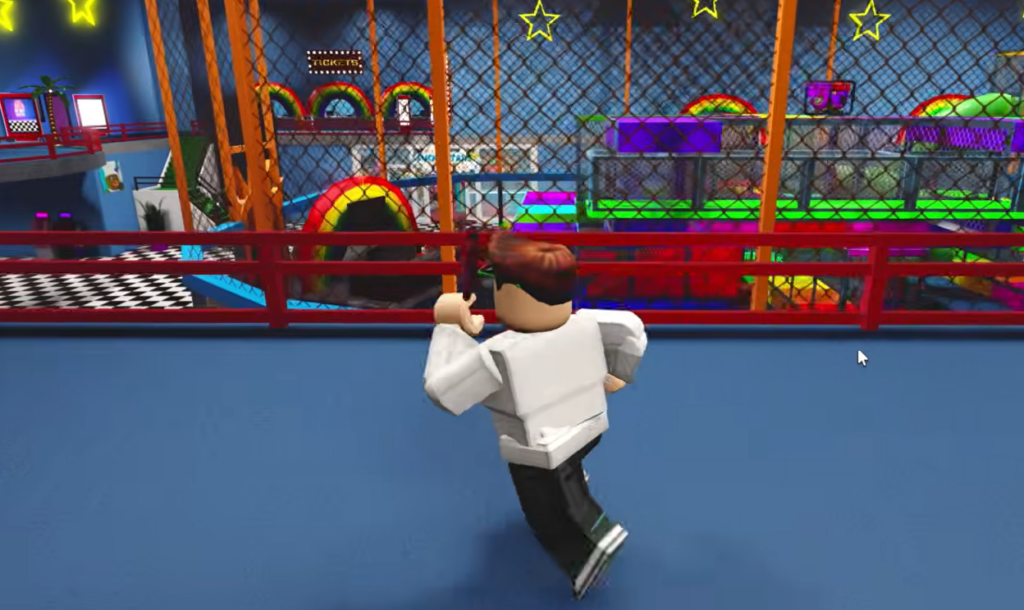
How collectible badges work in FNaF Multiverse RP
Every hidden badge in this game follows the same basic pattern, so the process for the pirate plushie is the same one used for finds like The secret room, Frost Microphone, and The thug life. You start in the spawn lobby, pass through a colored portal to load into a location, and then explore rooms, hallways, and back areas for a placed object.
Some objects sit in plain view on a shelf, floor, or table. Others are tucked behind fake wall textures you can walk straight through, or up in rafters and dark corners that only reveal themselves when you get close. Once you reach the object, a single click or a step onto it registers the pickup.
The core actions repeat across every hunt in the game.
- Load into a location using a lobby portal, such as the cyan “ENTRANCE” portal that drops you outside the pizzeria.
- Explore the building and its side rooms, including areas behind “EMPLOYEES ONLY” doors like parts and service.
- Test suspicious walls by walking into them, since several hidden spots sit behind fake wall textures.
- Interact with the target object by clicking it or stepping onto it to trigger the award.
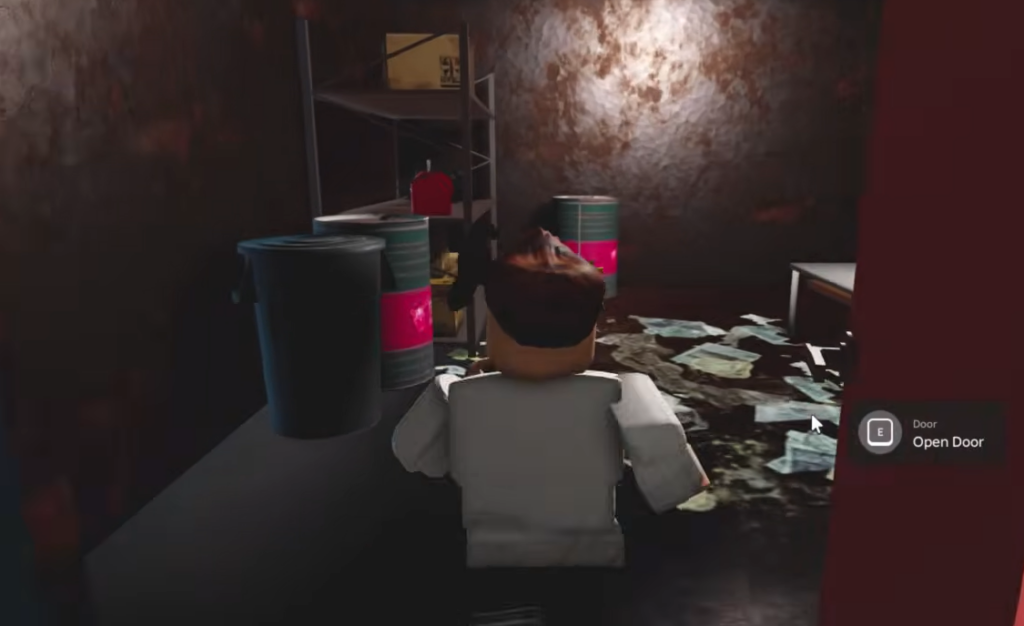
Steps to grab the pirate plushie badge
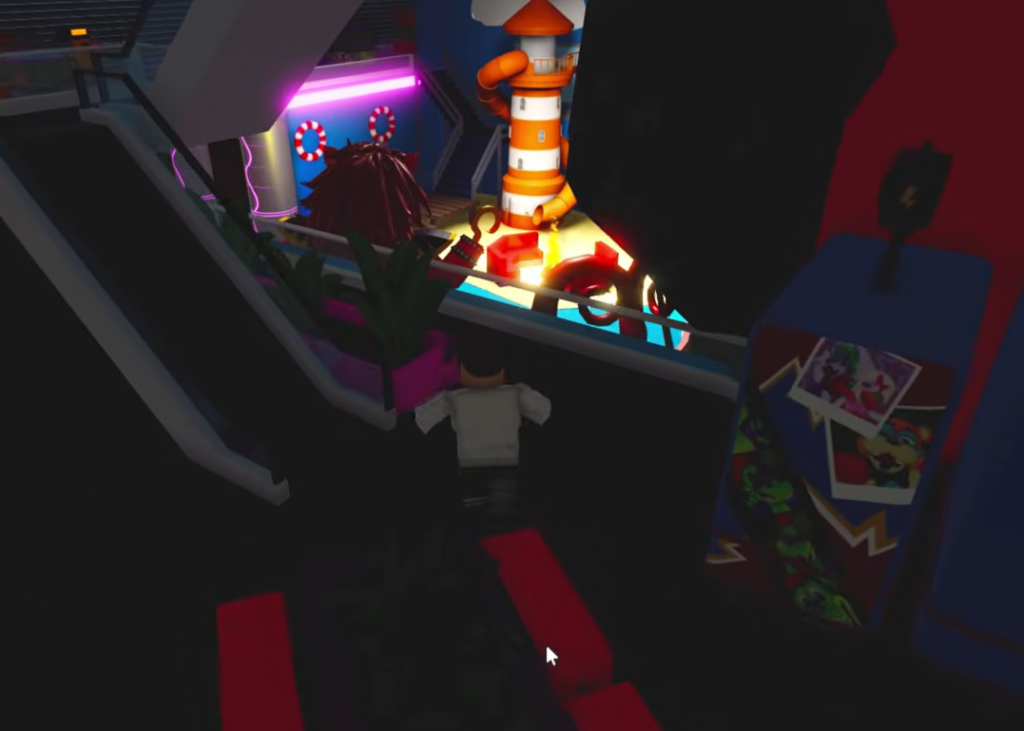
How to confirm the badge unlocked
You know the pickup worked when a “Badge Awarded” toast slides in on screen, showing your username and the badge name from FNaF Multiverse Development. That pop-up is the confirmation, and the badge is then permanently attached to your account.
To double-check, open your Roblox inventory and view your earned badges. If the pirate plushie badge is listed there, the unlock is saved, and you do not need to collect it again.
Why the badge might not trigger
Most failed attempts come down to not reaching the exact object or not interacting with it directly. Standing near a plushie is not the same as clicking or stepping on it, so line up the interaction precisely.
If the pirate plushie is part of a longer multi-step hunt, leaving the game partway through can reset your progress. For any badge that chains several steps together, finish the full route in one session rather than closing out and returning later.
Track down the plushie, interact with it once, and watch for the award popup. As long as that notification appears and the badge lands in your Roblox inventory, the Looking For a Pirate Plushie badge is locked in for good.