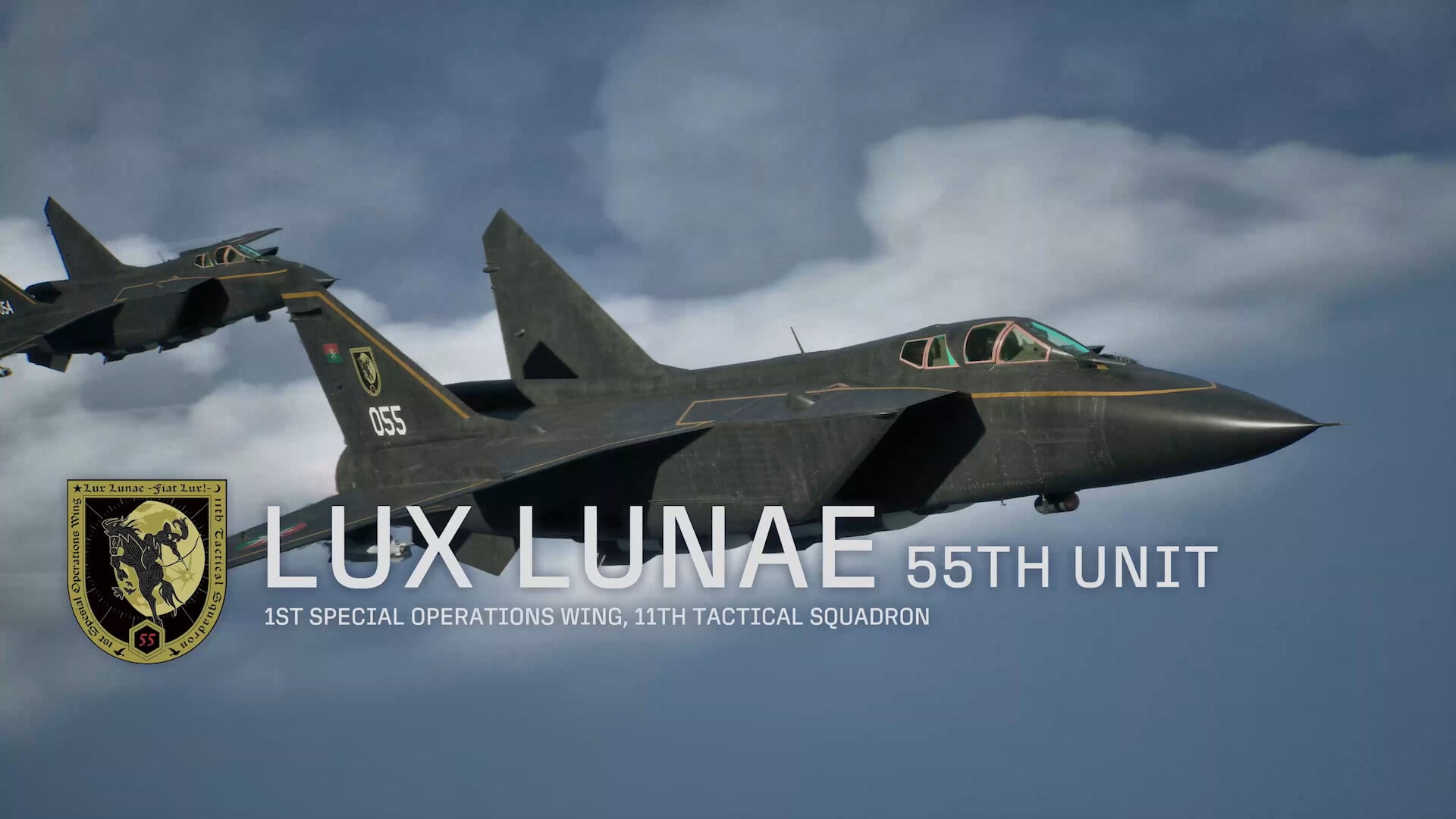
Aircraft skins and emblems in Ace Combat 8: Wings of Theve let you repaint and personalize any fighter, but the customization system is hidden for most of a first playthrough. You cannot reach it until the story is finished, and the menu that houses it does not appear in the hangar before then.
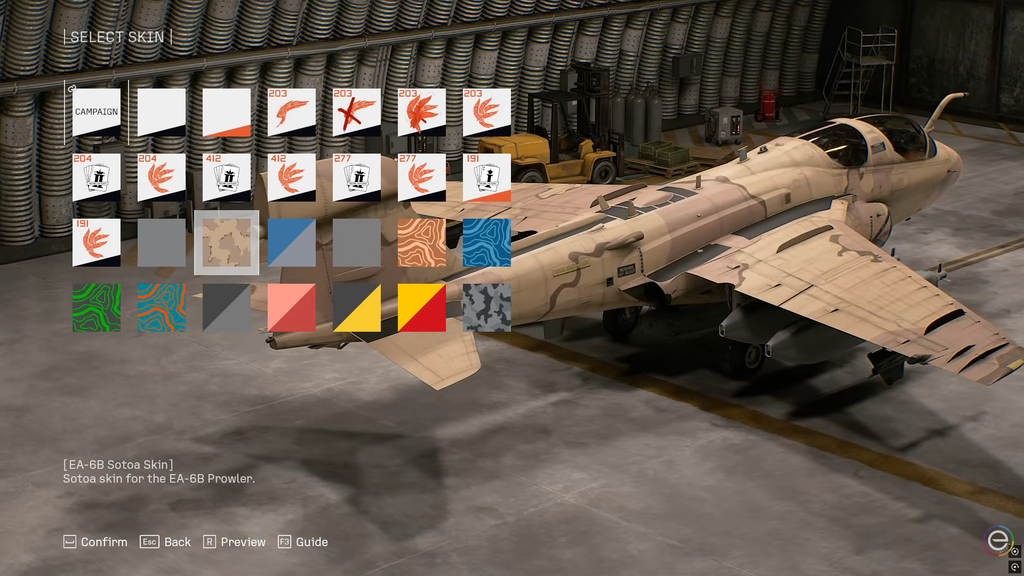
Quick answer: Complete the campaign up to and including Mission 30 (Song of Wings), and wait for the credits to end. Next, go to Mission Menu → Aircraft Sets → Edit Aircraft Set → Select Skin.
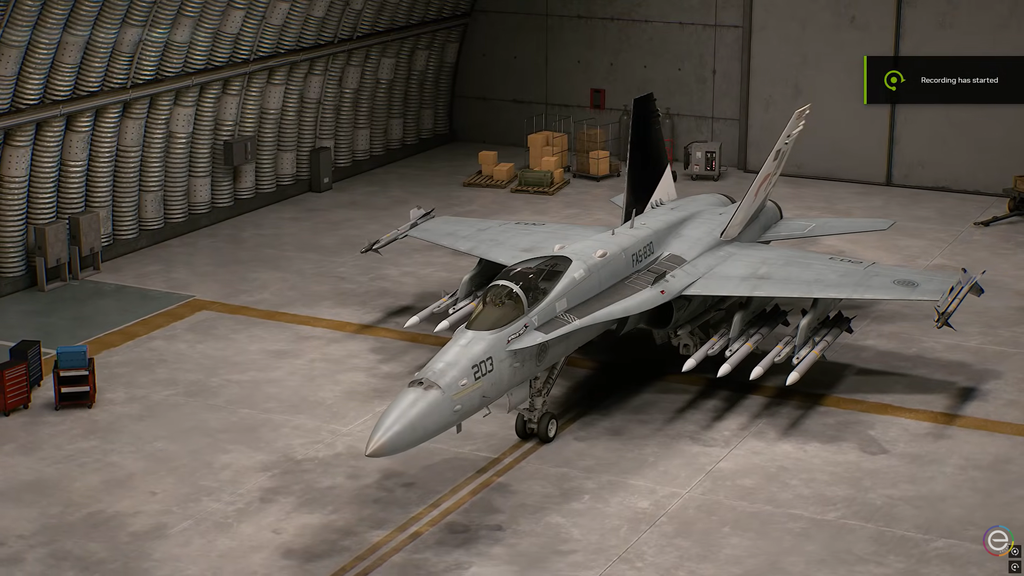
Clear Mission 30 to unlock the Aircraft Sets menu
Campaign skin editing lives inside the Aircraft Sets menu, and that menu stays locked until you complete the campaign one full time. The final step is Mission 30 – Song of Wings. Anything you unlocked earlier through achievements, mission completions, and campaign objectives is waiting, but you cannot apply any of it during a first run.
Mission 30 tasks you with keeping the allied carrier Endurance alive while a submerged submarine fires missile barrages at it. The submarine keeps attacking whenever it gets an opening, so take a fast, precise fighter carrying air-to-ship special weapons and sink it quickly.
Once the ending cutscenes play and the credits roll, Aircraft Sets appears in Campaign mode. If you are still on your first playthrough and cannot find it, that is expected. The menu simply is not there yet.
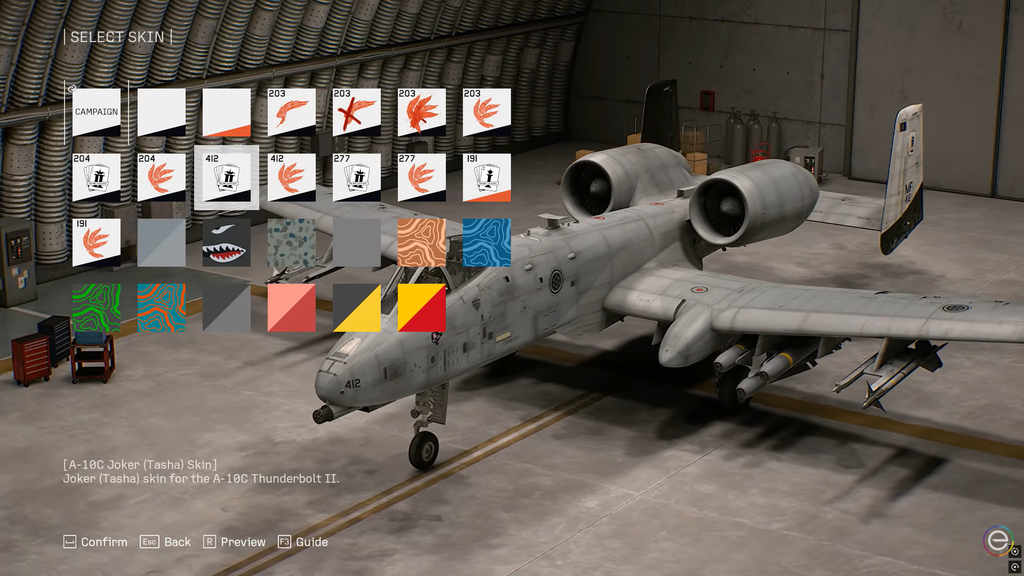
Change a skin through Aircraft Sets
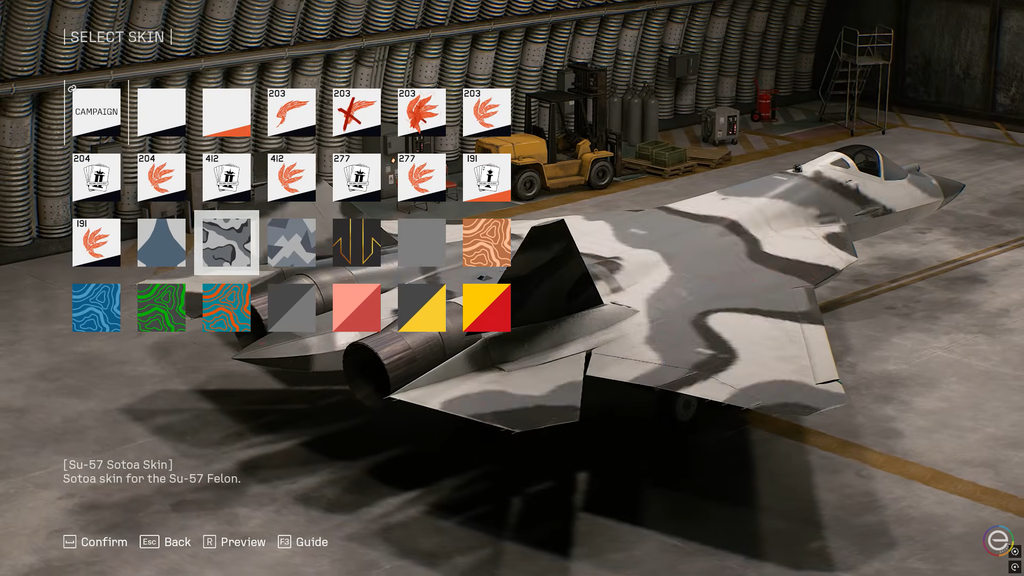
Some skins repaint the entire aircraft and replace the emblem as well, while others leave room for point-by-point customization with separate emblems. A few are narrative-based, such as the Su-57 Narrative Skin, which changes its appearance as the story advances.
Customizing a skin or emblem in Campaign unlocks the Plane Coordinator trophy, which doubles as confirmation that your change registered.
Cycle skins with the D-pad in the hangar
Once the campaign is complete, you can change liveries more quickly. When the aircraft is visible in the hangar, use left or right on the D-pad to browse the skins unlocked for that airframe. As you switch options, the plane appears from a low, ground-level viewpoint.
The one drawback is that this quick-select view does not clearly show each skin’s name as you scroll. Use it for a fast look, and fall back to Aircraft Sets → Edit Aircraft Set → Select Skin when you want to pick a specific named livery.
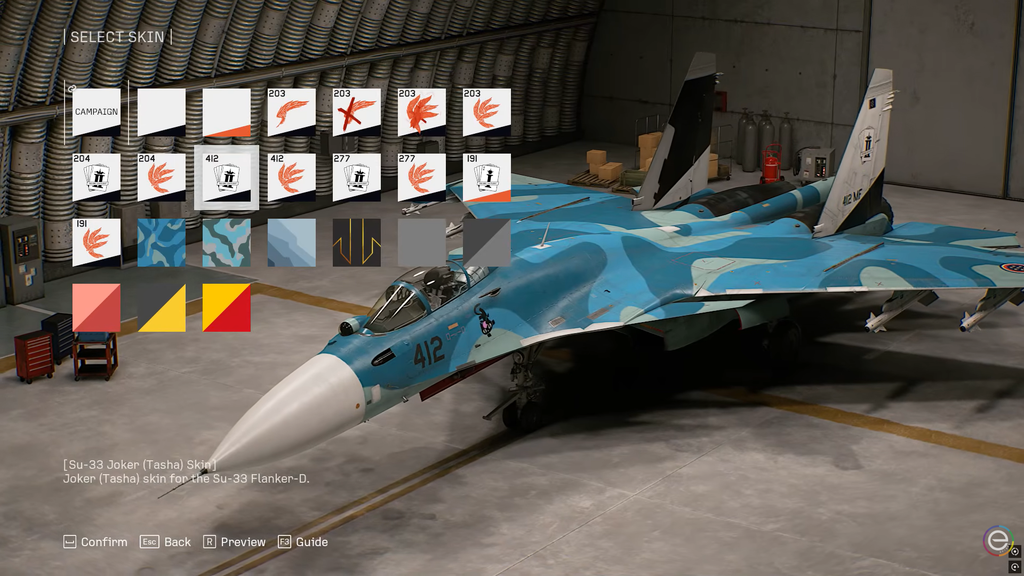
Where aircraft skins come from
Not every skin is earned the same way. Skins come from four sources, and knowing which is which saves time when a livery you want is missing.
- Completing campaign missions or hitting specific campaign objectives.
- Defeating named enemy Aces, which unlocks the paint scheme tied to their aircraft type.
- Ace Combat Online skins, bought from the in-game store or earned from Online missions.
- Edition-specific cosmetic sets, such as the Deluxe liveries below.
You’ll encounter Named Aces only on Veteran difficulty or higher, and in most cases a particular condition during the mission must be met for one to appear. Once you’ve shot an Ace down, complete the mission to add its record and skin; leaving the sortie immediately after the kill means you won’t unlock them.
Deluxe Edition and Cosmetic Set skins
The Customizable Cosmetic Set bundles two squadron liveries. Both work with their matching aircraft in Ace Combat Online right away.
| Skin | Aircraft |
|---|---|
| Mobius Squadron 25th Anniversary | F-4E |
| Team Zvezda | F/A-18C |
Both liveries also become usable in Campaign, but only after you complete every campaign mission. If you own the Deluxe Edition or the Cosmetic Set and do not see either skin during your initial run, that is normal. Finish the story before assuming the unlock failed.
Skins in Ace Combat Online
Ace Combat Online runs its own customization system covering skins, emblems, and weathering, applied from the Online hangar for whichever aircraft you want to edit. The exact Online button path is not the same as the Campaign route, so do not carry the Aircraft Sets steps over to it.
Campaign and Online keep their progression and save data apart. Some cosmetics work in both modes, including the Mobius Squadron and Team Zvezda skins, which support cross-mode use. Assume any other Online unlock is limited to Online unless its description says it can be used elsewhere.