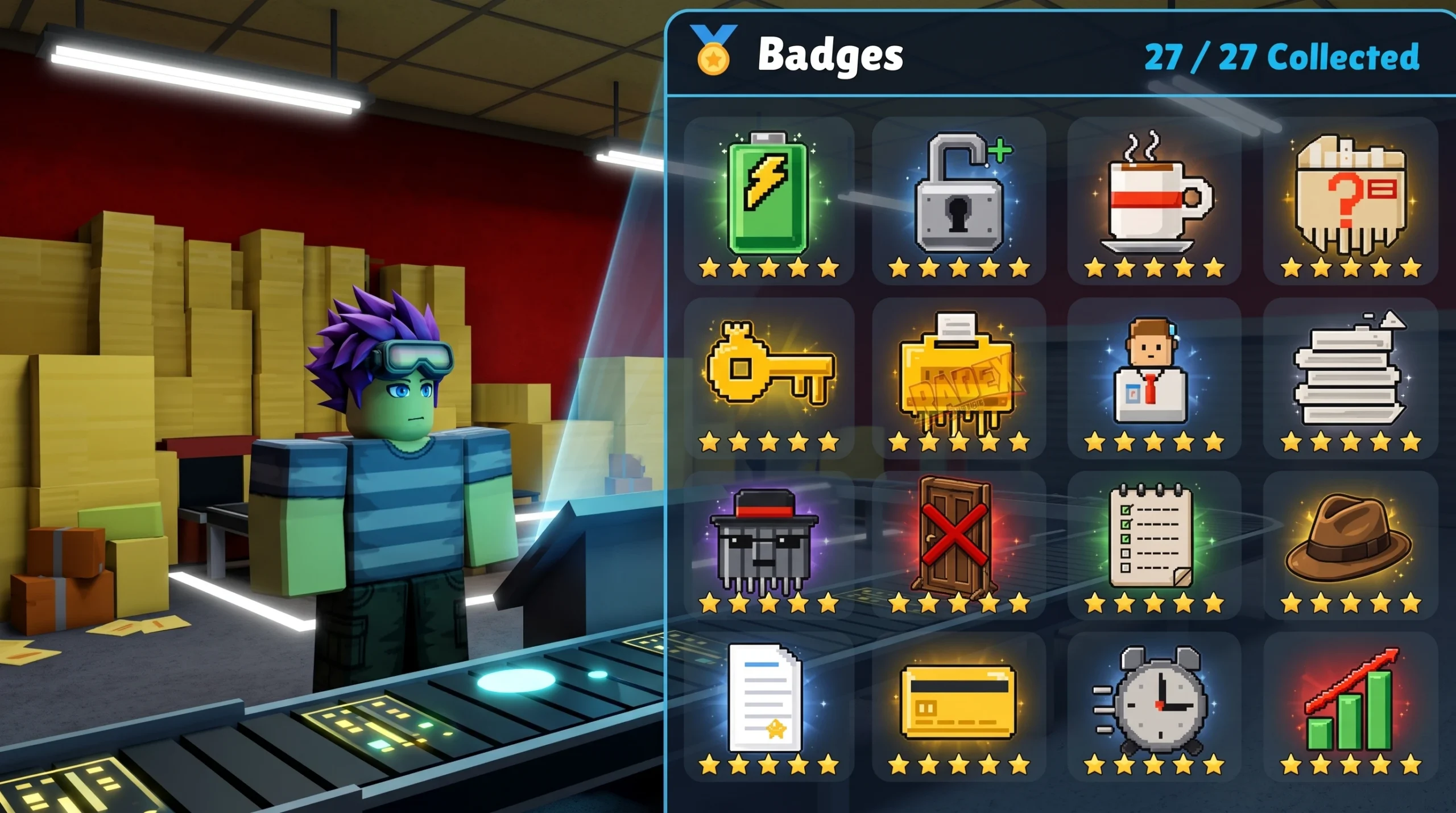
Badges in Shred the Secrets are cosmetic collectibles you earn by hitting specific in-game conditions, from shredding your first stack of paper to reaching a full ending. They carry no gameplay bonus, but each one you unlock can be equipped at the Badges station so it floats above your avatar during a run. The game currently has 27 badges in total, split into star tiers that roughly track how hard each one is to earn.
Quick answer: Complete the listed action for each badge below, then open the Badges station in-game to equip any that have unlocked. There are 27 badges across five star ratings, and unlocking one is confirmed the moment it appears in your badge inventory.
You can play the whole game and chase every badge for free on the official Roblox experience page. Nothing on this list requires a paid item to complete.
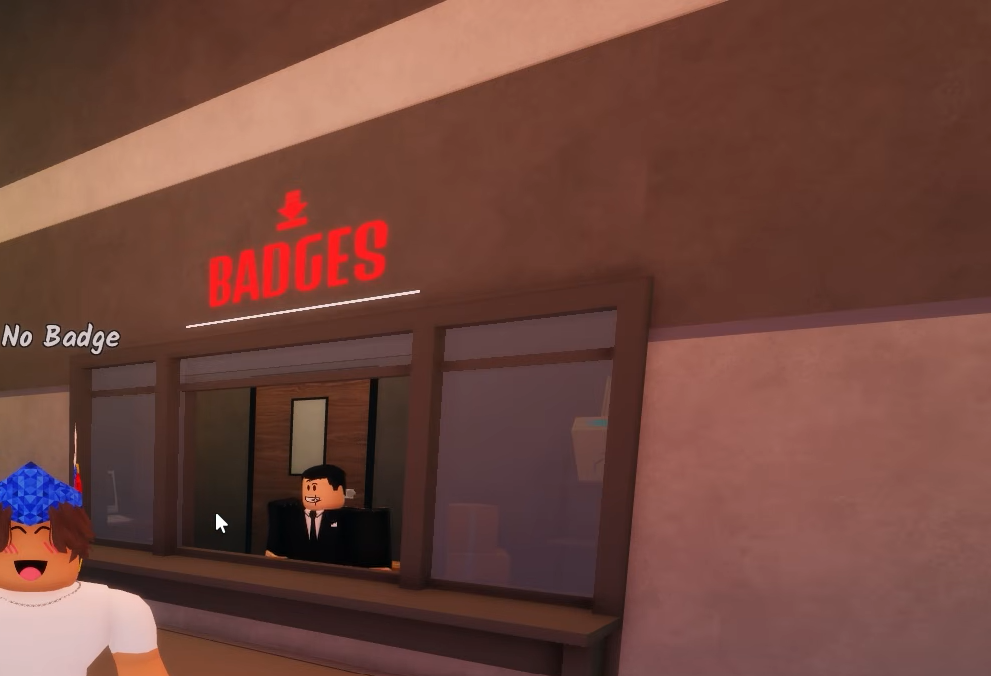
1-Star badges (starter unlocks)
These three come almost automatically as you learn the core loop. You will usually have all of them before your first room is finished.
| Badge | How to unlock |
|---|---|
| Welcome! | Join the game. |
| First Day on the Job | Shred your first stack of paper. |
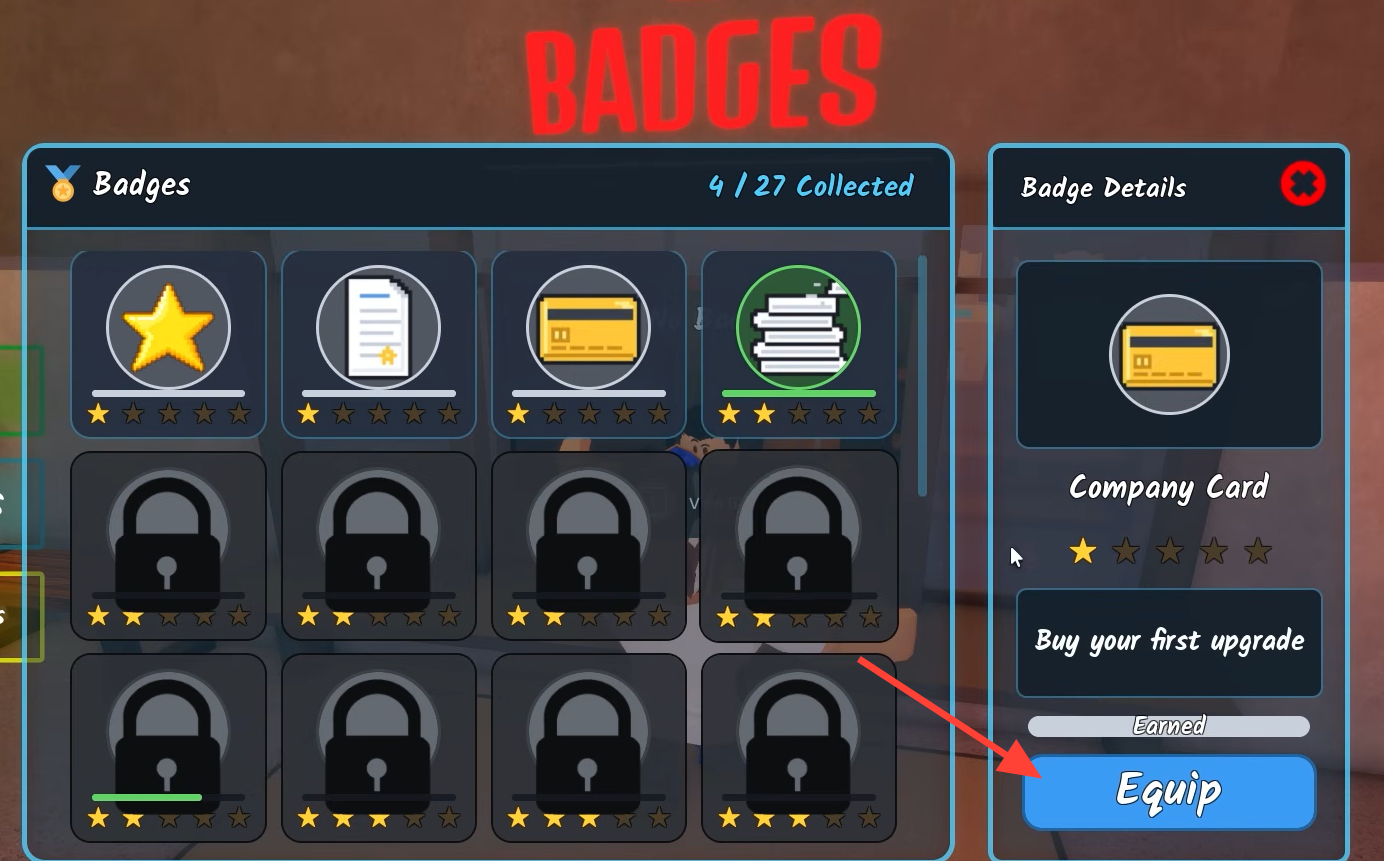
| Company Card | Buy your first upgrade. |
2-Star badges (routine milestones)
The 2-star set rewards normal play and light exploration. Shredding, opening cabinets, clearing cobwebs, and unlocking doors all count toward these as you clear rooms.
| Badge | How to unlock |
|---|---|
| Paper Pusher | Shred 100 stacks of paper. |
| Housekeeping | Clear 20 cobwebs. |
| Nosy Coworker | Open 20 filing cabinets. |
| It’s Not What It Looks Like | Get caught by the FBI. |
| Access Granted | Unlock your first door. |
| IT Department | Crank shredders 100 times. |
3-Star badges (secrets and one-off events)
These push you to find hidden items and trigger specific events rather than just grinding numbers. Several tie into the game’s secrets, including the Room 3 key, the Golden Shredder, and the basement elevator.
| Badge | How to unlock |
|---|---|
| Let’s Keep This Between Us | Find the Sketchy Coworker’s Phone. |
| Tricked! | Find the fake exit. |
| Keymaster | Find the key in Room 3. |
| Solid Gold | Shred with the Golden Shredder. |
| Dangerous Knowledge | See something you were not supposed to see. |
| Intruder | Break every plank off the boarded-up doorway. |
| Understaffed | Complete a full run solo. |
| Joyride | Ride the elevator out of the basement. |
4-Star badges (long-term goals)
The 4-star badges demand sustained play. Some track cash totals across every run, while Buzzer Beater and Exceeded Expectations test how well you can optimize a single run for speed or upgrades.
| Badge | How to unlock |
|---|---|
| Millionaire | Collect $1,000,000 Cash. |
| Just Another Day at the Office | Complete 10 runs. |
| Buzzer Beater | Complete a run in under 45 minutes. |
| Exceeded Expectations | Purchase every upgrade in a single run. |
| Cooking the Books | Earn $10,000,000 Cash across all runs. |
Cooking the Books stacks across every run you play, so you do not need to bank ten million in one session. Millionaire, by contrast, is about reaching that balance.
5-Star badges (endgame and endings)
These are the hardest to earn and cover the game’s two endings plus its biggest grind. Perfect Attendance in particular needs coordination, since it requires reaching Ending 2 with a full squad.
| Badge | How to unlock |
|---|---|
| The Shredfather | Shred 5,000 stacks of paper. |
| What? (Ending 1) | Complete Ending 1. |
| Dark Secrets | Complete Ending 2. |
| Perfect Attendance | Complete Ending 2 as a full squad. |
| Secrets? What Secrets? | Shred every last document in a single run. |
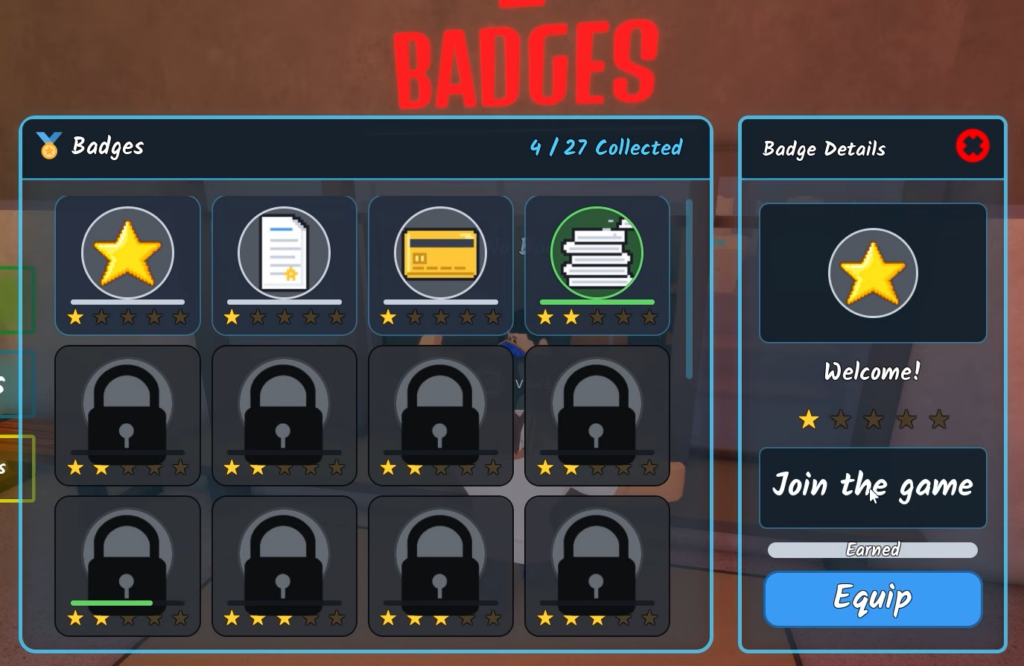
How to equip a badge and confirm it unlocked
Unlocking a badge is automatic once you meet its condition, but wearing one takes a manual step at the Badges station.
If a badge does not unlock
The counting badges, such as Paper Pusher, The Shredfather, and IT Department, only advance when the game registers each action. After a shred or a crank, wait for the cash or progress to update before moving on, since leaving too early can mean the count did not tick. In a squad, the person operating a machine is the one whose counter moves, so check your own progress rather than assuming a teammate’s action credited to you. For the milestone totals like Cooking the Books, keep playing across runs and the badge triggers once your combined earnings cross the threshold.
Chasing all 27 is purely for the flex of a fully stocked Badges station, especially the five-star set tied to both endings. Work through the star tiers in order and the earlier grinds, like hitting 100 shreds, will naturally carry you toward the bigger ones such as 5,000 shreds for The Shredfather.