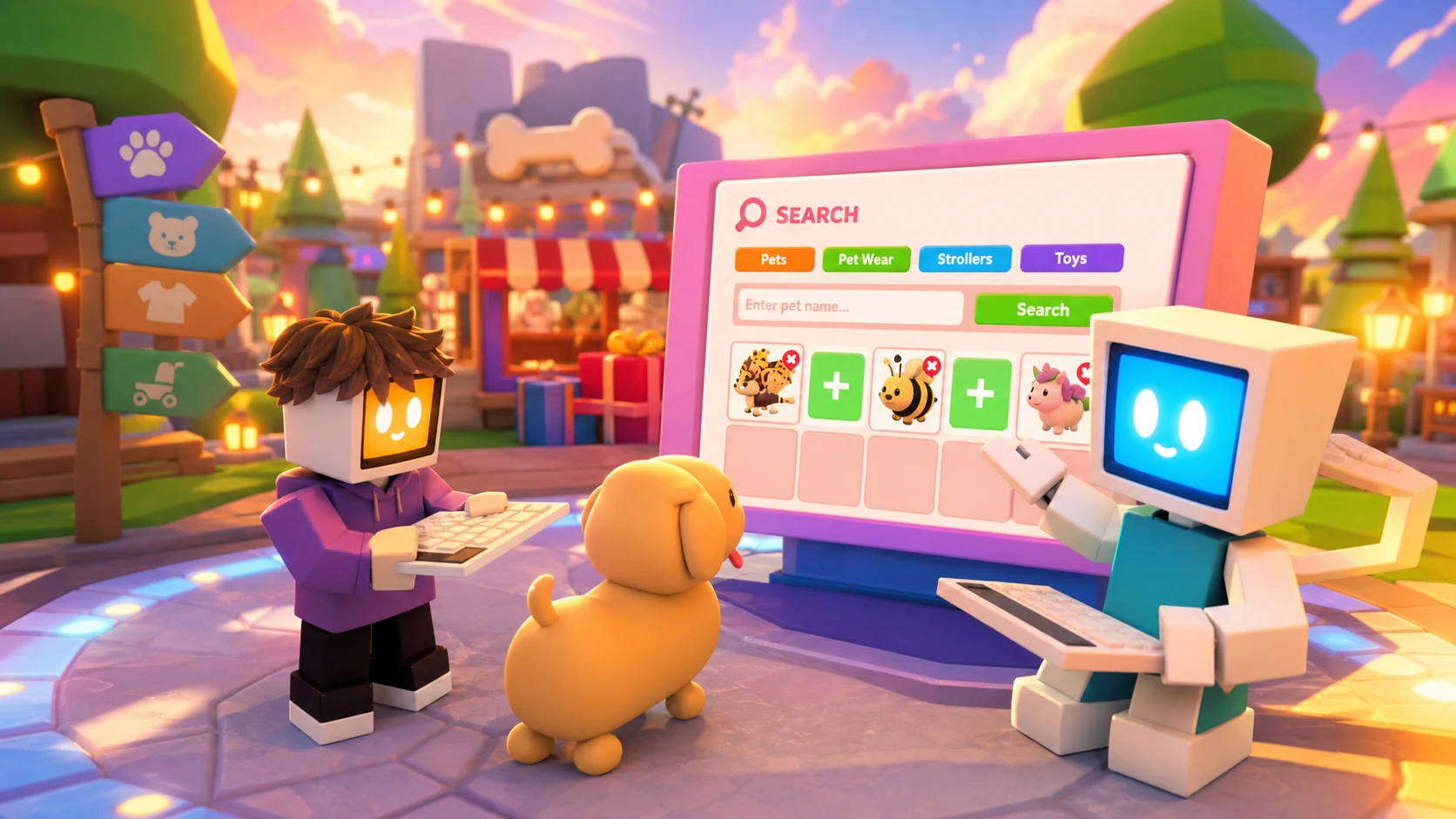
Adopt Me now has a dedicated Trading Hub, a separate cross-server area built around posting and browsing trades instead of hopping between servers to find the right match. It arrived on July 31, 2026, and it sits behind three unlock requirements before you can summon the balloon that takes you there.
Quick answer: Play for two hours to earn the free Trading Phone from the Guide, claim the Trade License in the Safety Hub, and own at least one Neon pet. Once all three are done, open the Trading Phone and summon a hot air balloon to fly to the Trading Hub.
Requirements to unlock the Trading Hub
All three conditions must be met before the Trading Phone becomes usable for travel. There is no way to skip one of them.
| Requirement | Where to get it |
|---|---|
| Trading Phone | Free from the Guide after playing for 2 hours |
| Trade License | Earned in the Safety Hub |
| First Neon pet | Own at least one Neon pet |
How to reach the Trading Hub
Posting a trade with Robo Todd
Robo Todd handles your outgoing listings. Talk to him to post a potential trade on the cross-server boards, where players in other servers can find it. When you create a listing you pick what you are offering and what you want in return.
Each listing costs 100 Bucks, and you can keep two active at a time by default. If you want more slots, an additional listing costs 49 Robux. Robo Todd also lets you review the offers people have made and modify a listing if it is not attracting the trades you want.
| Action | Cost |
|---|---|
| Post a trade listing | 100 Bucks each |
| Active listings (default) | 2 at once |
| Extra listing slot | 49 Robux |
Searching listings with Robo Rob
Robo Rob is the search side of the hub. Tell him the specific trade you are looking for and he scans the boards for it. If that exact trade does not exist anywhere, the search returns similar offers instead so you still have something to work with.
How listed pets get locked
Any pet you list for trade, or offer as part of a trade, becomes locked in your inventory. While it is locked you cannot equip it, modify it, or trade it through any other method until you remove the listing or offer. This keeps every trade and offer shown in the hub real and completable, so you never chase a pet that has already been moved elsewhere.
Value guardrails on offers
The hub blocks listings and offers that are wildly imbalanced. This is not a formal value system, and it does not mean every trade posted is equal in worth. The limit exists to cut down on spam offers, so nobody can list a sandwich against a Shadow Dragon and clutter the boards.
This limitation is in place to try to reduce the amount of annoying spam trades or offers you would otherwise get.
Using the Trading Phone in normal servers
You do not have to be at the hub to keep track of your trades. In a regular Adopt Me server, the Trading Phone lets you check your active listings, read incoming offers, and view your trade history. What you cannot do outside the hub is edit those listings or create new ones. For that, you must fly back to the Trading Hub.
The system runs alongside traditional trading rather than replacing it. The intent is to reduce the constant server hopping players do while hunting for a match, and to give newer players an easier first step into trading.
Bee Pass extension
The Bee Pass stays in the game unchanged for another week. When it does leave, any unused flowers and seeds will be refunded, so there is no penalty for holding onto them until then.
Once you have your phone, your license, and a Neon pet, the Trading Hub becomes a persistent place to leave offers working in the background while you do other things in Adopt Me. Post through Robo Todd, search through Robo Rob, and remember that anything you list is locked until you pull it back.