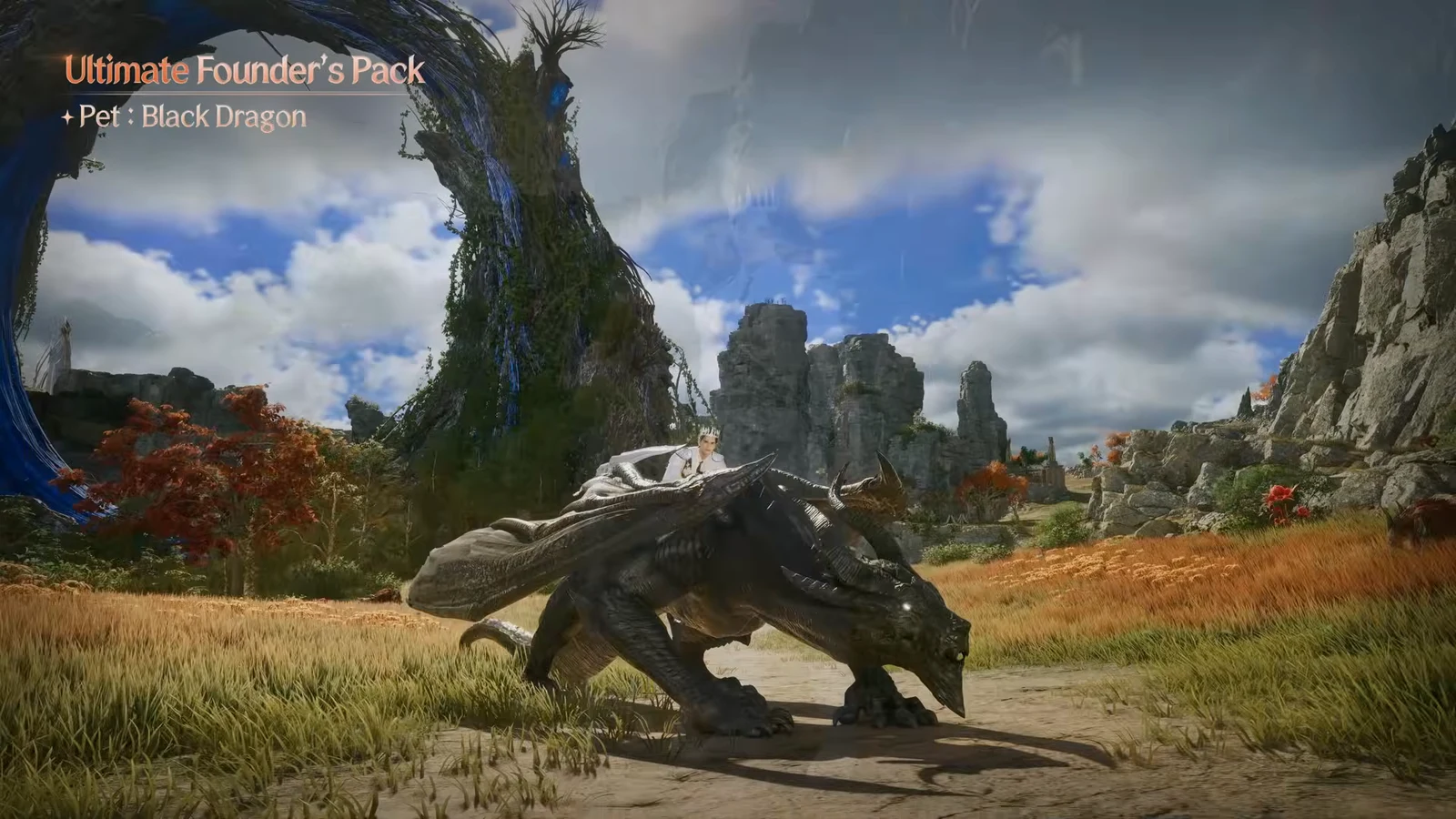
Every new Aion 2 character lands two batches of free pets early on, and pets double as mounts here, so your picks ride with you and feed a collection system that keeps paying out long after the first day. The first batch arrives in launch mail and lets you keep one of four creatures. The second comes after an early quest and lets you keep one of three.
Quick answer: From the Advance: Pet Selection Chest, take Konutin Worker or Black Smoke Murute for their 3 Stamina, or pick on looks since every option rides at the same speed. From Kaidros, take Fossa because it works as a ground mount.
How to claim the Advance: Pet Chest
The first set of pets is tied to the launch reward mail, not a quest. You have to collect it before the choice appears.
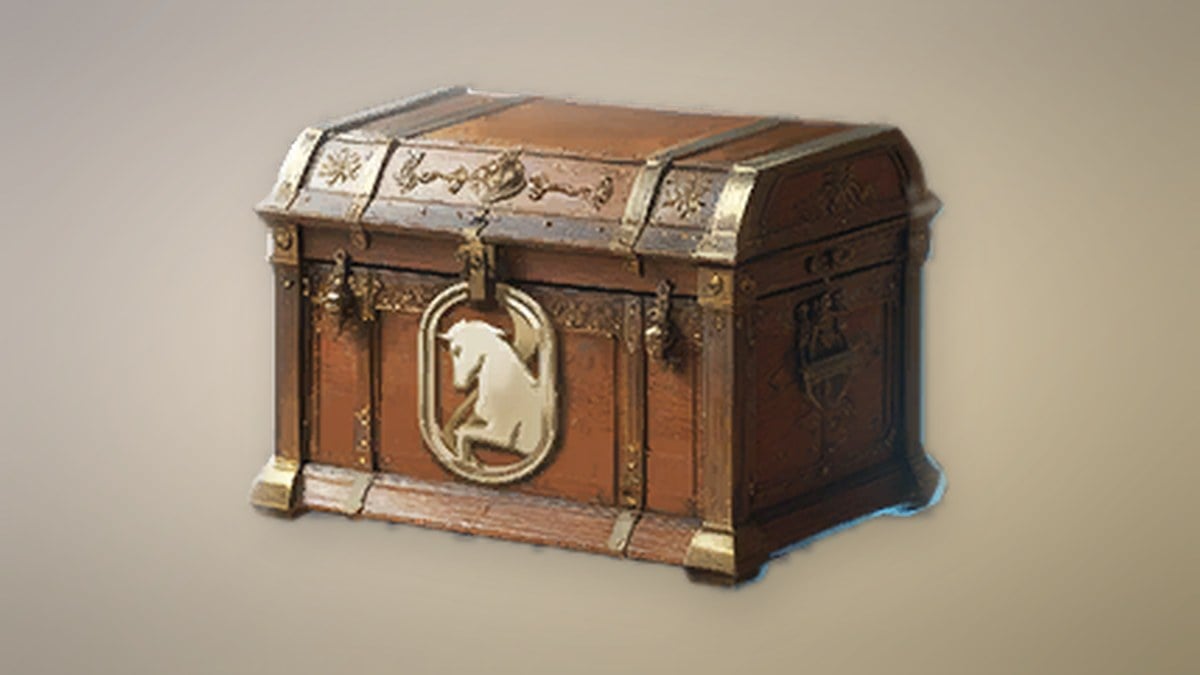
The four Advance: Pet Selection Chest options
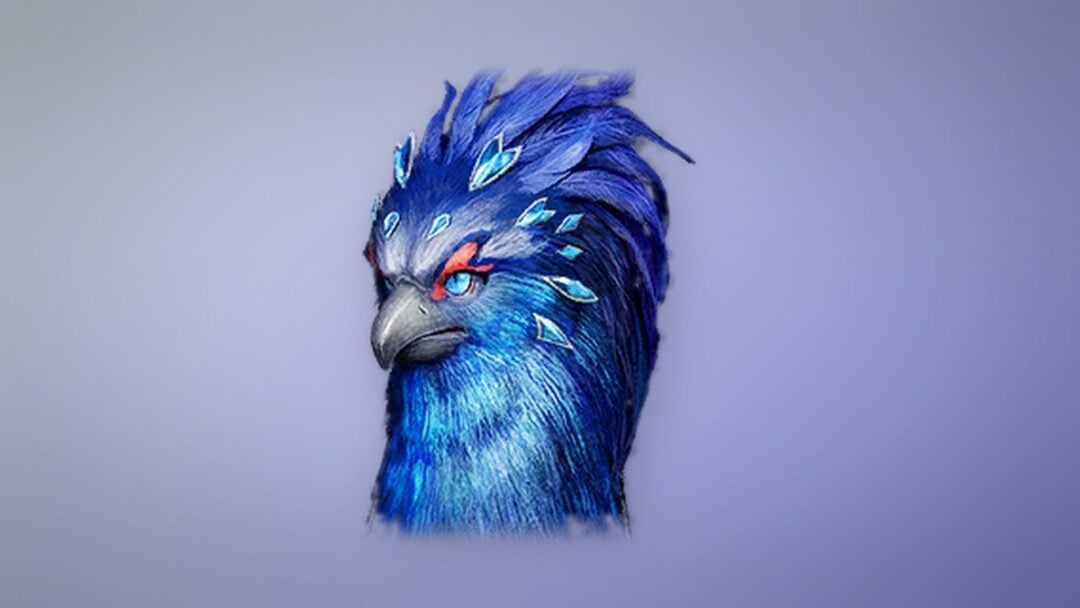
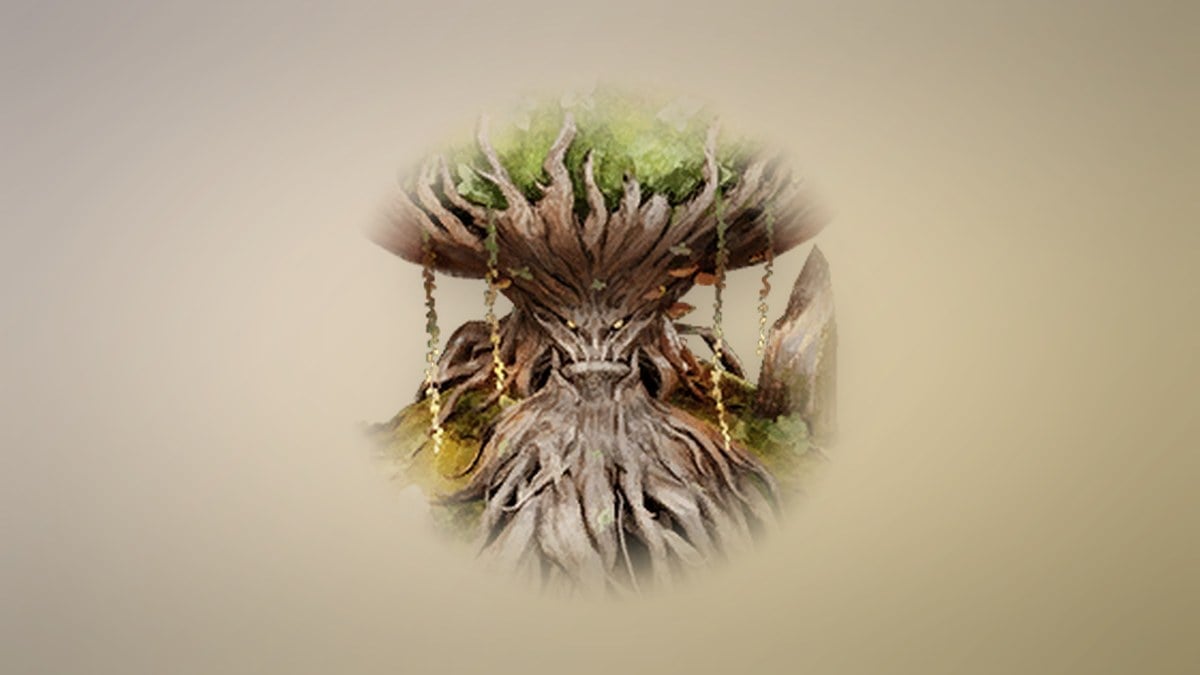
There are four mounts to choose from, each displaying a distinct appearance while idle and when ridden. Their movement behavior is identical, so none offers an advantage in travel speed. Only a minor passive varies numerically.
| Pet | Effect | Ride style |
|---|---|---|
 Papis Papis | +1 Mount Ground Speed | Glowing winged butterfly, rider suspended beneath |
 Silver Blade Rotan Silver Blade Rotan | 0.1% Mount Stamina Sprint Cost Reduction | Circular blade the rider stands on |
 Konutin Worker Konutin Worker | 3 Stamina | Wooden forest creature with a woven back basket |
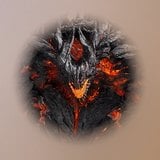 Black Smoke Murute Black Smoke Murute | 3 Stamina | Molten fire-rock golem |
Konutin Worker and Black Smoke Murute are the practical picks because 3 Stamina is more useful day to day than a +1 speed bonus you do not actually feel or a sprint-cost cut of a tenth of a percent. Both give the exact same boost, so choose whichever you prefer to look at.
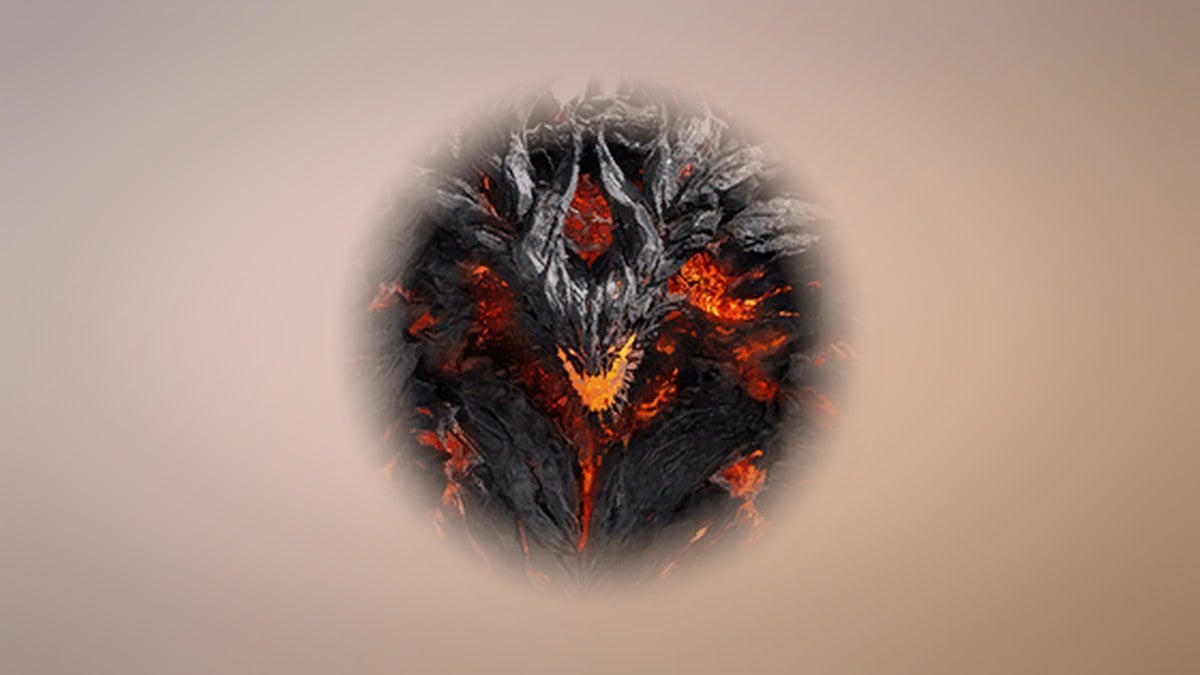
Nothing is lost for good. The three pets you skip still exist in the world, and you can unlock each later by gathering five souls from its matching monster.
The three pets from Kaidros
The second batch unlocks after an early episode quest. Elyos players finish All Geared Up and then speak with Kaidros. Asmodians reach the same choice through Gathering Essentials, which starts in Altgard at recommended level 10. Both hand you a pick of one from three.
| Pet | Effect | Mount use |
|---|---|---|
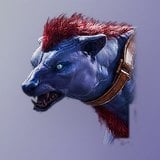 Fossa Fossa | +1 Mount Ground Speed | Works as a ground mount |
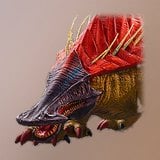 Armadon Armadon | +1 Mount Ground Speed | No |
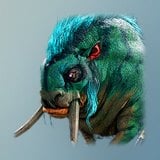 Tog Tog | +1 Mount Ground Speed | No |
All three carry the identical +1 boost, so the deciding factor is Fossa. It is the only one of the three you can actually ride as a grounded mount, which makes it the clear pick while the others offer nothing extra over it.
Why the pick matters less than the collection
A pet’s genus gains insight when you redeem that pet. For instance, Silver Blade Rotan adds to Varian Pet Genus Insight and may bring it directly to Level 2. More insight in a genus raises the quality of passive stats available to roll for that kind, so selecting a pet from a genus you are already developing gives that effort a modest early boost.
Each pet has an owned effect that remains active even when it isn’t equipped. Collecting additional unique pets also increases type levels and grants milestone rewards. A pet begins at Level 1, gains levels from Soul Fragments, and tops out at Level 10; at Level 3, it can transform into a higher-tier version. Most souls come from defeating matching monsters while questing, letting your collection build over time.
Redeeming a Pet item for a pet already in your collection yields a soul, not a second copy. Unlocking any pet costs five souls, so duplicates converted this way continue contributing to collection progress.
How to equip a pet and confirm the choice worked
Once the choice is confirmed, the game displays a world banner announcing an insight level-up for the pet’s genus. Seeing it verifies that the redemption succeeded and the pet has joined your collection.
To bring a pet onto the field, first open the game menu and choose Pet; you can also reach this section from the Closet. Choose a pet from your collection and hit Equip. You’re free to switch among your pets whenever you like, so once your collection fills out, you can try them all without penalty.
Pet Stats by Level and Soul Costs
Every pet in the selection chest and the Kaidros or Dinoh choice follows the same soul schedule: 5 souls to unlock, 25 souls to go from Level 1 to 2, and 75 souls to go from Level 2 to 3. The stats a pet adds differ by creature type and by level.
| Pet | Type | Level 1 | Level 2 | Level 3 |
|---|---|---|---|---|
| Konutin Worker | Natura | Stamina +3 | Stamina +6, Critical Hit Resist +1 | Stamina +9, Critical Hit Resist +2, Precision +1 |
| Black Smoke Murute | Natura | Stamina +3 | Stamina +6, Critical Hit Resist +1 | Stamina +9, Critical Hit Resist +2, Precision +1 |
| Silver Blade Rotan | Varian | None | Evasion Bonus +1 | Evasion Bonus +2, Constitution +1 |
| Fossa | Fera | None | Accuracy Bonus +1 | Accuracy Bonus +2, Dexterity +1 |
Konutin Worker and Black Smoke Murute are the only pets in this group with a stat at Level 1. Both belong to the Natura type, so they share one growth line through Level 3.
Where to farm the souls
Konutin Worker spawns at 12 points in Konutin’s Cave: Howling Den at level 25 as a normal-rank creature. Black Smoke Murute is a hero-rank boss at level 37-74 with 3 spawn points in Fire Temple: Burning Temple. It drops its soul along with Soul Codex (Bound) at 60% and Refining Stone at 53.7%.
Silver Blade Rotan is a hero-rank boss found in the same Fire Temple: Burning Temple, with 3 spawn points and a level range of 37-74. It drops one item, its own soul.
Other ways to get the pets you skip
Each pet also exists as a tradeless item that grants the pet, or a soul if you already own it. Konutin Worker and Black Smoke Murute come from Mysterious Pet Chest (Bound), Pet Chest: Natura (Bound) and Growth Pet Chest (Bound). Silver Blade Rotan comes from Mysterious Pet Chest (Bound), Pet Chest: Varian (Bound) and Growth Pet Chest (Bound). Papis comes from Mysterious Pet Chest (Bound), Pre-Registration: Pet Selection Chest, Pet Chest: Fera (Bound) and Growth Pet Chest (Bound).