Traits are passive stat bonuses that attach to a single weapon in Anime Zero, adding things like extra damage, faster attacks, shorter cooldowns, or better resource drops. Because a trait lives on the weapon rather than your character, the first decision is always which weapon deserves the reroll. A perfect roll on gear you plan to drop in an hour does nothing for your main build.
Quick answer: Open the Areas menu, travel to the Traits area, talk to the Enchanter NPC Matilda, pick the weapon with the arrows, then press Reroll to swap its current trait for a random one using Trait Rerolls.
All 18 Anime Zero traits, roll chances and buffs
There are 18 traits, split between high-end combat rolls, tiered filler upgrades, and a single farming option. The roll chance is the displayed probability of landing that trait on any given reroll, so the strongest results sit far below one percent.
| Trait | Roll chance | Buffs | Best fit |
|---|---|---|---|
| Deadeye | 0.01% | +20% Damage, +5% Crit Chance, +50% Crit Damage | Critical damage |
| Supernova | 0.01% | +24% Damage, +12% Cooldown Reduction, +20% Attack Speed, +3 Walk Speed | All-round combat |
| Sniper | 0.04% | +12% Crit Chance, +15% Crit Damage, +8% Attack Speed | Critical hits |
| Ferocity | 0.04% | +18% Damage, +8% Cooldown Reduction, +14% Attack Speed, +2 Walk Speed | Balanced damage |
| Overkill | 1% | +40% Crit Damage | Critical damage builds |
| Razor Focus | 1% | +13% Crit Chance | Critical hit chance |
| Hunter | 1.83% | +10% Damage, +5% Cooldown Reduction, +10% Attack Speed, +1 Walk Speed | General combat |
| Power III | 4.21% | +8% Damage | Direct damage |
| Swift III | 4.21% | +12% Attack Speed, +1 Walk Speed | Attack speed |
| Focus III | 4.21% | +10% Cooldown Reduction | Ability usage |
| Vitality | 7.66% | +25% Max Health | Survivability |
| Power II | 8.42% | +6% Damage | Early progression |
| Swift II | 8.42% | +9% Attack Speed, +1 Walk Speed | Early combat |
| Focus II | 8.42% | +7% Cooldown Reduction | Ability-focused builds |
| Fortune | 12.63% | +25% Coins, +20% EXP, +20% Drop Rate | Farming resources |
| Swift I | 12.63% | +6% Attack Speed, +1 Walk Speed | Starter mobility |
| Focus I | 12.63% | +4% Cooldown Reduction | Starter upgrade |
| Power I | 12.64% | +4% Damage | Starter upgrade |
The Power, Swift, and Focus families each come in three levels and only touch one stat, so they work as cheap upgrades while you chase something better. The named traits do more work in one roll. Deadeye and Sniper back critical-hit setups, Supernova and Ferocity cover several combat stats at once, and Fortune is the only trait that improves Coins, EXP, and Drop Rate together for resource runs.
How to enchant a weapon at Matilda
Enchanting rolls a random trait onto a weapon, replacing its existing trait. The roll affects the weapon highlighted in the panel, so verify its name before spending anything.
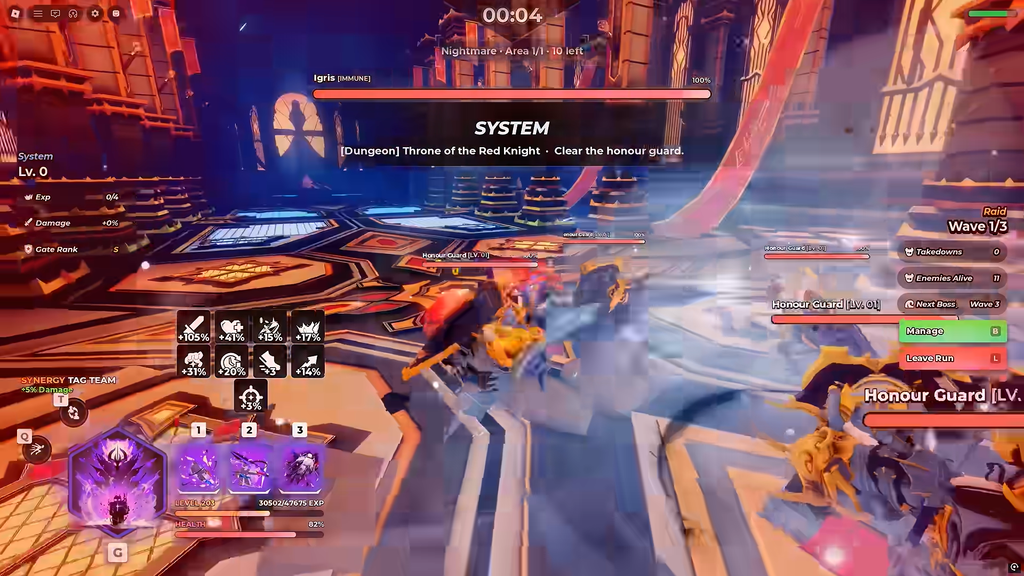
Rerolling is permanent and random. If the current trait is already strong for that weapon, a reroll can replace it with something weaker, so only roll when you are prepared to lose what is there.
Using Auto Reroll and Trait History
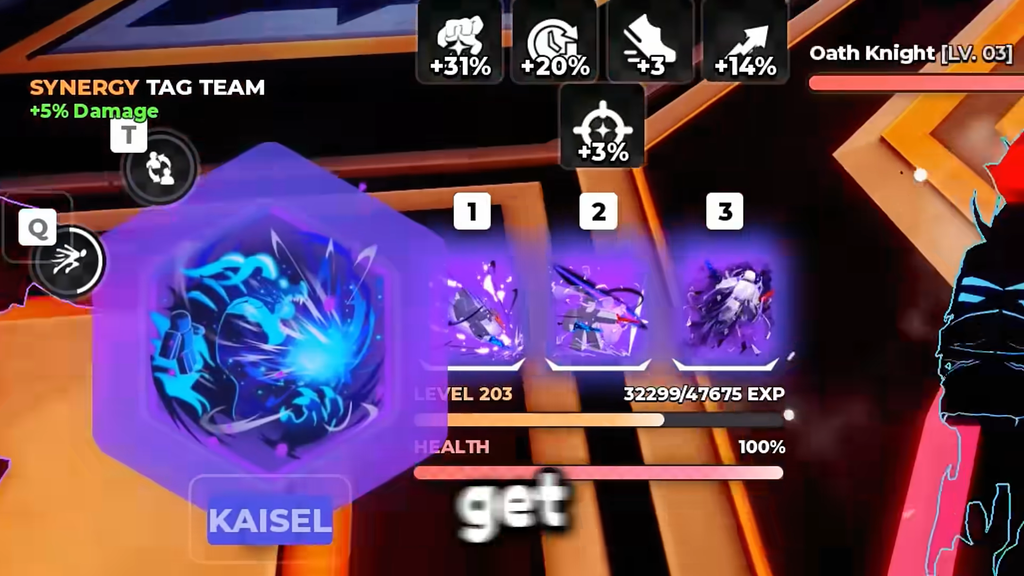
Auto Reroll performs roll after roll until it hits a trait you marked to keep. It cuts down on clicking when you know what you want, but an incorrect selection can cause it to pass over a result you meant to keep.
How to get more Trait Rerolls
Every enchant costs Trait Rerolls, so a low balance is the main thing that stops a session. These are the reliable places to refill, though reward rules can shift between updates:
- Finish any game mode or Story content, then look through the rewards at the end of the run for reroll drops.
- Claim daily login and quest rewards, which can hand over a bulk of tokens at once.
- Look through achievements and milestones for rerolls granted as one-time payouts.
- Redeem active Anime Zero codes through the in-game Codes menu for free rerolls.
Save enough rerolls for the weapon you actually plan to keep, especially before starting Auto Reroll, since a long automated run can burn through a stockpile fast.
Best traits for damage and farming
For a weapon focused on critical damage, pursue Deadeye, which grants Damage, Crit Chance, and Crit Damage in a single roll. Sniper, Overkill, and Razor Focus are dependable alternatives if you need to strengthen one part of a crit build rather than get the complete Deadeye package.
Supernova is the broad combat pick, bundling Damage, Cooldown Reduction, Attack Speed, and Walk Speed so one weapon handles several jobs at once. Ferocity and Hunter are practical results when you want a useful roll without waiting on a 0.01% drop.
Give Fortune to a weapon meant for farming. Its Coins, EXP, and Drop Rate bonuses are more valuable on a resource run than a modest combat boost. A common approach is to enchant one weapon for combat and another with Fortune, then switch to the latter before finishing a boss.
Choose the weapon you want to retain and decide on a single purpose for it. Review each roll as it appears; when its trait fits that purpose, stop using rerolls instead of hunting for a different name.