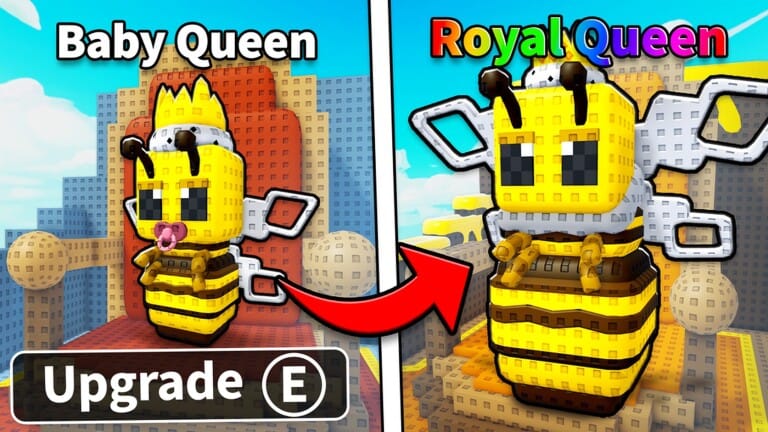
Bee Garden rewards players with coins, charms, and fountains through a growing list of redeemable codes. These freebies speed up honey production and garden upgrades without spending real money.
Working Bee Garden codes
Type these codes exactly as shown, since the entry field is case-insensitive but still sensitive to typos and extra spaces.
Summer— 1,000,000 coins, a summer present, and a Luck FountainALIENS— 500,000 coins and a set of fountainsMUSEUM— a Fossil Charm, a Luck Fountain II, and 200,000 coinsDEVSAREBACK— a Silver Charm, two Daily Spins, and a Luck FountainBEEGARDEN— a Silver Charm, two Daily Spins, and a Luck FountainRELEASE— a Silver Charm, two Daily Spins, and a Luck Fountain
How to redeem codes in Bee Garden
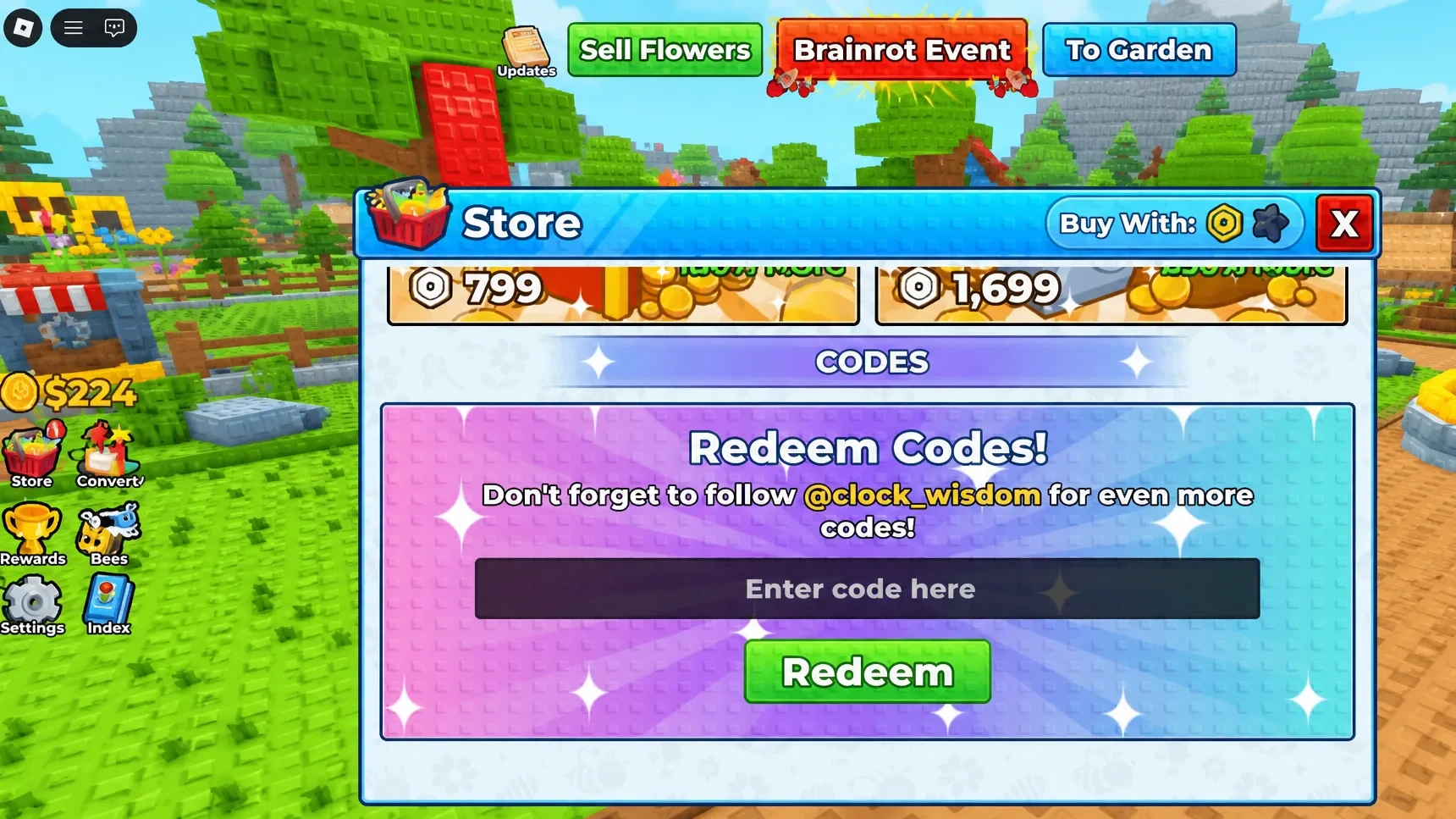
A working code triggers a confirmation message on screen and adds the rewards to your account right away, so check your coin total or inventory to confirm it landed.
Expired Bee Garden codes
DECORATIONSSPRINGEASTERTRADING
Where new Bee Garden codes get announced
New codes tend to arrive around updates rather than on a fixed schedule. The developer posts them in the official Bee Garden Discord server, so joining that server is the most direct way to catch a code as soon as it goes live.
Bookmark this list and check back after major updates, since that’s when Bee Garden codes are most likely to refresh.