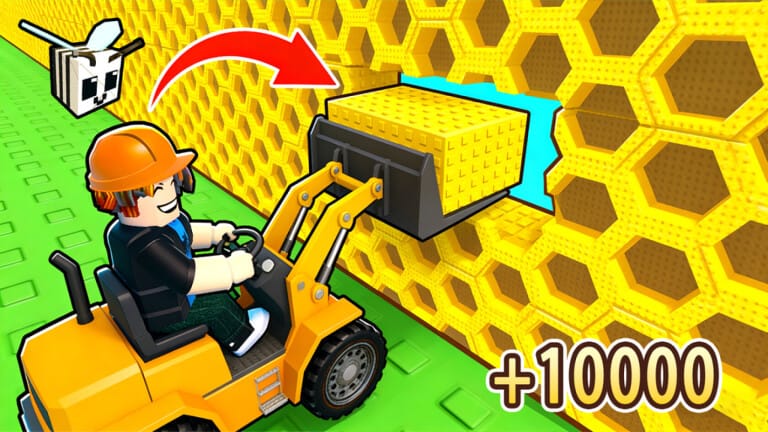
Build A Beehive tasks players with attracting bees through carefully planted flowers rather than buying them outright, then turning honey production into profit. Codes are the fastest way to stock up on rare seeds and cash without spending Robux on premium blooms.
Working Build A Beehive codes
There are no active Build A Beehive codes redeemable right now. The list below will be updated the moment the developers release new ones.
- No active codes are currently available.
How to redeem codes in Build A Beehive
Redeeming rewards takes a few taps once you’re inside the game, and there are no prerequisite tasks like following social accounts.
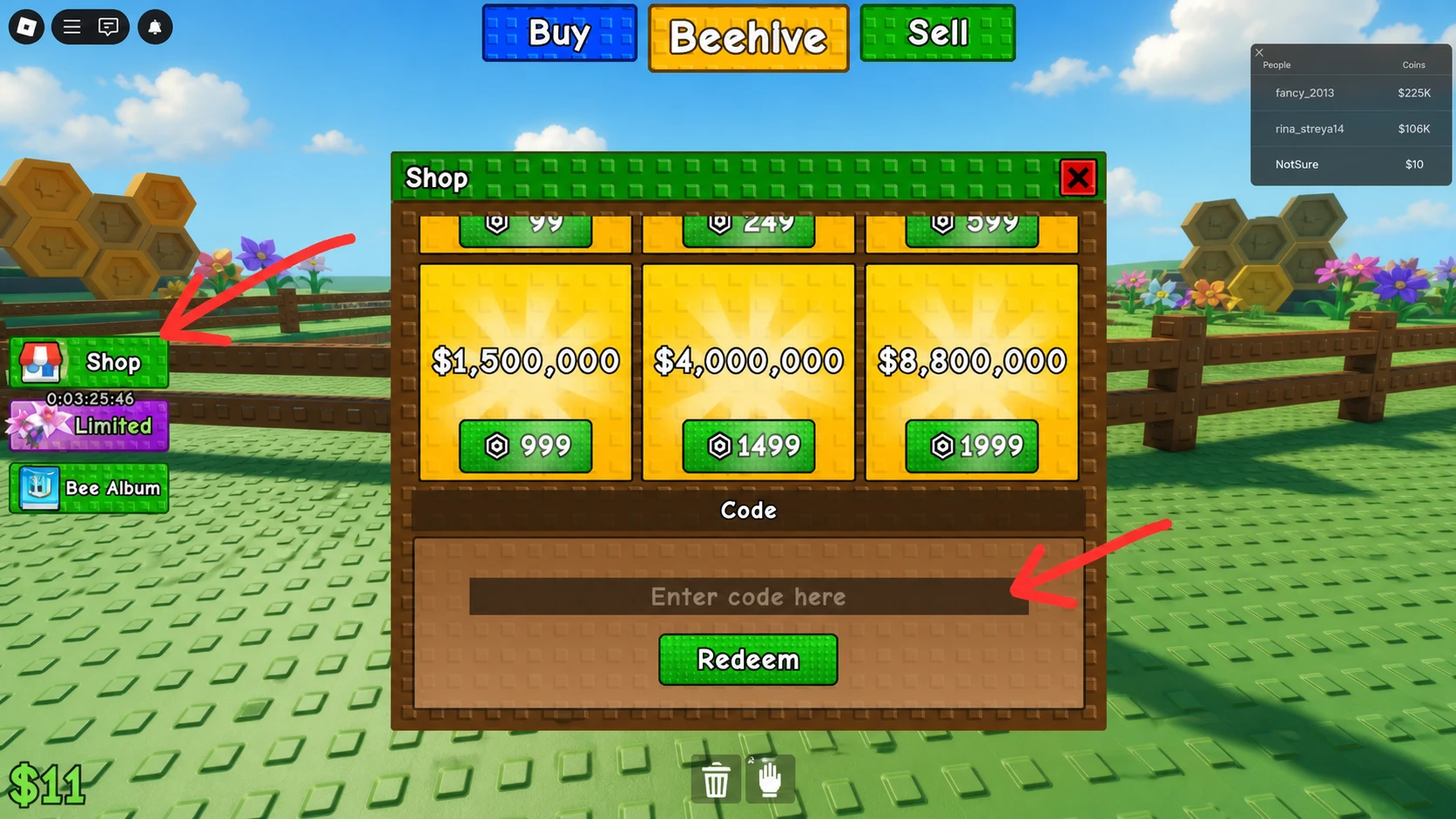
A successful redemption drops the flowers, seeds, or cash directly into your inventory, and the reward is visible immediately without needing to restart the game. If nothing appears, double-check the spelling and capitalization before trying again.
Expired Build A Beehive codes
These codes no longer work but are listed for reference.
1YTOGETHER— Free rewardsHappyHoliday— 1 Fire Blossom Seed and 1 Bluebell SeedSweetHourEvent— 1 Fairy Elixir II and 1 Morning Glory SeedE8CA45— 500 CashQueenBeeWaitSummerEvent
Where new codes get announced
New codes tend to surface around updates, seasonal events, or game milestones rather than on a fixed schedule. The developers post them in the “game-news” channel of the official Build A Beehive Discord server, so keeping an eye on that channel is the most direct way to catch a fresh code as soon as it drops.
No official next code or release date is currently confirmed, so bookmark this page and check back for updates as they’re released.