Build the Pyramid is a cooperative Roblox simulation from Janitors Studios where up to 100 players fill one shared structure by hauling blocks from a quarry to a construction site. Everything you do — training, upgrades, codes — exists to move more blocks per trip. Progress fast and you climb your coin income, unlock stronger training, and help the server finish sooner.
Quick answer: Claim the Free Gift for +1,500 Speed and +1,500 Strength, train Strength then Speed at the gym, buy Bulk Pickup then Bulk Place, and play on a full public server.
How the core loop works in Build the Pyramid
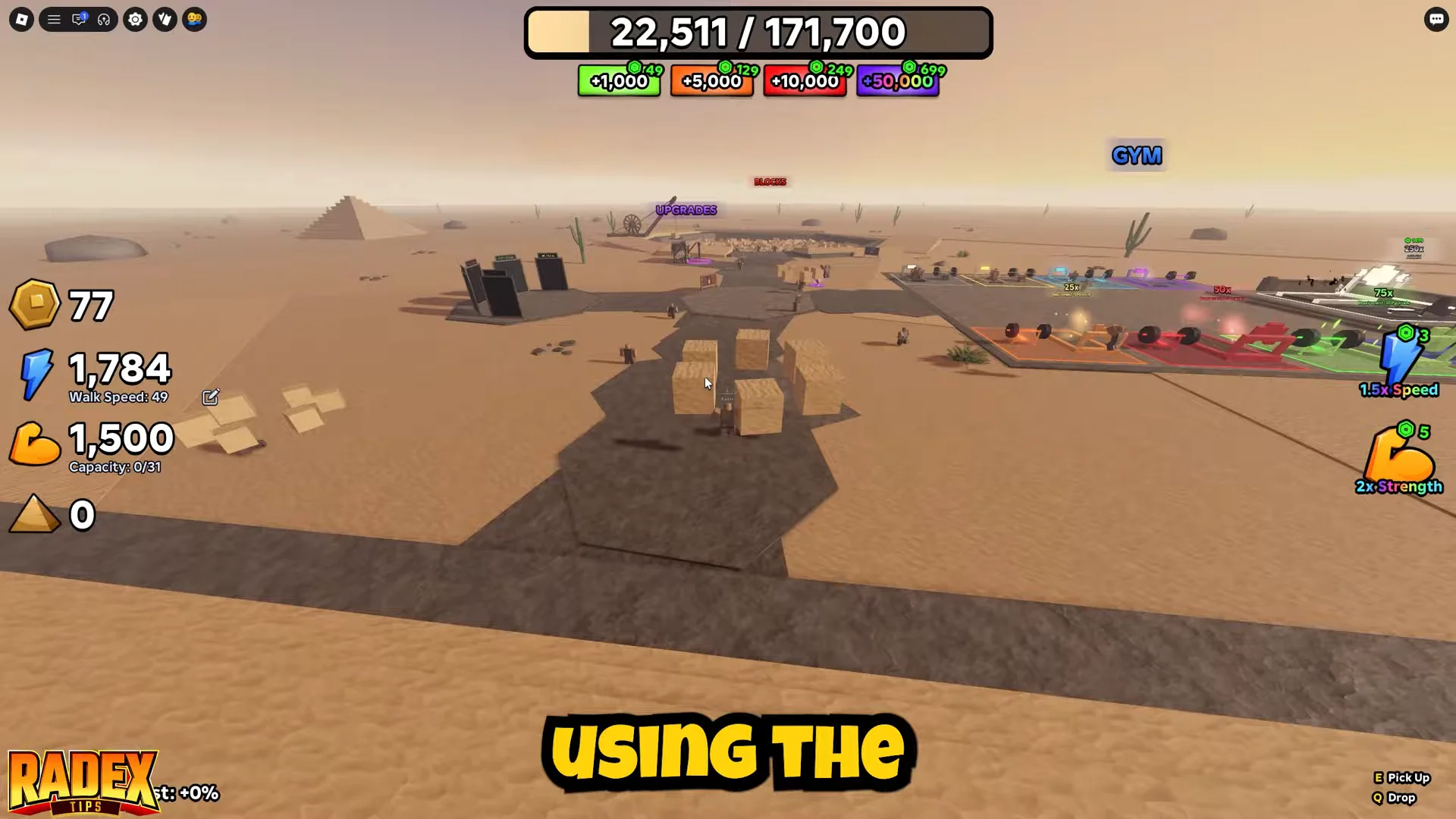
The whole game runs on two actions. You pick up sand blocks at the quarry pit, carry them along the desert road, and place them on the pyramid. Each block you place awards 1 Coin, which is the currency you spend on upgrades. Movement is WASD, jump is Space, and you interact with the E key.
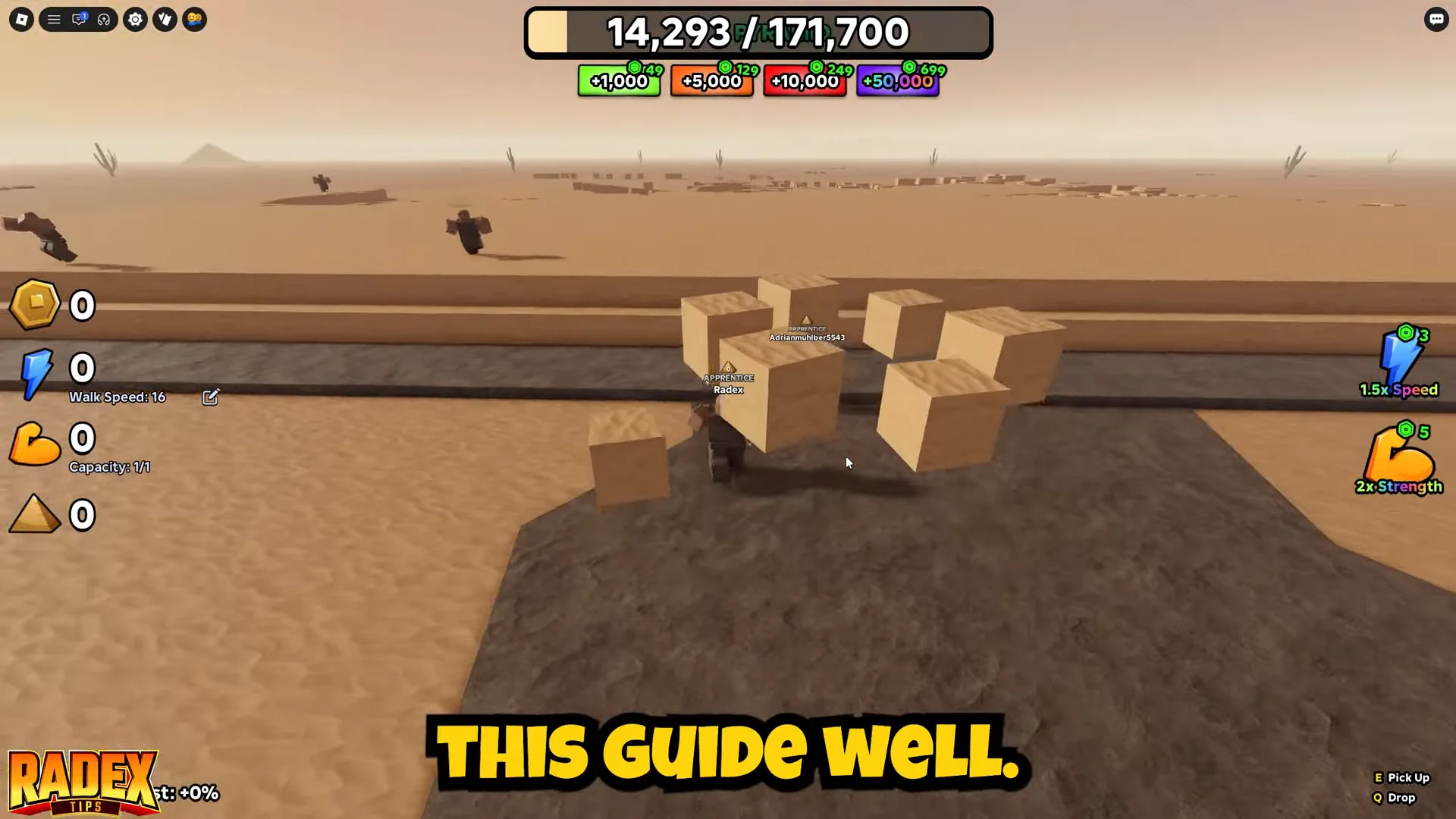
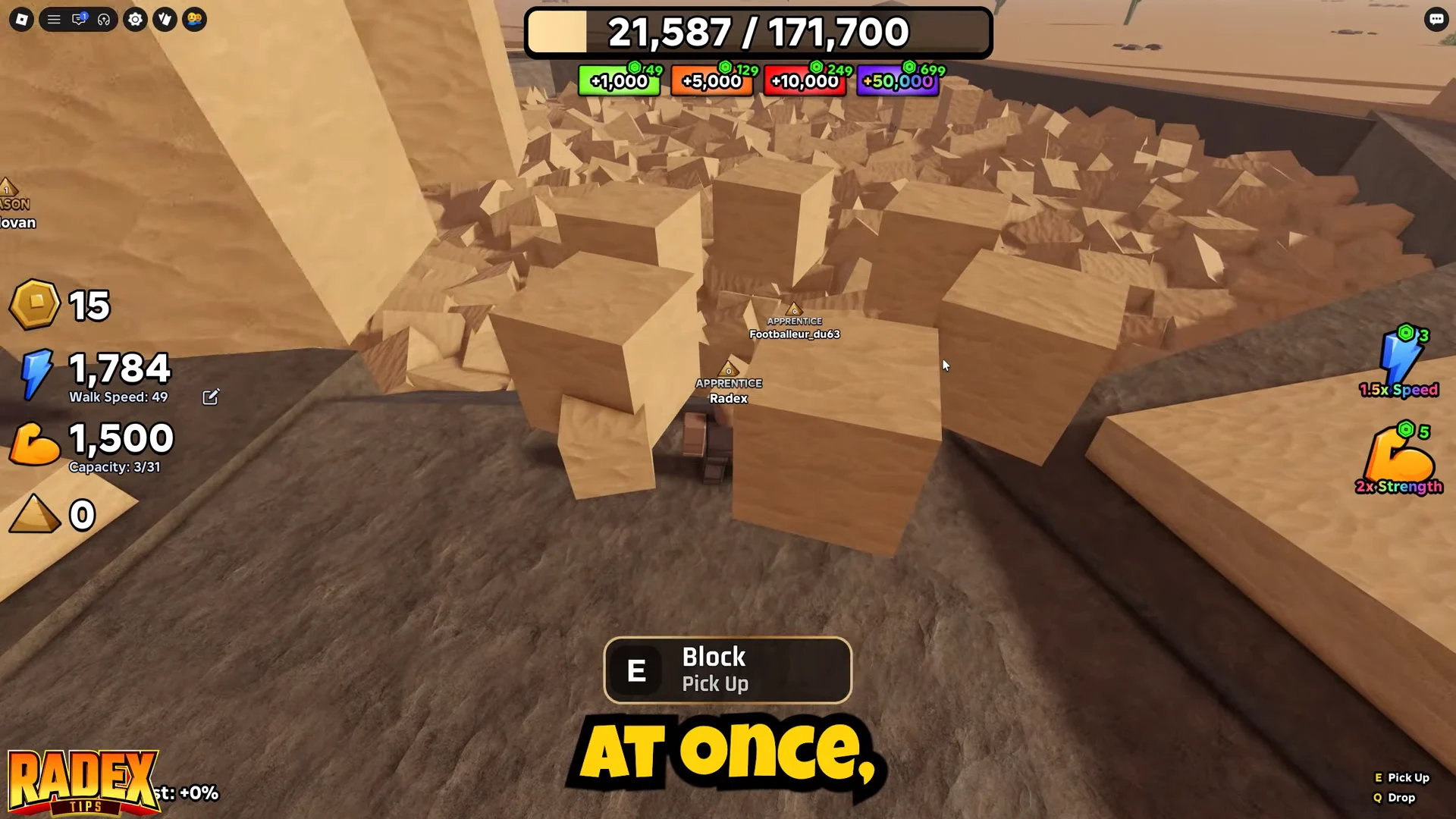
Stand inside the quarry under the BLOCKS sign and press E on a block to grab it. You often start at a capacity of one block per trip, shown as Capacity 1/1 in your stat panel. Your carrying limit grows with Strength training, and your walk speed climbs from a base of Walk Speed 16 as you train Speed.
Claim the Free Gift before your first haul
Complete three short tasks to receive a starter bundle of 1,500 Speed and 1,500 Strength. You’d need much longer than your opening minutes at the gym to earn that much, so claim it as soon as you enter the game.
Train Strength and Speed at the gym
Near spawn, the gym has training machines you can use without spending anything, making it the lowest-cost way to improve the two stats unavailable from the coin shop. Step into a machine to start training automatically. You can also use them while AFK: leave your device for a few minutes, then return with higher stats.
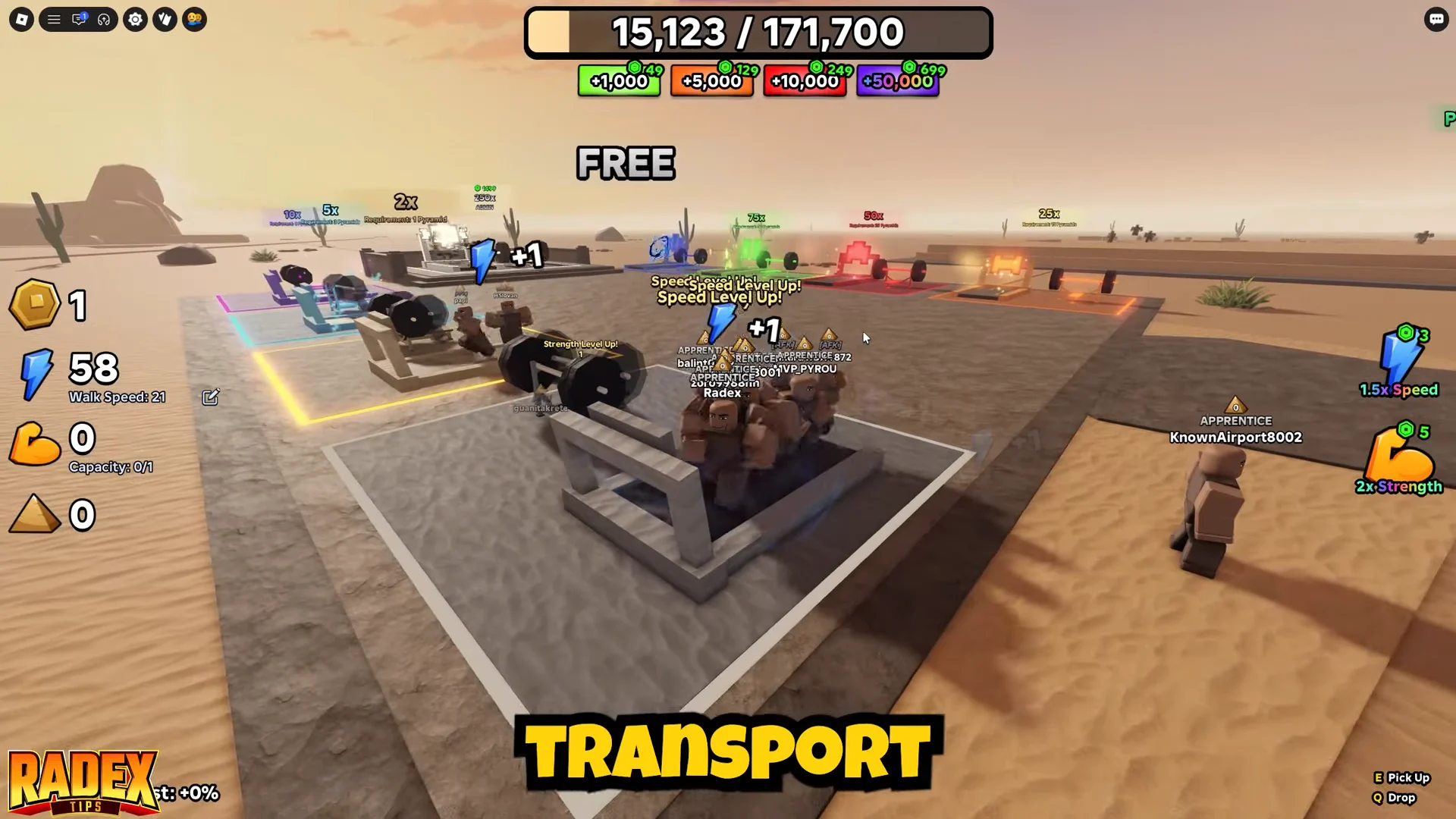
- Bench press builds Strength, letting you carry more on each trip.
- Treadmill boosts Walk Speed, shortening the journey from the quarry to the pyramid.
A rep triggers a “Strength Level Up! +1” or “Speed Level Up! +1” message. Start with Strength, since you need the extra carrying room to haul the larger loads your upgrades make available; add Speed afterward. If your carrying capacity is already ample but your movement is slow, train Speed instead. Over the hundreds of runs needed to finish a pyramid, both stats add up.
Completing pyramids unlocks stronger gyms — a 2x gym after one finished pyramid, 5x after three, 10x after eight, and higher tiers beyond that — each training your stats faster.
Best upgrades to buy first
Near the pit, look for a wooden-canopy stall with a glowing purple ring. Step into the ring to bring up a menu offering three coin upgrades. Purchase them in the sequence below to place more blocks per trip with fewer actions.
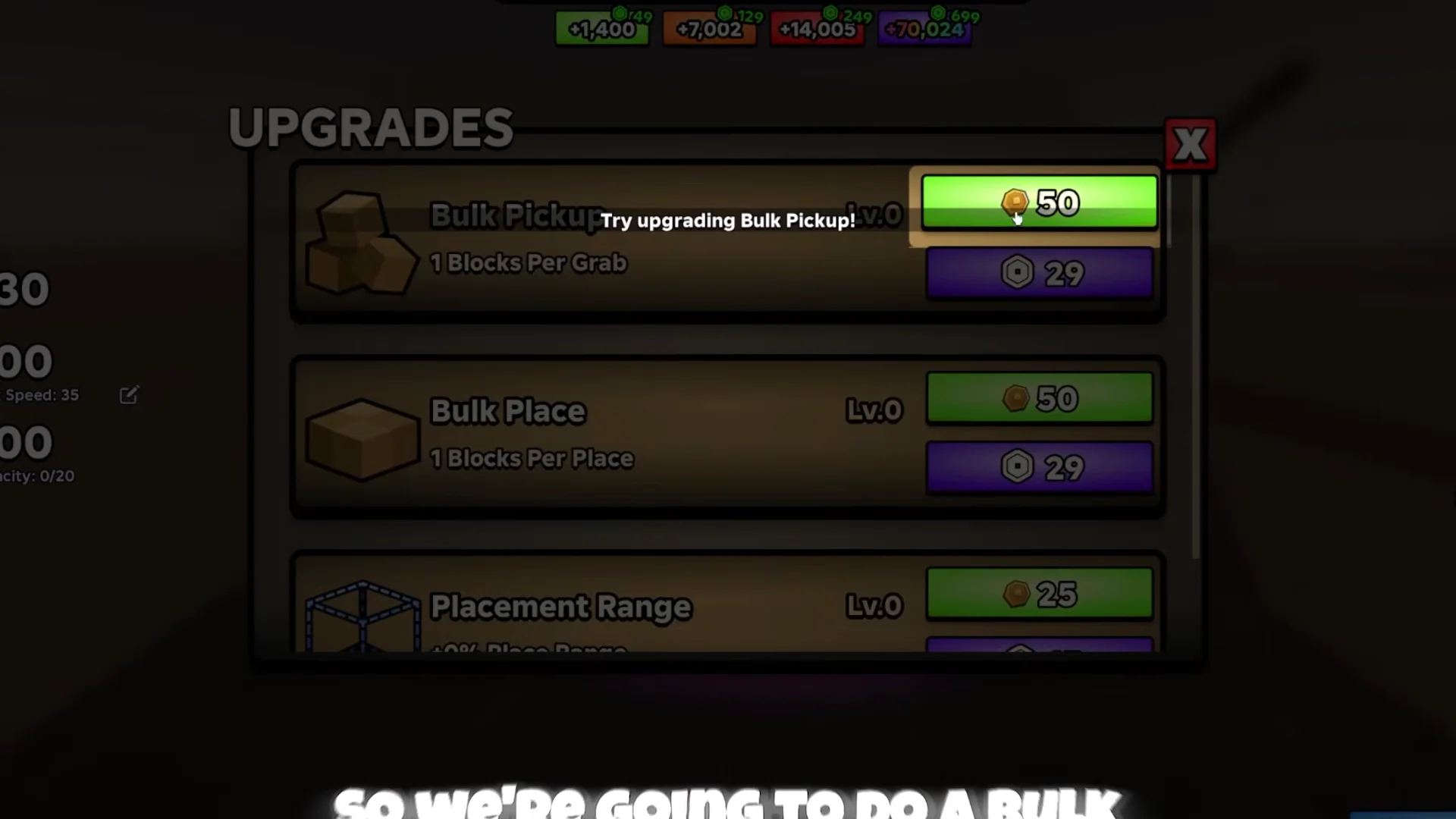
| Upgrade | Effect per level | First cost | Priority |
|---|---|---|---|
| Bulk Pickup | +1 block grabbed per pickup | 50 Coins | 1st |
| Bulk Place | +1 block placed per action | 50 Coins | 2nd |
| Placement Range | Extends place reach | 25 Coins | 3rd, then max |
Bulk Pickup should be your first purchase: it sets the number of blocks you collect with each interaction at the pit. Collecting in fewer batches cuts down the time spent in the quarry. Your carrying capacity limits its benefit, so train Strength alongside it to accommodate those larger loads.
Bulk Place is the mirror action at the pyramid, raising how many blocks you deposit per placement. The two work as a pair: grab a big load, carry it up, and empty it in a handful of actions instead of many.
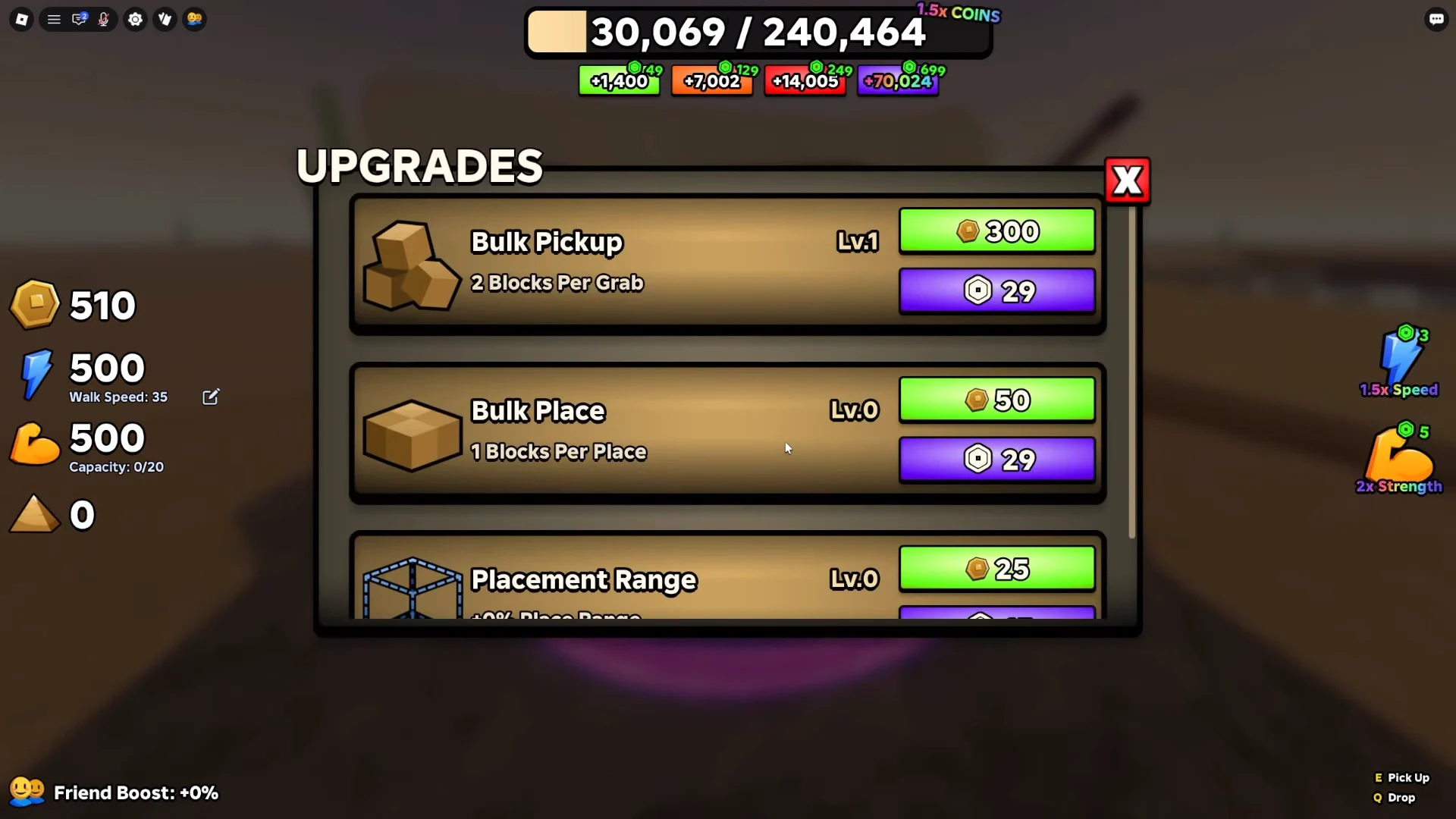
Placement Range increases your reach for depositing blocks. A high range lets you spread a load over a broad area without walking back and forth. Get a couple of Bulk levels first, then continue upgrading Placement Range toward its cap.
Each rank costs more Coins than the last, making the opening ranks the best use of early coins.
Controls and the hold-to-haul trick
- Movement: W, A, S, D
- Jump: Spacebar (also leaves a training station)
- Interact / pick up / place: E
- Drop the load: Q
After your capacity exceeds one block, hold E rather than pressing it once per block. Your character will pick up and place blocks continuously, speeding up the process and reducing finger strain during a long grind. Use Q only if you intend to drop your carried blocks.
Finish the pyramid on a busy server
A full pyramid needs hundreds of thousands of blocks — the counter read 171,700 in recent lobbies, and the target can change between versions — and that counter is shared across everyone in the lobby. Solo building is technically possible but slow, so join an active, populated server and let up to 100 players fill the same structure. You can also hop into a near-complete lobby if you only need the finish.
Helping finish a pyramid grants a passive stat multiplier, shown by the pyramid icon in the lower-left HUD. Completion sends you inside for three minutes. In there, the glowing blue pool called the Waters of Nu trains Speed and Strength much faster than the gym outside. Make the most of the time before the pool’s effect resets.
Redeem codes for extra coins and stats
Redeem any currently valid codes at the CODES sign by the quarry before starting a lengthy grind; they provide free Coins, Speed, and Strength. Codes can change availability, so some may have expired already.
| Code | Reward |
|---|---|
| UPDATE15 | 50,000 Coins, 25,000 Speed, 25,000 Strength |
| UPGRADES5K | 5,000 Coins |
| SORRYFORUPDATEBUG | 2,500 Coins |
| WELCOME | 500 Speed and 500 Strength |
| FREECODE | 500 Coins |
How to confirm your setup is working
The menu reflects each coin upgrade as soon as you purchase it. Its Bulk Pickup entry displays the updated number of blocks collected per grab, Bulk Place lists the new number placed at once, and Placement Range shows the percentage increase. Training reps trigger “+1” notices, while the Free Gift and codes increase the Speed and capacity totals shown in the left stat panel. With Bulk Pickup, Bulk Place, and Placement Range upgraded and Strength keeping up with your load, each run delivers many more blocks to the pyramid, raising your coin earnings to pay for the next tier.