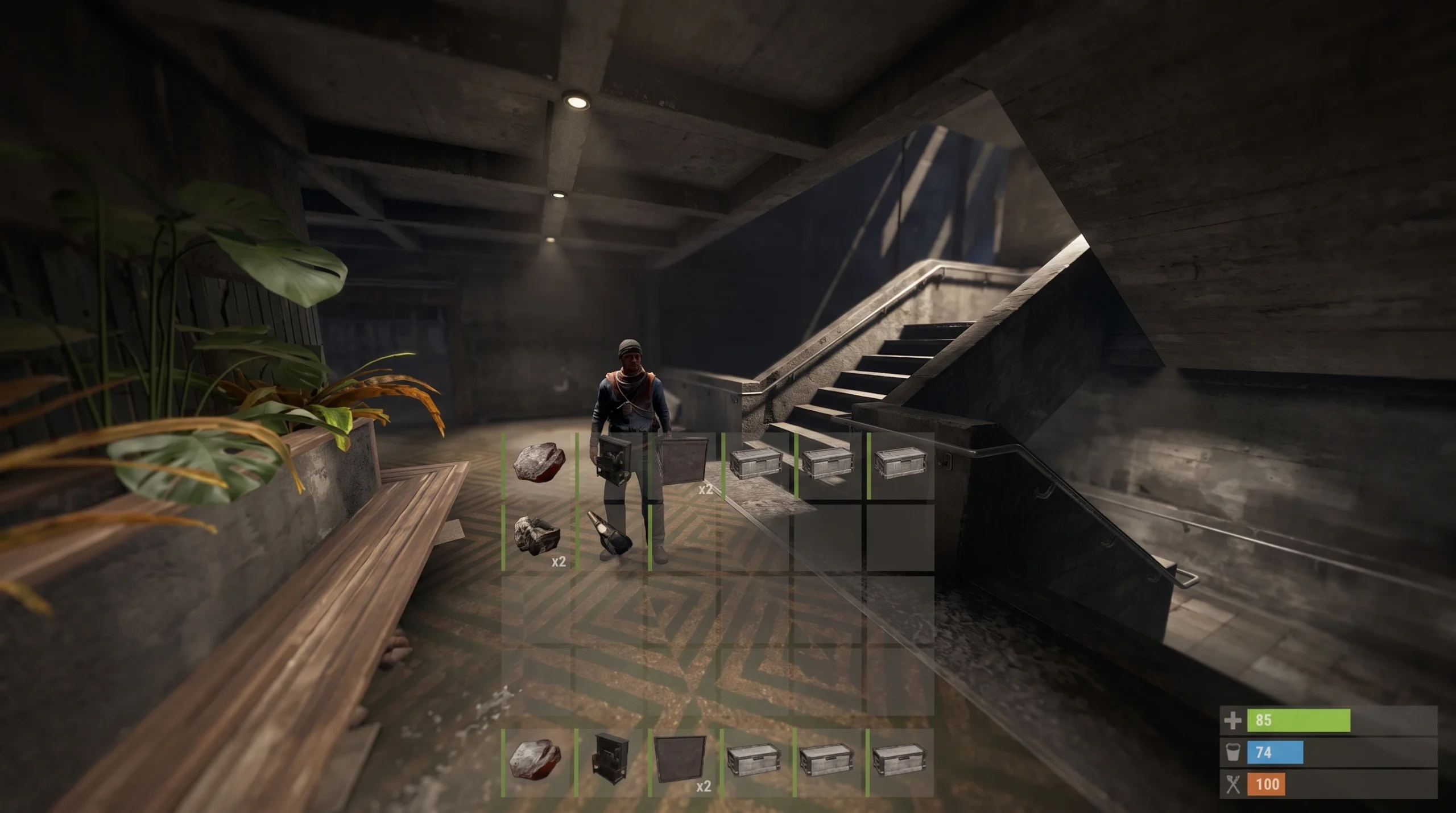
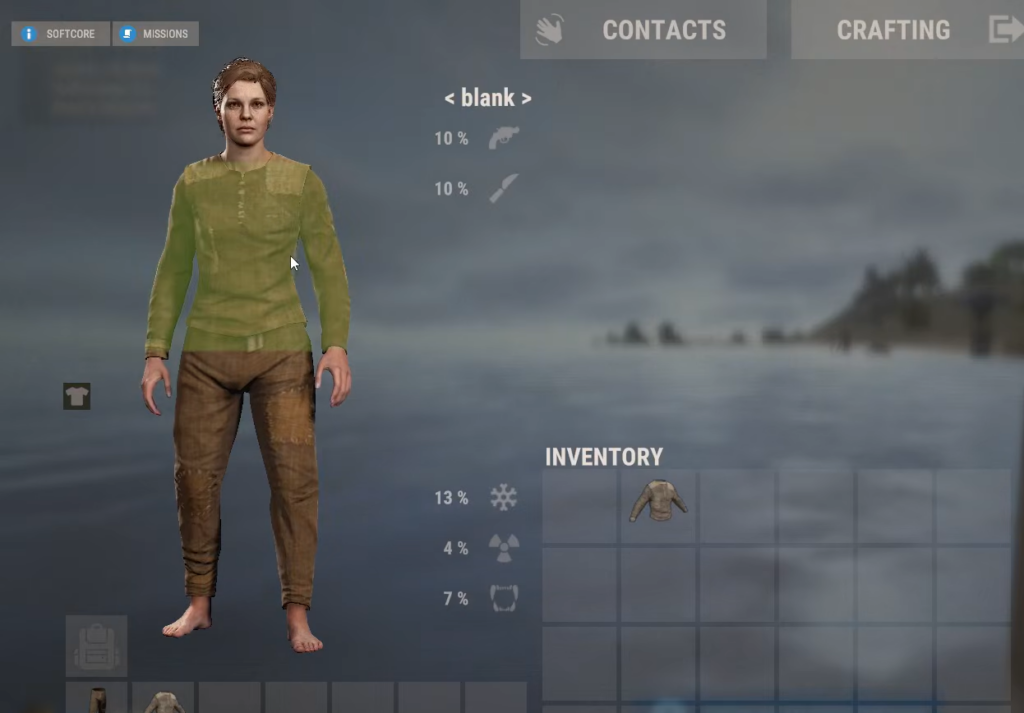
In Rust, the character you see in your inventory screen is not something you pick during setup. The model is assigned to you automatically, and players who dislike their randomly generated appearance quickly run into the same wall. There is no slider, menu, or setting that lets you swap the face, body, or gender of your survivor.
Quick answer: You cannot change your player model on your current account. Rust generates the model from your Steam ID, so the sex, ethnicity, build, and height are permanent. The only way to get a different model is to run the game through a separate Steam account.
How Rust decides your player model
The model lives on the Rust client, and it is generated from your Steam ID. When you connect to a server, every other client connected to that server also generates your appearance from the same Steam ID. That is why other players see you the same way you see yourself, and why the look stays identical from one server to the next.
Because the identifier never changes, the traits tied to it never change either. The following characteristics are all determined the moment your Steam ID is read.
| Trait | Set by | Can you change it? |
|---|---|---|
| Sex | Steam ID | No |
| Ethnicity | Steam ID | No |
| Build | Steam ID | No |
| Height | Steam ID | No |
Why there is no setting to change it
Facepunch introduced fixed ethnicity and sex deliberately, and the studio has been clear that this is intentional. The stance repeated to players is simple: you are what you are, and there is no plan to add a way to change it. Requesting it repeatedly does not unlock an option, because no option exists.
The model is not downloaded from a game server or a Facepunch profile that you can edit. It is produced locally from your account identity, which is why no in-game menu, config file, or graphics quality toggle affects who your character is.
The only workaround: a second Steam account
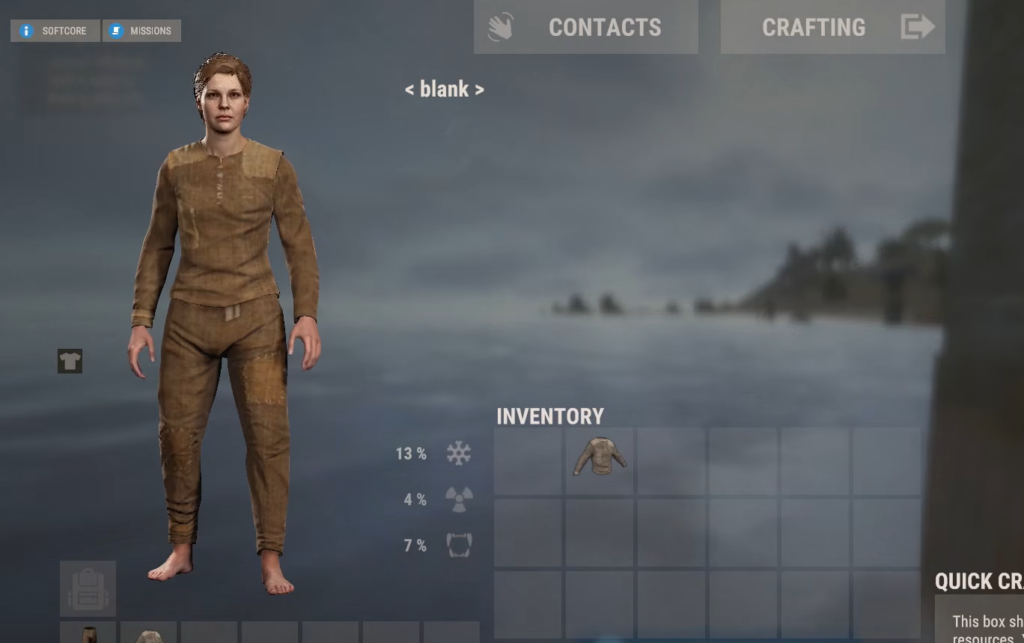
Since the model is tied to the Steam ID, a new account gives you a new randomly generated model. Steam Family Sharing lets you share the same copy of Rust between two accounts, so you do not need to buy the game again. This is allowed because you cannot play the shared game on both accounts at the same time.

The result is still random. A new account can hand you a model you like less than your current one, and it may even produce traits close to what you already have. There is no way to preview or pick the outcome in advance.
For most players, the practical takeaway is to accept the character you were given, since the appearance only shows up when you open the inventory and does not affect how you play. If that is not enough, a separate Steam account is the single route to a different model, with the understanding that you are trading one random result for another.