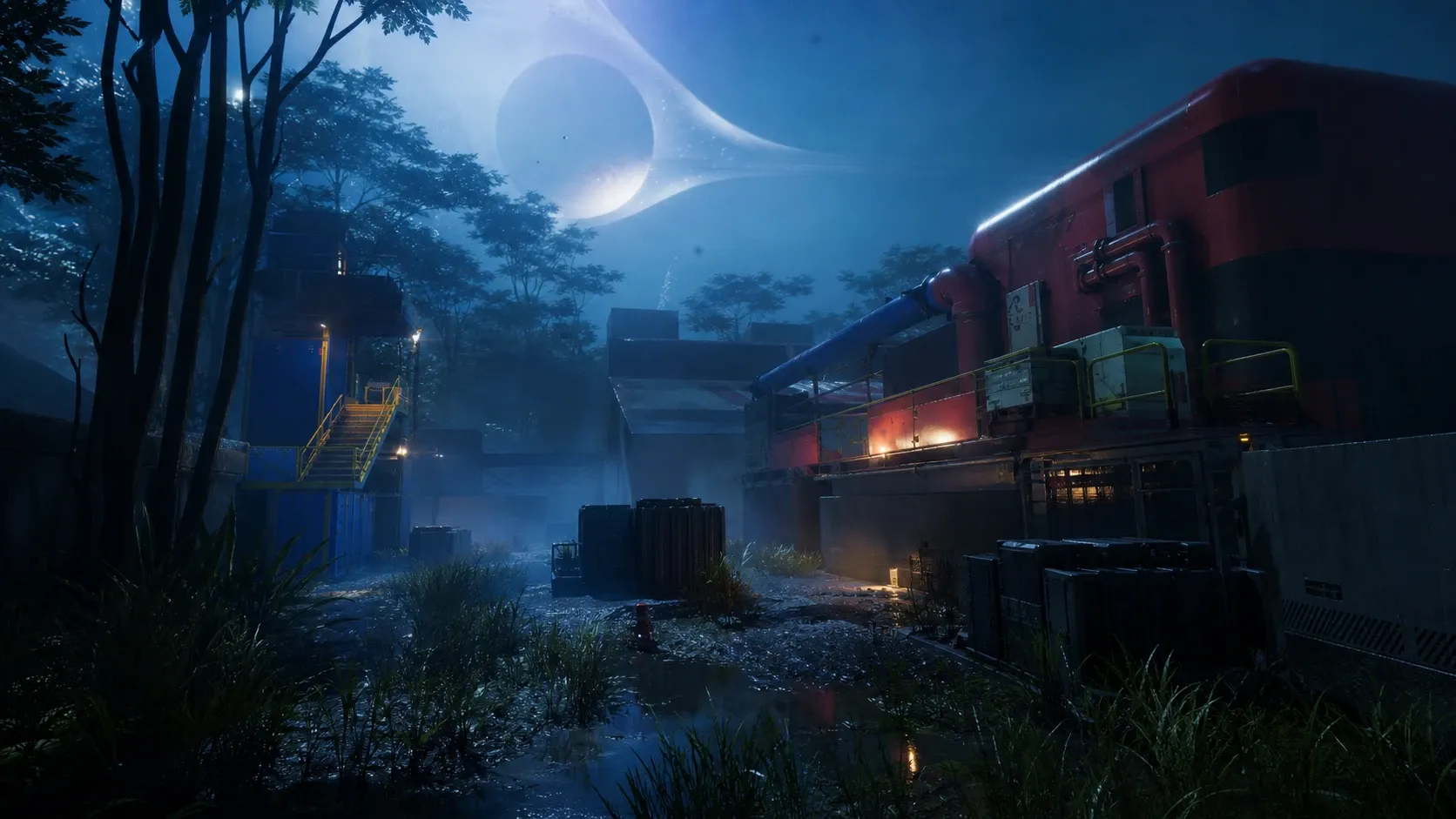
The Research and Development contract in Marathon is a Faction Contract that locks completion to one specific map and one specific time of day. If you keep loading in and the objective never registers, the cause is almost always timing rather than the objectives themselves.
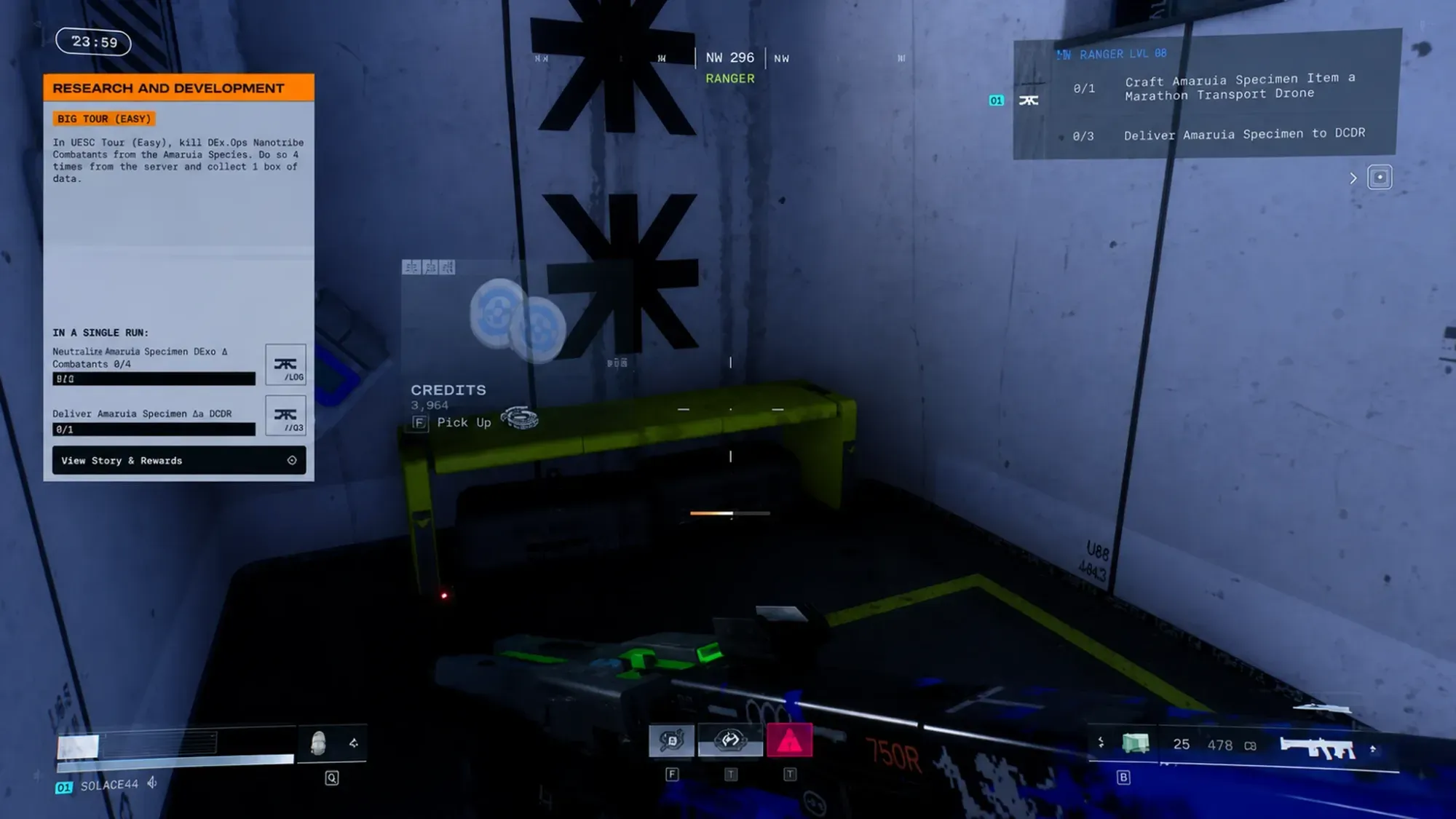
Requirements to complete the Research and Development contract
Before you commit a run, line up these conditions. Missing the night window is the single most common reason the contract fails to progress, even when every objective is done.
| Requirement | Detail |
|---|---|
| Map | Dire Marsh only |
| Time of day | Nighttime |
| Faction | CyberAcme (CyAc) |
| Shell | One of the six default Shells (the Rook Runner Shell cannot complete Contracts) |
| Finish step | Successful exfil or end of run, then turn in at the Contract page |
How to accept and start the contract
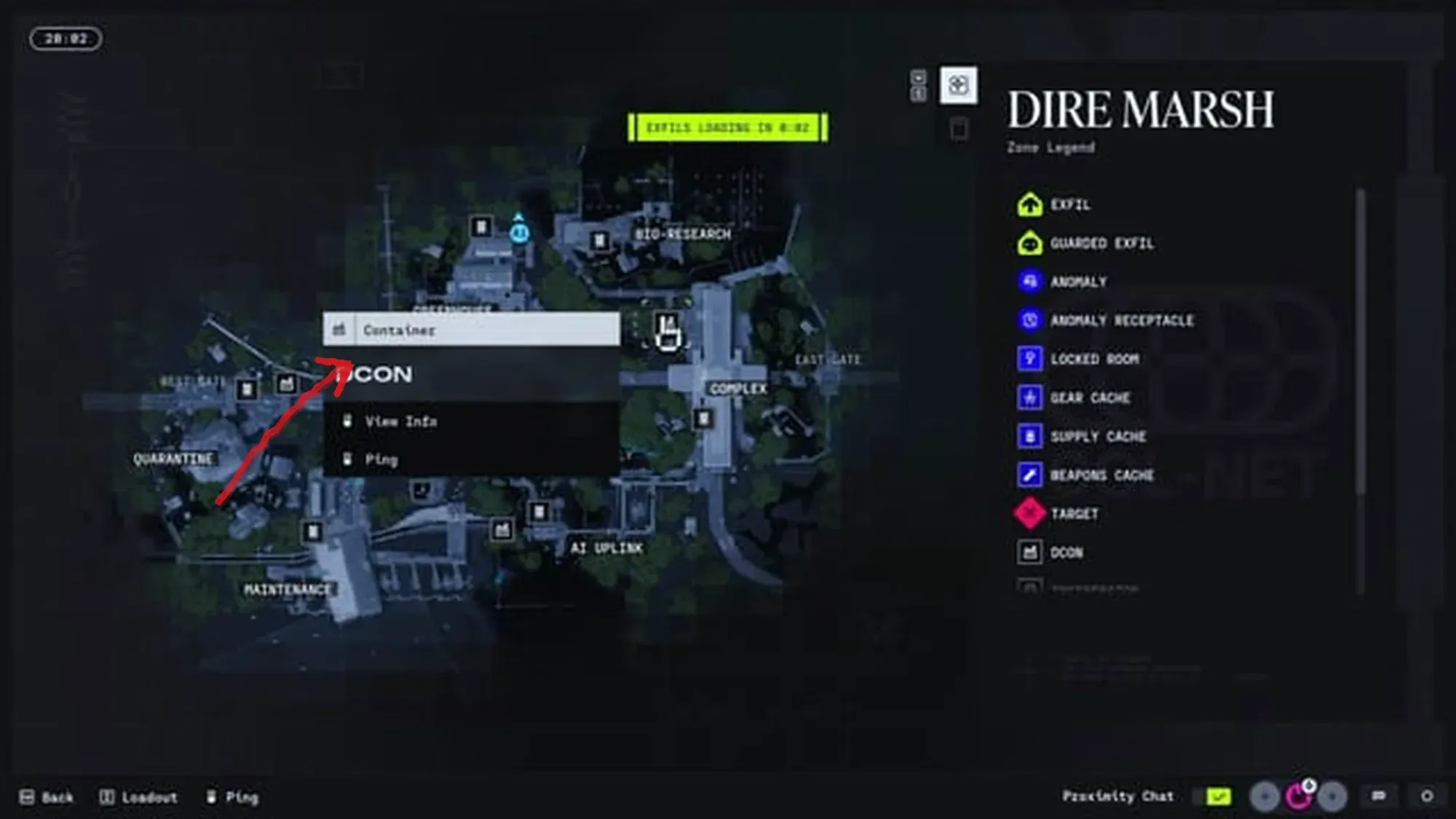
Find the objective locations inside Dire Marsh
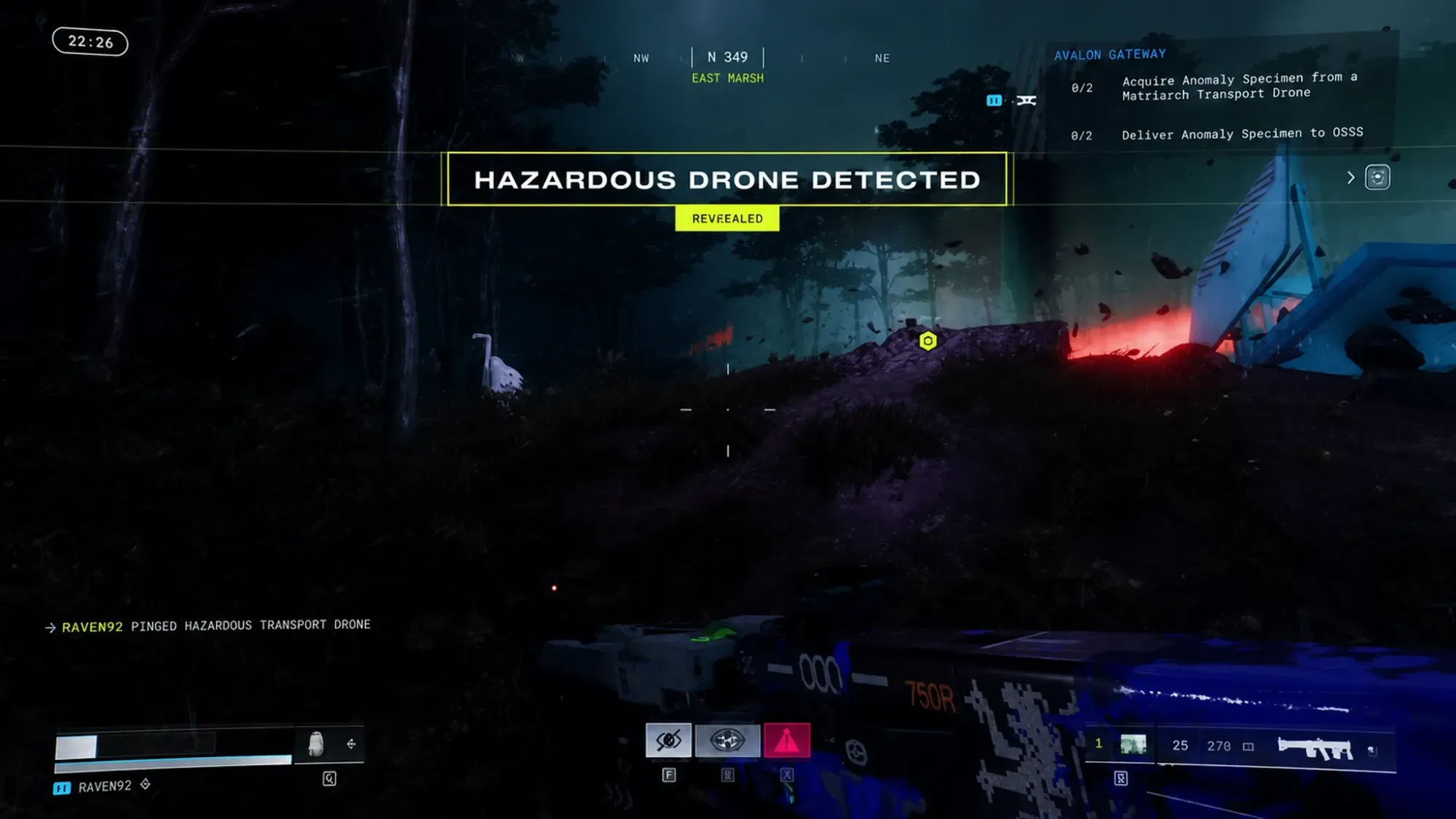
Objective items are not pinned on your map by default, so you need to surface where they spawn. Two in-game checks will tell you where to go.
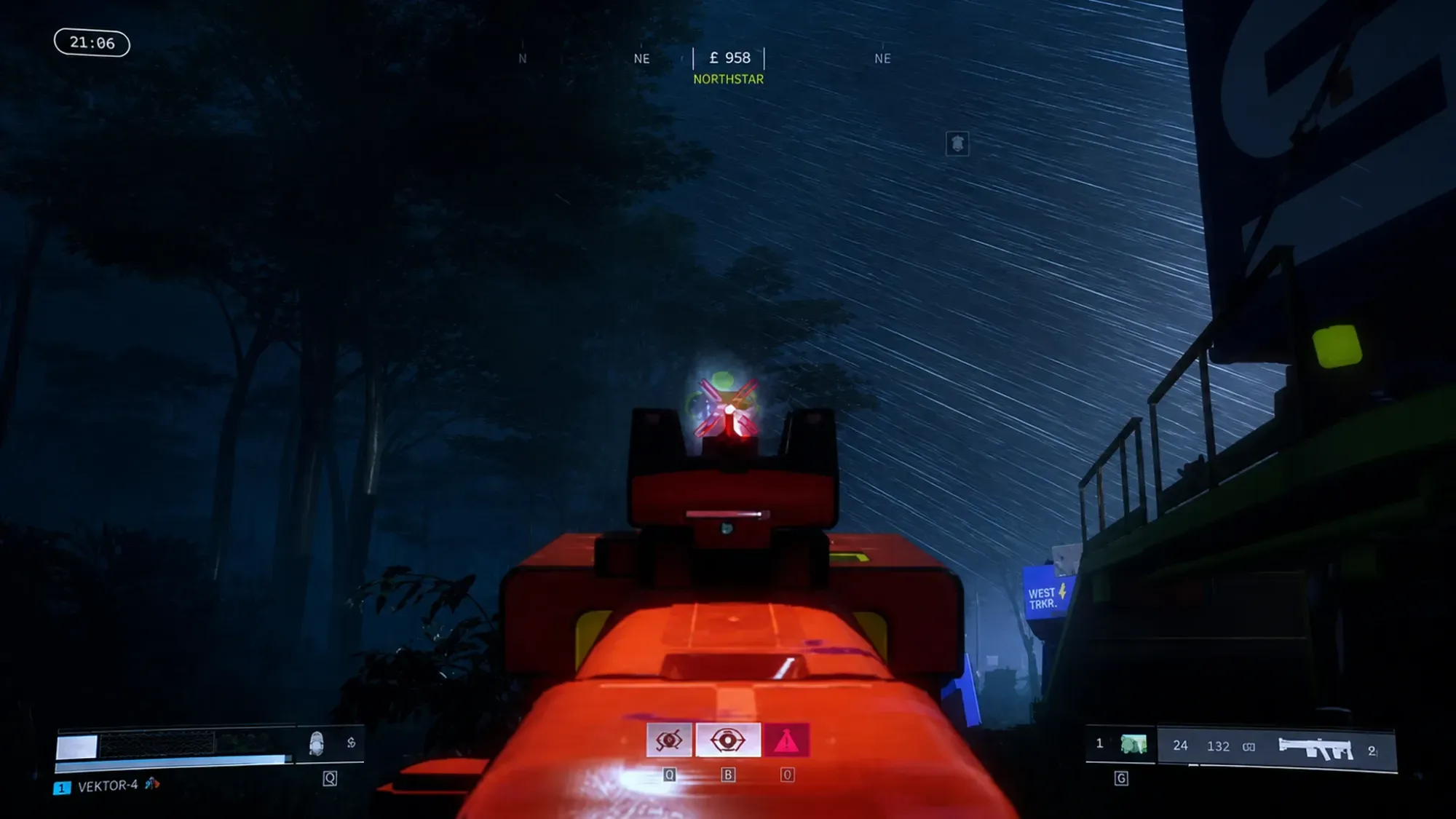
Turn in the contract and confirm completion
Finishing the objectives alone does not credit the contract. You complete it after the run ends, whether you exfil successfully or die during the run.
If it does not show as finished, the usual reasons are that you were not in Dire Marsh at night, you ran the Rook Runner Shell, or one objective was not actually completed during the run.
Why this contract matters for CyberAcme progression
CyberAcme is the first Faction available to you, led by the AI known as ONI. Building reputation with CyAc unlocks practical upgrades such as faster looting and more heat resistance, and it expands the Faction’s Armory so you can buy rarer gear as your standing grows. Clearing contracts like this one is the steady way to push that reputation higher and keep working toward unlocking additional Factions.