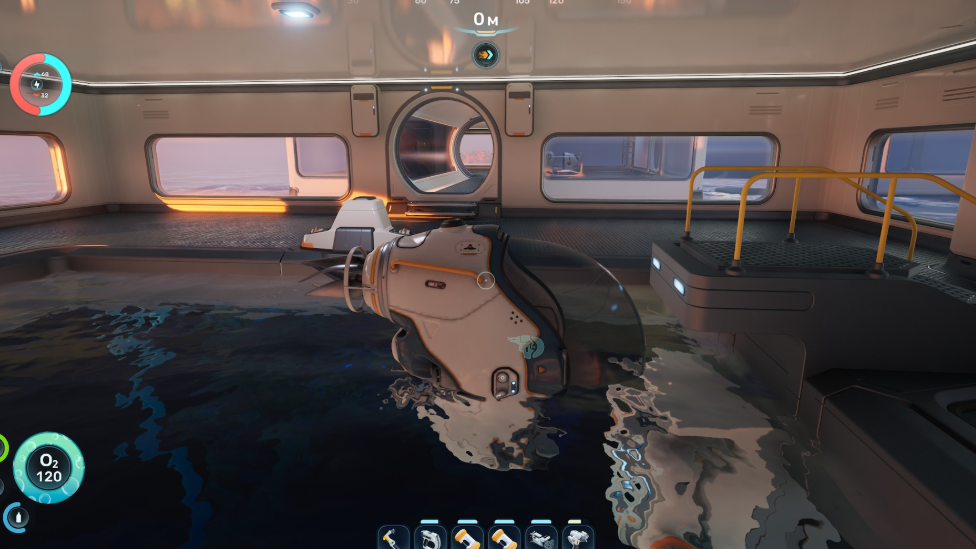
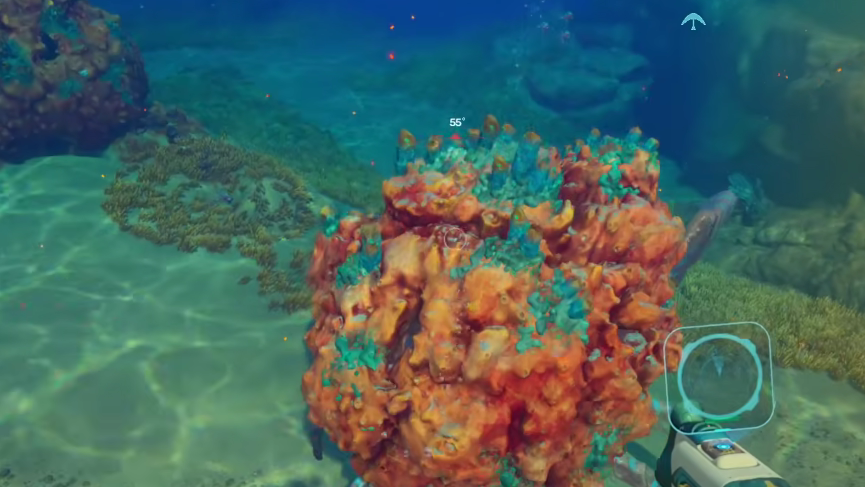
The Coral Crab is a large neutral creature on Proteus, hiding inside a worn coral dome and ramming anything that gets too close. Scanning one is the single requirement for unlocking the Water Retention passive biomod, but only a Bioscanner reading counts toward that unlock.
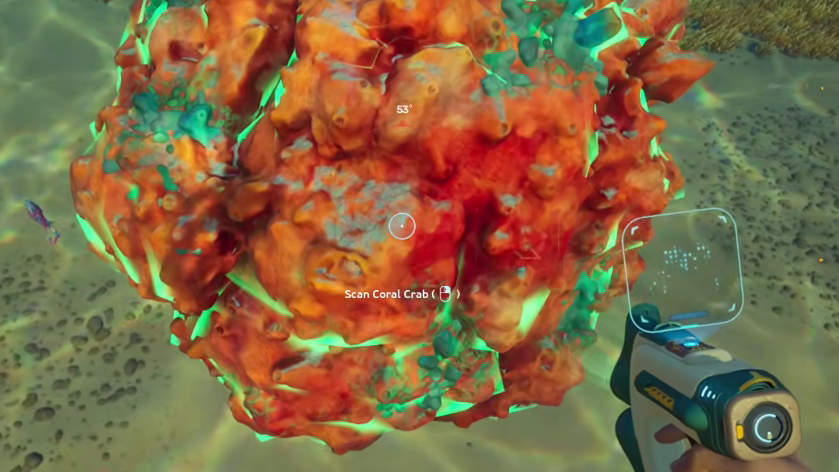
Why the basic Scanner is not enough
The standard Alterran Scanner will record a Coral Crab dossier, but the Biolab will not count that scan toward Water Retention. The biomod tree only registers fauna and flora readings taken with the Bioscanner equipped. Any earlier scan made with the base tool has to be repeated once the upgrade is built.
If Water Retention is the only reason you are chasing the crab, you can skip ahead to the location section, but you will need to come back with the Bioscanner before the unlock triggers.
Build the Bioscanner first
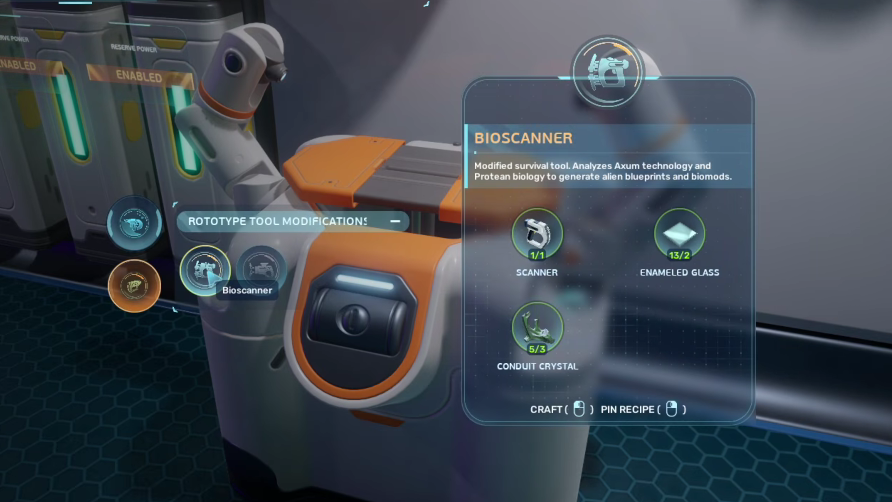
The Bioscanner is a tool modification crafted at a Modification Station. The blueprint comes from scanning the degraded Bioscanner inside the Cicada Wreck, located in the second major biome with the alien structures and darker green water, about 1,800 meters east of the Lifepod or roughly 600 meters southeast of the Alien Ruins Signal. Bring a Repair Tool to open the sealed entry and follow the corridor down to the broken chamber, where the tool is wedged into the wreckage.
Once you have the blueprint, the recipe is straightforward at a Modification Station:
| Ingredient | Quantity |
|---|---|
| Scanner | 1 (consumed) |
| Enamelled Glass | 2 |
| Conduit Crystal | 3 |
Conduit Crystal is the slow part. It usually drops one per node and tends to grow flat against rocks in the same region as the wreck. Enamelled Glass is made from Glass plus Creature Enamel, which is harvested from the base of the large tooth clusters near Needler Mango plants using the Sonic Resonator.
Coral Crab profile
Knowing what you are walking up to makes the scan easier. The crab is a big-body creature that hides under a living coral dome and treats both players and Hammerheads as targets for its Dome Ram. It is classified as neutral, not predatory, so it will not chase you across the map, but it will explode out of its dome at high speed if you crowd it.
| Stat | Value |
|---|---|
| Health | 1,000 |
| Top swim speed | 5.0 m/s |
| Scan time | 6 seconds |
| Behavior | Neutral, rammable, large body |
| Signature ability | Dome Ram |
The ram can be redirected back into the dome, which is the safest way to break off an aggression cycle if the scan resets.
Where to find a Coral Crab
There are seven known Coral Crab placements scattered across the active biomes, so you are not locked to a single spawn. The most accessible one for early-game players sits very close to the starting area.
| Spawn | Approximate position | Landmark |
|---|---|---|
| Quaker’s Meetinghouse | ~250m south-southeast of the Lifepod | Cave with stone pillars on the plateau above; also contains a Colonist Bunker biobed |
| Other placements | Distributed across multiple biomes | Look for clusters of coral domes on the seafloor |
The Quaker’s Meetinghouse crab is convenient because you likely pass through that cave while chasing the Chap blackbox objective and the +3 inventory slots biobed reward.
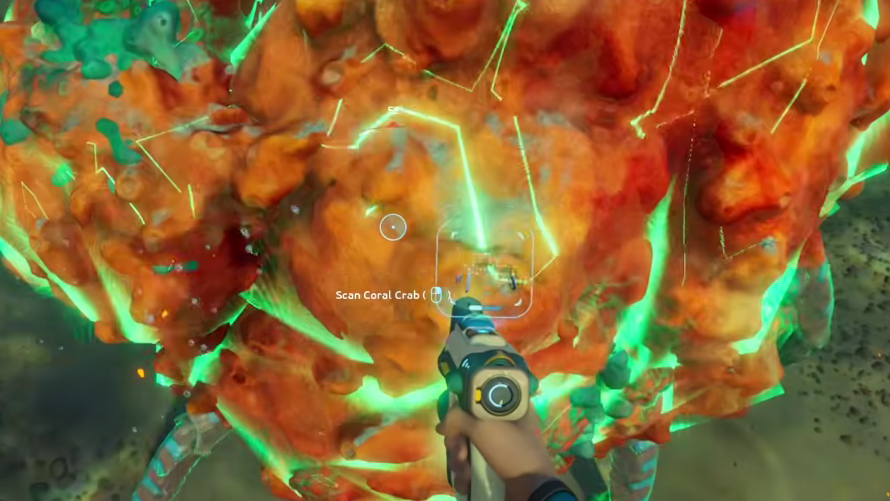
How to bio scan the Coral Crab
Confirming the unlock
A successful Bioscanner reading writes the dossier to your PDA and ticks the Coral Crab requirement on the Water Retention slot in the Biolab. The icon for Water Retention switches from a locked silhouette to its full description, which lists the effect: more water gained from all sources, thanks to enlarged orca-like kidneys. Equip it in your single passive biomod slot at the Biolab to actually use the bonus.
If Water Retention is still locked after the scan, the cause is almost always one of two things: the scan was performed with the basic Scanner before swapping to the Bioscanner, or the Bioscanner was not the active tool when the reticle filled. Repeat the scan with the upgrade equipped and the unlock will register.