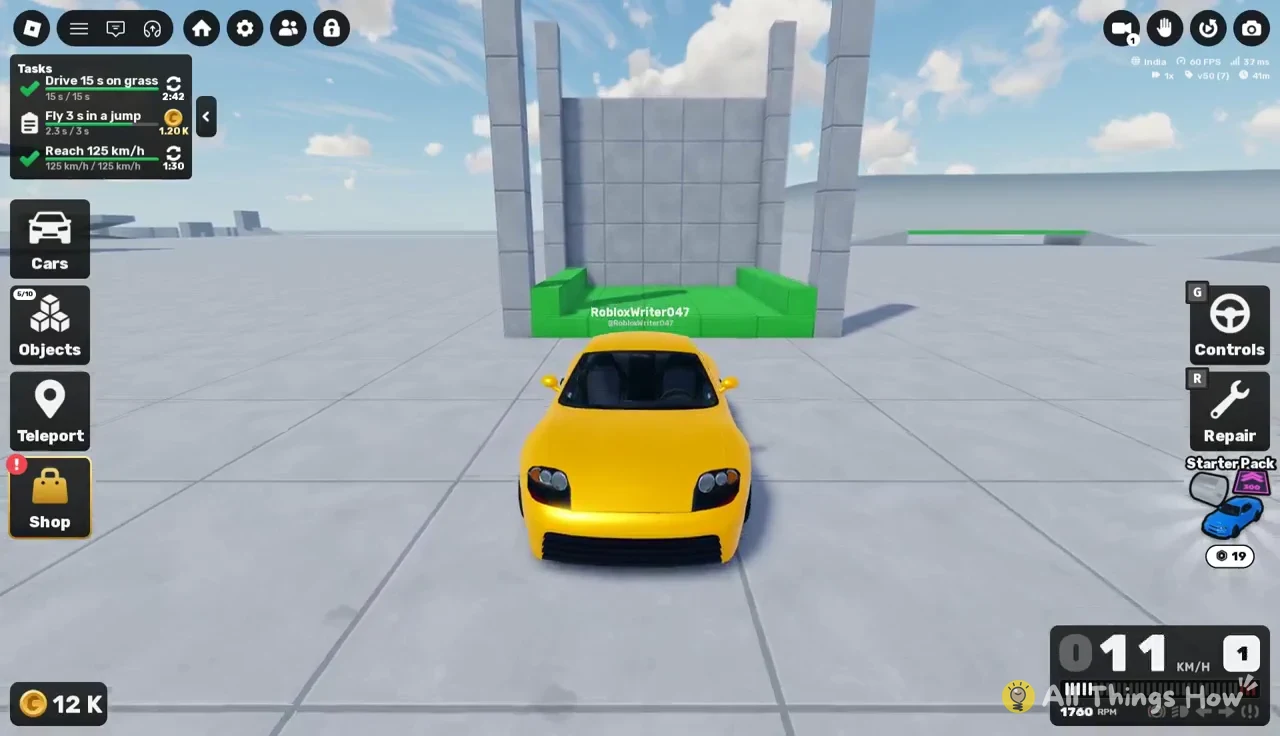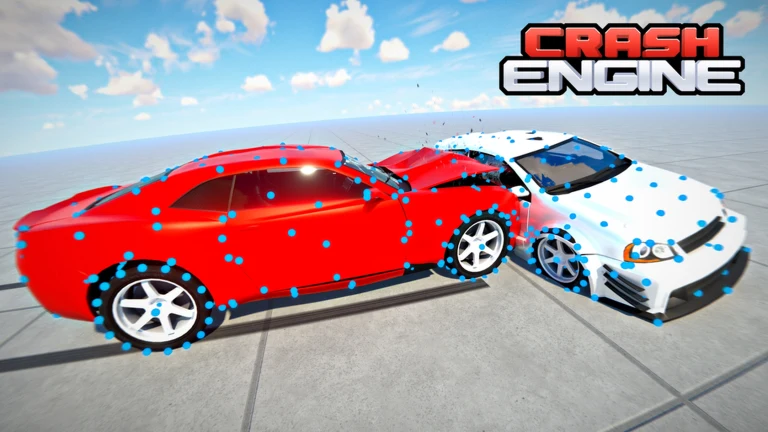
Every car in Softbody Games’ Crash Engine on Roblox can be repainted in the Garage, a turntable screen that opens from the Cars menu. You can change the body color and finish and the rim color and finish, then spawn the car and see the new paint crumple against the first wall you hit.
Quick answer: Open Cars, pick a car, press Customize, set Body color, Body finish, Rim color and Rim finish, press the green Save button, wait for “Style saved,” then press Spawn.
How to customize a car in the Crash Engine Garage
Cars menu from the sidebar on the left of the driving screen. It lists every car in the game, with a price on the ones you still have to buy.Spawn button and a blue Customize button.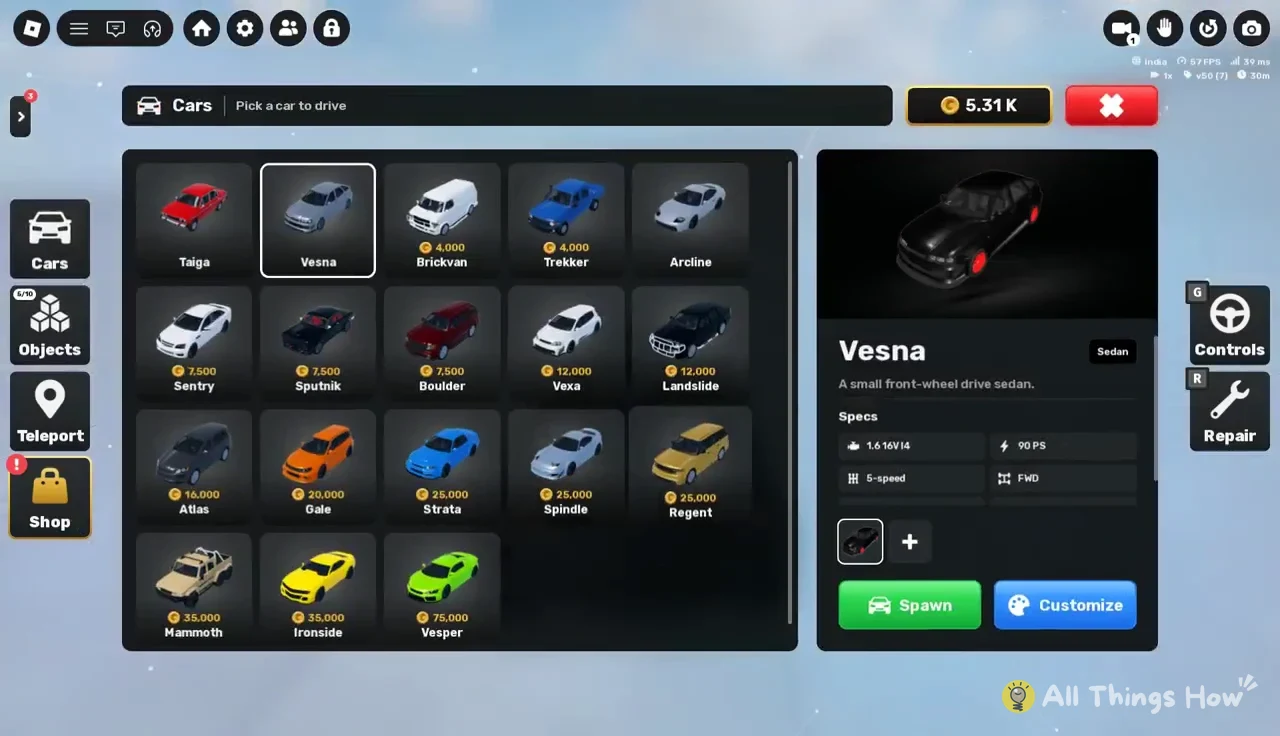
Customize. This opens the Garage (“Preview and paint your cars”), where the car sits on a rotating turntable so you can check the paint from every side.Body color and choose a shade. You can drag around the color picker, type RGB values, enter a hex code or tap one of the preset swatches.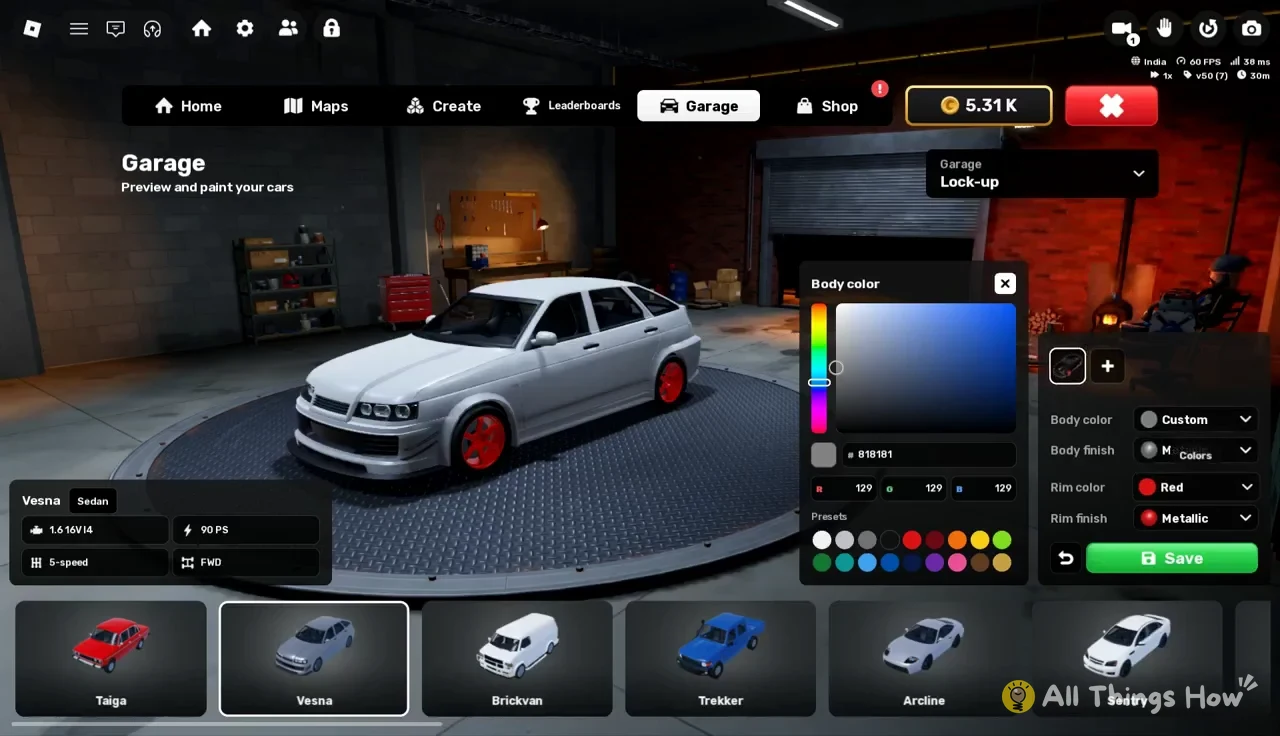
Rim color and set the wheel color the same way you did the body, with the picker, a hex code or a swatch.Spawn on the car’s card. The car drops into the world wearing the colors you just saved.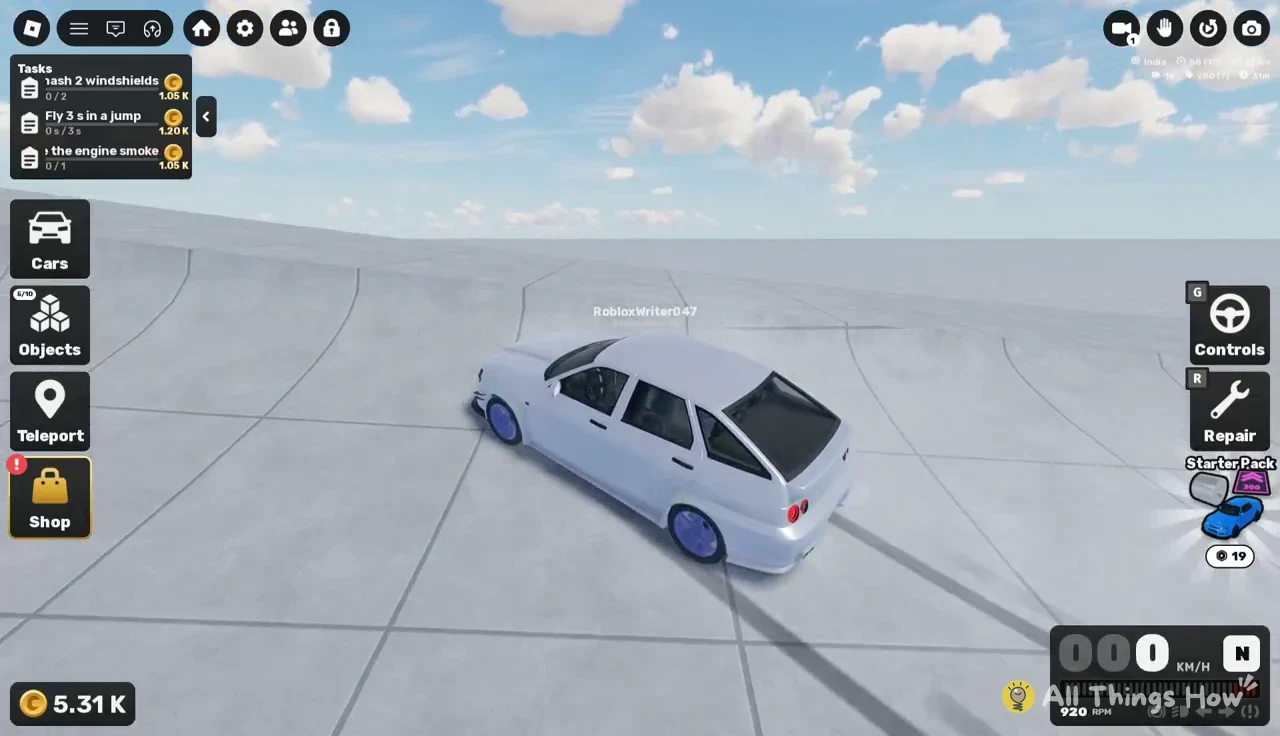
If you leave the Garage without pressing Save and seeing “Style saved,” the car won’t keep the new colors.
You’ll know it worked as soon as the car spawns. A Vesna repainted from black to a metallic silver-white with blue-violet rims comes out on the grid in exactly those colors, and you can drive it straight away.
Garage paint options and hex codes
The Garage splits a car into two parts, body and rims, and gives each one a color and a finish. The Lock-up label sits in the same screen.
| Option | How you set it | Choices shown |
|---|---|---|
| Body color | Color picker, RGB, hex, swatches | Any color |
| Body finish | Finish list | Custom, Metallic, Pearl |
| Rim color | Color picker, hex, swatches | Any color |
| Rim finish | Finish list | Metallic, Pearl |
Typing a hex code is the fastest way to get an exact match. A light metallic silver-white body is #818181, a dark blue-violet rim is #444468, and pure red rims are #FF0000. The swatches and picker also land on codes like #000000 (black), #DC1414 (red), #FFC119 (yellow), #00C8FF (cyan) and #BCF0FE (pale blue).
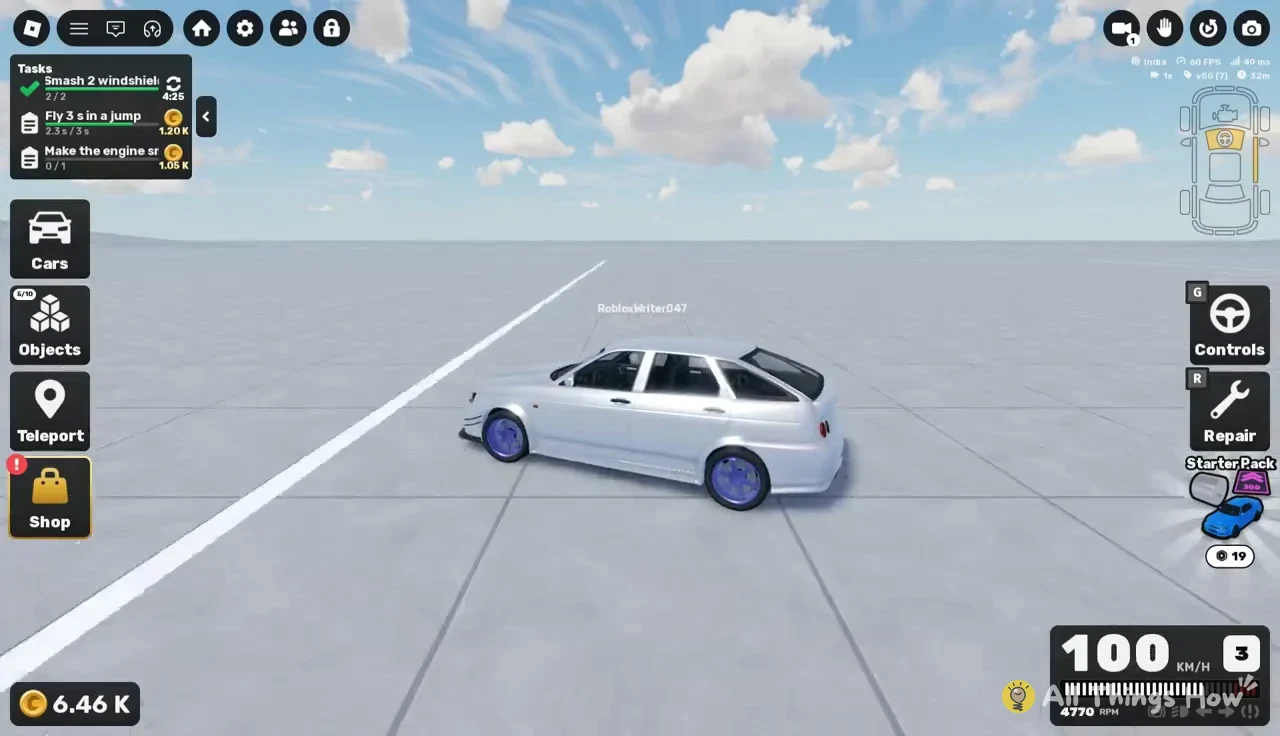
You can repaint as many cars as you like. Going back to the Cars menu, choosing the Arcline and switching its rims from light blue to #FF0000 works the same way, and the red rims are on the car the next time you spawn it.
Crash Engine cars and prices
Taiga, Vesna and Arcline show no price on their cards. Everything else costs coins, which you earn from Tasks (covered further down).
| Car | Price (coins) |
|---|---|
| Taiga | No price shown |
| Vesna | No price shown |
| Arcline | No price shown |
| Brickvan | 4,000 |
| Trekker | 4,000 |
| Sentry | 7,500 |
| Sputnik | 7,500 |
| Boulder | 7,500 |
| Vexa | 12,000 |
| Landslide | 12,000 |
| Atlas | 16,000 |
| Gale | 20,000 |
| Strata | 25,000 |
| Spindle | 25,000 |
| Regent | 25,000 |
| Mammoth | 35,000 |
| Ironside | 35,000 |
| Vesper | 75,000 |
The two cars most people start painting are very different to drive. The Vesna is a small front-wheel drive sedan with a 1.6 16V I4 making 90 PS through a 5-speed gearbox. The Arcline is a two-door front-wheel drive coupe with a 2.0 V6 24V, 200 PS and a 5-speed, so it gets up to the speed-based tasks a lot quicker.
What crashes do to a customized car
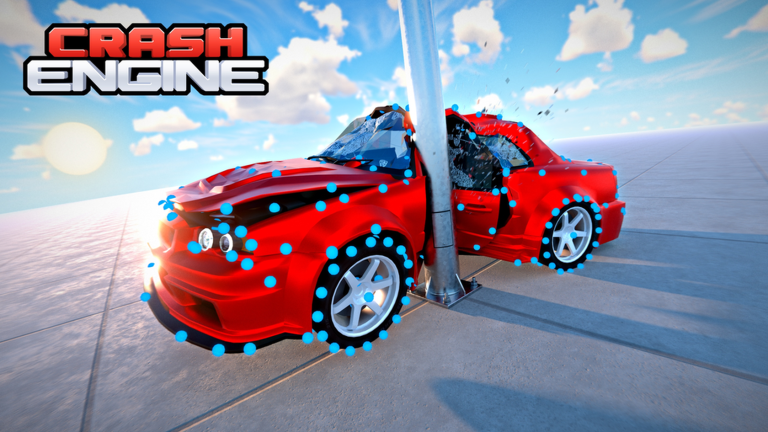
Crash Engine runs soft-body physics, so your fresh paint job bends right where it hits. Metal folds, glass shatters, bumpers, hoods and mirrors tear off, and a hard enough hit leaves the engine smoking or on fire. Ramming a concrete barrier in the Vesna crushes the front end and gets the engine smoking.
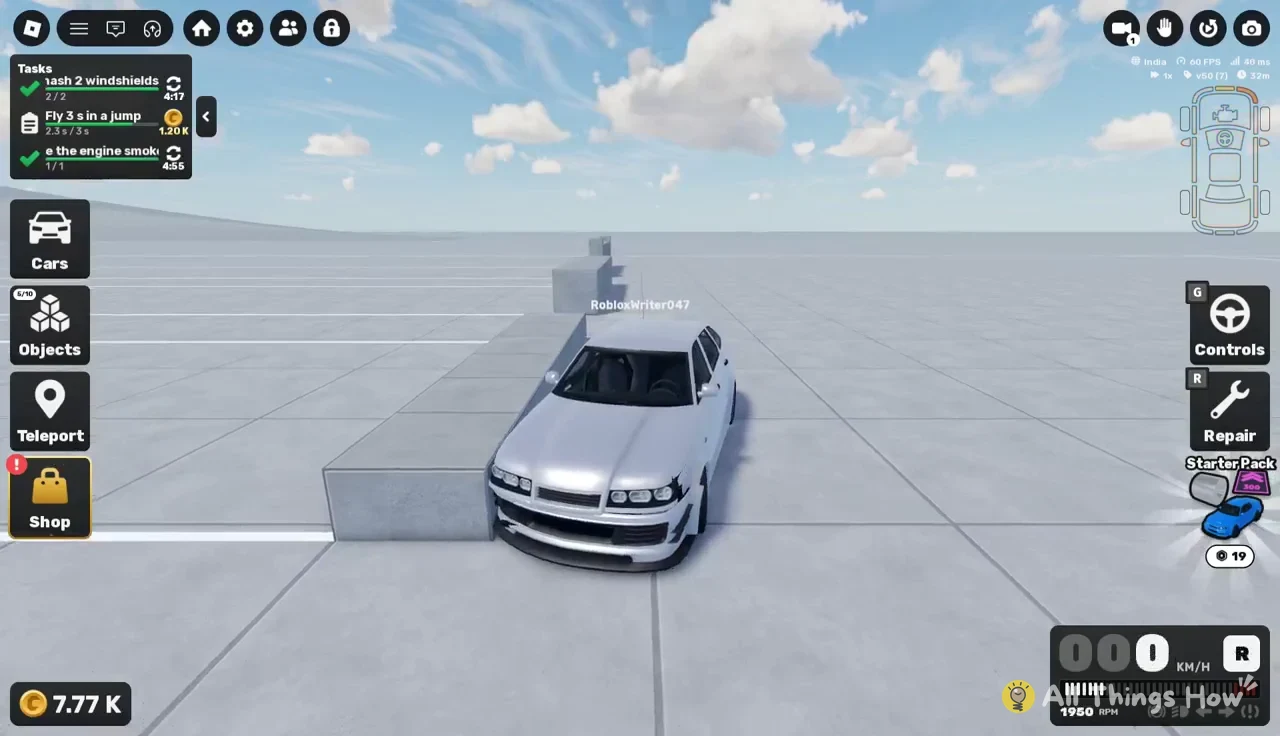
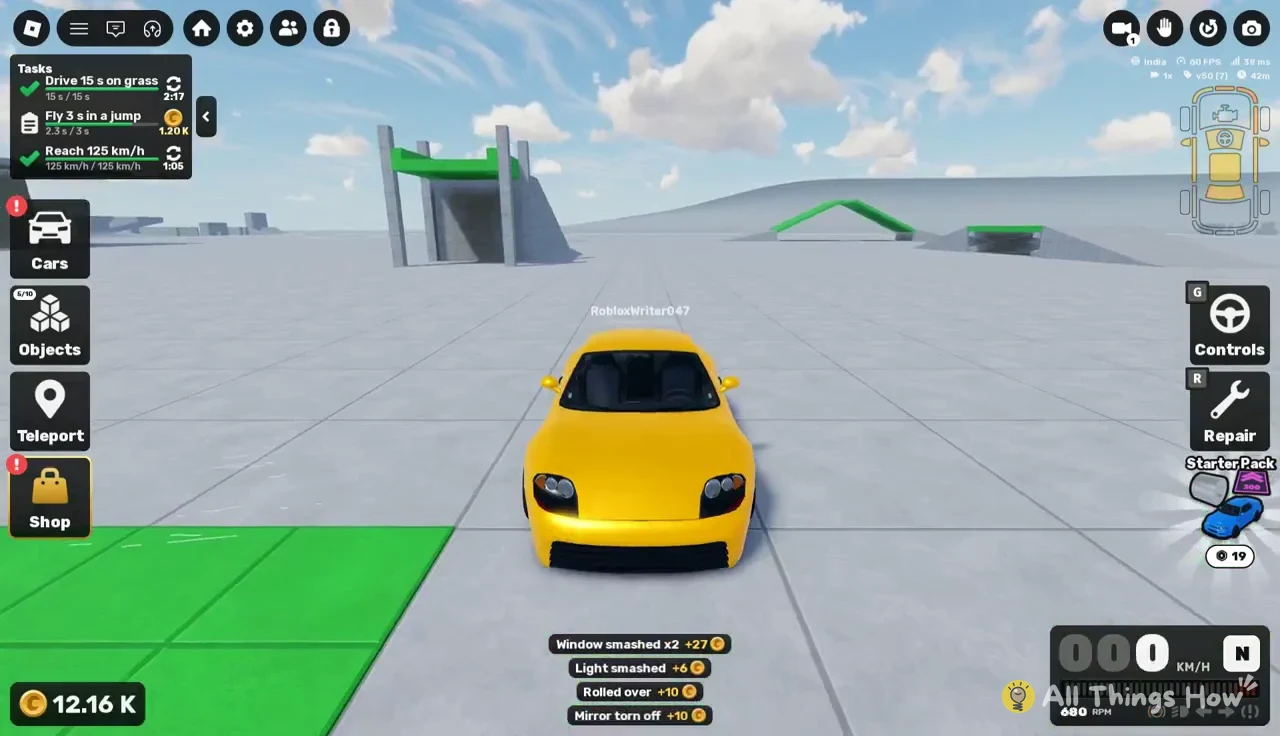
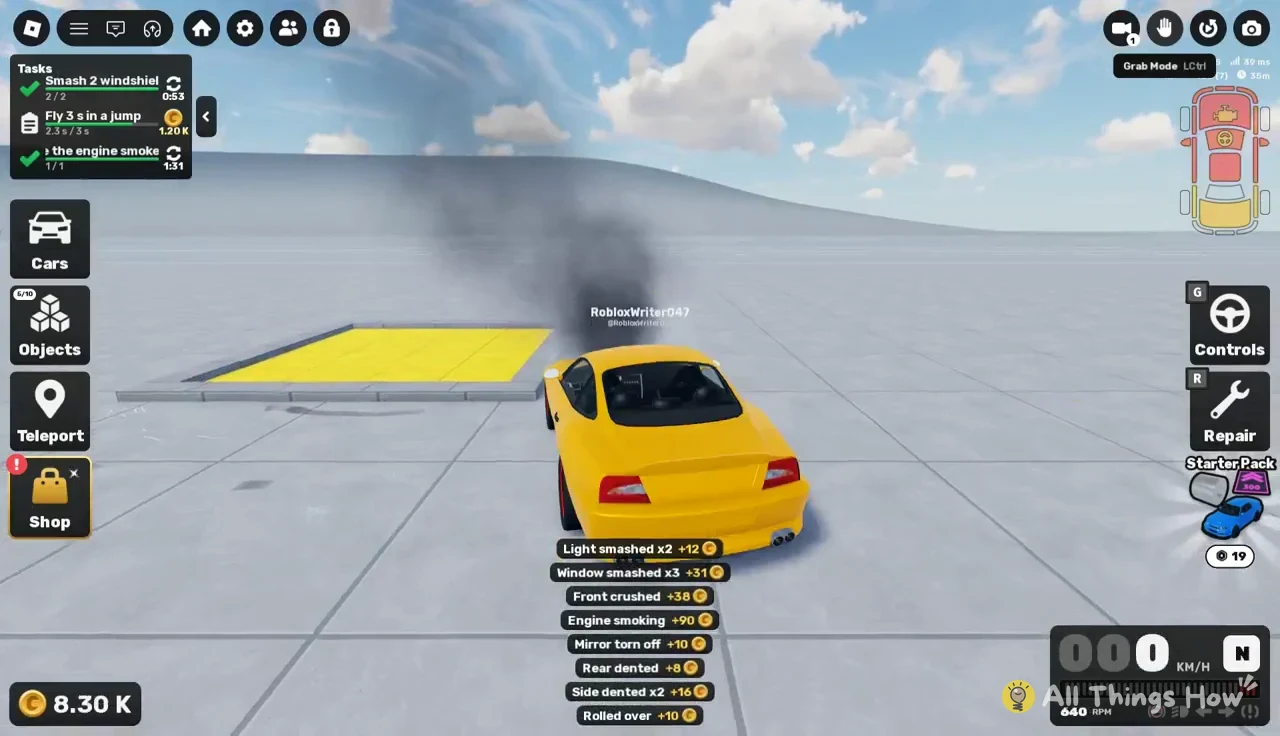
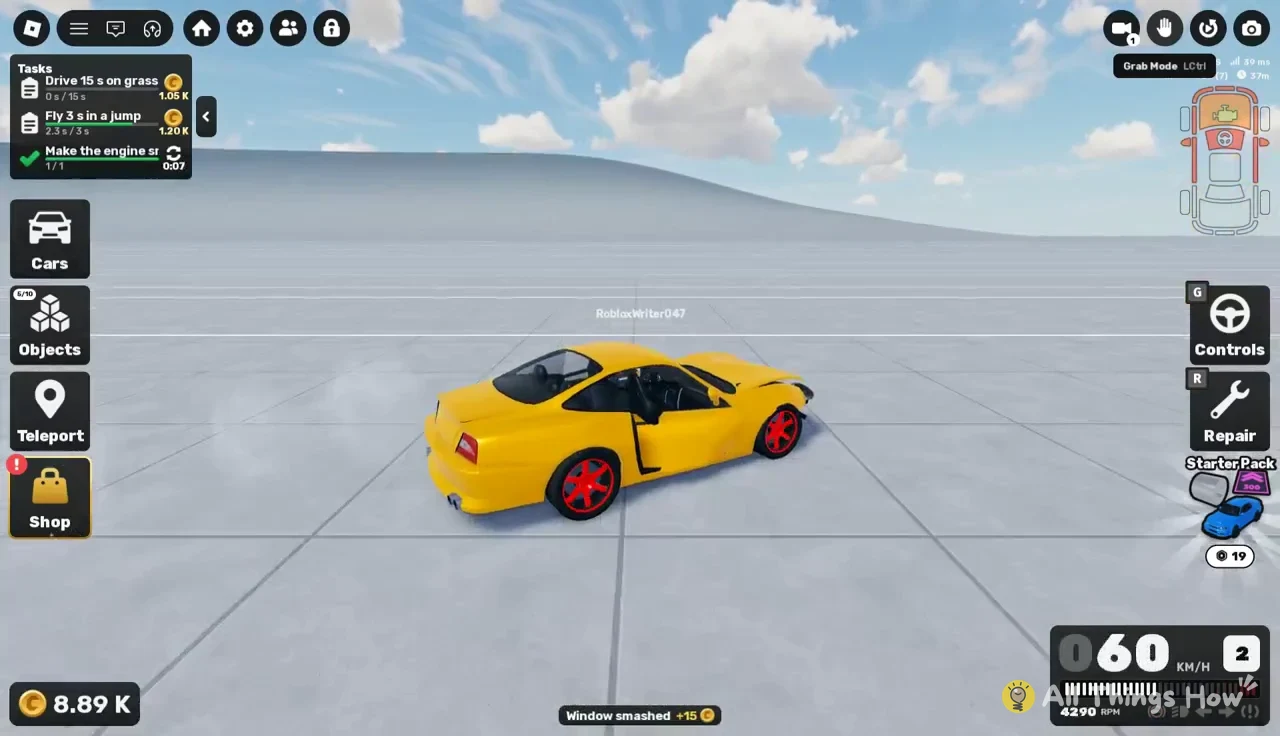
Each piece of damage pops up as a score notification on screen. Some hits also tick off Tasks, like smashing windshields.
| Damage notification | Points |
|---|---|
| Engine smoking | +60 or +90 |
| Hood torn off | +40 |
| Front crushed | +38 |
| Engine steaming | +30 |
| Bumper torn off | +25 |
| Window smashed | +15 |
| Roof dented | +12 |
| Rolled over | +10 |
| Mirror torn off | +10 |
| Rear dented | +8 |
| Side dented | +8 |
| Light smashed | +6 |
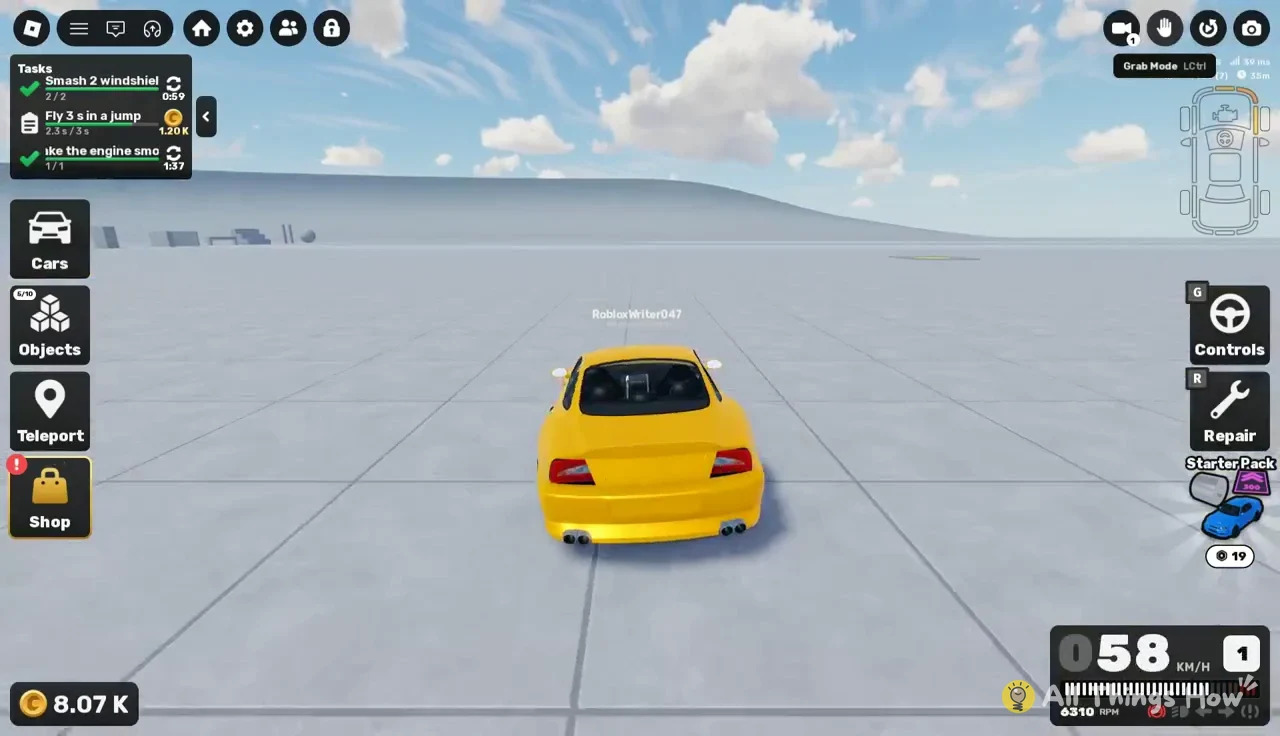
Smaller hits do smaller damage. Driving the Arcline at around 58 km/h into a yellow block flips it and sets it smoking, which also clears the “Make the engine smoke” task.
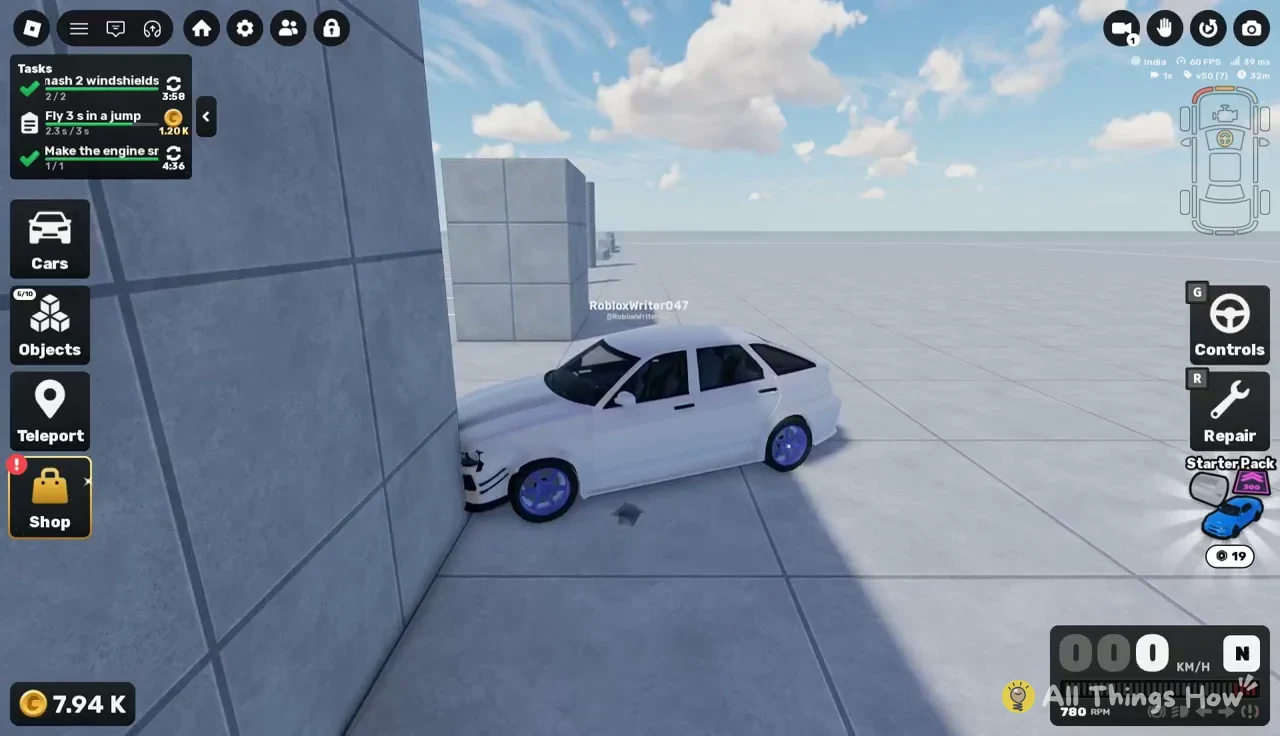
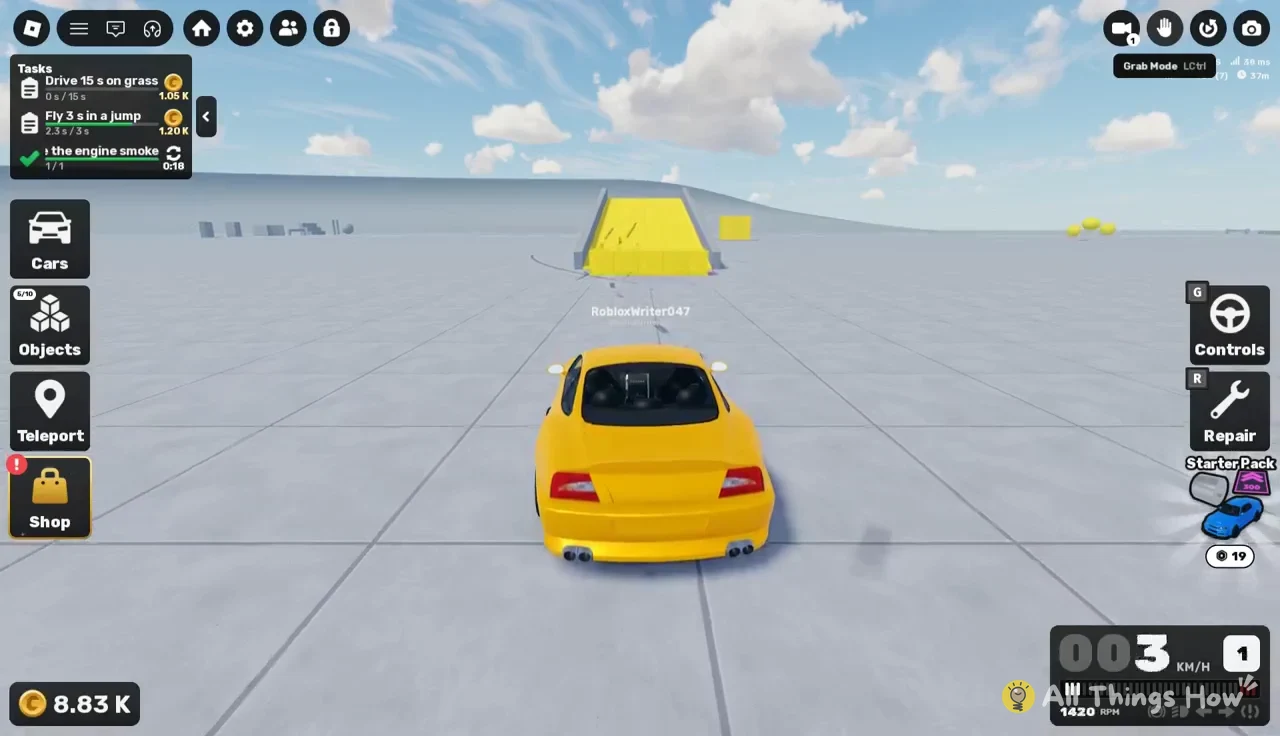
Scraping along the concrete side walls of a ramp breaks lights and dents panels, and driving down the ramp corridor into the yellow barrier blocks caves in the whole front of the car.
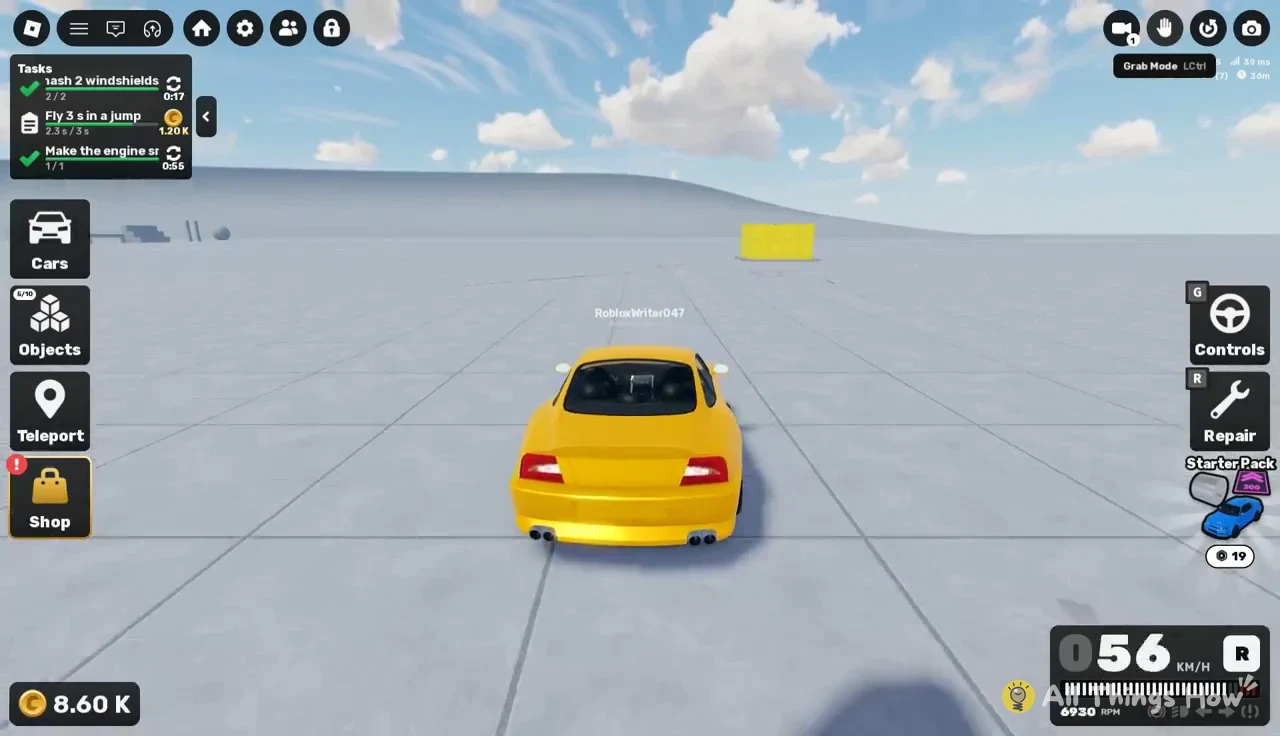
Press R to repair the car once it’s wrecked. If it’s stuck somewhere, holding Repair rewinds the crash instead, and the game reminds you with a “Stuck? Hold Repair to rewind” prompt. A repaired car is ready for the next run, such as a yellow launch ramp.
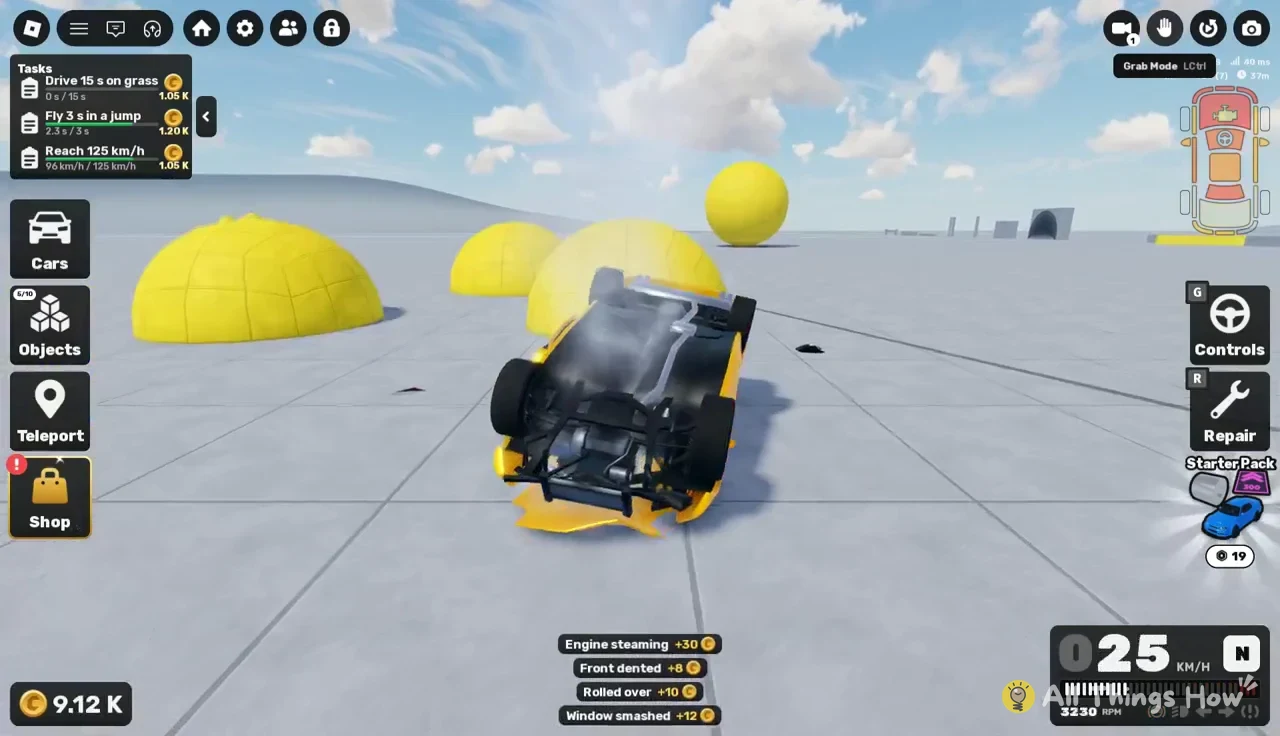
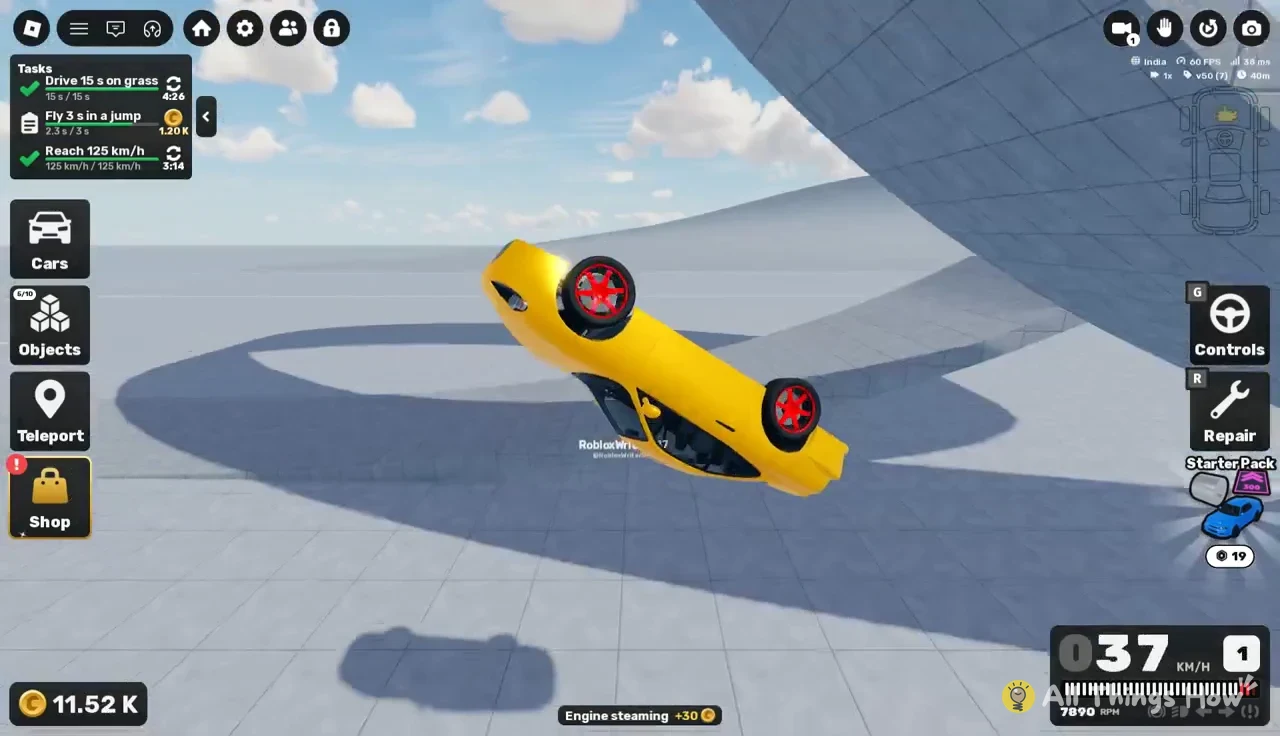
The yellow domes on the ground roll a car onto its roof, which shows up as “Rolled over” and “Roof dented” notifications. The Repair button stays on screen while the car is upside down.
Grab Mode: bending your car by hand
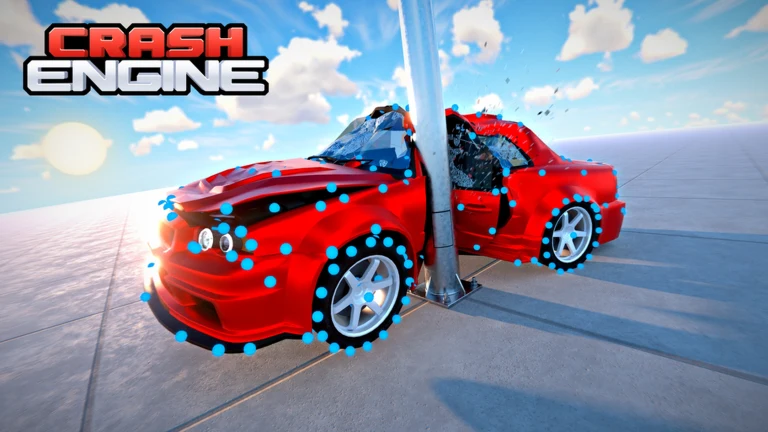
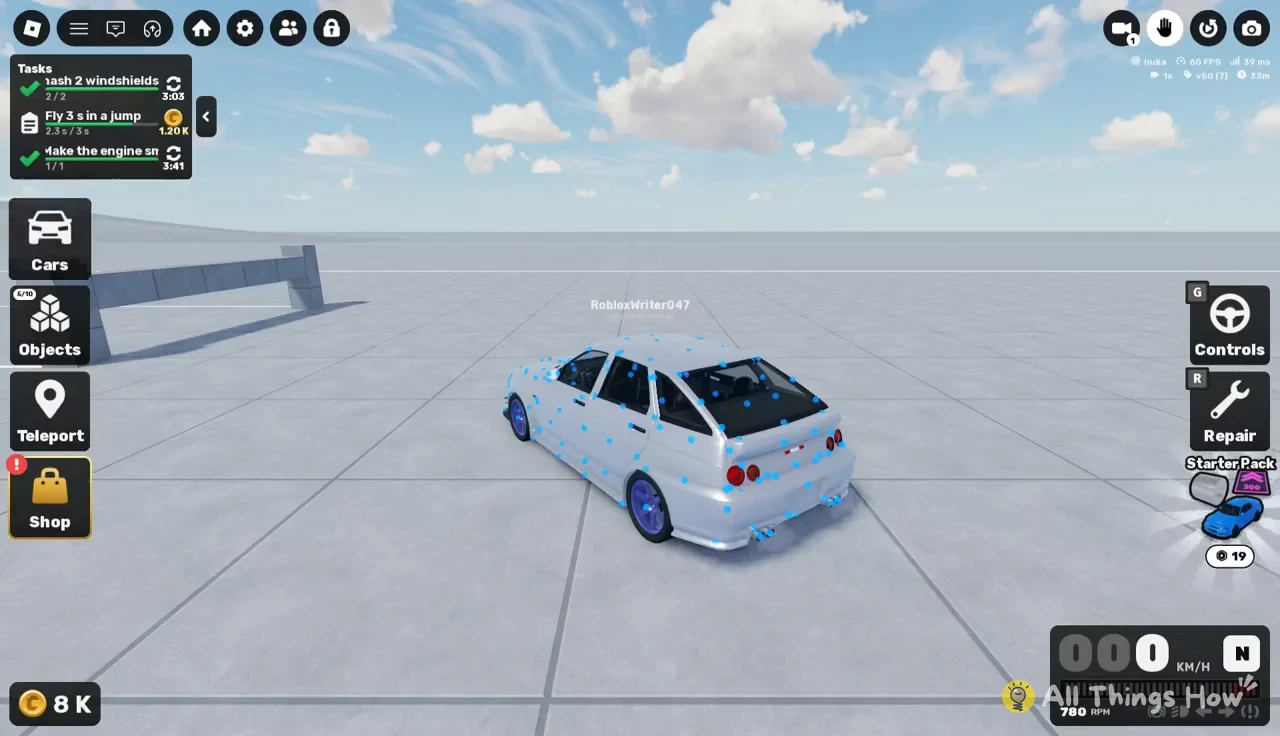
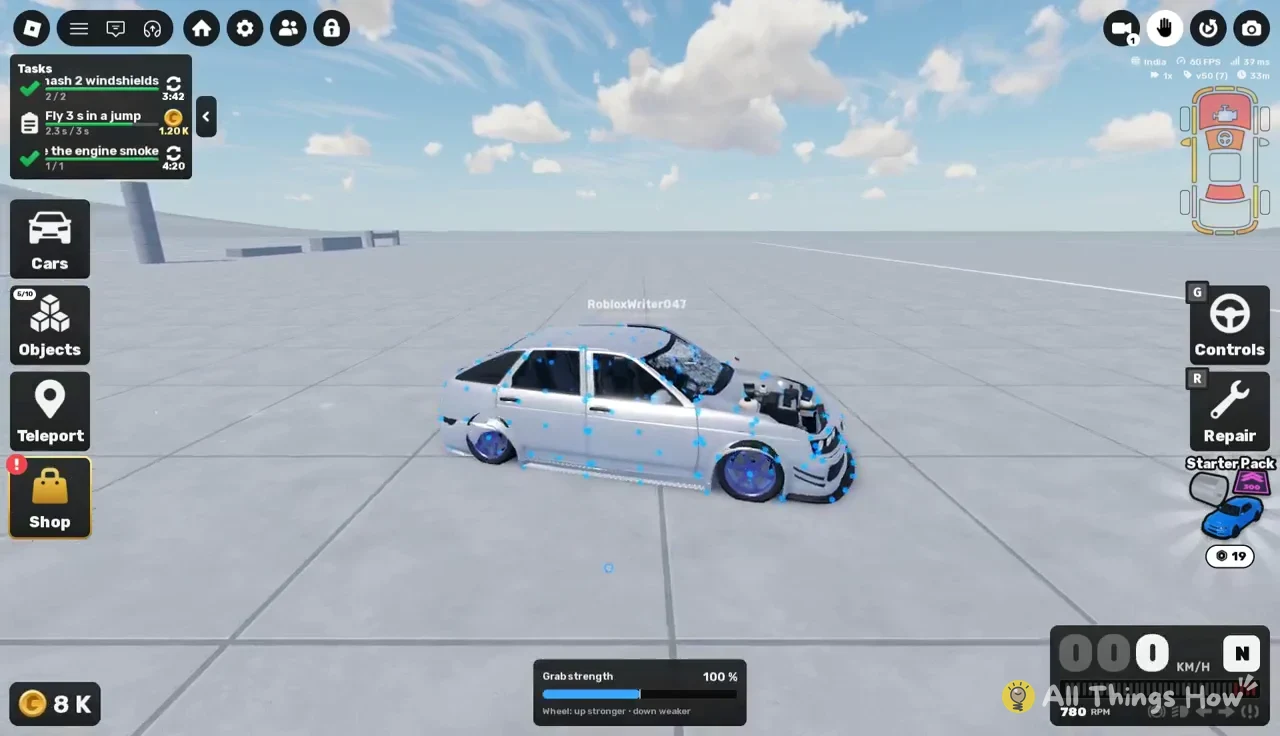
Grab Mode lets you shape a car yourself instead of crashing it. Press LCtrl to switch between “Grab Mode: On” and “Grab Mode: Off.” While it’s on, blue and pink dots cover the car’s body panels, and you can click and drag them to pull and bend the metal, with blue arrows showing the pull direction.
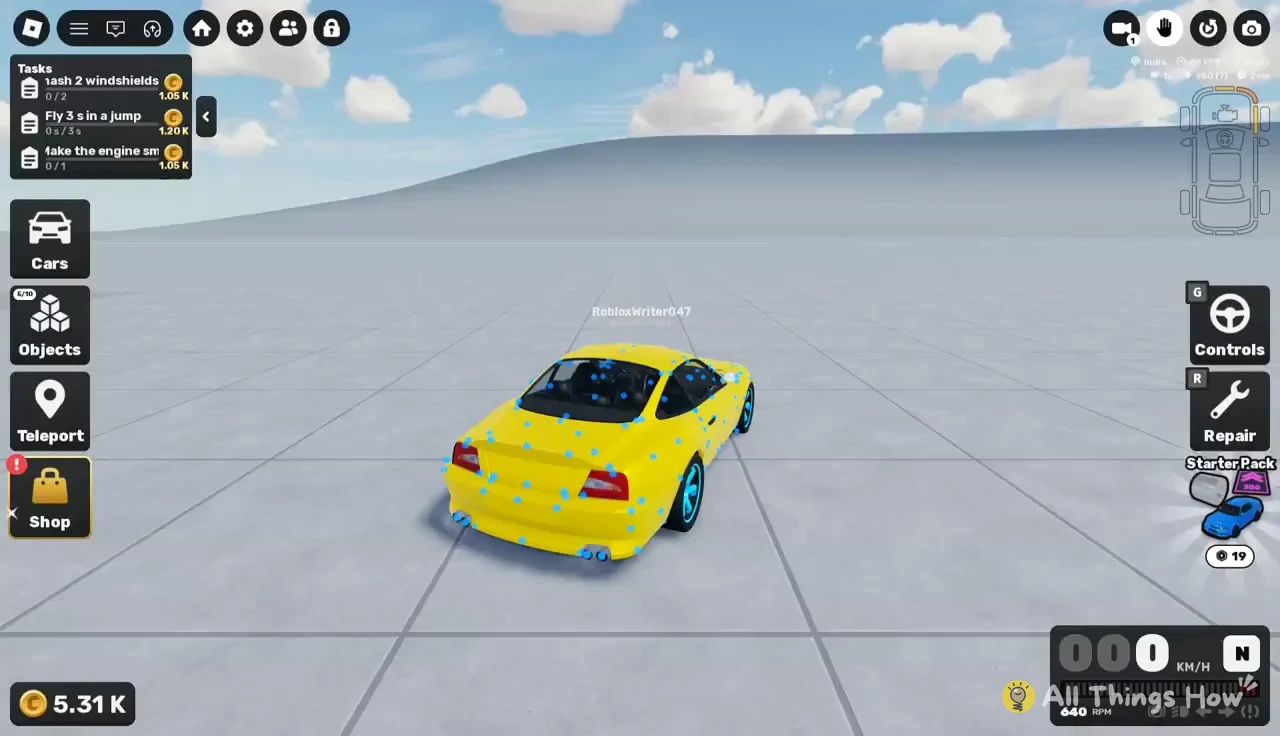
How hard you pull is set by the grab strength, which starts at 100 %. Scroll the mouse wheel up to make it stronger or down to make it weaker. Turn Grab Mode off with LCtrl again before you drive.
Earning coins for more cars with Tasks
Tasks are short stunt and crash goals listed in a panel on the driving screen, and each one pays coins when you finish it. They’re how you save up for the cars above, from the 4,000-coin Brickvan to the 75,000-coin Vesper.
| Task | Reward |
|---|---|
| Fly 3 s in a jump | 1.20K |
| Smash 2 windshields | 1.05K |
| Make the engine smoke | 1.05K |
| Drive 15 s on grass | 1.05K |
| Reach 125 km/h | 1.05K |
| Hit the rev limiter for 10 s | 1.05K |
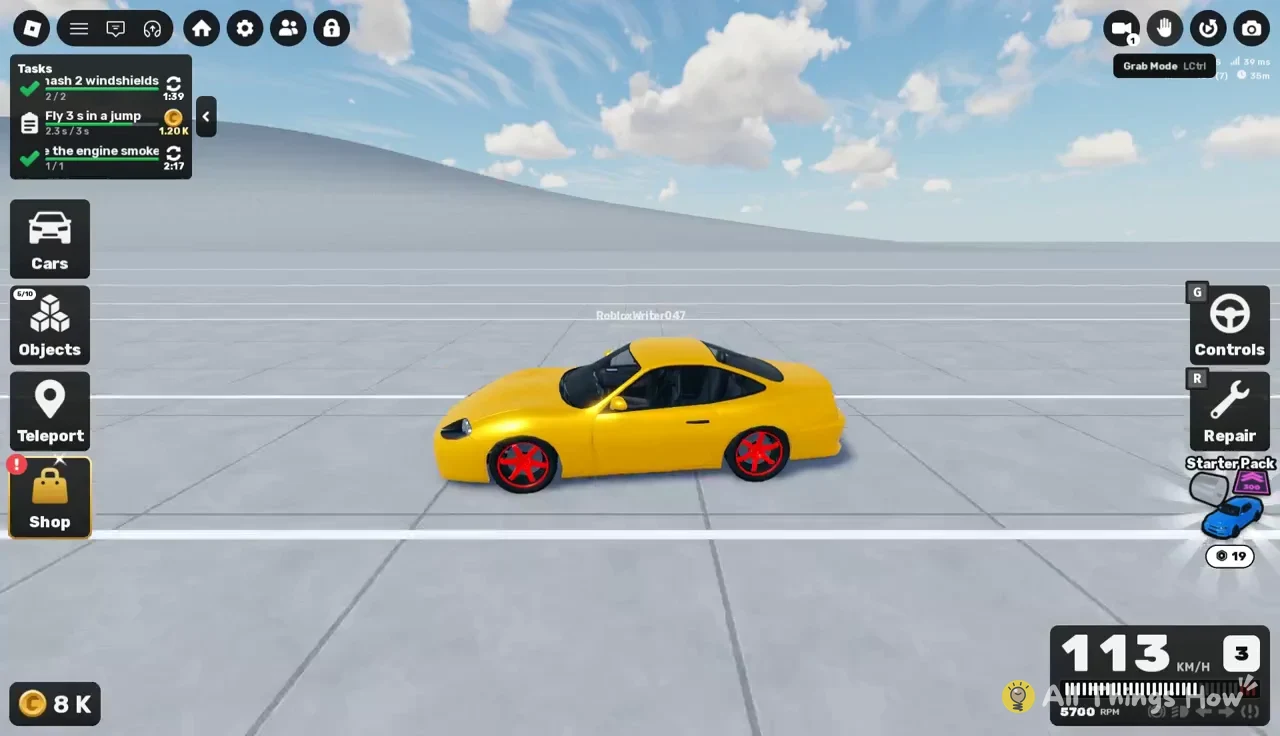
Timed tasks count up in the panel as you go. “Fly 3 s in a jump” tracks your airtime, so a jump that keeps you in the air for 2.3 seconds shows as 2.3/3 and doesn’t complete.
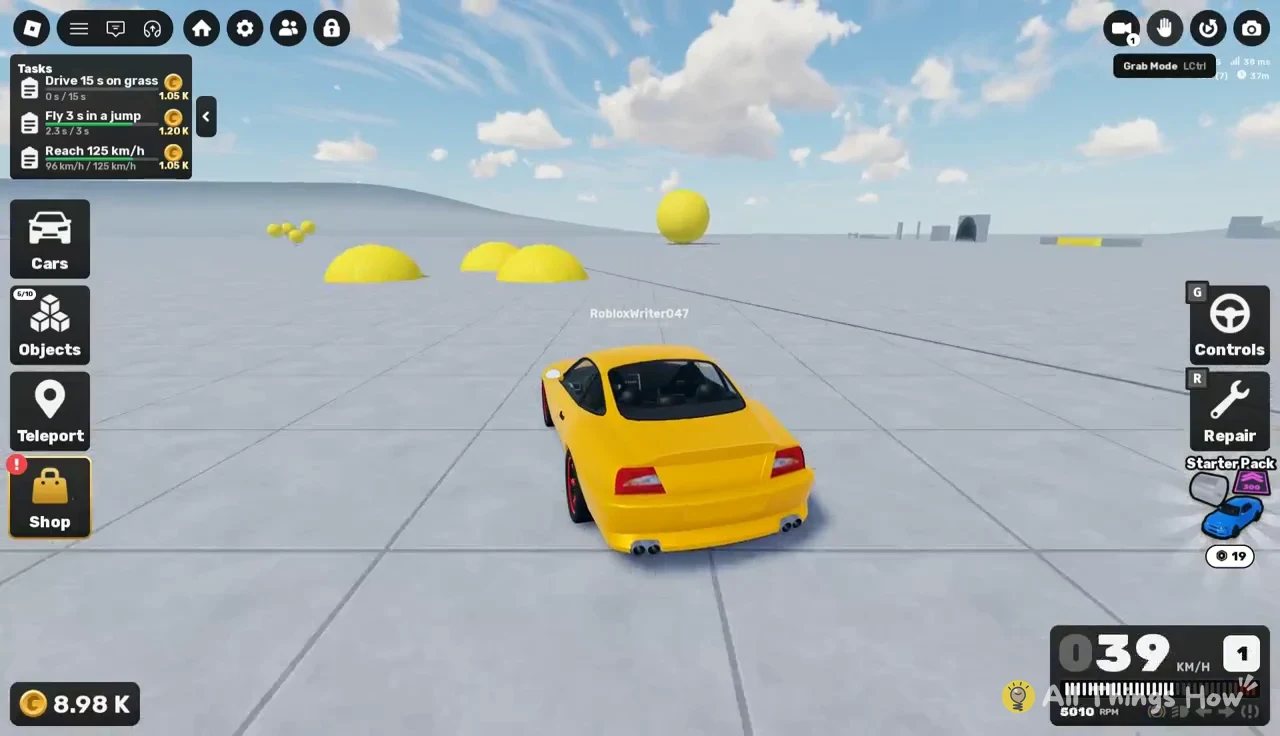
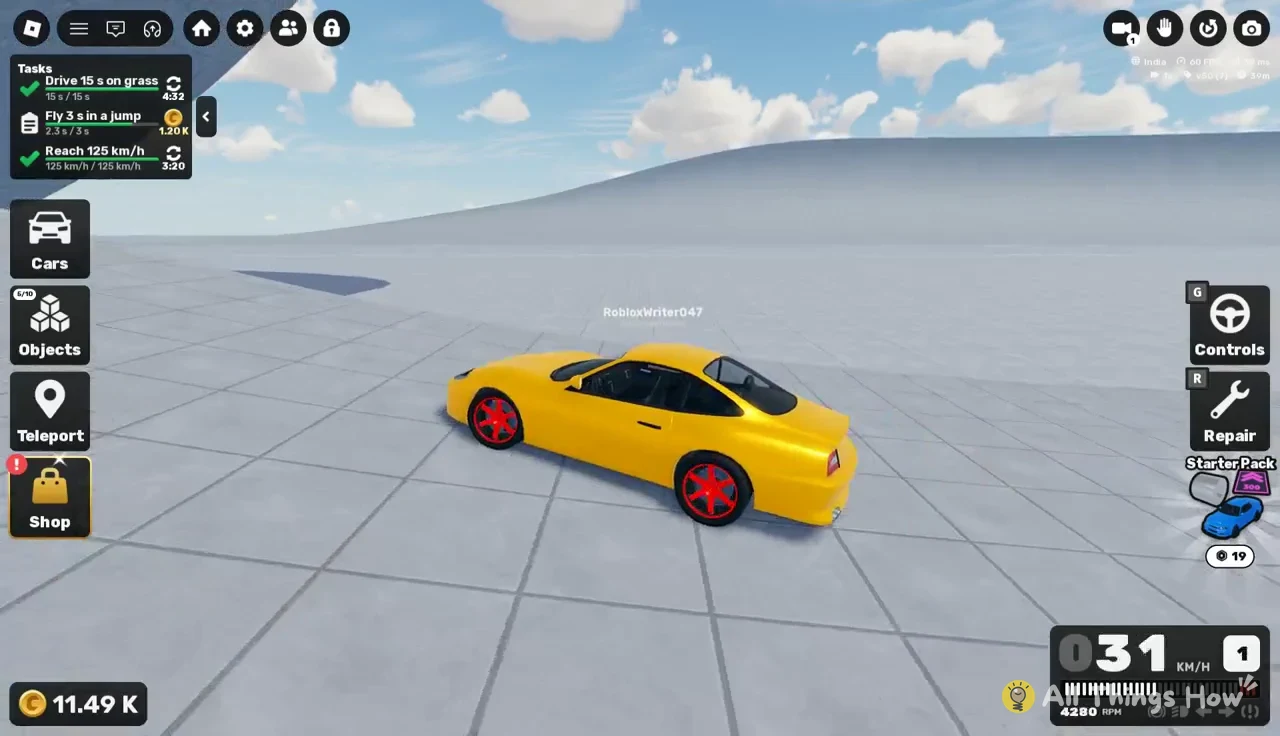
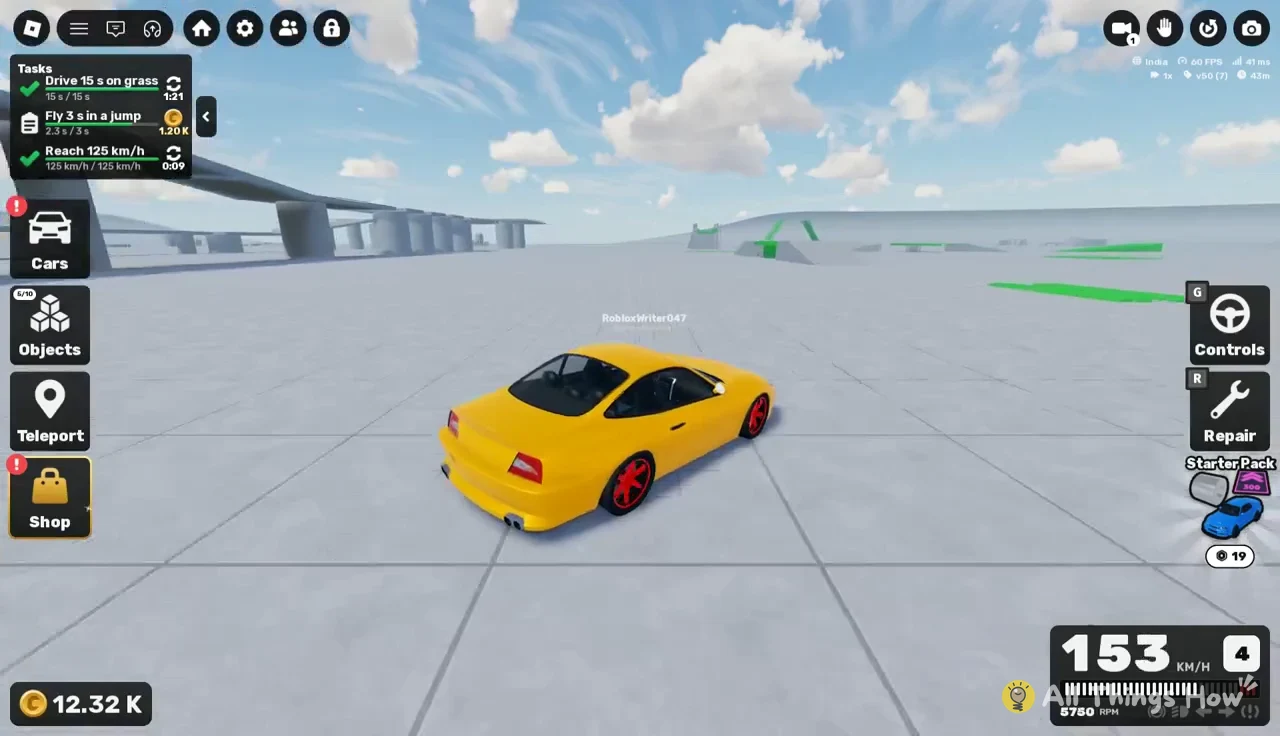
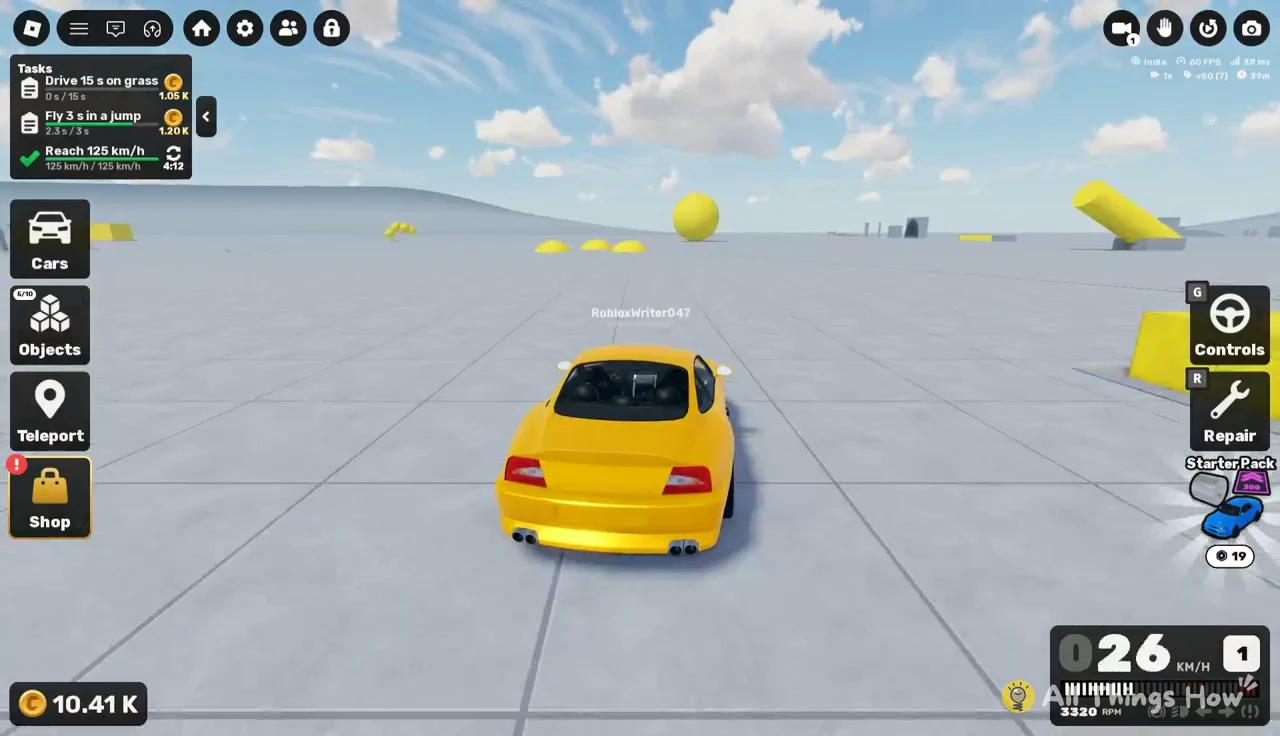
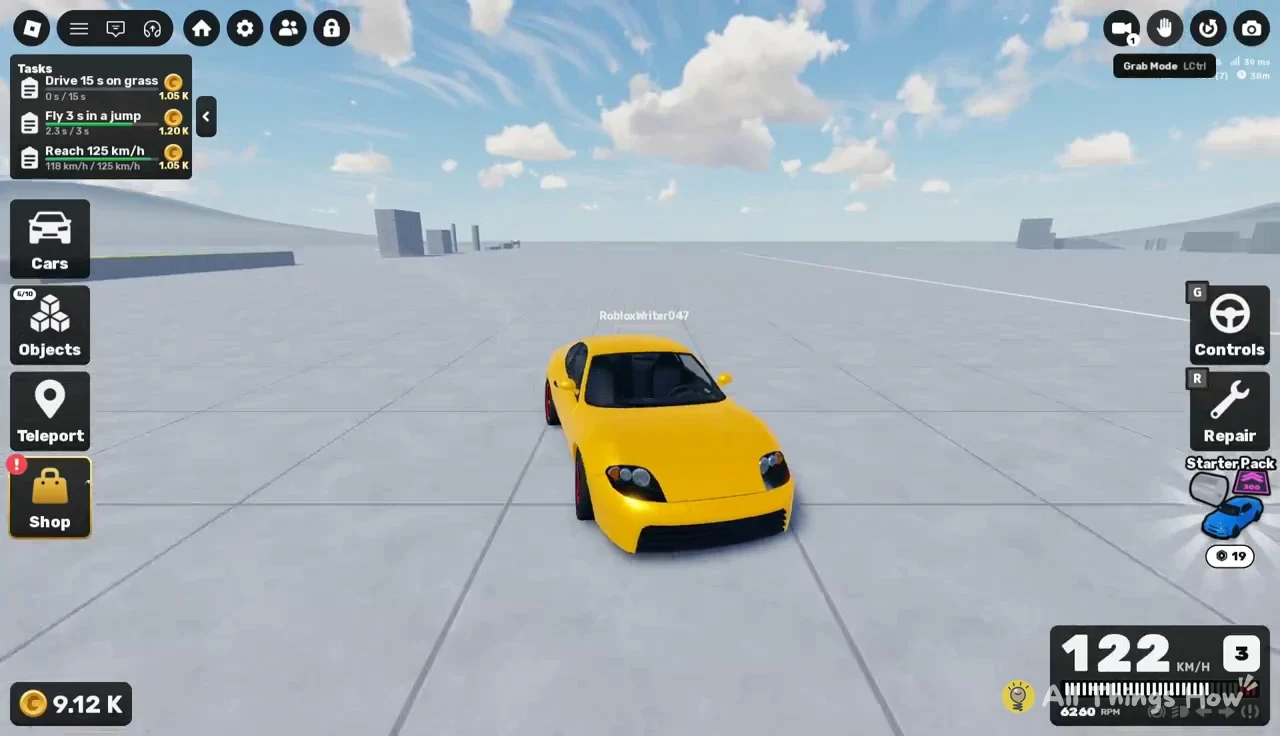
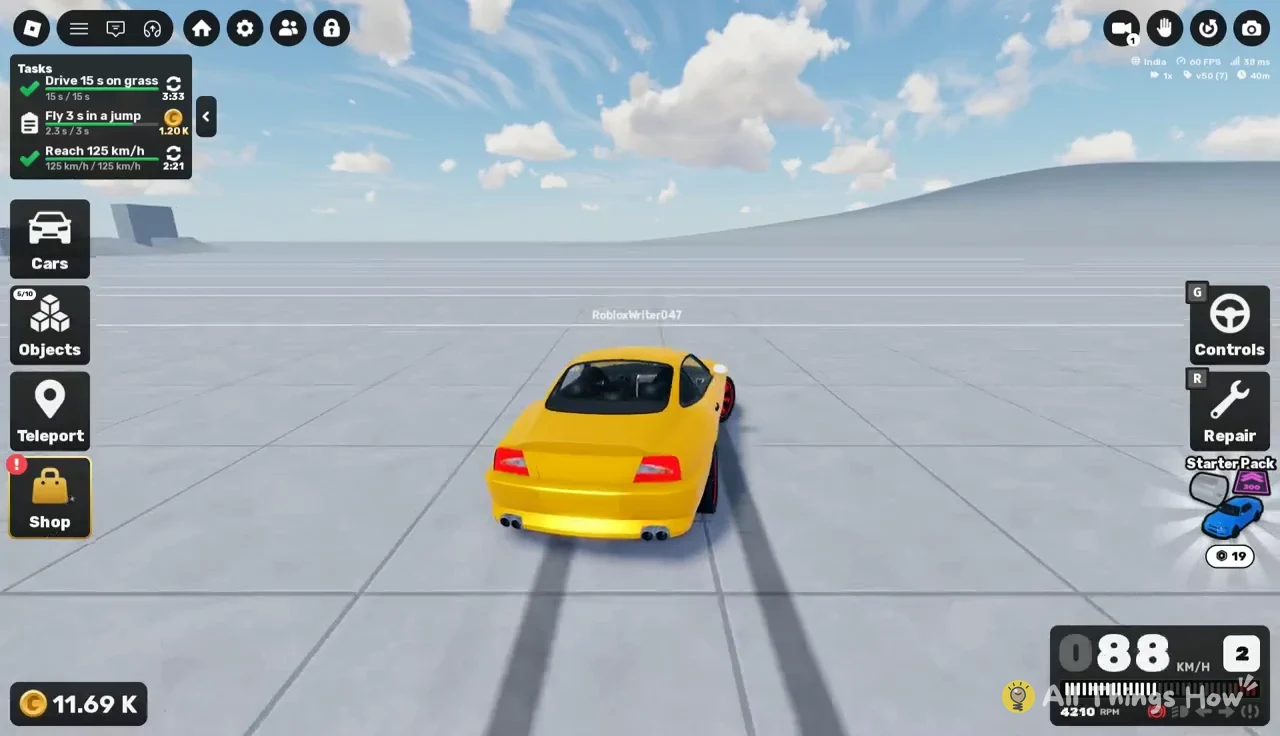
For “Reach 125 km/h,” you need a long straight stretch on the open field. The Arcline’s 200 PS gets there without trouble, and the task completes the moment the speedometer hits 125.
Teleport zones for testing a new paint job
The Teleport menu moves you and your car to different parts of the map, which is the quickest way to get a freshly painted car into something that’ll wreck it.
- Center, Tower and Parking, for general driving
- Launchers, machines that throw your car, including yellow launch pads
- Movers, machines that move your car, like moving green pads and barriers
- Terrain, with mud, sand, ice, water, grass and rock, plus a loop wall
- Crushers, Spinners and Crash test
Terrain is where you clear “Drive 15 s on grass.” The loop there has a steep curved wall, and if you don’t carry enough speed up it, the car falls off and lands on its roof.
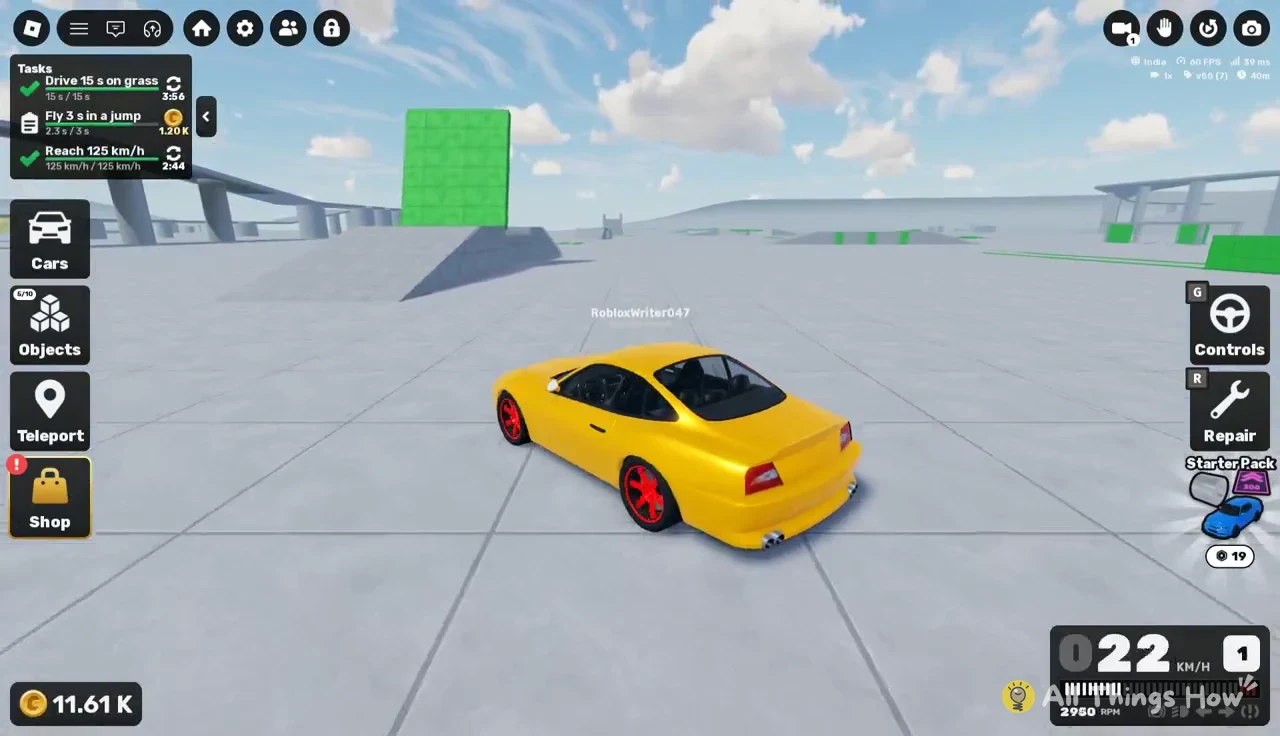
In Movers, jumping over the moving green pads and running into the barriers knocks off bumpers fast, even at lower speeds.
Movers also has an enclosed crusher made of moving green blocks. Driving into it squeezes the car in specific spots, and getting caught under the descending green slabs flattens the chassis completely and sets the car on fire.