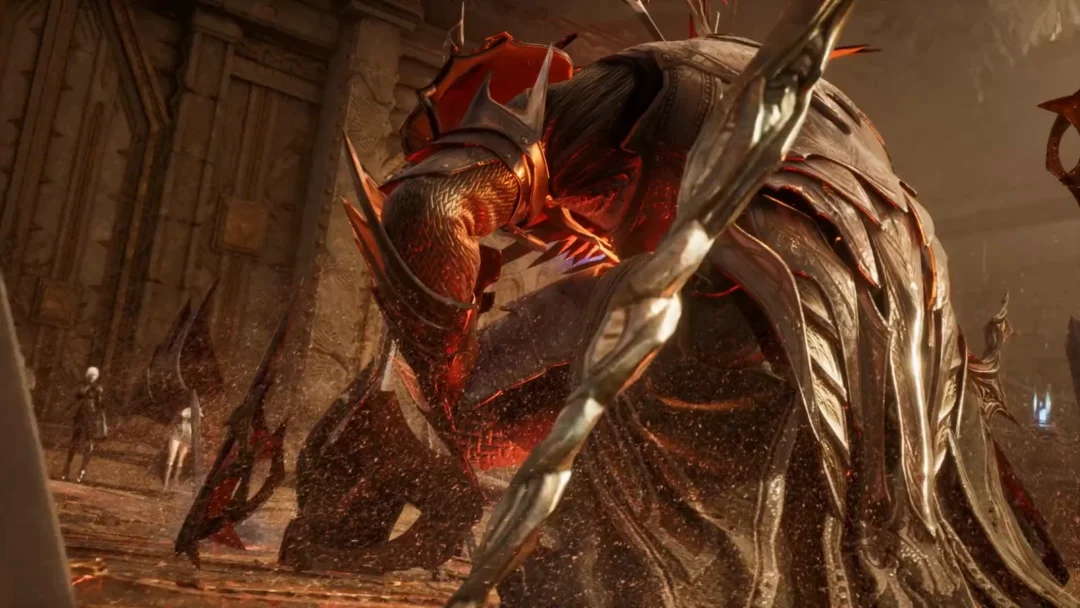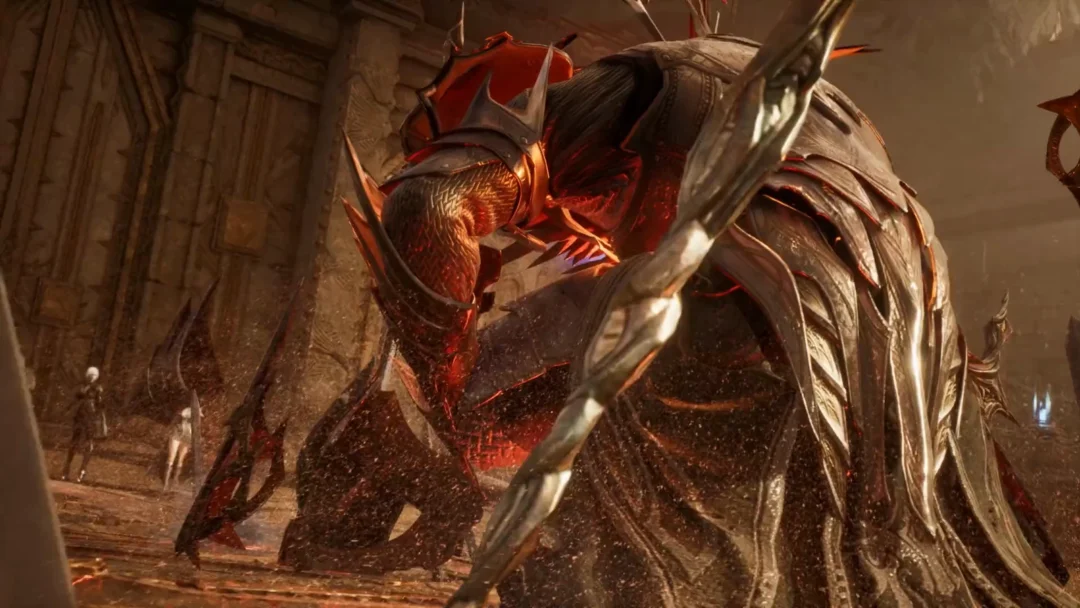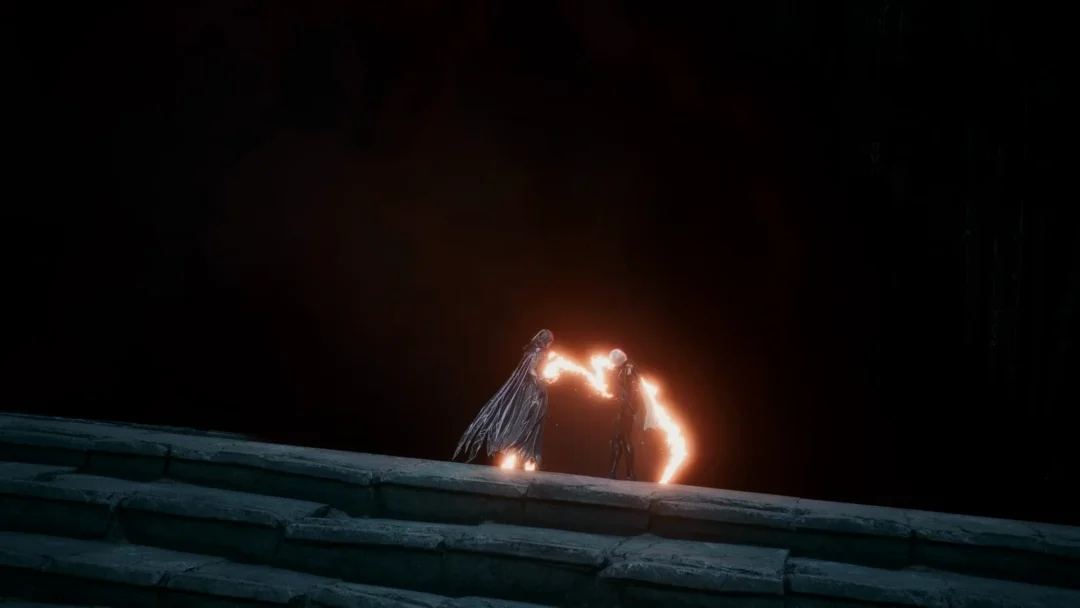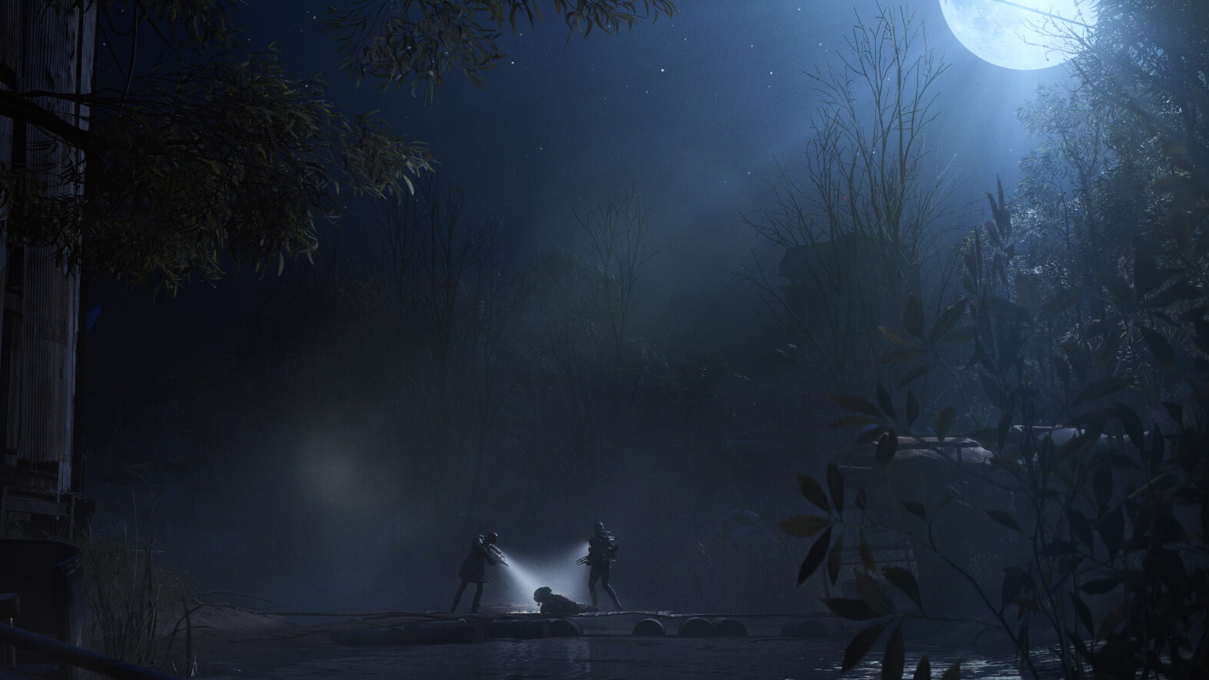
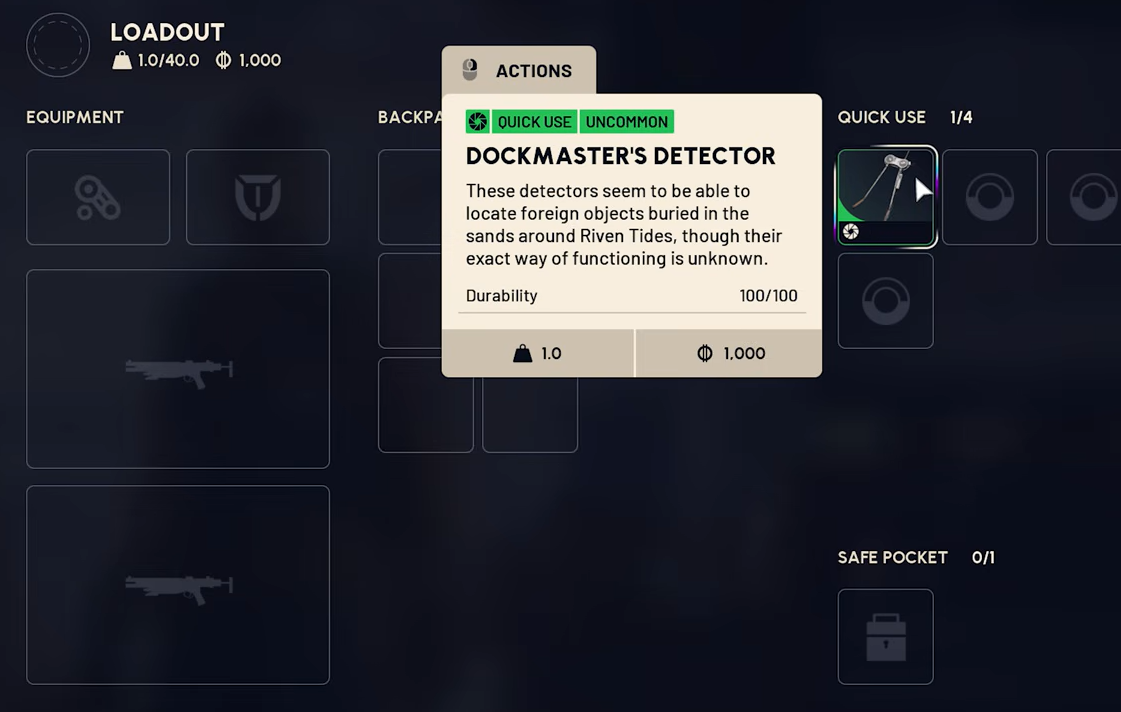
The Dockmaster’s Detector is a quick-use gadget in ARC Raiders that functions as a metal detector during the Beachcombing map condition on Riven Tides. Equip it like a grenade or healing item, sweep the sand, and dig up buried loot, mines, and bags hidden beneath the seabed.
How to get the Dockmaster’s Detector
There are three confirmed ways to acquire the gadget. Each has trade-offs between speed, reliability, and whether you want a permanent project reward versus a single field pickup.
| Source | Where | Reliability |
|---|---|---|
| Shipping container loot | Riven Tides, especially around the Stacking Yard | RNG-based |
| “Shoring Up Defences” quest | Granted by Apollo when you accept the quest | Guaranteed on quest start |
| Avian Alarm Raider Project, Stage 1 | Place a bird trap by the buoys along the Seabed in Riven Tides | Guaranteed on completion |
You can also loot a detector off another player who carried one into a Beachcombing match. The gadget is lost on death along with the rest of your run, so you may need to top up your supply regularly.
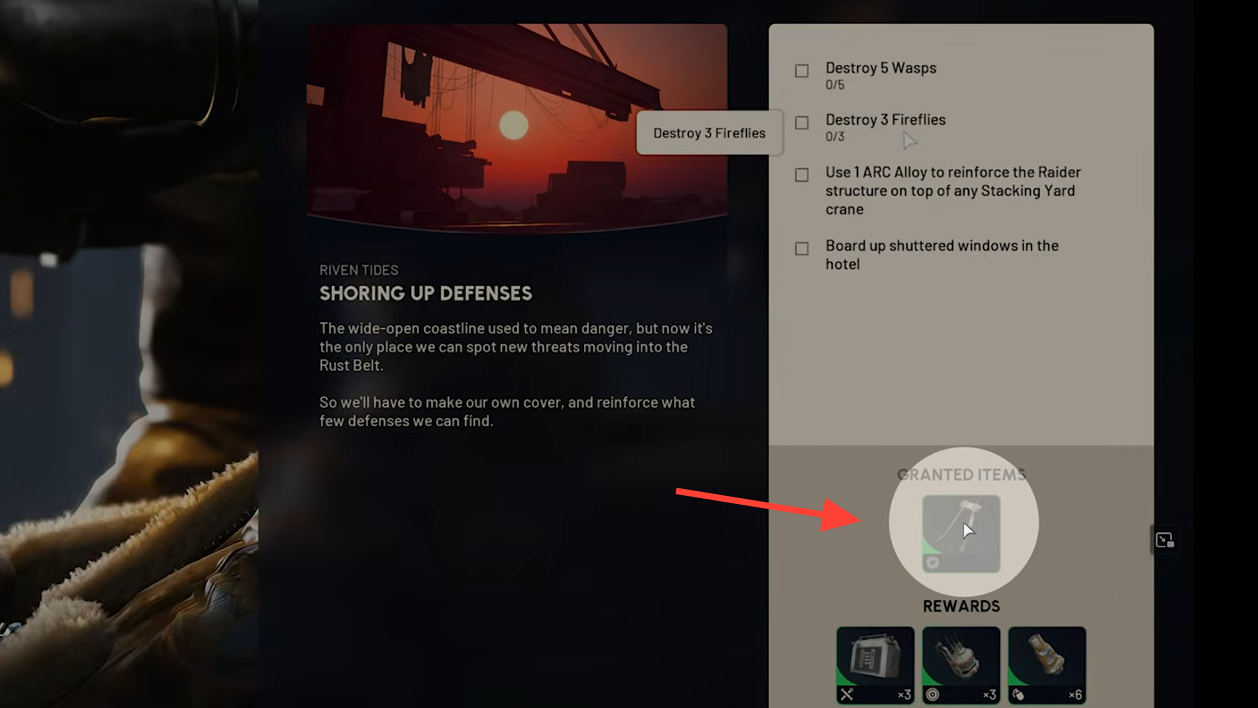
Equipping the detector
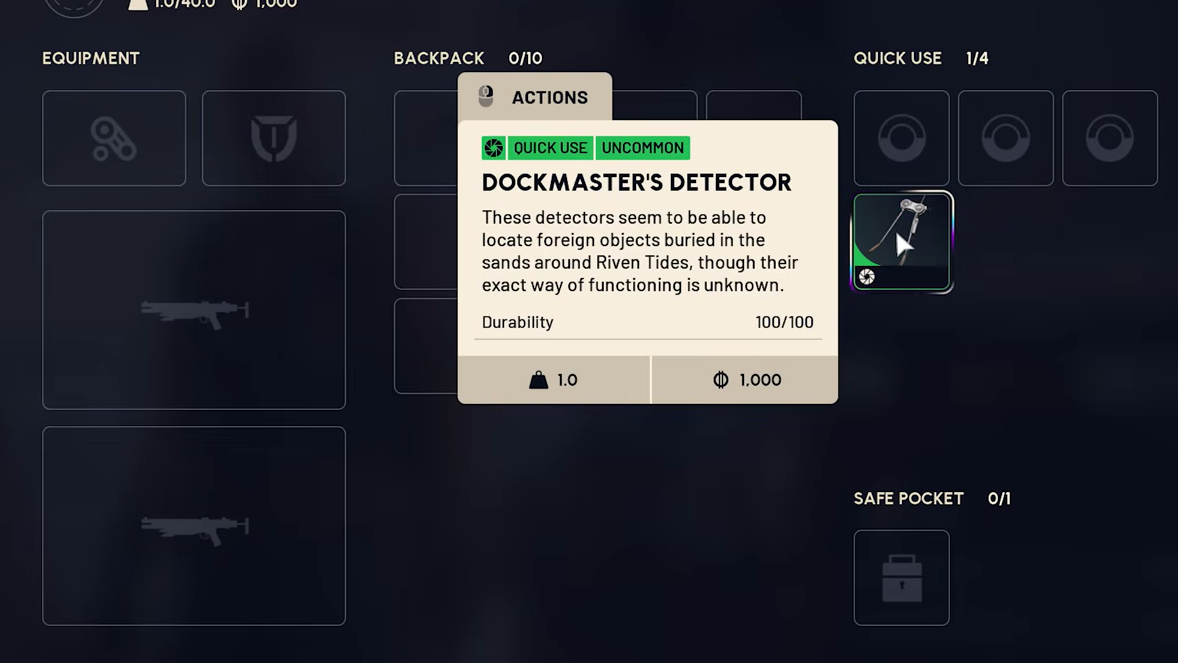
The Dockmaster’s Detector occupies a quick-use slot in your loadout. Slot it before deploying to Riven Tides, the same way you would prepare a grenade, flare, or healing item. Without it equipped, you cannot interact with buried treasure during Beachcombing.
The tool has 100 durability. It depletes with use and starts smoking visibly when it is close to breaking. If durability hits zero, the detector is destroyed. You can repair it from your stash by selecting the item and choosing Repair, which consumes one Battery per repair.
How Beachcombing works on Riven Tides
Beachcombing is a minor map condition unique to Riven Tides. It activates on a rotation alongside normal matchmaking, similar to how Bird City rotates onto Buried City. When it is active, three things change:
- Buried valuables spawn in the dried-up Seabed area in the north of the map.
- Dockmaster’s Detectors appear as lootable items in containers and on players.
- Bird activity increases across the map.
Strong areas to scan include Azzurro Beach, the ground around the Wavebreaker, and the sand near the Stacking Yard.
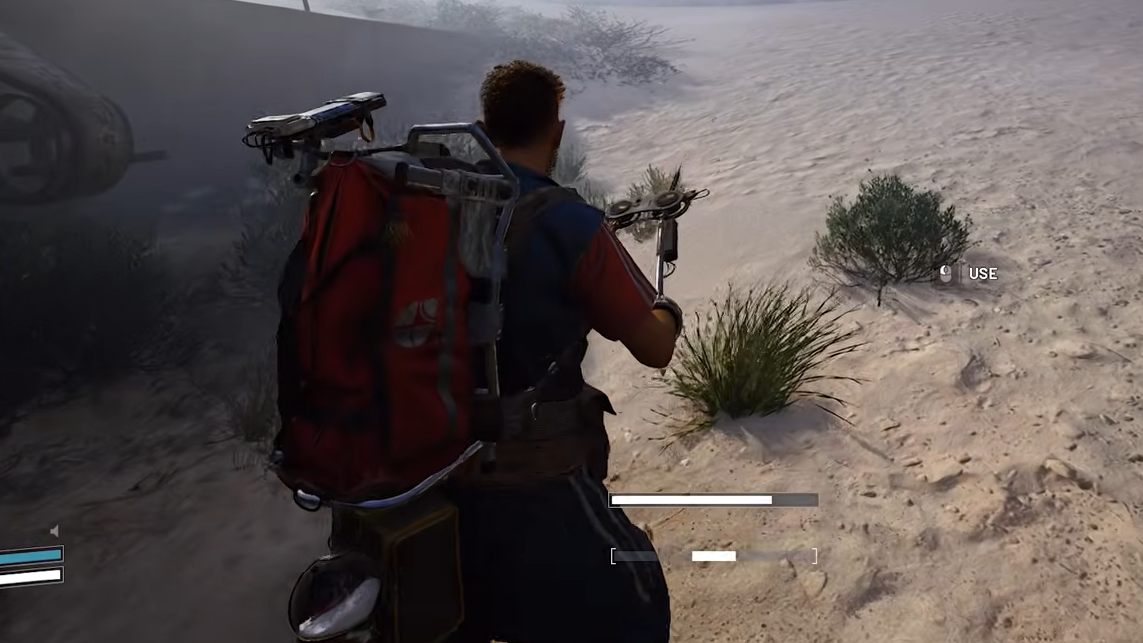
Using the detector to find buried loot
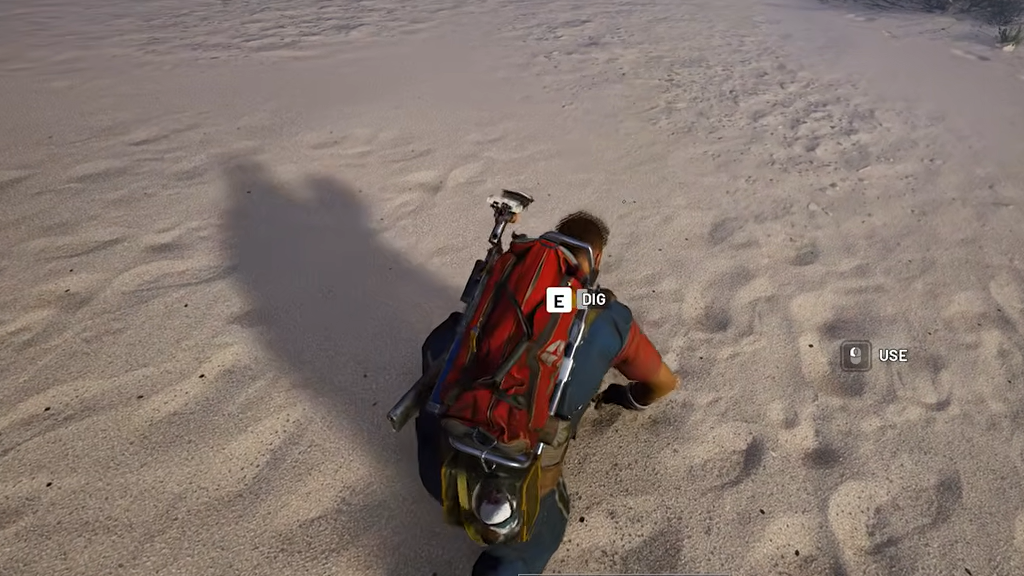
Verifying it worked
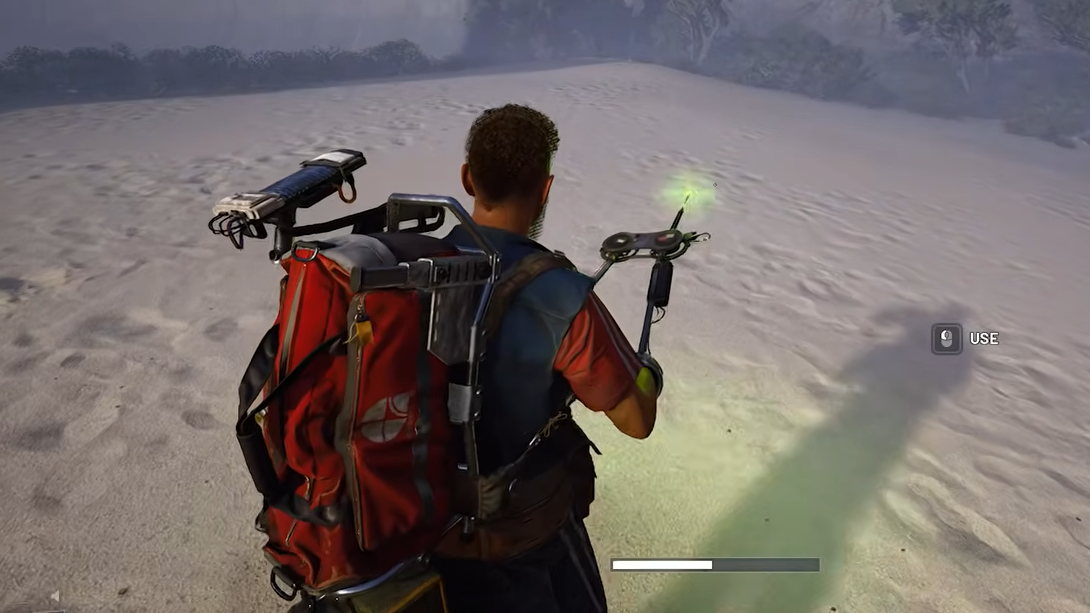
You will know the detector is functioning when holding the activate button produces a steady tone and the indicator light pulses. Picking up a buried item triggers a normal inventory pickup, and disarming a buried mine removes it from the world. If the detector goes silent and the light stays off while you sweep an empty stretch of sand, no buried object is in range. Move to a fresh patch and try again.
If nothing seems to spawn at all, confirm Beachcombing is the active map condition for your Riven Tides match. Buried treasure does not spawn outside that condition, and most spawns are concentrated in the Seabed in the north of the map rather than across the entire shoreline.