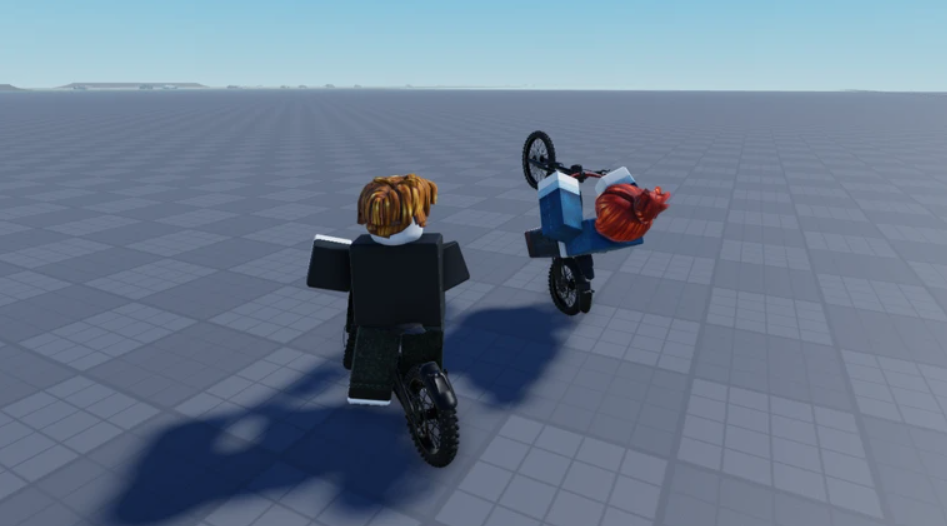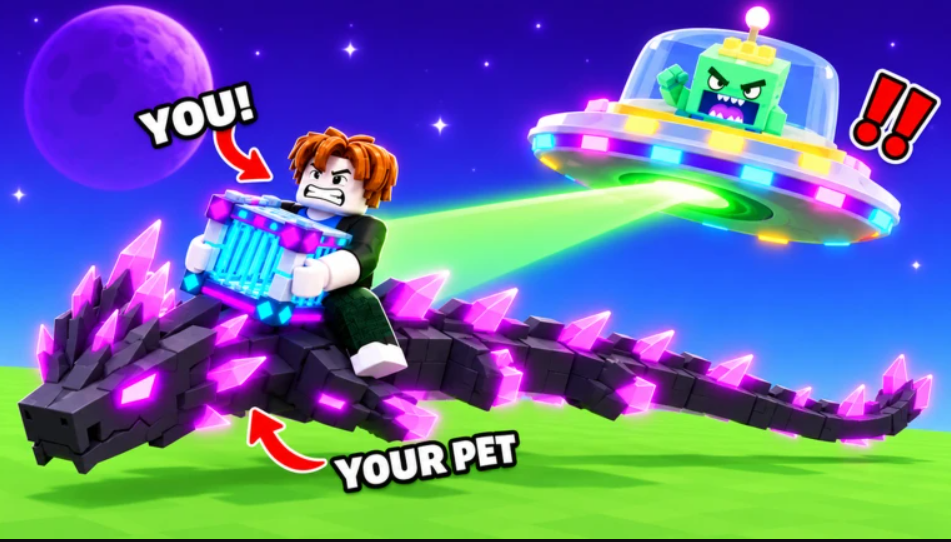
Drain the Lake asks one thing of you. Your avatar dropped a phone into the lake, and the only way to get it back is to empty every drop of water. You fill a bucket, pour it into the drain for Tokens, and spend those Tokens on upgrades that let you dig deeper. The trick to finishing fast is knowing which upgrades matter, how currency carries between runs, and how to move without wasting time.
Quick answer: Buy the movement speed upgrades on the “Character” skill tree first, press F to teleport straight to the drain, and spend all your Tokens each run while saving Gems for better buckets, since only Gems stay with you after you return to the lobby.
How the core loop works in Drain the Lake
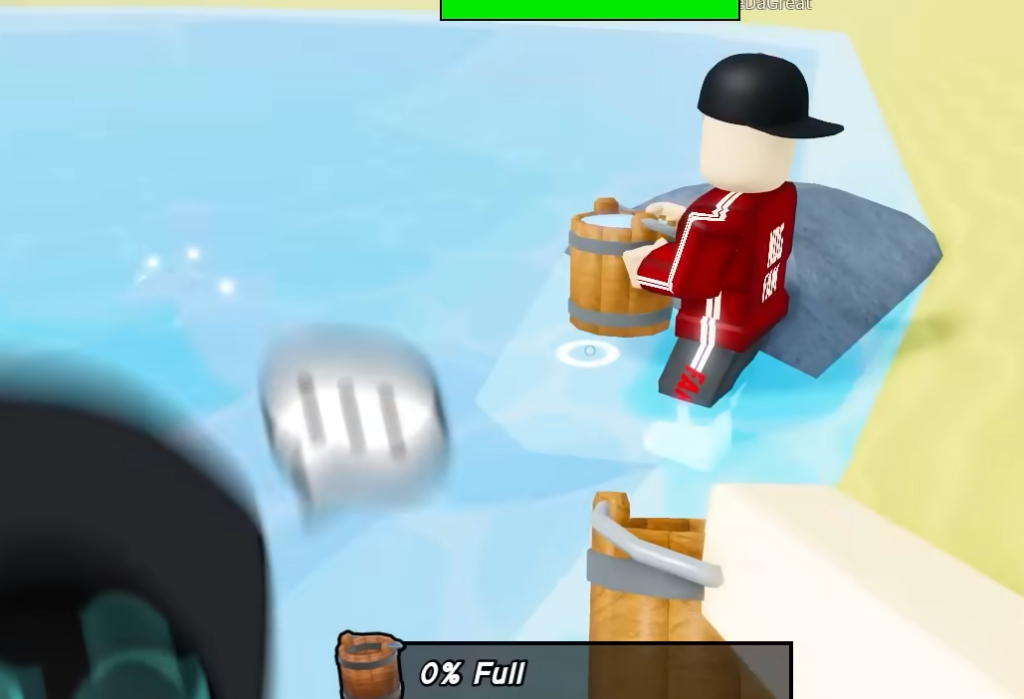
Everything runs on a simple rhythm. You stand near the lake, fill your bucket, teleport to the drain, and pour it out for Tokens. Repeat that cycle and the water level slowly drops, revealing deeper sections until you reach the bottom and reclaim your phone.
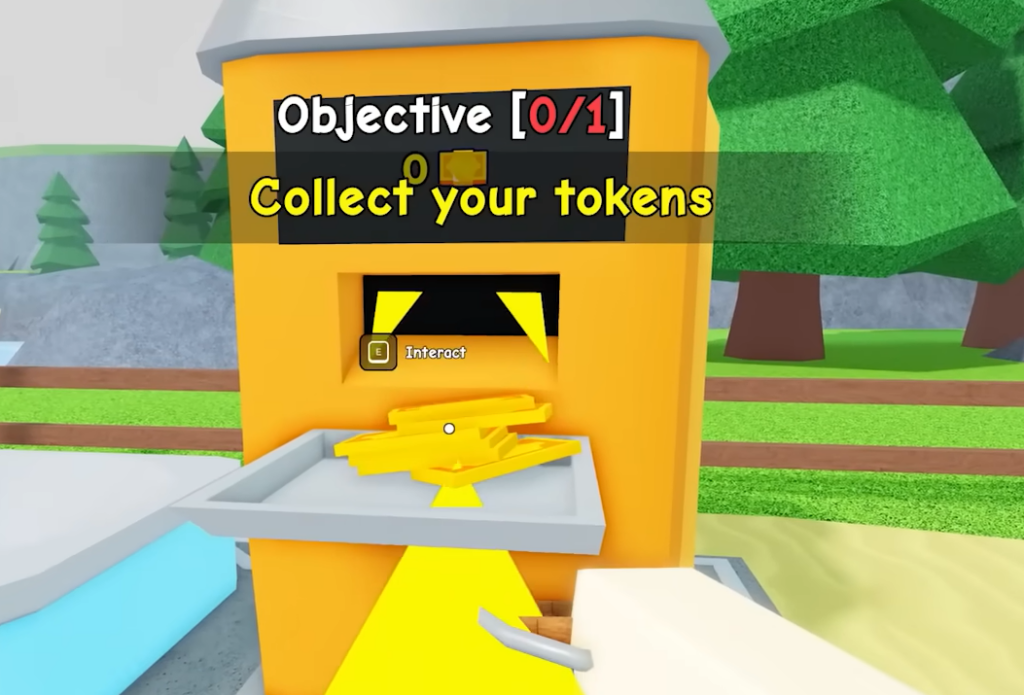
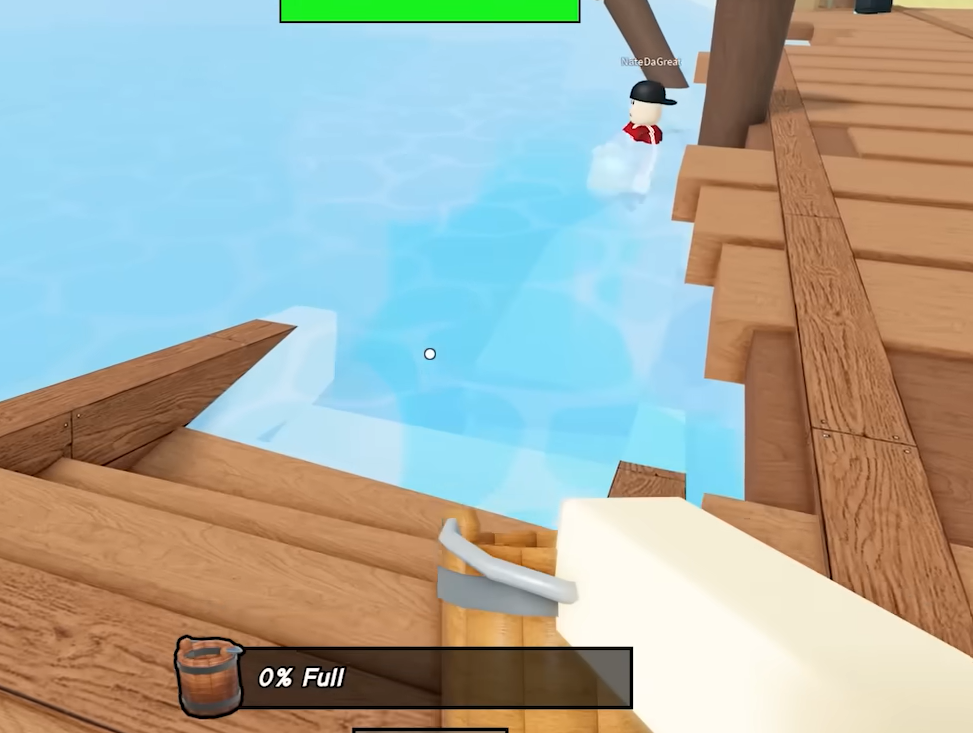
To fill the bucket, tap the Left Mouse Button while the cursor sits on the water. The bucket only fills when the cursor is actually pointing at the lake, so aim carefully. Once it is full, head to the drain station and interact to pour, which converts the water into Tokens.
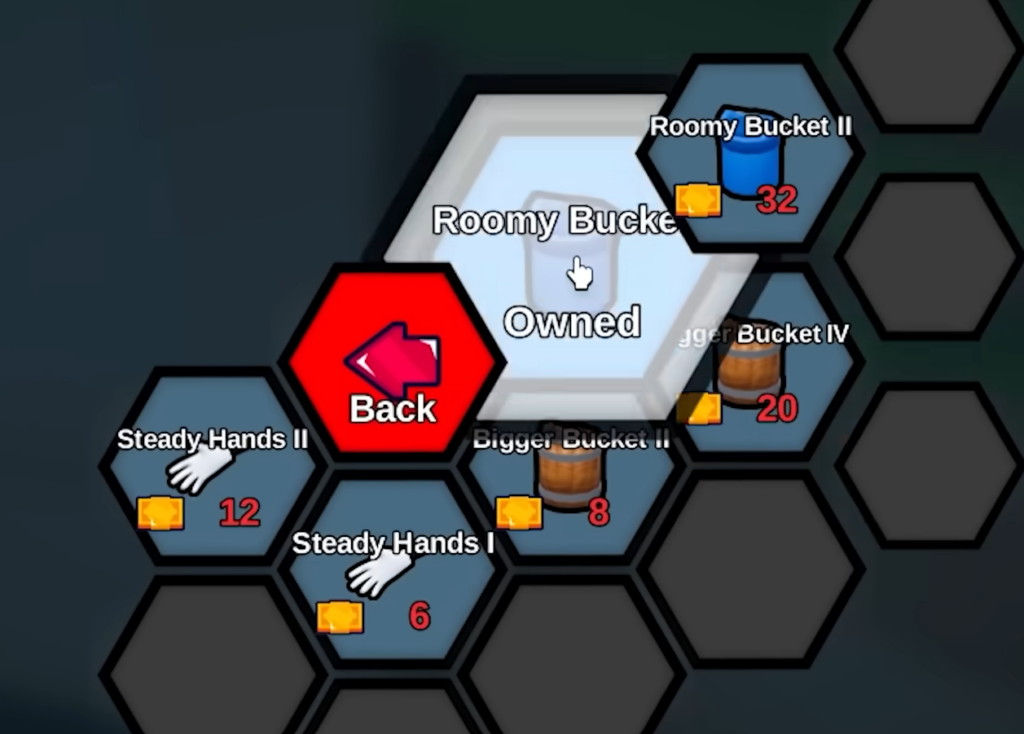
Tokens are then spent at the Upgrade Computer. Upgrades raise your fill speed, bucket capacity, movement speed, and more, and every skill tree is available from the very start. There is no gate stopping you from planning ahead.
Runs reset, so know what carries over
Each match starts fresh. You create a run from the lobby, and progress does not transfer from one run to the next. If you exit or die out, you begin again from the top. That makes it important to understand which currency sticks around.
| Currency | How you earn it | Carries to lobby? |
|---|---|---|
| Tokens | Draining the water you collect | No, lost when you leave |
| Gems | Opening chests, claiming Badges | Yes, kept permanently |
Because Tokens vanish when you return to the lobby, there is no reason to hoard them. Spend every Token you earn inside the run on upgrades. Gems are the long-term currency, so treat them as your real savings.
Prioritize the Character skill tree first
The fastest way to build momentum is the “Character” branch of the skill tree. Movement speed upgrades come first here, and they pay off immediately because you shave time off every trip between the lake and the drain.
Faster movement means more completed cycles per minute, which means more Tokens flowing in. That extra income then funds fill-speed and bucket-capacity upgrades much sooner, so speed compounds into everything else. Don’t sit on Tokens waiting for a bigger purchase. Buy the cheap speed boosts as soon as you can afford them.
Teleport with F and trust your bucket range
You do not have to walk back to the drain every time. While you are in the lake, pressing F teleports you straight to the drain station. This is the single biggest time-saver, and it works only while you are standing in the lake.
Your bucket also reaches farther than it looks. As long as the cursor lands on the water with the bucket equipped, you collect it, even at a distance. That range matters in the later, deeper stages where hostile entities appear in the water and you want to fill up without getting close to them.
Use Checkpoints so a death doesn’t reset your run
After you drain a certain amount of water, you reach a Checkpoint station. A Checkpoint acts as a respawn point, so if you die past it, you come back there instead of starting the whole run over. Watch for a flag mast poking out of the water. That is your sign a Checkpoint is close.
Reaching a Checkpoint before you risk anything dangerous is the safe play. It locks in your depth and protects the Tokens-worth of progress you already earned in that run.
Buy better buckets and chase Badges between runs
The default Wooden bucket is only the starting point. Other buckets can be bought with Gems or unlocked by earning Badges, and each one has a passive effect that outperforms the Wooden default. Since these purchases happen with your permanent Gem stash, buy new buckets at the end of a run to help you reach further in the next one.
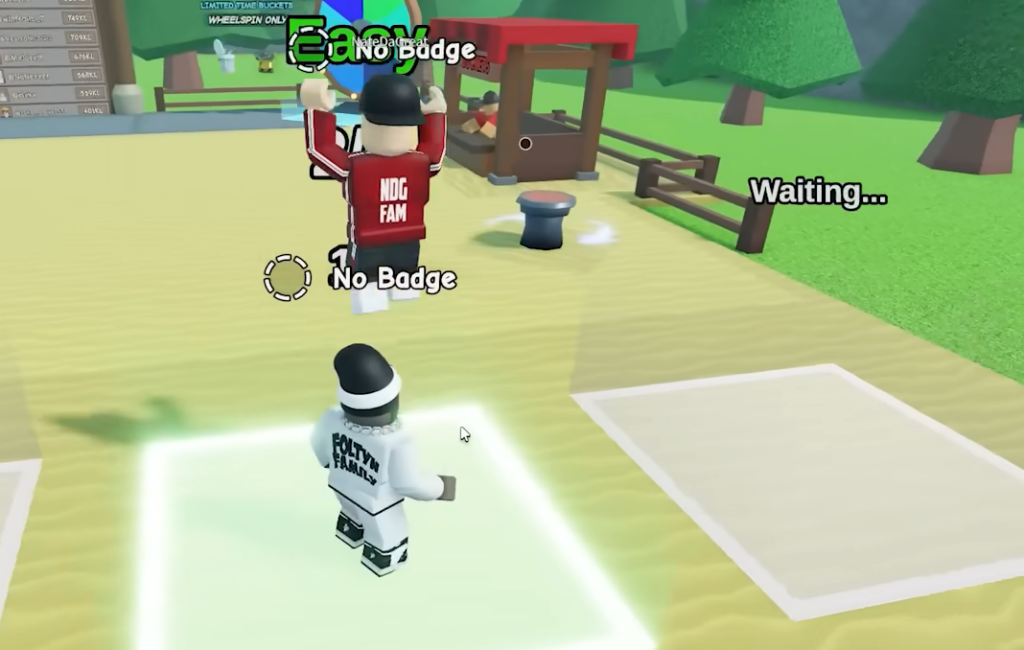
Badges, which are the game’s achievements, unlock when you hit certain milestones. They reward Gems that you claim by interacting with the Badges station in the lobby. Collect 10 Badges, and you can claim a special Ancient Bucket from the lobby as well, so it is worth ticking these off as you play.
Gems come from chests you find while draining, too. Popping open chests during a run is free Gem income that survives back to the lobby, unlike your Tokens.
Drain the Lake controls
| Action | Input |
|---|---|
| Move | W, A, S, D |
| Jump | Spacebar |
| Interact | E |
| Fill bucket | Left Mouse Button |
| Teleport to drain | F (only while in the lake) |
Drain the Lake is free to play and runs on any device that supports Roblox, including phones and tablets. Keep the loop tight, spend Tokens the moment you can, protect your progress at each Checkpoint, and let your Gems fund stronger buckets over time. Do that consistently and the water level keeps falling until your phone is finally back in your hands.