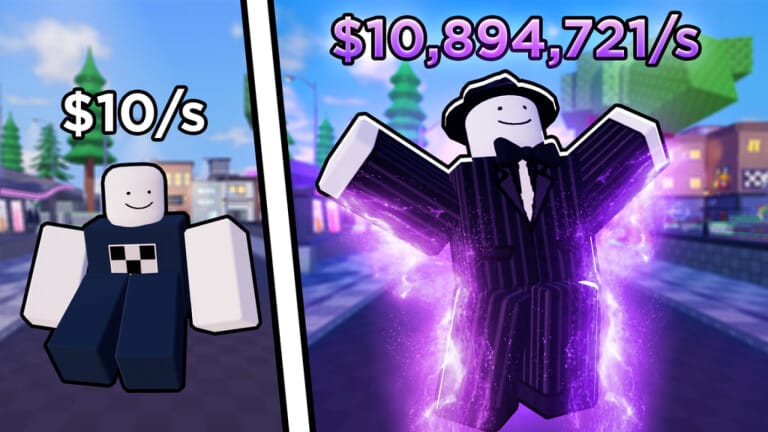
Emote RNG rewards players with free Cash and temporary luck boosts through codes that speed up the grind for rare dance emotes. Redeeming them only takes a minute through the in-game Shop menu, and the rewards stack up fast if you claim them all at once.
Working Emote RNG codes
These codes are confirmed active and redeemable right now.
EXPANSION— 7M Cash, three Double Luck boosts (15m, 30m, 1h), a Triple Luck boost (1h), and two +1 Roll boosts (30m and 1h) NEWANNIVERSARY— 10M Cash and two of every consumable NEW56709— 3x Cash boost for 30 minutes NEWTHUNDERSTORMS— 5x Mutation boost for 5 minutes NEWLLJ— 3x Mutation Luck boost for 30 minutes NEWwheresmywater— One Double Luck boost lasting 1 hour NEWAAPART2— Double Luck boosts lasting 15 minutes, 30 minutes, and 1 hour NEWBULKDELETE— Two Double Luck boosts lasting 15 minutes each NEWSTUTTER:(— Two Double Luck boosts lasting 30 minutes each NEW1MILLIONMEMBERS— 1M Cash plus Double Luck (15m, 30m, 1h), Triple Luck (30m, 1h), and +1 Roll (30m, 1h)LEVELUP— 50,000 Cash and a 15-minute Double Luck boostUPDATE28— Two 15-minute Double Luck boostsEXPEDITIONS— A 30-minute Double Luck boostUPDATE29— A 1-hour Double Luck boost
How to redeem codes in Emote RNG
A successful redemption adds Cash directly to your balance and drops any boost items into your consumables inventory. Cash shows up immediately on your total, but luck and roll boosts don’t activate automatically. You have to open the consumables menu afterward and use them yourself, so redeem a batch of codes before you start a rolling session rather than mid-grind.
Expired Emote RNG codes
These codes no longer work and will return an error if entered.
IMNOTHACKEDLUCKYBLOCKSSORRYFORDELAY600KFANS16MVISITS400KFANS15MVISITS14MVISITS300kMEMBERS13MVISITSSecretButtonCodeLoadingScreenhello200KFANSbread2Bread112MVISITSSTPATRICKSLATELUNARNEWYEAR10MVISITS100KFANSVALENTINES8MVISITS7MVISITSBugFixes15MVisitsNEWYEARSoopsFirstAdminAbuse2MVisits
Where new codes get announced
New codes usually go out around milestones like visit counts, follower goals, and major updates. The Emote Clan Discord server is where the developer posts codes first, and the Emote Clan Roblox community page also shares announcements tied to in-game events.
Save any luck boost potions for a dedicated rolling session instead of activating them right away. Stacking Double Luck and Triple Luck boosts together, then spending Cash on luck multiplier upgrades beforehand, gets you through the rarer emote tiers faster than rolling with no boosts active.