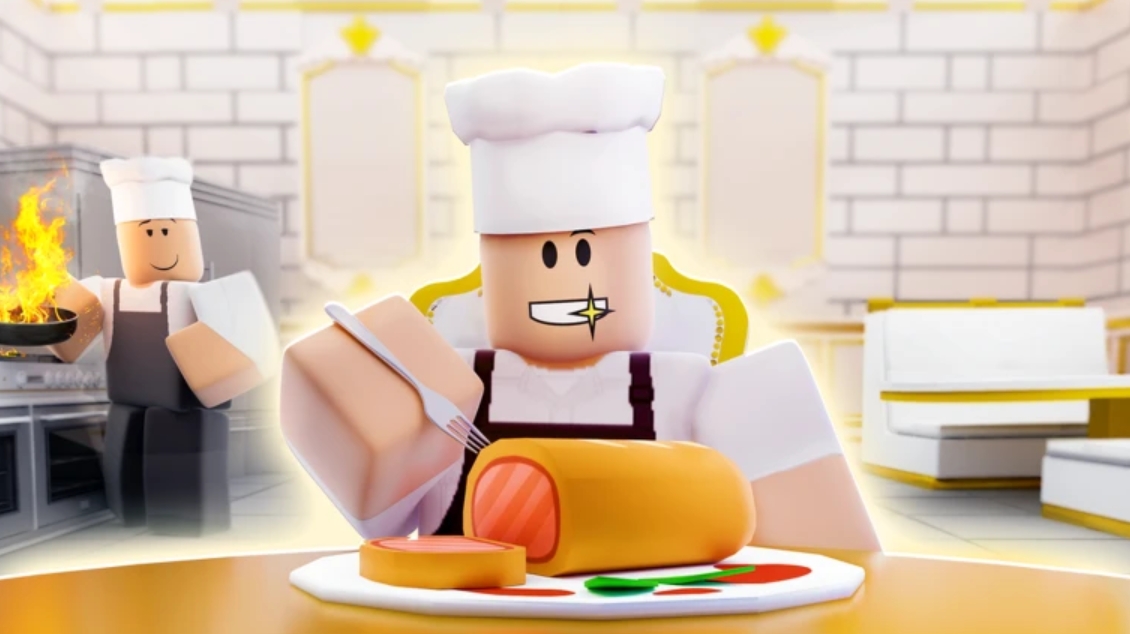
Run a Restaurant hides ten small gnome statues across its island map, and each one you collect permanently buffs core stats like cooking speed and cash earnings. They’re optional pickups, but for new players trying to climb the leaderboard, they’re the fastest no-cost upgrade in the game.
What the gnomes do
Each gnome you walk into acts like a permanent relic, applying a small boost to stats such as Cook Speed and Money Earned. There’s no level gate, no quest requirement, and no currency cost. Walk close enough, and the gnome is collected automatically.
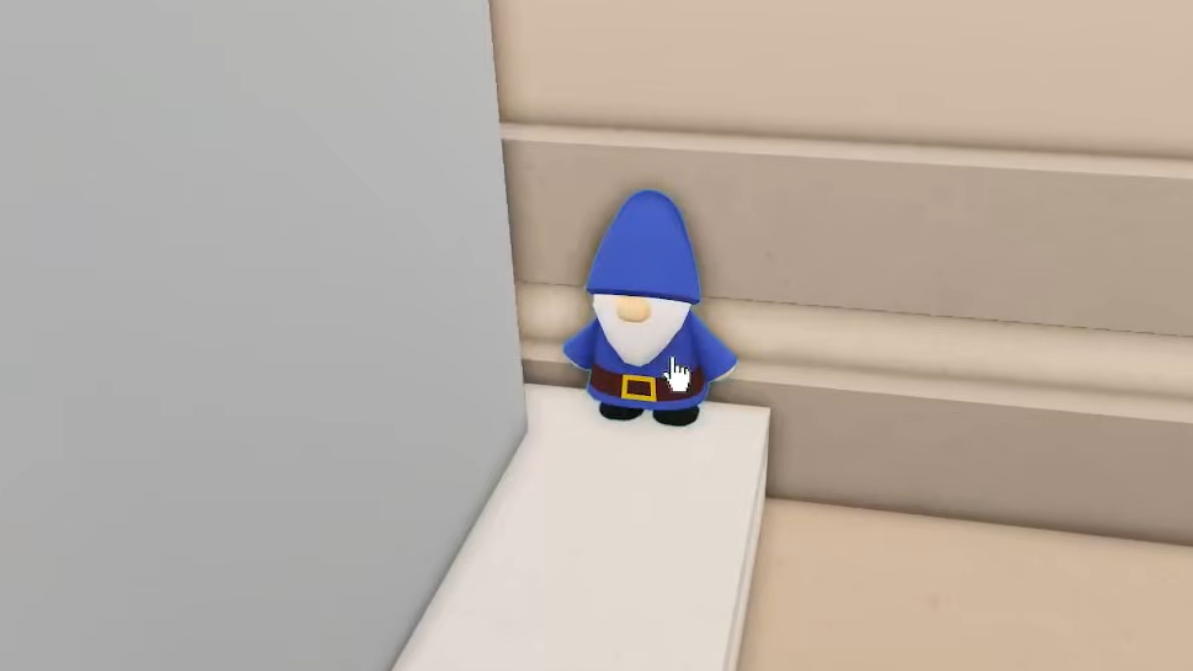
The statues are roughly a quarter the height of a standard Roblox avatar and come in several colors — blue, red, green, and maroon — so they blend into terrain easily. Most are tucked behind trees, benches, stones, or terrain edges.
All 10 gnome locations
The island is small enough to sweep in a single loop. Start at the central fountain, work outward to the Update board and Cash leaderboard, then finish at the Shop. The order below follows that route.
Gnome 1 — Customers Board grass patch. Head to the center of the map and look for the Taco Tuesday NPC near the Customers Board. The first gnome sits on the small grass patch right next to it.
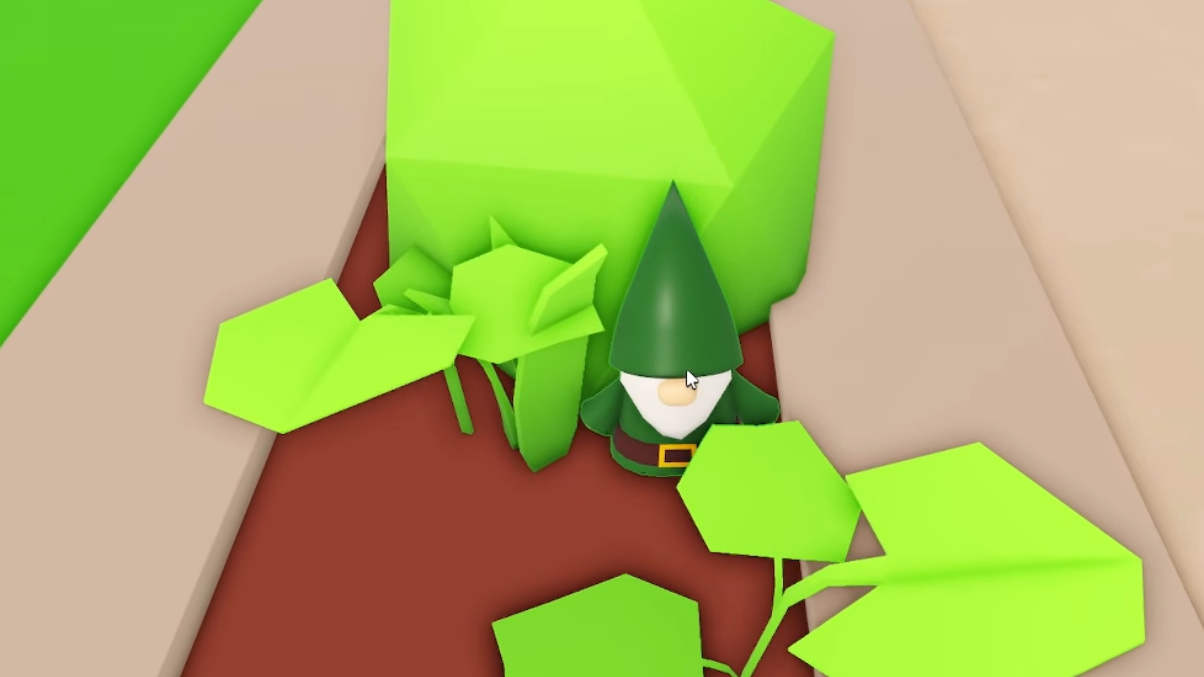
Gnome 2 — Cone tree by the Customers leaderboard. From the Customers leaderboard, look to its left. A single cone-shaped tree stands alone, and a blue gnome is tucked underneath it.
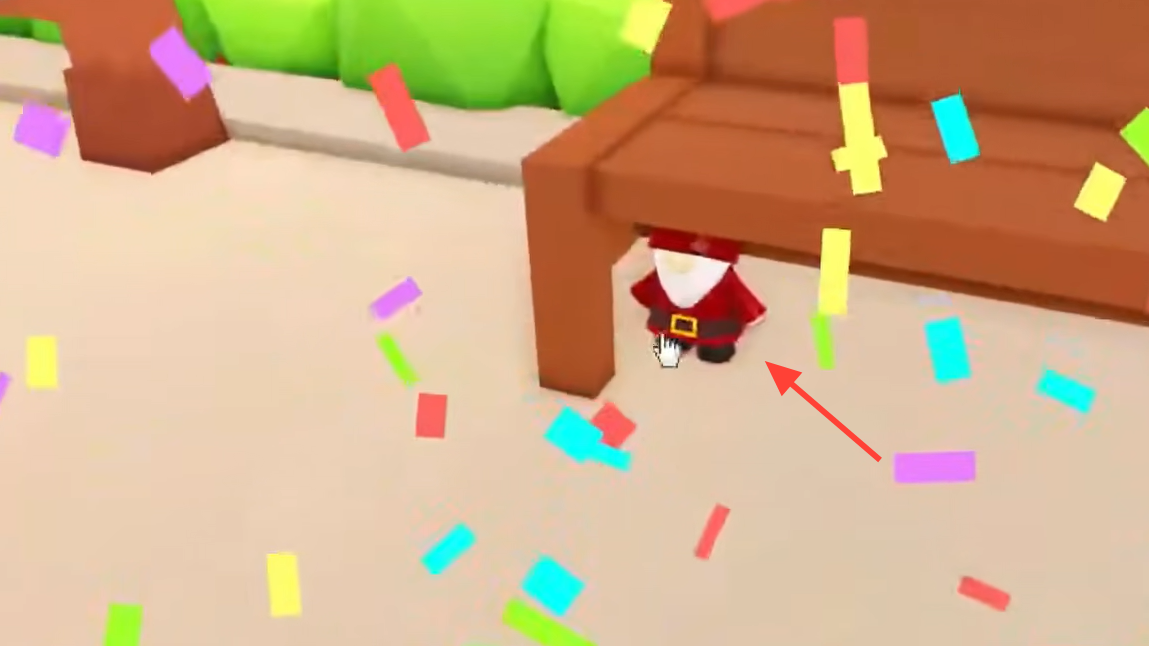
Gnome 3 — Bench across the fountain. Directly opposite gnome 2, on the far side of the fountain, there’s a small bench. Check under the left leg of the bench to find a red gnome.
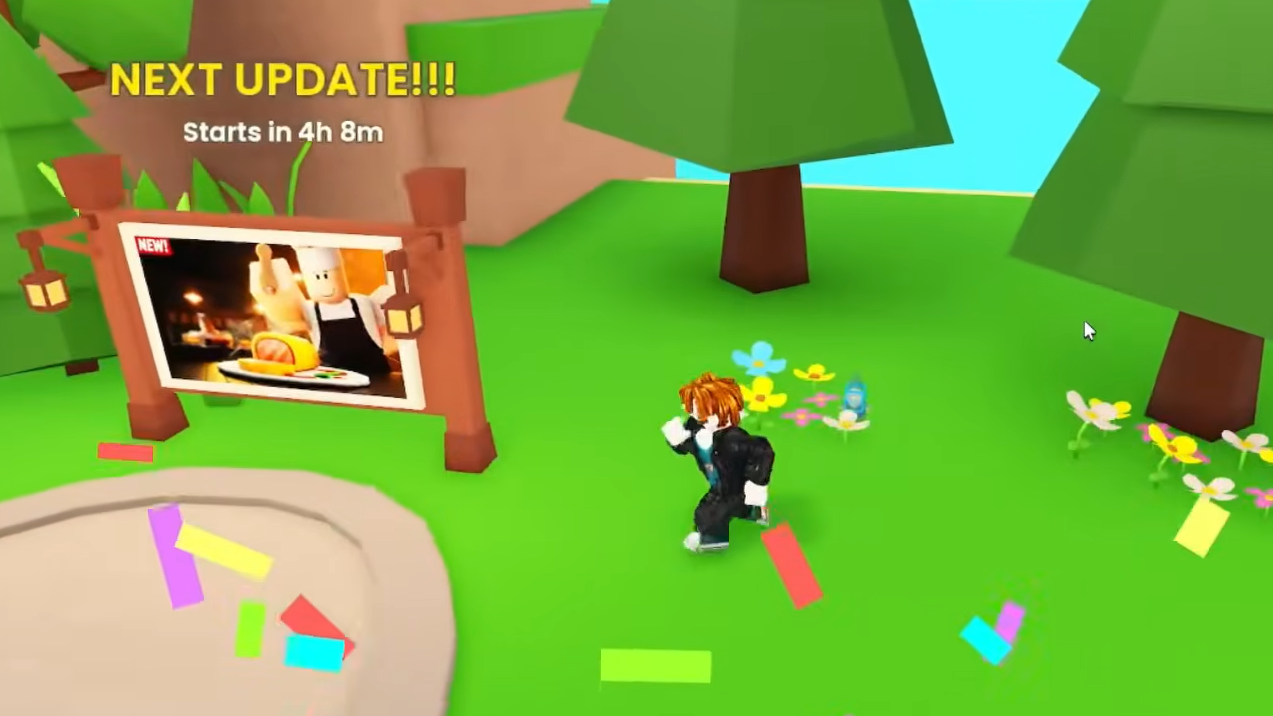
Gnome 4 — Behind the Update board. From the fountain, walk straight across the island toward the opposite shoreline. You’ll reach the Update board, and a blue gnome is slightly behind it.
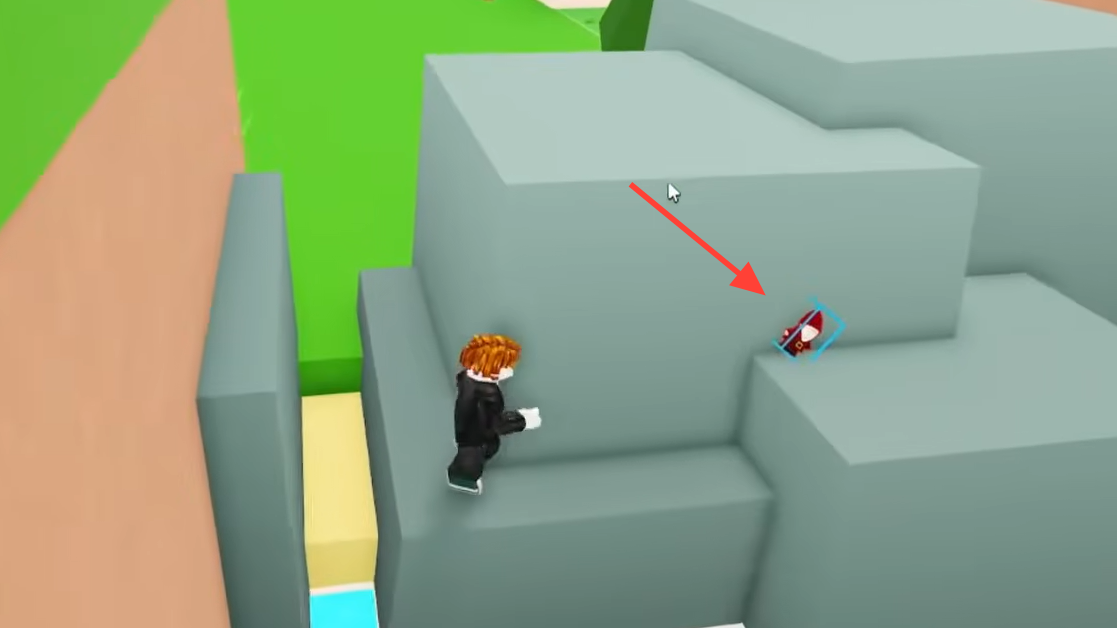
Gnome 5 — Stone block by the water. Continue past gnome 4 toward the water. There’s a small stone block with a tree next to it; a red gnome is wedged inside the block, facing the sea.
Gnome 6 — Past the Cash leaderboard. From the Cash leaderboard, walk straight toward the ocean. You’ll cross through a player restaurant plot and reach the terrain edge, where a maroon gnome sits where three terrain blocks meet.
Gnome 7 — Left side of the main Shop. Move to the main Shop building. On its left side, a red gnome is tucked behind a grey stone on the grass.
Gnome 8 — Garden area ledge. Walk behind the Shop into the Garden area, then head left. There’s a raised terrain piece with a gnome sitting on a small ledge. Press up against the terrain to trigger the pickup.
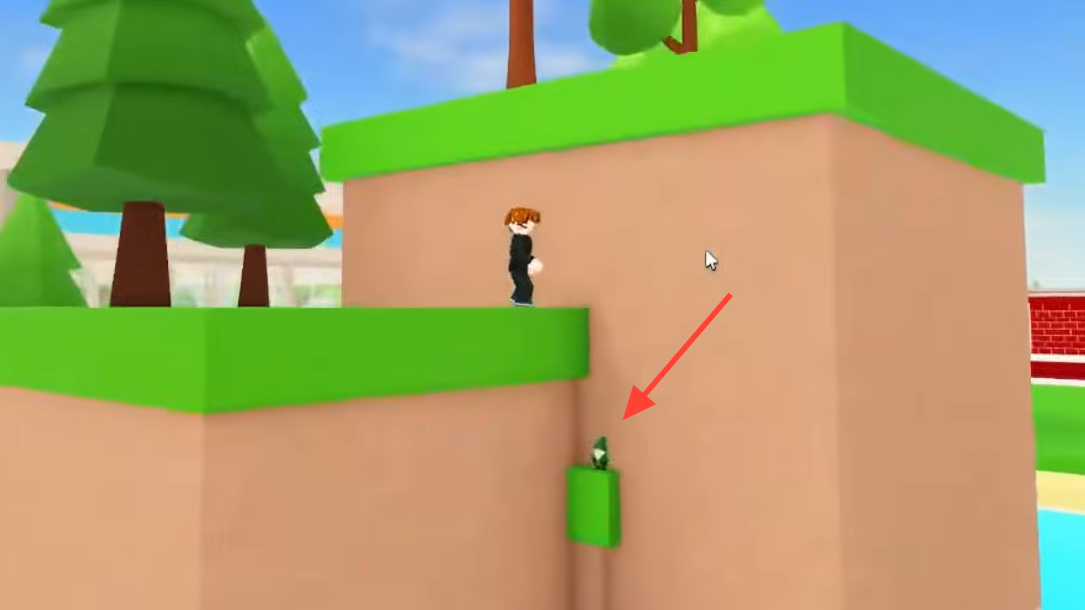
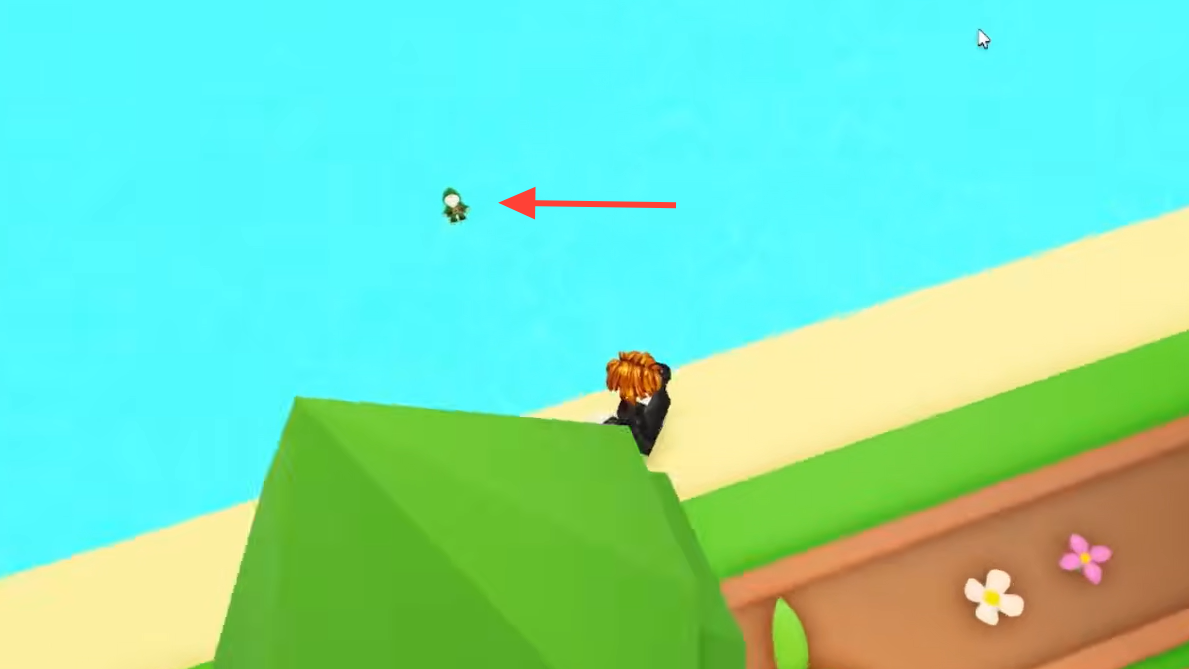
Gnome 9 — Floating in the ocean. While still in the Garden area behind the Shop, walk toward the sea. A green gnome floats in the water just off the beach. Get as close to the shoreline as the terrain allows to collect it.
Gnome 10 — Inside the Shop. Enter the Shop and walk straight toward the plants and garden section. The final gnome stands in the right corner near the entrance to that area.
Quick reference table
| # | Color | Where to find it |
|---|---|---|
| 1 | — | Grass next to the Taco Tuesday NPC, by the Customers Board |
| 2 | Blue | Under the cone-shaped tree left of the Customers leaderboard |
| 3 | Red | Under the bench across the fountain from gnome 2 |
| 4 | Blue | Behind the Update board, across the island from the fountain |
| 5 | Red | Inside the stone block near the water past gnome 4 |
| 6 | Maroon | Terrain edge past the Cash leaderboard, by the ocean |
| 7 | Red | Behind the grey stone on the left side of the Shop |
| 8 | — | Ledge in the Garden area behind the Shop |
| 9 | Green | Floating in the ocean off the Garden area beach |
| 10 | — | Right corner of the plants and garden section inside the Shop |
How to confirm a pickup
Walking into a gnome removes it from the world and applies its stat boost to your profile. If a gnome looks like it should be in range but doesn’t disappear, try pressing closer to the terrain, stone, or water — several of them are clipped slightly inside scenery and require you to hug the geometry. Floating and ledge gnomes (5, 8, and 9) are the most common ones players miss on a first sweep.
Once collected, gnomes stay collected on your account, so you don’t need to redo the route on every server. A single clean lap of the island is enough to lock in all ten.