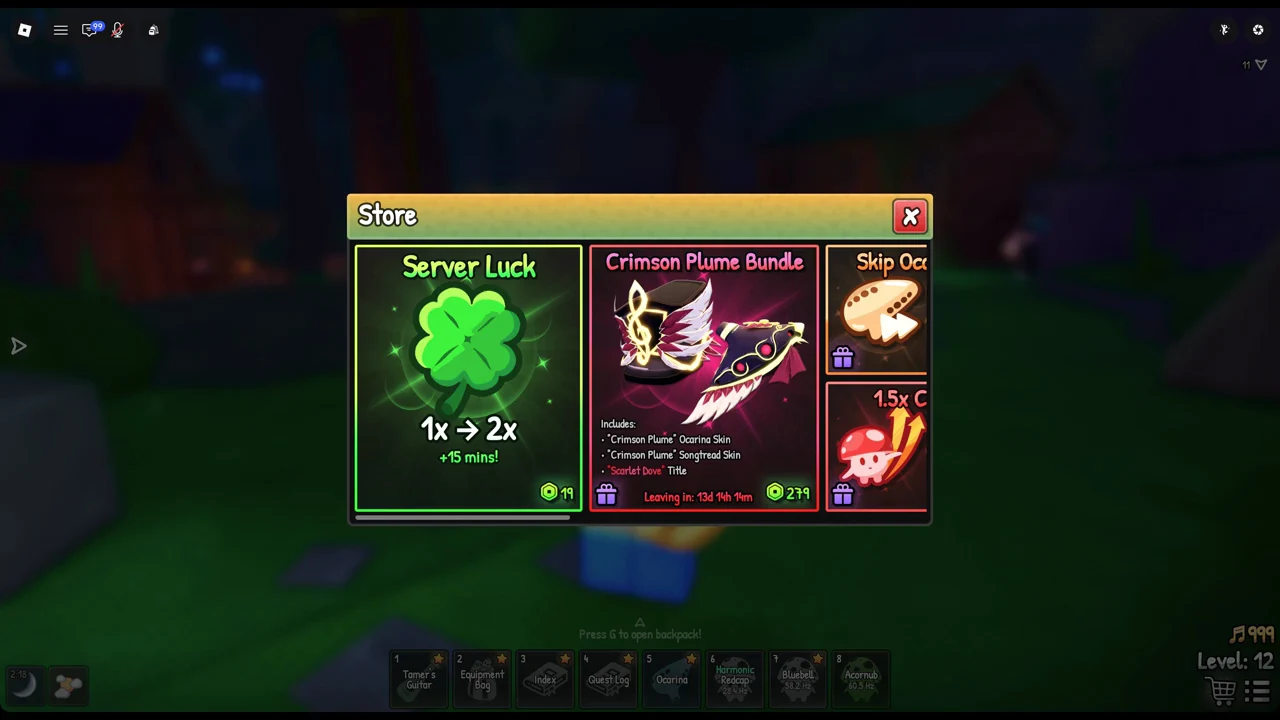
The Store in SCROOMS sells every perk, bundle, and currency pack for Robux, and nothing in it accepts the game’s own Chimes as payment. The lineup runs from a short luck boost at 19 Robux up to the 279-Robux Crimson Plume Bundle, with five Chime packs tacked on at the right end. Here is the complete list and what each card costs.
Quick answer: The Store holds twelve purchases. Perks and bundles range from 19 to 279 Robux, and Chime packs run from 8 Robux (250 Chimes) to 199 Robux (10,000 Chimes). Every price is in Robux.
All SCROOMS Store items and Robux prices
These are the cards in order, from the left end of the Store to the right, with the price exactly as printed on each one.
| Item | What it gives | Price (Robux) |
|---|---|---|
 Server Luck Server Luck | 1x to 2x luck for 15 minutes | 19 |
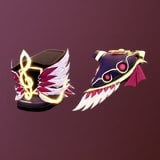 Crimson Plume Bundle Crimson Plume Bundle | Two skins and a title (limited time) | 279 |
 Skip Ocarina Songs Skip Ocarina Songs | Trigger a song’s effect instantly | 79 |
 1.5x Catch EXP 1.5x Catch EXP | 50% more EXP from catches | 99 |
 Sell Anywhere Sell Anywhere | Sell from your backpack menu | 155 |
 Enchant Anywhere Enchant Anywhere | Start the Hymn of Blessing ritual anywhere | 89 |
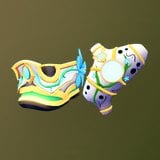 Supporter Pack Supporter Pack | Two skins, a title, and 5,000 Chimes | 159 |
 250 Chimes 250 Chimes | Chime pack | 8 |
 800 Chimes 800 Chimes | Chime pack | 19 |
 1,800 Chimes 1,800 Chimes | Chime pack | 39 |
 5,000 Chimes 5,000 Chimes | Chime pack | 109 |
 10,000 Chimes 10,000 Chimes | Chime pack | 199 |
On each card other than Server Luck, a purple present symbol appears in the lower-left corner.
How to open the Store
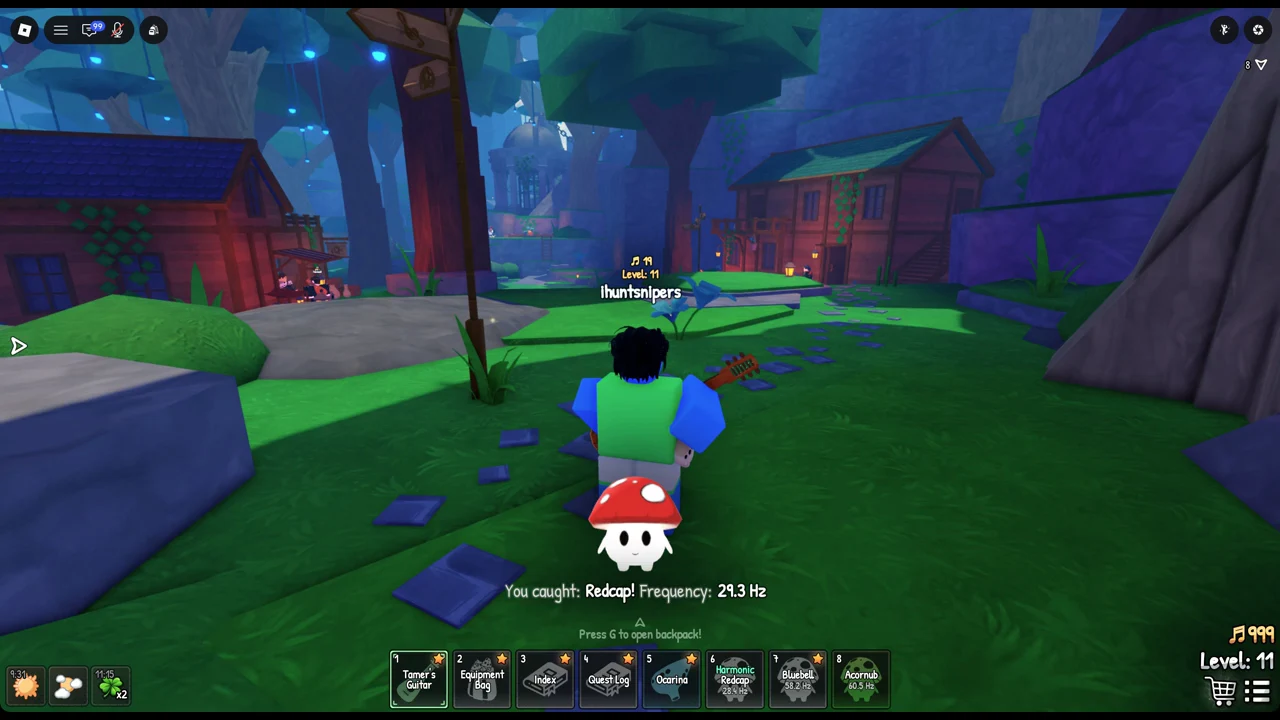
Inside SCROOMS on Roblox, the Store opens from the shopping cart icon at the bottom right of the screen, below the Chime counter and your “Level: N” readout. The window is titled “Store” and has a red X at its top right to close it. It is a single row of cards that scrolls sideways, so use the mouse wheel to move from one end to the other.
What each perk does
Server Luck (19 Robux)
Server Luck boosts luck from 1x to 2x, with each purchase granting 15 minutes. While active, a four-leaf clover bearing “x2” and a countdown appears in the screen’s lower-left corner, beside the weather and time-of-day icons.
1.5x Catch EXP (99 Robux)
This pass permanently adds 50% more experience points from catches. It is the only Store card that refers to experience; Server Luck changes luck, not EXP.
Skip Ocarina Songs (79 Robux)
This adds a toggle in the Ocarina menu that instantly triggers a song’s effect after you play it.
Sell Anywhere (155 Robux)
Use the menu in your backpack to sell your inventory from any location.
Enchant Anywhere (89 Robux)
This lets you trigger the “Hymn of Blessing” enchant ritual from anywhere. The card notes that you must complete the Fallion quest first.
Bundles: Crimson Plume and Supporter Pack
The Crimson Plume Bundle costs 279 Robux and includes the “Crimson Plume” Ocarina Skin, the “Crimson Plume” Songtread Skin, and the “Scarlet Dove” Title. Its card carries a countdown, which makes it a limited-time offer.
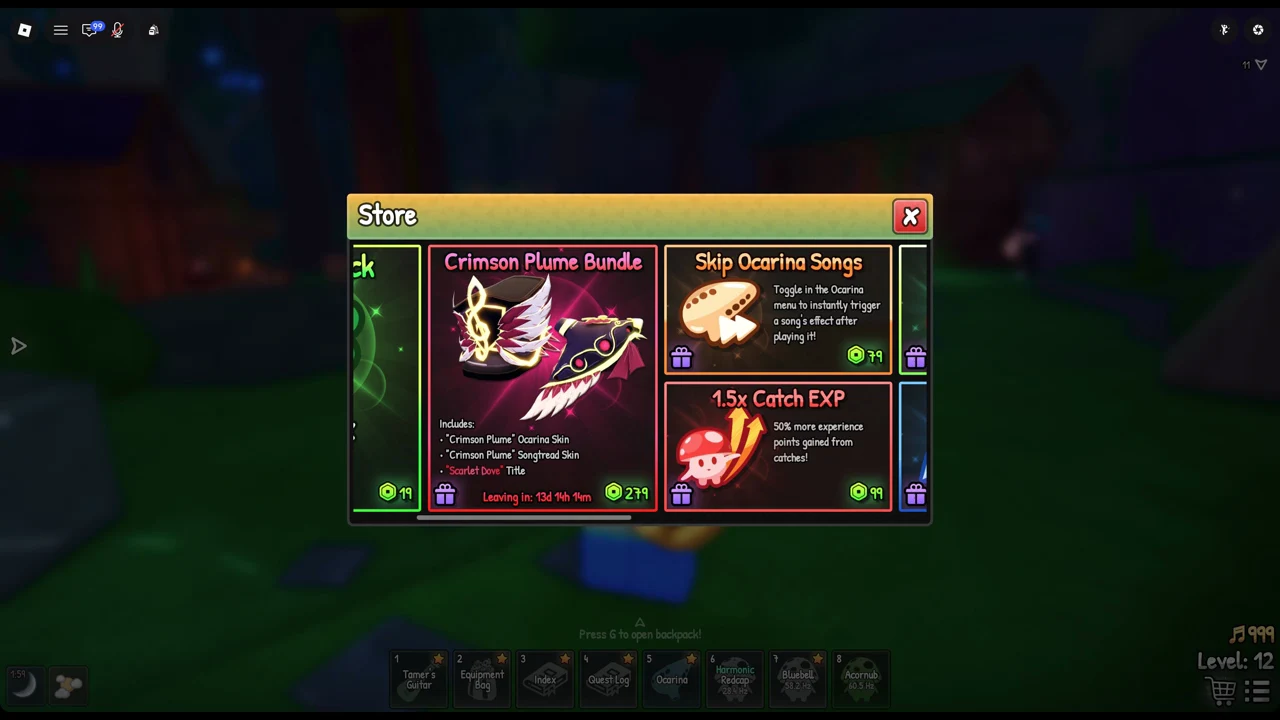
The Crimson Plume Bundle’s timer leaves the Store around October 25, 2026, so it will not stay available.
The Supporter Pack costs 159 Robux and includes the “Floral” Ocarina Skin, the “Floral” Songtread Skin, the “Heart of Gold” Title, and 5,000 Chimes. Since the 5,000 Chimes pack alone is 109 Robux, the two skins and the title effectively add 50 Robux on top.
Chime packs and which gives the most per Robux
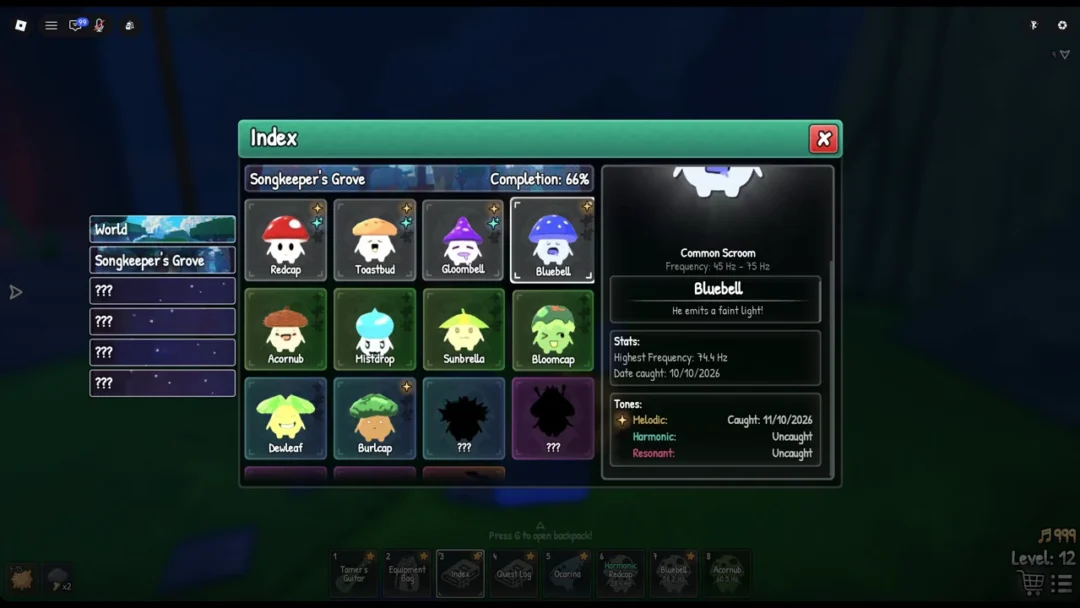
Chimes are the in-game currency with the music-note icon. The Store sells them for Robux but does not accept them as payment. Working the printed numbers into Chimes per Robux shows how the five packs compare.
| Pack | Price (Robux) | Chimes per Robux |
|---|---|---|
| 250 Chimes | 8 | 31.3 |
| 800 Chimes | 19 | 42.1 |
| 1,800 Chimes | 39 | 46.2 |
| 5,000 Chimes | 109 | 45.9 |
| 10,000 Chimes | 199 | 50.3 |
The 10,000 Chimes pack offers the best notes-per-Robux value; the 250 Chimes pack offers the worst.
How to buy an item and confirm it worked
Back in the Store, the card’s price is replaced by the word OWNED, and a message appears at the right of the screen reading “Thank you!” with the line that the item “is yours for good.” That confirms the purchase went through and, for 1.5x Catch EXP, that it is a permanent unlock rather than a timed boost.
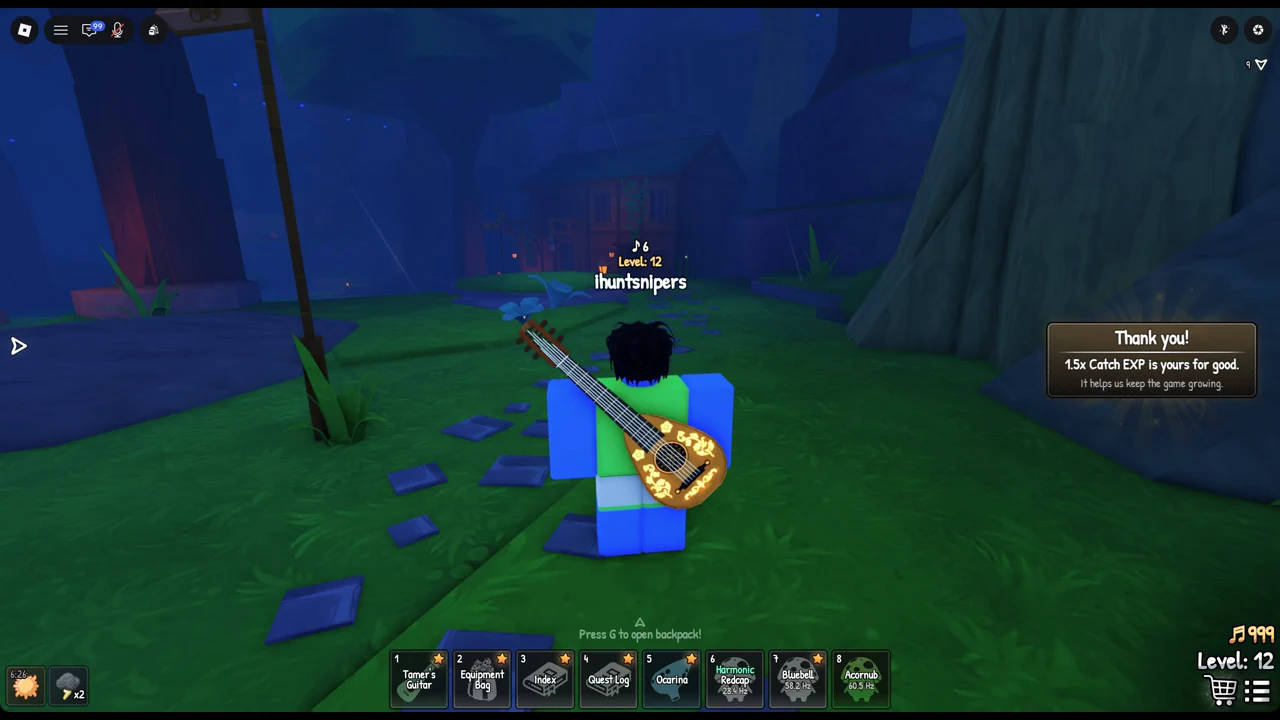
Every creature you catch pays out 50% more experience than it would without the pass.