When a Windows client can’t reach a domain controller during policy processing, it logs Event ID 1129 and shows a familiar message: “The processing of Group Policy failed because of lack of network connectivity to a domain controller.” Computer policies stop applying, and running gpupdate reports that the computer policy could not be updated. The user policy may still succeed, which is why the problem often hides until a new GPO refuses to take hold.
Quick answer: Confirm the client can reach a domain controller and that LDAP is open. Run nltest /dsgetdc:yourdomain.com and Test-NetConnection DC01 -port 389. If port 389 is blocked or the DC is unreachable, open LDAP/network access. If the error only appears at startup, enable Always wait for the network at computer startup and logon.
What triggers Event ID 1129
Event ID 1129 fires when the Group Policy service can’t establish the connection it needs to a domain controller during processing. The single most common cause is blocked connectivity to LDAP on TCP port 389, which stops the client from binding to Active Directory. But the message is broad, and a few other conditions produce the same failure.
- LDAP port 389 (or 636 for LDAPS) blocked by a firewall or network policy between the client and the DC.
- The domain controller is offline or unreachable at the moment policy runs.
- The network adapter isn’t fully up when Group Policy starts at boot, so the client tries to process before a link exists.
- DNS can’t locate a domain controller, so there’s nothing for Group Policy to bind to.
The message itself calls this a possibly transient condition. If a client logs it once and then records a success shortly after, no action is needed. Repeated failures over hours are the ones worth chasing.
Confirm the client can reach a domain controller
ping yourdomain.name

nltest /dsgetdc:yourdomain.com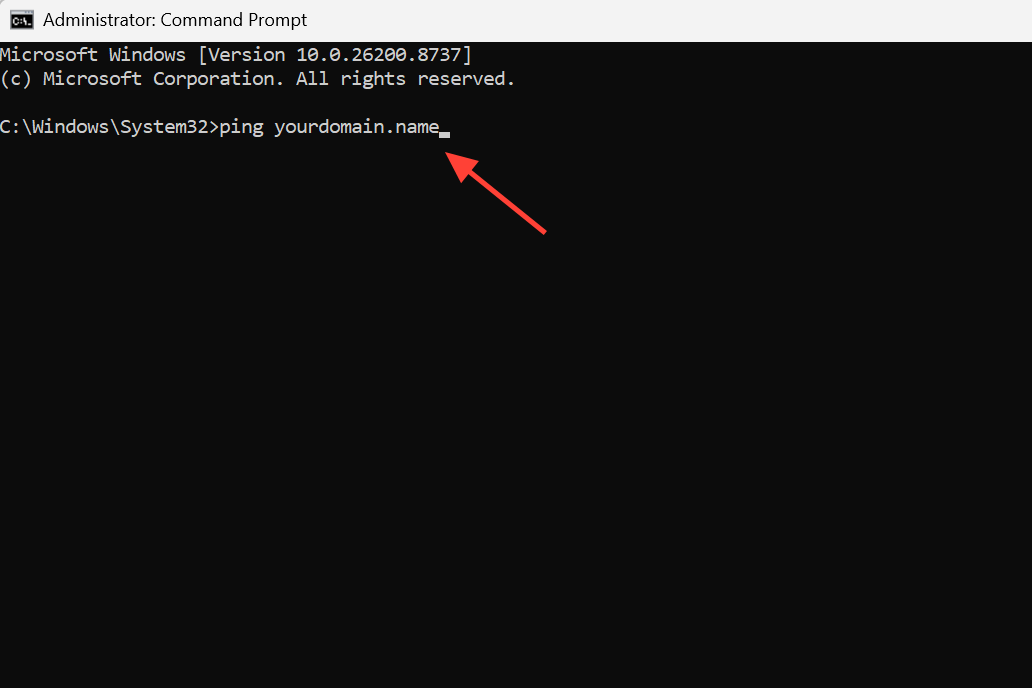
TcpTestSucceeded : True. If it returns False, the port is blocked or the DC isn’t listening, and that is your root cause.Test-NetConnection DC01 -port 389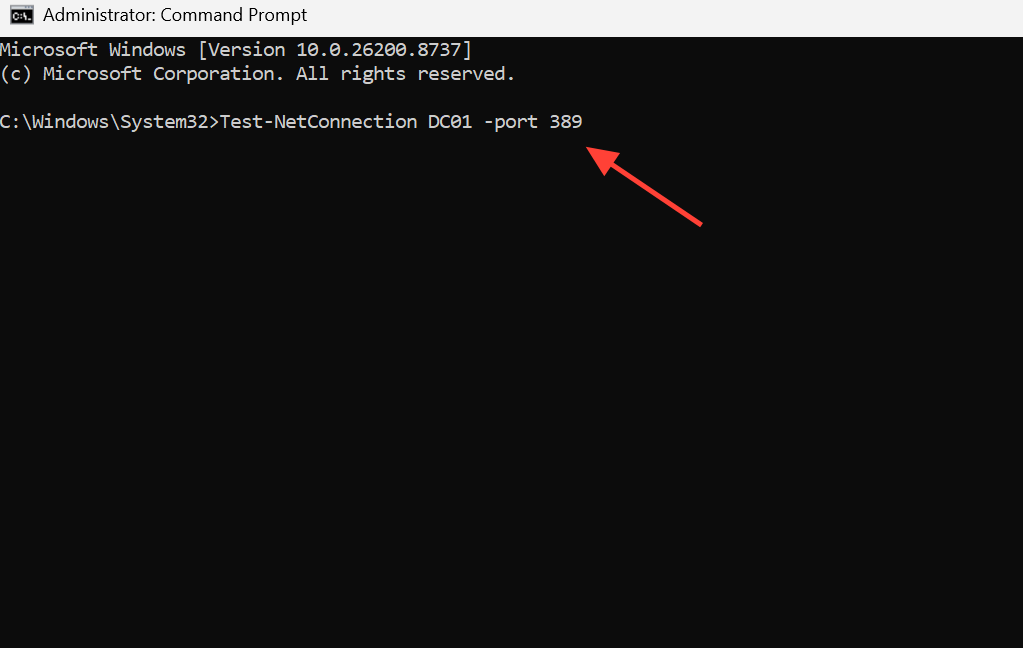
Use port 636 instead of 389 when LDAPS is enabled on the domain controller.
ldp.exe on the client, choose Connection, enter the DC name, and click Connect. A failed connection confirms the DC is offline or blocked by a firewall rather than a client-side policy issue.Fix blocked LDAP or an unreachable DC
If the port test failed, the fix lives on the network path, not the client. Open TCP port 389 (and 636 if LDAPS is used) between the client subnet and the domain controllers on any firewall, security appliance, or host-based rule that sits in between. Once the path is open, the bind that Group Policy depends on can complete.
If discovery failed instead, treat it as a DNS or DC availability problem. Flush the resolver cache, verify the client points at valid DNS servers, and confirm the DC is online before retrying.
ipconfig /flushdns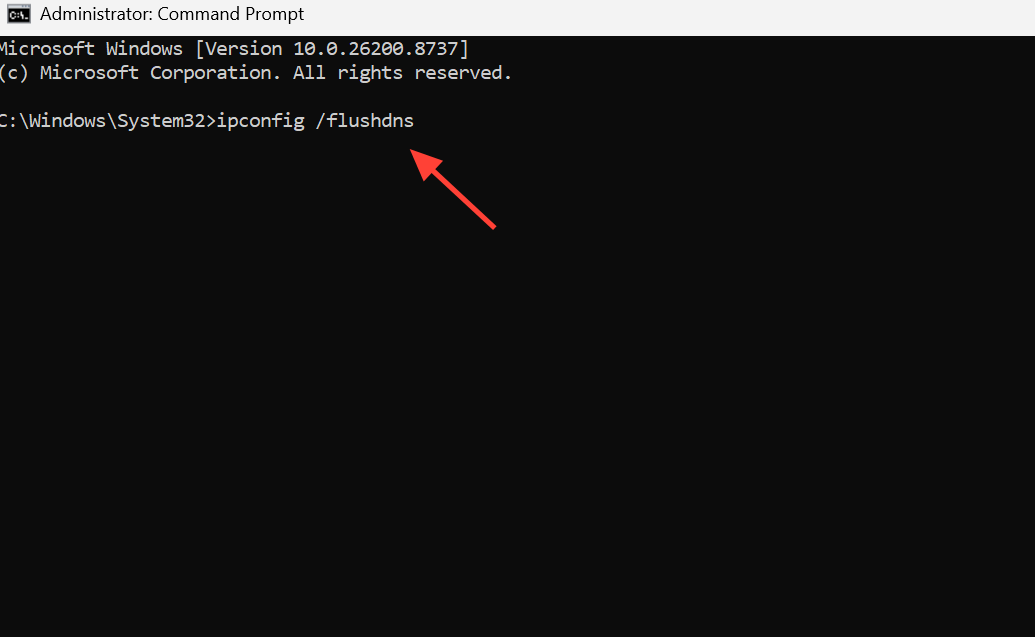
Fix Event ID 1129 that only happens at startup
A distinct pattern shows up on machines that log 1129 during boot but process fine afterward. The network link simply isn’t ready when the computer tries to apply policy, so the first attempt fails, and a later refresh succeeds. The fix forces the machine to wait for full network connectivity before it applies computer policies.
gpmc.msc) and edit a GPO linked to the OU containing the affected computers, or create a new one.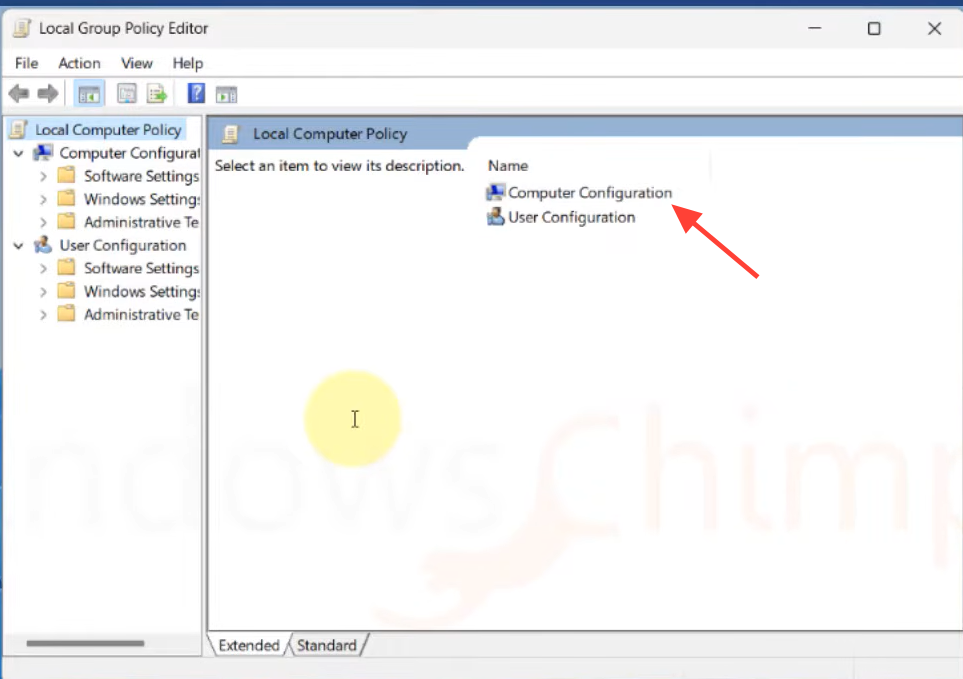
Some network card drivers ignore that policy. For those, add a startup delay directly in the registry. The value below sets a 60-second wait (3C in hexadecimal).
[HKEY_LOCAL_MACHINESOFTWAREMicrosoftWindows NTCurrentVersionWinlogon]

"GpNetworkStartTimeoutPolicyValue"=dword:0000003c
Editing the registry incorrectly can cause serious problems. Back up the registry before you change it.
Confirm the fix worked
After opening the port, restoring DC access, or applying the startup wait, force a refresh and re-check the result.
gpupdate /force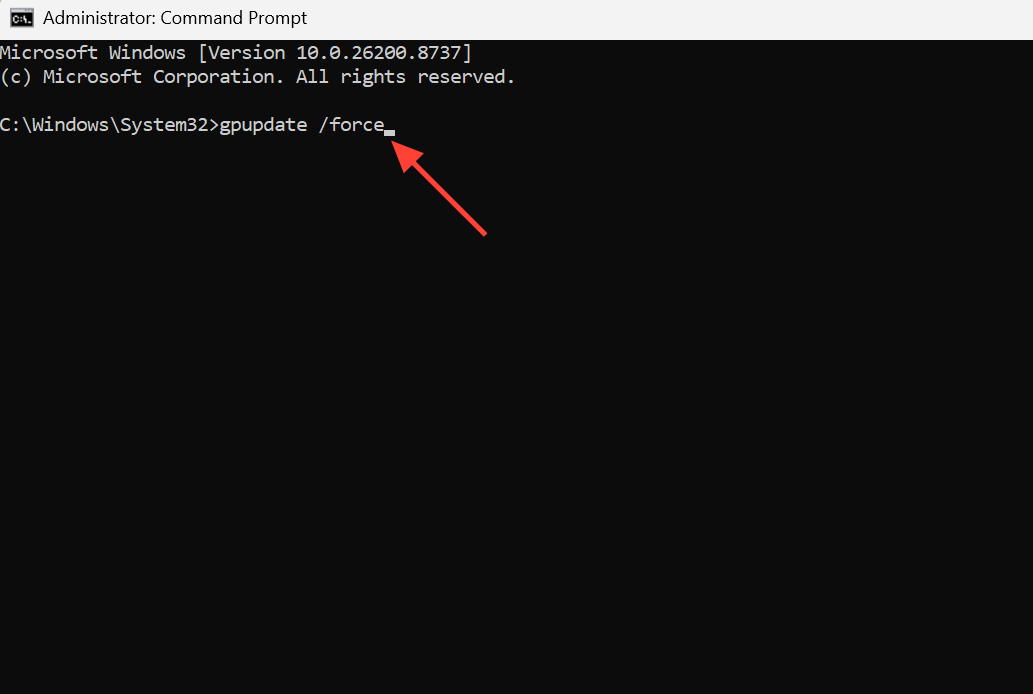
A successful run reports that both the user and computer policy updated. In the System event log you should stop seeing Event ID 1129 and instead see a success entry confirming the machine reached the domain controller and processed Group Policy. For a full breakdown of what applied and what was denied, generate a results report.
gpresult /h report.html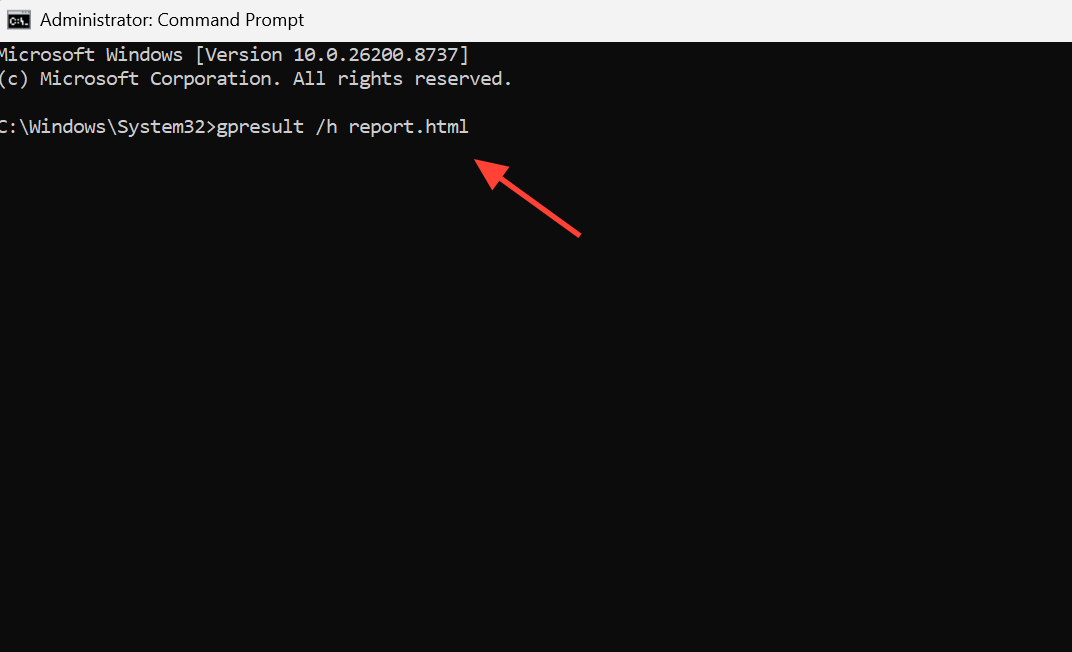
The report lists the GPOs that applied and flags where processing stopped. If the target GPO now shows under applied policies and the component status no longer shows a failure, the error is resolved. For a quick console-only view, run gpresult /r.
Related Group Policy connectivity events
Event ID 1129 rarely travels alone. When network or name resolution is unstable, nearby events point at the same underlying path and help confirm the diagnosis.
| Event ID | What it means |
|---|---|
| 1129 | Group Policy failed due to lack of network connectivity to a domain controller. |
| 1058 | Windows failed to read the gpt.ini file from the DC’s SYSVOL share. |
| 1030 | Windows could not retrieve new Group Policy settings; often appears alongside 1058. |
| 1055 | Windows could not resolve the computer name, from name resolution failure or AD replication latency. |
If you see 1055 or a NETLOGON 5719 (no logon servers available) at the same timestamp, the network link is coming up late, or DNS can’t find a DC. Those are the same conditions that produce 1129 at startup, so the network-wait fix and DNS checks above usually clear all of them together.