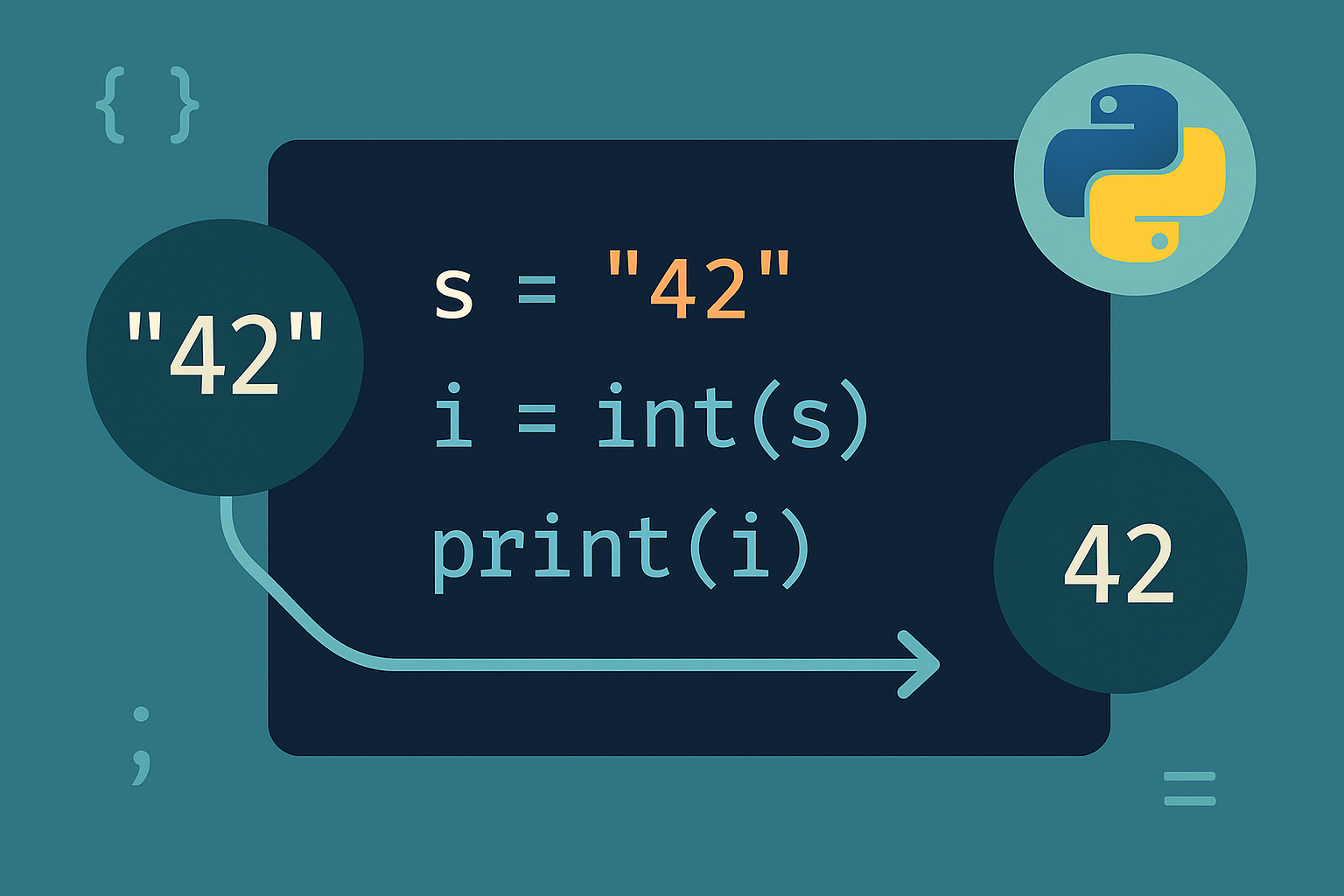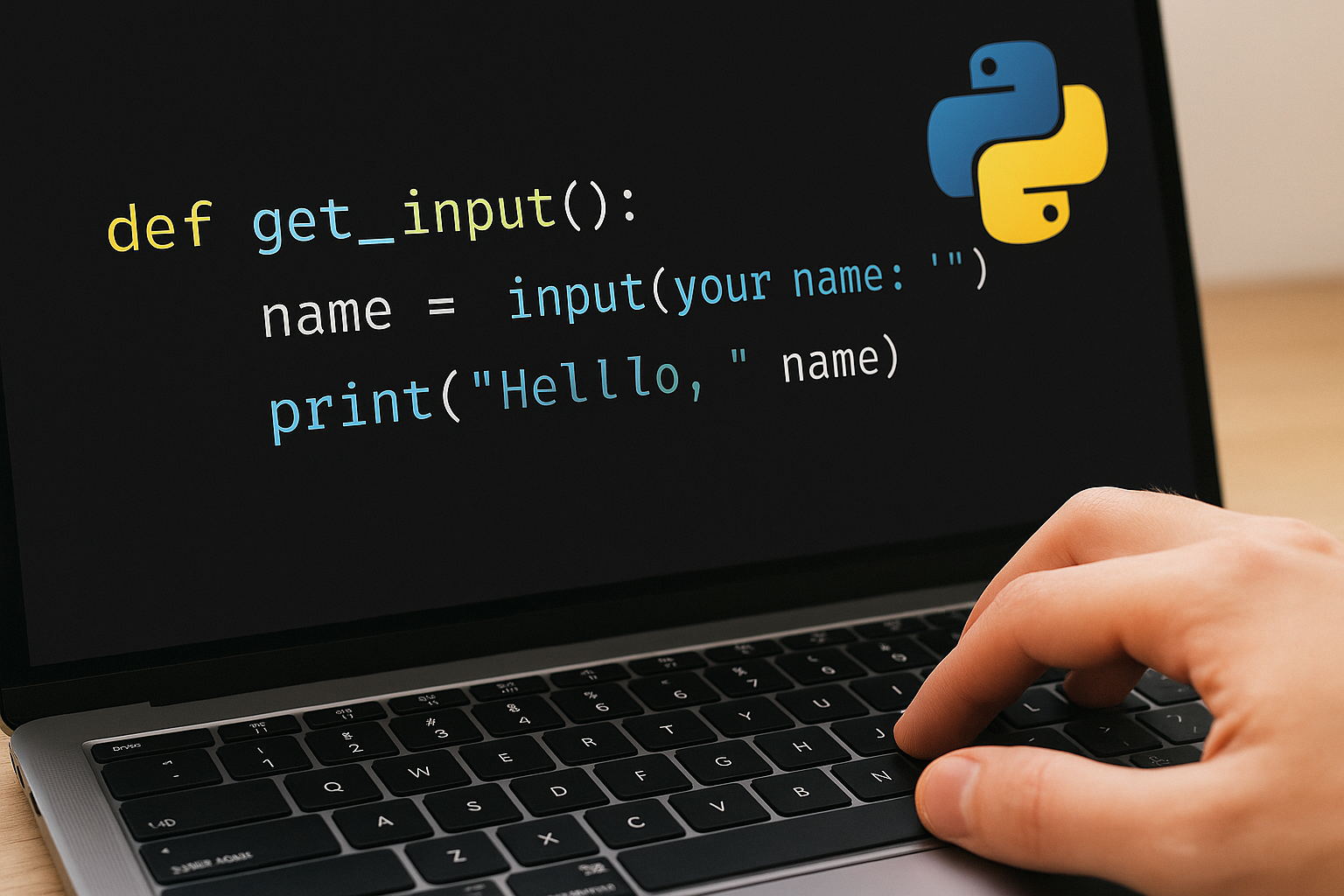
Use the built-in input() to pause execution, show a prompt, and read a line from the console. The function always returns a string, so convert the value when you need numbers or other types.
Method 1: Read a single string
name = input("Enter your name: ")Display or use the value. For formatted output, use f-strings (PEP 498).
print(f"Hello {name}")Option 2: Read numbers with type conversion
Convert to an integer using
int().age = int(input("Enter your age: "))price = float(input("Enter the price: "))while True:
raw = input("Enter a number: ")
try:
value = float(raw)
break
except ValueError:
print("Invalid number, please try again.")Approach 3: Collect multiple values on one line
raw = input("Enter numbers separated by commas: ") # e.g., 10,20,30numbers = list(map(int, (x.strip() for x in raw.split(","))))
print(numbers) # [10, 20, 30]nums = list(map(int, input("Enter numbers: ").split()))
print(nums)Way 4: Parse a Python-style list literal
raw_list = input("Enter a list (e.g., [1, 2, 3]): ")Safely parse the literal with
ast.literal_eval.import ast
try:
data = ast.literal_eval(raw_list) # Works for lists, tuples, dicts, numbers, strings
if not isinstance(data, list):
raise TypeError("Please enter a list like [1, 2, 3].")
except (ValueError, SyntaxError, TypeError) as e:
print(f"Invalid input: {e}")
else:
print(data)if not all(isinstance(x, (int, float)) for x in data):
print("List must contain only numbers.")Path 5: Gather multiple inputs interactively (multi-prompt)
values = []print("Enter numbers (press Enter with no text or type 'q' to finish).")
while True:
raw = input("Value: ").strip()
if raw in {"", "q", "Q"}:
break
try:
values.append(float(raw))
except ValueError:
print("Not a number, try again.")
print(values)Practical tips
- Keep prompts explicit about format to reduce errors.
- Strip whitespace before parsing to avoid subtle failures.
- Prefer validation loops for any user-facing numeric input.
- Use f-strings for clear, readable messages and results.
With these patterns, you can capture strings, numbers, and lists reliably from the console and handle invalid input without crashing. Start with input(), convert and validate as needed, and choose a collection strategy that matches how you want users to enter data.