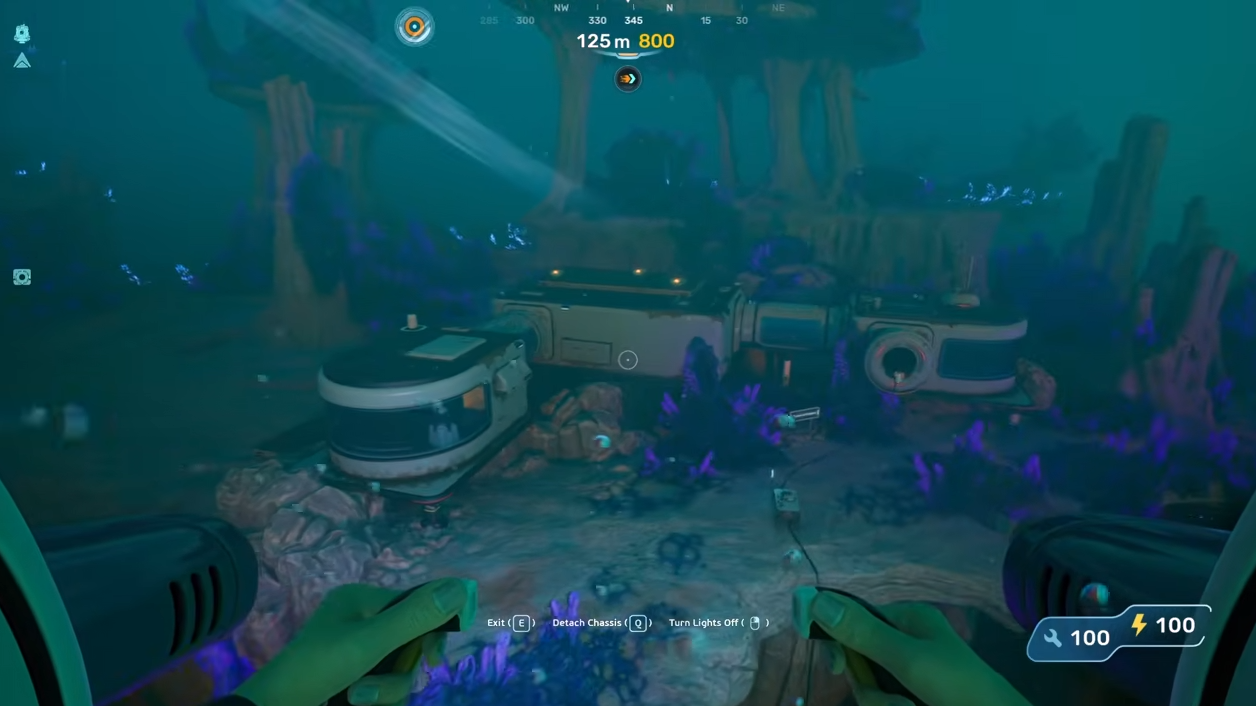
The Growbed is the entry-level farming station in Subnautica 2, letting you plant flora for food, Bioreactor fuel, or base decoration. Unlike most equipment in the game, you do not need to hunt down a wreck or scan a fragment to unlock it.
How the Growbed unlocks
Subnautica 2 uses two unlock paths for blueprints. Some are gated behind scanning debris or alien tech with the Scanner, while others unlock the moment you have collected every crafting material the recipe needs at least once.
The Growbed falls into the second category. Its recipe requires a single piece of Titanium, so as soon as you pick up Titanium for the first time, the blueprint is added to your Fabricator menu under Cultivation Structures.
Titanium is one of the most common resources in the starter biome around the Lifepod. You can break apart Limestone Outcrops or recycle Metal Salvage at a Fabricator to get it quickly.
Growbed recipe and category
| Property | Value |
|---|---|
| Category | Cultivation Structures |
| Ingredients | Titanium x1 |
| Crafted with | Habitat Builder |
| Unlock method | Auto-unlock on collecting all ingredients |
Because the Growbed is a base module and not a handheld item, you build it with the Habitat Builder rather than crafting it at the Fabricator. You will need to scan two Habitat Builders first to unlock that tool.
Building the Growbed
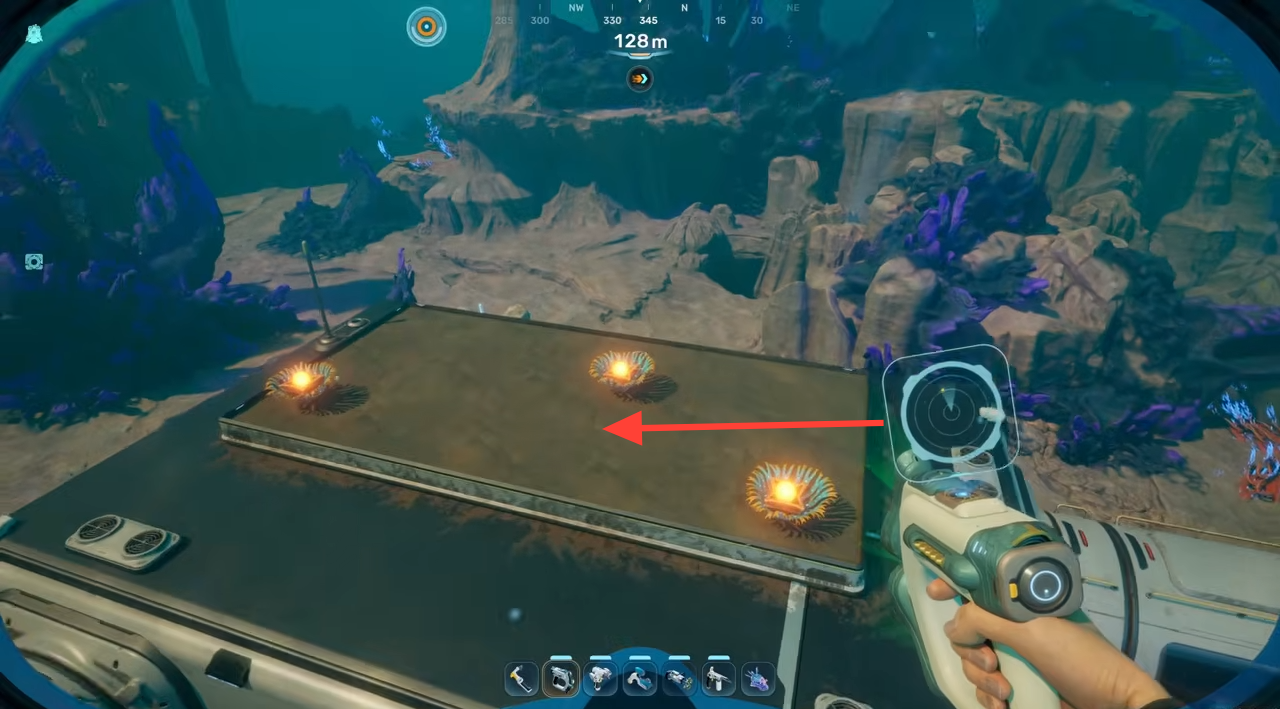
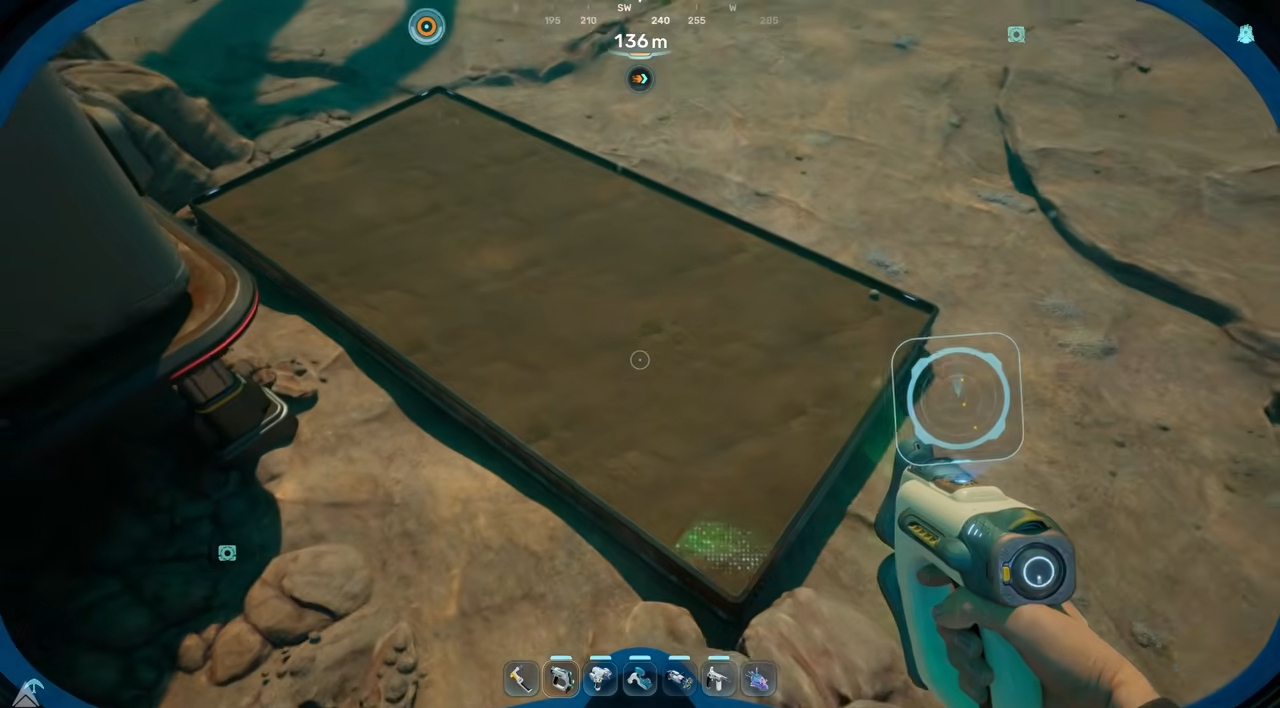
What the Growbed does
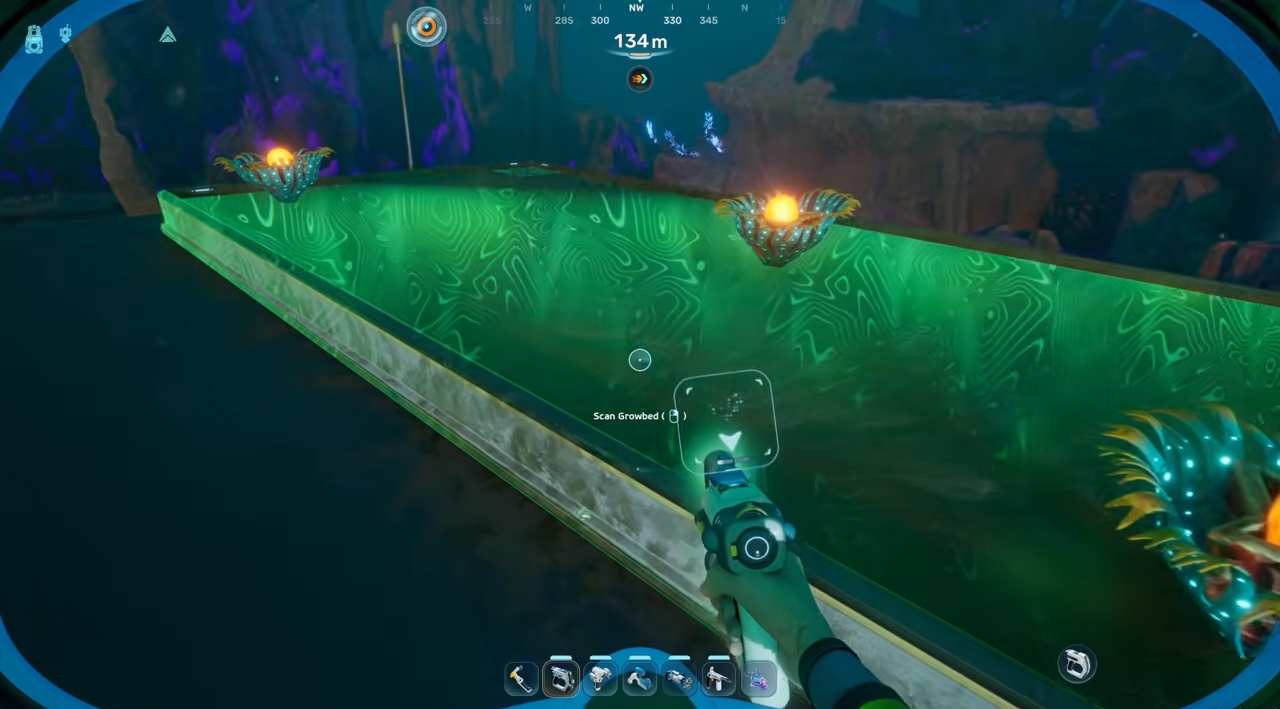
The Growbed is an artificial plant bed suitable for use on land or underwater. Once placed, you can plant seeds and cuttings of compatible flora to farm them on a loop.
Farmed plants serve three main purposes in Subnautica 2:
- Food and crafting ingredients for prepared meals and cooked dishes.
- Biofuel input for the Bioreactor, which generates 10–20 energy/sec while burning Biofuel Blocks.
- Decorative greenery for your base interior or exterior.
Plantable options confirmed in Subnautica 2 include Pent, Macaron Sponge, Mimic Pylon, Freesia Flower, Acid Raion, Cradle Shootroot, Necrolei Cyst, and Cherimoya Rotsac. Most plantable recipes require the harvested plant or its fibrous pulp as the only ingredient.
If the blueprint is not showing
If the Growbed is missing from your Habitat Builder menu, the most common cause is that you have not actually picked up raw Titanium yet. Metal Salvage in your inventory does not count until you process it into Salvaged Titanium at a Fabricator.
You will know the unlock worked when a blueprint notification appears on screen and the Growbed icon shows up in the Cultivation Structures tab of the Habitat Builder. From there, building it only takes one Titanium per Growbed.