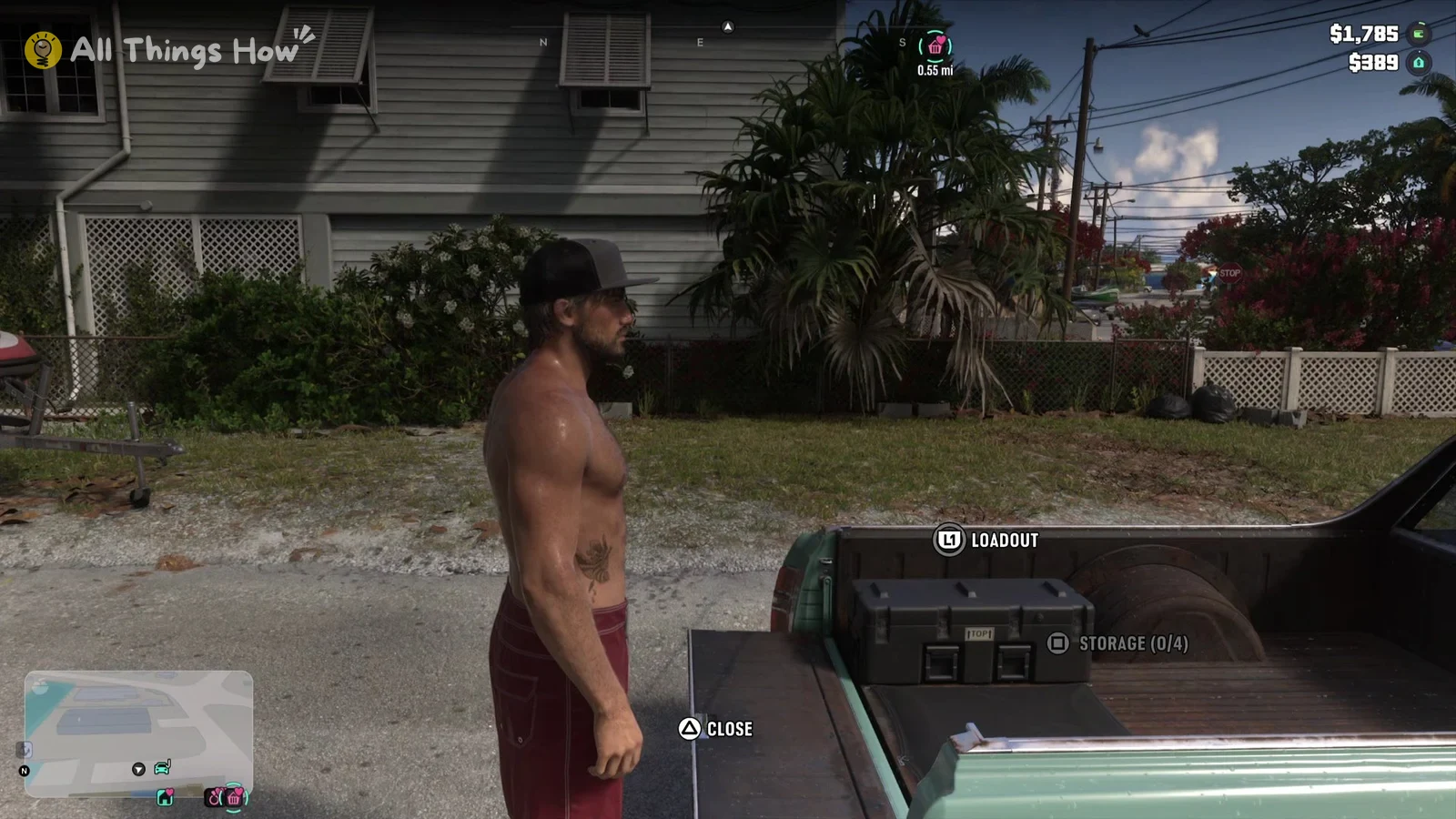
In Grand Theft Auto VI, the back of your car has its own loadout screen. From there you can stow longarms, grab ammo and explosives packs, take accessories on and off, and switch outfits without going anywhere else. The controls below are the PS5 defaults.
Quick answer: Walk to the back of your car and press Triangle on “OPEN”. Then hold L1 on “LOADOUT” to reach the WEAPONS tab (Square for “STOW LONGARMS”) and the ITEMS tab, where L2 / R2 and Cross change your outfit.
How to open the trunk of your car in GTA 6
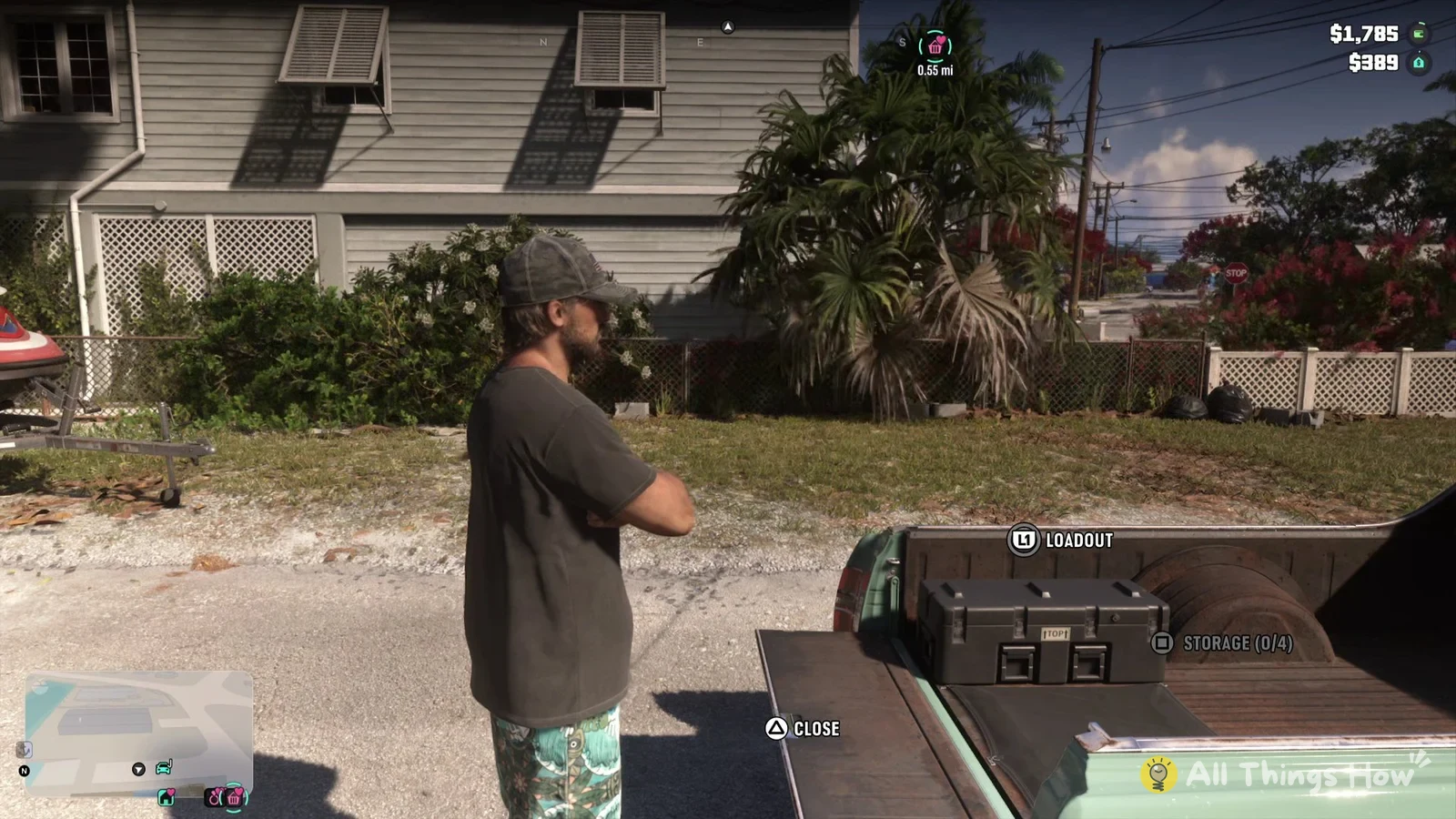
Go to the back of the car on foot. When you’re close enough, an “OPEN” prompt shows up with Triangle next to it. On Jason’s pickup parked on a street in Key Lento, that prompt sits over the case in the bed of the truck. Press Triangle to open it.
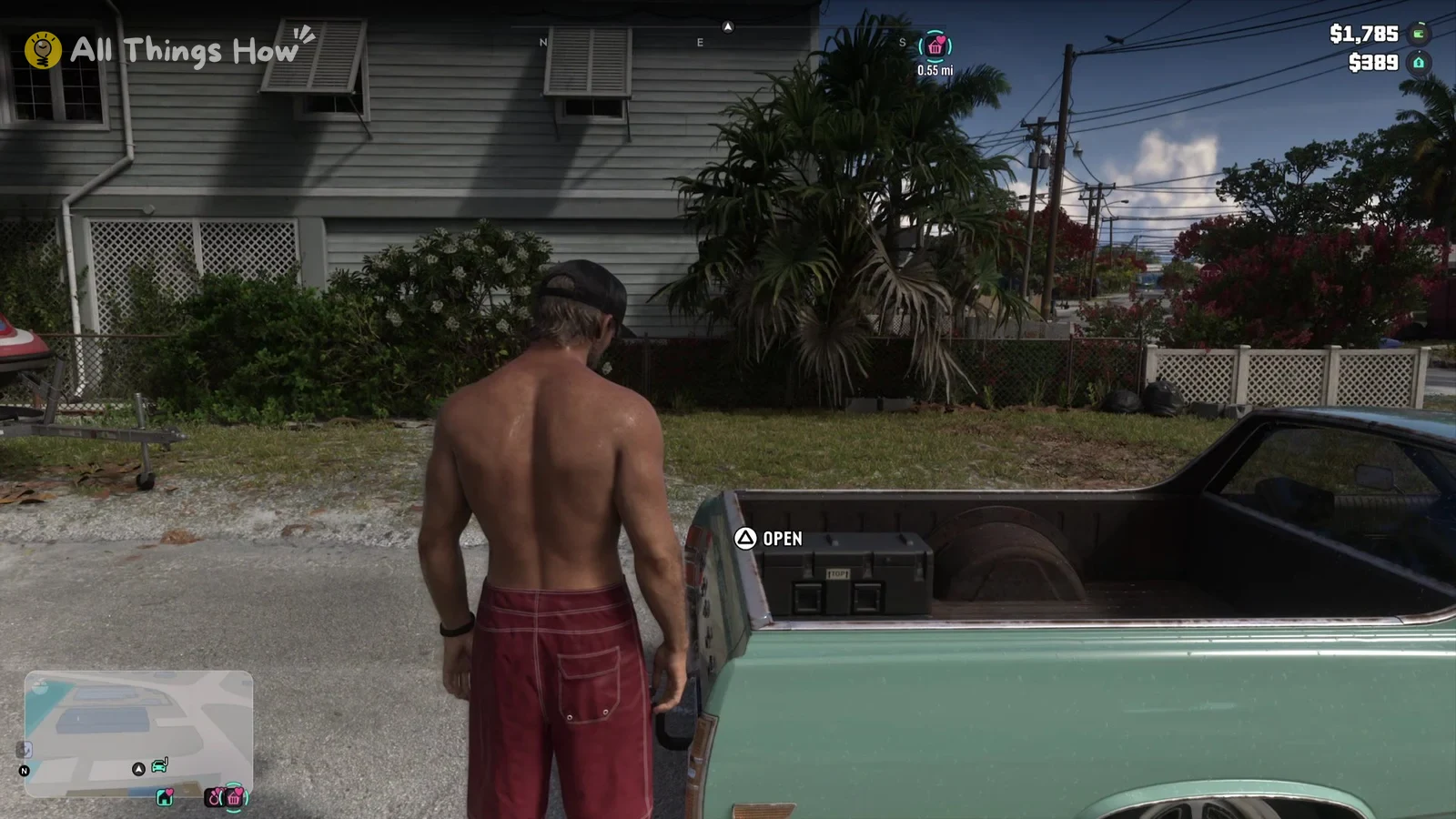
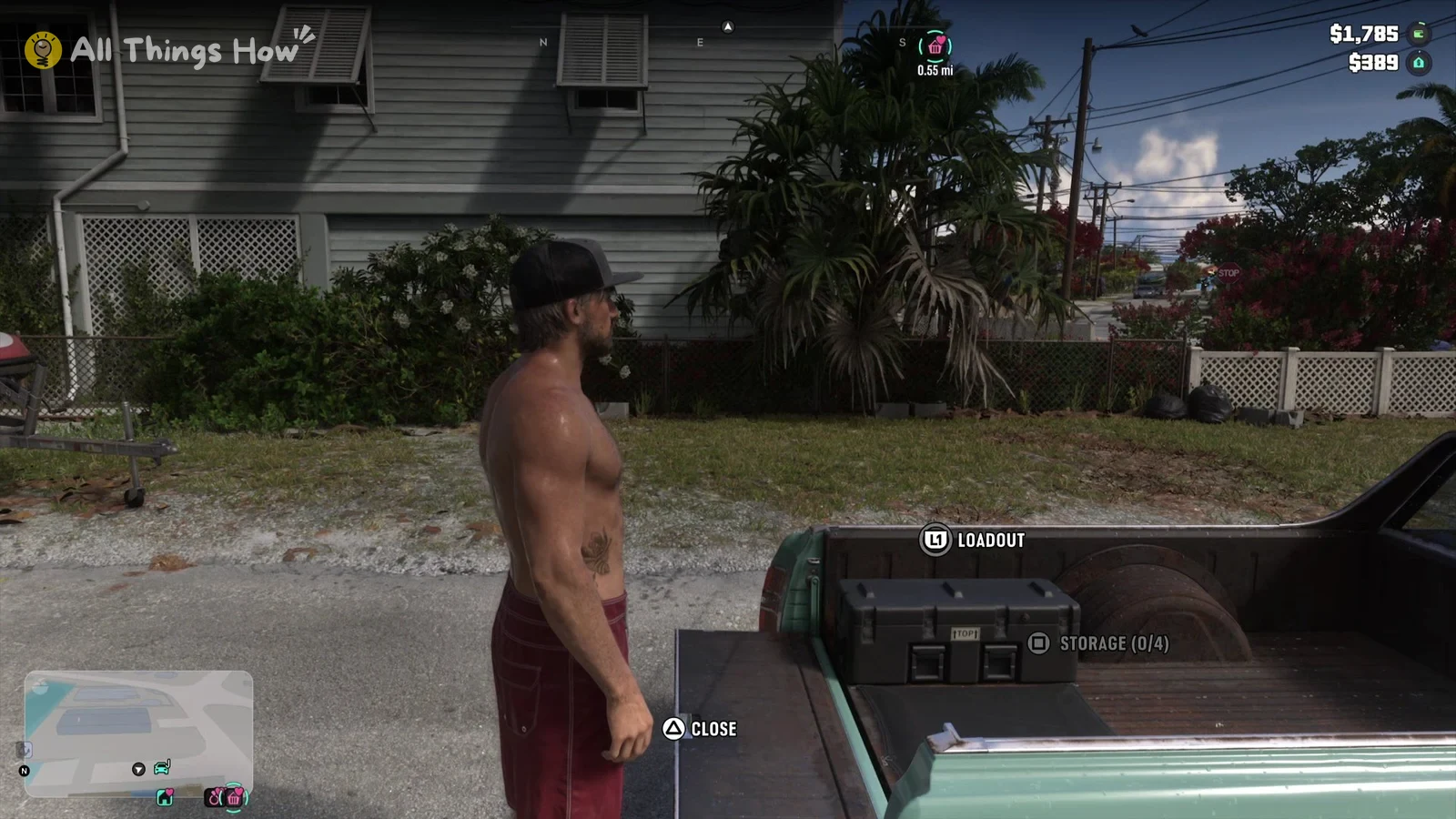
Once it’s open, you get three prompts:
- “LOADOUT” on L1
- “STORAGE (0/4)” on Square
- “CLOSE” on Triangle
Everything else on this page happens under “LOADOUT”, so that’s the one to hold.
How to stow longarms and take ammo from the trunk
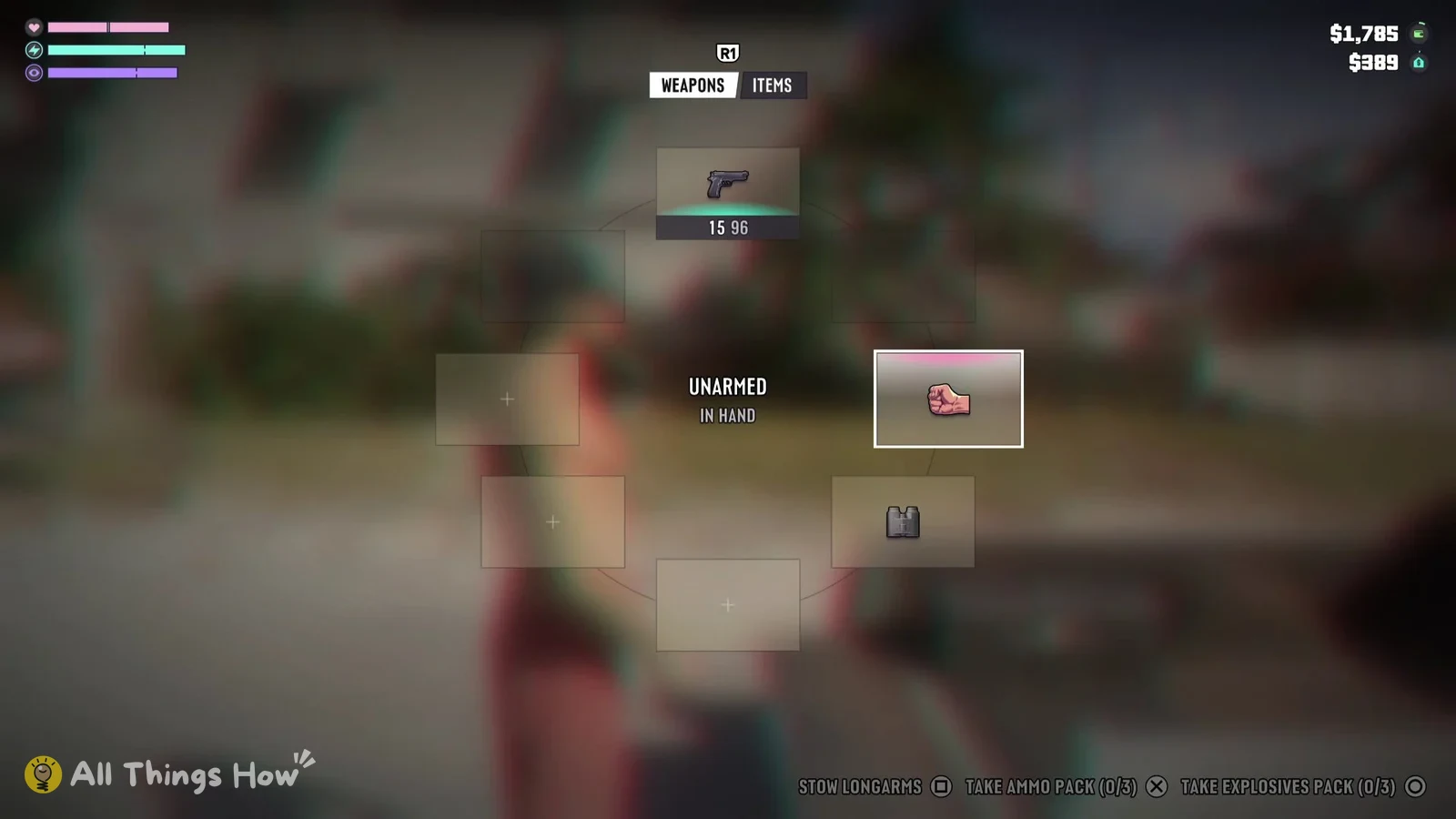
Holding L1 on “LOADOUT” brings up the loadout wheel. It has two tabs, WEAPONS and ITEMS, and you flip between them with R1. On the WEAPONS tab, three actions run along the bottom of the screen:
| On-screen label | Button |
|---|---|
| “STOW LONGARMS” | Square |
| “TAKE AMMO PACK (0/3)” | Cross |
| “TAKE EXPLOSIVES PACK (0/3)” | Circle |
Press Square to stow your longarms. Cross takes an ammo pack and Circle takes an explosives pack, and each of those labels has its own “0/3” counter next to it.
Accessories in the trunk loadout
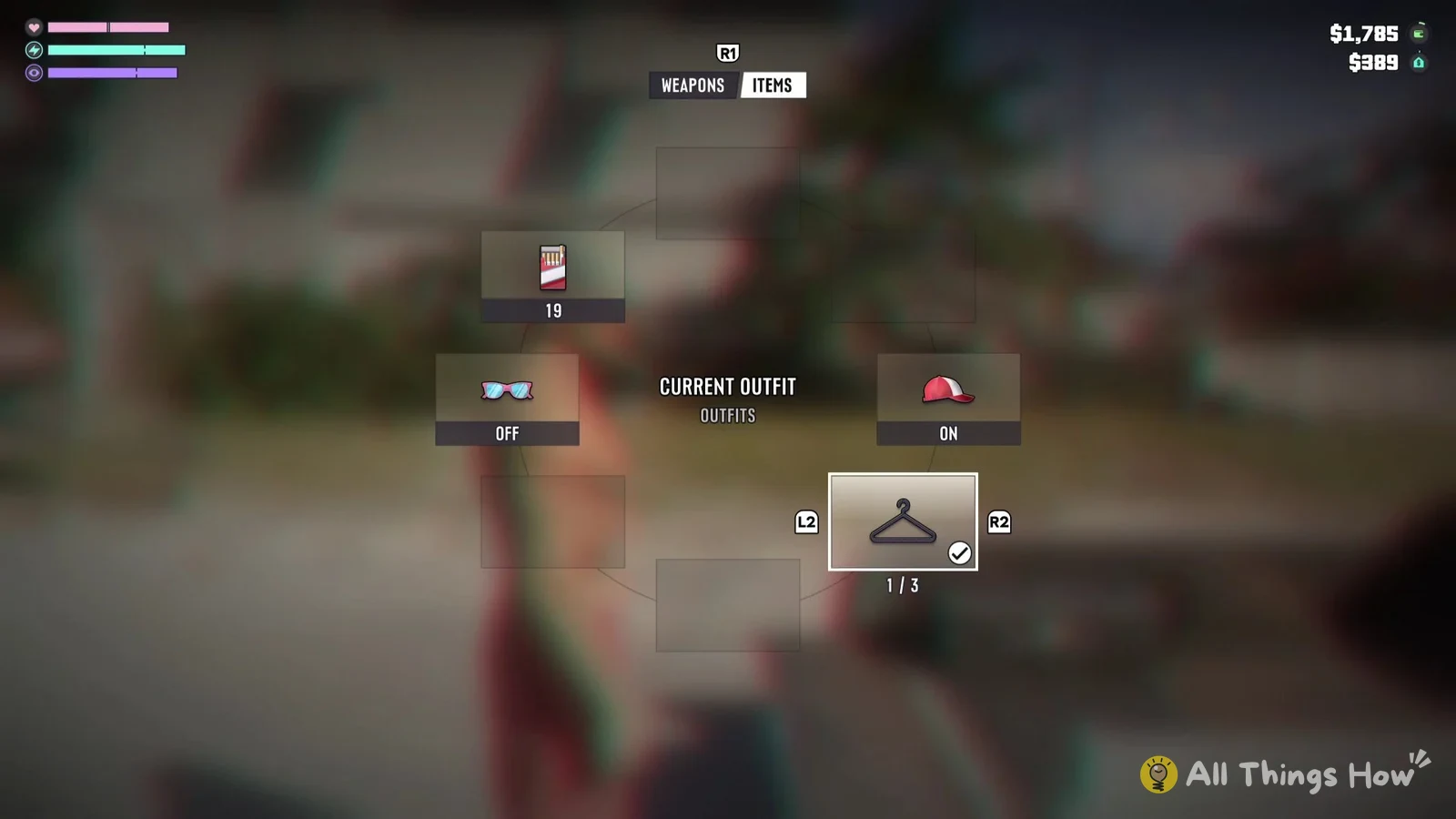
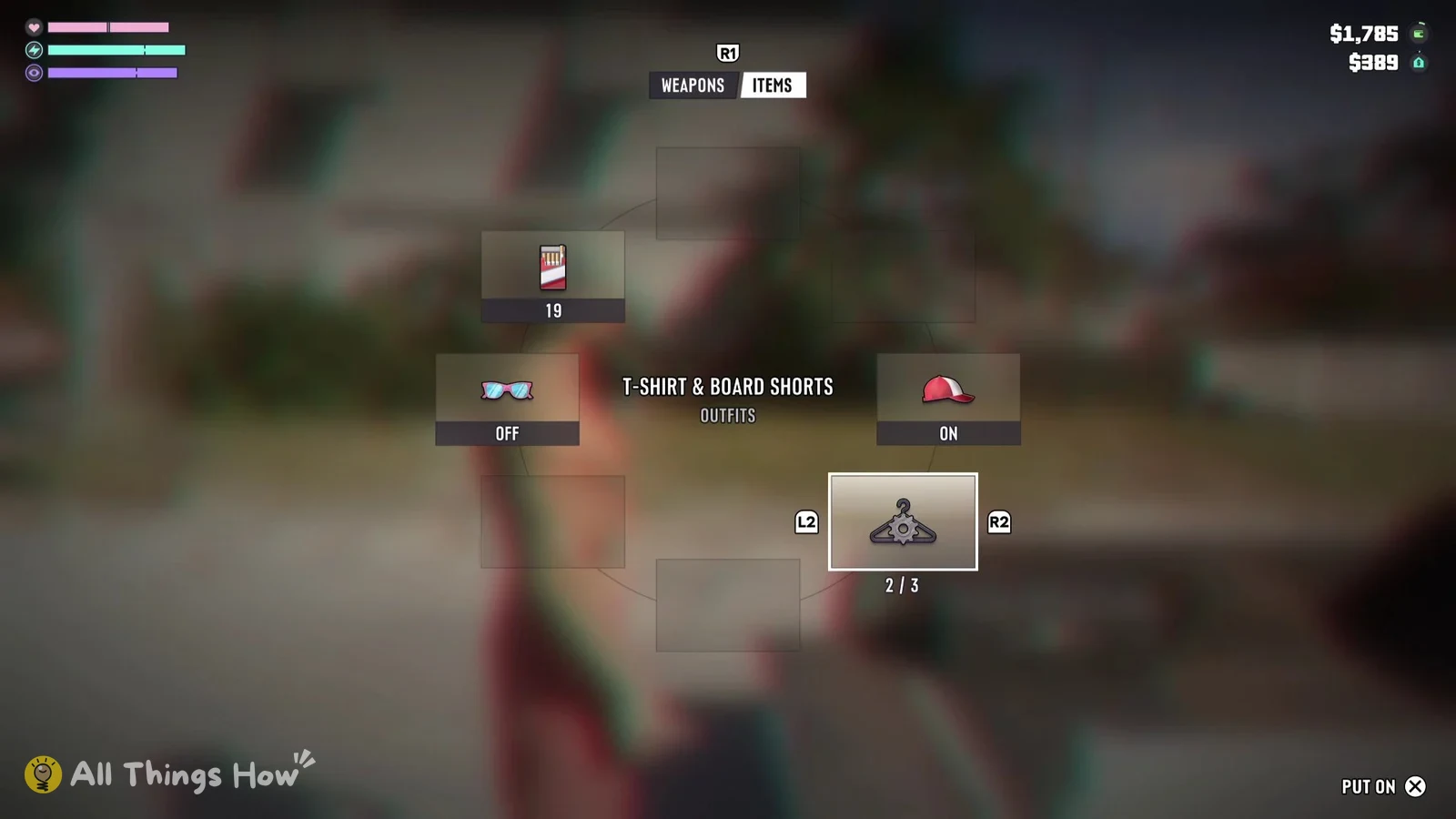
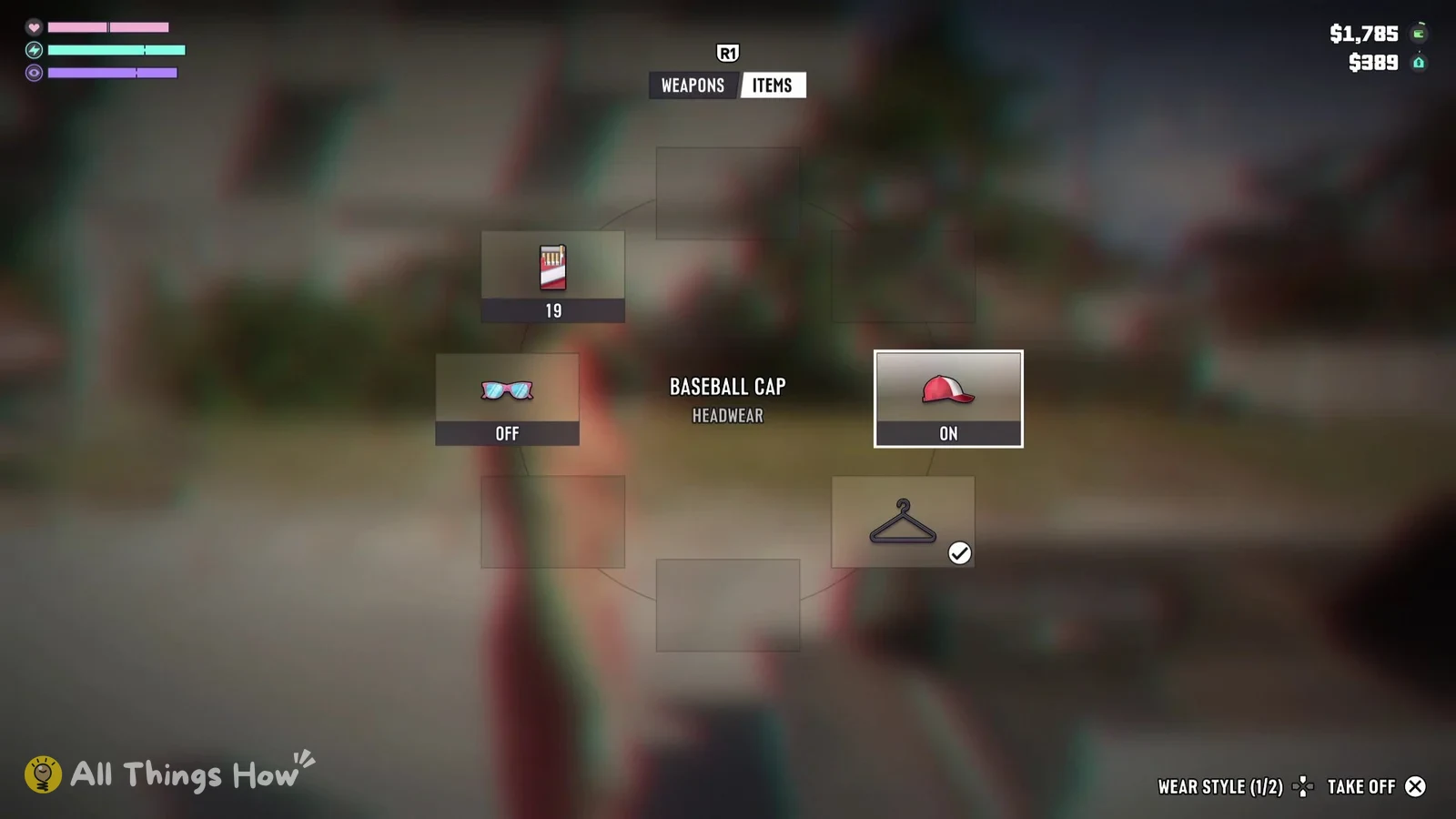
Press R1 to move to the ITEMS tab. Here you’ll see a sunglasses slot set to OFF, a “BASEBALL CAP / HEADWEAR” slot set to ON, and a cigarettes slot showing 19.
Highlight an accessory you’re wearing and two options show up at the bottom. “WEAR STYLE (1/2)” uses the d-pad, and “TAKE OFF” is on Cross.
How to change clothes at your car
Outfits are on the same ITEMS tab, in the slot with the hanger icon.