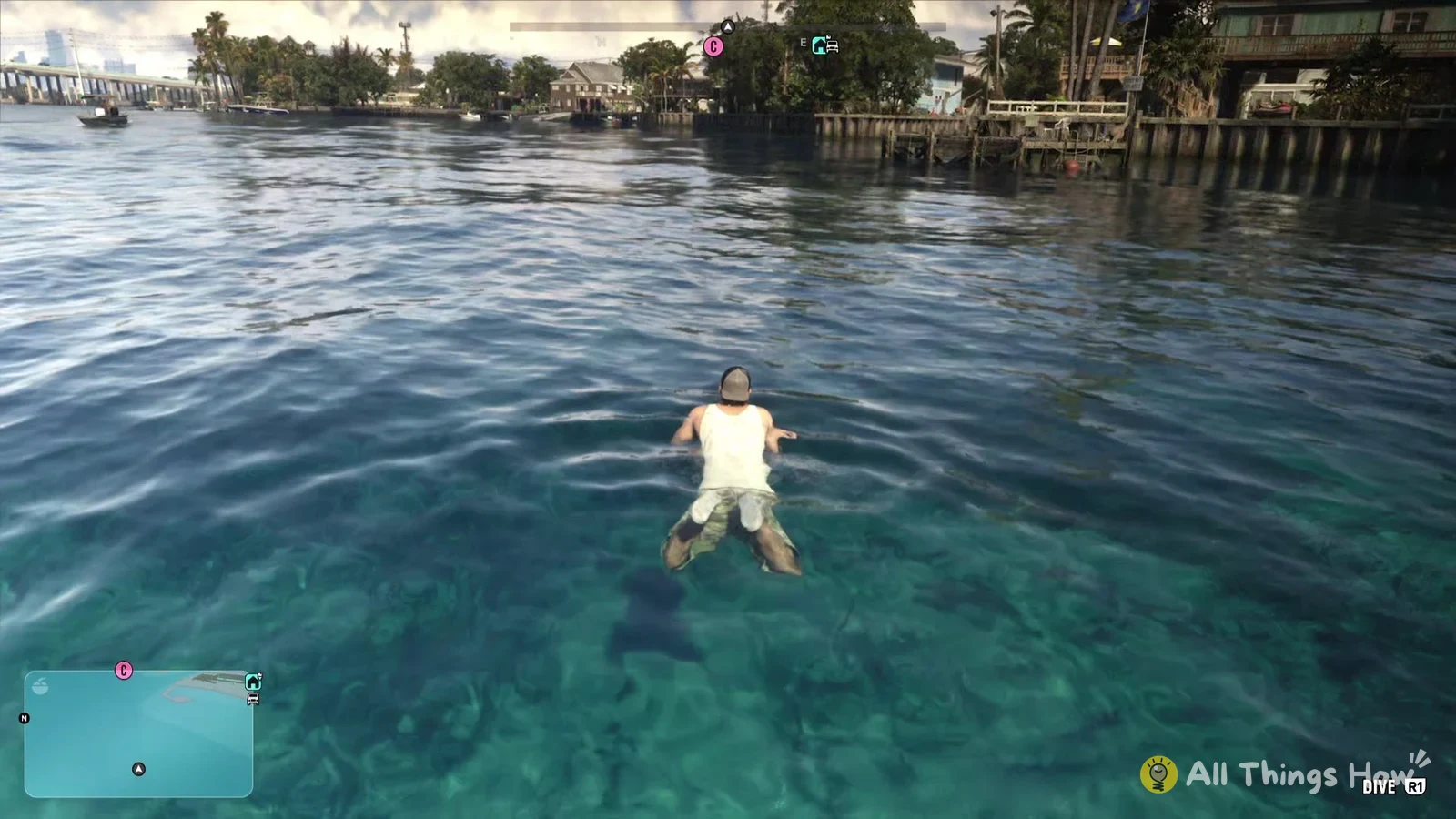
On PS5, with Default controls, nearly all of them run through the Cross button, and swimming adds L3, R1 and L2.
Quick answer: After a climb, tap Cross to jump onward; run at a car and press Cross to slide across its hood. Keep Cross held at the water’s edge to do a diving trick. In the water, L3 boosts your swim speed and R1 makes you dive.
| Move | Button | The game’s words |
|---|---|---|
| Chain jump | Cross, right after climbing | “jump again” |
| Hood slide | Cross, while running at a vehicle | “slide over the hood” |
| Dive in | Press Cross at the water | “dive in” |
| Diving trick | Hold Cross at the water | “perform a trick” |
| Swim faster | Press or hold L3 | “swim faster” |
| Dive deeper | Hold R1 | “dive deeper” |
| Surface | Cross | “surface” |
| Strafe / swim backwards | Hold L2, underwater | “strafe in the water or swim backwards” |
How to chain jumps in GTA 6
The Help page reads: “Press [Cross] immediately after climbing an obstacle to jump again. Chain your jumps together to keep momentum.”
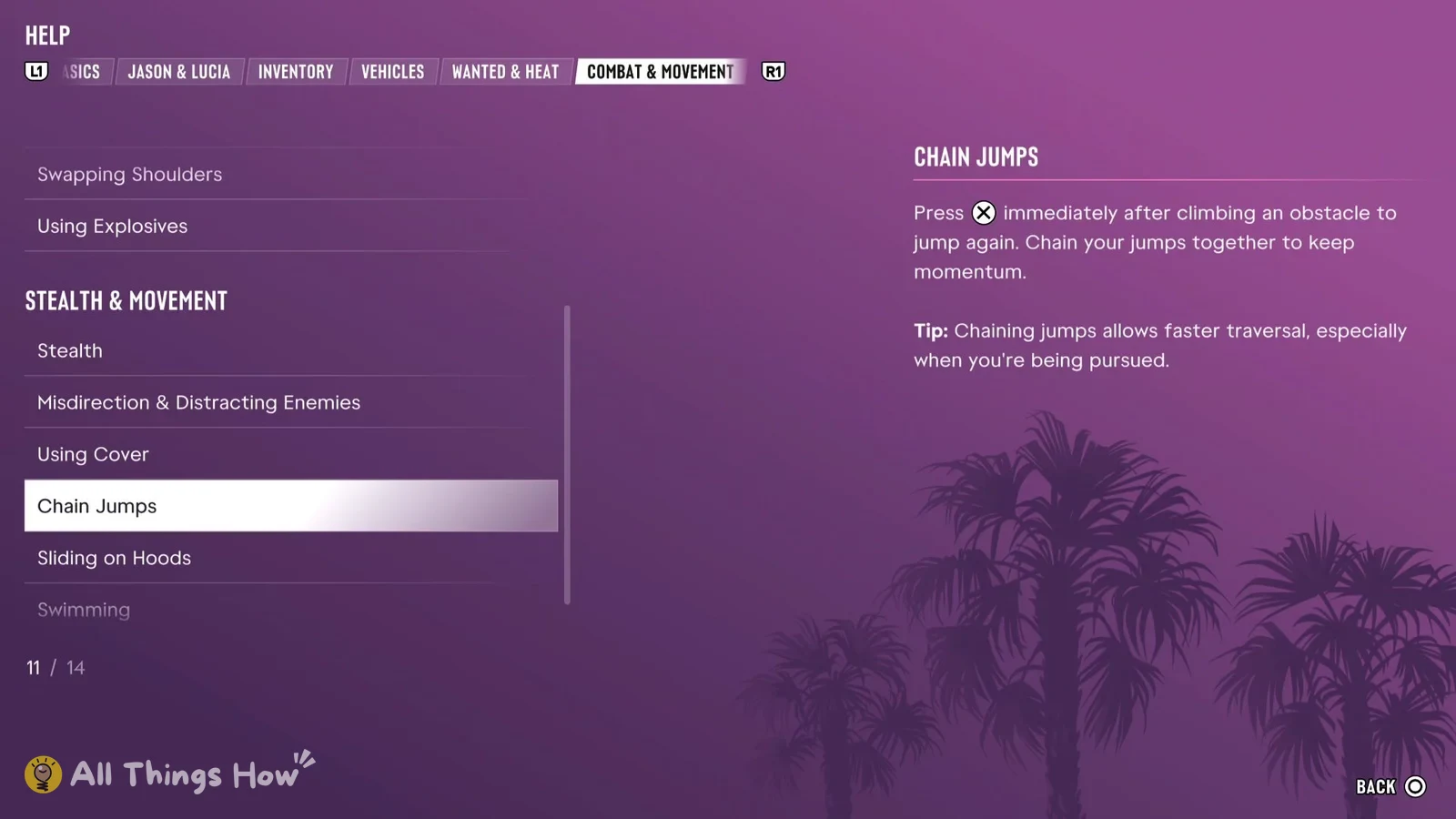
Linking climbs and jumps this way gets you across ground faster. The game’s own tip points to chases: “Chaining jumps allows faster traversal, especially when you’re being pursued.”
How to slide over a car hood in GTA 6
Run towards a vehicle and press Cross at the right moment, and you’ll slide over the hood. In the game’s words: “While running towards a vehicle, press [Cross] at the right moment to slide over the hood.”
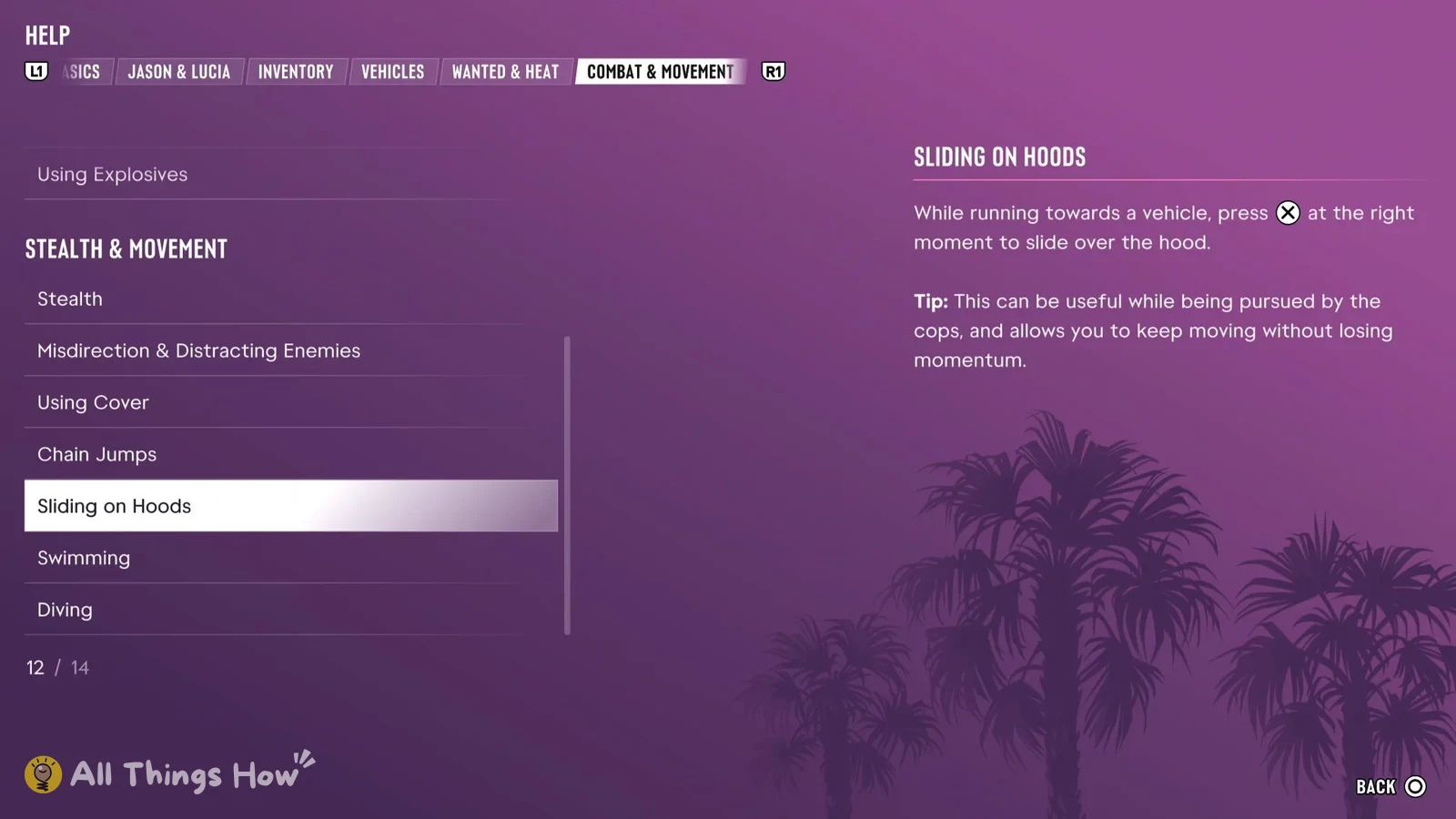
Because you don’t stop to go around the car, a hood slide is a quick way to get past one in the street, and the Help tip says it’s meant for exactly that kind of escape: “This can be useful while being pursued by the cops, and allows you to keep moving without losing momentum.”
How to swim faster in GTA 6
In the water, L3 is your speed button. The SWIMMING Help page puts it like this: “While in water, press or hold [L3] to swim faster. Hold [R1] to dive or [Cross] to surface.”
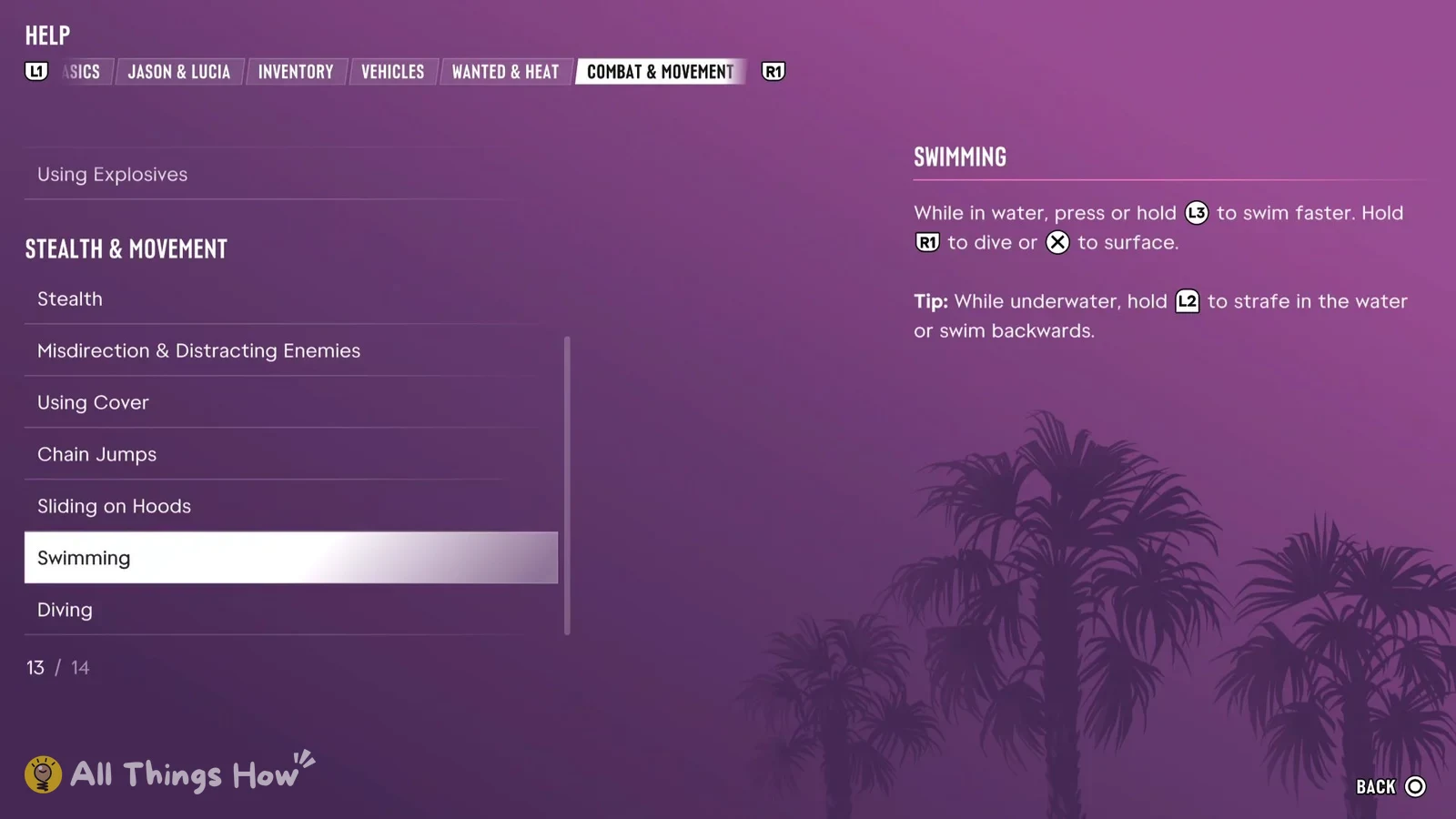
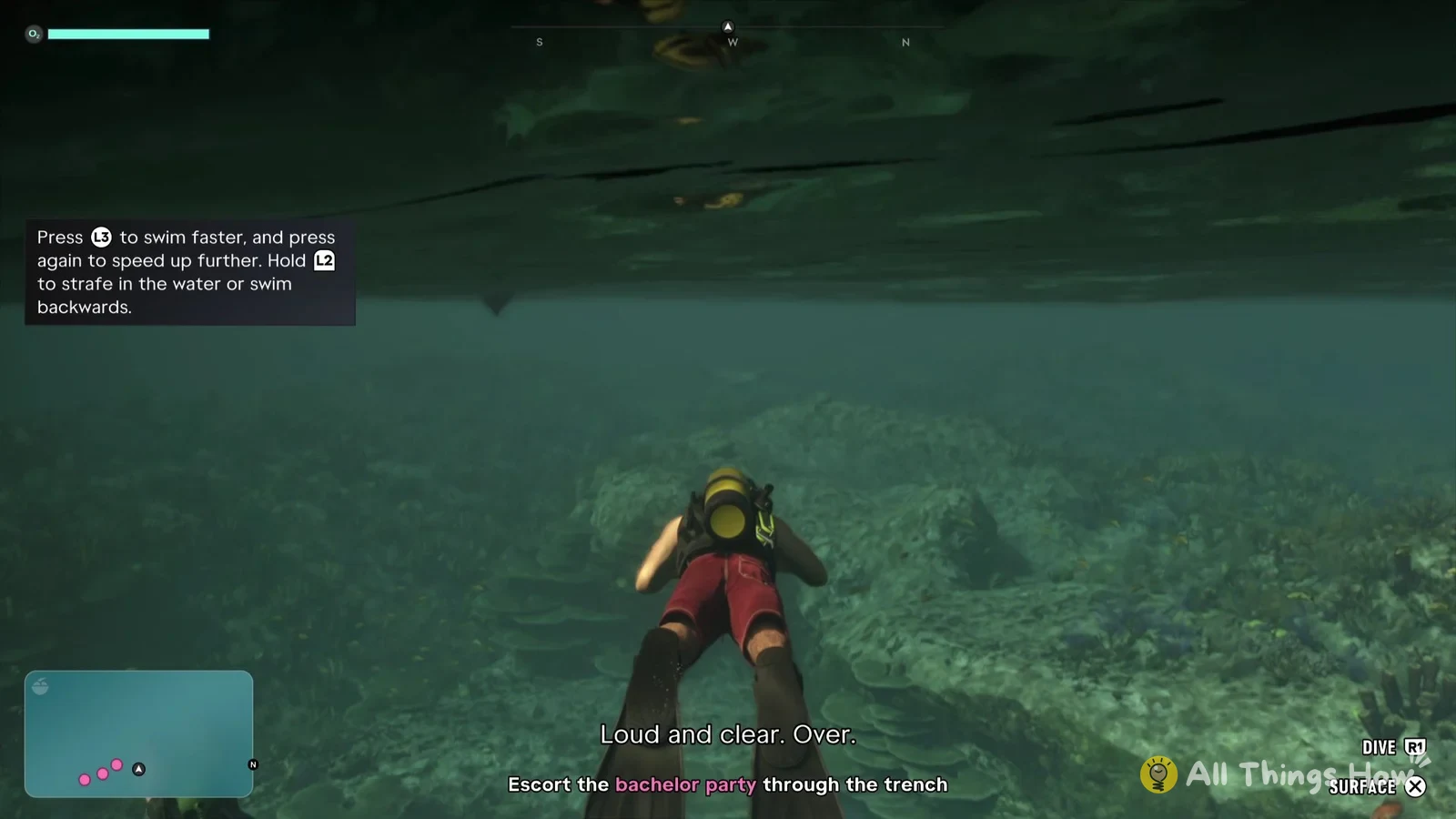
Tap L3 again to boost your swim speed another step, as the underwater help box explains: “Press [L3] to swim faster, and press [L3] again to speed up further. Hold [L2] to strafe in the water or swim backwards.” The corner prompts also label R1 “DIVE” and Cross “SURFACE” while you’re swimming, so you can check which control does what.
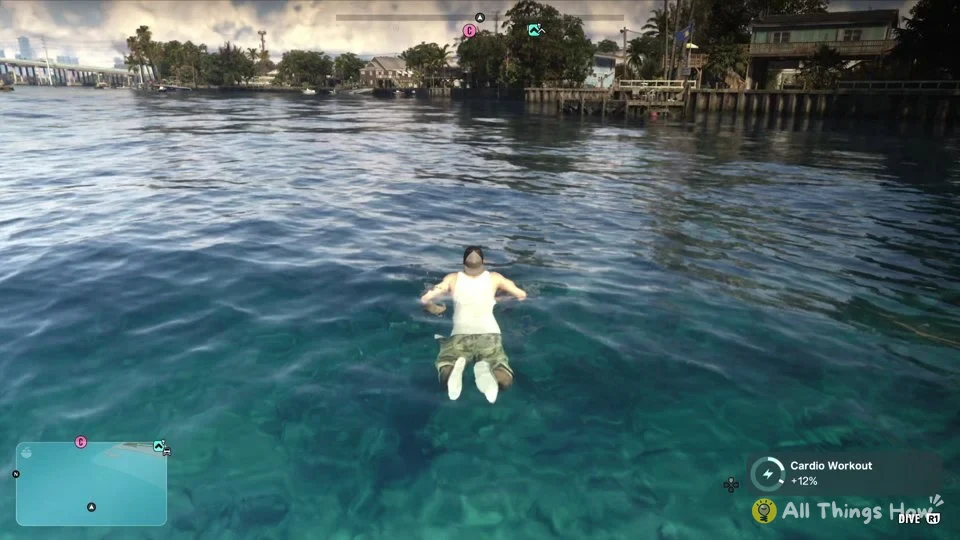
Swimming also counts as cardio exercise. While you swim, a notice shows up at the bottom right of the screen, for example, “Cardio Workout +12%”. For more on that stat, see how to train cardio in GTA 6.
How to dive and do a diving trick in GTA 6
Walk up to a body of water and press Cross to dive in, or hold Cross instead to do a trick on the way in. The DIVING Help page reads: “Approach a body of water and press [Cross] to dive in, or hold [Cross] to perform a trick.”
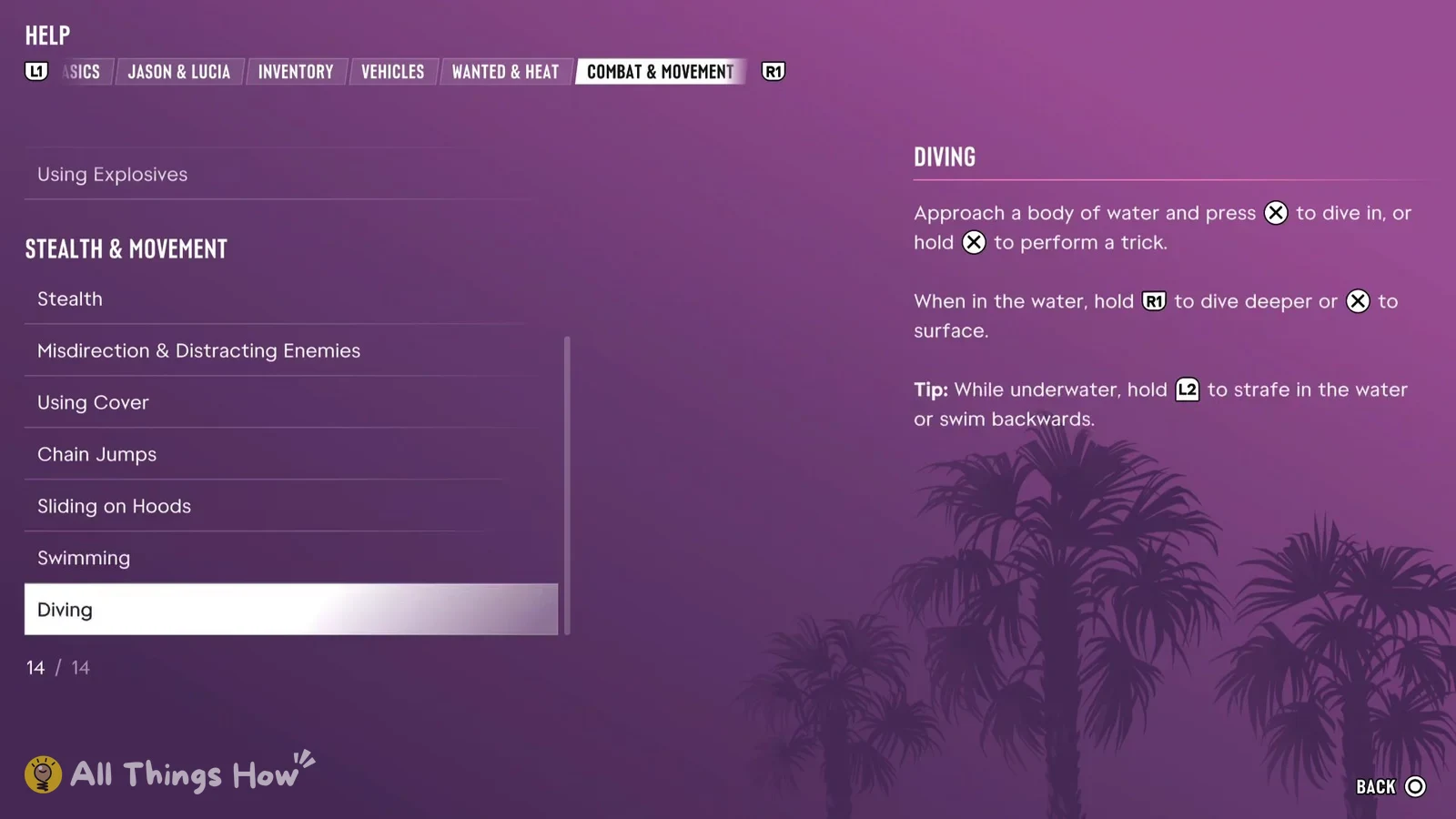
Once you’re in, hold R1 to go further down and press Cross to come back up: “When in the water, hold [R1] to dive deeper or [Cross] to surface.” The same page repeats the underwater tip from the swimming page: “While underwater, hold [L2] to strafe in the water or swim backwards.”
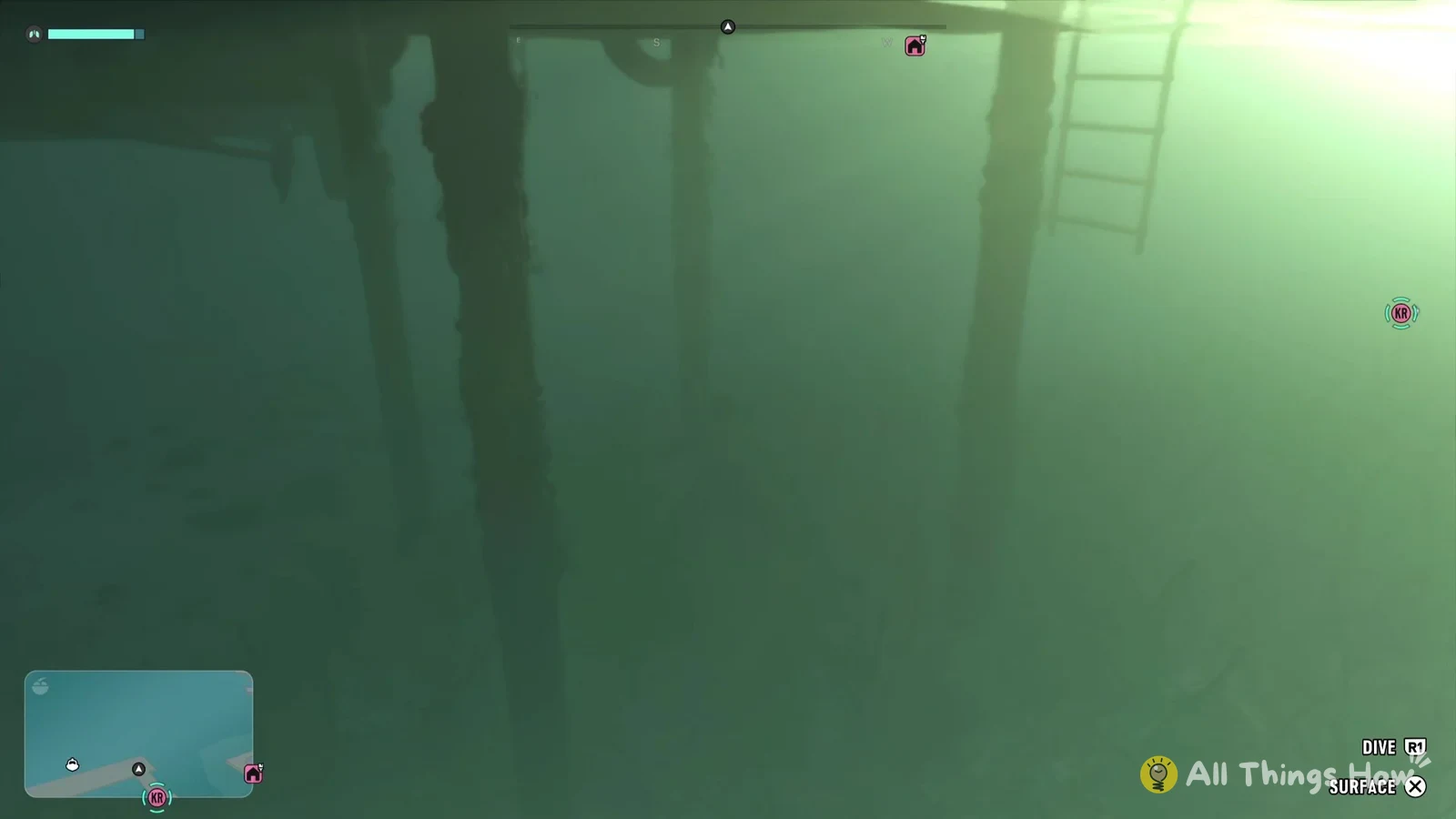
Going deep with equipment is a separate system, covered in the GTA 6 scuba gear guide.
Where to find these moves in the Help menu
Pause the game and open Help, then use L1 and R1 to move to the “COMBAT & MOVEMENT” tab. The moves sit in the “STEALTH & MOVEMENT” group, on pages 11 to 14 of 14, which lists these entries:
- Stealth
- Misdirection & Distracting Enemies
- Using Cover
- Chain Jumps
- Sliding on Hoods
- Swimming
- Diving